Wireless Charger Metal Desk Guide to Heat and Qi2 Limits
A metal top doesn't just sit under your charging pad — it joins the circuit. That's why pads blink, throttle, or run hot on steel and aluminum desks. Here's the measurable fix: gap, wattage headroom, and a mount that stops fighting physics.
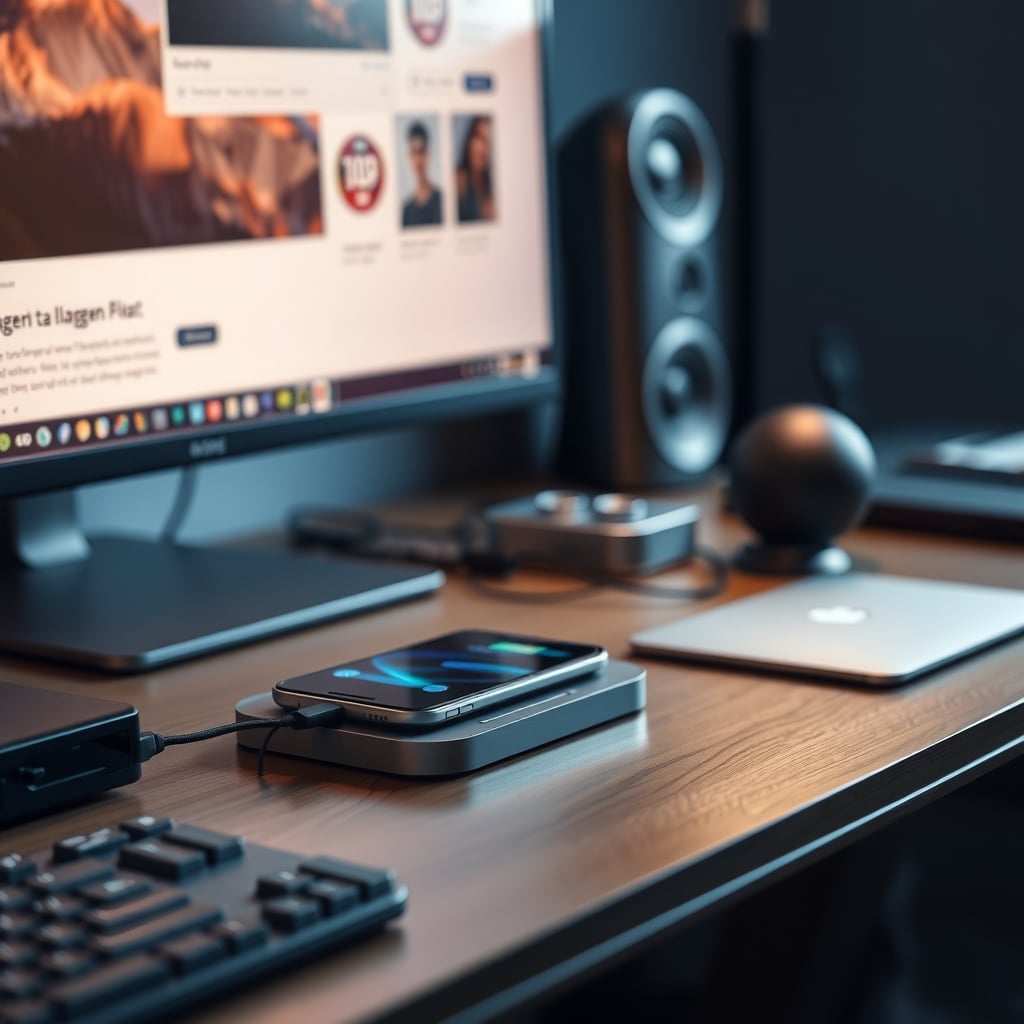
Short answer: a wireless charger works on a metal desk, but only if you stop treating the desk as furniture and start treating it as part of the circuit. Steel and aluminum tops absorb the magnetic field your pad generates, convert a chunk of it into heat, and can trip the charger's foreign object detection so it refuses to run at full power — or at all. Setting up a wireless charger metal desk properly comes down to three things you can actually measure: coil gap, wattage headroom, and where the heat ends up.
None of this is exotic. It's the same failure mode that makes a phone case thicker than 5 mm kill your charging speed. Metal just makes it worse, faster, and hotter.
Why Metal Desk Tops Break the Physics of Wireless Charging
Qi and Qi2 don't beam power through the air the way Wi-Fi beams data. The pad drives alternating current through a coil at 87–205 kHz, per the Wireless Power Consortium's Qi specification, and the receiver coil in your phone harvests the changing field. That field doesn't care what's underneath it. The desk, unfortunately, cares about the field.
Any conductor sitting in an oscillating magnetic field develops eddy currents — circulating flows induced by Faraday's law. Those currents dissipate as heat inside the material, and they steal flux that should have reached your phone's coil. How deep those currents live is set by skin depth, and at around 110 kHz aluminum's skin depth works out to roughly 0.25 mm. A 1 mm aluminum top is therefore about four skin depths thick, which in electrical terms means it behaves like a solid slab of loss, not a thin sheet.
Carbon steel is worse in a different way. It's ferromagnetic, so it doesn't just absorb the field — it concentrates and reshapes it, and its skin depth shrinks further by a factor of the square root of its relative permeability. Then there's the part nobody mentions: Qi2's alignment magnets grab a steel top. That satisfying click when you set the charger down is the sound of your charging field being coupled into furniture.
Here are the numbers worth keeping in your head.
Spec Value Why it matters on a metal top Qi operating frequency 87–205 kHz (WPC Qi spec) Sets skin depth; a metal top is always electrically "thick" Aluminum skin depth at ~110 kHz roughly 0.25 mm Confirms even a thin top is a lossy conductor Practical coil-to-coil gap 3–4 mm total, case included More gap means weaker coupling and more waste heat Qi2 delivered power ceiling 15 W in the original Qi2 profile Needs a source that can actually feed it USB PD contract for 15 W pads 9 V / 2.22 A (20 W) If your port can't hold 9 V, you drop to 5–7.5 W Inductive link efficiency commonly 60–80% end to end A 15 W charge can mean several watts of heat somewhereThat last row is the one to internalize. At 15 W delivered, the losses have to go somewhere. On a wood desk they radiate into the pad housing and the air. On a steel desk they also heat the desk, and a warm steel plate raises the ambient temperature the pad's own thermal control sees — so it throttles sooner.

The Symptoms You'll See, and What Each One Actually Means
Three distinct failure modes show up on metal tops, and they get misdiagnosed constantly.
The pad blinks or flashes and nothing charges. That's a foreign object detection false positive. Qi transmitters run a startup check — typically a Q-factor measurement and a power-loss budget — to confirm nothing metallic is sitting on the coil. A large conductive sheet underneath shifts the resonator's baseline, and the pad concludes there's a coin or a key on it. It's not broken. It's being cautious about a desk it can't model.
It charges, but slowly and inconsistently. You'll see the phone hit "charging," drop off, come back. There's no data latency in wireless charging, but there is negotiation latency: when the pad re-pings after a failed check or a thermal excursion, the USB PD contract gets torn down and rebuilt. Each rebuild is a few seconds of no charging, several times an hour.
The pad is hot and the phone is barely warm. This is your best diagnostic. Heat in the pad means the loss is on your side of the gap — the transmitter coil is working against a damped resonator. Heat in the phone means the phone's own conversion losses or a case trapping heat. If the pad is the hot one, the desk is the problem.
Run the Magnet Test Before You Buy Anything
Here's the thing most buyers miss: only the top surface matters. A laminate or MDF desktop on a steel-framed standing desk is electrically invisible to your charger. The frame is nowhere near the coil. So before you spend a dollar on spacers or special mounts, run a two-second check.
Stick a fridge magnet to the underside or edge of the top. If it snaps and holds hard, you have a ferromagnetic steel top — the worst case, and the one that needs the most gap. If it slides off but the surface still feels metallic and cold, you likely have aluminum or 300-series stainless, which is non-magnetic but still conductive; you need the gap but you won't fight magnet pull. If nothing sticks and the surface is wood, laminate, or glass, you're done — buy a normal pad and skip this entire article.
Two more questions decide the rest.
Do you actually need 15 W? Overnight charging does not. A 5 W trickle that runs cool is genuinely better for a phone sitting on a desk for nine hours. If you're topping up between meetings, 15 W matters and every millimetre of gap costs you.
Fixed dock or loose puck? A fixed mount lets you dial the gap precisely and route the cable once. A loose puck gets moved, knocked, and set down crooked. On metal, crooked means partial coupling, which means more heat in the pad.
The wireless charger metal desk Fix Starts With a 4 mm Gap
You cannot stop the desk from being conductive. You can put distance between the coil and the desk, and that's the whole trick.
Aim for 3–4 mm of non-conductive material between the charging coil and the metal top, then keep the total coil-to-coil distance — spacer plus pad housing plus phone case — under about 5 mm. That budget is tight. A 2 mm case eats half of it.
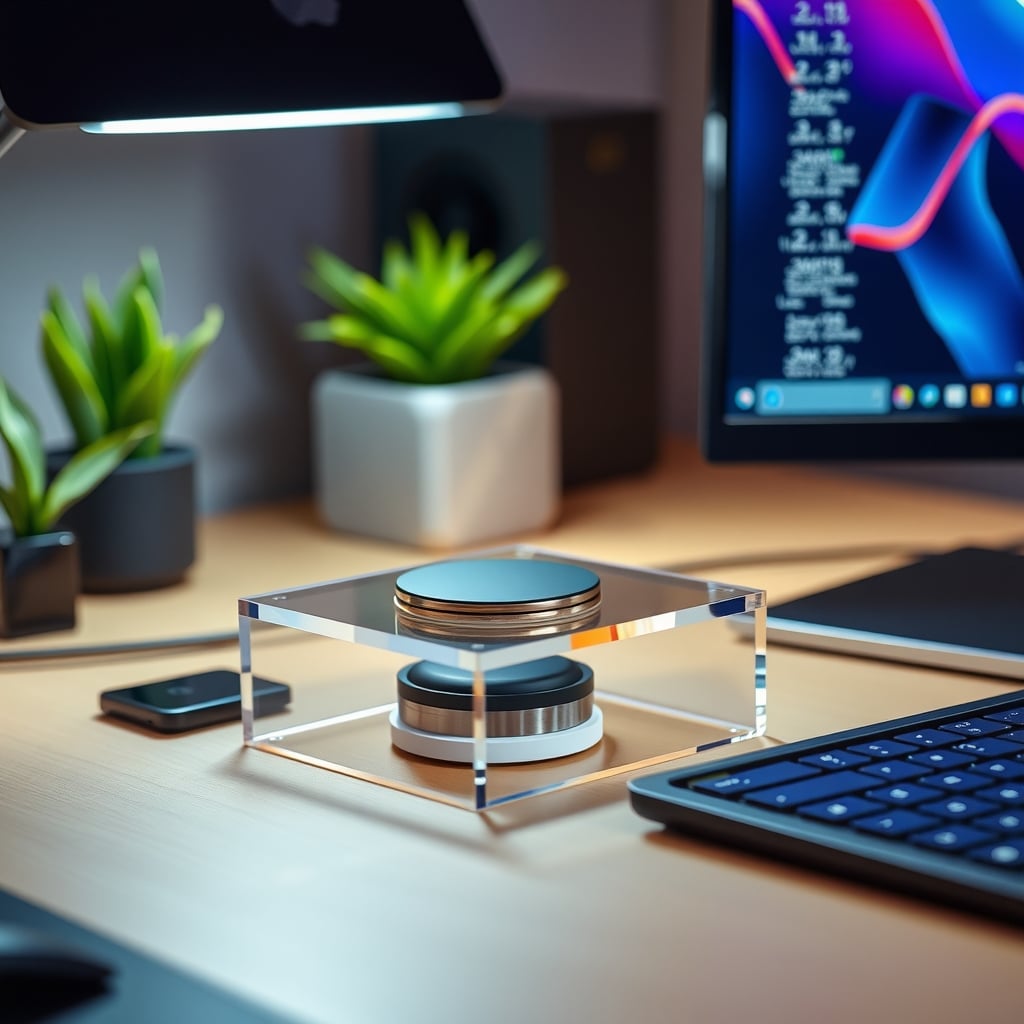
Materials that work: polycarbonate, acrylic, cork, hardwood, leather, TPU, silicone. All non-conductive, all cheap. A 4 mm acrylic offcut or a cork trivet from a kitchen shop solves this for under $10.
Materials that don't: anything ferrous (it concentrates flux and pulls your phone off-centre), aluminum plates (conductive, and they get hot), glass (electrically fine but slick and grippy in the wrong way), and loose ferrite sheets unless you know exactly where the charger's own flux concentrator sits. Random ferrite usually makes things worse.
The check that settles it: put a $10–15 inline USB-C power meter between the wall adapter and the pad. It shows the negotiated voltage and live current. If your Qi2 pad is pulling 9 V and roughly 2 A, the handshake succeeded. If it's sitting at 5 V, the pad fell back and you're charging at a fraction of rated power — and now you know the desk or the adapter is the reason, not the phone.
Cable Management for a Charger That Lives on Metal
A charging pad is the one desk device where cable routing actually affects performance, not just looks.
Anchor the cable, not the pad. If the USB-C cable tugs on the pad, the pad walks. On a steel top with Qi2 magnets, it walks in a direction you didn't choose. Use an adhesive clip or a desk-edge anchor so strain never reaches the connector.
Use a right-angle USB-C adapter at the pad. Straight connectors under a phone create a lever arm. Right-angle keeps the cable flat to the surface and out of the coil's plane.
Keep cable loops away from the pad. A coiled bundle of excess cable sitting directly under or beside the charging coil is a loop of copper in an oscillating field. Keep 10 cm of clearance and stow the slack further away. For the general routing logic, see our guide to standing desk cable management that survives movement.
Steel tops have one real advantage: magnetic clips stick. No adhesive residue, no repositioning marks. Just keep any magnet at least 50 mm from the charging coil — and well away from mechanical watches, magnetic stripe cards, and spinning drives if you still have any.
If your top is glass instead, the mounting problem is different and covered in hiding cables on a glass desk without drilling.
Mount Options Compared by Gap, Heat, and Price
Mount approach Achievable coil gap Heat behaviour Price range Verdict Bare puck directly on steel or aluminum 2–3 mm (housing only) Pad works against the desk; runs hot, FOD trips $25–$60 Skip. Even when it charges, it's at partial power Puck on a 4 mm acrylic or hardwood shim 4–5 mm with a thin case Loss stays in the pad, desk stays cool $30–$75 all-in Best value fix. Finish the shim or it looks like a hack Weighted stand with a rubber or TPU base pad 3–5 mm Base pad provides the gap; the weight resists magnet pull $60–$120 Good one-handed docking. Check the base isn't metal Grommet or edge-clamp mount 3–4 mm, fixed geometry Cable is captured; heat rises clear of the top $40–$90 Best if you care about cable discipline Under-desk mount through an 18–25 mm top 18 mm+ No coupling at all $30–$80 Only works if you cut a hole and let the coil sit flush Magnetic arm stuck to the steel top Varies constantly Magnets plus ferromagnetic top; alignment drifts $20–$50 Skip unless the arm base is genuinely non-magneticThe pattern is obvious once you see it: anything that adds 4 mm of plastic or wood wins, and anything that attaches with magnets to a steel top loses.
Five Mistakes That Waste Power and Cook Your Pad
1. Assuming the desk acts as a heatsink. It does the opposite. Steel and aluminum are conductors in the field, so the desk becomes a second heat source sitting directly against the pad's thermal sensor. Fix: give the pad air — silicone feet or a spacer with a slightly smaller footprint than the pad so air can move.
2. Buying a 15 W pad and plugging it into a laptop's USB-C port. The charging pad shares power with everything else on that port, and a shared hub port rarely sustains 9 V at 2.22 A. Fix: a dedicated 20 W+ USB PD adapter per pad. Also worth checking your cable's wattage rating — a 60 W e-marked cable is plenty, a charge-only cable with thin conductors may not be.
3. Using a thick case and a spacer at the same time. You blow past 5 mm of coil-to-coil distance and wonder why a 15 W pad delivers 5 W. Fix: measure the stack. Coil gap plus case thickness, not just one or the other.
4. Mounting the charger under an 18 mm desktop expecting it to work. Coupling range in this class is measured in single-digit millimetres. An 18 mm top is roughly four times too far. Fix: cut a grommet hole so the coil sits flush, or put the pad on top and accept it.
5. Putting a heavy metal-bodied pad on a steel top. Aluminum housings feel premium and conduct heat beautifully — into the desk, then back into the pad. Fix: plastic or fabric housings dissipate less efficiently but couple less into the desk.
Who Should Buy What: Budget, Mid, and Pro Tiers
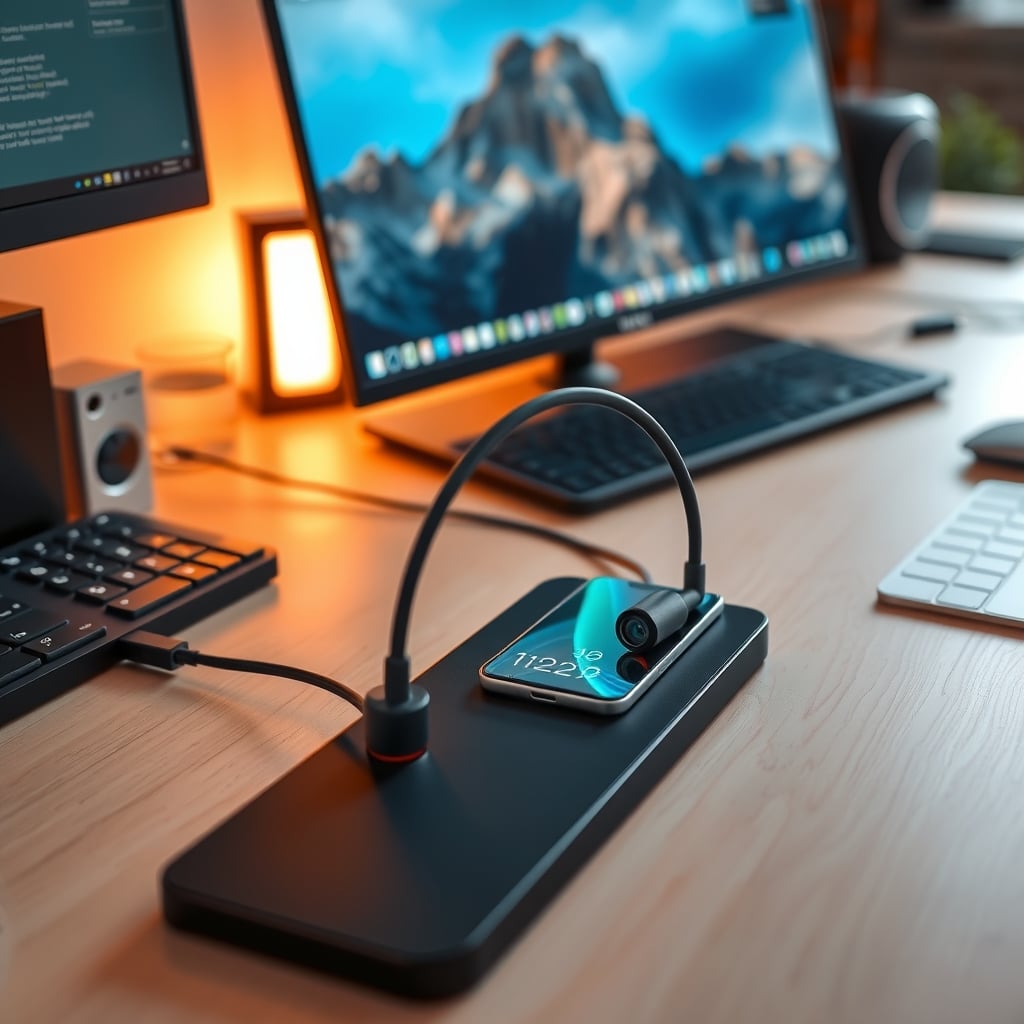
Budget, around $30–$45 total. A plastic-bodied 15 W Qi2 puck, a 20 W USB-C PD adapter sold separately, and a homemade 4 mm acrylic or cork shim. This is the correct answer for most steel-desk owners. You don't need a stand; you need a gap and a known-good power source. The trade-off: it looks improvised, and the puck can slide.
Mid, around $60–$110. A weighted stand or a clamp-style mount with a non-metal base pad and a captured cable channel. You're paying for geometry and cable discipline, not for charging performance — the wattage ceiling is identical. Skip this tier if your desk is wood; the money buys you nothing on a non-conductive top.
Pro, around $120–$200. A grommet-mounted or flush-mount multi-device hub with a polycarbonate body and a real 20 W+ PD input, usually with a built-in fan or a large thermal mass. Justified if you charge a phone, earbuds, and a watch on the same footprint every day and want one cable. Not justified if you're charging one phone overnight.
Skip all of it if your desktop is laminate, MDF, bamboo, or glass with no metal in the surface. Buy a normal Qi2 pad, save the engineering, and spend the difference on a better adapter. And skip it if your phone charges overnight — 5 W on a cool pad is genuinely the better outcome for battery health than 15 W on a hot one.
For the broader spec picture on pads themselves, the Qi2 wireless charging hub buying guide covers magnet arrays, coil alignment, and the wattage claims that don't hold up. And if your pad still won't sit flat on a slick surface, a non-slip desk mat that grips by surface type solves sliding without adhesive.
The Bottom Line on Charging Through Metal
If your desktop is conductive, the fix is mechanical and costs under $15: put 4 mm of acrylic, cork, or hardwood under the pad, keep the total coil-to-coil gap under 5 mm including your case, and feed it a dedicated 20 W USB-C PD adapter rather than a shared hub port. Verify with an inline power meter that the pad negotiated 9 V. If it did, you're at full speed and the desk is no longer part of the problem.
If you're shopping rather than fixing: buy a plastic-bodied 15 W Qi2 puck in the $25–$60 range and skip the $150 hub unless you're consolidating three devices onto one footprint. The expensive part of a charging stand is the stand. The charging part is commodity.
And if your top is wood or laminate? You never needed any of this. Go charge your phone.
Frequently Asked Questions
Can you use a wireless charger on a metal desk?
Yes, but not with the pad sitting directly on the metal. Steel and aluminum tops are conductors, so they develop eddy currents in the charger's oscillating field, which converts power into heat and reduces how much reaches your phone. Placing 3–4 mm of non-conductive material such as acrylic, cork, hardwood, or polycarbonate between the charger and the desk restores normal behaviour, as long as the total coil-to-coil gap including your phone case stays under about 5 mm.
Why does my wireless charger blink or stop charging on a metal desk?
That is usually a foreign object detection false positive. Qi transmitters run a startup check using Q-factor measurement and a power-loss budget to confirm nothing metallic is on the coil. A large conductive surface underneath shifts the resonator's baseline, so the charger thinks an object is present and refuses to start or drops out repeatedly. Adding a non-conductive spacer changes that baseline back toward normal.
How much power adapter does a 15W Qi2 charging pad need?
A 15 W magnetic Qi2 pad typically negotiates a USB Power Delivery contract of 9 V at 2.22 A, which is 20 W. If the port or adapter can only supply 5 V, the pad falls back to a lower power level in the 5–7.5 W range. A shared USB hub port is a common cause of that fallback, so a dedicated 20 W or higher USB-C PD adapter per pad is the reliable choice.
Will a wireless charger work through a metal desk top?
No. Wireless charging in the Qi and Qi2 class couples across single-digit millimetres, so an 18–25 mm desktop is far outside range. It also means the metal sits between the coils, absorbing the field. The only way to charge from below a metal top is to cut a hole or grommet so the charger coil sits flush with, or above, the surface.
Does aluminum interfere with wireless charging as much as steel?
Both are conductive and both cause loss, but the mechanism differs. Aluminum and non-magnetic stainless steel absorb energy through eddy currents alone. Ferromagnetic carbon steel also concentrates and reshapes the magnetic field, has a much smaller skin depth, and physically attracts the Qi2 alignment magnets in the charger. Practically, steel needs the same spacer but also resists staying where you put it.
Written by
GlowRig Editorial researches and writes practical guides about desk setups and home office gear. Our articles are produced with the help of AI research tools and are reviewed for accuracy against manufacturer specifications and public user feedback. We may earn a commission from affiliate links, which never affects our recommendations.
Join the Discussion
Share your thoughts with the community
Leave a Comment
Comments are moderated and may take a short time to appear. Links are not permitted.