Qi2 Wireless Charging Hub Buying Guide 2026
Choosing a qi2 wireless charging hub isn't just about wattage. Learn which specs matter, which products deliver real 15W, and where to save money without losing performance.
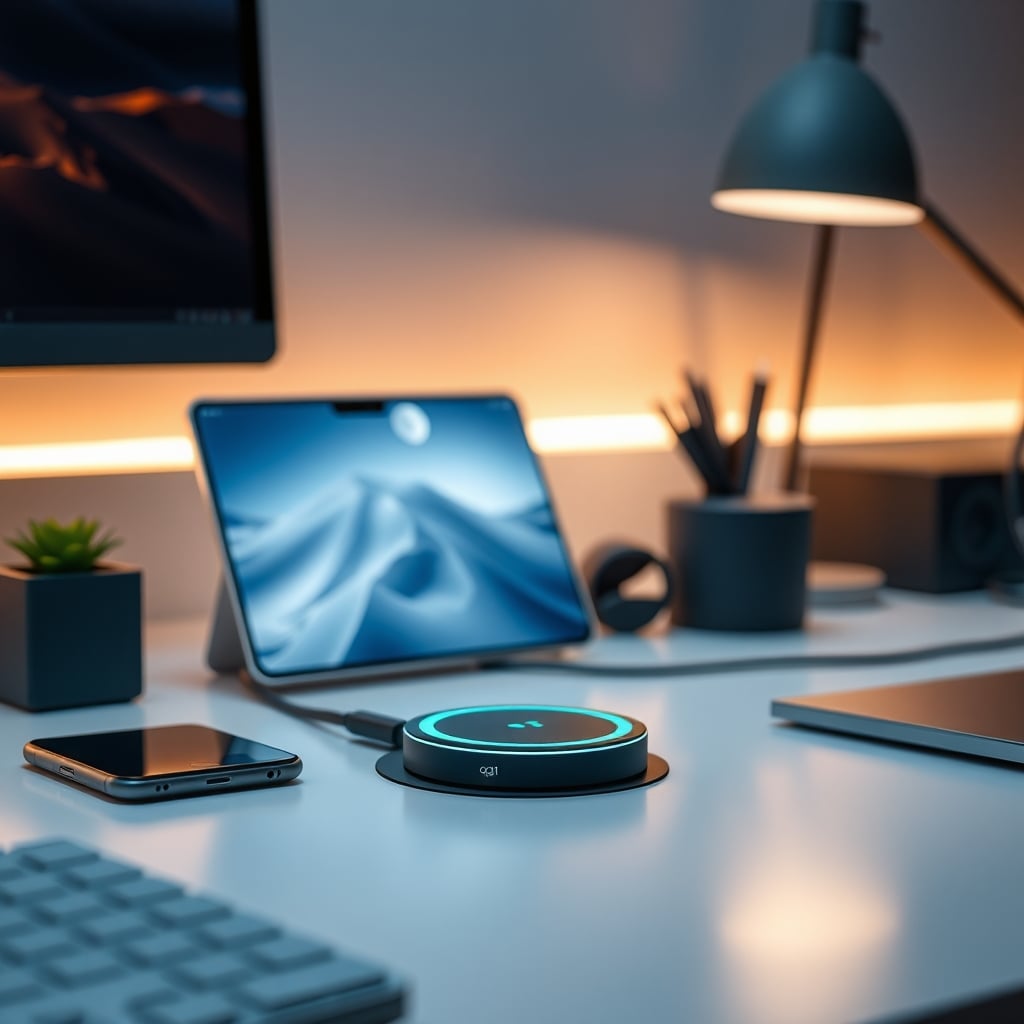
A qi2 wireless charging hub is the quickest way to cut another cable from your desk, but most buyers still grab the cheapest option and end up with a slow, hot, unreliable charger. We're going to walk through what actually matters when you buy one — real power output, certification, heat dissipation, and whether the extra ports are worth the money. By the end, you'll know exactly which qi2 wireless charging hub belongs on your desk and which ones to skip.
The core promise of Qi2 is simple: it's the open-standard version of Apple's proprietary magnetic wireless charging. That means a magnetic alignment ring, 15W sustained wireless charging, and no more guessing whether your phone is actually on the coil. But not every "Qi2" product delivers that. Some use the branding loosely, and an uncertified coil can drop to 5W or shut off entirely when it overheats.
In 2026, the Qi2 standard is the mainstream choice for modern phones — every iPhone from the 12th generation onward supports it, and most Android flagships have adopted the magnetic profile. That's why the buying decision has moved from "if" to "which one". So here's the question: what makes a great qi2 wireless charging hub versus a frustrating one? Let's break it down.
The Price Tiers: $15, $32, and $50 Qi2 Hubs Compared
Let's look at three realistic options you'll find right now.
The $15.99 budget option: Selore USB C Hub with Wireless Charging.
This one is popular — over 4,300 reviews at 4.2 stars. It offers a 4K@60Hz HDMI out, 100W USB-C PD passthrough, 10Gbps ports, and a 15W Qi2 wireless pad. At that price, it's the classic "do it all for less" move. Reviewers consistently note that the wireless pad doesn't get as warm as some cut-rate chargers, likely because of the aluminum frame. Its main downside: the pad is flat, so there's no phone stand, and you have to place your phone precisely on the coil. If you're okay with that, it's the best value you'll find.
The $32.99 value pick: MOKiN USB C Hub 15W Wireless Charger.
This is the sweet spot. It's Qi2 Certified, includes a magnetic charging stand, 4K@60Hz HDMI, 100W PD, and 10Gbps USB ports. The charging stand holds your phone vertically, which makes it a proper desk accessory. With 1,000 reviews at 4.3 stars, the consensus is that it's the most reliable at this price. The stand also elevates the phone, so heat has less chance of pooling. For iPhone users, this is the best buy right now.
The $49.99 multi-device hub: 6-in-1 Charging Station.
This one is more of a desk dock than a pure Qi2 charger. It includes a 65W USB-C hub and three USB-C plus one USB-A port, plus a Qi2 15W pad. The catch: it only has 54 reviews at 3.6 stars. Some threads note that the USB hub can occasionally drop connection under heavy load, and the flat pad is not a stand. If you need a single cable to power a laptop while charging a phone wirelessly, it can work, but it's the least certain of the trio.
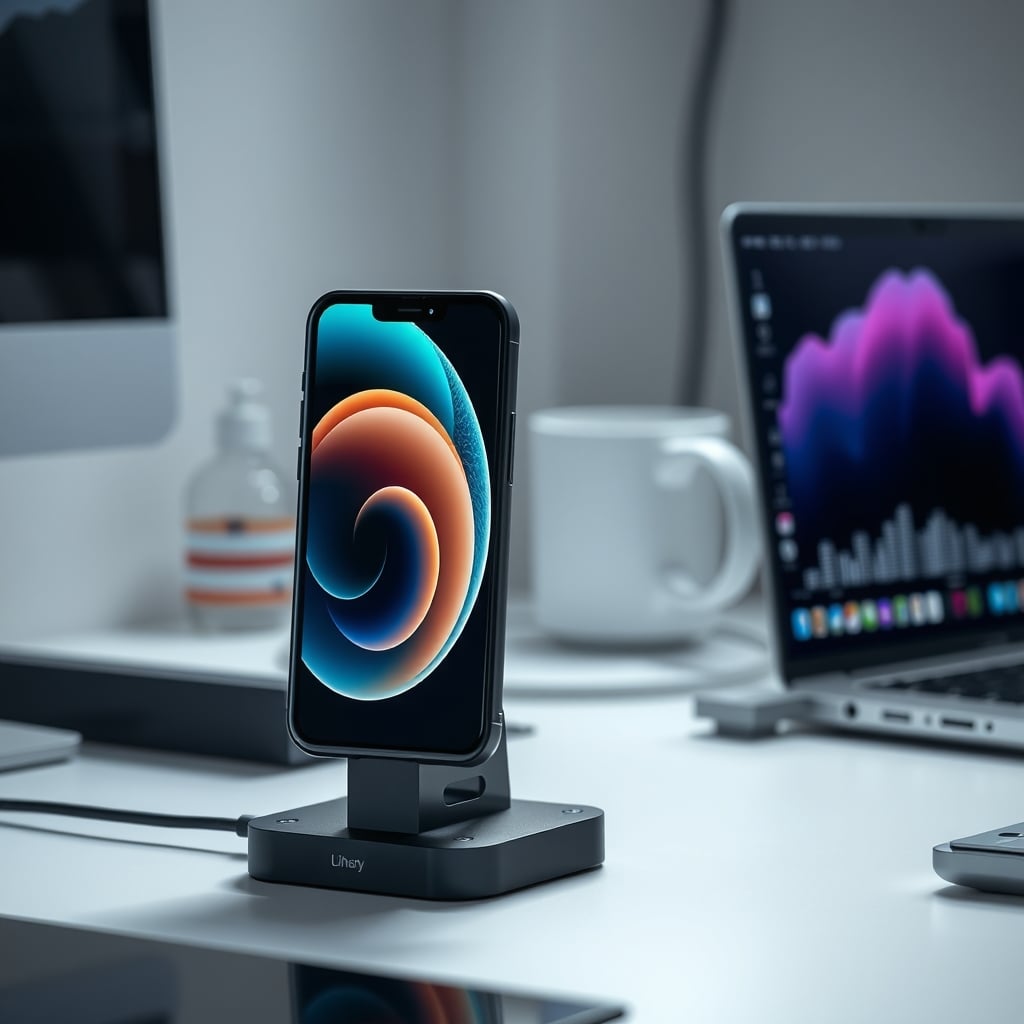
Qi2 Wireless Charging Hub Comparison Table
Here's the side-by-side snapshot for the three products we just covered:
Feature Selore Hub MOKiN Hub 6-in-1 Station Price $15.99 $32.99 $49.99 Wireless output 15W Qi2 + 5W 15W Qi2 Certified 15W Qi2 USB-C data rate 10Gbps 10Gbps Not specified (likely 5Gbps) HDMI 4K@60Hz 4K@60Hz No HDMI USB-A ports Yes Yes Yes (1x) USB-C ports Yes (PD 100W) Yes (PD 100W) 3x (PD 65W) Phone stand Flat pad Vertical stand Flat pad Rating ★4.2 (4,300+) ★4.3 (1,000+) ★3.6 (54) Best for Budget, mixed devices iPhone daily driver Multi-device USB deskNote that the 6-in-1's USB-C data rate isn't advertised clearly, which is a warning sign. When a manufacturer hides that spec, you should assume it's 5Gbps, not 10Gbps.
Three Mistakes That Kill Your Qi2 Hub
1. Buying a "Qi2-ready" product that isn't certified. The phrase "works with Qi2" is not the same as "Qi2 Certified" by the WPC. A magnetic alignment ring is half the story; the power delivery profile is the other half. If you buy a no-name coil for $12, you may get 5W to your iPhone, not 15W. That's not a Qi2 hub, that's a regular magnetic pad with a sticker.
2. Using a low-quality power brick with your USB hub. The hub is a pass-through: it takes what your wall adapter gives. If you're using an 18W phone charger to power a 100W PD hub, the USB-C port on the hub will output far less than 100W. For a laptop, you want the hub's max throughput; for a phone, you still want at least 30W to avoid undervoltage. Always check the total power draw (wireless pad + ports) and choose an adapter that supplies at least that.
3. Ignoring heat when you place the hub. Slapping the charger in a corner under a stack of papers is a recipe for thermal throttling. The Qi2 spec says 15W is the floor, but a hot hub will drop to 5W or cycle off to protect your phone's battery. We have a guide on charging hubs battery damage that explains why the coil temperature matters.
Who Should Buy a Qi2 Wireless Charging Hub (and Who Should Skip)
Buy one if:
- You carry an iPhone from the 12th generation or newer (or any Qi2-compatible Android) and still reach for a cable every day.
- Your desk has standing clutter, and a magnetic dock would let you grab your phone without unplugging.
- You want to merge a USB-C hub and a phone charger into a single device.
Skip one if:
- You already own a wired 100W USB-C hub and are happy with your setup. A Qi2 add-on pad might be cleaner.
- You have a phone that requires the exact proprietary magnetic-charging profile; Qi2 is compatible, but some users report the alignment ring isn't identical.
- You're a gamer needing zero latency for USB polling; the hub itself doesn't add meaningful latency, but a flaky hub can. See Does a USB Hub Add Latency for Gaming. If you're in real-time gaming tournaments, a dedicated wired connector is still better.
The Bottom Line: Which Qi2 Wireless Charging Hub Should You Buy?
For most people, the MOKiN hub at $32.99 is the best qi2 wireless charging hub right now. It's Qi2 Certified, has a vertical stand (which helps with heat), provides the full 15W output, and includes a 4K HDMI plus 100W PD for a one-cable laptop setup. The Selore at $15.99 is a very close second if you want to save $17 and don't mind a flat pad; you're giving up the stand but keeping the core specs.
Skip the 6-in-1 station unless you specifically need a 65W USB hub with three downstream USB-C ports and you're okay with a less reputable brand. At $50, you're paying for extra ports that you can get elsewhere for less — the wireless performance is identical, and the star reviews tell you more people have had issues with it.
If you're on a strict budget and already have a magnetic wireless charger, the honest advice is to don't buy a hub at all. Simply add a USB-C hub with a dedicated 15W wireless pad built in. The Selore is that product.
That's the short version. For a more in-depth look at speed differences, check our Wireless Charging Speed Test. And if you're also cleaning up the rest of your desk, our Standing Desk Cable Management That Actually Survives Movement guide pairs well with a hub that consolidates all your cords.
Frequently Asked Questions
What is a qi2 wireless charging hub?
A qi2 wireless charging hub combines a Qi2 wireless charger (15W) with a USB-C hub, letting you charge your phone and connect peripherals through a single device.
Does Qi2 charge faster than standard Qi?
Yes, standard Qi caps at 5-10W, while Qi2 supports 15W. In practice, iPhones charge significantly faster with Qi2 certified chargers because of the magnetic alignment and improved power delivery.
Can I use a Qi2 hub with a non-Qi2 phone?
Yes, the hub will still charge at 5W or 10W depending on the phone, but you'll lose the 15W speed and magnetic alignment. You'll need a phone case with a magnetic ring for a secure grip.
Is heat a concern with Qi2 charging?
Yes, any wireless charging generates heat. Look for hubs with aluminum bodies or raised stands to help dissipate heat. Avoid covering the charging pad with insulating objects.
Do I need an extra power adapter for a Qi2 hub?
Most hubs require a USB-C PD power adapter to achieve 15W output. If you plug into a low-power wall adapter, you may only get 5W. Check the hub's power input spec and use an adapter that meets it.
Will a Qi2 hub work with my iPhone 12?
Yes, iPhone 12 and later support Qi2. The magnetic ring aligns perfectly, and you'll get the full 15W charging speed.
Written by
GlowRig Editorial researches and writes practical guides about desk setups and home office gear. Our articles are produced with the help of AI research tools and are reviewed for accuracy against manufacturer specifications and public user feedback. We may earn a commission from affiliate links, which never affects our recommendations.
Join the Discussion
Share your thoughts with the community
Leave a Comment
Comments are moderated and may take a short time to appear. Links are not permitted.