Non Slip Desk Mat That Actually Grips Your Desk
Most creeping desk mats aren't badly made — they're sitting on a surface that gives them nothing to grip. Here's the physics of friction, the backing materials that actually hold, and the price tier where extra money stops buying grip.
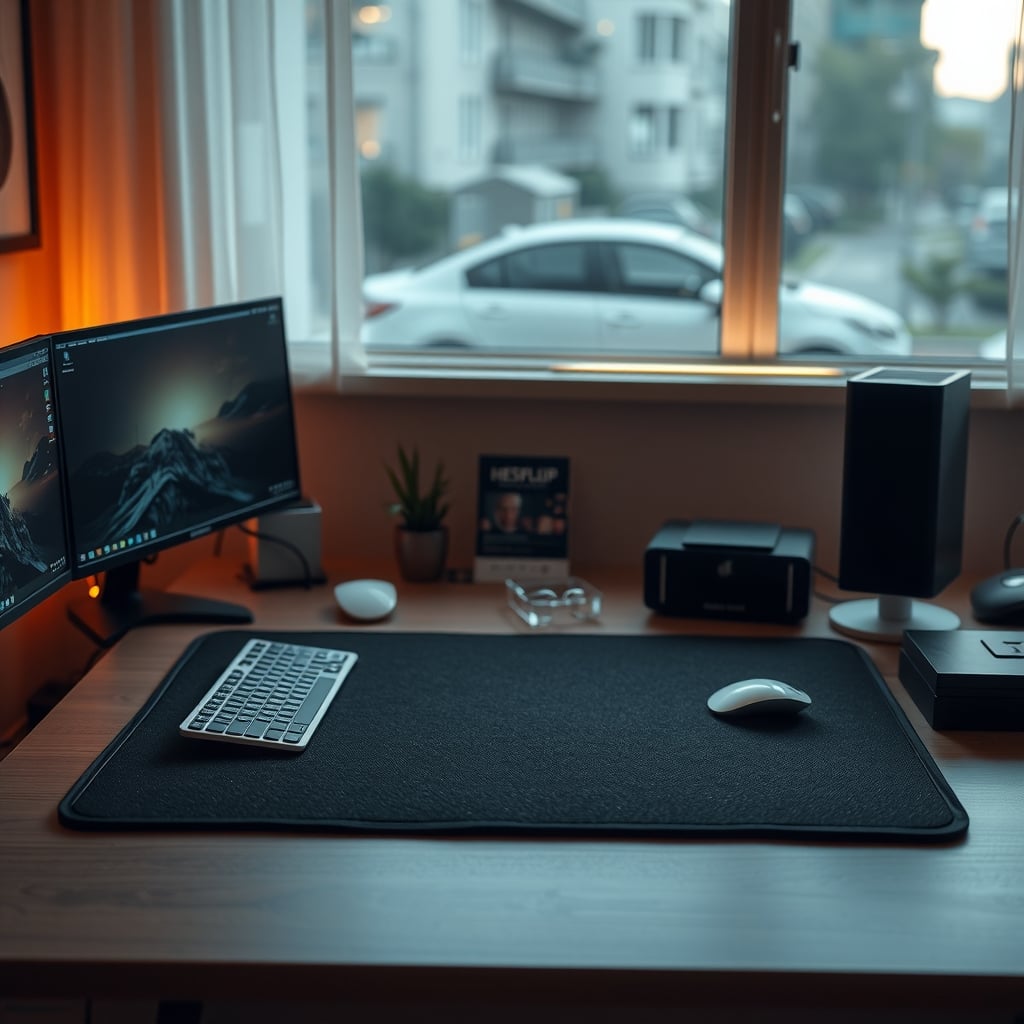
Here's the short answer: a non slip desk mat fails for one of two reasons. Either the backing is too stiff to conform to your desktop, or the desktop itself — tempered glass, freshly polished laminate, anything wearing a film of furniture polish — gives it almost nothing to grip. Fix the interface between backing and surface and most creeping mats stop creeping. Thickness, brand, and price are mostly noise after that.
Grip isn't a property of the mat. It's a property of the pair: backing compound plus desktop material. No product page describes the pair, because the pair isn't something a manufacturer can print on a label. A $12 mat with a soft rubber base on an unfinished oak desk will hold better than a $90 mat with a foam base on a glass top. Most anti-slip claims are measured against a standard laminate panel, which tells you precisely nothing about the surface you actually own.
So the order of operations is: identify your desktop, understand what physically generates grip, then buy the cheapest mat that matches. Here's how that plays out.
Start with your desktop, not the mat
Rank the surfaces you might have under you, from friendliest to worst.
Laminate and melamine over MDF. The default desktop in most home offices. Lightly textured, moderately grippy, forgiving. If a mat slides here, either the surface is dirty or the backing is closed-cell foam.
Finished solid wood with lacquer or varnish. Good friction, but be careful with solvent cleaning. 70% isopropyl alcohol is the standard prep and it can dull some lacquers and printed laminate films. Test an underside corner first.
Oiled or waxed wood. Excellent friction. The catch is transfer: wax migrates onto the mat backing, and then the mat becomes the slippery thing.
Tempered glass. Hard, non-porous, no micro-texture — and because it shows every fingerprint, it gets wiped constantly, often with a spray that leaves residue. This is the hardest surface in the category, and the one where silicone does something rubber can't.
Powder-coated steel or acrylic risers. Slippery, and the coating chips at the edges. Rare as a desktop, common as a topper.
Cork or leather inlays. Grippy by nature. A leather inlay already behaves like a desk pad, so don't stack a mat on top of one.
Whatever the surface, it needs to be dry and polish-free. Silicone furniture polish leaves a film that destroys friction for weeks, and if you use hand cream, it ends up on your mat's edges within a day or two.

The physics of a non slip desk mat, in plain numbers
The physics here is simple: friction equals normal force multiplied by the coefficient of friction, and the normal force is mostly the mat's own weight.
Take a 900 × 400 mm mat at 4 mm thick, roughly 1.1 kg. Its weight is about 11 newtons. Rubber against laminate measures somewhere around 0.6–0.8 for the coefficient of friction — that's the quantity the ASTM D1894 test method exists to measure. Multiply the two and you get somewhere between 6 and 9 newtons of lateral resistance before the mat breaks loose.
Nine newtons is roughly the force it takes to shove a 0.8 kg book across a desk. That sounds like very little, and it is — but it's also more than you generate while typing. Keypresses, mouse drags, and resting palms are intermittent single-newton events. Where people get into trouble is the one-off: leaning on the mat while standing up, or yanking the keyboard to reposition it. That's several kilograms of lateral force in a single motion. The mat moves, it stays moved, and now you can't unsee it.
Three things raise that number, and you can act on all three.
Mass. Each extra kilogram of mat adds 9.8 N of normal force, which at a friction coefficient of 0.7 becomes about 6.9 N of extra friction. A 2.5 kg dual-layer mat holds roughly twice as hard as a 1.1 kg single-layer one. That's the entire anti-slip story for premium mats, and it's the least glamorous one.
What you put on top of it. This is the cheapest grip upgrade available. If your monitor stand's base or a weighted riser sits on the mat's rear strip instead of the bare desk behind it, you've added several kilograms of normal force for free — 4 kg of steel turns 11 N into roughly 50 N. Most people don't do this because they want the mat to look uninterrupted.
Contact area. Stiff, smooth foam only touches the desk at microscopic high points. A soft, tacky compound conforms and touches nearly everywhere. On glass — hard and perfectly smooth — that difference is the whole ballgame, because silicone gel holds there by adhesion rather than friction. Low-modulus silicone wets out against a smooth surface and creates real contact area, which is why a soft silicone backing clings to glass while a 5 mm foam mat skates across it. It's also why silicone fails once it's dusty: rinse it, air dry it, and it usually comes back.
Backing materials ranked by real-world grip
Silicone gel. The strongest option on glass, acrylic, and polished laminate, and the weakest on unfinished wood. It's dust-sensitive and oil-sensitive. Because silicone isn't usually laminated to fabric, it shows up as an underlay or as the base of an all-silicone mat.
Natural rubber, crumb or latex. The category default for good reason: tacky, dense, and effective on wood and laminate, with decent behavior on glass after a proper clean. The downsides are honest ones — it smells for the first week, it's heavy to ship, and it can leave marks on some finishes.
TPE. Close to rubber, less odor, slightly less tack. If the price difference is small, either is fine.
EVA and other closed-cell foams. The budget-mat backing, and the reason cheap mats slide. These foams are stiff and smooth, so contact area is small. A 5 mm foam mat can grip worse than a 2 mm rubber one. Cushion and grip are different properties, and treating them as one thing is the most common buying error in this category.
PVC dot backing. A grid of small dots on an otherwise bare back. Concentrated pressure helps on textured surfaces; on glass only the dots are touching, so you're working with a fraction of the contact area.
Felt and cork bottoms. Cork grips reasonably and doesn't mark, but it can crumble and leave residue on glass. Felt is for protection, not grip. A felt-bottomed pad on a smooth desk will creep.
Thickness, weight, and the curl nobody warns you about
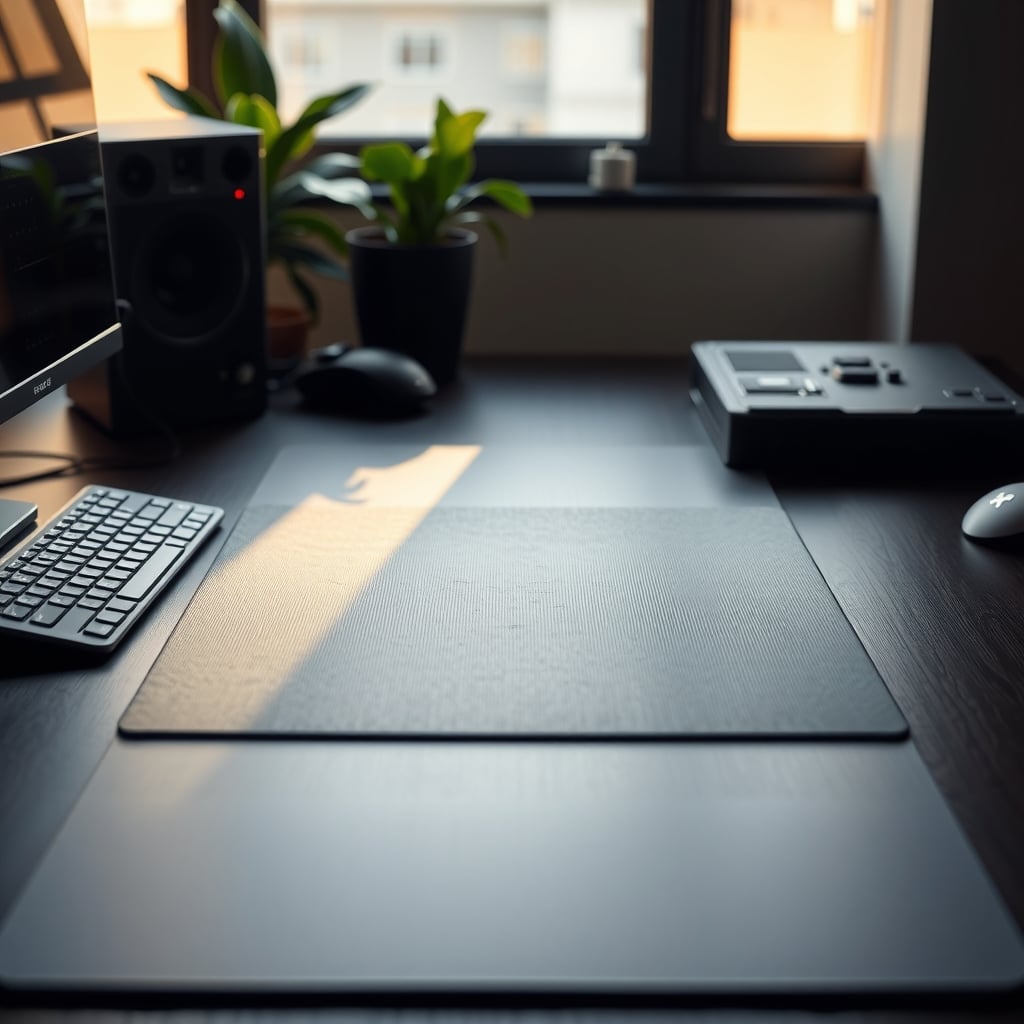
Thickness sells because you can feel it in a store. For grip, 3–4 mm is the sweet spot: enough compliance to conform to the desktop, not so much that the surface sponges under your wrist. Under 2 mm and the mat telegraphs every crumb. Over 5 mm and you're buying foam, which adds cushion and mass but not friction.
Weight is the more honest spec, and it's the one listings hide. If two mats are the same size and one is 1.4 kg while the other is 600 g, the heavier one holds better — that's just the arithmetic from earlier. If a listing only gives shipping weight, subtract for packaging and treat the result as approximate.
Then there's curl. Mats ship rolled, and PVC and EVA take a set. A lifted corner means less contact area, so the mat doesn't slide as a unit — it pivots on the curl, which is more irritating than plain sliding. The fix is boring: unroll it the day it arrives, lay it flat, and put books or the monitor stand across it for 48 hours. Gentle warmth from a hair dryer on low, kept moving, speeds that up. Anything hotter than you'd comfortably hold against your own skin risks delaminating bonded layers.
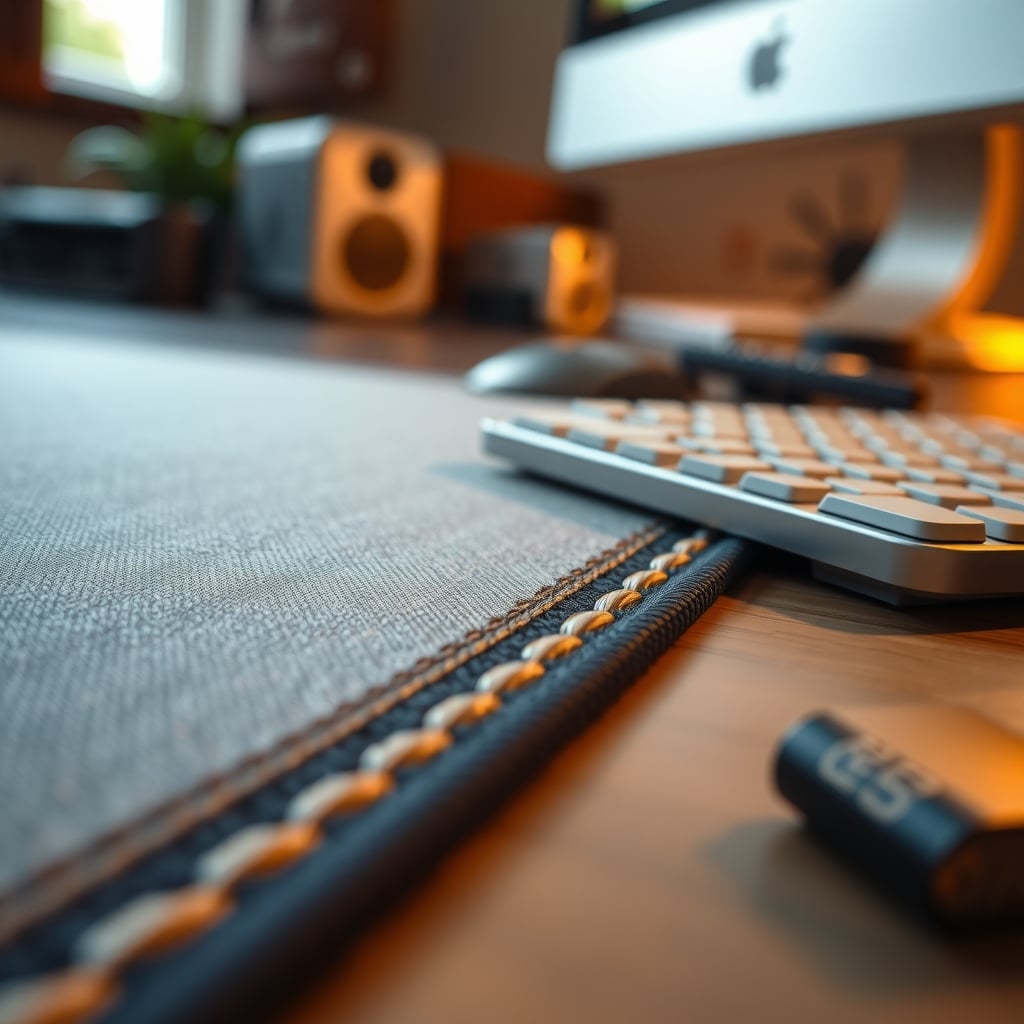
One feature worth paying for: a stitched edge. Cut edges fray and curl faster, and a curled edge is a permanently reduced contact patch.
What $15, $40, and $90 actually buy
$12–22. 2 mm, closed-cell foam or thin PVC backing, woven polyester top, 800 × 300 mm, 350–500 g. On a laminate desk this does the job. On glass it wanders. Edges are usually cut, so expect fraying under daily use. This is the honest buy if the surface beneath it is forgiving.
$25–45. 3–4 mm, natural rubber or TPE backing, stitched edge, 900 × 400 mm, 900 g–1.3 kg. This is where most people should land. The backing compound and the weight are doing the work, and everything above this tier buys materials, size, and finish rather than dramatically more grip.
$55–95. 4–5 mm, dense crumb rubber base bonded to wool felt or woven fabric, sometimes two layers, 1.5–2.5 kg, up to 1200 × 600 mm. Genuinely nicer to touch and heavier, which does help on glass. Felt tops are lovely and miserable if you eat at your desk.
$100–180. Full-desk coverage, 1400 × 700 mm and up, 2.5–4 kg. One continuous surface with no seam under your mouse. Grip is excellent because of the mass. It's also heavy to ship back and a pain to clean, and if your desk isn't a rectangle, it won't fit.
Non slip desk mat options side by side
Tier Typical price Backing Thickness / weight Grip on laminate Grip on glass Best for Budget $12–22 Closed-cell EVA or thin PVC 2 mm / 350–500 g Good Poor Laminate desks, low stakes, spare setups Mid $25–45 Natural rubber or TPE 3–4 mm / 900 g–1.3 kg Very good Fair, good after IPA prep Most desks, most people Premium $55–95 Dense crumb rubber base plus felt or woven top 4–5 mm / 1.5–2.5 kg Excellent Fair to good Glass or polished desktops, heavy typists, texture-first setups Full-desk $100–180 Thick rubber or composite base 4–6 mm / 2.5–4 kg Excellent Good once fully flat One continuous surface, no seams, no visible desktopRead the table by column, not by row. The grip on glass column is where the money actually goes, and it's the only column that changes much between the mid and premium tiers. Everything else improves for reasons that have nothing to do with staying put.
Six mistakes that kill grip, and the fix for each
Buying thickness instead of backing. Foam is thicker and slipperier. Fix: choose by backing material and total weight, then pick a thickness in the 3–4 mm band unless you specifically want cushion.
Seating the mat on a damp or polished desk. Spray cleaner residue and silicone polish are effectively release agents. Fix: wipe with 70% isopropyl alcohol on a lint-free cloth, let it flash off completely, and keep furniture polish away from that zone.
Two interfaces. A mat on top of a leather blotter, or on top of another pad, gives you two surfaces that can slip independently. Fix: one layer, always. The same rule applies if you're adding a wrist rest on top — see what to prioritize in a wrist rest desk pad buying guide.
Living with the shipping curl. Fix: 48 hours flat under weight, or reverse-roll it in a warm room over a couple of days. Don't iron it.
Taping it down. Adhesive on lacquered, veneered, or painted desktops is how you end up with a patch of lifted finish. Fix: silicone grip pads or a silicone mesh underlay — removable, effective, and not permanent. If you insist on tape, gaffer tape leaves less residue than double-sided foam, and it's still risky on film finishes.
Blaming the mat for a desk that moves. A desk that rocks, flexes, or sits on an unlevel floor will shove everything on it, and a heavier mat just hides it longer. Fix that first. If you're working on a standing desk that wobbles in four distinct ways, no mat will solve it — and if the culprit is the floor or the frame, start with these fixes for a wobbly desk under $20. One more variable worth knowing: mass sitting on the mat matters, so a heavier mechanical keyboard that actually earns its place holds down its part of the mat better than a 400 g membrane board does.
Who should buy one, and who should skip it
Buy the mid tier, $25–45, if: your desk is laminate, wood, or melamine and you want one surface for keyboard and mouse that lands in the same spot every morning. A 900 × 400 mm mat with a natural rubber base and stitched edges is the default answer for most people, and it's the point past which extra money buys texture, not traction.
Buy the budget tier, $12–22, if: your desktop is laminate and forgiving, your budget is tight, or the mat is headed somewhere it'll get abused — a workshop bench, a shared office, a rental. You'll replace it sooner. You also won't care.
Buy premium, $55–95, if: your desktop is glass, polished, or otherwise smooth, you type hard, or the tactile upgrade is the actual point. Wool felt and full-grain leather feel different under your hands, and that's a legitimate reason to spend. Just be honest that the extra mass, not the extra price tag, is what's holding it down.
Skip it entirely if: you already have three small pads that don't move, you work on a glass desk and won't clean it properly, or you eat at your desk and want a felt surface. Felt plus crumbs is a permanent relationship.
Skip the adhesive route if: your desk has any film finish you care about. A silicone underlay costs less than a refinish.
The bottom line
Match the backing to the surface, then stop spending. For a laminate or wood desktop — the majority of desks — a 3–4 mm mat with a natural rubber or TPE backing, stitched edges, and a real weight north of about 900 g, at $25–45, will hold as well as anything you can buy. Prep the desk with 70% isopropyl alcohol first, and put the monitor stand's base on the mat's rear strip instead of behind it.
On tempered glass, adjust your expectations rather than your budget. No standard mat holds the way it does on laminate. Clean the glass, then either add a silicone underlay or move something heavy onto the rear edge of the mat, and accept that you'll nudge it back into place occasionally. Paying $90 for grip alone on a glass desk is the one purchase in this category I'd talk you out of.
And if your mat moves because your desk moves, fix the desk. Order of operations matters more than the mat does.
Frequently Asked Questions
What actually makes a desk mat non-slip?
Two things: how well the backing conforms to the desktop, and the mat's own weight. Friction equals normal force times the coefficient of friction, so a heavier mat with a soft, tacky rubber or silicone backing holds better than a thick closed-cell foam one. Manufacturers test anti-slip claims against standard laminate panels, which says nothing about glass or polished surfaces.
Why does my desk mat slide on a glass desk?
Glass is hard, non-porous, and nearly perfectly smooth, so a stiff foam backing only touches it at microscopic high points. Soft silicone gel holds because it conforms and creates real contact area. Cleaning the glass with 70% isopropyl alcohol and adding weight to the mat's rear edge both help, but no standard mat grips glass the way it grips laminate.
How thick should a non slip desk mat be?
3 to 4 mm for most people. Thickness adds cushion and a little mass, but not friction. A 2 mm rubber-backed mat can out-grip a 5 mm foam one, so judge a mat by its backing material and total weight rather than its millimeters.
Do I need double-sided tape to stop a desk mat from moving?
Usually no, and tape risks lifting lacquer, veneer, or paint when removed. A silicone grip pad or a silicone mesh underlay is removable and effective, and it costs less than repairing a finish. Prep the desk with isopropyl alcohol first so whatever you use has something to hold onto.
Will a rubber-backed desk mat damage my desk?
Natural rubber can leave marks on some finishes over time, and plasticized PVC is the usual suspect for plasticizer transfer onto finished wood. On a valuable desk, test an inconspicuous area first or use a felt or cork barrier — but remember that felt and cork grip considerably worse than rubber.
Can I use a desk mat on a standing desk?
Yes. Raising and lowering a desk doesn't add meaningful lateral force to a mat. If your mat only creeps when the desk is in the standing position, the desk is flexing or the frame is wobbling, and that's the problem to fix — not the mat.
How do I clean a desk mat backing?
For silicone, rinse with water and air dry — dust and skin oil are what kill adhesion. For rubber and TPE, wipe with a damp cloth and mild soap, then dry fully before putting it back down. Avoid silicone-based sprays and furniture polish anywhere near the mat, because they act as release agents.
Written by
GlowRig Editorial researches and writes practical guides about desk setups and home office gear. Our articles are produced with the help of AI research tools and are reviewed for accuracy against manufacturer specifications and public user feedback. We may earn a commission from affiliate links, which never affects our recommendations.
Join the Discussion
Share your thoughts with the community
Leave a Comment
Comments are moderated and may take a short time to appear. Links are not permitted.