Power Delivery Cables Buying Guide for 2026
The wattage on the listing is not the spec that limits your charging — the E-Marker chip is. Here's how to pick power delivery cables that actually deliver, what each price tier buys you, and where all that connector heat is coming from.

Most people buying power delivery cables shop the wattage on the label and stop there. That's the expensive mistake. In the USB Type-C ecosystem, a cable's real limit isn't the number in the product title — it's whether the connector shell hides a tiny E-Marker chip, and what current rating that chip reports. A listing that says "100W" can ship with an unmarked 3A cable. Your laptop then negotiates down to 60W, and nothing tells you. No error, no warning light. Just a slower charge and a connector that runs warmer than it should.
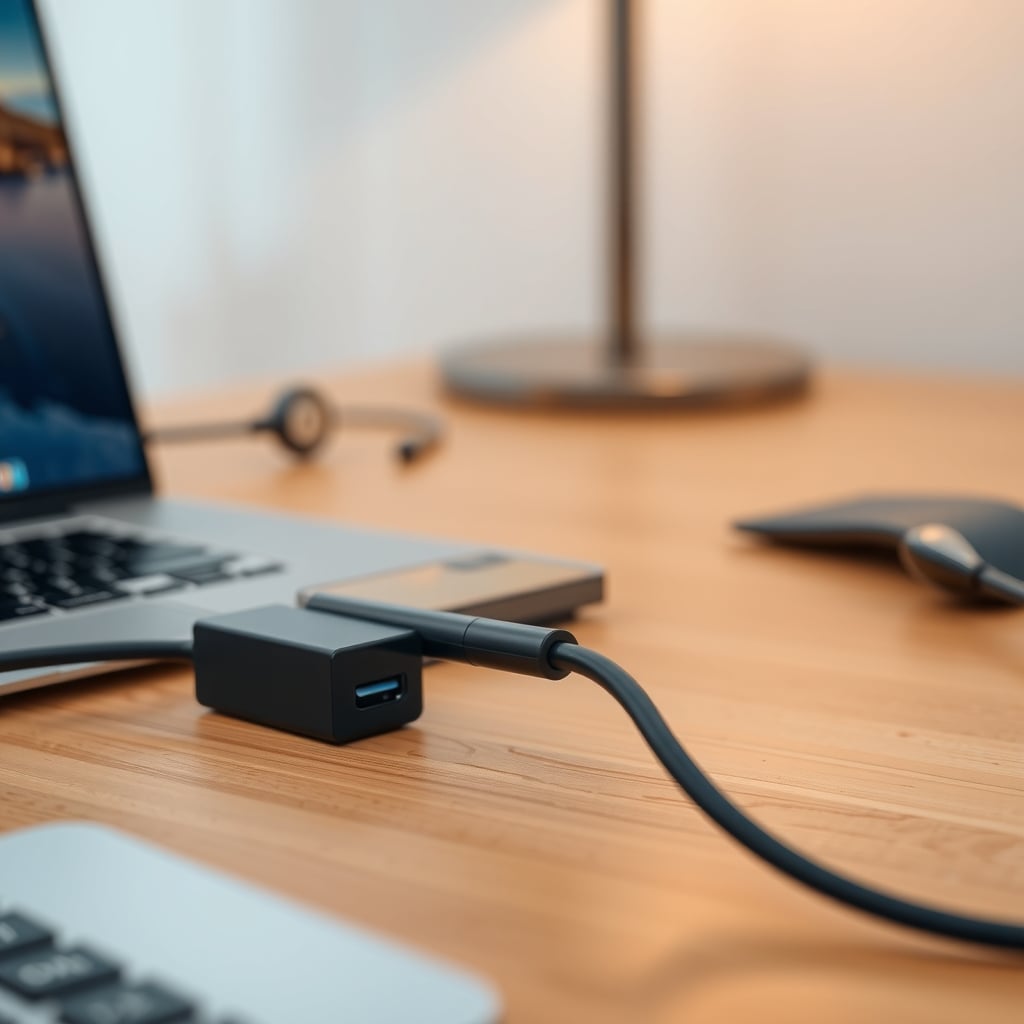
So does cable wattage matter for desk charging? Yes, but the wattage number is an outcome, not a spec. Three things decide how much power reaches your device: what the charger can supply, what the cable's E-Marker says it can carry, and what your device chooses to request. If any link in that chain caps at 3 amps, everything downstream caps with it. If you're trying to reason about the middle of that chain, the hub-side math in USB hub power delivery explained in watts and amps covers the port-budget part, and this guide covers the cable part.
The 60W Trap Hidden Behind a 100W Label
Per the USB Type-C specification, any cable rated above 3 amps must contain an electronically marked cable chip — an E-Marker — that reports its current and voltage capability to both ends of the connection. No E-Marker, no sanctioned path above 3A. At 20V, 3A is 60W. That's the whole trap.
So a listing advertising "100W fast charging" without ever mentioning 5A or "electronically marked" is, at best, selling a 60W cable with optimistic copy. Sometimes it's fine — the cable really is marked and the seller just didn't say so. But that's a coin flip you don't have to take, and the price difference between a marked 5A cable and an unmarked one is usually a few dollars.
The second half of the trap sits on the charger side. Most multi-port desktop chargers advertise total output, not per-port output. A "100W" brick with three ports might hand 65W to one device and split the remainder. That's a legitimate design decision, but it means your 100W cable is sitting inside a 65W pipe. Nothing is broken. It's just capped.
USB PD 3.1's Extended Power Range is the other half of the 2026 picture. EPR raises the ceiling to 240W by adding 28V, 36V and 48V fixed power profiles at up to 5A, plus an adjustable voltage mode spanning roughly 15V to 48V. The elegant part: EPR raises voltage, not current. Because cable heating follows I²R, a 5A cable dissipates the same loss whether it's moving 20V/100W or 48V/240W. Higher wattage does not automatically mean a hotter cable — higher current does.
Power Delivery Cables: Five Specs That Actually Matter
1. Current rating in amps, not the wattage badge. The three real cable classes are 3A (60W max at 20V), 5A (100W at 20V), and 5A EPR-rated to 50V (240W at 48V). Every "100W" or "240W" badge is derived from an assumed voltage, and you don't control which voltage your device requests.
2. The E-Marker, and ideally a USB-IF test ID. For anything above 3A, an electronically marked cable is mandatory, not optional. Stronger signal: the USB-IF compliance program assigns a Test ID (TID) to products that passed, and reputable cables print or list it. It's the most reliable thing on a spec sheet.
3. Data speed, which is a completely separate specification. Power delivery adds no latency — the negotiation happens over the configuration channel before the port goes active. But a cable limited to USB 2.0 (480 Mbps) will bottleneck a dock, capture device, or external SSD no matter how good its power side is. If you want one cable running power, displays and peripherals, you're shopping for USB4 40 Gbps (or its Thunderbolt-certified equivalents) at the same time.
4. Conductor gauge and length — the physics marketing can't argue with. Copper has resistance: roughly 33 mΩ per meter for 20 AWG, about 84 mΩ per meter for 24 AWG. A cable uses two power conductors, so loop resistance is double the per-meter figure. Run it yourself: 1 m of 20 AWG gives a 0.067 Ω loop, which drops 0.33V and burns about 1.7W at 5A. The same cable at 2 m drops 0.67V and burns 3.3W. A slim 1 m 24 AWG cable burns roughly 4.2W and drops 0.84V. That's the origin of both the heat and the "why is my laptop trickling" complaint.
5. Build quality where it bends. Strain relief at the connector, a reinforced shell, and a jacket that survives daily flexing. Silicone jackets are soft and grippy but attract dust; braided nylon holds its shape and resists abrasion, which matters more than it sounds if the cable rides a standing desk that moves twice a day.
What $10, $25, $60 and $120 Cables Actually Get You
The budget pick — 3A, 60W, 1 m, USB 2.0 data (roughly $8–14). This is the honest cable for the honest job: a phone, a keyboard, a webcam, a monitor's USB-C input, or a small laptop that requests 45–65W. It is genuinely the right purchase for most people buying a spare. Where it falls down: anything drawing more than 65W, and anything feeding a dock. If you plug a 16-inch workstation laptop into one of these, you'll get a working charge at roughly half speed and a connector that gets noticeably warm doing it. Skip it the moment your device's power adapter is rated above 65W.
Best overall — 5A E-Marked 100W, 2 m, 10 Gbps data (roughly $18–30). This is the sweet spot for a desk in 2026. You get a proper 5A E-Marker, 20 AWG power conductors so a 2 m run doesn't shed half a volt, and USB 3.2 Gen 2 data at 10 Gbps for a portable SSD or a mid-range dock. It covers a 14–16 inch laptop at full tilt, a monitor's hub, and a phone without thinking about it. Where it's not right: if you need 40 Gbps for displays, or if your laptop pulls more than 100W, you're paying for a ceiling you'll hit.
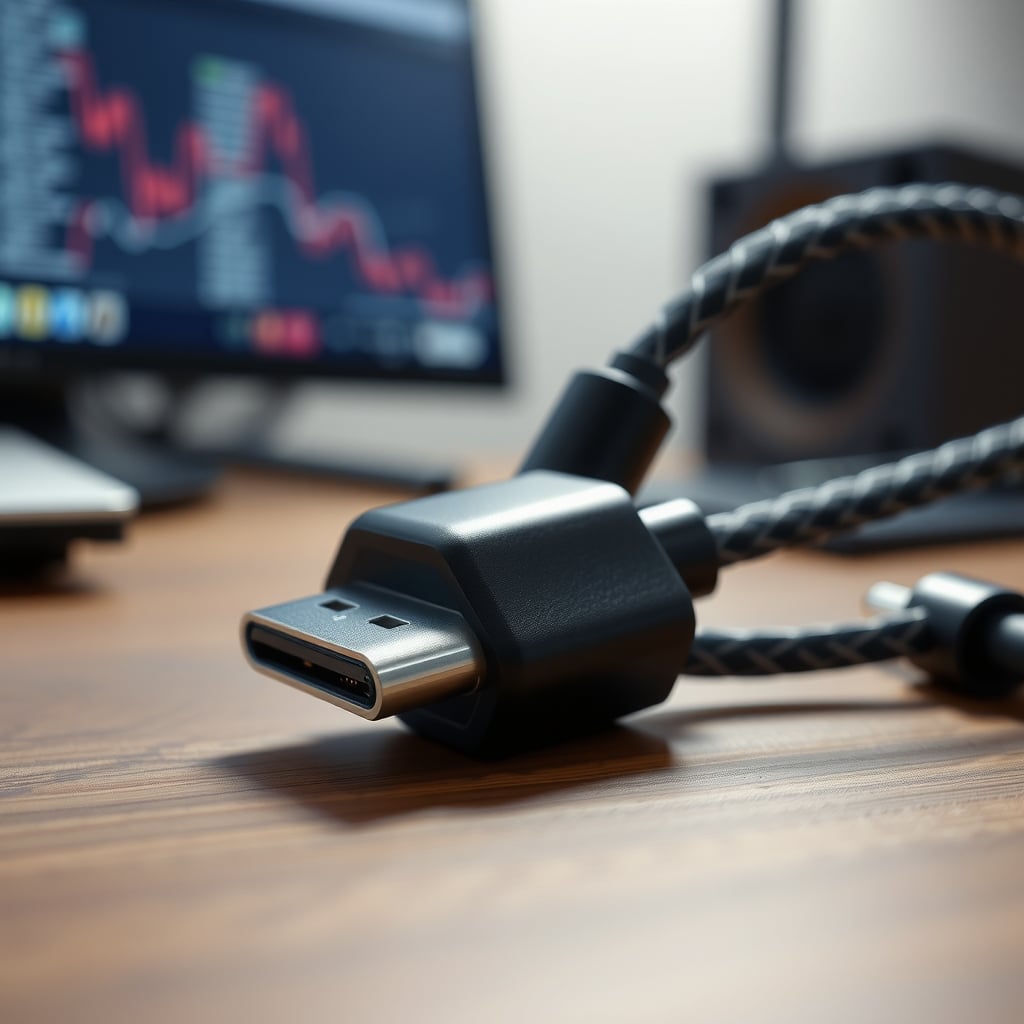
Premium — 5A EPR 240W with USB4 40 Gbps, passive at 0.8–1 m (roughly $35–65). EPR cables carry an E-Marker rated to 50V, which is what lets 240W exist at all. Pair that with 40 Gbps passive signaling and you have a legitimate single-cable setup: power, two displays, and peripherals through one connector. The catch is length. Passive 40 Gbps signaling degrades fast past about 0.8–1 m, which is why these cables are short. If your dock sits 2 m away, this class isn't the answer — and if nothing you own draws above 100W, you're buying headroom you'll never touch.
Best for a moving standing desk — right-angle 5A E-Marked, 1.5 m (roughly $20–35). A 90-degree connector exits parallel to the desk surface instead of straight out of the laptop's side, which kills the loop that snags on keyboard trays and monitor arms. It's a small mechanical detail with an outsized effect on cable lifespan. Pair it with the techniques in standing desk cable management that survives movement and you stop replacing cables every eight months. Not the right pick if your laptop sits flush against a wall where the connector has nowhere to route.
Best for long runs — active USB4 / Thunderbolt-certified, 40–80 Gbps (roughly $70–150). Active cables carry a retimer chip in the connector housing that regenerates the signal, which is what buys you 2 m at full speed. They're direction-sensitive (source end and sink end matter), they draw a little power themselves, and they run warmer than passive cables. For a single-cable multi-display workstation, they're the only option. For a phone charger, they're absurd.

Comparing the Four Cable Classes Side by Side
Cable class Max power Current E-Marker required Typical data Street price (1–2 m) Best for 3A USB-C to USB-C 60W 3A No USB 2.0, 480 Mbps $6–14 Phones, peripherals, sub-65W laptops 5A E-Marked 100W 5A Yes USB 2.0 or 10 Gbps $14–30 14–16 inch laptops, docks, hubs 5A EPR E-Marked 240W 5A at up to 48V Yes, 50V rating USB4 40 Gbps, or USB 2.0 $30–65 140W+ laptops, single-cable docks Active USB4 / TB-certified 240W 5A at up to 48V Yes 40–80 Gbps $70–150 Multi-display, high refresh, runs past 1 mNotice what the table doesn't show: a single column where "expensive" automatically wins. The 3A cable is the correct purchase for a keyboard. The 240W cable is the wrong purchase for one.
Where Cable Heat Actually Comes From
Power loss in a cable is P = I²R. Current is squared, resistance is linear — which means current dominates. Doubling current quadruples the loss. That's the entire reason USB PD went to 48V for 240W instead of pushing 12A through a connector rated for 5.
So where does real-world heat come from? Three places, and only one of them is the cable's fault.
Thin conductors. A 24 AWG cable at 5A turns roughly 4.2W into heat across a 1 m run. That's a nightlight's worth of energy inside a jacket the width of a shoelace. It's not dangerous in a compliant cable, but it's measurable, and it's why budget "100W" cables feel warm after an hour of full-load charging.
Coiling and bundling. A tight coil traps that heat. So does cramming five cables into a closed under-desk tray with no airflow. The physics doesn't change, but the thermal path does: the same dissipation in a sealed bundle raises the whole bundle's temperature instead of shedding it into the air. If you're using a rigid cable tray, leave the power cable on the outside of the data bundle, or at least don't strap it directly against three others.
Connector resistance. Contact resistance at the plug adds to the loop. A worn or loose connector has more of it, which means more voltage drop and more local heat exactly where you're touching. IEC 62368-1 sets touch-temperature limits by material and contact duration — which is why a connector hot enough to be uncomfortable is a signal worth acting on rather than a normal operating condition.
The practical fix isn't exotic. Use 20 AWG or better for 5A runs. Keep passive 5A cables at 2 m or under. Don't coil a cable that's actively carrying 100W through a tight loop. And if a cable's connector is uncomfortably warm under load, swap it — that's a cable problem, not a charger problem.
Five Mistakes That Cost You Money or Performance
1. Shopping by the wattage badge. The badge is marketing; the amp rating is engineering. Fix: search for "5A" and "E-Marker" or "electronically marked," and treat any listing that avoids those words as a 3A cable until proven otherwise.
2. Assuming USB-C means data. Plenty of USB-C cables are charge-only or USB 2.0 only. Fix: check the data spec explicitly. 480 Mbps, 10 Gbps, 40 Gbps — pick the number your dock actually needs, not the number that sounds impressive.
3. Buying a 3 m cable for 5A charging. Voltage drop scales with length, and thin long cables are the single most common cause of "my laptop charges slowly at the desk but fast on the couch." Fix: 20 AWG minimum, and stay at or under 2 m for anything carrying 5A. The longer version of this diagnosis is in laptop slow charging causes and fixes.
4. Using passive extension cables. The USB Type-C specification doesn't define passive extensions for a reason: adding a passive link breaks E-Marker reporting, so the charger falls back to safe defaults and your 100W setup quietly becomes a 60W or slower one. Fix: buy the length you need once instead of chaining short cables.
5. Assuming a bigger charger fixes a weak cable. Charger, cable and device all negotiate together. Upgrading one leg doesn't raise the ceiling if another leg is the limit. Fix: identify the lowest-rated element first — and if you're already overwhelmed by cable sprawl, the cable management fails that keep repeating in 2026 is a decent place to reset the whole run.
How to Match a Cable to Your Setup
If you charge a phone, a keyboard and a webcam: two 3A 60W cables at 1 m. Buy them in a two-pack, spend under $25 total, and stop reading. Nothing about your setup benefits from an E-Marker.
If you run one laptop at 65W or less: one 5A E-Marked 100W cable at 2 m. You're buying headroom and lower voltage drop, not raw power. It's a $25 purchase that will outlive the laptop.
If you run a 14–16 inch laptop at 90–140W with a dock: one 5A EPR E-Marked 240W cable, and keep it short — 1 m if the layout allows. This is the class where the E-Marker actually earns its price.
If you're driving two displays, power and peripherals through one connector: an active USB4 40 Gbps cable at the length you need, accepting the higher price and the direction sensitivity. There's no passive substitute past roughly 1 m.
If you're on a standing desk that moves daily: right-angle 5A E-Marked at 1.5 m, routed with slack at the joint. The connector geometry matters more than the wattage badge here.
Who should skip the upgrade entirely: anyone whose devices top out at 65W and who never plugs a dock in. A 240W EPR cable in that setup is a paperweight with a nice braid. Also skip active 80 Gbps cables unless you have a display that actually needs the bandwidth — the retimer chips run warm and the price premium is steep.
Bottom Line
Buy one 5A E-Marked 100W cable at 2 m with real data support, and you've solved the problem for the vast majority of desk setups. It costs somewhere around $20–30, it will not be your bottleneck, and it will work with whatever you plug in next. That's the decision.
Pay for 240W EPR only if something you own actually requests more than 100W, or if you're building a single-cable dock setup that needs 40 Gbps alongside the power. And never pay a premium for a cable that won't state its E-Marker status and its data rate plainly — the silence is the specification.
Frequently Asked Questions
Does cable wattage matter for desk charging?
Wattage is the outcome, not the spec. What matters is the cable's current rating and its E-Marker. Per the USB Type-C specification, any cable rated above 3A must contain an electronically marked cable chip. Without one, the cable is capped at 3A, which is 60W at 20V, no matter what the listing claims.
What is an E-Marker and do I need one?
An E-Marker is a small chip in the cable's connector housing that reports the cable's current and voltage capability to the charger and the device. You need one for any setup above 60W. It is mandatory by specification for cables rated above 3A, and EPR cables that support 240W carry a version rated to 50V.
Is a 100W cable faster than a 60W cable for charging a phone?
No. Phones negotiate relatively modest wattages, typically well under 60W, so a 3A cable and a 5A cable will charge the same phone at the same speed. The 5A cable only matters if your device requests more than 60W or if the cable is also carrying data to a dock.
Why does my USB-C charging cable get hot?
Cable heating follows I squared R, so current dominates the equation. A slim 24 AWG cable at 5A dissipates roughly 4.2W over a 1 meter run, compared to about 1.7W for 20 AWG. Coiling a loaded cable or bundling it tightly in a closed tray traps that heat. Thicker conductors, shorter runs, and airflow around the cable all reduce it.
Do 240W USB-C cables charge everything faster?
No. A 240W EPR cable removes a ceiling; it does not raise one. If your laptop requests 100W, a 240W cable delivers exactly 100W, and the charger caps things anyway. EPR only matters if both your charger and your device support the higher profiles.
Can I extend a USB-C charging cable with a passive extension?
The USB Type-C specification does not define passive extension cables. Adding one breaks the E-Marker communication path, so the charger falls back to conservative defaults and your 100W setup can drop to 60W or less. Buy a single cable at the length you need instead.
Is a braided cable better than a silicone one for a standing desk?
They solve different problems. Braided nylon resists abrasion and holds its shape, which helps a cable that flexes every time the desk moves. Silicone is grippier and stays put on a desktop but collects dust. For a desk that raises and lowers daily, braided jackets plus a right-angle connector tend to last longer.
Written by
GlowRig Editorial researches and writes practical guides about desk setups and home office gear. Our articles are produced with the help of AI research tools and are reviewed for accuracy against manufacturer specifications and public user feedback. We may earn a commission from affiliate links, which never affects our recommendations.
Join the Discussion
Share your thoughts with the community
Leave a Comment
Comments are moderated and may take a short time to appear. Links are not permitted.