Monitor Wobble Fix Why Your Desk Is the Real Cause
Nine times out of ten the screen isn't the thing moving — the desk top under it is. Here's how to isolate which joint is flexing in about two minutes, and a cost-ordered list of fixes from free to $300.
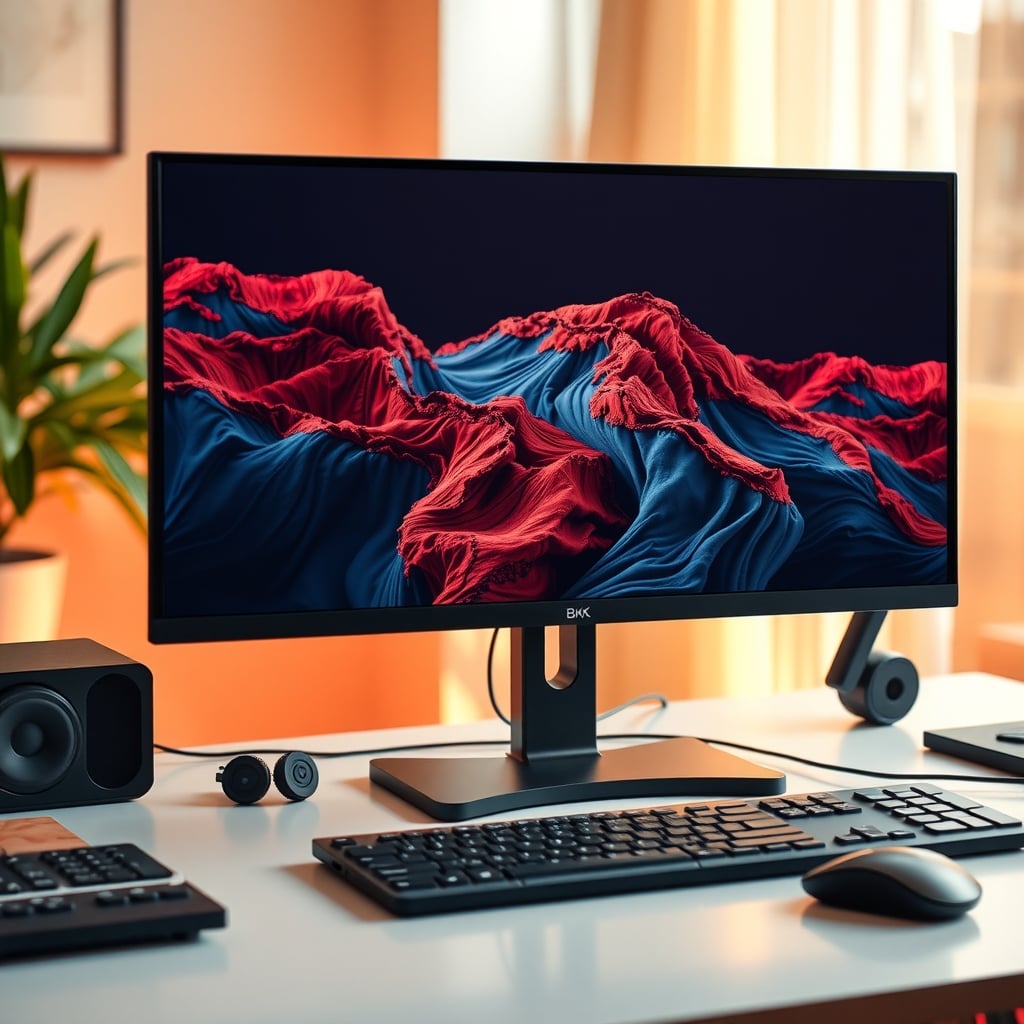
Monitor wobble is almost never the monitor's fault. The screen is the lightest and most visible part of a stack — desk top, stand base, tilt joint — so it amplifies whatever moves underneath it. The real fix isn't a new display or a fancier arm. It's identifying which of those three links is flexing, then stiffening only that one.
Here's the fast version. If the image shakes when you type but the desk surface stays put, your problem is in the stand. If the desk top dips when you press on it, you're fighting panel deflection — no stand swap will save you. If the whole desk rocks as one piece, fix the desk first. That's furniture, not peripherals.
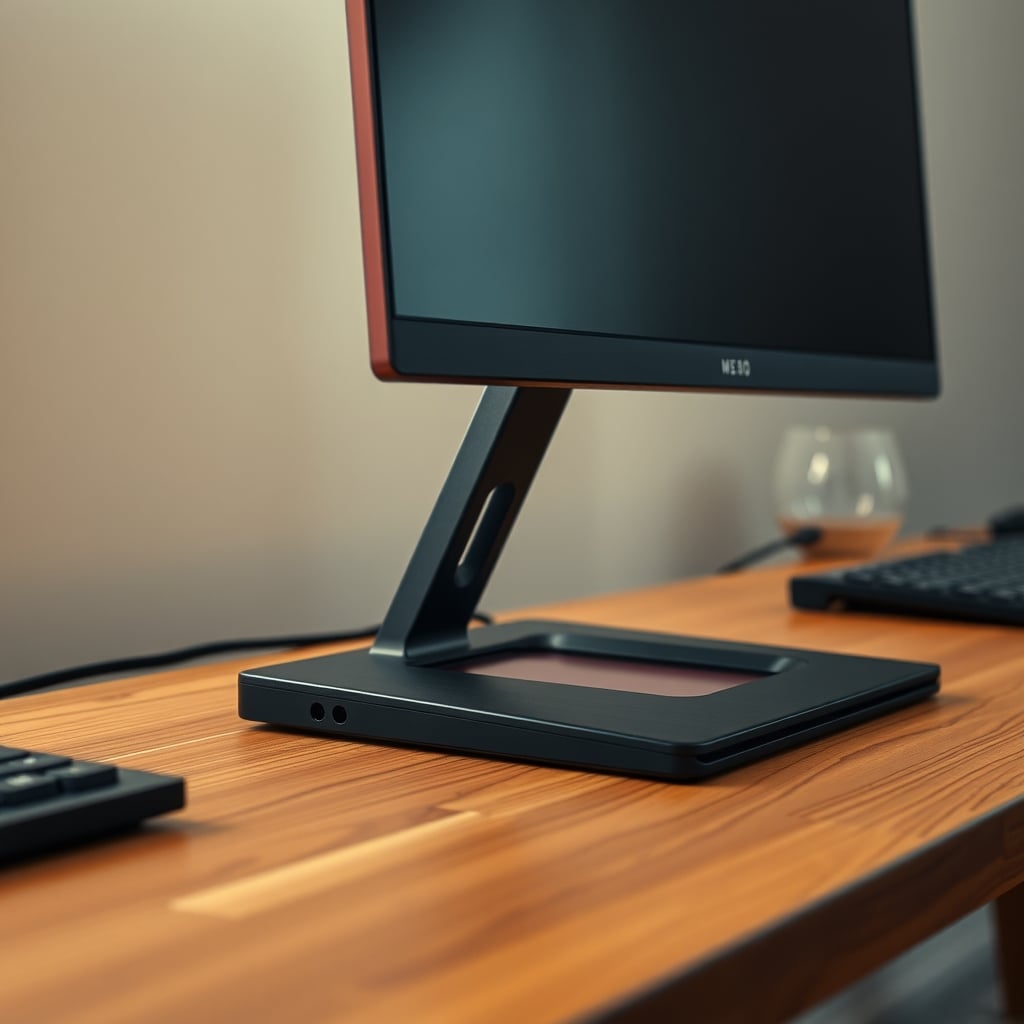
The two-minute press test that tells you what to fix
Before spending anything, isolate the flex. Three checks, no tools, and the answer is whichever one produces the biggest movement.
Check one — the top. Press down firmly on the desk surface about 150mm behind the front edge, then watch the top edge of the monitor. If the screen nods in the same direction as your hand, the desk top is flexing. That's deflection, and it's the most common cause on tops under 30mm thick.
Check two — the head. Hold the desk edge still with one hand and push the top corner of the monitor gently with the other. If the panel rotates around the stand's neck while the base stays planted, you're looking at hinge play in the tilt or swivel joint. Most monitor stands use friction hinges with a screw or a clip-on cover, and they loosen with age.
Check three — the frame. Push the desk sideways at the top of a leg. If the whole assembly moves together — top, legs, monitor — the problem is the frame or the floor. Shim a rocking foot, check the leg bolts, and read make a standing desk stable without replacing it before you touch the monitor at all.
Fixing all three at once wastes money and makes it impossible to tell what worked. Fix one, live with it for a day, then move to the next.
The monitor wobble fix order, cheapest step first
Work down this list and stop when the wobble is gone. Most people stop at step two or three.
1. Snug the tilt hinge ($0). Pop the plastic cover off the back of the stand — usually a clip or one screw — find the pivot screw, and tighten in quarter turns. Test after each quarter. Over-tightening cracks the housing on cheaper stands, and there's no coming back from that.
2. Re-seat the base on something grippy ($4–10). Hard plastic feet on smooth laminate or glass have almost no friction, so the whole stand slides and rocks a couple of millimetres on every keystroke. A pack of adhesive rubber or EVA pads under the base kills most of it. The same friction logic applies across the whole desk — see how a truly non-slip desk mat grips different surfaces.
3. Push the monitor 75–100mm further back ($0). The front third of a desk is the most flexible part of the span, and a monitor base sitting there acts as a lever on the weakest point. Moving the base toward the back edge shortens that lever and shifts load over stiffer material. Re-check your viewing distance afterward — OSHA's computer workstation guidance puts the screen roughly 20–40 inches from your eyes, so don't push it past that.
4. Shim the base ($0–15). If the stand rocks on a surface you know is flat, the base plate is warped. Thin plastic or metal shims under two corners will settle it. Skip felt — it compresses unevenly under load and the wobble returns within a month.
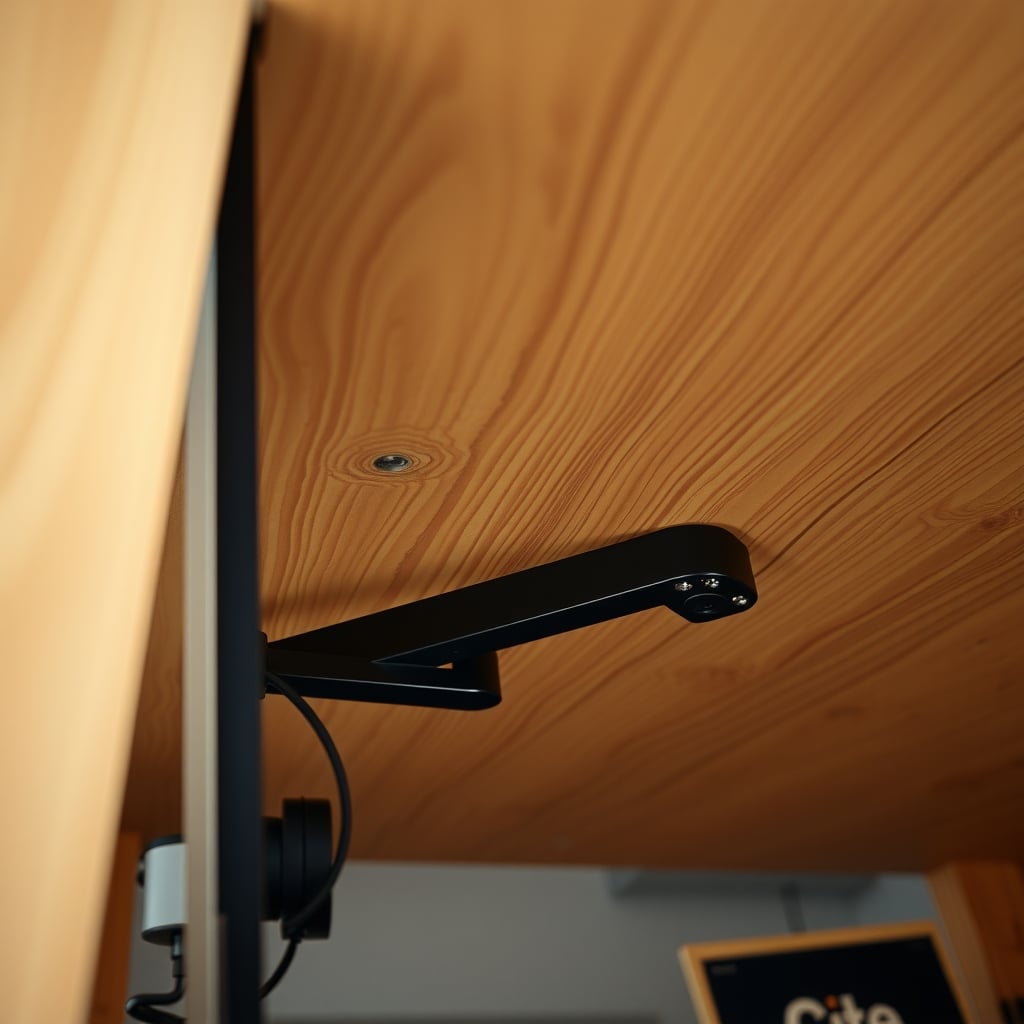
5. Stiffen the desk top ($20–60). A 1x3 or 1x4 timber rib screwed to the underside, running front to back near the monitor, cuts deflection noticeably. A length of steel C-channel or aluminium angle does more. Use partial-thread screws so the tips don't break through the surface.
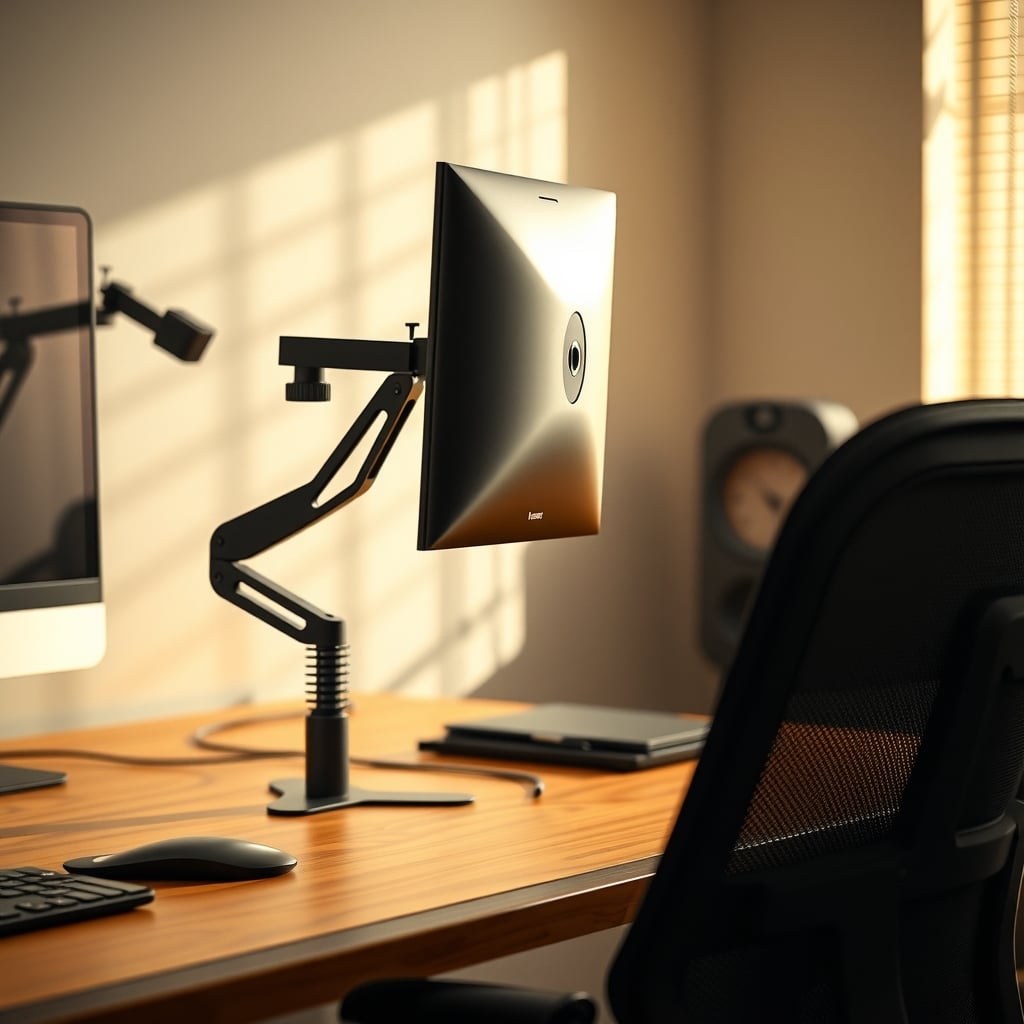
6. Change the mount ($40–300). A clamp or grommet arm moves the monitor's weight off the top and onto the desk edge or a hole. Done right, it's the cleanest fix; done wrong, it makes wobble worse. Details below.
7. Fix the desk or the floor ($15–120). Crossbars, better feet, a wall anchor. The correct order for that job is laid out in standing desk stability fixes that actually work.
Why the desk top is usually the real culprit
Beam stiffness is unforgiving about thickness. Deflection under a given load scales with the cube of thickness, so going from a 25mm top to a 38mm top doesn't make it 50% stiffer — it makes it roughly three times stiffer at the same span. Span is just as harsh: halve the distance between the legs and you cut deflection by something in the region of a factor of eight.
That's why two desks with identical frames can feel completely different. A 1400mm span of 25mm MDF with a monitor arm clamped mid-span is a spring. The same frame with a 38mm solid top and legs 1100mm apart is a slab.
Hollow-core construction is the worst case. Plenty of budget desks — and more than a few expensive-looking ones — use two thin skins over a cardboard honeycomb. They're light, cheap to ship, and completely fine for a laptop. Put a 9 kg monitor on a lever arm clamped to one and you'll see the top flex every time you rest your forearms on it.
The spec sheet won't tell you this, but the number that matters is unsupported span, not desk width. Measure between the leg attachments, not between the edges of the top.
What a cheap arm, a mid-range arm, and an expensive arm actually change
Arms don't add stiffness to your desk. They add leverage. A monitor pushed 400mm forward on an arm puts far more torque into the clamp point than the same monitor sitting on its own base — which is exactly why an arm can make a marginal desk feel worse, not better.
What you're paying for at each tier:
Under about $60. Pole-mounted arms with a fixed vertical post and a folding joint. They hold a light 24–27 inch monitor fine, but the joints are the weak link — stamped steel with a plastic bushing, and most develop visible play within a year of daily use. Buy these for a secondary screen, not your main display.
Around $80–150. This is the sane tier. Gas-spring or mechanical-spring arms with VESA MIS-D mounting (100x100mm and 75x75mm patterns, M4 screws), typically rated for 2–9 kg, with a real C-clamp and often a grommet option. VESA's MIS-D standard covers displays up to 14 kg at those patterns, so the bolt pattern is rarely your limit — the spring rating is. Check that your monitor's weight without its stand lands inside the arm's stated range. A 3 kg panel on an arm with a 9 kg minimum will float upward no matter how you adjust it.
Above about $200. Heavier columns, longer reach, dual-arm setups, better cable routing. Worth it for 32-inch panels or two-screen arrays. Rarely worth it for a single 27-inch monitor — that money is better spent on the desk top.
Two clamp specs to check before buying: the maximum top thickness the clamp opens to (most sit somewhere between 10mm and 85mm, and a reinforcement plate eats part of that), and whether the jaw is wide enough to span a grommet hole or clear a leg bracket. If you're not sure an arm even suits your layout, the monitor stand versus mount decision guide covers when a plain desk stand is genuinely the better answer.
Comparing the fixes honestly
Fix Typical cost Wobble it actually addresses Tools required Honest verdict Tighten tilt hinge $0 Head nod, panel drift Screwdriver Free and fast, but only solves head play Rubber or EVA pads under base $4–10 Sliding and rocking base None Best value on this entire list Move monitor 100mm back $0 Top deflection via shorter lever None Free, harmless, occasionally not enough Timber rib under the top $20–40 Panel deflection on short spans Drill, screws, 30 minutes Highest payoff on thin tops Steel C-channel under the top $40–70 Panel deflection on long spans Drill, bolts Better than timber past roughly 1400mm Clamp arm at mid-span $40–150 Base footprint, not top flex Wrench Can genuinely make wobble worse Clamp arm near a leg, with plywood plates $60–180 Most desk-driven wobble Drill, wrench The clean solution if you can position it Wall mount $40–120 Everything desk-driven Drill, wall anchors Best isolation, worst flexibility Floor-standing monitor stand $70–150 Everything, including desk sway Assembly only Underrated; bypasses the desk entirely Desk crossbar and leg bolts $15–60 Whole-desk sway Wrench Do this before any monitor fixCommon mistakes and what to do instead
Buying a heavier arm to fight a flexing desk. A stiffer arm on a soft top just transfers load into the panel more efficiently. Run the press test first; if the top moves, spend the money on a rib or a plate instead.
Over-tightening the tilt hinge until something cracks. Quarter turns, test after each one, stop the moment the head holds position under its own weight.
Clamping mid-span on 25mm MDF with no reinforcement. MDF crushes under point load and the clamp slowly loosens. Add 12mm plywood plates above and below the top to spread the load, and position the clamp within 100–150mm of a leg if the frame allows it.
Leaving the monitor base sitting on a soft desk mat. A compressible layer under the base adds a rocking joint you didn't have before. Cut a notch around the base or move the monitor off the mat entirely.
Tilting the panel downward to compensate for a monitor that's too high. Angling the screen pushes its mass forward, so the same wobble becomes more visible. OSHA's guidance is the fix: top of the screen at or slightly below eye level, so you look slightly down without tilting the panel.
Diagnosing the monitor before the desk. If the whole desk sways, the monitor is a symptom. Start with the cheap structural checks in desk wobbly fix: stop the shake for under $20 and only come back to the display afterward.
Who should fix, and who should replace
Fix, for $0–15 — most people. If your top is 25mm or thicker and the legs feel solid, the odds are strong that hinge play or base friction is your entire problem. Tighten the hinge, add pads, push the monitor back. That's a ten-minute job and it works more often than any purchase will.
Fix, for $20–70 — thin or long-span tops. If the press test shows the surface dipping, a timber rib or a steel channel across the underside is the correct spend. Do it before you consider an arm, because an arm on an unbraced thin top is a problem in waiting.
Fix, for $60–180 — you want the desk surface back. A clamp arm mounted close to a leg, with plywood reinforcement plates, frees up the footprint and removes most desk-driven movement at the same time. This is the right call for a 27-inch panel on a mid-range desk.
Skip the whole exercise — buy a floor-standing monitor stand. If your desk is hollow-core, or you run a standing desk at full height with a heavy display, a floor-standing stand that sits behind the desk bypasses the flex entirely. They cost roughly $70–150 and they're the most underrated answer in this category. The trade-off is obvious: you lose the ability to reposition the monitor freely, and you have another footprint to manage.
Replace, not fix — the specific cases. A desk with a hollow-core top spanning more than about 1400mm, or a frame with visibly loose leg joints that no wrench will fix. At that point the desk is the problem and no accessory will out-engineer it.
Bottom line
Do the press test before you open a single product page. If the desk top flexes, spend $20–60 on an underside rib and stop there — it's the highest-return fix in this entire article and it costs less than a mid-tier arm. If the head nods while the base stays planted, tighten the hinge and add $5 of rubber pads; that combination solves more wobble than any purchase under $100.
Buy a mid-range arm ($80–150) only if you've confirmed the desk is stiff and you want the footprint back — check the spring's weight range against your monitor's weight without its stand, and clamp near a leg with plates above and below. Skip premium arms above $200 for a single screen; the money does more for you under the desk than on it. And if your top is hollow-core, don't spend anything on the monitor at all — a floor-standing stand at $70–150 is the honest answer.
Frequently Asked Questions
undefined
undefined
undefined
undefined
undefined
Written by
GlowRig Editorial researches and writes practical guides about desk setups and home office gear. Our articles are produced with the help of AI research tools and are reviewed for accuracy against manufacturer specifications and public user feedback. We may earn a commission from affiliate links, which never affects our recommendations.
Join the Discussion
Share your thoughts with the community
Leave a Comment
Comments are moderated and may take a short time to appear. Links are not permitted.