Monitor Stand Not Mount Buying Guide 2026
If you clicked this, you already suspect a desk mount isn't right for your setup. Here's exactly when a monitor riser is the better buy, and which one fits what.
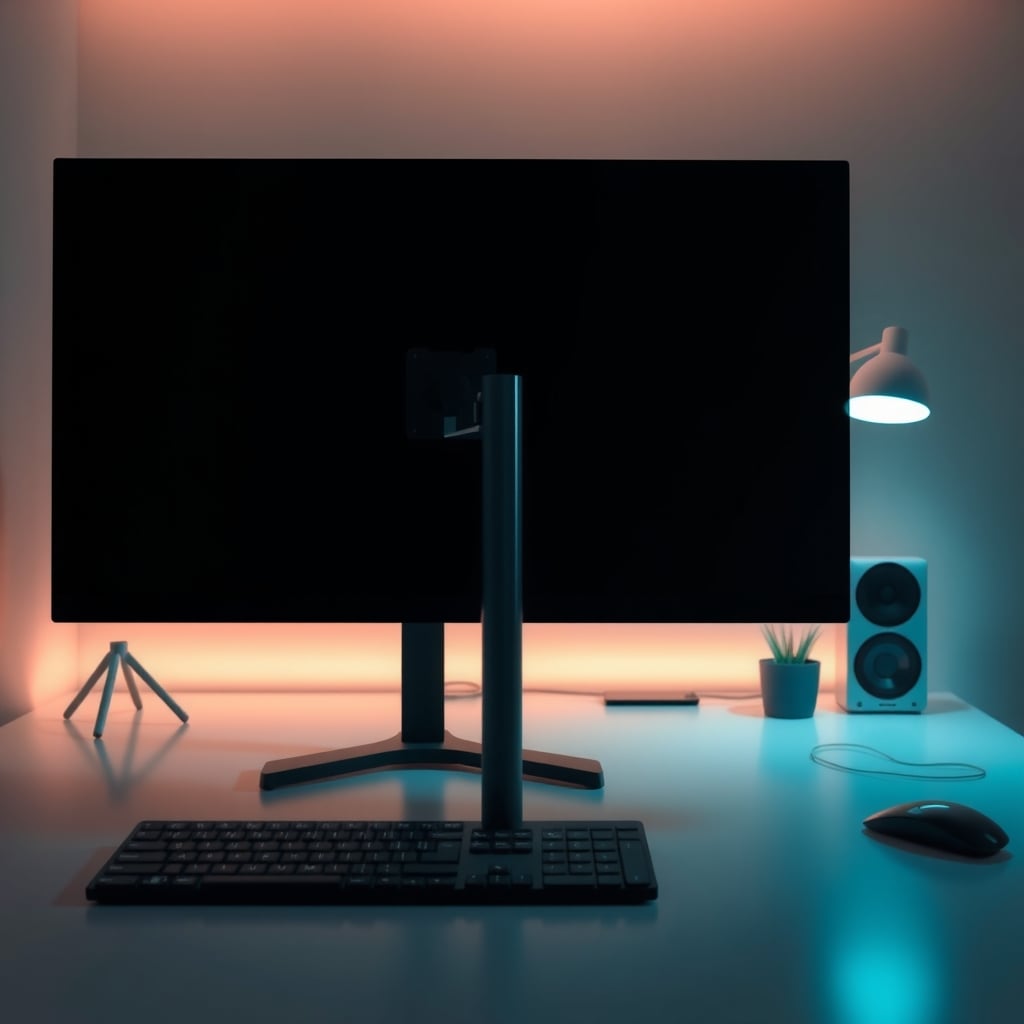
If you've landed on this article, you're probably weighing whether a monitor stand not mount is the right call for your desk. That's a smart question to ask before spending money on a clamp that might not fit your furniture. The short answer: if you don't need tilt/swivel adjustments, your desk has a thick or glass edge, or you just want extra storage, a monitor riser is often the better buy. It's cheaper, easier to install, and it adds shelf space. But it is not a replacement for an arm if you need to move your screen around all day.
Let's be specific about what we're talking about. A monitor stand (often called a riser, shelf, or desk pedestal) is a static platform that lifts your monitor's original base higher off the desk. It doesn't clamp to the edge. It doesn't articulate. You place it on top of your desk and put your monitor on it. The VESA mount is irrelevant here — the riser supports the monitor's stock feet.
Now that we're clear on the category, here's what actually decides whether a riser works for you. Most product listings don't spell out these numbers clearly, so measure before you buy.
1. Supporting width (the most ignored spec)
A dual-monitor riser is only useful if it can physically hold both monitor bases side by side. Lay your current monitor bases on the desk and measure from the left edge of the left monitor's base to the right edge of the right monitor's base. Add at least 2-3 cm of breathing room. Dual risers commonly list a total shelf width of 36 to 56 inches. A 40-inch wide riser usually fits two 24-inch monitors with narrow bases; two 27-inch monitors often need a 48-inch width. Remember that the monitor's own curved base may be wider than you think.
2. Weight capacity vs. reality
A riser doesn't bear the full weight of a monitor — it bears the weight of the monitor plus its original stand. Cheap stands often list a capacity of 50 lb, but that's misleading. What matters more is whether the top surface is wide enough to prevent tipping. A large monitor with a narrow v-shaped base perched on a 36-inch riser can wobble if you bump the desk. Look at the base of your monitor: if it's narrower than 6 inches, you need a riser with a non-slip top surface or one that acts as a full platform.
3. Under-riser clearance
If you plan to slide a keyboard underneath, make sure the lowest point of your monitor base clears the shelf height. Many risers are around 5-6 cm high, which is just enough for a low-profile keyboard but not for a full-size mechanical keyboard. Measure your keyboard's height with the keycaps and the wrist rest if you use one.
4. Material and build
In the $20-$35 range, you'll mostly see particleboard with PVC edge banding or a mix of wood and steel. A wood/steel combination (typically a bamboo or rubberwood top on a steel frame) feels much more stable under dual monitors than all-particleboard. Steel legs with rubber feet are important for not slipping on a hardwood desk.
5. Pick potential
The real reason a riser often outperforms an arm isn't ergonomics — it's that you get usable storage underneath. A riser with a drawer adds small-parts storage without a separate organizer. The trade-off is that the drawer's internal clearance is usually only 1.5-2 inches tall, so it can hold a pen, a stylus, SD cards, but not a hard drive.
If you already know you need those storage slots, a drawer or pen holder model is worth the tiny price premium.
Monitor Stand Not Mount: What to Look For Before You Buy
Let's turn that into a checklist you can pull up on your second monitor while you browse.
- Measure twice: total width of monitor bases, keyboard height, and desk edge clearance.
- Check the user image size: Often a brand will show a photo of two 24-inch monitors, but a 27-inch monitor with a deep stand takes up an extra few inches. Control the size of the image they show.
- Look at the underside: some risers only have a single crossbar in the middle, leaving a gap on the sides that's not strong enough for a keyboard or small rack.
- See whether the feet are adjustable: a small rubber pad is fine, but if you have an uneven desk, adjustable levelers are a different league.
- Match the height to your chair: after placing a riser, your screen middle should end up a couple of inches below your eye line. You can fix a slightly-high monitor by raising your chair, but you can't fix a too-low one with a riser.
If you can answer yes to at least three of these, a riser is a solid fit:
- My desk edge is not clamp-friendly.
- I want additional storage under or beside the monitor.
- I rarely adjust my monitor height after initial setup.
- I have a sitting-only desk (not standing desk) and the same sitting height day-to-day.
- I don't need to swivel the screen in front of me.
If you look at the list and most are 'no', an arm is still the better tool for you. But don't assume a riser is a budget consolation prize. For a huge number of desk users, it's simply the right thing with fewer failure points.
The Three Dual Monitor Risers That Actually Earn Their Desk Space
Instead of ranking fifteen look-alike stands, we're narrow this down to the three we recommend most in 2026. Each has a different strength.
Best Budget With Drawer: OPNICE Dual Monitor Stand Riser With Drawer
At $23.99, the OPNICE gives you exactly what the listing says: a stand for two monitors, a drawer, and two pen holders. The number of product photos and repeated positive mentions of the drawer having a smooth glide in reviews is a big signal. It's a solid budget tier option that doesn't feel like it's going to snap the first time you dock two 22-inch monitors. The main downside is the particleboard deck — if you use a clamp-based accessory on top of it, you could dent the surface. But for a static shelf, it's about what you'd expect. The integrated pen holder is a surprising convenience for pens, styluses, or a small screwdriver.
Pick it if: you need a drawer to declutter and want to spend under $25.
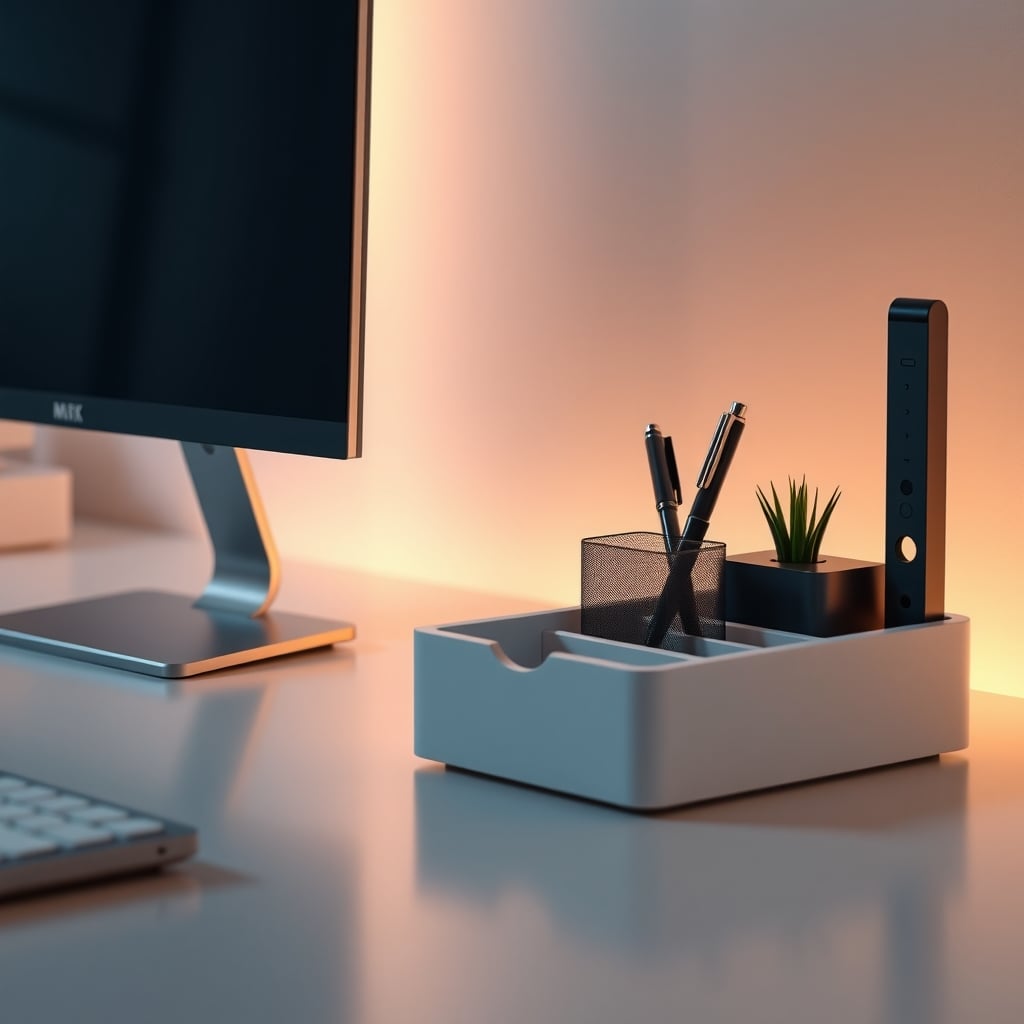
Best Overall with Wood/Steel Construction: WESTREE Dual Monitor Stand Riser
If you want the stable feel of a wood-and-steel combition without paying for a premium designer brand, the WESTREE at $29.99 is our 2026 pick for most setups. It's $6 more than the budget options, but you're paying for a proper wooden top mounted on a steel frame — that provides the rigidity you need when you have a large 27-inch monitor or two 24-inch screens. It doesn't have a drawer, but it gives you clear storage for a keyboard underneath. 3,800 reviews at 4.6 stars make it a high-confidence purchase. The wood finish also looks more at home in a room with wooden furniture than the basic matte black options.
Pick it if: you want durability and a nicer desk aesthetic without moving up to hundred-dollar premium risers.
Best for a Neutral Dual Monitor Setup: gianotter Dual Monitor Stand Riser With Drawer
The gianotter is functionally very similar to the OPNICE, also $23.99, but it has nearly 3,300 reviews at 4.5 stars. In the listing pictures the drawer looks a hair more finished and the pen holder placement is slightly different. Pricing is identical to the OPNICE, so your choice may come down to which color matches your desk. Some reviewers specifically note using it for a 27-inch monitor and a 24-inch monitor side-by-side — worth a look if you are mixing sizes. But it doesn't have the same wooden-top structural advantage as the WESTREE, so for bigger monitors we'd still steer you toward the WESTREE.
Pick it if: you're on a strict budget and want the drawer.
Where Three Risers Stack Up Side by Side
Product Material Drawer Avg. Price Best for Star Rating Review Count OPNICE Dual Monitor Stand Particleboard/wood blend Yes $23.99 Budget, low-profile keyboards 4.6 1,100 WESTREE Dual Monitor Stand Wood top / steel legs No $29.99 Larger or dual monitors, aesthetic setups 4.6 3,800 gianotter Dual Monitor Stand Particleboard/wood blend Yes $23.99 Budget, mixed monitor sizes 4.5 3,300The table makes it obvious: you're not paying much more for the WESTREE, and you're paying mostly for the material upgrade. If you want a drawer, the price is identical between the other two; let the appearance and review details decide.
Who Should Skip the Stand and Buy a Mount Instead
If you found yourself nodding 'yes' to the 'no' list earlier, then a fixed riser will only frustrate you. A riser fixes your monitor at one height, period. If you're a tall person who alternates between sitting and standing, a riser won't follow your eye line. If you do photo or video editing, the ability to tilt and swivel your screen (even slightly) to avoid glare is a feature you'll miss. If you use a macro keypad, a second webcam, or a microphone boom on the desk behind the monitor, the free desk surface that a typical arm gives you is hard to replicate with a riser.
For those use cases, a pneumatic monitor arm is a better investment. This is where the wrong recommendation is a monitor stand not mount. You'll want an arm that supports the stated VESA pattern and the weight of your monitor, and that clamps to a desk edge that is a standard surface. If you don't like the clamp style, some arms use a drilled-through bolt, but that's a much bigger commitment. Consider reading our Monitor Stand Alternatives You're Ignoring Because You're Buying Wrong piece to see why a riser can still be a valid alternative in many setups — but arms have their place. Also remember that if your desk is stable enough for an arm, you might still want to check for desk wobble and fixes under $20, because an arm magnifies wobble on a weaker desk.
Three Mistakes That Turn a Cheap Riser Into an Instant Return
Buying by width alone without measuring your monitor bases: As mentioned, a 36-inch riser sounds like it holds two monitors, but if each base is 12 inches wide, you could have almost no slack for cable or a mouse keyboard underneath. Instead of guessing, measure. If a riser is seven inches short, the whole unit becomes a bookend.
Ignoring keyboard height: You slide the keyboard under, but the riser is only 5 cm tall and a mechanical keyboard sits 4.5 cm tall with a wrist rest. It's a hard metal scrape every time you type. Look at the clearance shown in product photos and measure the same way.
Assuming a VESA mount is involved: A monitor stand is not a mount. You can't just screw your monitor's VESA holes into it — unless the listing explicitly says a VESA bracket is included (which is rare in this price range). Don't buy expecting to attach a monitor without its stand. That's a different category entirely. If you need VESA compatibility and no clamp, look at a VESA mount base, not a simple riser.
The Honest Bottom Line for 2026
For under $30, a good dual monitor riser is a legitimate upgrade to your desk setup. If your monitor is already at a comfortable height and you want extra storage, get the OPNICE or gianotter with a drawer. If you want the most stable, best-looking stand for a long-term setup, the WESTREE wood-and-steel model is worth the extra $6. If you feel the urge to tweak your screen's position multiple times an hour, or if you alternate between sitting and standing, then invest in a quality monitor arm instead — and don't force a monitor stand into that role. But for a large percentage of home offices, a riser remains the unglamorous, honest purchase that gets the job done without overcomplicating your desk.
Frequently Asked Questions
What is the difference between a monitor stand and a monitor mount?
A monitor stand (riser) is a static shelf that lifts your monitor's original base higher. A monitor mount is an arm or bracket that attaches to your desk or wall and holds the monitor via VESA holes, allowing tilt, pan, and height adjustment.
Can I use a monitor stand with a VESA mount?
No, a typical monitor riser is not VESA-compatible. It supports the monitor's own stand. To use VESA, you need a monitor arm or a VESA mount base.
How high should a monitor riser be for ergonomics?
Generally, your monitor top should be at or slightly below eye level. Add the riser height to your current monitor stand height and compare to your seated eye height. A 4-6 inch riser works for many people on standard 28-30 inch desks.
Do monitor stands work with two monitors of different sizes?
Yes, most dual monitor risers have a flat continuous surface, so you can place two monitors of different sizes side by side. Just make sure the total width of their bases fits within the riser width.
Are monitor stands worth it if I have a standing desk?
Only if you don't change your posture much. Since a riser fixes the monitor height, you'll need to adjust the desk height to compensate when you stand. A monitor arm is usually a better choice for sit-stand desks.
Written by
GlowRig Editorial researches and writes practical guides about desk setups and home office gear. Our articles are produced with the help of AI research tools and are reviewed for accuracy against manufacturer specifications and public user feedback. We may earn a commission from affiliate links, which never affects our recommendations.
Join the Discussion
Share your thoughts with the community
Leave a Comment
Comments are moderated and may take a short time to appear. Links are not permitted.