Standing Desk Stability Fixes That Actually Work
Most standing desks don't wobble because the frame is cheap — they wobble because the columns are extended, the feet aren't loaded evenly, and a monitor arm is levering the whole thing. Here's the order to fix it in, with real costs.
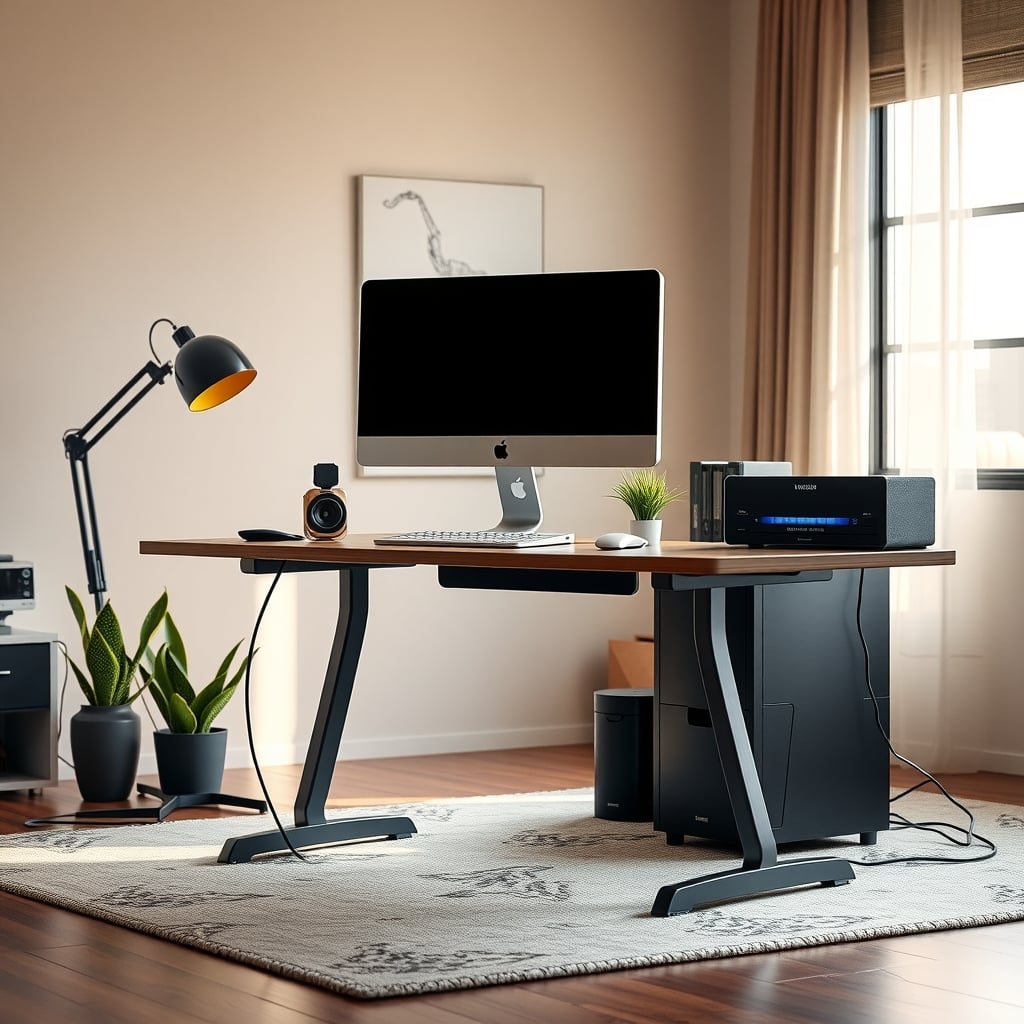
Standing desk stability at full height is almost never one problem. It's three, stacked on each other: how much the leg columns overlap once they telescope out, how well the feet actually sit on your floor, and how much leverage the stuff on top of the desk has on the frame. Address them in that order and most desks stop being irritating without buying anything.
So the direct answer: if your desk is in the $150–$400 range and it sways at full height, the frame is usually not broken — it's under-supported. Leveling the glides, dropping the center of mass, and anchoring the top kills most of the movement for under $30. If the columns themselves have visible side-to-side play in the joint, no accessory fixes that, and you're shopping for a frame with more tube overlap.
Before you spend anything, do the two-minute diagnosis. Push the top corner of the desk with two fingers and watch three spots: the foot, the leg joint, and the monitor bezel. Whichever one moves first is your actual problem. Then read on.
Standing Desk Stability Comes Down to Three Contact Points
Every wobble you feel travels through three interfaces.
Foot to floor. Leveling glides are threaded stems with a plastic or rubber pad. On carpet they sink unevenly; on hardwood they rock if one stem is a half-turn short. A desk that's level on three corners and floating on the fourth will sway no matter how good the frame is. This is the single most common cause and it costs nothing to fix.
Inner tube to outer tube. This is the joint that decides whether a frame feels solid. Telescoping legs have clearance by design — the inner column has to slide — and that clearance becomes play the moment the leg extends. Two-stage legs trade height range for overlap; three-stage legs pack more tube into the same footprint. Nothing you bolt on removes slop that's machined into the joint.
Load to frame. A 60×30 top with a monitor on a clamp arm puts weight high and far from the legs. The frame doesn't fail, it flexes, and the flex shows up as a slow sway rather than a sharp shake.
The BIFMA X5.5 desk standard does include horizontal stability testing, but a pass only tells you the desk won't tip over under load. It says nothing about whether the top wiggles while you type. That's why two desks with identical load ratings can feel completely different.
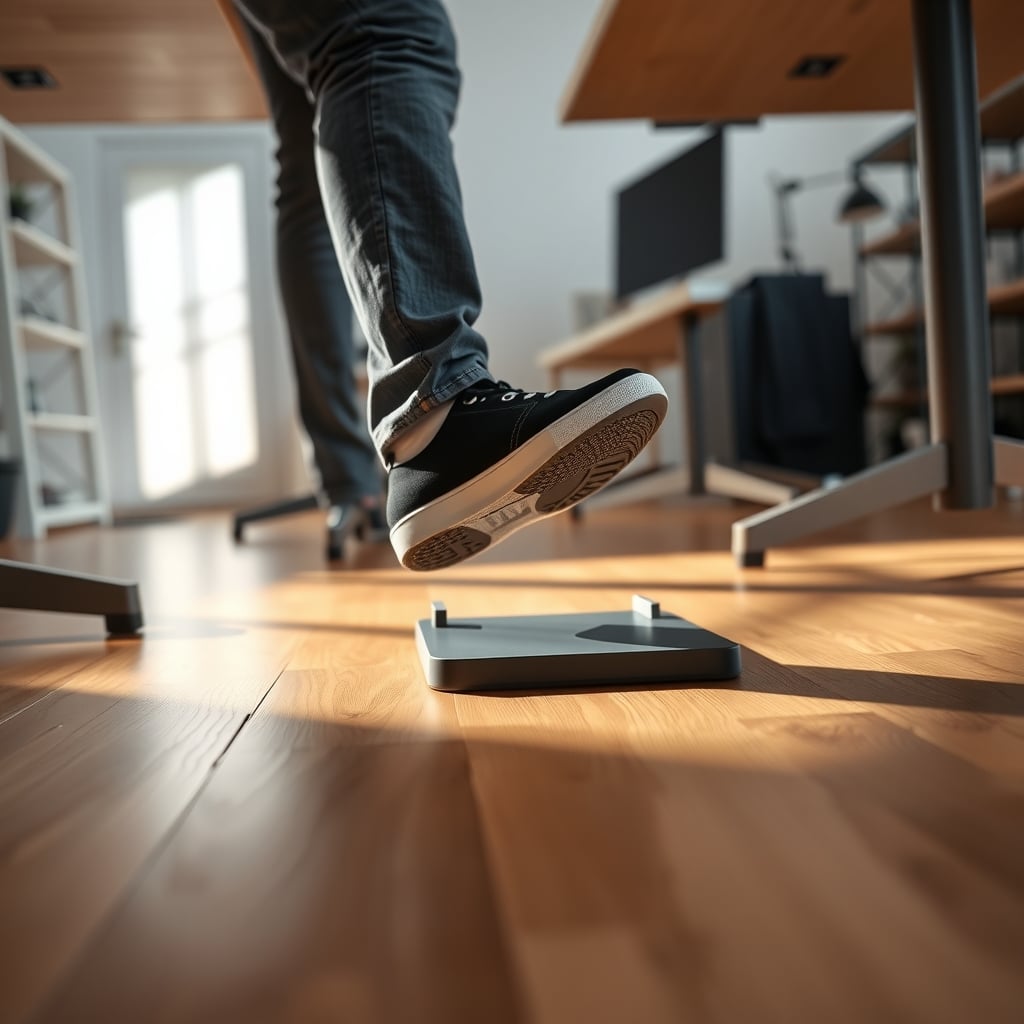
Why 45 Inches Shakes and 29 Inches Doesn't
OSHA's computer workstation guidance puts a standing work surface at roughly elbow height, which lands most people between 40 and 46 inches depending on how tall they are. That's an 11-to-17-inch lift over a seated position, and it changes the physics in two ways.
First, lever arm. The same lateral nudge at the top of a column produces more movement at 45 inches than at 29, because the force is applied further from the pivot at the floor. Deflection grows faster than the height does — extending 50 percent further doesn't produce 50 percent more sway.
Second, and more importantly, tube overlap shrinks. A two-stage frame at seated height has its inner column buried most of the way into the outer. At full extension that engagement is a fraction of what it was, and every bit of clearance in the joint now has a longer lever to work through. This is why the desk feels fine sitting and vague standing — same frame, different geometry.
If you want to isolate it: drop the desk to seated height, push the corner, then raise it fully and push again with the same force. If the movement roughly doubles or more, the frame is behaving normally and the fix is support. If it triples, the joint clearance is the problem.
What the Frame Spec Sheet Tells You and What It Hides
Most people shop on load rating, which is the least useful number in the category. A 250 lb rating tells you the motors and columns won't collapse. It tells you nothing about the two things that matter: tube dimensions and frame weight.
Stage count. Two-stage legs typically land in the 27–47 inch range. Three-stage legs go roughly 24–50 inches and, critically, run a smaller inner tube inside a larger outer for more of the travel. For heavy setups and tall users, three-stage is the higher-stability option, not just the higher-reach option.
Steel wall thickness. Frames use roughly 1.5mm to 2.5mm steel in the columns. Thicker walls resist ovalizing at the joint and generally come with tighter tolerances. It's rarely printed on the listing — if a manufacturer is proud of it, they say so in the spec block.
Frame weight. A frame that ships at 60–70 lb is usually beefier than one at 35 lb. That's mass working for you at the base.
Foot design. Glides are better than casters for stability, full stop. Casters add a pivot point above the floor and a couple of inches of height you didn't want.
Price band Typical frame Leg stages What you're actually paying for Where it still wobbles $150–$250 Single or light dual motor, 1.5mm steel 2-stage Basic height adjustment Visible joint play at full height; flexes under a monitor arm $300–$500 Dual motor, 2mm steel, 55–70 lb frame 2 or 3-stage Tighter tolerances, more tube overlap, better feet Slight sway with dual monitors on arms $600–$900 Heavy dual motor, 2.5mm steel, crossbar-ready 3-stage Mass, rigidity, provisioned mounting points Wobble mostly eliminated at normal standing heightsThe Monitor Is Usually the Wobbliest Thing on the Desk
Here's the part buyers miss: the desk surface rarely wobbles enough to bother you. The monitor does. A 27-inch display clamped to an arm that reaches 12 inches forward and 20 inches up turns a small surface sway into a visible screen float, because the top of the pole is the furthest point from the floor and has the least support.
That means a $100 clamp arm on a $300 desk can make the whole setup feel like a $150 desk. It also means the cheapest stability upgrade in your setup might be lowering the monitor and shortening the arm extension rather than touching the desk at all.
Three things compound the problem. A thin top — 3/4 inch particleboard or honeycomb core — flexes under a clamp's point load. An arm mounted off-center, near a corner, gets less support from the frame underneath. And a heavy display cantilevered forward shifts the center of mass toward the front of the desk, which is exactly the direction the desk least wants to be pushed.
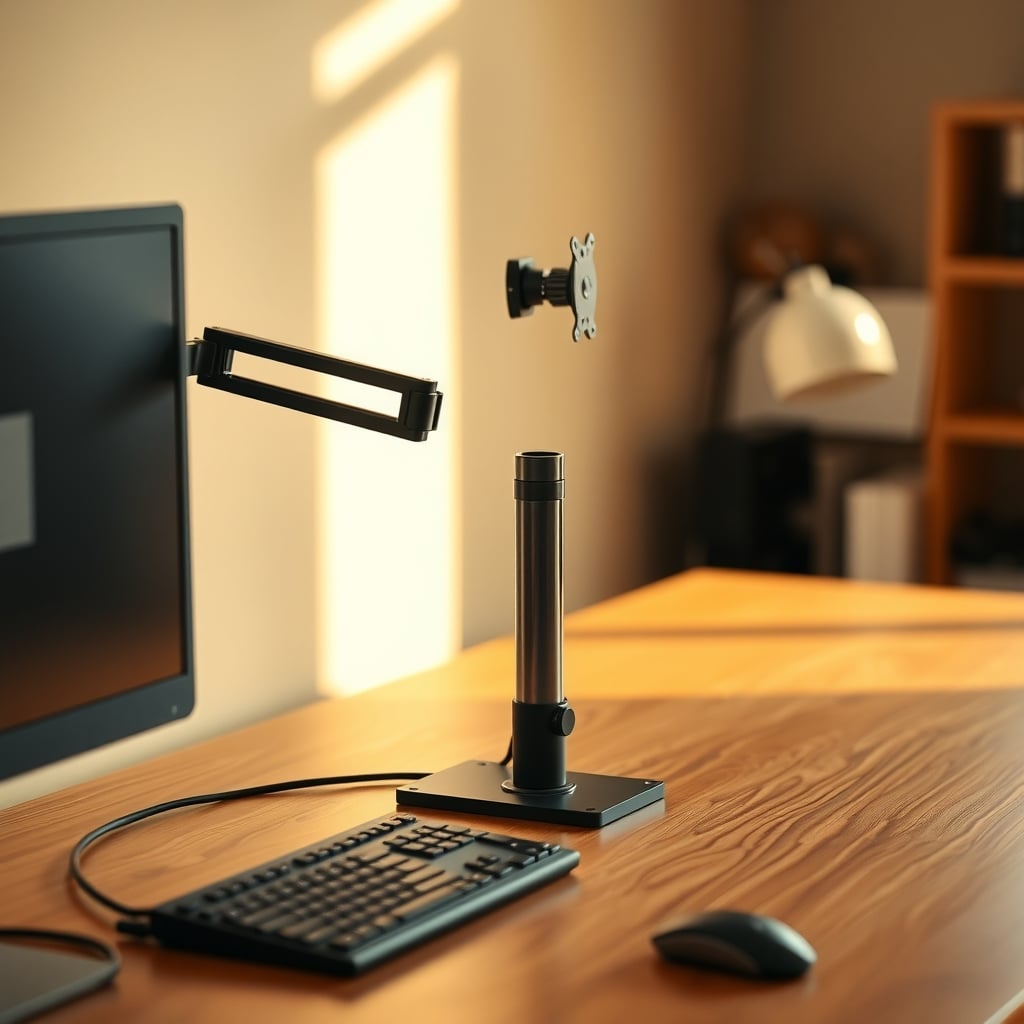
Every Fix, Ranked by Dollars per Unit of Wobble Removed
Work down this list. The honest answer for most people is that the first four rows solve it.
Fix Realistic cost Time What it removes Where it fails Re-level the glides and re-torque frame bolts $0 20 min Rocking, floor-contact sway Any play machined into the leg joint Rubber or felt furniture pads under the feet $8–$15 5 min Vibration transfer on hard floors Real structural sway at full height Reload the desk: mass low, light stuff up top $0 15 min Most slow sway and tip risk Doesn't touch joint clearance Swap casters for glides $10–$25 15 min Instability added by an extra pivot Only works if the frame takes both Reinforcement plate under a monitor arm clamp $15–$30 20 min Top flex and clamp point loading Arm wobble from the arm itself Rear crossbar (if the frame is provisioned) $40–$80 30 min Side-to-side sway Front-to-back flex; eats legroom Anti-tip strap to wall stud $10–$20 30 min Top-of-desk sway, tip risk Desk has to live in one place; needs a solid anchor point Rigid board under the feet on carpet $15–$40 10 min Sinking and uneven loading Nothing — this works New frame with 3-stage legs $300+ 2 hrs Joint play you can't adjust out Costs more than most people need to spendOn that wall strap: a pair of toggle bolts rated well north of 50 lb each into half-inch drywall holds a strap fine, but you're anchoring against sway, not hanging weight. Keep it loose enough that the desk can still travel up and down, and skip it entirely if the desk moves around the room or the wall is a shared partition you don't want to drill.
Five Mistakes That Make the Wobble Worse
Cranking every bolt to maximum torque. Frame hardware is usually M6 into threaded inserts. Over-tightening crushes the tube walls and can ovalize the joint, which is the exact thing you're trying to avoid. Snug, then a threadlocker, is the right call.
Diagnosing at the monitor. Measure movement at the desk surface, at the four corners. If the surface is solid and the screen still floats, you have a monitor mount problem, not a desk problem — and you'd be wasting money on a frame.
Leaving casters on. They're convenient and they're the single worst thing you can do for sway. Every caster is a second pivot directly under the load.
Piling mass up high. Speakers on the top shelf, a UPS on the desktop, a heavy display on a tall arm. All of it raises the center of gravity and hands the desk more leverage against you. Put weight in the bottom drawer or on a low shelf instead.
Ignoring the cable situation. A bundle of cables hanging off the back of a desk that travels up and down pulls on the frame whenever it's raised. If your cables go tight at standing height, they're tensioning the desk. Standing desk cable management that survives movement covers slack management properly — it's a small thing that quietly contributes to sway.
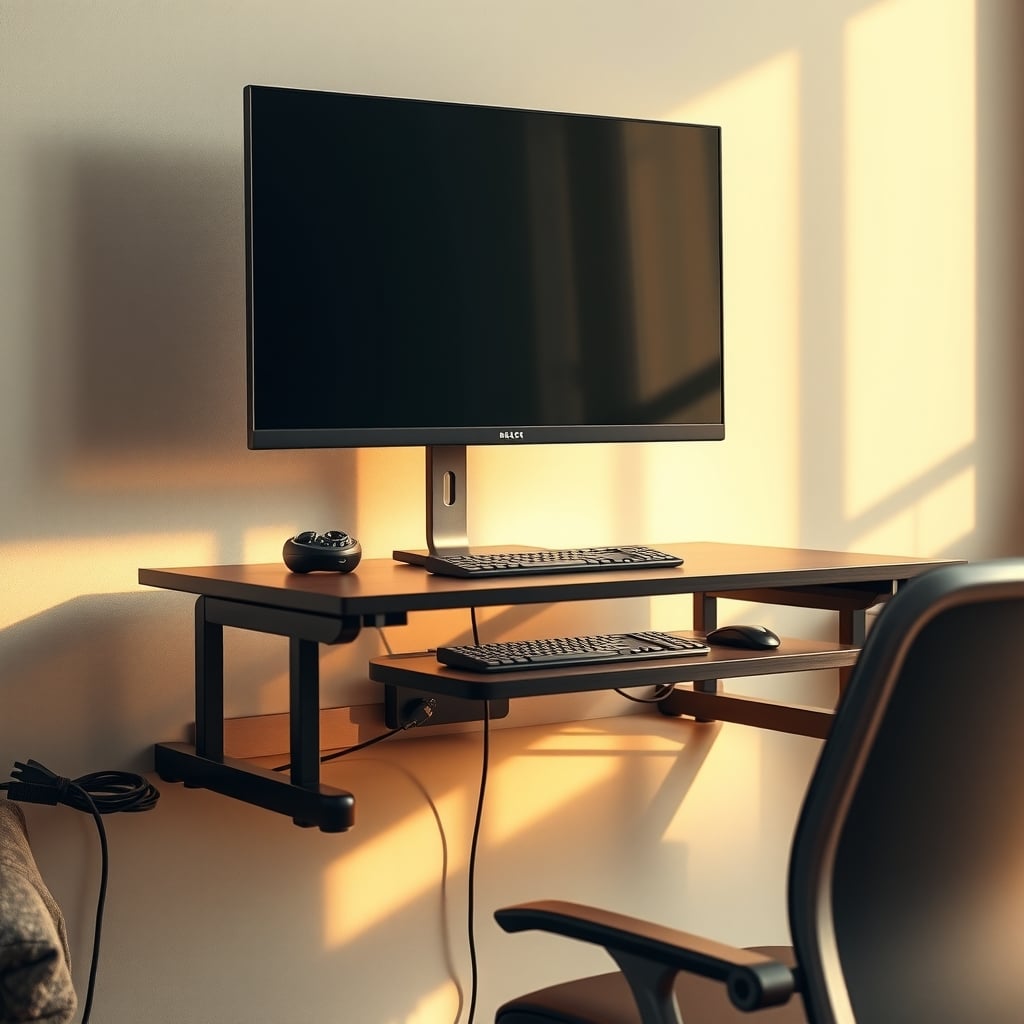
Which Fix Fits Your Situation
You rent, the desk is light, and the wall is drywall. Strap it. Ten to twenty dollars, one drill, done. Just accept that the desk stops being movable. If you can't drill, a rear crossbar plus a heavy item in the bottom drawer is the next best thing, and skip the strap.
You're on carpet. Rigid board under the feet plus pads. Sinking feet create uneven loading, which reads as sway even when the frame is fine.
You have a $250 frame and dual monitors on arms. You're at the limit of what that frame does. Move the monitors onto their own stands sitting on the desktop rather than long clamp arms — you'll cut more visible wobble than any accessory will. If that's not acceptable, this is a genuine reason to upgrade.
You haven't bought yet. Buy the frame, not the accessories. Three-stage legs, a frame that ships over 55 lb, glides rather than casters, and mounting points for a rear crossbar. That combination is roughly the $300–$500 band, and it's the tier where standing desk stability stops being something you think about. Below that, budget $30 for the fix list above.
You're 6'2" and standing at 46 inches. Height range matters more to you than it does to most buyers. Two-stage frames at full extension are at their weakest point exactly where you spend your day. Do not buy the cheapest frame that technically reaches your height.
If you want the deeper breakdown of wobble types — pitch, roll, and the ones caused by the floor rather than the frame — the four wobble types and how to tell them apart goes further than this article does, and the under-$20 wobble fix writeup covers the no-budget version.
The Bottom Line: Fix Cheap First, Then Spend on Overlap
Do the free stuff this week. Re-level the glides, swap casters for glides, move weight to the bottom, shorten the monitor arm extension, and re-check. That sequence resolves most complaints and costs under $30.
If it doesn't, the leg joint is your problem and it's not adjustable. A rear crossbar helps if the frame has holes for one — many mid-range frames do, and $40–$80 is cheap compared to a new desk. A wall strap is the most effective dollar-for-dollar fix that exists for top-of-desk sway, provided the desk can stay put.
Only replace the frame if you've confirmed play in the joint itself, you're running heavy monitors at full height, or you're tall enough that you live in the top of the travel range. When you do buy, ignore the load rating and check the stage count, the frame weight, and whether it takes glides. That's where standing desk stability actually comes from — and it's not something you can bolt on later.
Frequently Asked Questions
Why does my standing desk only wobble when it's raised?
Because the leg columns are telescoped out, which reduces how much of the inner tube stays engaged inside the outer tube. The same clearance that lets the desk move smoothly becomes play once the joint extends, and the longer lever from the floor amplifies it. A desk that feels solid at 29 inches and vague at 44 inches is behaving normally — the fix is support and load placement, not a new frame.
Does a crossbar actually stop standing desk wobble?
It reduces side-to-side sway noticeably and does almost nothing for front-to-back flex. A rear crossbar costs roughly $40–$80 and only works if the frame has mounting points for one. The trade-off is legroom behind the desk and a harder time fitting a full-width cable tray.
Is it safe to anchor a standing desk to the wall?
Yes, if you anchor into studs or use toggle bolts rated well above the load you're applying, and you leave slack so the desk can still travel through its height range. You're restraining sway, not hanging weight. Skip it if the desk moves around the room, if the wall is a shared partition, or if you rent and can't drill.
How many leg stages should I look for?
Three-stage legs typically reach roughly 24–50 inches versus 27–47 inches for two-stage, but the real benefit is more tube overlap through the travel range. If you're tall, running dual monitors on arms, or regularly standing at 44 inches or higher, three-stage is worth the price difference. At seated heights the two designs feel much closer.
Why does my monitor shake more than the desk?
Because the top of a monitor arm is the furthest point from the floor and has the least support. A long arm extension turns a small surface sway into visible screen movement. Lowering the monitor, shortening the extension, and adding a reinforcement plate under the clamp usually cuts more visible wobble than any desk accessory.
Written by
GlowRig Editorial researches and writes practical guides about desk setups and home office gear. Our articles are produced with the help of AI research tools and are reviewed for accuracy against manufacturer specifications and public user feedback. We may earn a commission from affiliate links, which never affects our recommendations.
Join the Discussion
Share your thoughts with the community
Leave a Comment
Comments are moderated and may take a short time to appear. Links are not permitted.