Make Standing Desk Stable Without Replacing It
A desk that moves while you work is a low-grade attention tax that never shows up on a spec sheet. Here's how to tell which of the four wobble types you actually have — and the cheapest fix for each.
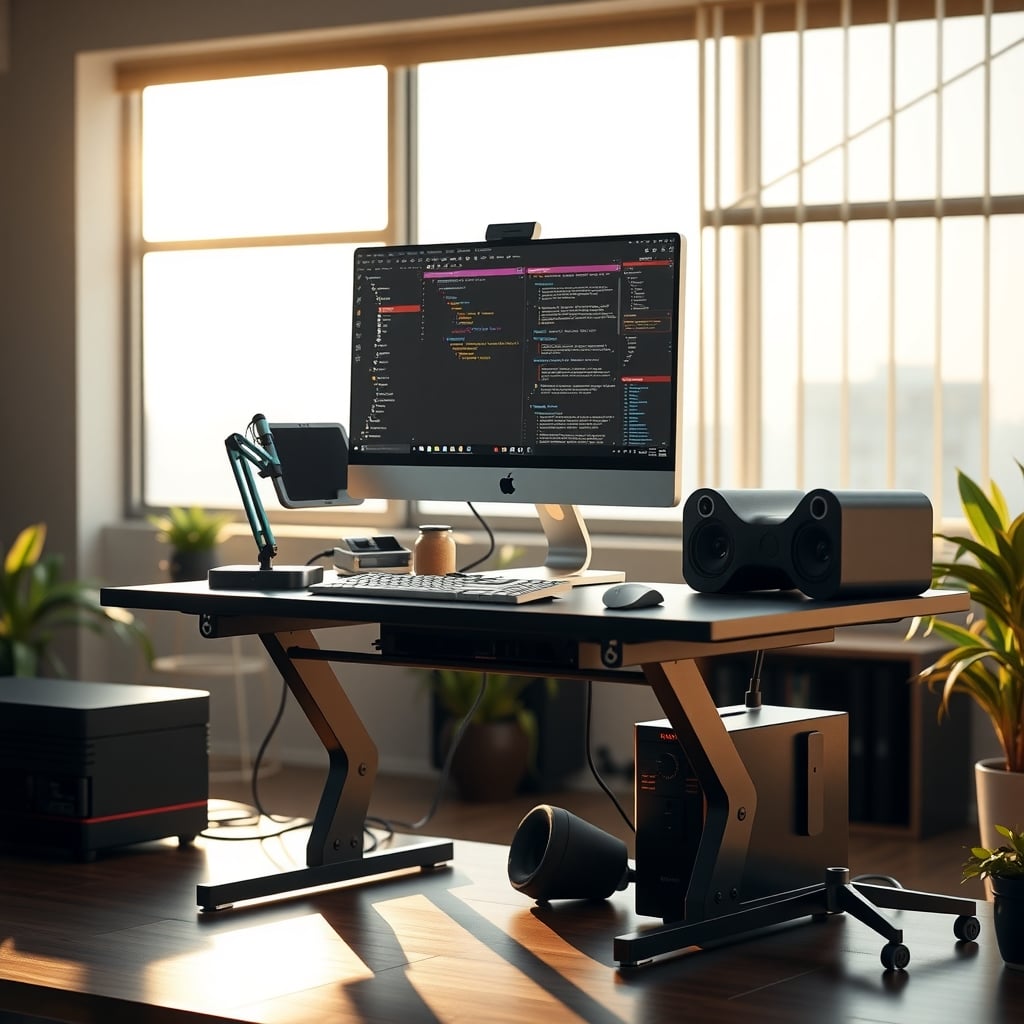
Most standing desk wobble isn't a defect. It's a loose joint, an unlevel floor, a monitor hanging too far out on an arm, or a two-leg frame being asked to do something its geometry can't do. In most cases, you can make a standing desk stable in an afternoon for under $50. And you can figure out which of those four problems you're dealing with by pushing on the desktop in three directions—before you spend a cent.
It's worth the afternoon because a desk that moves while you work is a low-grade attention tax. It doesn't hurt. It doesn't show up on a spec sheet. It just keeps interrupting.
Why a Wobble Costs More Than It Looks Like It Should
Your nervous system treats unexpected motion as information. Research on attentional capture going back to Yantis and Jonides in the 1980s found that abrupt onsets—things that suddenly start moving or appear in your field of view—pull attention involuntarily, even when you're deliberately focused on something else. Peripheral motion is especially good at it. A monitor that bobs while you read is, functionally, a small abrupt onset that repeats all day.
The other half of the problem is proprioceptive. You're not only seeing the movement; you're feeling it through your forearms, wrists, and feet. Postural control research consistently finds that keeping yourself steady competes with cognitive work for the same limited attention pool. In dual-task studies, that cost shows up as slower responses and more errors. A surface that shifts a few millimeters under your hands means your body is running corrections it doesn't need to run.
Here's what makes desk movement worse than a notification: notifications are predictable and silenceable. Desk sway is variable. Its amplitude depends on how hard you're typing, how you're leaning, how much your mug weighs. Variable motion resists habituation in a way steady motion doesn't—sensory systems tune out what's regular and keep flagging what keeps changing.
Then there's the behavioral loop. Within a week at a wobbly desk, most people develop a steadying habit: a forearm braced on the edge, a foot hooked around a leg, a hand on the desktop every time they lean back. That's a self-interruption you've built into your environment—the same kind of attentional leak you'd remove from your phone, and the same logic behind desk layout psychology habits that quietly cost you focus.
Deep work depends on a tight loop between intention and feedback. Every re-stabilization briefly breaks that loop. You can mute a phone. You can't mute your desk.
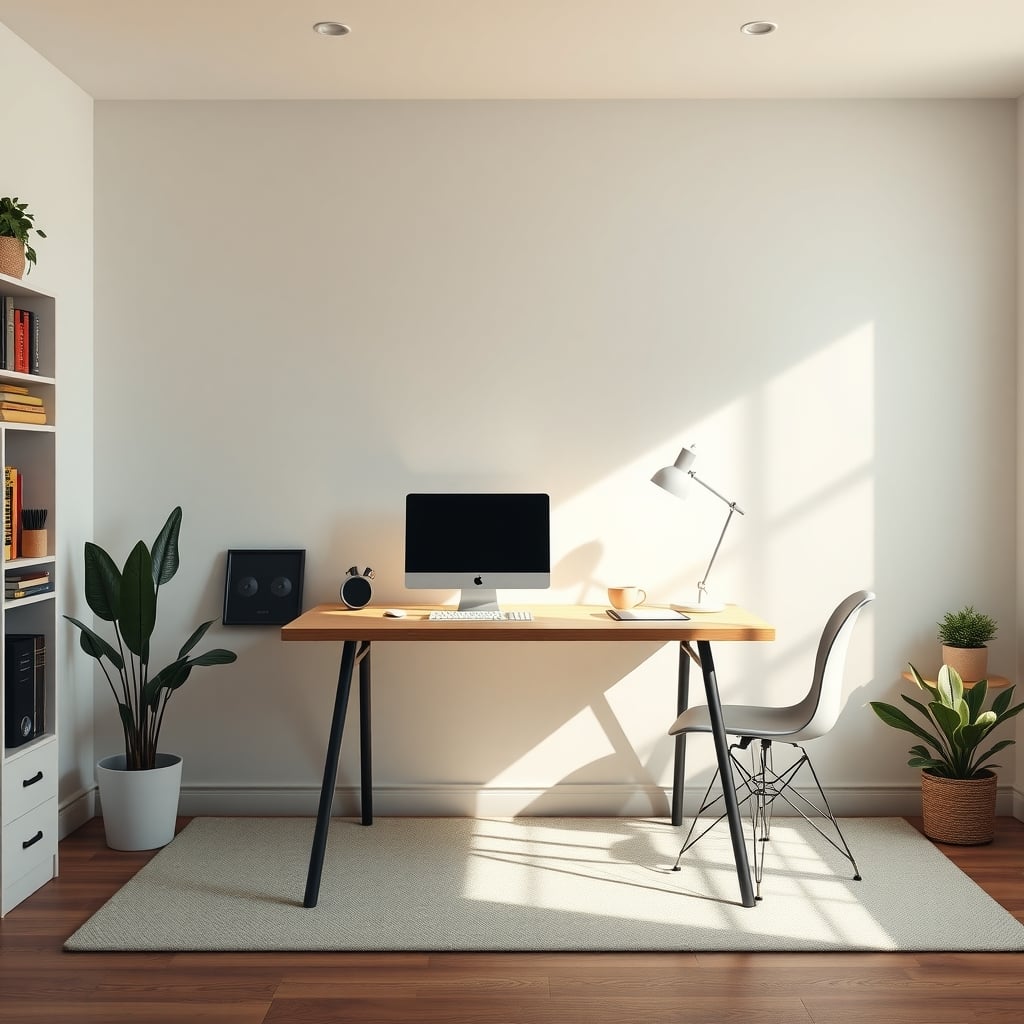
How to Make a Standing Desk Stable: The Four Wobble Types
This is the step almost everyone skips. People buy a stabilizer kit before they know what's moving. Wobble is four different problems, and each has a different—usually cheaper—answer.
Raise the desk to the height you actually stand at. Load it the way you normally use it. Then run three tests.
Lateral sway. Put a hand on the top corner of the desktop. Push left, then right, with five to ten pounds of force. Watch what moves first.
- The desktop moves, but the legs don't: the bolts between the top and the frame are loose, or the frame isn't square.
- The legs move, but the feet don't: the joint where the column meets the foot bracket is the issue.
- The whole assembly translates sideways: you're feeling the columns' lateral stiffness. That's geometry. It responds best to bracing or anchoring.
- You hear a clunk: telescoping column play. This is the hardest type to fix and the strongest argument for a different desk.
Front-to-back rock. Push the desktop away from you, then pull it back. If a corner lifts off the floor, you don't have a frame problem—you have a foot or floor problem.
Steady-state bob. Put a mug of water near the desk edge. Type normally for a minute. If the water ripples and the screen moves while the desk edge barely does, that's cantilever resonance from your monitor arm, not structural weakness.
Then check the floor. A spirit level in both directions tells you more than anything else you can do for free. The number that surprises people: half a degree of slope across a 30-inch footprint is about a quarter inch of height difference. That's enough to make a four-point-contact desk rock—and small enough that you'll never see it by eye. If the desk only rocks in one spot in the room, the floor is the variable, not the desk.
While you're at it, check squareness. Measure diagonally between the leg brackets at the front and the back. The two measurements should match within roughly an eighth of an inch. If they don't, the frame is racked. No amount of tightening fixes a twisted rectangle.
If the desk is fine but your body isn't, that's a different problem—standing desk foot pain usually traces to the mat and the shoe, not the frame.
What Actually Holds a Desk Still—and What Only Looks Like It Does
Seven variables matter, roughly in this order.
1. Frame geometry and bracing. A two-leg T-frame has no structural connection between the legs below the desktop. It behaves like a portal frame—reasonable front-to-back, poor side-to-side. A crossbar or corner braces near the base change lateral stiffness more than any other single purchase. Four-leg desks are stiffer because of geometry, not because their steel is nicer.
2. Column extension. Telescoping legs are stiffest when the tubes overlap deeply and least stiff near full extension. Three-stage columns reach higher, but the outermost segment is the narrowest tube in the stack. That's why a three-stage frame rated near 48 inches can feel less settled at 46 than a two-stage frame feels at 40. Practical rule: run the desk two to four inches below its maximum height, and set your monitor height from there.
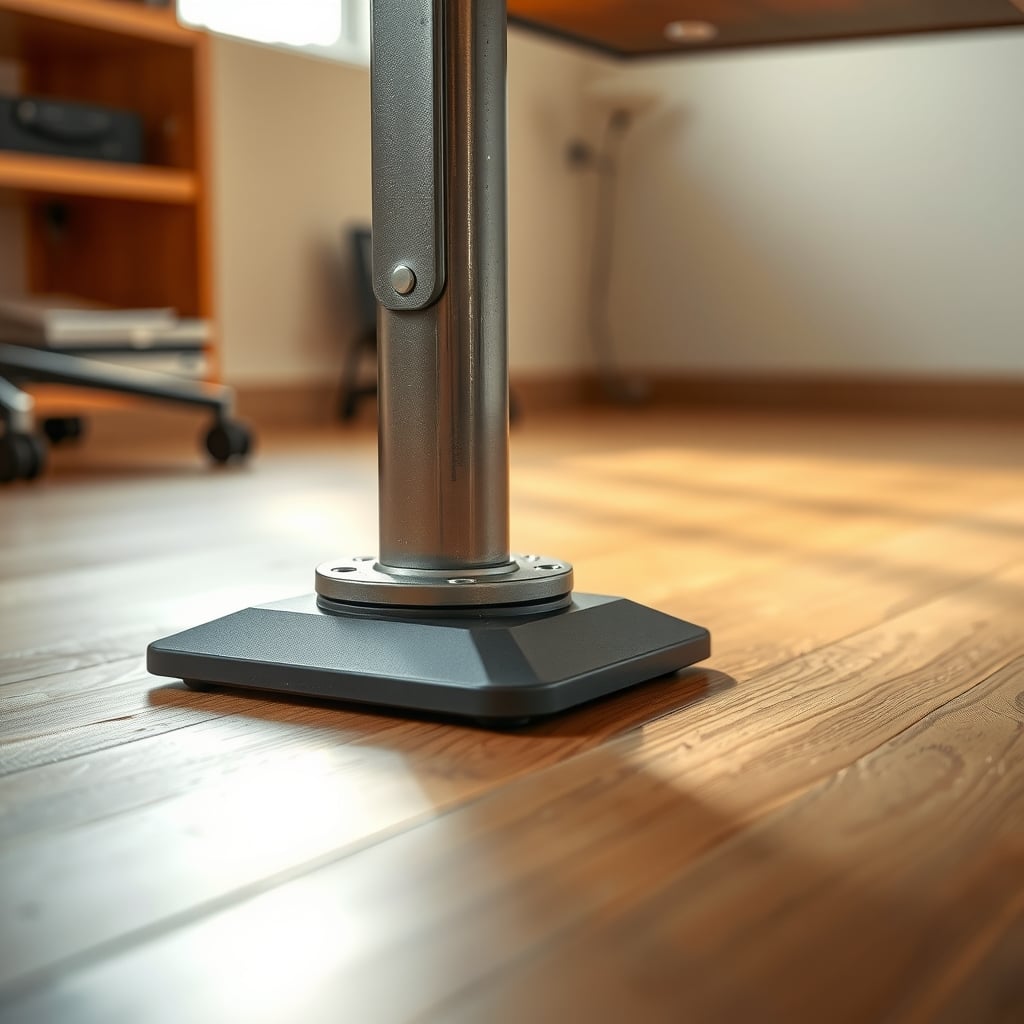
3. Foot contact. Small hard-plastic glides on an uneven hard floor are a rocking chair. Larger-diameter leveling feet spread the load and give you more adjustment range.
4. Joint integrity. Bolted joints loosen as the desk moves, and loose joints let the desk move more. Re-torquing and re-squaring is free, and it accounts for a real share of complaints that turn out to be assembly problems rather than bad hardware.
5. Mass distribution. Weight at the feet resists sway; weight on the desktop amplifies it. Moving a desktop tower or a stack of books to a low shelf or a ballast position at the base helps, and it costs nothing.
6. Cantilever length. Moment equals force times distance. Move a monitor twice as far out on an arm and you've doubled the torque its weight applies to the frame—and doubled how much any residual frame movement turns into visible screen movement. A 27-inch display on a long extension is a lever, not a monitor. If that's your setup, read up on monitor stands versus mounts before you buy another arm.
7. Wall anchoring. A desk pushed against a wall still moves. A desk anchored to a stud behind it barely does. Be honest about your wall: plastic drywall plugs are not lag bolts into framing, and if you rent, drilling is a deposit decision.
What you can mostly ignore: rubber anti-vibration pads (they address high-frequency buzz, not sway, and they can make sway worse by inserting a compliant layer between desk and floor), steel grades quoted without tube diameter or wall thickness, and heavier desktops. A heavier top raises your center of gravity, which is the opposite of what you want when the frame is the weak link.
The Free Fixes First, Then What Each $20 to $200 Fix Buys
Order of operations, cheapest and most likely to work first.
- Empty the desktop. Re-torque every fastener on the frame and the mounting plate. Measure the diagonals and square the frame.
- Level the feet with the desk loaded the way you actually use it. Load compresses glide feet slightly, so leveling an empty desk is leveling the wrong object.
- Drop the desk two to four inches below max and re-set your monitor height.
- Move weight from the top to the base.
- Shorten your monitor arm extension, or move to a fixed-height riser.
- Re-route cables so they don't tug. A stiff cable bundle running from a wall outlet to a rising desktop acts like a spring. It can pull the desk sideways every time it moves. Cable management on a standing desk has to survive movement, not just look tidy.
Reading the table: the higher you go, the more you're paying to work around a frame that's too soft for the height you stand at. That's not a failure on your part. It means the wobble is baked into the geometry, and accessories have a ceiling.
Mistakes That Quietly Make a Wobbly Desk Worse
Adding rubber pads under the feet to stop sway. Those pads damp high-frequency vibration. Under a swaying desk they insert a spring between the frame and the floor. If you have a buzzing monitor or a humming speaker, pads help. If your desk sways, they don't.
Tightening everything harder instead of checking squareness. Reefing on bolts attached to a racked frame just stresses the joints. Measure the diagonals first. Then loosen, square, and torque.
Standing at 100% of maximum height. You're using the least stiff configuration the desk can be in, every day. Two inches less height usually buys more stability than any accessory.
Extending the monitor arm to fill the desktop. Longer arm, larger moment, more visible bob. Pull the monitor in and you'll feel the difference immediately.
Hanging storage on the desktop edge. Under-desk drawers are fine. Clamp-on baskets, hooks, and towers that ride on the moving top add mass up high, where it hurts most.
Anchoring into drywall with a plastic plug. A standing desk carries real lateral load. Either find a stud or use a rated toggle anchor for the load—and treat a failing wall anchor as something that takes the desk down with it.
Putting the desk's feet on a standing mat. Anti-fatigue mats are for your feet. Under rigid desk legs they're a compression layer, and the desk will settle unevenly as the foam deforms.
Chasing movement you can't feel. Measure at the top corner. If total travel is under about an eighth of an inch, you're optimizing something invisible—and the countermeasures can add their own compliance.

Fix, Brace, or Replace
Three profiles, three answers.
Fix it if you have a two-leg frame, the movement concentrates at the joints or front-to-back, you stand below 42 inches, and the desktop itself is solid. Budget $0-40 and an afternoon. Re-torque, square, level, drop two inches. That covers the majority of wobbly desks.
Brace and anchor it if lateral sway is the main complaint and the frame is otherwise fine. A crossbar or corner brace plus a wall anchor on the back rail, plus larger leveling feet, runs about $35-125 and addresses geometry and floor contact at the same time. It's the best value in this whole article.
Replace it if the clunk is coming from inside the telescoping columns, or you stand at 46-48 inches for hours a day, or you run multiple monitors on long arms. Column play isn't a bolt problem; it's a tolerance problem inside the tube stack. You can't tighten your way out of it. A four-leg frame, or a heavier two-stage frame you run below max, is the real fix.
Skip it if you don't actually notice the wobble while working. Some people are genuinely unbothered by a couple of millimeters of movement. If you only started caring because someone told you to care, save the money.
One more honest note: if you never raise the desk, stability is a non-issue. And the case for standing intermittently is separate from the stability conversation. Standing desk health risks are about how you distribute hours, not about height ratings.
The Calm Verdict on a Desk You Stop Noticing
For most people with a mid-range two-leg desk, the sequence is: re-torque and square the frame, re-level the feet with the desk loaded, drop two inches off your standing height, and anchor the back rail to a stud. That's roughly $10-25 in hardware for an afternoon of work, and it resolves the large majority of real-world wobble. Do all four before you spend a dollar on accessories.
If you've done those and the desk still clunks under load, the problem is inside the columns. At that point, put the money toward a four-leg frame or a heavier two-stage frame you run two to four inches below its maximum. And accept that a lighter desk at full extension with a long monitor arm is a losing configuration, no matter what you bolt onto it.
And if the movement at the top corner is under an eighth of an inch, and you only notice it because an article told you to notice it, leave it alone. The goal isn't a desk you've optimized. It's a desk you never think about.
Frequently Asked Questions
Can I make my standing desk stable without replacing it?
Usually, yes. Loose joints, an unlevel floor, a monitor cantilevered too far out, and running the desk at maximum height account for most real-world wobble, and all four are fixable for free or close to free. The exception is play inside the telescoping columns, which is a manufacturing tolerance issue you can't torque away.
Why does my standing desk wobble more when it's raised?
Because telescoping legs lose stiffness as the tubes slide apart. The overlap between segments decreases with height, so less material resists lateral force, and the outermost tube in a three-stage column is the narrowest in the stack. Running the desk two to four inches below its maximum height is one of the cheapest stability improvements available.
Do anti-vibration pads stop a standing desk from wobbling?
Not sway. Those pads are designed to damp high-frequency vibration, which helps with buzzing speakers or humming equipment. Under a swaying desk they add a compliant layer between the frame and the floor, which can actually increase side-to-side movement.
How much movement is normal for a standing desk?
Some movement is normal, especially at standing height. ANSI/BIFMA X5.5, the standard covering desk and table products, includes stability testing that applies horizontal loads to a desk edge, which reflects that office furniture is designed to flex rather than behave as a fixed object. As a practical threshold, total travel at the top corner under about an eighth of an inch is usually imperceptible while you work.
Is it safe to anchor a standing desk to the wall?
Only if you anchor into framing, or use a toggle anchor rated for the load, and only if the desk is designed to be anchored. Plastic drywall plugs are not adequate for the lateral loads a standing desk can produce. Renters should check the lease before drilling, since a wall anchor is a permanent modification.
Does a heavier desktop make a standing desk more stable?
Not the way people assume. A heavier top raises the center of gravity, which increases the force the frame has to resist when the desk sways or you lean on it. Mass helps at the feet, where it acts as ballast. Mass above the frame mostly amplifies movement.
Written by
GlowRig Editorial researches and writes practical guides about desk setups and home office gear. Our articles are produced with the help of AI research tools and are reviewed for accuracy against manufacturer specifications and public user feedback. We may earn a commission from affiliate links, which never affects our recommendations.
Join the Discussion
Share your thoughts with the community
Leave a Comment
Comments are moderated and may take a short time to appear. Links are not permitted.