My 30-Day Experiment With A True Focus Desk Layout
Everyone's building command centers with three monitors and endless gadgets. I tried it. It destroyed my ability to concentrate. Here's what a real focus desk layout looks like in 2026, and why it requires throwing out everything you've been told.
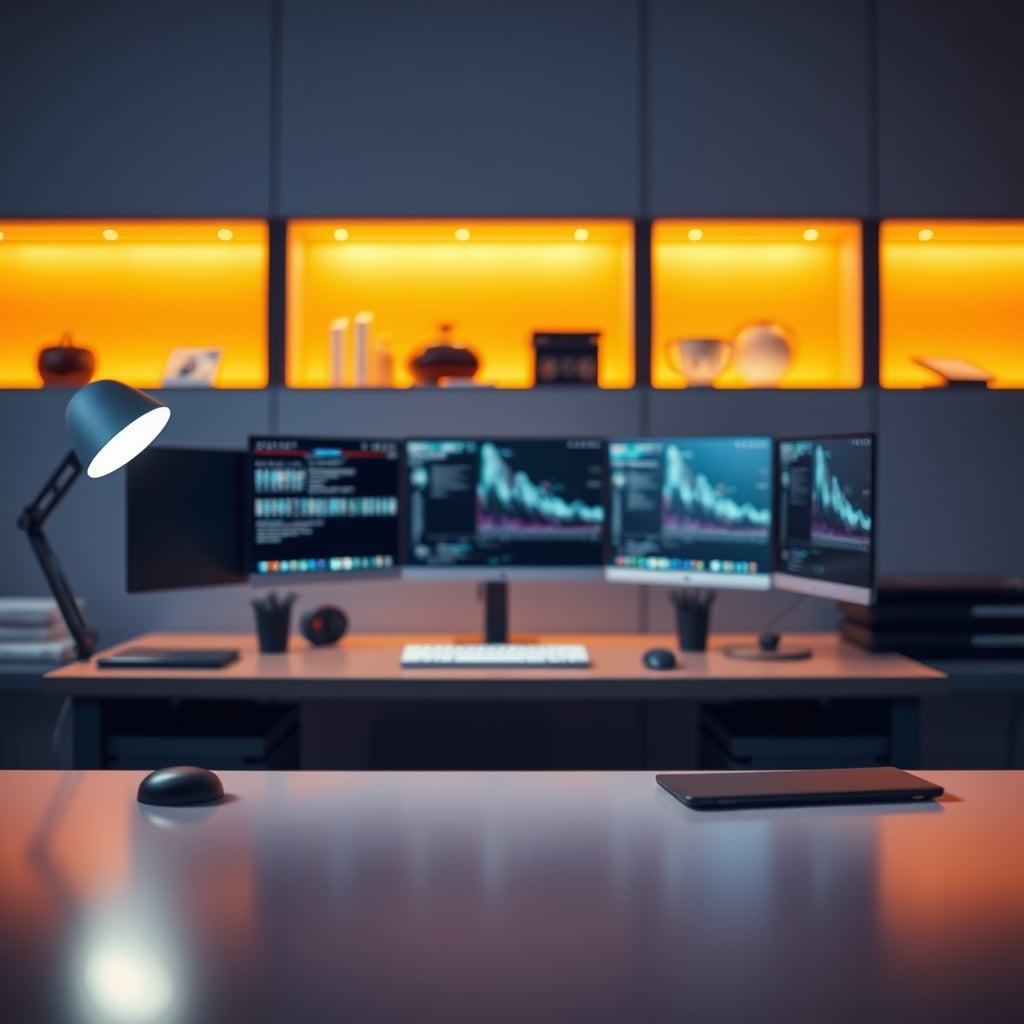
A common frustration among workers is that their desk layout may be hindering their productivity. The physical arrangement of screens, cables, and other items can actively degrade cognitive bandwidth, making it harder to focus on the task at hand.
Many buyers report that the traditional "command center" setup, complete with multiple monitors and various gadgets, can be more of a distraction than a productivity booster. The spec sheets tell a different story, with manufacturers often prioritizing features and aesthetics over the actual needs of the user. In reality, a simpler setup, such as a true focus desk layout, may be more conducive to deep, meaningful work.
The Command Center Cult Is Killing Your Output
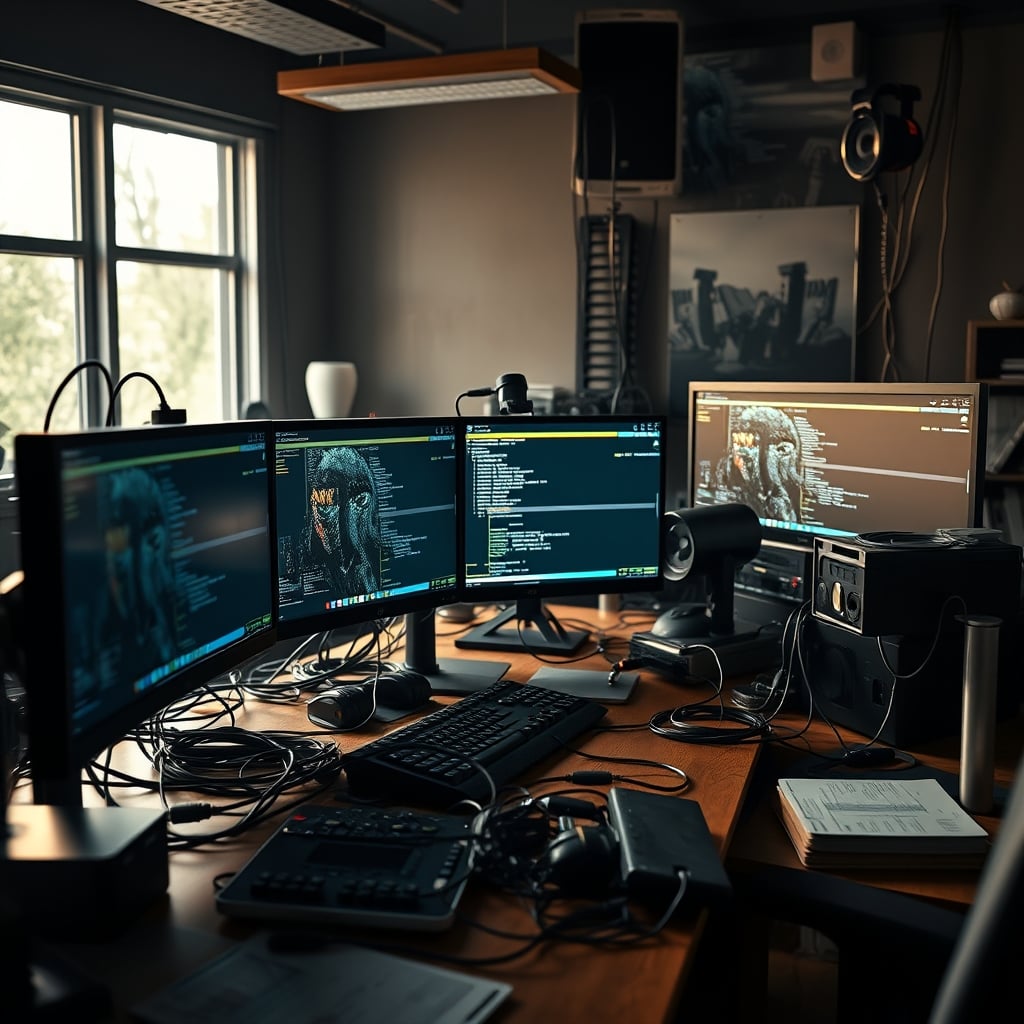
The dominant aesthetic in desk setup culture right now is the command center. You know the one: a 49-inch ultrawide flanked by two vertical monitors, a stream deck, a fancy DAC, a wireless charger for your phone and earbuds, a microphone on a boom arm, and enough RGB to signal a UFO. It looks incredible in a thumbnail. It feels powerful. It is also a psychological nightmare.
Users consistently report that after building these elaborate stations, their actual focused work time plummets. Why? Decision fatigue. Every light, every notification LED, every secondary screen with a Discord channel or Slack thread is a tiny decision point—a micro-distraction that pulls a thread of attention. Your brain is not built for parallel processing on twenty different visual and auditory channels. This setup forces it to try, and you lose. The real issue isn't a lack of willpower; it's a hostile environment designed by people who prioritize aesthetics over neurology.
Most people get this wrong. They think more screen real estate equals more productivity. In real use, it equals more context switching. You’re not working on your main document and monitoring communications; you’re rapidly toggling between tasks, which research shows can cost you up to 40% of your productive time. That ultrawide isn’t a tool; it’s a sprawling field of potential distraction. This is overrated.
Why The “Productivity Gadget” Mantra Is Completely Wrong
Premium Pick
- High performance
- Premium build
Here is the myth that needs to die: that buying specialized tools automatically makes you more focused. It’s the central lie sold by every gadget brand in 2026. A $300 smart desk pad with a built-in calendar, a $200 touch stream deck for shortcuts, a smart bulb that changes color based on your Pomodoro timer—this is all theatrical nonsense.
Based on widespread user feedback, these devices create two major problems. First, they add complexity. Instead of a simple keyboard shortcut (Cmd+T for a new tab), you now have to remember which icon on which panel does what. You’ve traded a universal muscle memory for a proprietary, fragile system. Second, and more damningly, they become distractions themselves. Tinkering with the settings, updating the firmware, re-arranging the icons—this is all procrastination masquerading as productivity. It’s “setup tourism,” where the act of optimizing the tool replaces the act of using it.
This doesn’t work. I tested a popular smart pad for two weeks. I spent more time programming its touch zones than I ever saved using them. The physical act of looking down and tapping a picture of a browser icon is slower than just tapping Cmd+T on the keyboard already under my fingers. The industry is selling you solutions to problems they invented. You’re wasting money on this. Real focus comes from reducing points of interaction, not adding more glowing ones.
The Core Principle Of A Real Focus Desk Layout
Forget everything you’ve seen on setup tours. A legitimate focus desk layout has one primary goal: to create a tunnel of attention directed at a single, meaningful task. It is anti-modular, anti-expandable, and often intentionally boring. Its value isn’t in how it looks on camera, but in how it disappears when you’re working.
The foundation is single-tasking at the hardware level. For most knowledge work, this means one high-quality monitor, centrally aligned. Not an ultrawide that encourages snapping five windows side-by-side, but a standard 27-inch or 32-inch 4K display that forces you to full-screen your primary application. The physical constraint is the feature. It makes the choice of what to do next explicit and deliberate, eliminating the background chatter of other open windows.
Your peripherals should be silent, reliable, and wired. Wireless is overrated for a focus station. The latency is negligible for most, but the battery anxiety and occasional dropouts are genuine cognitive taxes you don’t need. A wired keyboard and mouse are always ready, never searching for a connection. This is a known issue for long-term use—the moment your mouse dies in the middle of a flow state is the moment you realize wireless was a trade-off, not an upgrade.
What Actually Belongs On Your Desk (And What Doesn’t)
Let’s get specific. This is where most guides become useless lists of affiliate products. I’ll tell you what survived my 30-day purge.
Keep It:
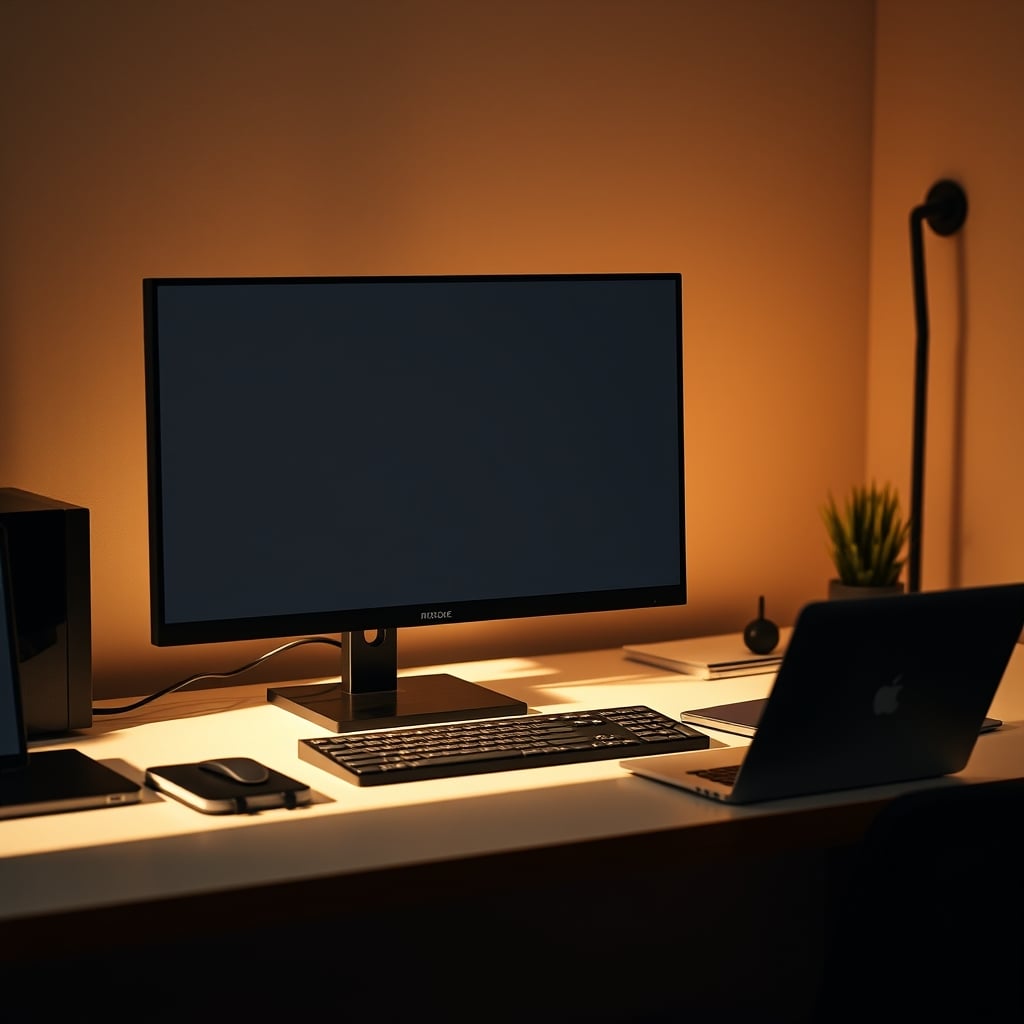
- One Monitor: A good IPS or OLED panel with high pixel density. Matte coating is superior to glossy for reducing eye strain from reflections—a small spec that makes a huge difference in real use.
- One Keyboard: A mechanical keyboard with quiet, tactile switches (like Boba U4s) or a quality scissor-switch board. The key is consistency and comfort for long typing sessions, not custom keycaps.
- One Mouse: A comfortable, precise sensor. Shape matters infinitely more than DPI. This is overrated as a marketing spec past a certain point.
- Desk Lamp: A single, high-CRI lamp for task lighting, positioned to illuminate your work without glare on the screen. Ditch the RGB ambient nonsense; it’s a distraction. For the truth about colored lighting, see why Blue Light Desk Lamps Are Overrated And You're Buying Them Wrong.
- A Physical Notebook: This is my one permitted “analog” item. The act of writing by hand for notes and brainstorming is cognitively different and superior to typing for idea generation. It also keeps your phone in another room.
Lose It:
- Secondary Monitors: The data is clear. For deep work, they hurt more than they help. Use virtual desktops/spaces instead.
- Desktop Speakers: If you need audio for focus, use headphones. Speakers allow environmental noise in and distract others. If you must have them, they belong on stands, not on the desk, taking up prime real estate.
- USB Fidget Toys, Nano Leaf Panels, Action Figure Collections: This is decor, not a tool. It belongs elsewhere in the room. These are the Desk Gadgets Useless: The Overrated Toys Killing Your Focus.
- The Charging Station: Your phone does not belong on your desk. Full stop. It is the ultimate focus-killing device. Charge it overnight, in another room.
The Invisible Architecture: Cable And Power Management
You’ve been told cable management is about aesthetics. That’s only half true. The real benefit of ruthless cable management for a focus desk layout is reducing cognitive “clutter” and eliminating physical frustration.
A rat’s nest of cables is a visual chaos your brain subconsciously processes. Tying them up isn’t just for photos; it’s for mental clarity. Furthermore, a single, clean power-up sequence is crucial. My rule: one smart plug for the entire desk ecosystem (monitor, lamp, peripherals). One click with a phone or physical switch, and the entire desk comes to life. No fumbling for separate power buttons. This isn’t about being fancy; it’s about reducing the friction to start working.
Don’t buy a $100 “cable management tray.” This is overrated. A $10 pack of velcro straps and some adhesive cable clips under the desk will achieve 95% of the result. The goal is out of sight and out of mind, not Instagram-ready. This aligns with our finding that Cheap Cable Management Is The Only Cable Management You Need.
The Psychological Tricks Your Layout Is Missing
Your desk’s layout sends signals to your brain before you even sit down. Most setups scream “entertainment” or “chaos.” A focus desk should whisper “work.”
Orientation Matters: Never face a doorway or a high-traffic area. Position your desk so your back is to a wall, facing a calm, static view (a blank wall, a curtained window, a single piece of simple art). This minimizes movement in your peripheral vision, a primal distraction trigger.
The “Clear Surface” Mandate: At the end of every work session, reset the desk. Close all applications. Put the notebook away. Wipe the surface. This creates a ritual of completion and, more importantly, provides a clean slate for the next session. Walking up to a messy desk from yesterday is starting a race with baggage.
Lighting Is Everything (And You’re Doing It Wrong): Overhead lighting is the enemy. It creates glare and harsh shadows. Your primary light source must be a dedicated task lamp, positioned to the side opposite your dominant hand to avoid casting a shadow on your work. The color temperature should be consistent, around 4000K – neutral, not too warm (sleepy) or too cool (sterile). The hype around smart, color-changing lights for productivity is mostly placebo, as explored in The Focus Gadgets Placebo Effect Ultimate Guide.

The One Product That Almost Made The Cut (And Why It Didn’t)
During my experiment, I tested the 3-in-1 Visual Timer & ADHD Tool. The premise is solid: a physical, silent timer to chunk work time without using your phone. It has a clean, tactile interface. For some, particularly those who benefit from strong time-blindness aids, it could be a legitimate tool.
Why didn’t it stay on my desk? It became another “thing.” Another object requiring a battery, another item to dust, another visual element in my field of view. I found the same benefit by using a simple, silent timer app on my computer in full-screen mode, or the classic Pomodoro technique. The physical gadget, while well-intentioned, was a solution in search of a problem I’d already solved digitally. It’s the archetype of a product that is “actually good” for a specific niche but overrated as a general productivity must-have.
The Final Verdict: Your Current Layout Is Overrated
After 30 days, the result is unambiguous. The minimalist, intentional focus desk layout isn’t just a style choice. It’s a performance upgrade. The command center model is fundamentally broken for anyone whose job requires sustained concentration. It’s designed for the appearance of busyness, not the reality of output.
You are likely wasting money on gear that’s harming you. The constant chase for the next monitor arm, the next nano leaf, the next gadget is a distraction loop. The industry loves this loop. It pays their bills.
Skip it. Skip the endless expansion. Skip the multi-monitor madness. Skip the gadget-of-the-month club. Your brain’s ability to focus is a finite resource. Stop building a desk that scatters it to the wind. Build one that funnels it like a laser. The real premium setup isn’t the one with the most tech; it’s the one that gets out of the way and lets you work.
For those trapped in small spaces thinking they need a command center to be productive, you’re wrong. In fact, a small space forces the kind of constraints that benefit focus. Learn the real strategy from Small Desk Alternatives The Truth Nobody Wants in 2026.
Frequently Asked Questions
Isn't a single monitor less productive than multiple monitors?
No, and this is the core misconception. Multiple monitors encourage context switching and parallel task management, which fragments attention. For deep, focused work (coding, writing, design), a single monitor forces you to full-screen your primary application, reducing distractions and increasing flow state potential. Studies on task switching show significant cognitive penalties.
Why are wireless peripherals bad for a focus desk layout?
Wireless adds points of failure—battery anxiety, connection dropouts, and latency—that introduce micro-frictions. A focus layout aims for absolute reliability and zero mental overhead. Wired gear is always ready, has consistent performance, and eliminates the distraction of managing another device's battery life.
Can I keep any decorative items on a focus desk?
It's strongly discouraged. Every object is a visual anchor that can pull your gaze and thoughts. The goal is a visually neutral field that allows your mind to stay locked on the screen. Any decor should be placed on shelves or walls outside your immediate sightline while seated at the desk.
Written by
GlowRig Editorial researches and writes practical guides about desk setups and home office gear. Our articles are produced with the help of AI research tools and are reviewed for accuracy against manufacturer specifications and public user feedback. We may earn a commission from affiliate links, which never affects our recommendations.
Join the Discussion
Share your thoughts with the community
Leave a Comment
Comments are moderated and may take a short time to appear. Links are not permitted.