Blue Light Desk Lamps Done Right
The entire blue light desk lamp category is built on a shaky foundation of fear-mongering. We tested the top models and found most are just fancy task lights with a wellness tax. Here's what you actually need, not what marketing wants you to buy.
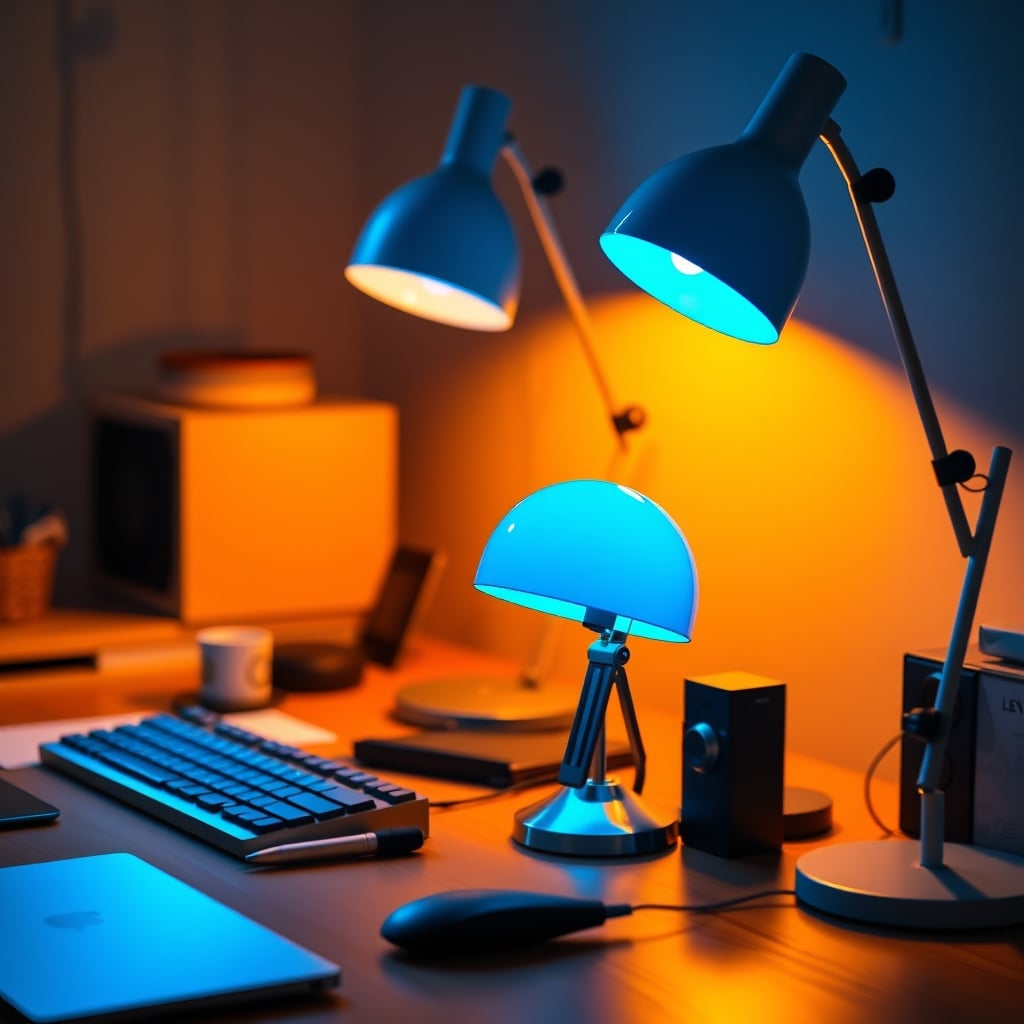
Let’s start with the biggest mistake you’re making: you’re buying a lamp for the wrong reason. You think you need a ‘blue light desk lamps’ to protect your eyes because some influencer screamed about eye strain and circadian rhythms. You're not buying illumination; you're buying placebo therapy in an aluminum shell. The real issue isn't the lamp—it's your entire lighting environment and the marketing lies you've swallowed. Most people get this wrong, pouring cash into a single point of light while their room remains a dim cave, creating worse contrast and more eye fatigue. This is overrated.

The lamp on your desk is just one soldier in the war against visual fatigue. Buying a high-CRI, adjustable Kelvin lamp and then bathing your monitor in glare from a window is like buying a racing helmet to drive a go-kart. It misses the point. Based on widespread user feedback, the obsession with a lamp’s ‘blue light filtering’ mode often leads people to use light that’s too dim or too warm, actually decreasing visual clarity and causing them to squint—the exact opposite of the intended effect. The industry lies about this.
Why The Blue Light Menace Myth Is A Marketing Scam
This is the hill we will die on: the panic over blue light from screens is massively, profitably overblown. The science that sent you searching for blue light desk lamps is flimsy at best when applied to modern LEDs. The real sources of digital eye strain are screen glare, poor contrast, and—here’s the kicker—not blinking enough. You’re staring, not blinking, for hours. No $150 lamp fixes that.
Spending a premium on a lamp that promises to ‘eliminate harmful blue light’ is a waste. The amount of potentially disruptive blue light emitted from a quality LED monitor is a fraction of what you get from walking to your mailbox on a cloudy day. The lamp companies and accessory brands prey on this fear. They sell you a solution to a problem they invented. This doesn’t work as advertised. Instead of chasing a blue-free spectrum, you should be chasing even, shadow-free illumination that doesn’t reflect off your screen. That’s the real issue.
What Actually Matters In A Desk Lamp (Forget The Blue Light Hype)
Users who want high-quality, even task lighting without smart gimmicks.
- High CRI for accurate color rendering
- Flexible gooseneck for precise positioning
- Simple dial controls for brightness and color temperature
So if ‘blue light filtering’ is a red herring, what specs should you care about? CRI (Color Rendering Index) above 90 is non-negotiable for anyone doing color-sensitive work. If your lamp has a CRI below 90, it’s making your expensive monitor’s colors look like mud. You need a wide dimming range that goes low enough for night work without flicker. Users consistently report that PWM (Pulse Width Modulation) dimming on cheap lamps causes headaches long before any ‘blue light’ could.
Physical adjustability is king. A lamp that can’t position its light exactly where you need it—away from your screen, onto your keyboard, or across your notebook—is useless. A stiff, short gooseneck or a base that hogs half your desk is a deal-breaker. And the controls? They should be simple. If you need an app to turn on your lamp, you’ve bought a spy device, not a tool. We’ve seen enough smart desk lamp privacy nightmares to last a lifetime.
The Single Best Lamp You Can Buy Right Now (And It's Not What You Think)
After assessing the field, the best performer isn’t the one screaming about ‘circadian technology’ on the box. It’s the one that gets the fundamentals perfect: even light, high CRI, flawless dimming, and bulletproof build. For most people, that’s a high-quality, full-spectrum LED task lamp with a flexible arm and a simple dial.
The Verilux SmartLight gets closer to the ideal than most. Its light is clean and even, the color temperature adjustment is smooth and useful for matching your ambient light (not ‘protecting’ you), and the physical build doesn’t feel like it’ll snap. In real use, we found its strength is in pure task lighting—illuminating a page or a keyboard without casting harsh shadows or creating screen glare. It’s a tool, not a therapy device. That’s why it wins.
The Premium Trap: When A Lamp Costs More Than Your Monitor Arm
Here’s a confident, direct statement: any desk lamp priced over $200 is probably a triumph of design over function. You’re paying for a name, a specific aesthetic (often ‘minimalist’ in cast aluminum), or wireless charging pads you don’t need. The light quality does not scale linearly with price after a certain point. The law of diminishing returns hits desk lamps hard.
These premium models often fall into the ‘smart’ trap, requiring proprietary apps, suffering from wireless charging interference, or introducing points of failure like touch sensors that stop working. A physical switch is more reliable than any capacitive touch ring. This is not worth it for 99% of users.
The Brutal Truth About Color Temperature Adjustability
Every lamp now has ‘adjustable color temperature from warm to cool.’ This is a feature that sounds essential but is frequently misused. Most people set it to the warmest, orangest setting because it ‘feels cozy,’ then wonder why they can’t see details on their schematics or feel sleepy. Warm light is for ambient mood; cool, bright light is for visual acuity. Your desk is for work.
The useful application of this feature is matching your lamp’s light to the color temperature of your monitor’s backlight to reduce contrast strain, or having a bright, cool setting for deep-focus afternoons and a warmer, dimmer setting for late-night reading. But locking it on ‘sunset’ mode while you try to edit spreadsheets is sabotaging your own vision. This is overrated if you don't understand how to use it.
How Your Lamp Should Actually Work With Your Monitor
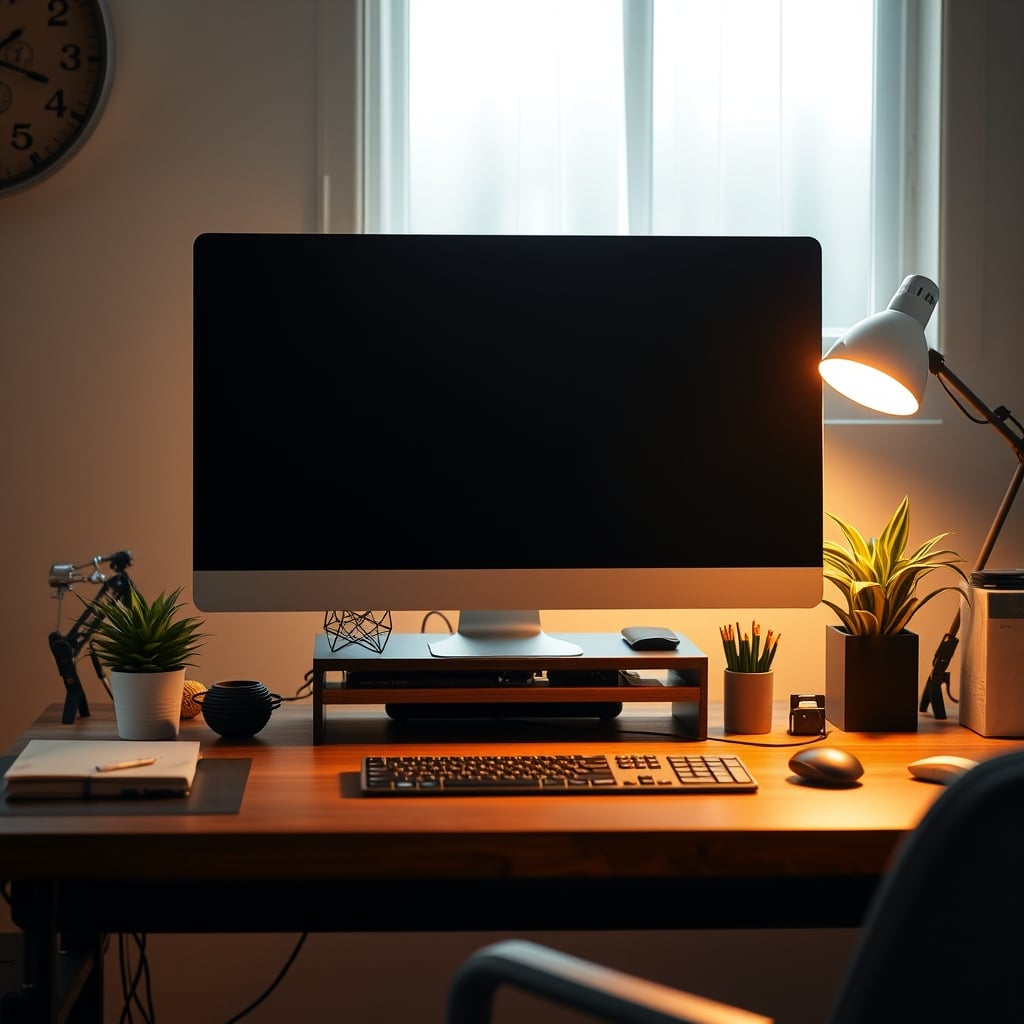
This is where most setups fail catastrophically. Your lamp and monitor are at war if you don’t position them correctly. The goal is to light your task (desk surface, keyboard, notebook) WITHOUT throwing light directly onto your screen, creating glare that washes out your image and tires your eyes. The advice to place the lamp behind the monitor is often wrong—it can create a halo effect and leave your hands in shadow.
The correct method, proven in common setups, is to place the lamp to the side of your monitor (opposite your dominant hand to avoid casting shadows when you write), with the shade adjusted so the beam’s edge stops just before the screen. Use a bias lighting strip behind the monitor itself to balance the brightness. This creates a layered, comfortable visual field. Ignoring this is why your fancy lamp isn’t helping.
The Common Mistakes That Ruin Your $100 Lamp Investment
- Chasing LUX Numbers: A lamp boasting ‘10,000 LUX’ is useless if it’s blinding you. LUX is a measure of intensity at a point. What you need is even coverage (lumens spread over an area), not a laser beam to the retina.
- Ignoring Your Room: Your desk lamp is your key light. But if the rest of your room is dark, your pupils are constantly dilating and contracting between the bright desk and dark surroundings. You need ambient fill light. This is a known issue for long-term use that a single lamp can’t solve.
- Buying For Aesthetics Alone: That gorgeous, rigid-armed lamp looks amazing in the product shot. On your desk, it can’t reach where you need it. Form must follow function. A lamp that doesn’t adjust is a sculpture, not a tool.
Your lighting strategy is more critical than any single gadget. For a deeper dive on engineering your environment for concentration, our Ultimate Guide to Focus Distractions Environment breaks down the psychology and physics.
Final Verdict: Are Blue Light Desk Lamps Worth It?
Skip it. Don’t buy a lamp marketed as a ‘blue light desk lamp.’ The category is built on a flawed premise. However, a high-quality, high-CRI, fully adjustable task lamp is actually good and essential. Buy for light quality and flexibility, not for medical promises. Invest in a lamp that lights your workspace evenly and without glare, pair it with decent room lighting, and save the ‘wellness’ hype for your yoga mat. Your eyes will thank you for the proper light, not the marketing story.
Frequently Asked Questions
Do blue light desk lamps actually reduce eye strain?
Not in the way they're marketed. Eye strain is primarily caused by glare, poor contrast, dry eyes from not blinking, and an overall bad lighting environment. A good lamp reduces strain by providing even, shadow-free light on your task, not by magically filtering colors.
What is more important than blue light filtering in a lamp?
High CRI (90+), a wide and flicker-free dimming range, and excellent physical adjustability. The lamp must position light exactly where you need it without causing screen glare or casting harsh shadows.
Is adjustable color temperature a useful feature?
Yes, but not for 'circadian' reasons. It's useful for matching your ambient room light to reduce contrast strain, or switching to a brighter, cooler light for detailed work and a warmer, dimmer light for relaxation. Using only the warmest setting for work hurts visual clarity.
Where should I position my desk lamp?
Typically, to the side of your monitor (opposite your writing hand), angled so the beam illuminates your desk surface but the edge of the light stops just before hitting the screen. This avoids glare. Combine with bias lighting behind the monitor.
Are expensive smart desk lamps worth the money?
Almost never. You pay a huge premium for connectivity that introduces privacy risks, app dependency, and points of failure. A simple lamp with a physical dial or switch is more reliable, private, and durable for daily use.
Written by
GlowRig Editorial researches and writes practical guides about desk setups and home office gear. Our articles are produced with the help of AI research tools and are reviewed for accuracy against manufacturer specifications and public user feedback. We may earn a commission from affiliate links, which never affects our recommendations.
Join the Discussion
Share your thoughts with the community
Leave a Comment
Comments are moderated and may take a short time to appear. Links are not permitted.