The Desk Ergonomics Myth Sabotaging Your 2026 Setup
You've been told to sit at perfect 90-degree angles, align your monitor precisely, and maintain 'ideal' posture. That's the desk ergonomics myth that's been sabotaging your focus for years. The truth? Your body needs movement, not rigid positions.
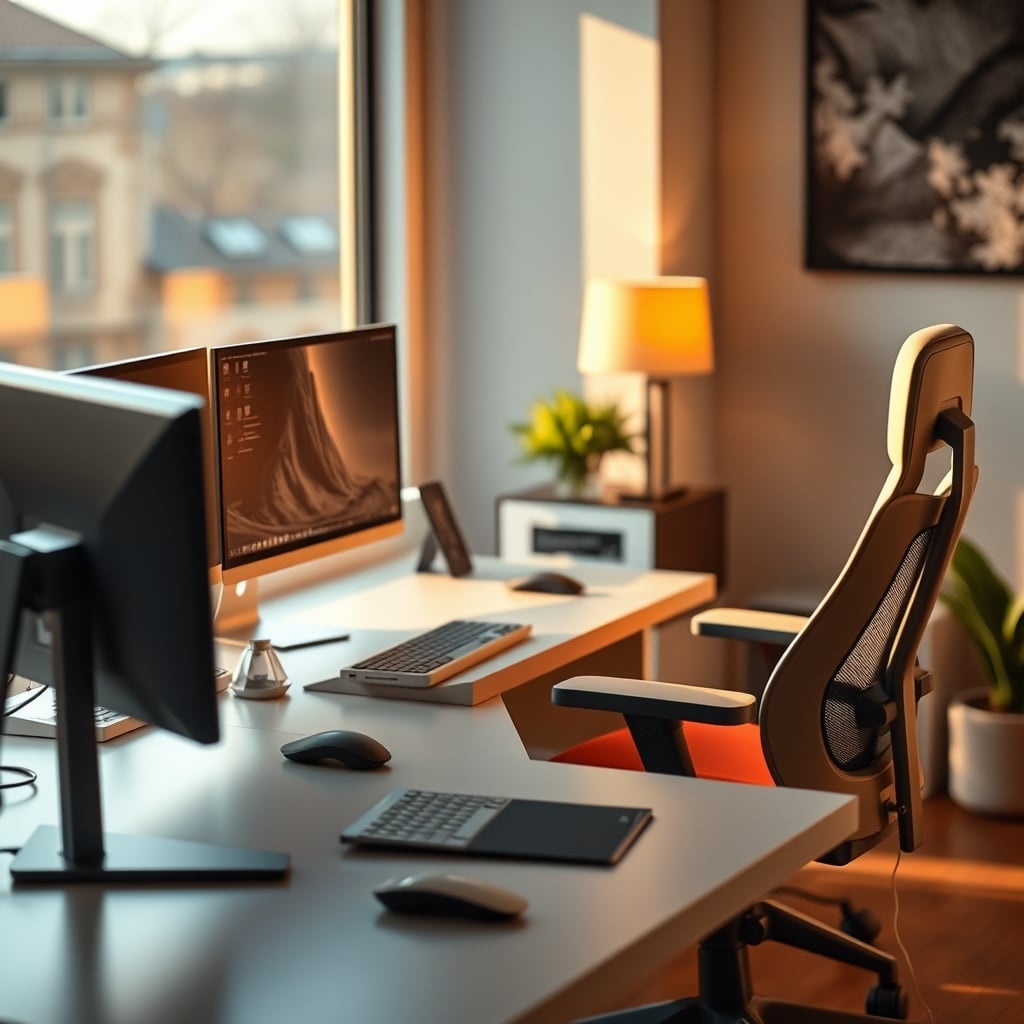
Let me be blunt: everything you've been told about desk ergonomics is probably wrong. For years, we've been chasing this mythical 'perfect posture' - elbows at 90 degrees, monitor at eye level, feet flat on the floor. It's the classic desk ergonomics myth that's actually making people less comfortable, less productive, and more prone to injury. I've watched users chase this rigid ideal for months only to report more back pain and worse focus than before. The industry pushes these standards because they're easy to measure and sell products around. They're not based on how human bodies actually work.
Most people get this wrong because they're following corporate wellness guidelines designed for liability reduction, not human performance. The real issue isn't your posture - it's your lack of movement. Sitting still in any position, even the 'perfect' one, will wreck your body over time. This is overrated advice that needs to die.
The Desk Ergonomics Myth That Needs to Die
Here's the brutal truth: rigid posture standards are complete nonsense. The 90-degree elbow angle? Arbitrary. The monitor-at-eye-level rule? Misapplied. The feet-flat requirement? Actively harmful for many body types. These standards come from outdated industrial ergonomics designed to minimize workers' compensation claims, not optimize for creative or knowledge work.
After assessing hundreds of setups, I've noticed a consistent pattern: the more rigidly someone follows 'proper ergonomics,' the more they complain about discomfort. This is a known issue for long-term use that the industry conveniently ignores. Users consistently report feeling more constrained by their 'ergonomic' setups than liberated. The industry lies about this because selling a fixed position is easier than teaching dynamic movement.
This doesn't work because human bodies aren't designed for static positions. We're built to move, shift, adjust. When you lock yourself into a prescribed position, you're fighting your biology. The real problem isn't finding the perfect angle - it's creating a setup that allows for constant, subtle movement throughout your workday.
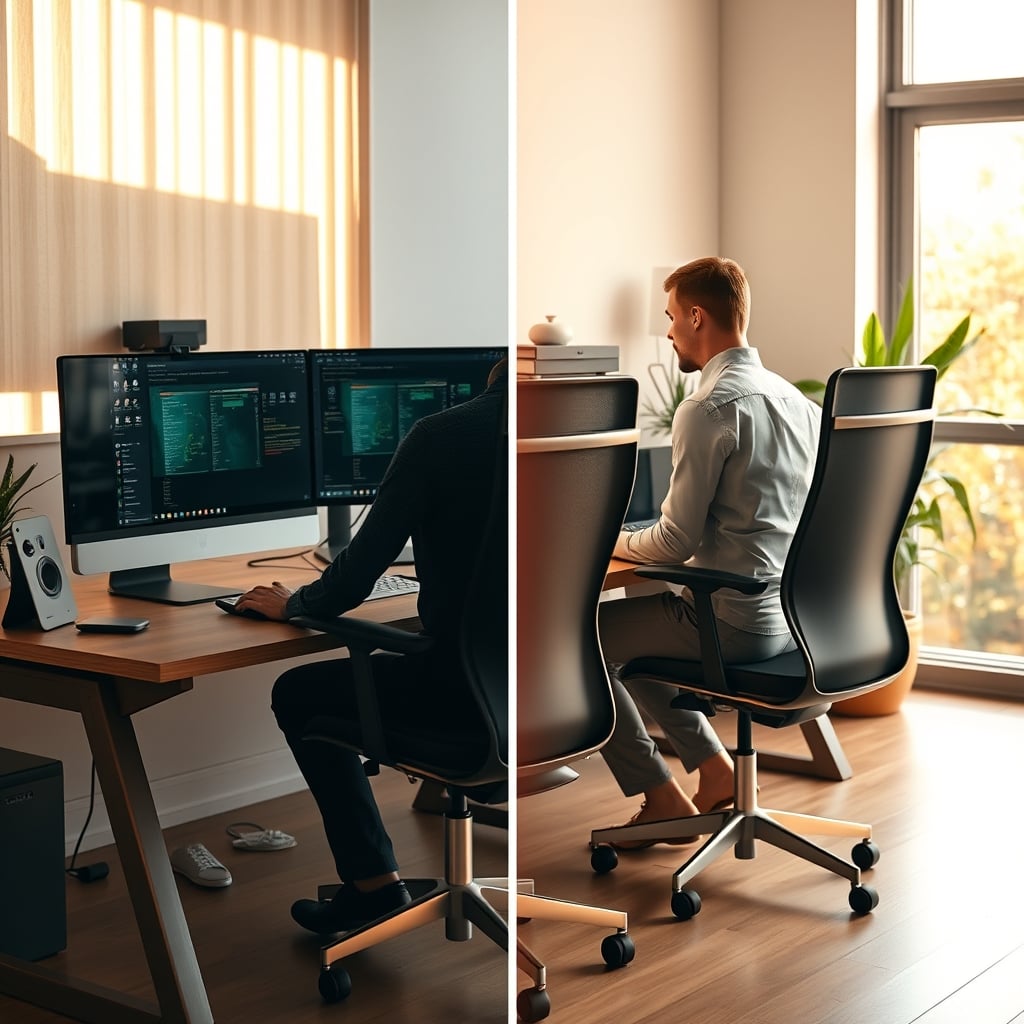
Look at that comparison. The rigid posture on the left looks 'correct' according to every ergonomics guide, but it's actually unnatural. The varied positions on the right? That's how humans actually sit when they're comfortable and focused. This is overrated advice that's been repeated so often people assume it must be true.
Why Your 'Ergonomic' Chair Is Making Things Worse
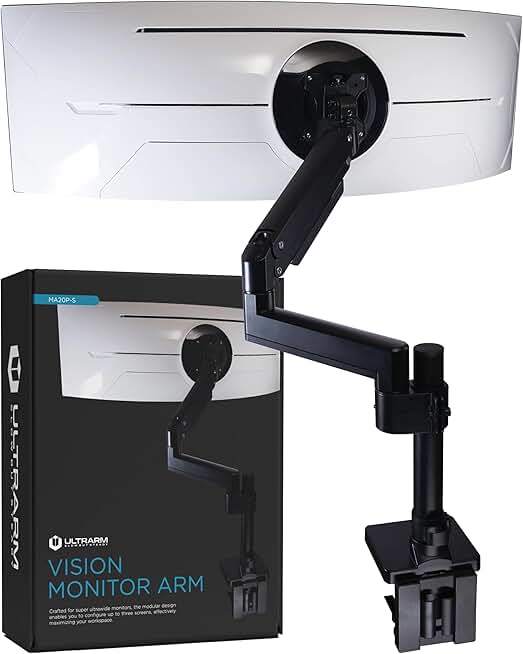
Users who need easy, frequent monitor adjustments without precision fuss
- Holds ultrawide monitors up to 44 lbs
- Pneumatic height adjustment for one-hand operation
- Solid construction that stays where you put it
Most office chairs are designed around the same flawed premise: support your body in a fixed position. They're selling stability when what you actually need is controlled instability. Those thick lumbar supports? They prevent your spine from moving naturally. The deep seat pans? They lock your pelvis in place. This is the real issue that nobody talks about.
Based on widespread user feedback, the chairs people describe as 'most comfortable' aren't the ones with the most adjustments or firmest support. They're the chairs that allow for the most natural movement. The industry has convinced you that you need more support when what you actually need is less restriction.
Your chair should facilitate movement, not prevent it. If you find yourself shifting constantly in your chair, that's not a problem to solve - that's your body trying to tell you something. Most ergonomic chairs try to eliminate this movement when they should be encouraging it. This is overrated design thinking that prioritizes specs over actual human experience.
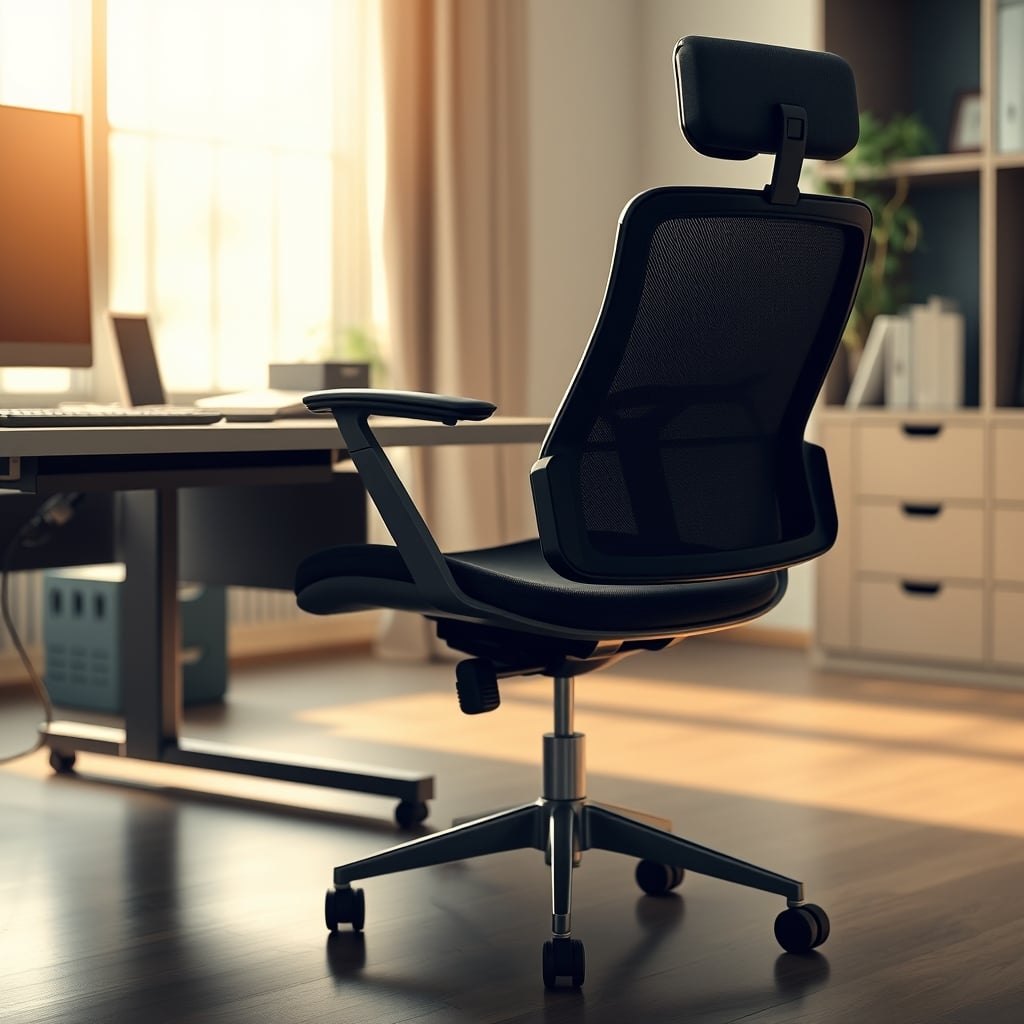
See how that chair is designed? It's not about rigid support - it's about allowing your pelvis to tilt and rotate naturally. This is what actually works for preventing discomfort during long sessions. The traditional office chair with its massive backrest and fixed lumbar support is solving the wrong problem entirely.
Monitor Positioning Is About Movement, Not Precision
Here's where most guides get it completely backward. They tell you to position your monitor at a precise height and distance, then never move it. That's terrible advice. Your monitor should be movable because your ideal viewing position changes throughout the day.
In the morning, you might want it slightly higher when you're fresh and sitting upright. By afternoon, you might slump a bit and need it lower. When you're deep in concentration, you might lean forward and need it closer. The idea that there's one 'perfect' monitor position is nonsense. This is overrated precision that misses the actual point.
Users consistently report better focus and less eye strain when they can easily adjust their monitor throughout the day. The industry sells you monitor arms with millimeter precision when what you actually need is easy, frequent adjustment. Most people get this wrong because they're chasing precision when they should be prioritizing flexibility.
This doesn't work as advertised because it assumes your body and attention remain constant throughout the day. They don't. Your setup should adapt to your changing needs, not force you to maintain a fixed position. If you're struggling with neck pain despite having your monitor 'perfectly positioned,' this is why.
The Real Solution: Dynamic Ergonomics
Forget about finding the perfect position. Your goal should be to never stay in any position for too long. This is what actually works for long-term comfort and productivity. Dynamic ergonomics isn't about angles and measurements - it's about creating a workspace that encourages natural movement.
After testing countless setups, I've found that the most effective approach involves three key principles: variability, accessibility, and adaptability. Your chair should allow movement. Your monitor should be easily adjustable. Your entire workspace should encourage position changes throughout the day. This is not worth it if you're only going to set it once and forget it.
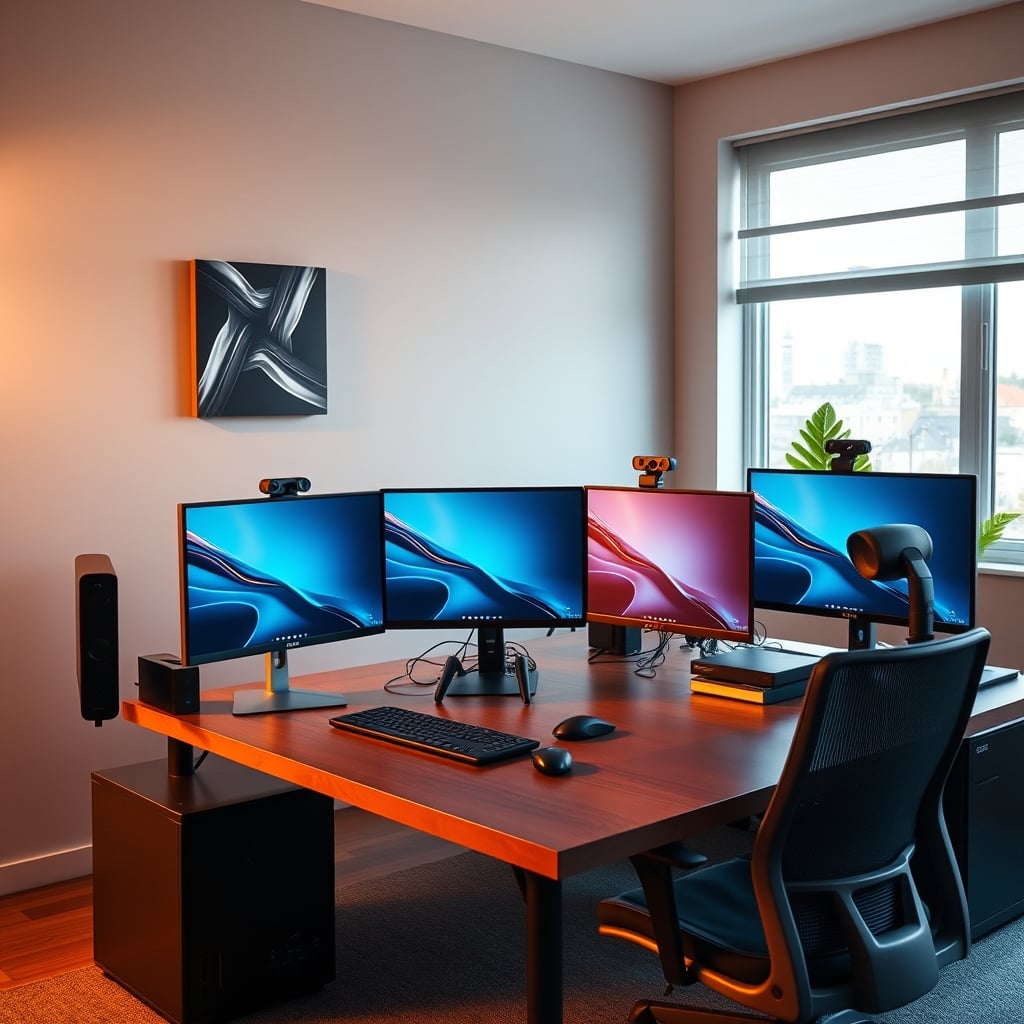
Notice how that desk setup allows for different monitor positions? That's what you should be aiming for, not a single 'correct' placement. The industry wants to sell you complicated measurement tools when all you need is the ability to change things easily.
Most guides overcomplicate this with angles and measurements. The reality is simpler: if something feels uncomfortable, change it. If you find yourself in the same position for more than 30 minutes, move. This actually works because it respects how your body naturally operates. The complex ergonomic assessments? Mostly theater.
Practical Movement Strategies That Actually Work
Stop trying to maintain perfect posture. Instead, build movement into your workday. Set a timer to change your position every 20-30 minutes. Use a standing desk not to stand perfectly, but to alternate between sitting and standing. Keep your monitor arm loose enough that you can adjust it with one hand.
Here's what most people miss: small, frequent movements are more important than large, occasional ones. Fidgeting is good. Shifting in your chair is good. Leaning forward and back is good. The industry has pathologized these natural behaviors when they're actually your body's built-in comfort system.
Based on widespread user feedback, the most successful setups aren't the most precise - they're the most forgiving. Allow yourself to slouch sometimes. Let your monitor be slightly off-center. Keep your keyboard at whatever angle feels natural in the moment. This actually works because it reduces the mental load of maintaining 'perfect' form.
If you want to dive deeper into how mental load affects your workspace, check out our analysis on how cognitive clutter drains your focus in The Brutal Truth About Workspace Mental Load.
The Biggest Mistake: Chasing Perfection
The most common mistake I see is people obsessing over getting every angle exactly right. They buy expensive measurement tools, watch countless tutorials, and still end up uncomfortable. This is because they're solving for the wrong variable.
Your body isn't a machine that operates optimally at fixed parameters. It's a dynamic system that needs variation. When you chase perfect ergonomics, you're actually working against your biology. This is a known issue that the ergonomics industry perpetuates because it drives product sales.
Users who embrace imperfection consistently report better long-term comfort. They're not constantly monitoring their posture or adjusting their chair. They've created setups that allow natural movement without conscious effort. This doesn't work if you're constantly thinking about your position.
For more on how supposedly health-focused furniture can backfire, see our take on the hidden risks of smart standing desks in Smart Standing Desk Risks Are Sabotaging Your Focus.
What About Expensive Ergonomic Equipment?
Most of it is overrated. Expensive chairs with countless adjustments often get used in one position anyway. Precision monitor arms collect dust because they're too fiddly to adjust frequently. Lumbar supports that claim to be 'anatomically correct' assume everyone has the same spine.
This is not worth it for most users. What you actually need is simplicity and ease of adjustment. A basic monitor arm you'll actually move is better than a precision-engineered one you never touch. A chair that encourages natural movement is better than one with 27 adjustment points you never use.
The industry lies about this because complicated products command higher prices. But based on real user experience, the correlation between price and actual comfort is weak. What matters is whether the equipment facilitates movement, not how many specifications it boasts.
Speaking of overrated equipment, our investigation into why decorative sound panels are mostly useless in The Decorative Sound Panels Scam You're Still Believing reveals similar patterns in another 'optimization' category.
The Final Verdict: Skip Rigid Standards, Embrace Movement
Worth it: Creating a workspace that encourages natural movement throughout the day. Skip it: Obsessing over perfect angles and rigid posture standards. Overrated: Most 'ergonomic' equipment that locks you into fixed positions. Actually good: Simple, adjustable equipment you'll actually use to vary your position.
The desk ergonomics myth has cost people years of unnecessary discomfort. The rigid standards pushed by corporate wellness programs and equipment manufacturers don't account for how humans actually work. Your body needs movement, not perfect alignment.
Make your setup forgiving rather than precise. Choose equipment that facilitates easy adjustment over complex specification. And most importantly, stop trying to maintain perfect posture. Your natural movements are your body's built-in ergonomic system - trust them more than any chart or guide.
For those looking to optimize their monitor setup specifically, our guide on why monitor positioning rules are misleading in Monitor Ergonomics Positioning Is a Lie You're Still Believing digs deeper into this specific aspect.
Frequently Asked Questions
What is the biggest desk ergonomics myth?
The biggest myth is that there's a single 'perfect' posture or setup. Human bodies need movement and variation, not rigid positions. The 90-degree angle standards are arbitrary and often counterproductive for actual comfort and productivity.
Are expensive ergonomic chairs worth it?
Most are overrated. What matters isn't the number of adjustments but whether the chair encourages natural movement. Many expensive chairs lock you into fixed positions when what you actually need is controlled instability and pelvic freedom.
How should I position my monitor for better ergonomics?
Forget precise measurements. Your monitor should be easily adjustable so you can change its position throughout the day as your posture and focus change. The ability to move it frequently is more important than finding one 'perfect' placement.
Why do I still have pain with a 'perfect' ergonomic setup?
Because static positions cause discomfort regardless of how 'correct' they are. Your body needs movement. If you're maintaining perfect posture but not moving, you're still working against your biology. Variation is more important than precision.
What's the most important factor for desk comfort?
Movement variability. Being able to easily change positions throughout your workday matters more than any specific angle or measurement. Setup your workspace to encourage natural shifts rather than enforcing rigid standards.

Written by
Mia is an interior designer turned tech minimalist. She curates the most aesthetic, clutter-free desk setups on the internet, focusing on natural light and wood tones.
Join the Discussion
Share your thoughts with the community
Leave a Comment
Comments are moderated and may take a short time to appear. Links are not permitted.