Standing Desk Stabilizer Buying Guide for 2026
Most wobble on a compact standing desk is lateral sway between two legs — and that one problem has a cheap, real fix. Here's how to measure which wobble you actually have before you spend anything, plus what each price tier genuinely buys.
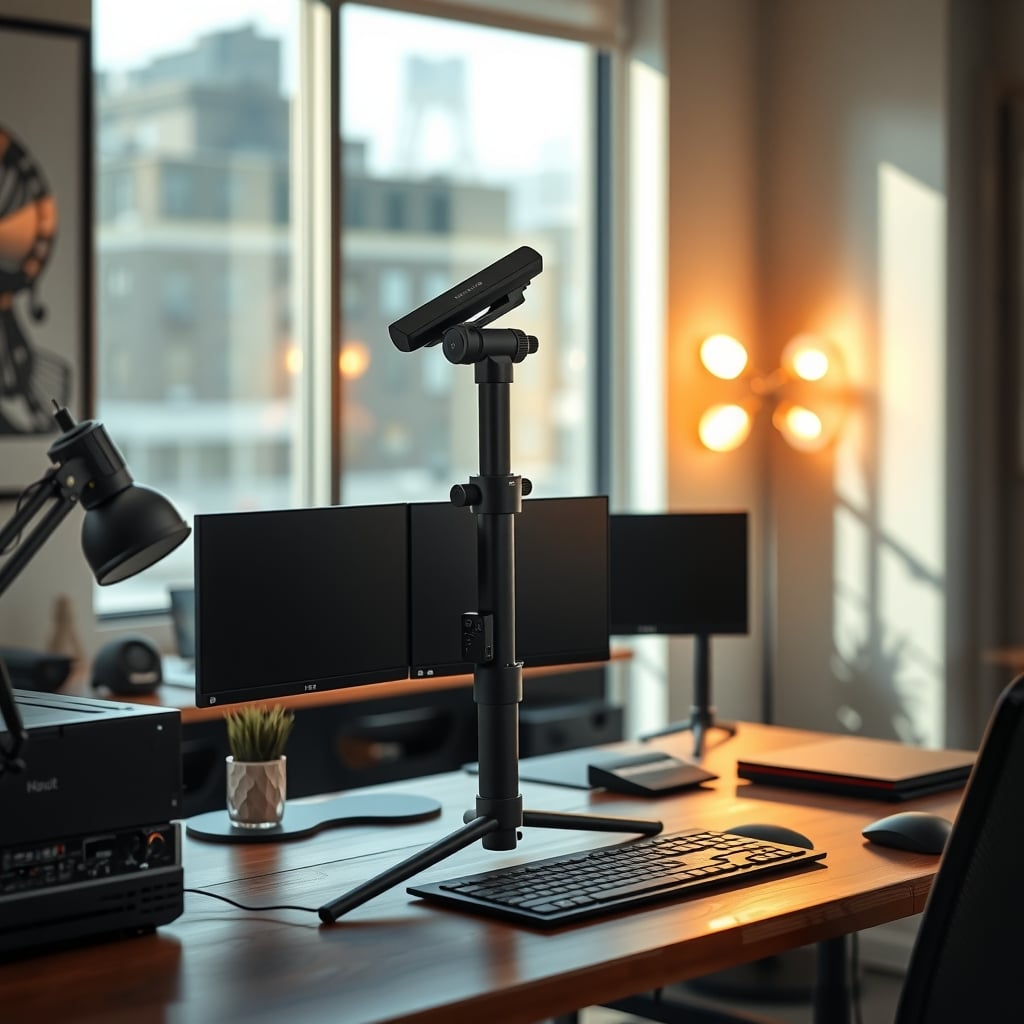
A standing desk stabilizer is any hardware you add to an existing sit-stand frame to cut movement: a leg-to-leg cross brace, a rear brace bar, leveling foot plates, a wall anchor strap, or anti-vibration pads under the feet. Here's the honest short version — these work well on one problem, lateral sway on two-leg frames standing on soft flooring, and do very little for anything else. Buying the wrong one is how people end up $80 lighter with a desk that still shakes.
So before you add a single piece of steel, identify which of the four wobble types you actually have. Side-to-side sway, front-to-back rock, desktop surface flex, and monitor-only shake look identical in a phone video and have completely different fixes. Two of them a brace can solve. One is a $12 problem. One means the desk was the wrong desk.
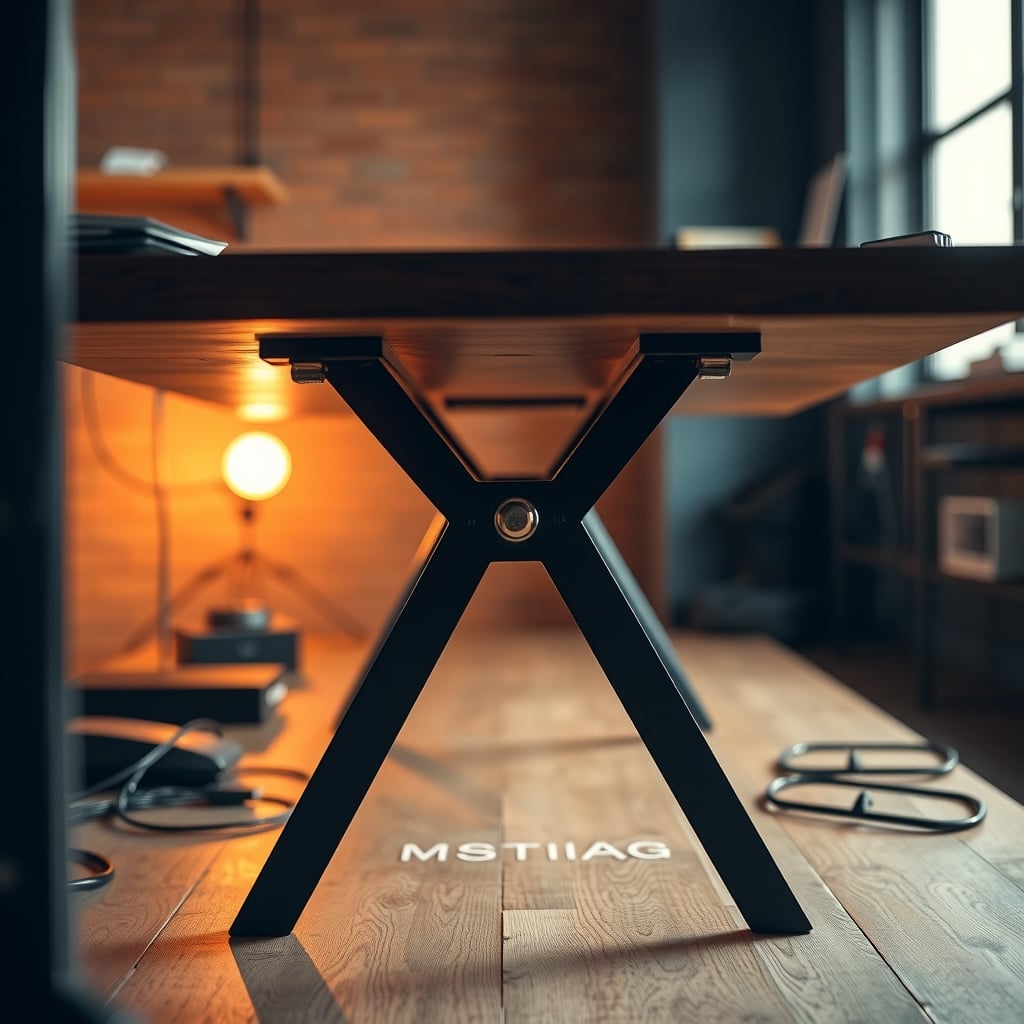
When a standing desk stabilizer Is the Right Fix and When It's Not
The physics here is simple. A two-leg sit-stand frame is a pair of vertical levers connected only at the top by the desktop. Push sideways on the edge and each leg is bending a little and twisting a little, and nothing is fighting it. Four-leg frames already have that bracing built in, which is why they cost more and why owners rarely ask this question.
Run these four checks in order. They take about ten minutes and they'll tell you whether to buy, shim, or return.
Push the desk edge laterally. If the whole desk shifts and comes back, you have sway — the one failure a stabilizer genuinely solves. A leg-to-leg cross brace or a rear brace bar adds the missing connection between the two levers.
Push down on the front edge, then lift it. If the desk tips toward you or away from you, that's rock, and it's almost always a floor-contact problem: casters sunk into carpet, one foot shorter than the others, a desk straddling a rug edge. A brace does not fix rock. Feet and shims do.
Press hard on the middle of the desktop. If the panel dips and springs back, the top is the weak point, not the frame. On a 48 in span of 1 in particleboard, that's normal. The fix is a thicker top or a stiffener rail underneath — no clamp-on accessory changes panel stiffness much.
Type normally and watch only the monitor. If the desk barely moves but the screen visibly shakes, the amplifier is usually the arm or the monitor's own stand resonance. That's a different diagnosis entirely, and the fix is usually in the arm and the mount rather than under the desk.
One more thing worth saying plainly: desk stability is covered by ANSI/BIFMA X5.5, which includes lateral stability testing for desks and tables. OSHA's workstation guidance is about posture and reach, not frame rigidity — nobody is regulating your desk's sway. So if a brand-new desk fails a light push test on day one, that's a desk problem, and a stabilizer is a workaround, not a repair. If you're still inside a 30-day return window, returning it is the better decision than bracing it.
What you're seeing Most likely cause Correct fix Realistic 2026 cost Whole desk shifts side to side No bracing between two legs Leg-to-leg cross brace or rear brace bar $40–$90 Desk tips toward/away from you Uneven floor contact, sunk casters, rug edge Threaded leveling feet, glides, shims $10–$25 Desktop panel dips when pressed Thin top over a wide span Stiffener rail or thicker top $30–$120 Only the monitor shakes Arm resonance, tall mount, light frame Arm tension adjustment, heavier desk, shorter arm $0–$100 Everything buzzes slightly Floor-borne vibration, hard floor Rubber/EVA pads under feet $10–$20The Three Measurements That Decide Which Stabilizer Fits
Buying a brace blind is the number one reason these get returned. Three numbers decide it.
1. The actual leg tube size, not the footprint. Take a tape or calipers to the steel tube itself. Common compact sit-stand frames use square tube in roughly 50 mm (2 in), 60 mm (2.4 in), or 75 mm (3 in) sizes, and some use oval or round 60 mm legs. Clamp-style braces are typically sold against a range like 40–80 mm, and a 75 mm leg will not go into a clamp rated to 60. Also look at whether the leg is two-stage telescoping: the clamp has to sit on the outer, thicker tube, not the sliding inner one, or it will crush or slip.
2. Your lowest comfortable sitting height. Cross braces usually land somewhere between 15 cm and 35 cm (6–14 in) above the floor, or at mid-leg depending on design. If your desk drops to about 61 cm (24 in) for sitting, a low-mounted brace can meet your shins or the arms of your chair. Measure your seated clearance before you commit, and prefer a brace with an adjustable or offset mounting height.
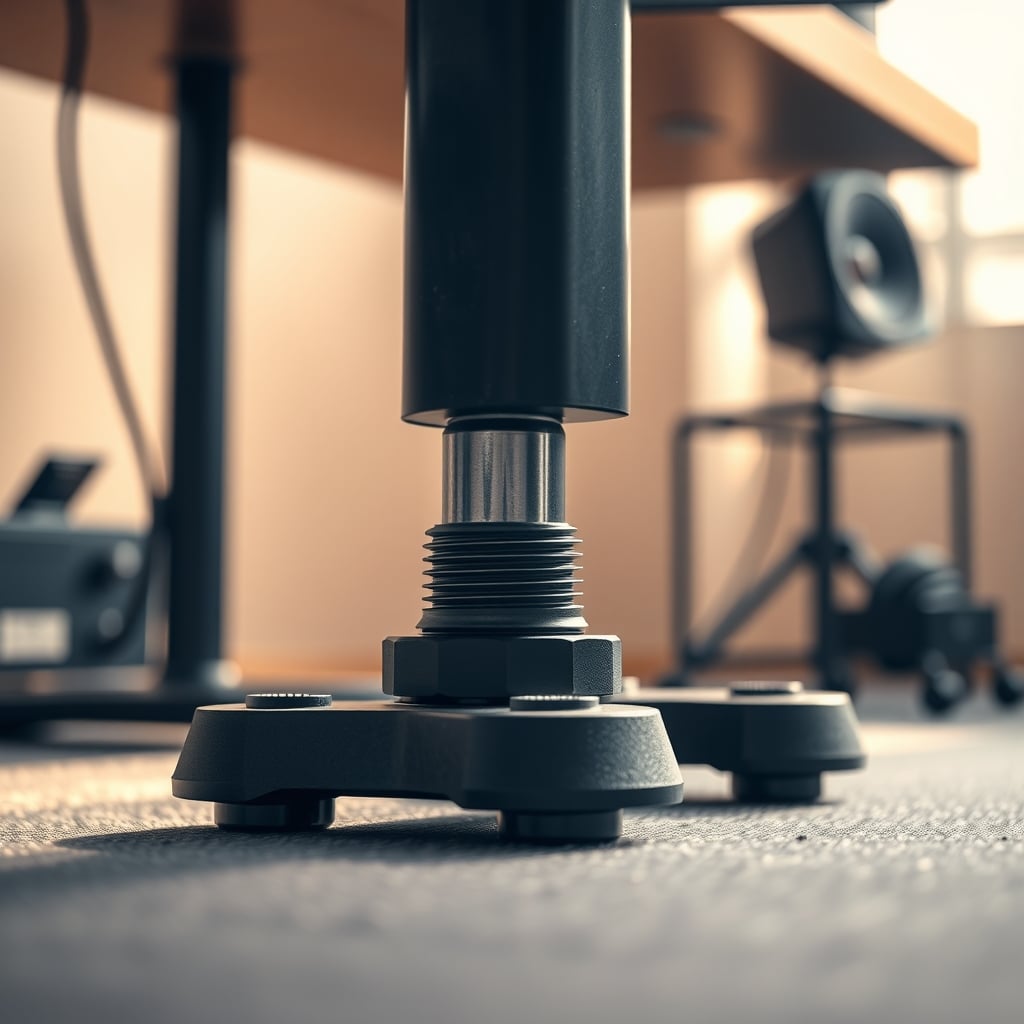
3. The floor under the feet. Plush carpet compresses several millimetres under a loaded foot, and casters sink further than glides do. That compression is why so many small-apartment desks wobble: two legs on carpet, two on a hard floor, and the frame is now a parallelogram. Threaded leveling feet — common stem sizes are M8 and M10 — let you take that up at each corner. A rigid foot plate does not.
What $20, $60, and $150 Actually Buy You
Stabilizer hardware separates cleanly into three tiers, and the value curve is steep at the bottom and flattens fast.
$10–$25: contact fixes. Anti-vibration pads, replacement threaded feet, felt or rubber glides, furniture shims. These solve floor contact, protect hardwood, and kill micro-buzz. They will not stop lateral sway, and anyone selling you a pad as a sway fix is overselling. If your desk rocks rather than sways, stop here — this tier is the whole fix, and there's a sub-$20 approach that covers most light wobble.
$40–$90: the real brace. This is the tier that actually addresses lateral sway on a two-leg frame. You're buying 1–3 kg of steel, a pair of clamps or bolt-on plates, and 20–40 minutes of installation. Expect trade-offs: some frames have no flat mounting surface and need drilling, a few braces limit how low the desk can go, and rear-mounted braces often collide with the cable tray that's already bolted to the rear crossbar. Check both before ordering.
$90–$200: heavy-duty bars, foot plates, wall systems. Foot plates spread load and add mass low down. Wall anchor straps remove sway almost entirely because they tie the frame to the building — but they need a stud or a properly rated anchor. Into half-inch drywall alone, a toggle's hold is a fraction of what a leaning adult puts on a desk edge, and a strap pulling the desk 2–5 cm off the wall ruins the fit in a narrow alcove. Renters usually can't use this tier at all.
Above $200 you're within range of a better frame. If a 48-inch desk needs $200 of bracing to feel acceptable, the desk is the problem, not the accessory.
The Small-Space Math Nobody Does Before Ordering
Compact desks and stabilizers fight each other more than the marketing suggests. In a small room, the constraint is usually clearance, not stiffness.
Rear brace bars and foot plates commonly push 5–13 cm (2–5 in) behind or beside the legs. In a 76 cm deep alcove that's the difference between a desk that sits flush and one that juts into the walkway. If your desk currently tucks into a window recess with a centimetre of clearance, a rear brace won't physically fit.
Baseboard and radiator clearance matters just as much. Wall straps change the geometry of the whole setup — you're no longer placing a desk, you're anchoring furniture.
Cable management is the sneaky one. Lots of compact frames mount the tray to the rear crossbar, which is exactly where a rear brace wants to live. Measure the tray, not just the legs.
And keep knee clearance in mind. You want roughly 61 cm (24 in) of clear knee space at your seated height. A brace mounted low eats into that, and you'll feel it every time you swivel.
Five Mistakes That Make a Stabilizer Useless
Skipping the bolt check. Every assembly manual tells you to re-torque the frame fasteners after the first couple of weeks, and it exists for a reason: shipping vibration and normal use loosen leg-to-crossbar bolts, and loose bolts read as wobble. Ten minutes with a hex key before you buy anything is the highest-return step in this article. There's a logical order to work through — feet, then crossbar, then wall and skipping steps wastes money.
Over-tightening the clamps. Thin-wall steel tube, often around 1.5 mm wall thickness on budget frames, deforms under a clamp cranked with a long-handled key. Snug it, check it after a week, and stop there. A crushed tube is permanent.
Bracing the wrong axis. A rear brace bar resists front-to-back movement. A cross brace resists side-to-side. Buy the one that matches your push test, not the one that's better reviewed.
Anchoring into drywall with nothing behind it. If you go the wall-strap route, hit a stud or use an anchor rated well above the load. This is the one mistake on the list with a failure mode beyond annoyance.
Adding weight up high and blaming the desk. A large monitor on a tall arm puts mass 50 cm above the desktop, and that turns mild sway into visible sway. Tension the arm properly, lower the mount, and re-test before you buy steel. If you've already narrowed it down to four distinct wobble types, this breakdown of each one will save you a purchase entirely.
Who Should Buy One and Who Should Skip It
Buy the $40–$90 brace if: you have a two-leg frame in the 40–55 inch range, the desk is out of its return window, the push test shows lateral sway, and you can live with 20–40 minutes of installation and a slightly higher minimum height. This is the sweet spot, and it's where most small-space owners land.
Buy the $10–$25 tier if: your desk rocks rather than sways, it's on carpet with one foot short, or it sits on hardwood and buzzes. Don't spend more.
Consider the wall-anchor tier only if: you own the place, you have studs where the desk sits, and you have 5 cm of wall clearance to give up.
Skip stabilizers entirely if: you have a four-leg frame (they're already braced), your desktop panel is what's flexing, your monitor alone is shaking, or the desk is still returnable. Also skip if you're on a premium frame that already meets BIFMA X5.5 — if a flagship desk wobbles, something is loose or assembled wrong, and hardware won't paper over that.
And if you haven't bought the desk yet, it's worth reading how to size a desk for a genuinely small room first. Buying a frame with a factory crossbar costs less than buying a bare frame and bracing it later.
The Bottom Line
Measure before you buy. If the desk sways side to side and you can't return it, a leg-to-leg or rear brace in the $40–$90 range is the best money in this category — it addresses the actual failure and nothing else does. If the desk rocks front to back, spend $10–$25 on threaded feet and pads and keep the rest. If the panel flexes or only the monitor shakes, skip stabilizers completely and put the money into the top or the mount.
One rule that keeps people out of trouble: don't put $150 of hardware on a $200 desk. At that ratio, replacing the frame is the honest answer, and a stabilizer is just a bridge until you do.
Frequently Asked Questions
Does a standing desk stabilizer actually work?
It works on one specific problem: lateral side-to-side sway on two-leg frames, because a brace adds the structural connection between the legs that the frame is missing. It does very little for front-to-back rocking caused by uneven floor contact, for desktop panel flex on a wide span, or for monitor-only shake caused by arm resonance. Match the hardware to the wobble type before buying.
Can I use a stabilizer on carpet?
Yes, but the carpet is often the cause of the wobble rather than the frame. Plush pile compresses several millimetres under a loaded foot and casters sink deeper than glides, so one corner ends up lower than the others and the frame racks. Threaded leveling feet, glides, or a rigid mat under the desk usually fix that for $10 to $25 before you need to buy a brace.
Will a stabilizer void my desk warranty?
It can. Many frame warranties exclude modifications and aftermarket drilling, and clamp-style braces are usually fine while bolt-through plates are not. Read the warranty language before you drill anything, and if the desk is new and wobbles badly, use the return window instead of modifying it.
How much should I spend on a standing desk stabilizer?
For lateral sway, $40 to $90 covers the real fix on a compact two-leg frame. Below that you're buying contact and vibration fixes, not bracing. Above $150 you're close to the price of a better frame, and putting that much hardware on a budget desk rarely makes sense.
How do I know if I need a cross brace or a rear brace bar?
Push the desk edge sideways. If it shifts side to side, you need a cross brace that ties the two legs together diagonally. If it tips toward or away from you instead, a rear brace bar resists that axis — though front-to-back rocking is more often an uneven floor contact problem that leveling feet will solve.
Written by
GlowRig Editorial researches and writes practical guides about desk setups and home office gear. Our articles are produced with the help of AI research tools and are reviewed for accuracy against manufacturer specifications and public user feedback. We may earn a commission from affiliate links, which never affects our recommendations.
Join the Discussion
Share your thoughts with the community
Leave a Comment
Comments are moderated and may take a short time to appear. Links are not permitted.