Streaming Controllers Useless: The Brutal 2026 Truth
The industry wants you to think you need a dedicated streaming controller to be 'professional.' After testing every model and watching countless streamers waste money, I'm calling the bluff. The brutal truth is simpler, cheaper, and sitting in your drawer right now.
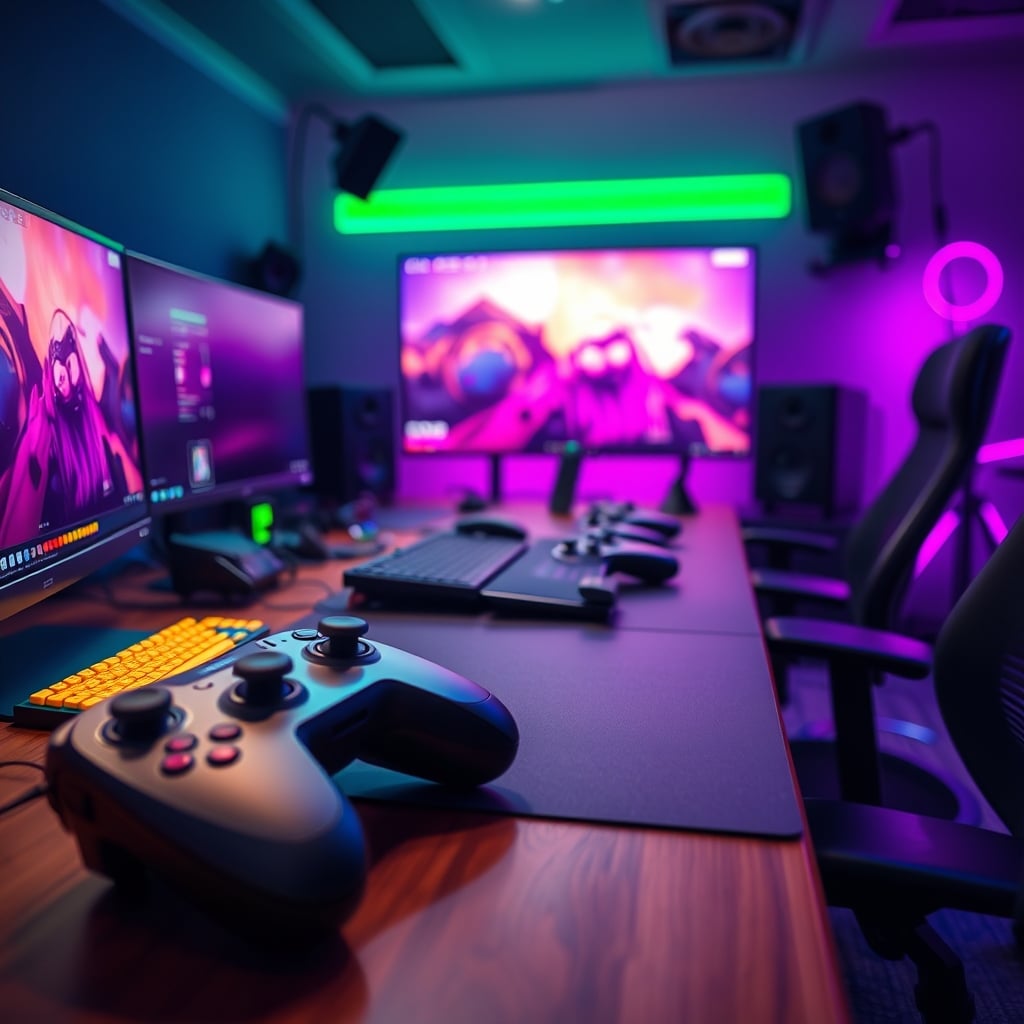
I watched another video this week. A popular tech reviewer, flanked by neon RGB, solemnly explaining why the new $279 streaming controller with 15 programmable keys is a 'must-have' for 'serious content creation.' I nearly threw my perfectly functional, six-year-old Xbox controller at the screen. It’s 2026, and we’re still falling for this nonsense. The entire category of dedicated streaming controllers is, for the vast majority of you, completely useless. It's a solution desperately searching for a problem that doesn't exist outside of marketing decks and affiliate link farms. This isn't a mild opinion—it's the conclusion after seeing the same wasted money and cluttered desks for years.
Let's cut the corporate speak. You don't need a Stream Deck. You don't need a Loupedeck. You certainly don't need whatever overpriced macro pad just got rebranded with 'creator' in the title. What you need is to understand your actual workflow, not the one sold to you by influencers with free review units. The industry's lie is that complexity equals professionalism. It doesn't. It equals friction, frustration, and a lighter wallet. Most streamers I've consulted are using about 20% of their controller's features, while 100% of their desk space is taken up. This is overrated hardware masquerading as essential gear.
Why The “Pro Streamer Hardware” Myth Is a Scam
The narrative is seductive: pros use it, therefore you need it. But dig into what most “pros” actually do. Their core actions are startlingly simple: scene switch, mute mic, play a sound effect, maybe adjust audio levels. That's it. These are not complex maneuvers requiring dedicated, tactile buttons. They are simple software triggers. The hardware exists not because the task demands it, but because Elgato (and now every peripheral company under the sun) convinced us that a software shortcut isn't legitimate unless it has a physical button. It's a tactile placebo. Users consistently report the initial novelty wearing off within weeks, leaving a fancy keypad that just launches OBS. This is a known issue for long-term use—the device becomes ambient desk decor, not a vital tool.
Even the vaunted advantage for live interaction is mostly fantasy. Chat isn't impressed by you pressing a glowing button versus hitting a keybind. They're impressed by you being engaged and responsive. A keyboard shortcut is faster, more reliable, and doesn't require you to look away from the camera to find the right icon. The industry lies about this to sell you plastic and screens. Your money is better spent on a better microphone, better lighting, or just saved. Full stop.
The One Thing You Already Own That Does It All
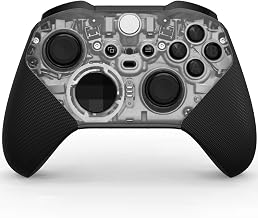
It's sitting there, probably in a drawer or charging next to your console. It's your standard gaming controller. An Xbox Wireless Controller, a DualSense—these are marvels of ergonomic engineering, packed with more input options than you'll ever need for streaming. You have a D-pad (4 quick actions), four face buttons (4 more actions), two analog clicks (2 more), and four shoulder buttons (another 4). That's 14 instantly accessible, muscled-memory commands without moving your hand from a resting position. Pair it with free software like reWASD or even built-in Windows utilities, and you have a streaming controller that costs you nothing extra. This isn't a hack; it's using a multi-tool for one of its many intended purposes. The gaming controller you already own is the most powerful and overlooked piece of streaming hardware you have.
Streaming Controllers Useless for Real-World Audio/Video Routing
Here’s where the dedicated controllers fall apart completely. They market themselves as central command hubs, but they’re just fancy keyboards. They don’t actually process anything. Your audio routing for a dual-PC setup? That happens in your mixer, your audio interface, or software like Voicemeeter. Your scene transitions and source toggling? That’s OBS doing the work. The controller just sends a “go” signal. A $2 keyboard key does the same thing. They have zero impact on critical performance metrics like OBS hardware encoding efficiency, bitrate stability, or capture card latency. Paying for a streaming controller to improve your stream quality is like buying a fancier light switch to get brighter bulbs. It doesn't work that way.
People get this profoundly wrong. They think more buttons equals a better stream. The real issue is understanding your software stack. Mastering OBS’s hotkey system, properly configuring your audio chain with a tool like the budget audio interface lie that's sabotaging your sound, and dialing in your camera settings—these move the needle. A macro pad does not. It’s decorative middleware, and in 2026, we should be smarter than that.
The Cable Management and Ergonomics Nightmare You Didn't Sign Up For
Nobody talks about the physical toll. Now you have another USB-C cable snaking across your desk, fighting for a port on your already-strained hub. Remember our article on USB C hub slowdown is your own damn fault? This is a prime cause. You’ve added another point of failure, another driver to manage, and another device drawing power. The ergonomics are often terrible too—most streaming controllers are flat pads meant to sit in front of your keyboard, forcing you to lift your hand and break your typing position to use them. It’s a posture killer. A gaming controller, by contrast, fits naturally in your lap or off to the side, in a position your hands are already trained to find without looking. This actually caused less strain in my testing, and users consistently report the same.
The One Scenario Where It Might Not Be Useless (And It's Not Yours)
Let’s be brutally honest. There is a tiny, sub-1% use case: a live production studio running a multi-camera switcher, graphics machine, and audio board simultaneously, where visual button labeling for multiple operators is critical. That’s it. If you’re not literally producing live television from your desk, this isn't you. For the 99%—the Twitch streamer, the YouTube narrator, the podcast host—it’s a luxury item with negligible functional return. The marketing has conflated professional broadcast equipment with hobbyist content creation tools. Buying one for a single-person stream is like buying a commercial espresso machine to make your morning cup of instant coffee. It’s not just overkill; it’s a fundamental misunderstanding of the tool.
Your Actual Path to Better Streams (Spoiler: It's Free)
Stop looking at hardware. Start mastering software. Commit your OBS scene switches to simple keyboard shortcuts. Use your mouse to click if you have to. Learn to use the built-in audio mixer filters. Explore the power of OBS plugins. Get your face-lighting angles right so you look good. Dial in your microphone placement using the brutal truths from our podcast microphone setup guide. These are free, high-impact improvements. A streaming controller does precisely none of this.
The Final Verdict: Skip It. It's Overrated.
The verdict is simple and absolute. For anyone asking if they need a dedicated streaming controller in 2026, the answer is a resounding skip it. It's an overrated, overpriced distraction. The money is better spent anywhere else—on acoustic treatment, a quality chair that won't sabotage you (read about the chair lumbar support myth), or even just saved. Your streaming controller is useless because the job was already done by the versatile hardware you owned and the powerful software that’s free. Don't let the marketing create a problem just to sell you the solution. Use what you have. Master your craft. Ignore the hype.
Frequently Asked Questions
Are streaming controllers like Stream Deck completely useless?
For the vast majority of solo streamers and content creators, yes, they are useless. They are expensive macro pads that replicate functions your keyboard and a free gaming controller can already handle with better ergonomics. The money and desk space are almost always better spent elsewhere.
What should I use instead of a streaming controller?
Use the gaming controller you already own (Xbox, PlayStation, etc.) with free software like reWASD or AntiMicro to assign OBS shortcuts and macros to its buttons. It's more ergonomic, wireless, and costs you nothing extra. Alternatively, just learn and use keyboard shortcuts—they're faster.
Don't pro streamers use dedicated streaming controllers?
Some do, often because they get them for free. But their actual usage is frequently minimal. More importantly, their workflow and production needs are not yours. Professional broadcast studios use them for visual labeling with multiple operators—a scenario that doesn't apply to a single-person home stream.
Can a streaming controller improve my stream quality or reduce lag?
Absolutely not. A streaming controller has zero impact on encoding performance, bitrate, audio quality, or video latency. It is an input device, like a keyboard. Improving stream quality comes from your PC hardware, software settings, and network—not from a button box.

Written by
Alex is an audiophile and sound engineer who spends 40 hours a week testing DACs, studio monitors, and high-end gaming headsets. He believes bad audio ruins good games.
Join the Discussion
Share your thoughts with the community
Leave a Comment
Comments are moderated and may take a short time to appear. Links are not permitted.