Small Desk Monitor Stand Depth Beats Height Every Time
Most people buy a monitor stand to fix height. On a 60 cm desk, the thing that actually breaks is depth — and a riser with a 25 cm base quietly eats the only free space you had. Here's the math before you spend anything.
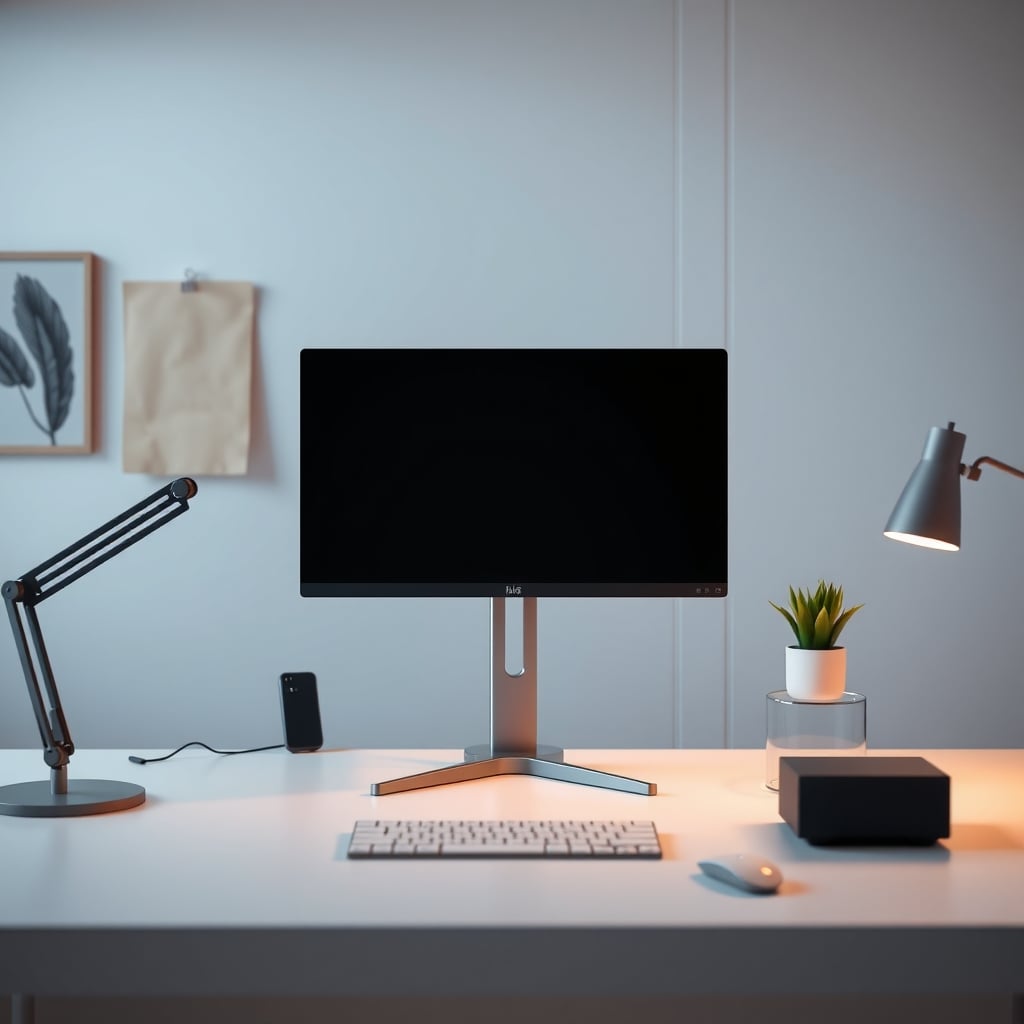
The biggest mistake people make with a small desk monitor stand is buying it for height. Height is the easy part; almost anything raises a screen 10 cm. Depth is what breaks. A 60 cm deep desk gives you roughly 30 cm of clear surface behind your keyboard, and a typical riser swallows 20 to 25 cm of it. Get that wrong and your keyboard ends up hanging off the front edge.
So here's the short answer before the detail. If your desk is 60 cm deep or less and the top is solid enough to clamp, a desk-clamp arm beats a freestanding riser almost every time. If you can't clamp — glass top, hollow core, rental furniture, a standing desk that gets moved — buy the shallowest fixed riser you can find, ideally under 20 cm front-to-back. Everything after this is the reasoning, the numbers to check, and the failure modes that make people buy twice.
The number that decides everything is depth, not height
Small desks are usually 60 cm deep (24 inches). The common flat-pack sizes are 60×100 and 60×120 cm, and desk height is typically 74 cm. That 60 cm is your entire budget. Break it down honestly:
- A full-size keyboard is about 15 cm deep. A wrist rest adds another 7–8 cm.
- Your forearms want 5–8 cm of clear space in front of the keyboard so your wrists aren't dangling off the edge.
- That's 27–30 cm gone before the monitor enters the conversation.
- What's left is 30–33 cm, and some of that is rear clearance for cables and a power brick.
A riser with a 25 cm deep base leaves you 5 to 8 cm. That's enough for a cable. Not a laptop dock, not a notebook, not a mug you won't knock over. A riser with a drawer is worse — those typically run 28–30 cm deep because the drawer needs the travel.
Height math works out completely differently. Measure your seated eye height from the floor; most adults land between 115 and 125 cm. Subtract your desk height, usually 74 cm, and your eye line sits 41–51 cm above the desk surface. The vertical center of your panel wants to be there or slightly below it. OSHA's computer workstation guidance is blunt about the two numbers that matter: the top of the screen at or slightly below eye level, and the screen 20–40 inches (roughly 50–100 cm) from your eyes.
Now do the panel arithmetic. A 27-inch 16:9 monitor is about 34 cm tall, so its bottom bezel needs to sit somewhere around 24–34 cm above the desk once the center is at eye level. Most built-in monitor stands give you 7–12 cm of lift. You're short 12–22 cm. That gap is the entire product category.
Which is the point: nearly every option delivers a similar lift. What separates them is how much desk they consume to deliver it. That's the only spec worth comparing on a small desk.

Sizing a small desk monitor stand with five numbers that actually matter
The spec sheet won't tell you which of these is your bottleneck. Work through them in order.
1. Base depth (risers only). Under 20 cm is the target for a 60 cm desk. Under 16 cm is genuinely generous and rare. Anything over 24 cm is a desk hog and you should walk away. Clamp arms use zero surface depth — the entire mechanism hangs off the rear edge or through a grommet.
2. Maximum desk thickness and edge condition. Clamp mounts publish a thickness range; 50–60 mm (about 2 inches) is the common ceiling and premium models go to 90 mm. The number people ignore is the edge condition. The top has to be solid where the clamp bites. Hollow-core doors and thin 18 mm particleboard tops with a paper-thin laminate edge will flex or crush under load. Rounded or beveled front edges need a wider clamp pad, and some need a grommet mount instead.
3. Weight range — both ends. Look for something like 2–9 kg, not 'up to 9 kg'. Gas springs have a minimum. A monitor lighter than the bottom of the range will drift upward and won't hold a tilt, so you end up fighting it every week.
4. VESA pattern. 75×75 mm and 100×100 mm (the VESA FDMI MIS-D patterns) cover the vast majority of monitors, and mounting screws are usually M4 at 10–12 mm of thread depth. Check your monitor's back before you buy an arm: some budget panels, all-in-ones, and a few curved models have no VESA holes at all. Curved screens often need spacers because the mounting recess sits deeper than the supplied screws reach.
5. Cable routing. On a small desk, a cable hanging off the back of a riser drops straight into your usable space. A channel or a clip-through matters far more here than on an 80 cm deep desk where you have slack to hide things.
One thing to actively ignore: risers marketed as 'height adjustable' with two or three fixed slot positions. That's not adjustability, that's a shelf with opinions. It either lands at the right height for your eye line or it doesn't.
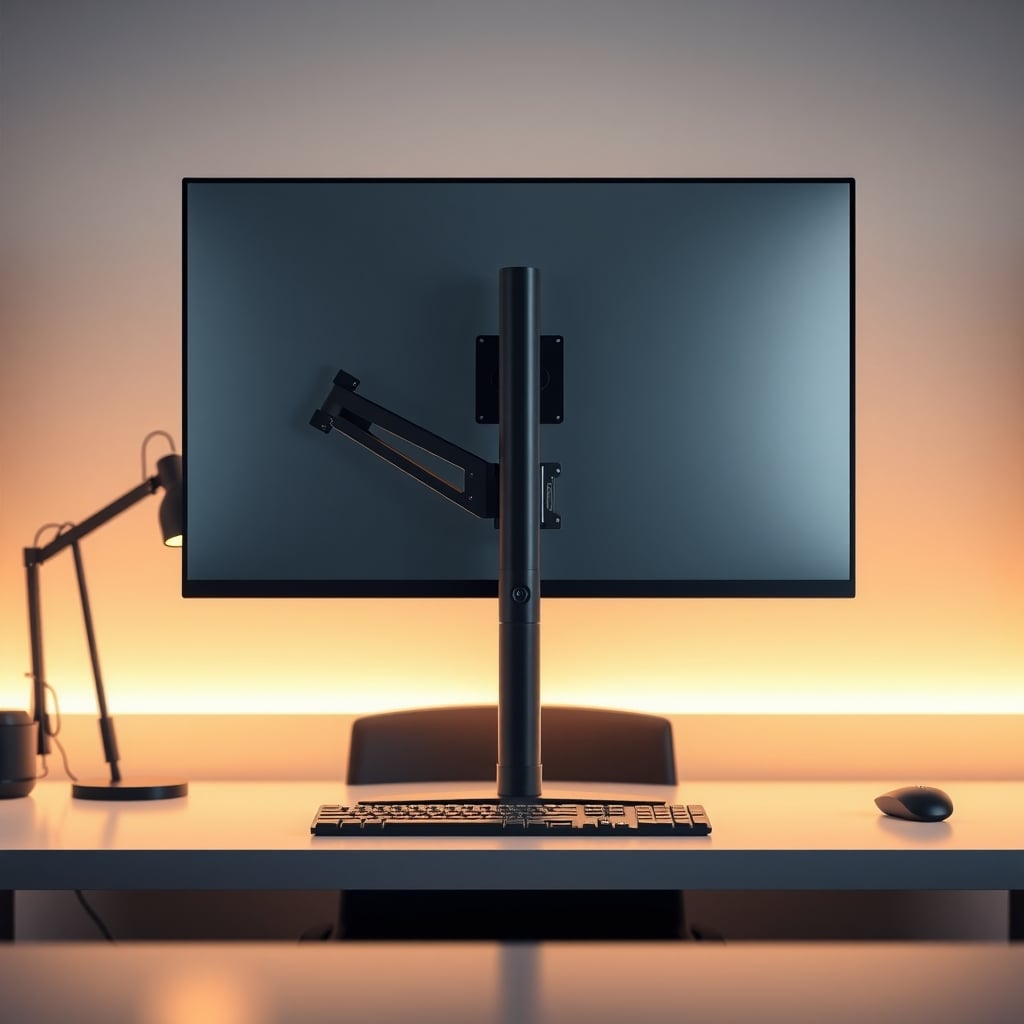
Five ways to raise a monitor on a small desk, and what each really costs
There is no single best small desk monitor stand. There's a best one for your desk's construction and your keyboard. These are ranked roughly by how much surface they give back.
Best overall for most small desks: a single gas-spring clamp arm ($60–120)
If your desk takes a clamp, this solves the footprint problem completely. The arm bolts to the rear edge or a grommet hole, the surface underneath becomes storage for a dock, an audio interface, or the notebook you actually use. Height, tilt, and swivel are all adjustable, so you can set the panel center at eye level instead of hoping a fixed shelf lands close.
What to check before buying: the weight range in both directions, the clamp's maximum desk thickness, and the arm's reach. Reach matters more than most buyers expect — a short arm can't fold back far enough to put the panel where you want it, and no amount of weight capacity fixes geometry. If you're mounting anything larger than a 27-inch panel, read up on why arm reach beats weight rating before you commit.
Where it falls short: installation is 20–30 minutes with a screwdriver, cheap models develop joint wobble within a year, and you need a desk edge you're allowed to clamp. If you're weighing this against a freestanding shelf, our monitor stand versus mount breakdown covers the cases where a riser genuinely wins.
Best budget: a shallow fixed riser ($20–45)
A solid wood or steel shelf, 10–12 cm of lift, base depth under 20 cm. No tools, no clamping, no permission needed. It works on glass, on hollow tops, on a desk you're renting, and on a standing desk you raise and lower all day.
What to check: measure the base depth with a tape measure, not the product photo. Buy the depth, not the aesthetic. Also check whether the feet are felt or rubber — rubber on a glass or lacquered top will bond over time and leave marks.
Where it falls short: zero adjustability, and the storage space underneath is small enough to be a trap rather than a feature. It also doesn't help with viewing distance, only with height.
Best if your desk can't take a clamp: a grommet mount or wall bracket ($30–80)
If you have a cable grommet, a bolt-through mount uses it and gives you an arm with no edge clamp at all. If the desk is against a wall and you can find a stud, a wall-mounted VESA bracket with an articulating arm gets the monitor entirely off the desk.
What to check: a 6–9 kg monitor hanging on a 40 cm lever pulls with far more force than its stated weight, so drywall anchors alone are not adequate — find a stud or use anchors rated well above the load. On glass tops, read the manufacturer's position on drilling before you drill anything, and if you're routing cables afterward, hiding cables on a glass desk without drilling is the safer path.
Where it falls short: you're fixed to one wall position and the install is permanent-ish. Renting? Skip it.
Best for heavy or ultrawide panels: a high-capacity arm ($130–220)
Once you go past a 32-inch 16:9 or into ultrawide territory, the leverage changes the physics. A 7 kg panel that's 80 cm wide behaves like a much heavier one at the joint. High-capacity arms use stronger springs and stiffer joints, and they hold their position years later instead of sagging.
What to check: published weight range that brackets your panel with margin, a stated tilt range that holds at your panel's weight, and clamp hardware that spreads load across a wider area of the desk.
Where it falls short: it's overkill for a 24-inch 3.5 kg monitor, and you'd be paying $100 extra for capacity you'll never use.
Best if you want storage anyway: a riser with a drawer ($35–65)
Only buy this after you've done the depth math, and only if your desk is 80 cm deep or more. On a 60 cm desk it doesn't add storage, it relocates your keyboard to your lap.
What to check: drawer travel versus base depth, and whether the drawer front clears your keyboard when open. Many don't.
Where it falls short: heavier than a plain riser, so it amplifies any existing desk wobble — and monitor wobble usually traces back to the desk, not the stand.

How the five options compare side by side
Option Typical price Desk surface used Height adjustment Weight ceiling Main gotcha Shallow fixed riser $20–45 18–20 cm deep None (fixed lift) Effectively 20 kg+ (it's a shelf) No adjustability; eats depth on a 60 cm desk Riser with drawer $35–65 28–30 cm deep None 20 kg+ Turns a 60 cm desk into a 40 cm desk Gas-spring clamp arm $60–120 Near zero Full range, tool-free 2–9 kg typical Needs a solid edge; 50–60 mm thickness ceiling Grommet or wall VESA mount $30–80 Zero Full range 8–15 kg Needs a grommet or a stud; permanent install High-capacity arm $130–220 Near zero Full range 9–18 kg Overkill below 32 inches; heavier clamp hardwareThree mistakes that cost people money
Buying height to fix a distance problem. If your screen is 40 cm from your face, raising it 12 cm doesn't help. OSHA's 20-inch minimum viewing distance is the constraint, and on a 60 cm desk the only way to get there is to move the monitor rearward over the desk edge — which is what a clamp arm does and a riser physically cannot. Fix the axis that's actually broken.
Assuming every desk can take a clamp. Thin particleboard tops flex, hollow-core tops crush, and a rounded front edge gives the clamp almost nothing to grip. Before you order an arm, measure the top's thickness with a ruler and press your thumb into the underside near the edge. If it gives, you need a reinforcement plate or a different approach.
Trusting the maximum weight rating and nothing else. Gas springs have a floor as well as a ceiling, and large panels multiply leverage. A wide ultrawide rated at 7 kg can overwhelm an arm rated to 9 kg because the load sits 40 cm from the joint instead of 20. Match the arm to the panel's width and weight, not just the weight.
Who should buy which
You have a 60 cm desk with a solid top and VESA holes on the monitor. Buy a single gas-spring clamp arm in the $60–120 range. That's the whole answer. Spend the extra $30 on one with a published weight range that brackets your panel and a clamp that fits your desk thickness.
You have a glass top, a rental, or a desk you're not allowed to modify. Buy a shallow riser under 20 cm deep, or a grommet mount if a hole already exists. Accept that you'll be fixing height only, and adjust your chair or your keyboard position to buy back the viewing distance.
You run two monitors on a narrow desk. Your constraint is width, not just depth. Stack them vertically on one clamp arm rather than paying for a wide dual-arm setup that pushes both panels past the desk edge.
You're on a standing desk. A riser travels with the desk and never needs re-tensioning; a clamp arm adds a lever that will amplify any wobble you already have. Fix the wobble first, then decide.
You have a 34-inch ultrawide. Don't cheap out. A $60 arm will sag at the joint within months. Budget $130 and up, and check the reach spec before the weight spec.
Your budget is under $30. Buy the shallowest riser you can measure. It's a legitimate answer — just don't expect it to solve distance, and don't buy the drawer version hoping it doubles as storage on a shallow desk.
The bottom line
On a 60 cm desk, depth is the scarce resource and height is nearly free. Buy accordingly.
If your desk can take a clamp and your monitor has VESA holes, spend $70–110 on a single gas-spring arm with a weight range that brackets your panel and a clamp rated for your desk thickness. It gives back the 25 cm a riser would have taken, and that space is worth more than any feature on a riser's box.
If it can't take a clamp, buy a fixed riser under 20 cm deep, accept the single height, and put the savings into your chair or your keyboard position — those affect your neck and wrists more than 3 cm of monitor lift ever will.
Skip the drawer riser on a shallow desk. Skip the $200 arm for a 24-inch panel. And skip anything advertised as 'ergonomic' without a published height, depth, or weight number attached to it.
Frequently Asked Questions
Will a monitor arm work on a 60 cm deep desk?
Yes, and it's usually the better choice. A clamp arm uses no surface depth at all, so the full 30 cm behind your keyboard stays usable. The limiting factors are desk thickness (most clamps top out around 50–60 mm) and whether the top is solid enough at the edge to take the load.
Can I clamp a monitor arm to a glass desk?
Only if the glass manufacturer says the top can take a point load at the edge, and only with a clamp that spreads pressure across a wide pad. Tempered glass can crack from a concentrated clamp force. If you're unsure, a freestanding riser with felt or rubber feet is the safer option, and drilling should only happen with explicit manufacturer approval.
How much do I actually need to raise my monitor?
Measure your seated eye height from the floor and subtract your desk height — most people land 41–51 cm above the desk. The vertical center of your panel should sit there or slightly below, with the top edge at or below eye level per OSHA guidance. For a 27-inch 16:9 panel that usually means the bottom bezel needs 24–34 cm of clearance, which is 12–22 cm more than a typical built-in stand provides.
Is a riser or an arm better for a standing desk?
A riser, generally. It travels with the desk, needs no re-tensioning, and adds no lever arm to amplify wobble. A clamp arm can work, but any existing desk shake becomes more visible at the top of a longer lever, so fix the wobble before adding an arm.
My monitor has no VESA holes. What are my options?
You're limited to a freestanding riser or shelf, unless a third-party VESA adapter exists for your specific model — check the manufacturer's accessory list rather than a generic adapter, since back-panel curvature varies. This is worth checking before you buy, because it's the one spec that rules out arms entirely.
How much should I spend on a small desk monitor stand?
Around $20–45 for a shallow fixed riser, $60–120 for a single gas-spring clamp arm, and $130–220 if you're mounting a 32-inch-plus or ultrawide panel. Above roughly $120 you're paying for capacity and joint quality, not features — so a 24-inch 3.5 kg monitor gains nothing from a premium arm.
Written by
GlowRig Editorial researches and writes practical guides about desk setups and home office gear. Our articles are produced with the help of AI research tools and are reviewed for accuracy against manufacturer specifications and public user feedback. We may earn a commission from affiliate links, which never affects our recommendations.
Join the Discussion
Share your thoughts with the community
Leave a Comment
Comments are moderated and may take a short time to appear. Links are not permitted.