Non Smart Desk Lamp Guide For 2026
You've been sold a lie about smart lighting. The truth is, your expensive, app-connected desk lamp is failing you. Here's why the humble, reliable, and brilliantly simple non smart desk lamp is the only tool that actually works for focused work.
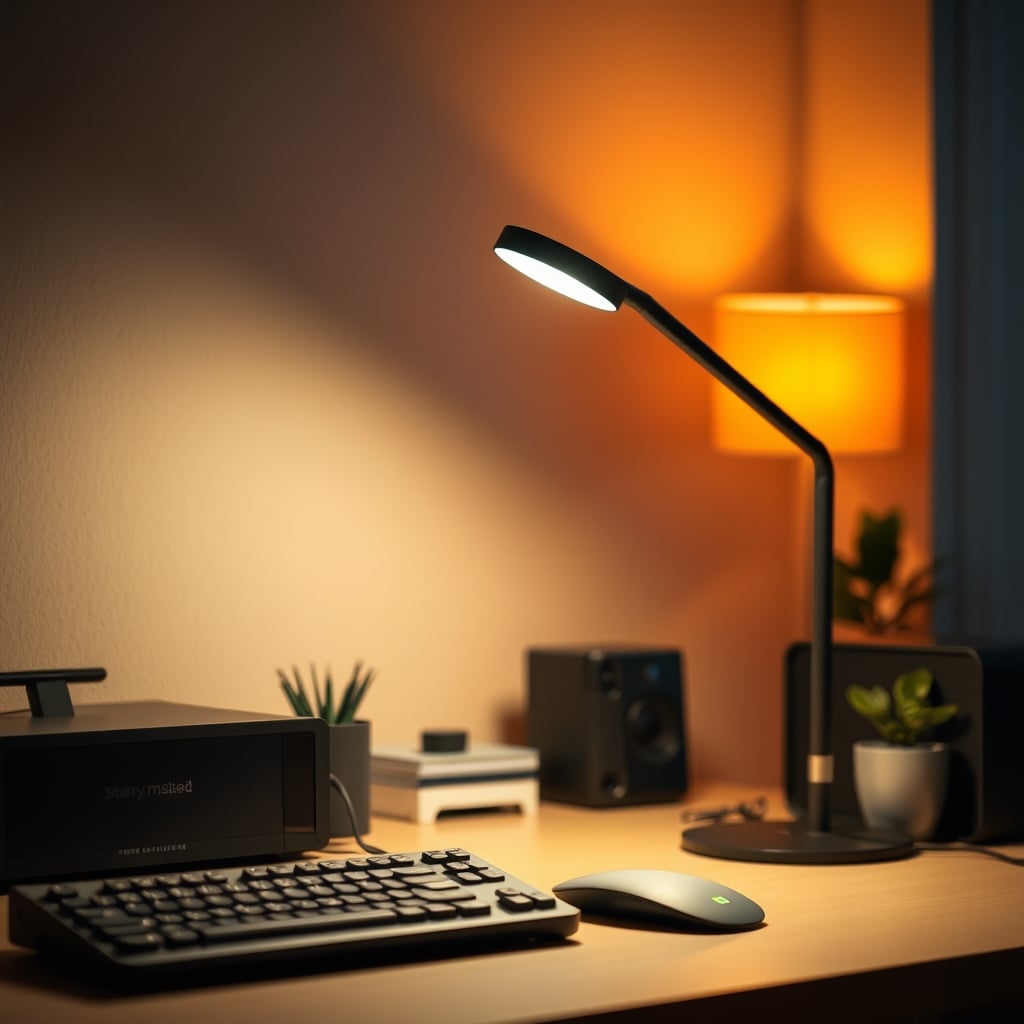
The single biggest mistake you're making right now is believing you need a smart desk lamp. You don't. You need control. You need reliability. You need a non smart desk lamp that provides light when you hit a switch, not after your Wi-Fi reconnects, your phone app updates, or your ecosystem decides to play nice. The industry's push for 'connected everything' has created a category of overpriced, underperforming junk that complicates the most basic task: seeing what you're doing.
I've watched countless people—creators, coders, writers—burn hours troubleshooting light routines when they should be working. The marketing screams about circadian rhythms and sunrise simulations, but the reality is a blinking light strip, a failed firmware update, and the creeping dread that you just spent $150 on a spy device that occasionally glows. Most people get this wrong. They prioritize features over function. It's not worth it.
Why The Smart Desk Lamp Hype Is A Complete Lie
Let's gut this sacred cow. The idea that you need an internet-connected bulb to have good desk lighting is the most pervasive, overrated myth in the workspace category. This doesn't work for real focus. The promised benefits—automated routines, color temperature shifts, voice control—are distractions disguised as features. In real use, they fail to deliver on the core promise: consistent, quality light.
Based on widespread user feedback, the most common issues are latency, unreliable connectivity, and software bloat. Your lamp shouldn't need a companion app that harvests your usage data. It shouldn't require a 2.4 GHz Wi-Fi network segregated from your 5 GHz network. It shouldn't stop working because a server in another country is down. This is a known issue for long-term use: the 'smart' part becomes the dumbest, most frustrating component. The industry lies about the necessity of this complexity. You're wasting money on connectivity you don't need and reliability you'll never get.
For a deeper dive into why smart features often backfire, see our investigation into Smart Lighting Routines Are Ruining Your Desk Vibes.
What A Real Non Smart Desk Lamp Actually Provides
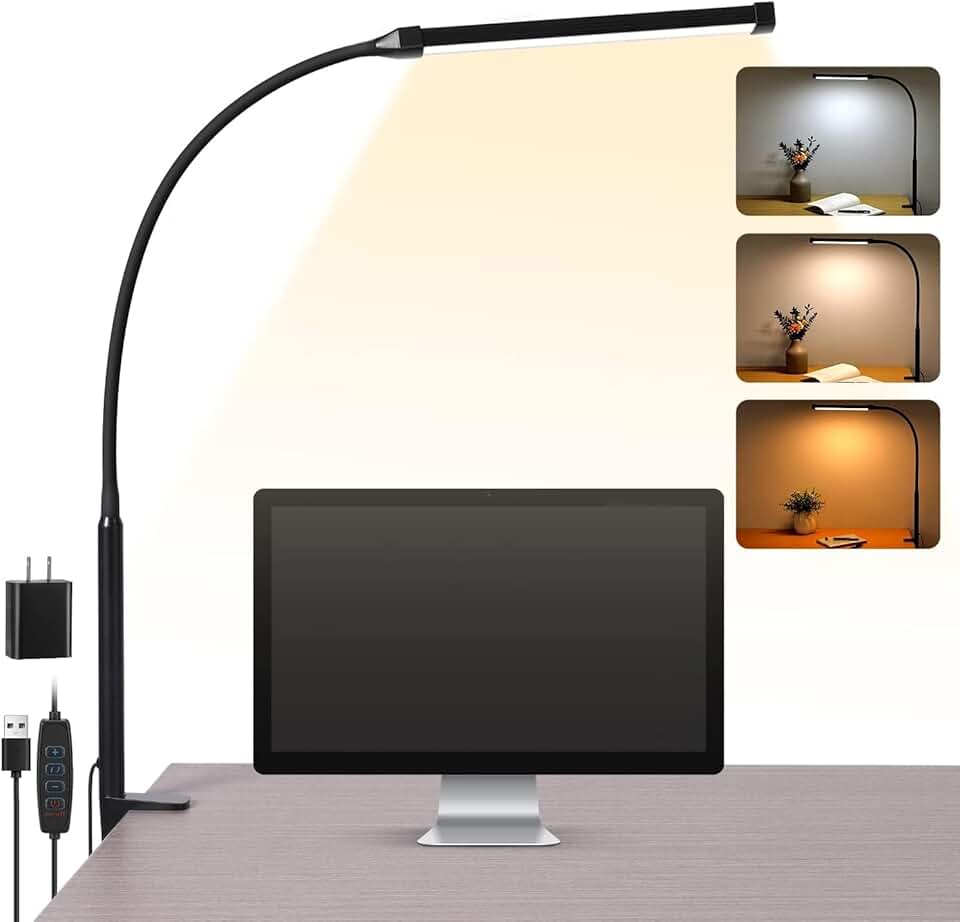
Budget-focused, no-frills home offices
- Simple clamp-on design with long flexible gooseneck
- Three preset color temperature modes
- Memory function recalls last brightness and color mode
Strip away the nonsense. A proper non smart desk lamp gives you three things: immediate light, physical control, and zero cognitive load. You press a button or turn a dial. Light happens. It's a tool, not an experience. This is the real issue most setups have—they add friction where none should exist.
The best lamps provide high-quality, flicker-free LED illumination with a high Color Rendering Index (CRI). Look for a CRI of 90+ (Ra90) as a minimum for any color-sensitive work. This spec, often buried by smart lamp marketers obsessed with kelvin ranges, is what makes your documents, artwork, or skin tones look accurate and vibrant. It's not about millions of colors; it's about rendering the colors you already have correctly. Most budget smart lamps use terrible LEDs with low CRI to pay for the 'smart' chip. You're trading light quality for a gimmick.
The Non Smart Desk Lamp Criteria That Matter (Forget The Rest)
Stop looking at marketing fluff. Here’s what to evaluate, with specific, measurable specs.
1. Light Quality & Flicker: This is non-negotiable. You need PWM-free dimming. Pulse-Width Modulation is a cheap way to dim LEDs that causes rapid flickering, which can lead to eye strain and headaches during long sessions. Ask for direct current (DC) dimming or look for lamps certified to IEEE 1789-2015 standards for low-risk flicker. If a product page doesn't mention its dimming method, assume it's using awful PWM. This is overrated in cheap lamps because it saves manufacturers pennies while costing you your comfort.
2. Adjustability & Form Factor: A lamp must get out of your way. A long, flexible gooseneck (minimum 20 inches) or a multi-jointed swing arm is essential. The base should be heavy or clamp securely. The tiny, rigid stems on most trendy lamps are useless. You need to position the light source directly over your keyboard, off to the side for drawing, or aimed at a wall for bounce light—without the whole thing tipping over. The clamp is superior to a base plate 100% of the time, as we detailed in Your YouTuber Lighting Setup Sucks: Here's Why.
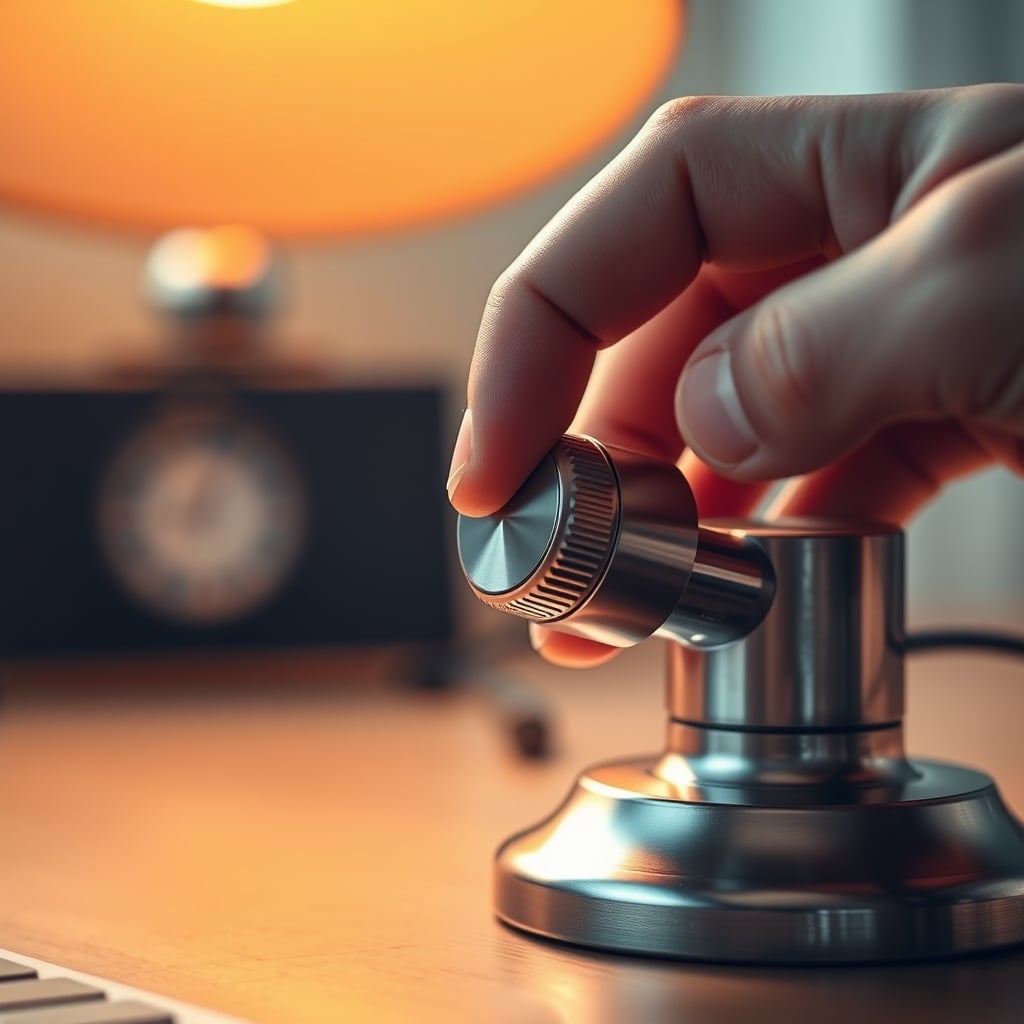
3. Control Interface: Tactile beats touch. Every. Single. Time. A physical knob or button gives you muscle memory. You can adjust it without looking. A capacitive touch panel gets dusty, greasy, and activates accidentally. A single knob that turns for brightness and presses for on/off is the peak of user interface design for a lamp. Touch controls are a downgrade disguised as an upgrade.
4. Color Temperature Range: You don't need RGB. You need a warm-to-cool white range. A span from 2700K (warm, incandescent-like) to 5000K (bright, midday neutral) covers all productive scenarios. Night mode? Turn it warm and dim. Focus mode? Crank it to cool and bright. This should be adjustable via a separate physical control, not buried in an app menu.
The ShineTech Architect Lamp embodies this philosophy. It’s a no-nonsense, double-headed beast with independent goosenecks, giving you two points of light to eliminate shadows completely—a common flaw in single-source lighting. The controls are a satisfying mix of a power touchpad and a separate dial for brightness. It clamps, it reaches, it delivers excellent, even light without a single byte of data transmitted.
The Minimalist's Secret: Embracing The "Dumb" Tool
There's a reason the classic architect lamp design hasn't changed in decades. It works. The move towards minimalism in desk setups isn't just aesthetic—it's about removing points of failure. Every smart device is a potential point of failure. A non smart desk lamp is a closed loop. Your action (flip switch) creates an immediate, predictable reaction (light).
This philosophy extends to your entire desk. As explored in The 'Ugly' Setup Secret: How Extreme Minimalism Unlocks Uninterrupted Deep Work, the goal is deep focus, not feature-rich distraction. Your lamp shouldn't demand your attention. It should disappear until you need it. The constant, low-grade anxiety of a disconnected smart device or a non-functional routine is a hidden productivity tax. This is overrated as a 'convenience.' It's actually a burden.
The Budget Trap & Where To Actually Spend
Don't buy the $12 Amazon special with a hundred five-star reviews. Those lamps use the cheapest possible LEDs with terrible color rendering and aggressive PWM flicker that will fatigue your eyes within an hour. Users consistently report headaches and the inability to use them for detailed tasks. You're not saving money; you're buying a tool that makes your work worse.
Conversely, you don't need to spend $300. The sweet spot is $25 to $60. In this range, you get quality Samsung or LG LED chips, proper heat dissipation, metal construction, and reliable switches. The Voncerus Clip Lamp hits this mark for budget-conscious builders. It’s a simple, effective clamp light with a solid gooseneck and a basic three-mode memory. It’s not fancy, but it’s reliable, and the light quality punches well above its price, making it a staple for no-frills home offices.
The TORCHSTAR Metal Swing Arm Lamp is for the person who values industrial durability over everything else. Its all-metal construction feels like it belongs in a drafting studio, not a streaming setup. The clutch-based swing arm holds any position firmly, without the wobble of cheaper spring-based arms. It’s the antithesis of flimsy, plastic smart lamps.
Common Mistakes That Ruin Your Lighting
- Overlighting the Desk: Blasting 1000 lumens directly onto your white desk creates harsh glare and reflected light into your eyes. This is the real issue. You need less light than you think, placed more strategically. Use bounce lighting off a wall or the ceiling to create soft, diffuse illumination that fills the space without creating hotspots.
- Ignoring Shadows: A single light source from above or the side creates harsh shadows that obscure your keyboard or paperwork. This is why the double-headed lamp, or a lamp with a wide, curved light bar, is superior. It fills from two angles, softening shadows. Most people get this wrong by buying a single, point-source bulb.
- Chasing Color Accuracy Without High CRI: You can have a lamp that claims 95% sRGB coverage, but if it uses low-CRI LEDs, all those colors will look flat and dead. The CRI rating (Ra) is more important than the advertised color gamut for general use. A high CRI light makes everything in its beam look more real, which reduces eye strain. You're wasting money on a lamp with poor CRI.
The Final Verdict: Actually Good
Skip the smart desk lamp. It's an overrated category built on solving problems that don't exist while creating new ones around reliability and privacy. The hype is a lie.
The humble, powerful, and brilliantly simple non smart desk lamp is worth it. It's a foundational tool that just works. Invest in one with high CRI, flicker-free dimming, and physical controls. Clamp it to your desk, position the light, and forget about it. Your focus will thank you, your eyes will thank you, and you'll never again have to reboot a light bulb.
For more truths they don't want you to know about your workspace, see how Ergonomics Is A Lie and why Your Single Monitor Desk Setup Is Actually Superior.
Frequently Asked Questions
What is a non smart desk lamp?
A non smart desk lamp is a standard lamp with no Wi-Fi, Bluetooth, or app connectivity. It uses physical controls (buttons, knobs, switches) to operate and provides light without data collection, firmware updates, or ecosystem dependencies. It's a simple, reliable tool for illumination.
Why are non smart desk lamps better than smart ones?
They're more reliable, have zero latency, don't spy on you, and prioritize light quality over gimmicky features. Smart lamps often use cheaper components to pay for connectivity chips, resulting in worse color rendering (CRI) and potential flicker. For focused work, immediate physical control beats delayed app control every time.
What should I look for in a good non smart desk lamp?
Look for a high Color Rendering Index (CRI 90+), flicker-free dimming (PWM-free), a flexible gooseneck or swing arm, a heavy or clamping base, and physical controls (knobs/buttons). Avoid capacitive touch panels and lamps that don't specify their dimming method or CRI.
Is a clamp base better than a stand base?
Yes, almost always. A clamp base saves precious desk space, is more stable (it can't be knocked over), and allows you to position the lamp at the very edge of your desk for maximum reach and minimal footprint. A stand base is a waste of space and less secure.
Do I need RGB colors in my desk lamp?
No. RGB is overrated for task lighting. It's a novelty that distracts from work. What you need is a wide range of white color temperatures (e.g., 2700K to 5000K) to match your focus to the time of day. High-quality white light is far more useful than millions of gimmicky colors.
Written by
GlowRig Editorial researches and writes practical guides about desk setups and home office gear. Our articles are produced with the help of AI research tools and are reviewed for accuracy against manufacturer specifications and public user feedback. We may earn a commission from affiliate links, which never affects our recommendations.
Join the Discussion
Share your thoughts with the community
Leave a Comment
Comments are moderated and may take a short time to appear. Links are not permitted.