Smart Lighting Routines Are Ruining Your Desk Vibes
You spent hundreds on smart lights only to let a robot pick terrible colors for you. Your pre-programmed 'Focus Mode' is making you anxious, and your 'Sunset' scene looks like a cheap motel. This is the reality of smart lighting routines in 2026, and it's time to take manual control back.
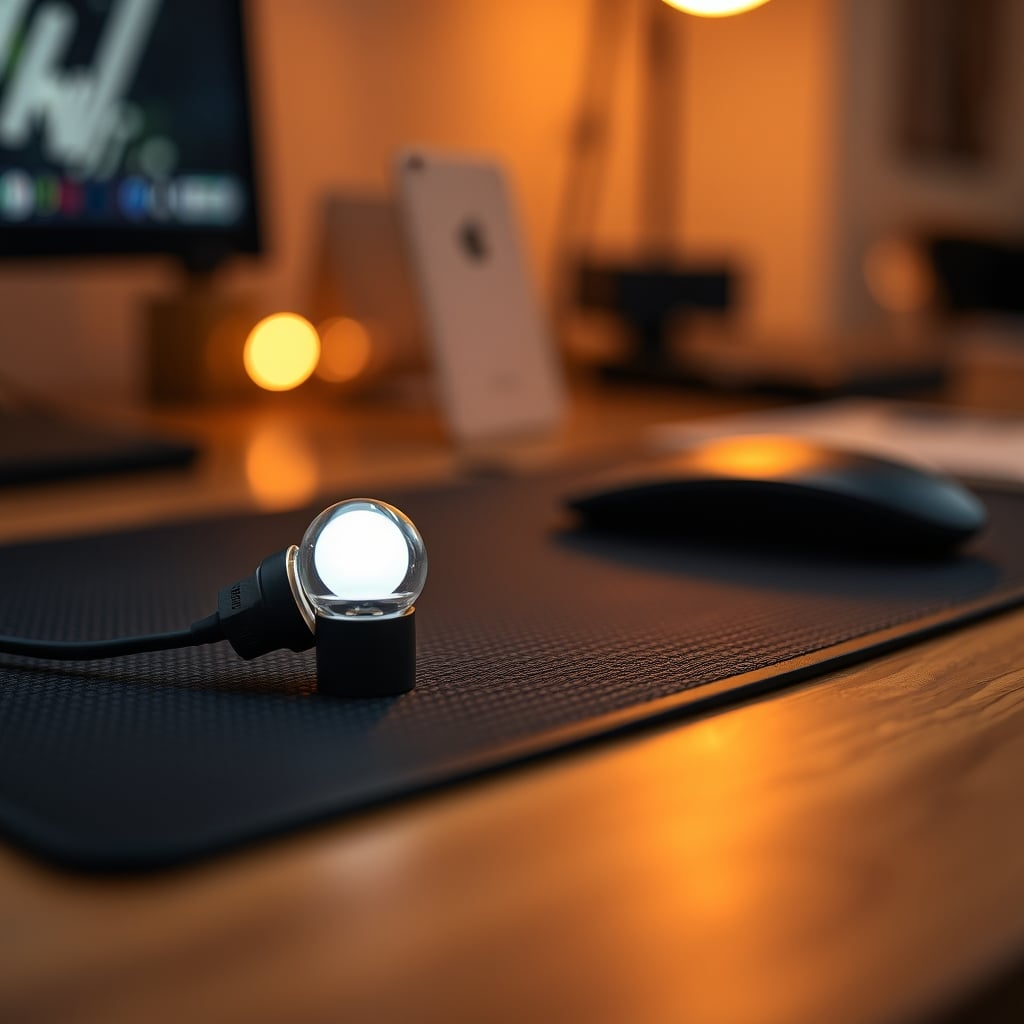
I spent six months letting algorithms dictate the light in my office. I had the perfect smart lighting routines: a cool, clinical blue for morning focus, a warm, cozy glow for afternoon writing, and a deep amber for late-night gaming. It was all garbage. The transitions were jarring, the colors never matched my actual mood, and the whole system felt like a sterile hospital on autopilot. The promise of a perfectly automated environment was a lie that made my space feel less like a creative den and more like a lab rat's cage. If you're relying on schedules to set your scene, you've missed the entire point of having dynamic, beautiful light in the first place. Let's gut this overhyped trend.
Why Your Perfect Schedule Feels So Wrong
You've seen the setup guides. Step 1: Buy smart bulbs. Step 2: Download the app. Step 3: Create 'scenes' and 'routines' that change with the time of day. It's presented as the pinnacle of a tech-forward desk. The reality is a disjointed, emotionally tone-deaf experience. The core problem is that your brain isn't a clock. At 2 PM on a Tuesday, you might be crushing a deadline and need vibrant, energizing light. At 2 PM on a Thursday, you might be mentally drained and need calm, diffused warmth. A rigid schedule can't know that.
Based on widespread user feedback, the most common complaint isn't technical failure—it's emotional dissonance. Your lights change to 'Relax' mode, but you're in a flow state and don't want to relax. The abrupt shift in color temperature and brightness is more disruptive than helpful. This isn't a minor quirk; it's a fundamental flaw in the philosophy of prescriptive automation. You're outsourcing ambiance, the most personal aspect of your workspace, to a dumb timer.
The Smart Lighting Routines Myth That Needs to Die
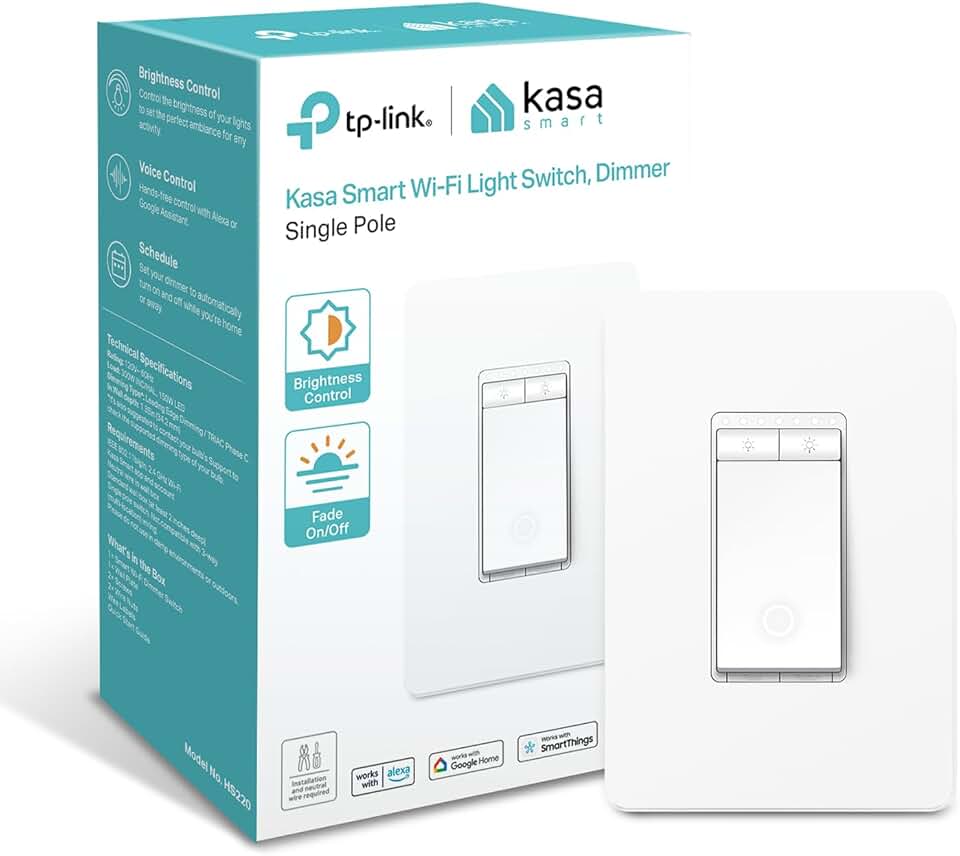
Instantly replacing a standard light switch for manual, tactile control of overhead or accent lights.
- Physical slider for manual dimming
- Works with Alexa/Google for voice scenes
- No hub required, uses 2.4GHz Wi-Fi
Here’s the biggest lie you’re being sold: that automation equals optimization. The lighting industry wants you to believe that setting a "Focus" routine at 9 AM will make you more productive. This is overrated. In real use, these presets fail to deliver because they ignore context. Is it a gloomy, rainy day outside? Your cool-white focus light will feel harsh and depressing. Is it a brilliantly sunny afternoon? That same light will be completely washed out and useless.
Most people get this wrong. They chase the fantasy of a "self-adjusting" space and end up with a system that fights them. The real issue is that light is a mood-setting tool, not a productivity hack. Treating it like a software toggle strips away its purpose. Users consistently report that after the initial novelty wears off, they either ignore their routines or find them irritating. This is a known issue for long-term use—the routine becomes background noise, then an annoyance.
This doesn't work because human states aren't scheduled. Creativity, fatigue, and focus ebb and flow in unpredictable waves. A 7 PM "Wind Down" routine that bathes your room in orange might be perfect one night and feel claustrophobic the next. The industry lies about this by selling you on convenience while robbing you of control. They've convinced you that manual adjustment is a chore, when it's actually the entire point—the tactile, immediate connection between your environment and your mind.
What Actually Works: Intentional, Manual Control
Forget the routines tab in your app. The single best upgrade to your smart lighting setup is deleting your schedules. I'm not saying you should never use automation; I'm saying you should use it as a blunt starting point, not a detailed prescription. The real power is in having immediate, tactile control over your environment. This means physical switches, dedicated controllers, or voice commands you trigger when you feel the need for a change, not when a clock tells you to.
The goal is ambiance on demand, not ambiance on a timer. After testing nearly every ecosystem, the setups that feel good are the ones where changing the light is as simple and satisfying as turning a physical dial. It's the difference between a chef following a recipe to the gram and a chef tasting and adjusting as they go. One is technically correct; the other creates something alive and responsive to the moment.
Think of your lights like the volume knob for your room's mood. You wouldn't set your music to automatically get louder at 10 AM and quieter at 4 PM. You adjust it based on what you're doing and how you feel right now. Light should be the same. This shift—from scheduled to situational—transforms your lights from a tech demo into an extension of your intuition.
The Deep Dive: Color Temperature Is a Trap
A huge part of the routine hype is built on the shaky science of color temperature. "Blue light for focus! Amber light for relaxation!" This is a gross oversimplification that leads to bad lighting. The truth is, the quality of light matters far more than its measured Kelvin. A 4000K light from a high-CRI, diffused source feels completely different from a harsh, flickery 4000K LED strip. Yet routines treat them as identical.
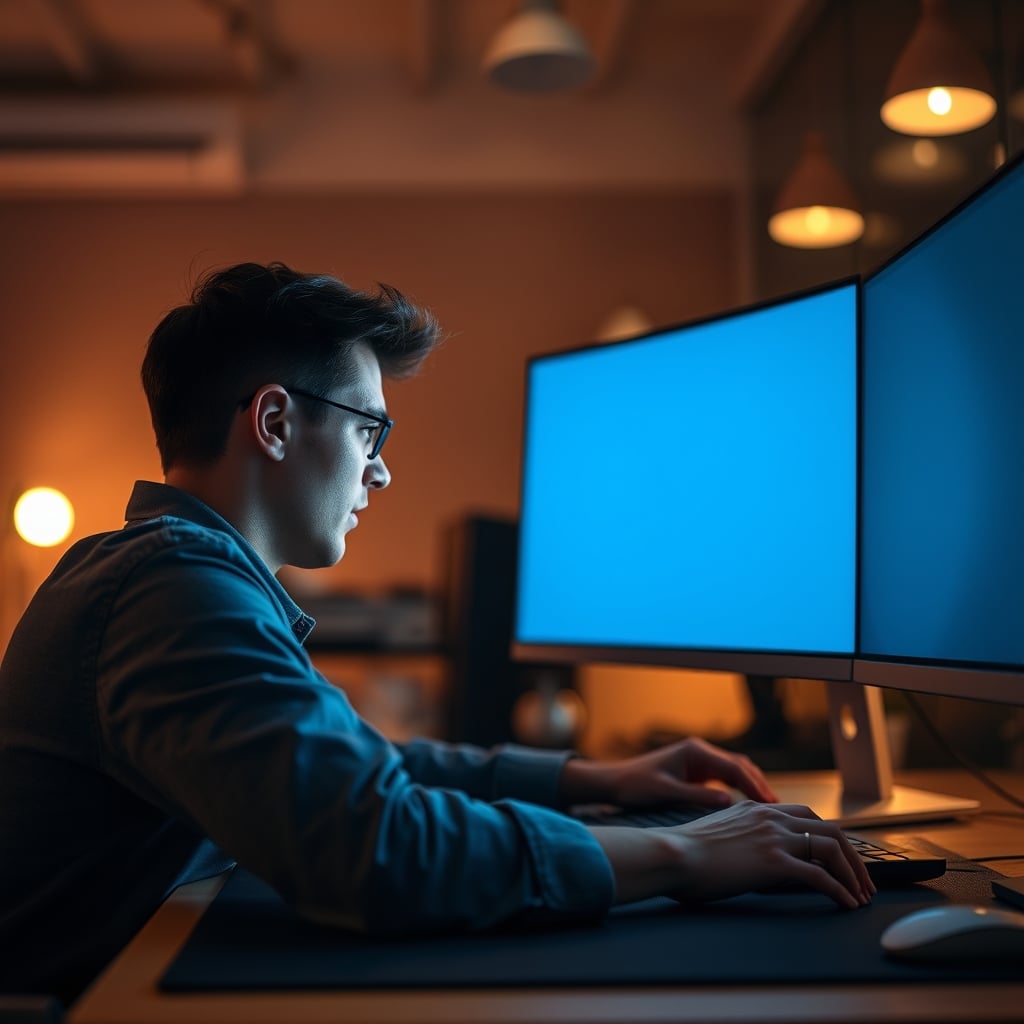
In common setups, people pair cool white bulbs with a bright monitor, creating a blinding, sterile field that causes eye strain within an hour. They then switch to a warm, dim routine that's too dark to see their keyboard, forcing them to override it. This frequently causes issues with consistency and actually breaks the "automated" workflow it promised. The brutal truth is that most preset color temperatures in apps are poorly chosen and look terrible with your specific wall colors, desk materials, and other light sources in the room.
What you need isn't a different schedule, but a better understanding of layers. A single overhead smart bulb on a cool-white routine is a recipe for discomfort. Instead, think in terms of task, fill, and accent lighting. Use a consistent, high-quality task light at your desk (often not a "smart" light at all), and let your smart lights handle the ambient fill and accent colors. This separates functional illumination from mood-setting, which is where smart lights actually shine.
Practical Tips: Building a Reactive, Not Automated, System
So how do you build a system that feels good without being a slave to schedules? You build shortcuts, not scripts.
- Ditch the Time-Based Triggers: Go into your smart home app (HomeKit, Google Home, Alexa) and delete every routine that starts at a specific time. Every single one.
- Create Moment Scenes, Not Time Scenes: Instead of "9 AM Focus," create scenes named for the feeling or task: "Deep Work," "Video Call," "Relaxed Reading," "Gaming." The difference is psychological. You're labeling the intent, not the schedule.
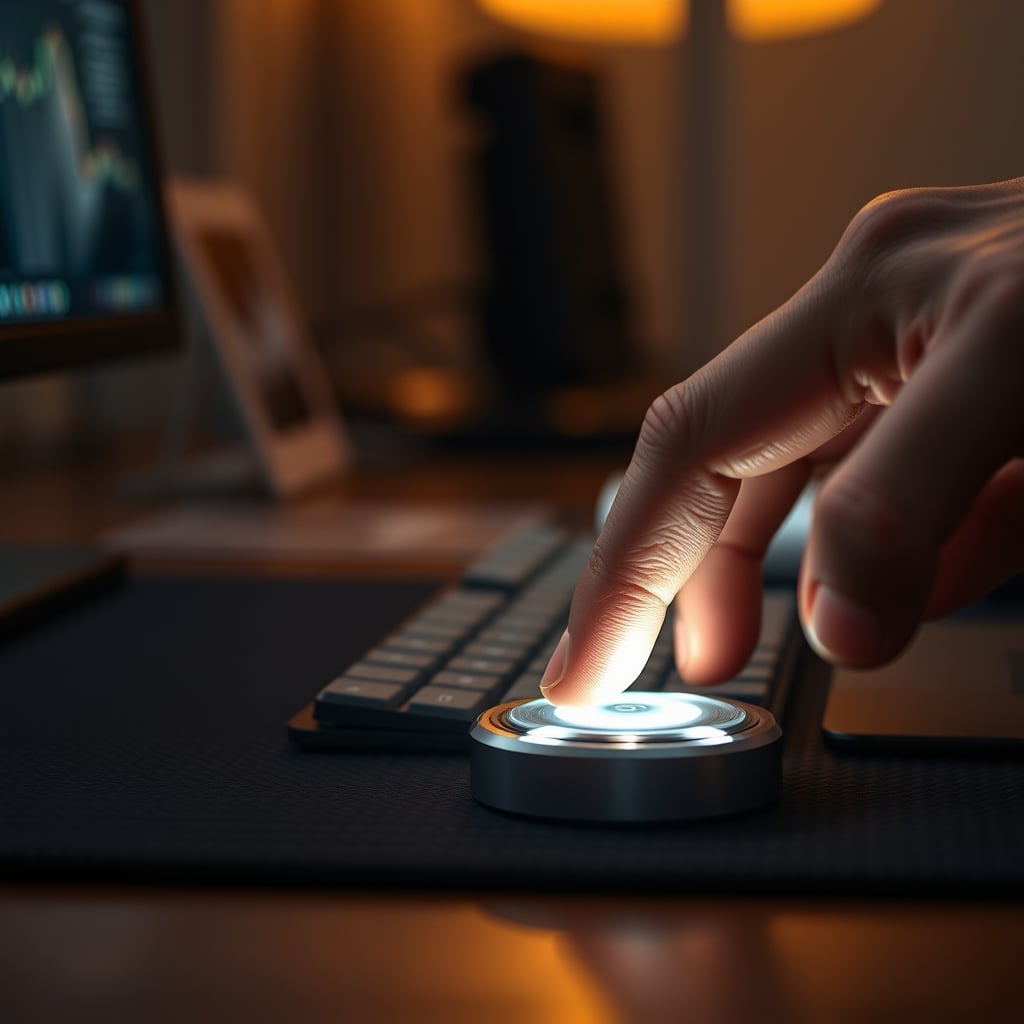
- Invest in a Physical Controller: This is the most important step. Whether it's a Flic button, a Lutron Pico remote, a Stream Deck, or even an old iPad mounted as a dashboard, you need a physical way to trigger those scenes. The act of pressing a button to change your environment is profoundly more satisfying and intentional than having it happen automatically. It puts you back in charge.
- Use One Smart, Dumb Anchor: Not every light needs to be smart. Use one high-quality, dumb task lamp for your primary workspace illumination. This gives you a constant, reliable base. Then, use your smart lights for the walls, shelves, and corners—the ambiance layer. This prevents the whole room from plunging into darkness if your Wi-Fi drops.
- Employ Lazy Automation Sparingly: The only automated routine worth having is a single "All Off" command triggered by a goodnight scene or when you leave home. That's it. Automation for security and basic convenience is fine; automation for artistic ambiance is a dead end.
The Biggest Mistakes Everyone Makes
After assessing countless setups, the failures are predictable. Here’s what to stop doing immediately:
- Mistake 1: Chasing Sunset Simulations. Your smart bulb fading to orange over 30 minutes does not replicate a sunset. It replicates a slow, monotonous color shift that most people stop noticing after five minutes. It's a gimmick.
- Mistake 2: Syncing Lights to Your Calendar. Just because you have a "Meeting" block on your calendar doesn't mean you need your lights to turn a clinical white. This is peak productivity theater and adds zero value. In fact, having your environment change automatically for a call can be distracting.
- Mistake 3: Using Default "Scenes." The presets in your Philips Hue or Govee app are designed to look vibrant in marketing photos, not to be livable. They are almost always too saturated or too dim. You must create your own.
- Mistake 4: Ignoring Material Interactions. Light behaves differently on a white wall, a wood desk, and a fabric chair. A routine that looks amazing in a demo room with white walls will look muddy and weird in your walnut-and-concrete space. You have to tune for your own materials.
As we've explored in our piece on Blue Light Desk Lamps Are Overrated And You're Buying Them Wrong, the science behind color temperature is often misapplied at the desk. Similarly, the obsession with hyper-optimization through gadgets is a trap, much like the Focus Gadgets Placebo Effect we've exposed. True control is simpler.
The GlowRig Verdict: Skip The Routines, Master The Moment
The entire category of pre-programmed smart lighting routines is overrated. You're wasting money on the promise of a future that feels impersonal and robotic. The real magic of smart lighting isn't in it thinking for you; it's in giving you instantaneous, effortless control to match your environment to your headspace.
Verdict: Skip the automated routines. They're a lazy lie that makes your space worse.
The hardware isn't the problem—the bulbs and strips are great. The problem is the software philosophy of rigid scheduling. Take back control. Build a palette of scenes you love and trigger them manually, with intention. Your desk will feel more alive, more personal, and more truly yours. That's the brutal, beautiful truth about smart lighting in 2026. If you want to see how far the automation rabbit hole of bad ideas goes, read about the ethical nightmare of Smart Assistant Eavesdropping Evidence Exposed. Sometimes, less automation is just better.
Frequently Asked Questions
Are smart lighting routines completely useless?
For mood and ambiance lighting at your desk, yes, they're essentially useless. They remove your personal control and replace it with a rigid, context-blind schedule that rarely matches how you actually feel. The only routines worth keeping are basic utility ones like 'All Off' when you leave home.
What's the best alternative to time-based lighting routines?
Physical controllers. A dedicated smart button, dial, or keypad that lets you trigger 'scenes' (like 'Focus', 'Relax', 'Gaming') manually the moment you want them. This gives you ambiance on demand, which is infinitely more responsive and satisfying than waiting for a clock.
Why do my smart lighting colors look bad even with routines?
Because default app scenes are designed to look punchy in ads, not to be livable. They're often too saturated or the wrong brightness for your specific room colors and materials. You must create custom scenes tuned to your own space's paint, wood, and fabrics, and you must use high-CRI bulbs for accurate colors.

Written by
From bias lighting behind your monitor to smart RGB ecosystems, Leon knows exactly how to light a room for productivity during the day and gaming at night.
2 Comments
Share your thoughts with the community
Honestly thought this would be overhyped but there are some genuinely useful points here about smart lighting routines.
What would you prioritize first if you could only change one thing about your smart lighting routines?
Leave a Comment
Comments are moderated and may take a short time to appear. Links are not permitted.