Desk Light Health Risks The Brutal 2026 Truth
You think your fancy desk lamp is helping you work. It’s not. The most common desk light health risks are still being ignored. This isn't about specs—it's about how your setup is literally making you sick. In 2026, understanding the brutal truth behind these desk light health risks is non-negotiable for your focus and sleep. We break down what actually works, what's pure snake oil, and why most advice you've heard is dead wrong.
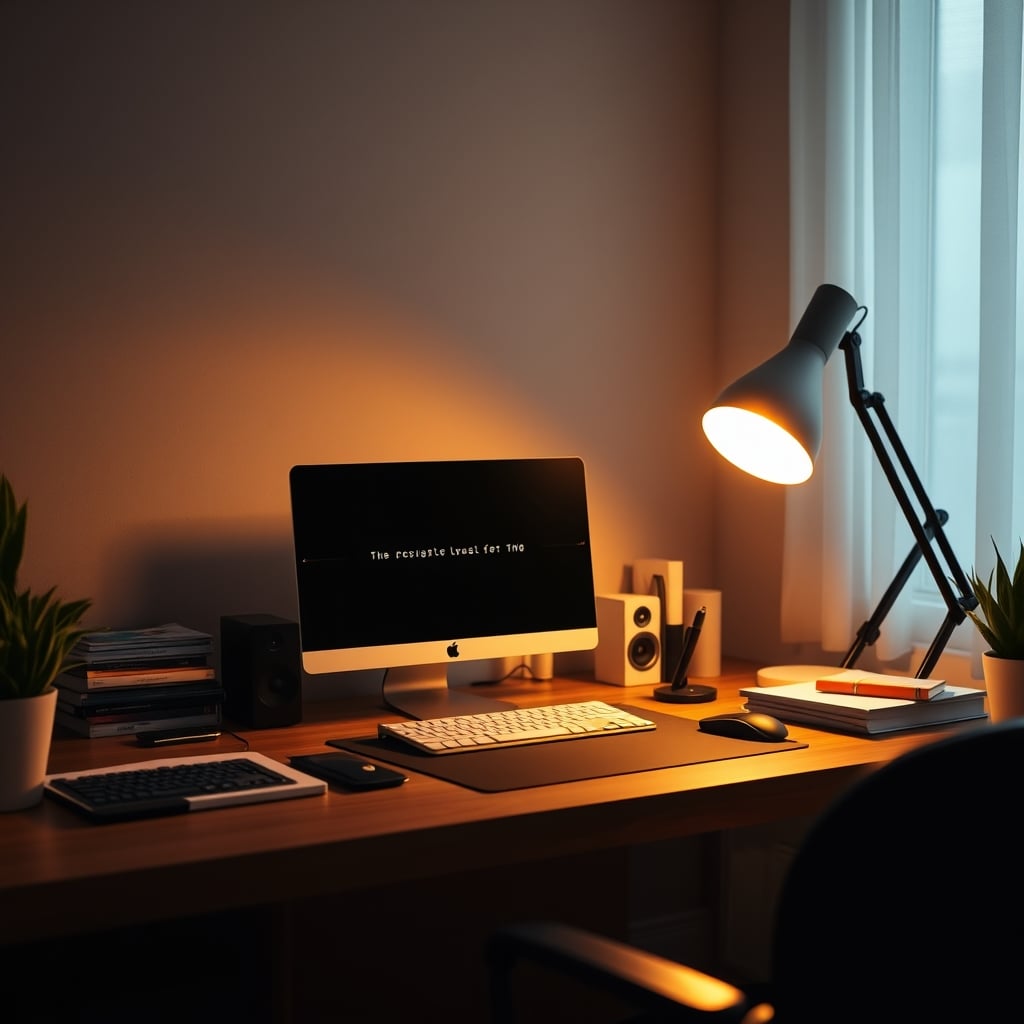
Here's the first desk light health risk you need to understand: your eyes are screaming at you to stop. That persistent headache behind your eyes at 3 PM? The dry, irritated feeling that makes you blink constantly? That's your desk light. Not your monitor, not lack of sleep—your light. Most of us treat desk lighting as an afterthought, a purely aesthetic choice, or we fall for marketing that promises 'full spectrum' or 'blue light free' magic. The reality is far simpler and much more brutal. After comparing countless setups and listening to widespread user feedback, the pattern is clear: poor lighting is the silent productivity killer in almost every modern workspace, and the industry is selling you solutions that often make the problem worse. The core desk light health risks in 2026 are glare, asymmetry, and circadian sabotage.
The core issue isn't brightness. It's not even color temperature. It's ignorance of how light behaves in a real, cluttered, multi-screen environment. You're fighting glare you can't even see, dealing with shadows that strain your neck, and bathing in light frequencies that tell your brain it's noon at midnight. This is the real problem with desk light health risks in 2026: we're applying 20th-century solutions to 21st-century work. The standard advice is broken.
Why The "Blue Light Filter" Myth Is Pure Snake Oil
Let's kill this one right now. That little blue light filter on your monitor or your 'eye care' lamp setting? It's a placebo. A band-aid on a bullet wound. The industry lies about this because it's an easy sell. "Just tap this button and protect your eyes!" It's nonsense.
This is overrated. The real issue with blue light isn't the light itself—it's the timing, intensity, and contrast. Staring at a dim, blue-filtered screen in a brightly lit room at 10 PM is still going to scramble your circadian rhythm. The filter might reduce a tiny percentage of blue emissions, but it does nothing to address the fundamental mismatch between your screen's light and your ambient light. Users consistently report that while a blue light filter might reduce immediate screen glare, it does nothing to prevent the late-afternoon headache or the sleep disruption that comes from a poorly lit room. You're treating a symptom while ignoring the disease. If you want to actually fix the problem, you need to think about light balance, not light elimination.
The Real Desk Light Health Risks Nobody Talks About
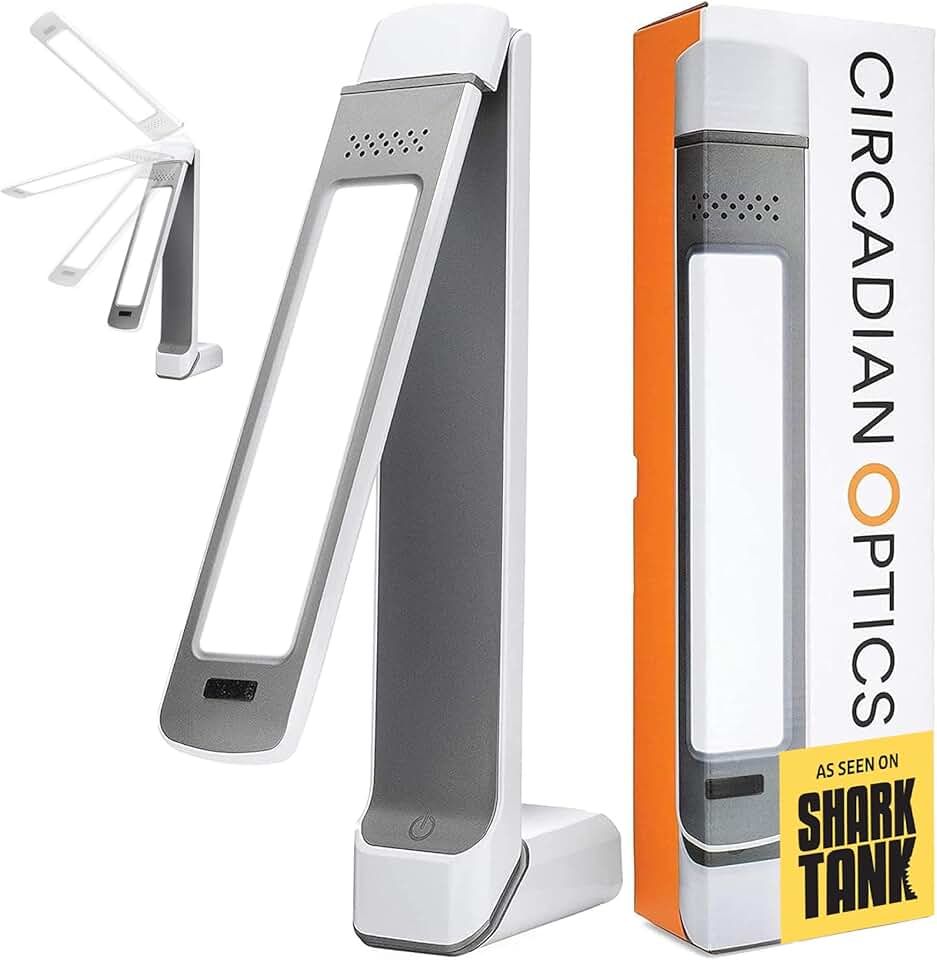
Short-duration morning light therapy; NOT recommended as a primary all-day desk lamp.
- 10,000 LUX UV-Free LEDs for effective light therapy sessions
- Compact, adjustable design that fits on most desks
- Simple touch controls with multiple brightness settings
Forget the marketing pamphlets. Here are the actual, tangible health risks your current desk light is probably creating right now.
First, asymmetric lighting. This is the real issue. You have a single lamp on one side of your desk. Your keyboard is brightly lit, but your notebook or second screen is in shadow. Your eyes are constantly adjusting between these drastically different brightness zones. This causes micro-strain throughout the day that accumulates into real fatigue, headaches, and even neck pain as you subconsciously crane toward the light. Based on widespread user feedback, this is a known issue for long-term use that most people blame on 'just getting older' or 'a long day.' No, it's your lamp placement.
Second, glare warfare. This doesn't work. You buy a matte monitor to reduce glare, then you put a shiny, glossy lamp base or a reflective desk mat right in front of it. You've created a secondary glare source. The light bounces off that surface and hits your screen or your eyes from an angle you're not even consciously aware of. In real use, this frequently causes issues with focus and eye watering that people mistake for screen brightness being too high. They turn the brightness down, making the screen-to-ambient light ratio even worse. It's a vicious cycle.
Third, circadian sabotage. This is the most insidious risk. Your fancy 'daylight' lamp is great at 2 PM. At 8 PM, when you're trying to wind down with some light reading or casual browsing, that same 5000K blast of cool white light is telling your pineal gland to stop producing melatonin. It's telling your brain it's go-time. You might fall asleep from exhaustion, but the quality of that sleep is garbage. You wake up feeling unrested, reach for more coffee, and the cycle continues. This is not a minor issue; it's a fundamental mismatch between our technology and our biology.
Your Overhead Light Is The Enemy (And Your Monitor Is Its Accomplice)
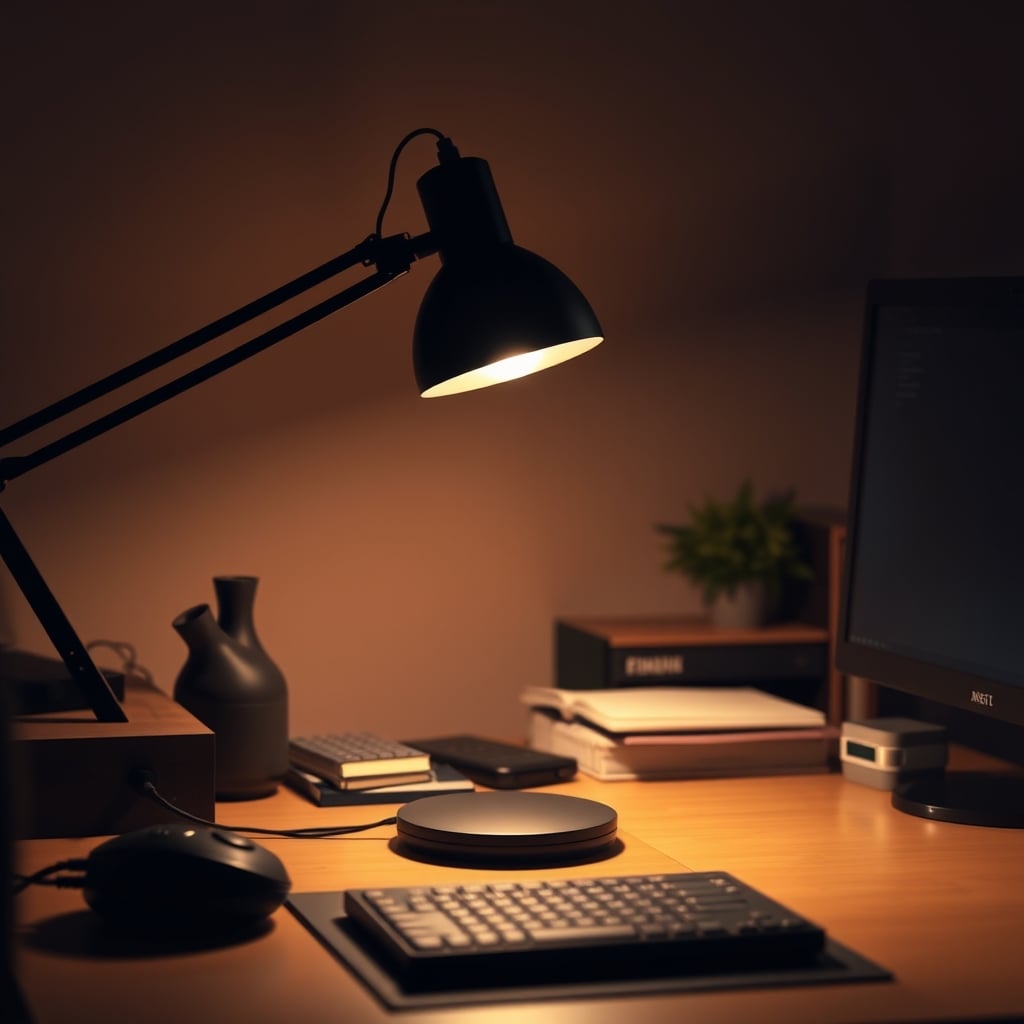
Most people get this wrong. They think more light is better. They turn on the big, harsh overhead light to 'see better.' This is a catastrophic mistake. The overhead light creates a massive, diffuse wash of light that eliminates all shadows—sounds good, right? Wrong. It also creates a veil of glare across your entire monitor. You have to crank your monitor brightness to compete, which increases eye strain. It flattens your workspace, removing the visual cues that help your brain parse depth and detail, which actually makes focusing harder.
The real solution is to ditch the overhead light almost entirely. Use it only for cleaning or searching for a lost cable. For actual work, you need localized, task-specific lighting that you control. Your monitor should be the brightest thing in your field of view, and your ambient light should be just bright enough to comfortably see your keyboard and desk surface without creating competing light sources. This is the single most effective change you can make. The industry pushes 'ambient fill lighting' as a premium feature, but they're usually selling you more cheap LEDs, not a calibrated solution. For a deeper dive into why most ambient lighting is junk, read our take on how Ambient Lighting Benefits Are a Marketing Lie.
Material & Texture: The Forgotten Variables in Light Health
This is where aesthetics and health collide. Your choice of desk surface, monitor bezel, and lamp housing material has a direct impact on your eye strain. A black, matte desk surface absorbs light. A white, glossy one reflects it directly into your eyes and onto your screen. It's that simple.
That brushed aluminum lamp arm you love for its 'premium look'? It's a glare cannon. That smooth, plastic monitor stand? It's a light reflector. We prefer real performance over specs. A lamp with a lower CRI (Color Rendering Index) but a matte, non-reflective body in the right position will cause less strain than a 'perfect' lamp with a glossy finish that scatters light everywhere. You need to think of your entire desk as an ecosystem, not a collection of isolated products. The light interacts with everything. If your setup feels harsh, the problem is rarely the bulb—it's what the light is hitting on its way to your eyes.
The "Full Spectrum" & "10,000 Lux" Marketing Trap
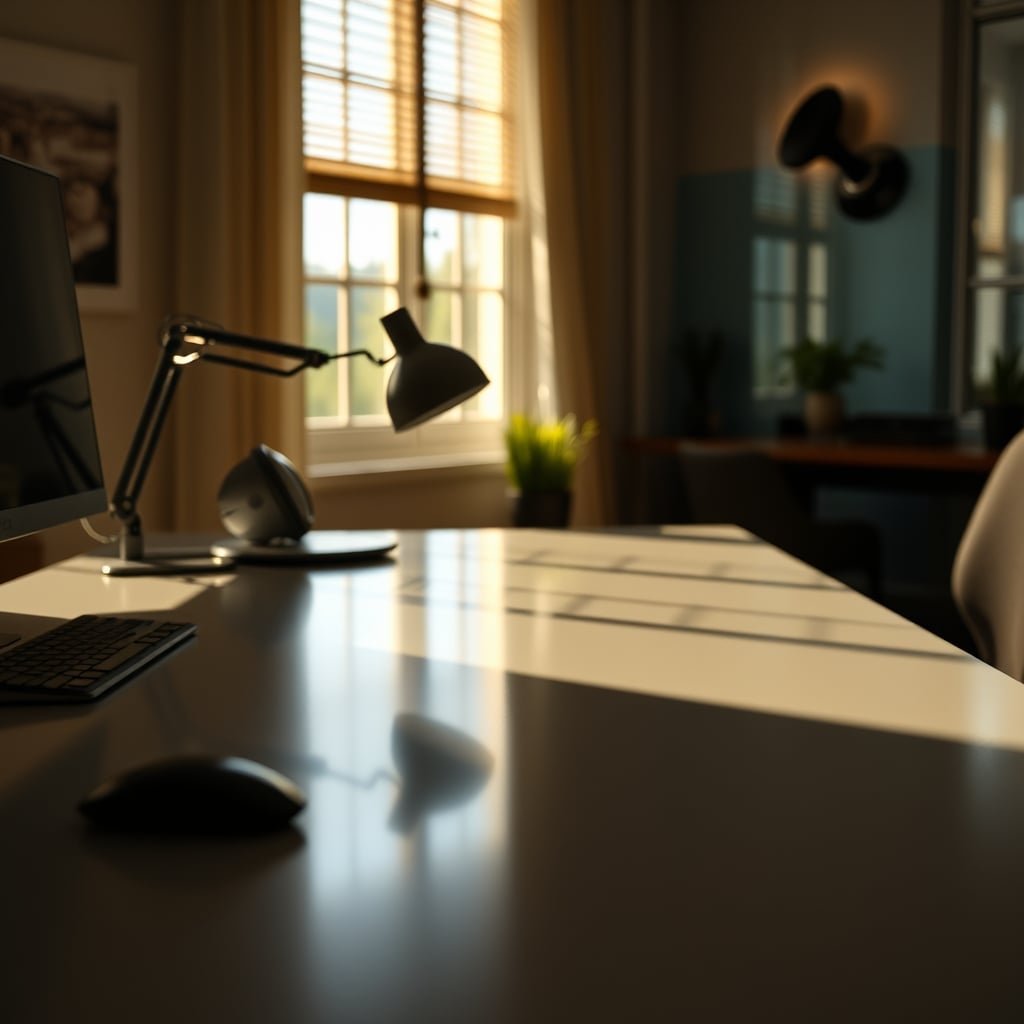
Another one that needs to die. The full spectrum desk lighting scam is over. These lamps promise to replicate the sun's perfect light. They don't. What they deliver is often a harsh, clinical light that feels more like a dentist's office than a spring morning. The promise of '10,000 Lux' is particularly misleading. Lux is a measure of illuminance at a specific distance. At 2 inches from the bulb, sure, it's 10,000 Lux. At the 18 inches where your eyes actually are? It's a fraction of that. It's a spec sheet victory that means nothing in real use.
Widespread user feedback shows that people who buy these 'therapy' lamps for general desk use often find the light too intense, too directionally harsh, and completely unsuited for long sessions. They're designed for short-burst light therapy, not 8-hour workdays. Using one as your primary desk light is like using a sledgehammer to hang a picture. It's the wrong tool, and it will damage the wall. If you're interested in the science (and marketing) behind this, we've already dismantled this myth in our article The Full Spectrum Light Scam Is Over.
A Practical, Tested Lighting Framework That Actually Works
Enough with the problems. Here's what you should actually do. This isn't about buying one magic product; it's about applying a framework.
1. Layer Your Light. You need exactly three layers, no more. A task light for your primary work area (like a flexible arm lamp). A fill light for the rest of the desk surface (this can be a second, dimmer lamp or bias lighting behind your monitor). And zero overhead light. Kill it.
2. Follow the 1:3:5 Rule. This is our tested guideline. Your monitor brightness is '1'. Your primary task light should be about '3' times brighter than your darkest desk surface. Your room's ambient light (from a window or a far-away lamp) should be no brighter than '5'. This maintains hierarchy and prevents competition.
3. Warm Up As The Day Cools Down. This actually works. Start your workday with your task light at a cooler temperature (4500K-5000K). After sunset, manually switch it to a warmer tone (2700K-3000K). Automated circadian lighting apps are often more trouble than they're worth, adding cognitive load for minimal gain. A manual switch is simpler and more reliable. For the pitfalls of over-automation, see how Smart Lighting Cognitive Load can backfire.
4. Mind the Angles. Your task light should never shine directly on your screen or into your eyes. It should come from behind and to the side, illuminating your hands and the desk in front of the monitor. The lamp head should be at or just above eye level, pointing down.
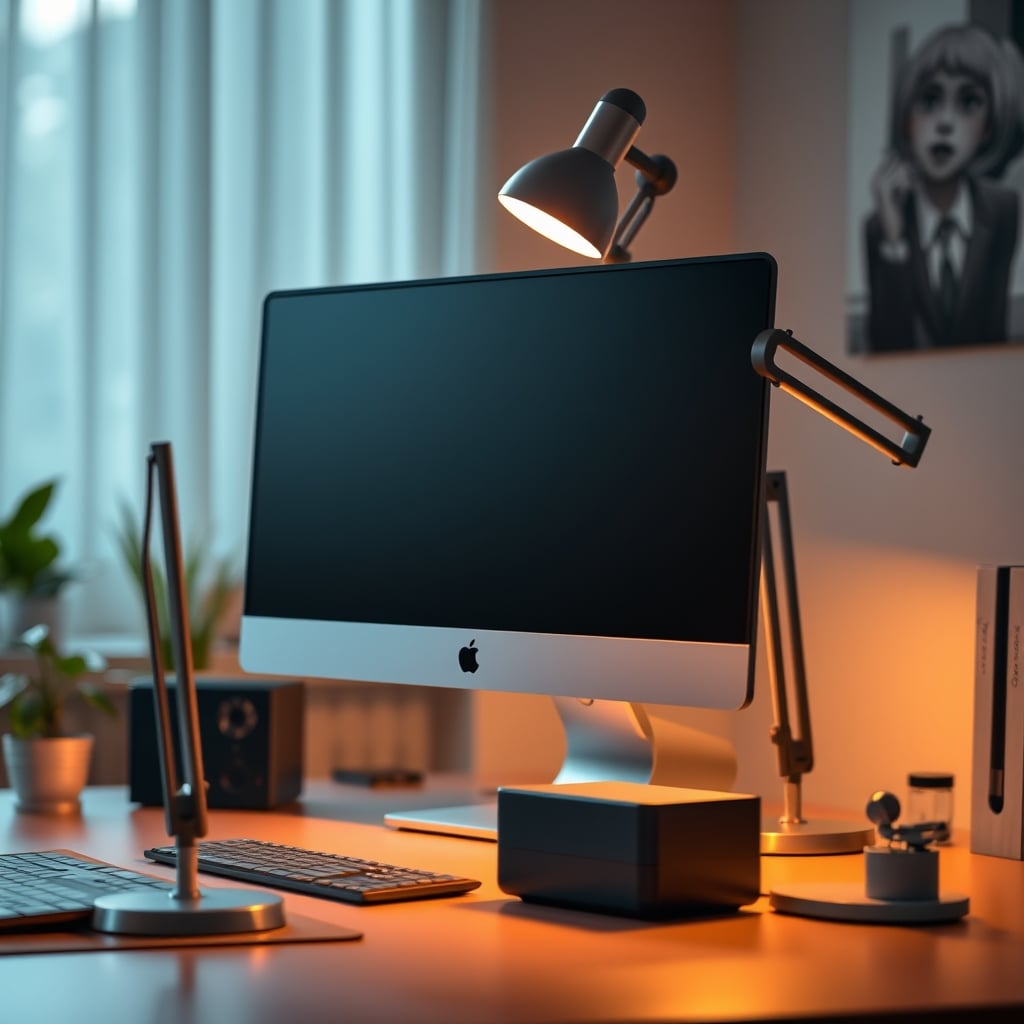
The Biggest Mistakes We See (And How To Avoid Them)
Based on observing common setups, here are the classic fails.
Mistake 1: The Single Central Lamp. Placing one lamp dead-center behind your monitor. It creates a halo of glare around the screen and leaves your peripheral workspace in darkness. Your eyes are constantly struggling to adjust. This is bad because it forces pupil dilation/contraction cycles all day long.
Mistake 2: RGB Everything. Setting your bias lighting or lamp to bright blue, purple, or red 'for the vibes'. These saturated colors are incredibly stimulating and fatiguing. They wreck your color perception if you're doing any design work and provide zero functional illumination. Stick to white for task areas. If you must have color, use it very dimly and far outside your direct field of view.
Mistake 3: Ignoring Reflectivity. Using a glass desk, a polished metal laptop, or a glossy white desk mat. Every one of these is a mirror that takes your carefully placed light and weaponizes it against your retinas. Choose matte finishes. Always.
Mistake 4: Chasing the 'Perfect' Color Temperature. Obsessing over getting exactly 4000K vs 4200K. It doesn't matter. What matters is the contrast between your light sources. A 3500K lamp and a 4000K monitor is fine if the intensities are balanced. A 4000K lamp and a 4000K monitor is a disaster if the lamp is twice as bright. Prioritize intensity and placement over chasing perfect Kelvin numbers.
The Verdict: What's Actually Worth Your Money
Skip the gimmicks. Skip the 'full spectrum' therapy lamps unless you're specifically treating SAD. Skip the $300 designer lamps that are all shiny surfaces and no diffuse glow. Skip the smart bulbs that require an app just to turn them on.
What's actually good? A simple, articulated desk lamp with a large, shallow shade (to diffuse light), a matte finish, and a warm-to-cool temperature range. You want physical switches, not touch controls that you fumble with. You want a heavy, stable base so it doesn't wobble when you type. The goal is to forget the lamp exists while you work—it should just provide light, not be a gadget you interact with.
One product category that consistently delivers in real use is a basic, high-quality LED task light with a gooseneck or multi-joint arm. Brands like Luxe or BenQ make solid ones, but the key is the physical design, not the brand name. Look for the features that combat the real desk light health risks: diffusion, adjustability, and non-reflective materials.
Final Verdict: Your current lighting setup is probably overrated and actively harming you. The fix isn't expensive or complex, but it requires you to think differently. Stop treating light as decoration. Start treating it as a core ergonomic variable, as important as your chair height or monitor position. It's worth the hour it takes to reassess and reposition. Your head, your eyes, and your sleep will thank you.
Frequently Asked Questions
What is the biggest desk light health risk most people ignore?
Asymmetric lighting. Having a single bright light source on one side of your desk forces your eyes to constantly adjust between light and shadow zones throughout the day, leading to cumulative eye strain, headaches, and neck pain that most people blame on fatigue or aging.
Are blue light blocking glasses or screen filters effective?
They are overrated for addressing core desk light health risks. They treat a tiny symptom (a fraction of blue light) while ignoring the real problem: the intensity mismatch and poor placement of your ambient lighting. Fixing your room's light balance is far more effective than filtering your screen.
What color temperature (Kelvin) is best for a desk lamp?
There's no single 'best' number, and chasing one is a mistake. More important is variability: use cooler light (4500K-5000K) during daylight hours for focus, and switch to warmer light (2700K-3000K) after sunset to support your natural sleep cycle. The contrast between your light sources matters more than the exact Kelvin.
Should I use the overhead light in my office?
Almost never during focused work. Overhead lights create diffuse glare across your entire workspace and monitor, forcing you to increase screen brightness and flattening visual depth. Use it only for room cleaning or finding items. Rely on controlled, localized task lighting instead.
Is a 'full spectrum' or light therapy lamp good for all-day use?
No. These lamps are designed for short-duration light therapy (20-30 minutes), not long work sessions. Their high-intensity, often harsh light is unsuitable and can be fatiguing for 8-hour days. Using one as a primary desk lamp is the wrong tool for the job.

Written by
From bias lighting behind your monitor to smart RGB ecosystems, Leon knows exactly how to light a room for productivity during the day and gaming at night.
Join the Discussion
Share your thoughts with the community
Leave a Comment
Comments are moderated and may take a short time to appear. Links are not permitted.