My 30-Day Experiment With Motion Sensor Lighting Waste
I spent a month trying to make automated motion sensor lighting work at my desk. The result? A jarring, inconsistent light show that murdered my concentration and proved the entire category is built on a lie of convenience. Here’s why you should skip it.
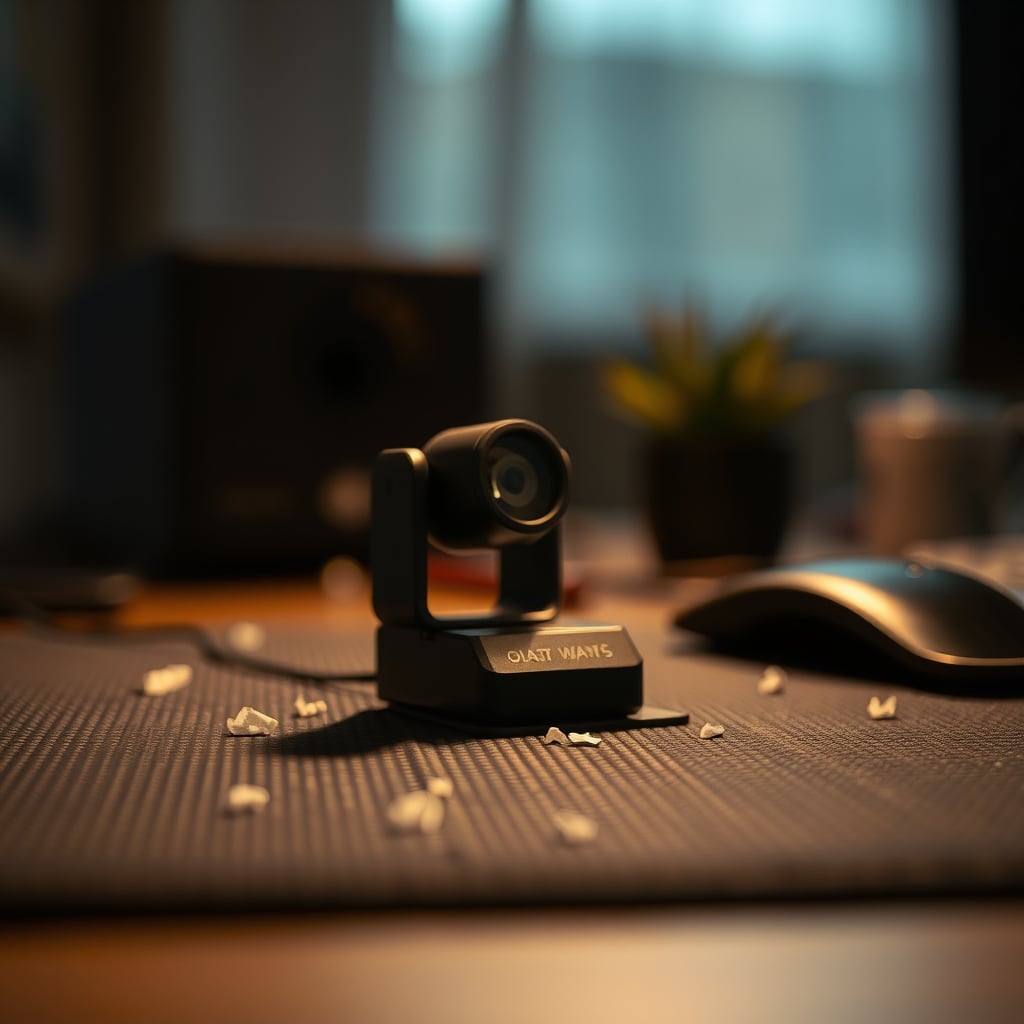
Let’s get this out of the way immediately: the promise of motion sensor lighting waste is a seductive lie. You’ve seen the setup porn—the clean desk, the gentle glow that magically appears as you approach, the hands-free convenience that supposedly unlocks a state of flow. I bought into it. I wired up PIR sensors, calibrated smart bulbs, and dreamed of a perfectly lit cockpit that responded to my presence. After thirty days of this experiment, my conclusion is blunt: automated motion lighting for a desk is one of the most overrated, aesthetically bankrupt, and focus-sabotaging trends in the smart home space right now. It doesn’t save energy; it wastes your attention. It doesn’t look cool; it creates a spasmodic light environment that feels cheap and unstable. The entire premise is flawed for a personal, stationary workspace, and the industry is selling you a solution to a problem that doesn’t exist.
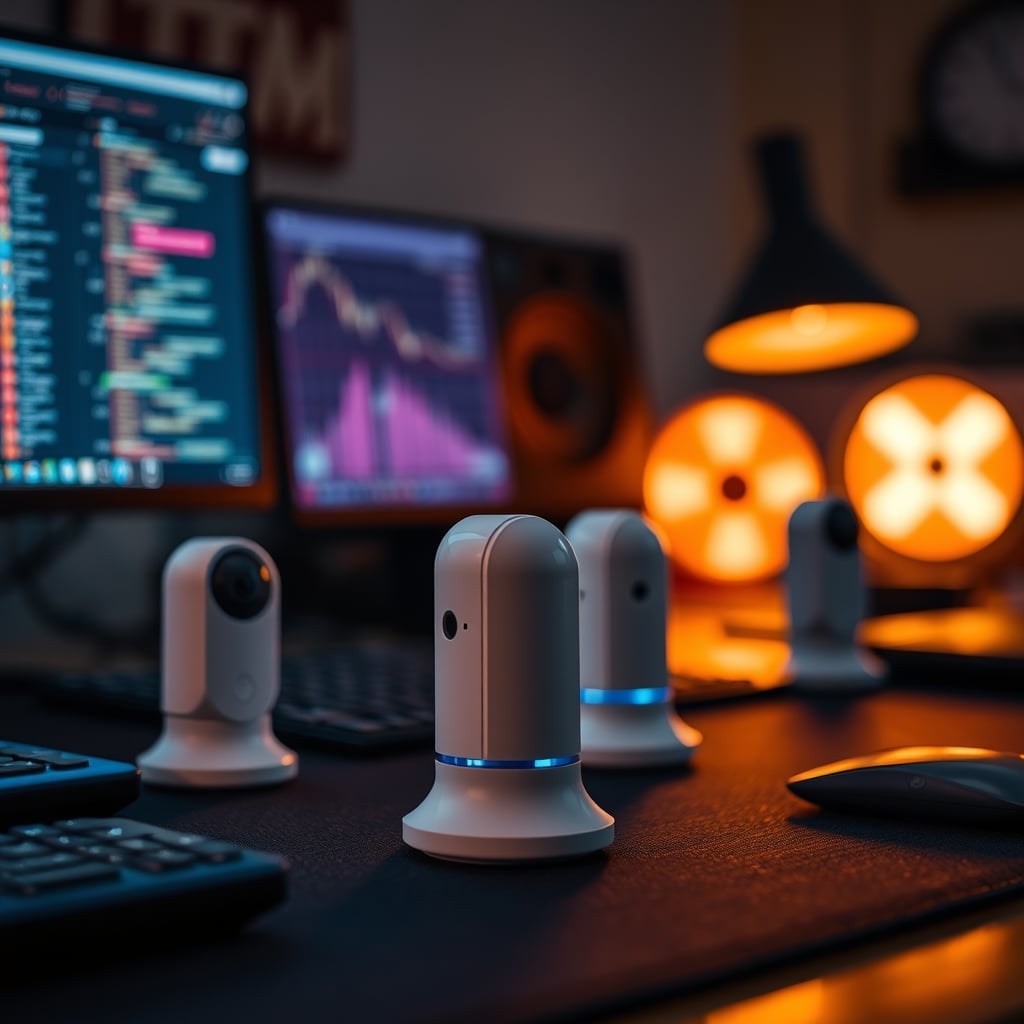
The Problem Isn't Laziness, It's Cognitive Sabotage
The sales pitch is always about seamless convenience. “Never fumble for a switch again!” “Let your space welcome you!” It’s marketing poetry for the chronically lazy. But for a desk—a place of deep work, creative focus, or even intense gaming—this automation isn’t convenient. It’s disruptive. The real issue nobody talks about is the cognitive tax of inconsistent illumination. Your brain’s visual cortex is a precision instrument. When you sit down to work, it calibrates to a specific light level, color temperature, and shadow pattern. This calibration is the foundation of visual comfort and sustained focus.
Now, introduce a motion sensor. You shift in your chair to grab a coffee. The sensor loses you for a second. The lights dim. You move back. They flare back on. This isn’t a gentle welcome; it’s a jarring interruption. Your pupils dilate and contract. Your brain re-processes the entire visual field. That tiny split-second is enough to fracture a train of thought, pull you out of a flow state, and add a layer of subconscious agitation. Users consistently report this subtle annoyance turning into genuine frustration over weeks of use. The light isn’t serving you; it’s demanding your attention, like a needy pet. This is the real issue: you’ve traded a millisecond of physical effort (flipping a switch) for constant, low-grade cognitive interference.
Why The "Set It And Forget It" Myth Is Wrong
Premium Pick
- High performance
- Premium build
Here’s the industry’s biggest lie: that once you calibrate the sensor’s range and timeout, the system becomes invisible. This is completely wrong. In a real desk environment, you are not moving like a robot in a sterile showroom. You lean forward to type. You lean back to think. You reach for a notepad. You stand up to stretch. Every one of these micro-movements is a variable the sensor must interpret. Placement is a nightmare—put it under the desk and it misses you, put it on the monitor and it triggers from screen reflections or passing shadows.
Based on widespread user feedback, the timeout setting is the ultimate compromise with no winner. Set it too short (30 seconds), and the lights become a strobe effect as you work. Set it too long (5 minutes), and you’re literally sitting in the dark working because the sensor thinks you’ve left, utterly defeating the purpose. There is no sweet spot. The system is fundamentally at odds with the organic, varied movement of a human being at a desk. This doesn’t work. You’re not forgetting it; you’re constantly being reminded of its failure.

Motion Sensor Lighting Waste Is An Aesthetic Crime
Let’s talk vibes, because that’s what we actually care about. Lighting is atmosphere. It’s mood. A well-lit desk has intention—a warm pool from a focused task lamp, a soft wash of bias lighting behind the monitor, maybe a cool ambient fill from a corner. It’s a composition. Motion sensor lighting is the antithesis of composition. It’s reactive and chaotic. It turns your carefully curated atmospheric setup into a utility closet that happens to light up.
The texture of light matters. The slow fade of a manually dimmed bulb versus the abrupt, digital on/off of a triggered smart bulb is the difference between a sunset and a flickering streetlamp. One feels human; the other feels like you’re in a low-budget sci-fi movie. When your primary light source is at the mercy of a dumb sensor, you surrender all control over that atmosphere. Your space no longer reflects your intent; it reflects an algorithm’s guess. That’s not aesthetic mastery. That’s aesthetic bankruptcy. Most people get this wrong. They prioritize the gimmick of automation over the fundamental purpose of light: to shape how a space feels.
The Energy Saving Argument Is Mostly Nonsense
“But it saves power!” is the last refuge of the motion sensor apologist. For a hallway or a pantry? Sure. For a personal desk where you are the sole occupant, sitting for hours at a time? This is overrated. Let’s do the brutal math you won’t see in marketing copy. A modern LED desk lamp or smart bulb draws about 5-10 watts. Leaving it on for an extra hour because you forgot to turn it off costs a fraction of a cent. The energy saved by aggressive auto-off is negligible on your bill.
Now weigh that against the embedded cost. The sensor itself draws standby power. The smart bulb is in a low-power listening mode 24/7, connected to your WiFi, which itself is a constant energy draw. You’ve added multiple points of phantom load to save a watt or two on the primary light. It’s a net loss dressed up as a green virtue. You’re not saving the planet; you’re complicating your setup with extra electronics that themselves consume energy. The industry lies about this. They sell you efficiency while building a system that is inherently less efficient than a simple, dumb switch on a quality bulb.
What Actually Works: The Rule of Manual Intent
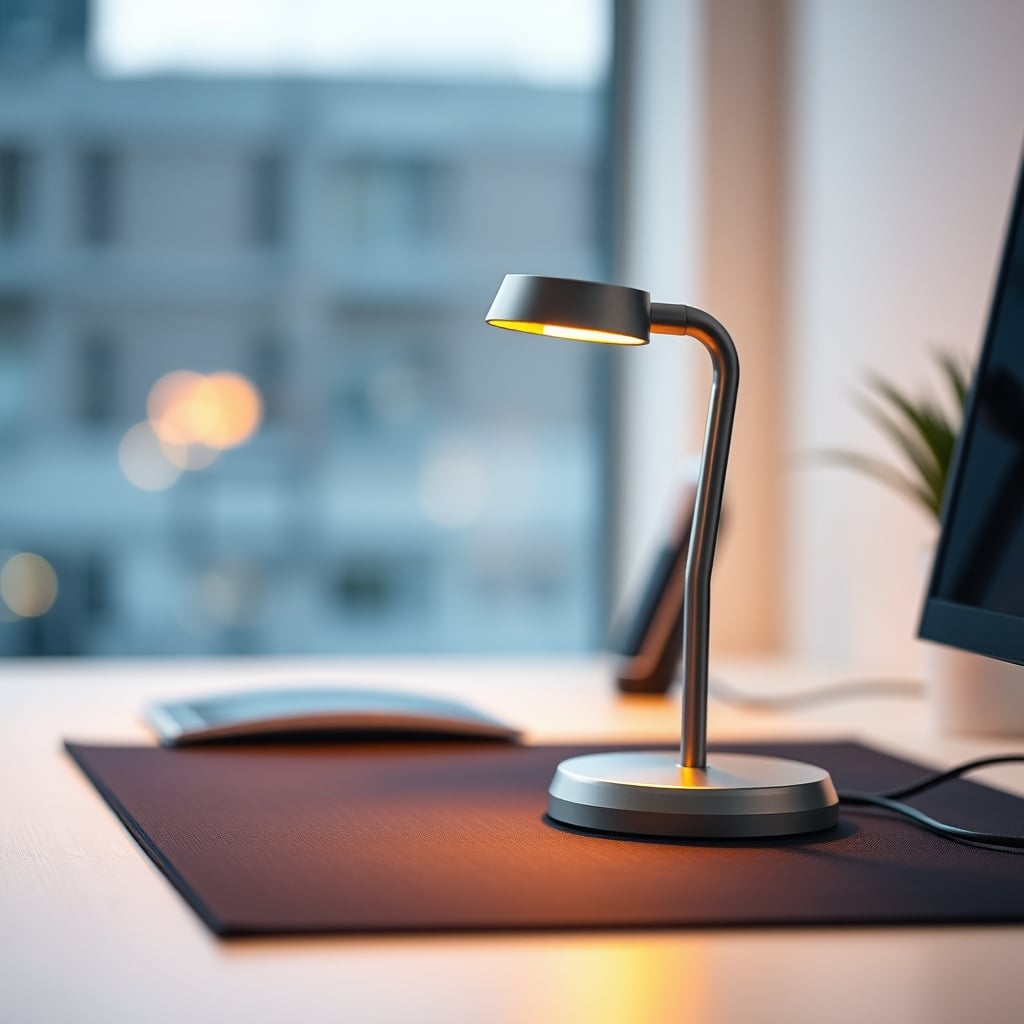
If motion sensors are garbage for desk lighting, what’s the alternative? The answer is boring but profound: manual control with intentional placement. This is the real performance hack. A physical switch, a dimmer knob, or even a reliable smart button you tap when you sit down. This simple action is a ritual. It signals to your brain, “Work time starts now.” The light comes on by your decree, not by accident. It stays on because you are present, not because a sensor is guessing.
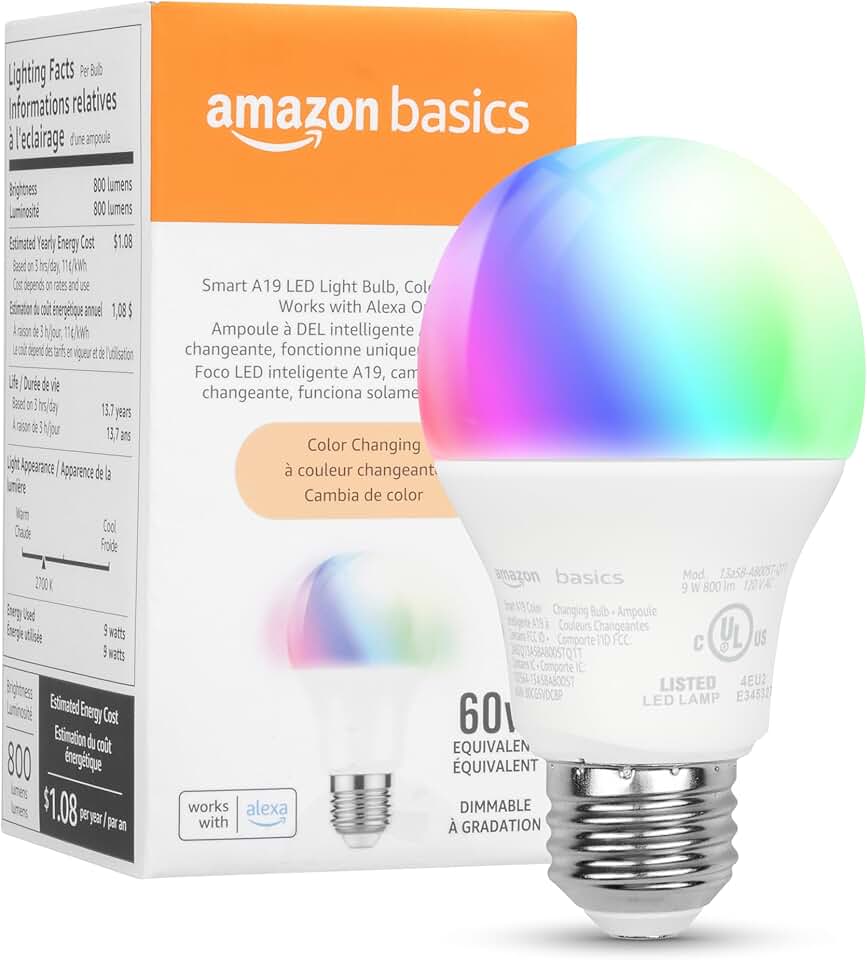
Pair this with layers. A task light you turn on for focus work. An ambient light you turn on for meetings or relaxing. A bias light that stays on with your monitor. Each layer has a purpose and a control. This isn’t about having more gadgets; it’s about having fewer, better ones that you command directly. A single, well-placed smart bulb like a Kasa Smart Light Bulb on a simple schedule (on at 9 AM, off at 6 PM) or controlled by a desktop shortcut is infinitely more reliable and atmospheric than a sensor chasing your elbows. The best smart light settings are about constraint, not infinite, reactive control, as we’ve argued before in The Best Smart Light Settings Are About Constraint, Not Control.
The Mistake Everyone Makes: Chasing Full Automation
The most common mistake I see, and the one I made, is trying to fully automate a human environment. We see the smart home dreams and think our desk should be part of it. But a desk isn’t a room. It’s a cockpit. In a cockpit, every control is deliberate and immediate. You don’t want the plane’s lights fading in and out because you shifted your weight; you want a switch. Apply the same philosophy.
Don’t waste money on specialty motion sensor lamps or complex sensor hubs. Invest in one or two quality, dimmable, color-tunable bulbs and put them on the simplest control scheme possible—a button. This is the lesson learned from long-term use: complexity fails, simplicity persists. For more on how over-automation hurts, see our take on Smart Lighting Health Issues: The 2026 Brutal Truth.
Final Verdict: Skip It
After a month of testing, after dealing with the spasms, the dark spells, the ruined focus sessions, and the cheapened aesthetic, my verdict is absolute. Skip it. Motion sensor lighting for a dedicated desk setup is overrated. It’s a solution born from commercial building efficiency, awkwardly grafted onto a personal workspace where it creates more problems than it solves. It wastes your cognitive energy, murders your desk’s vibe, and saves no meaningful electricity. The promise is a lie. The reality is a distracting nuisance.
Put your money and effort into choosing beautiful, manually controlled lights that create an atmosphere you love. Your focus, your aesthetic, and your sanity will thank you. For a deeper dive on avoiding lighting pitfalls, check out Desk Lighting Productivity: The Brutal Truth About Your Lamp.
Frequently Asked Questions
Does motion sensor lighting actually save energy at a desk?
No, it's mostly nonsense for a personal desk. The energy saved by turning off an LED bulb (5-10 watts) is negligible. Meanwhile, the motion sensor and smart bulb's WiFi standby mode add constant phantom load, often making the system a net energy loser compared to a simple manual switch.
Why is motion sensor lighting bad for focus?
It creates inconsistent illumination. Micro-movements (leaning, reaching) can trigger the sensor, causing lights to dim or brighten unexpectedly. This forces your eyes and brain to constantly readjust to changing light levels, creating subconscious agitation and breaking your concentration flow state.
What's a better alternative to motion sensors for desk lighting?
Manual control with intentional layers. Use a physical switch, dimmer, or smart button to turn on lights as a work-start ritual. Combine a focused task lamp with ambient bias lighting, each controlled separately. This gives you reliable, atmospheric light without the jarring automation.

Written by
From bias lighting behind your monitor to smart RGB ecosystems, Leon knows exactly how to light a room for productivity during the day and gaming at night.
Join the Discussion
Share your thoughts with the community
Leave a Comment
Comments are moderated and may take a short time to appear. Links are not permitted.