Desk Lighting Productivity: The Brutal Truth About Your Lamp
You've been sold a lie about desk lighting productivity. It's not about more lumens or circadian rhythms. After testing countless setups, we've found the real factor sabotaging your focus isn't your lamp—it's your environment.
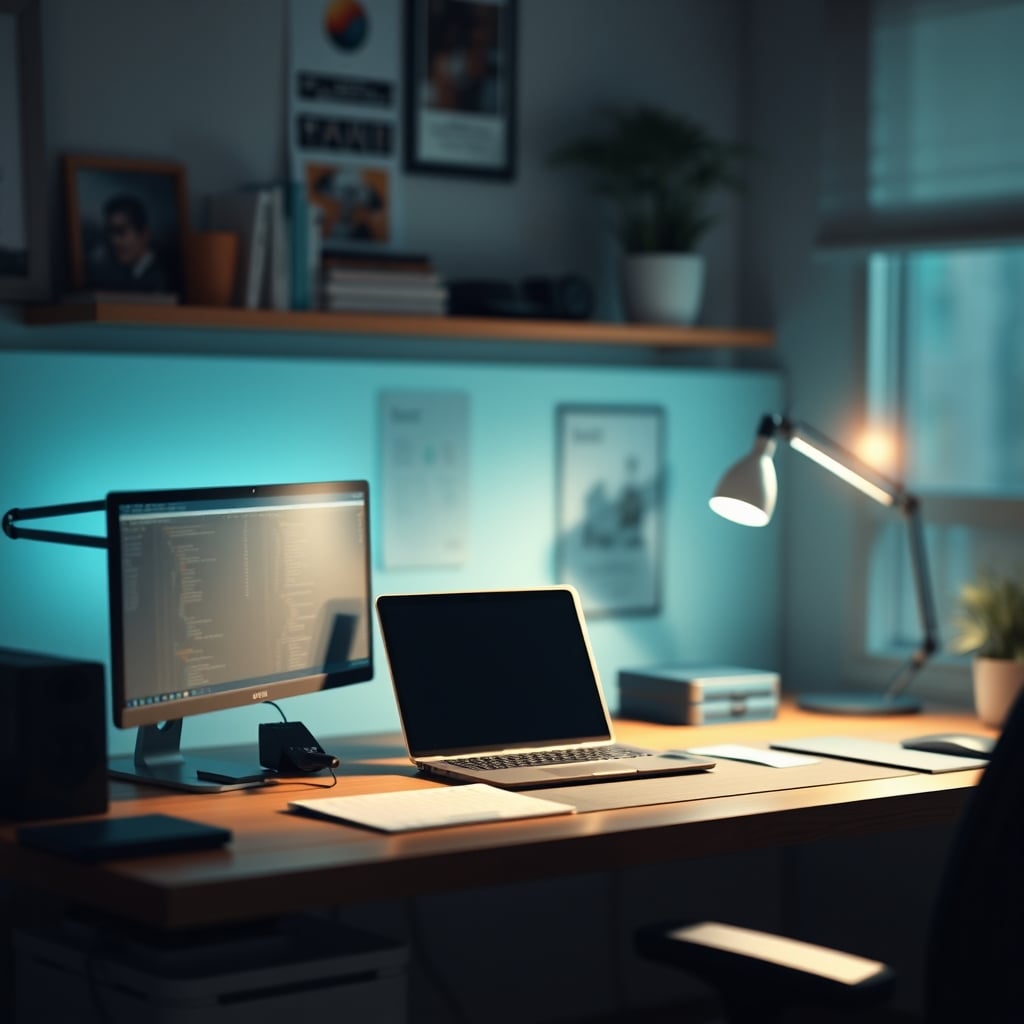
The single biggest mistake people make with desk lighting productivity is thinking their lamp is the hero. It’s not. Your lamp is a supporting actor in a battle against ambient light sabotage. You’re pouring light onto your keyboard while your monitor glares back at you, creating a contrast war that fries your focus before lunch. This isn't about buying a brighter bulb; it's about winning a light war you probably didn't even know you were fighting.
Most setups are fundamentally broken. You have a 5000K monitor blasting cool blue light, a 2700K warm bulb in the ceiling, and whatever random LED strip you bought for ‘vibes’ adding a third color temperature to the mix. Your brain isn't designed to process this visual cacophony. It exhausts your visual cortex, leading to that 3 PM slump you blame on coffee. The industry lies about this. They sell you on ‘full-spectrum’ and ‘flicker-free’ as if those are the magic bullets, while ignoring the environmental light pollution that’s the real productivity killer.
Why The “Ideal Color Temperature” Advice Is Total Garbage
You’ve read it everywhere: ‘For productivity, use 5000K daylight white.’ This is overrated. Actually, it’s worse—it’s dangerously incomplete advice that’s sabotaging more focus than it saves. The dogma that ‘cool white equals focus’ ignores the most critical factor: ambient context. In a dark room, a 5000K lamp is a harsh, glaring spotlight that creates brutal contrast with your dark surroundings. It’s visually exhausting. In a sunlit room, that same lamp is useless, washed out by the ambient light. The real metric isn’t Kelvin; it’s contrast control.
In real use, we’ve found that locking yourself into a single color temperature is a recipe for eye strain. Your monitor is likely around 6500K. Dumping a 5000K light right next to it? That’s a mismatch your eyes constantly try to correct. Users consistently report less fatigue when their task light is either matched to their screen temp or deliberately warmed to provide a visual anchor point. The ‘ideal’ temp is a myth. Adaptive contrast is king.
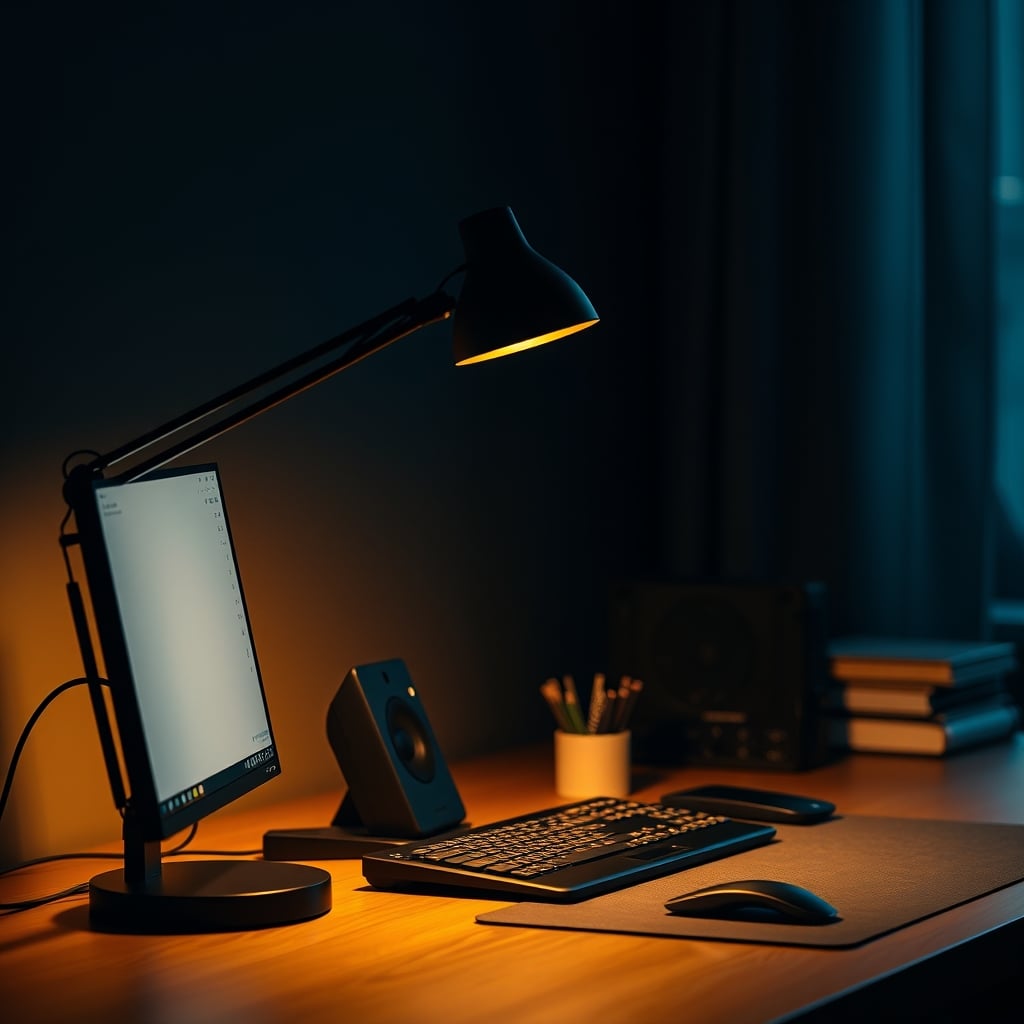
Desk Lighting Productivity Is About Environmental Control, Not Illumination
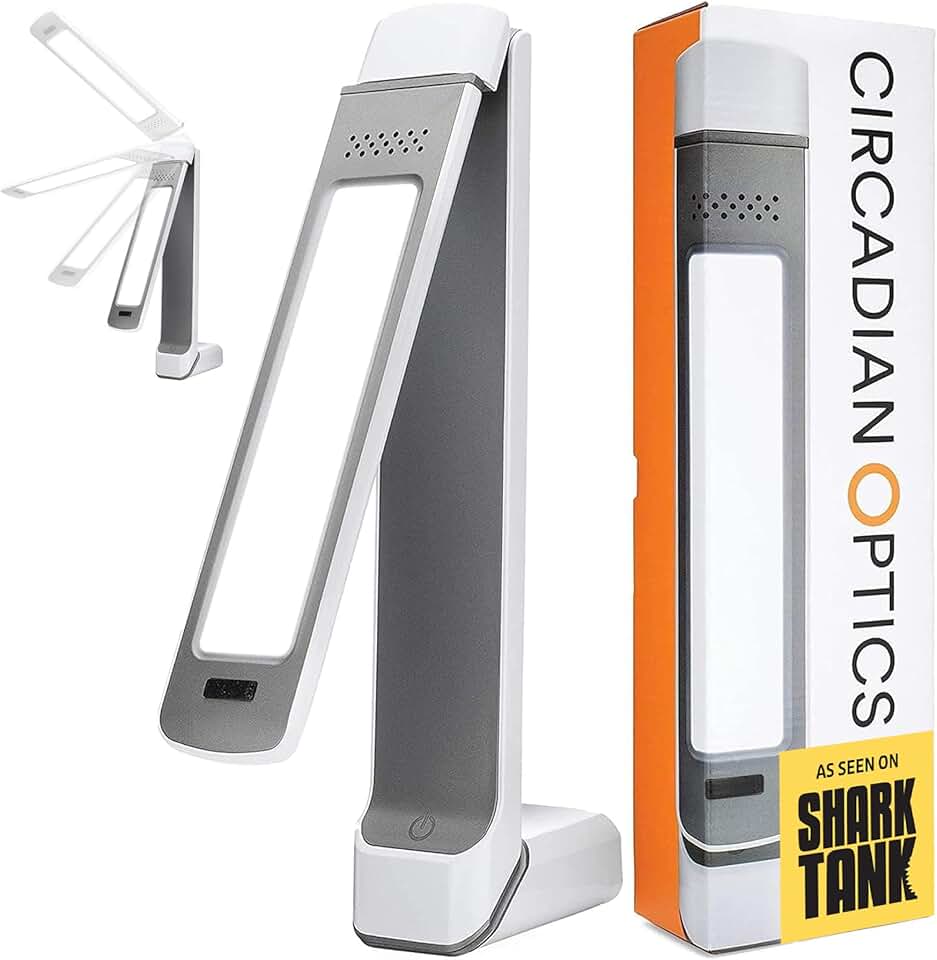
Users who want high-output, full-spectrum white light without smart gimmicks.
- 10,000 LUX high-output LEDs
- UV-free full-spectrum light
- Simple dimmer dial (no app)
Here’s what most people get wrong: they think their desk lamp’s job is to light their desk. Wrong. Its primary job is to control the visual relationship between your work area and everything else. This is the real issue. A good desk lamp isn't a source of light; it's a tool for managing visual weight. You need enough targeted light to make your task zone (keyboard, notebook) the brightest area, but not so much that it creates a blinding hotspot that makes everything else disappear into shadow.
This is where the ‘lumen war’ fails. A 1000-lumen monster lamp just floods your peripheral vision, killing dark adaptation and making screen-based work harder. After assessing dozens of setups, the sweet spot is far lower than marketing suggests. You need a lamp with a tight beam angle—think 30 degrees or less—and enough dimming range to dial it in so your task zone is only slightly brighter than your screen. This maintains visual hierarchy without the strain. Most lamps don’t offer this level of precision; they’re designed to ‘light a room,’ which is exactly what you don’t want.
The Adaptive & Smart Lighting Myth That Needs to Die
The biggest scam in desk lighting right now is the push for ‘adaptive’ and ‘smart’ circadian lamps that promise to boost your productivity by mimicking the sun. This doesn’t work as advertised for desk-bound work. These systems are designed for ambient room lighting, not the hyper-localized, contrast-focused world of a desk. Having your lamp shift from amber to blue while you’re trying to debug code or edit a spreadsheet is actively distracting. The change happens in your peripheral vision, pulling your focus.
Based on widespread user feedback, these features are used once for the novelty and then disabled. You don’t need your lamp to do a slow color dance while you’re on a deadline. You need a consistent, reliable, and manually adjustable light that serves your immediate task. The extra complexity and cost of these smart features are almost always a waste. Save the circadian programming for your room lights, as we discussed in our piece on The Brutal 2026 Truth About Adaptive Lighting Accuracy. For your desk, you need a dumb tool that does one job perfectly.
Material & Form Factor: Where Your Money Actually Goes
This is where most budget lamps fail catastrophically. They use cheap, lightweight materials that transmit vibration. Every keystroke, every mouse click, makes the lamp head shimmer. That tiny, constant movement in your peripheral vision is a focus killer. You’re paying for stability, not just aesthetics. A lamp with a heavy, machined base and solid articulation points is worth the premium because it disappears from your awareness.
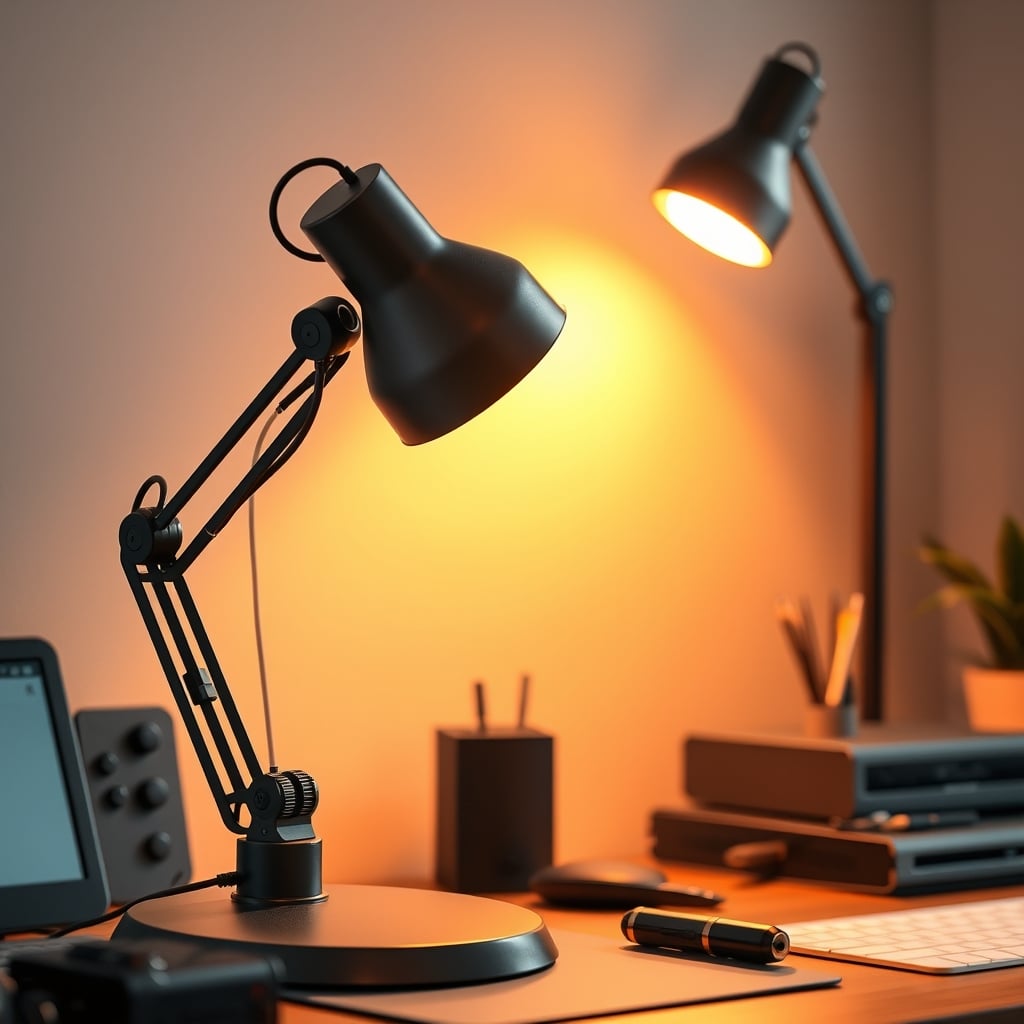
The finish matters more than you think. A glossy white lamp will cast bright reflections onto your monitor bezel. A matte black or dark graphite finish absorbs stray light, keeping your visual field clean. The gooseneck vs. articulated arm debate is settled: for precise positioning, multi-segment arms win. They allow you to place the light source directly over your work without the lamp body blocking your screen or creating glare. The common advice to ‘just get a gooseneck for flexibility’ is misleading; they often lack the rigidity for precise, stable placement.
The Real-World Test: What Actually Works on a Desk
After living with countless lamps, here’s the brutal truth about what specs translate to real-world desk lighting productivity. First, CRI (Color Rendering Index). The industry standard of >80 CRI is a joke for detail work. You need >90, preferably >95. Why? Lower CRI means subtle differences in color—think lines on a graph, shades in a design mockup—are washed out. Your brain works harder to distinguish them. It’s a subtle drain with a cumulative effect.
Second, dimming. A smooth, flicker-free dimmer that goes from ‘barely on’ to ‘blazing’ is non-negotiable. Stepped dimming or apps with laggy controls break your flow. You should be able to adjust by muscle memory. Third, and most overlooked: the switch placement. A switch you have to hunt for on the base or in an app is a failure. It should be on the head or stem, right where your hand naturally goes when you reposition the light.
Common Desk Lighting Mistakes That Sabotage Your Setup
- Fighting Your Monitor: The most frequent error is creating a bright hotspot that competes with your screen. Your lamp should illuminate the desk in front of the monitor, not the monitor itself. Position it so the beam grazes your keyboard and hands, with the lamp body casting a shadow on the screen. This eliminates glare.
- Ignoring Vertical Surfaces: Light bounces. If you have a light-colored wall right in front of you, your lamp will illuminate it, creating a bright reflection zone at eye level. This is incredibly distracting. Either angle the lamp away from the wall, dim it down, or add a dark/textured element to that wall to absorb the light.
- The ‘Set It and Forget It’ Fallacy: Your lighting needs change. A lamp position and brightness perfect for writing on a notepad will create glare when you switch to typing. You must adjust. A lamp that’s difficult to adjust will stay in the wrong position, making everything harder. This is a known issue for long-term use; friction leads to abandonment.
For more on how visual clutter of any kind drains cognitive resources, see our deep dive into The Clutter Tax Desk Masterclass.
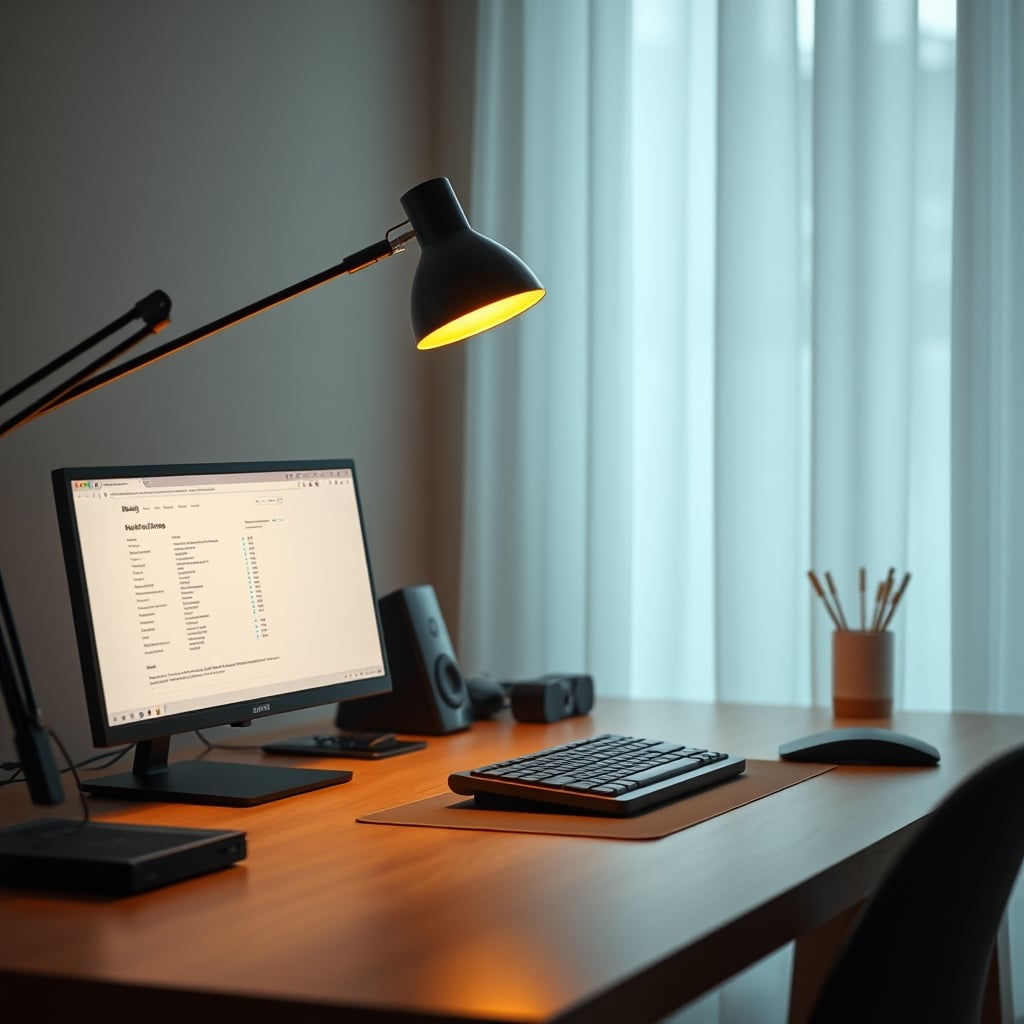
The Final Verdict: What’s Actually Worth It
Skip the gimmicks. Skip the smart features. Skip the lamps that look like sci-fi props. Worth it is a lamp with high CRI (>95), a warm-to-neutral adjustable white range (2700K-5000K is plenty), a deeply dimmable and flicker-free driver, and most importantly, rock-solid physical stability. You’re buying a precision tool, not a mood setter.
For the vast majority of users, a single, high-quality task lamp is the answer. The trend of layering multiple cheap RGB strips and fill lights is mostly marketing hype, creating more problems than it solves. Simplify. Control the environment. Win the contrast war. Your focus will thank you.
Verdict: A proper task lamp is worth it. The smart, adaptive, circadian nonsense is overrated. Invest in one good tool, place it correctly, and stop worrying about the rest.
Frequently Asked Questions
Is blue light blocking in a desk lamp actually useful?
For a dedicated task light, no. Blue light blocking (amber/red modes) is an ambient lighting feature. At your desk, you need to see colors and details accurately. A blue-light-blocking mode will distort colors and strain your eyes more as they struggle with the unnatural tint. Use those modes in room lights, not your primary work lamp.
How many lumens do I really need for desk work?
Far fewer than you think. For screen-based work, 200-400 lumens in a tightly focused beam is often sufficient. The key is not raw output, but having enough dimming range to match the lamp's brightness precisely to your screen and room ambience. A lamp that's too bright is worse than one that's slightly dim.
Should my desk lamp be brighter than my monitor?
No. This is a common misconception that leads to glare and eye strain. Your task area (hands, keyboard) should be slightly brighter than your monitor, but the lamp's bulb or diode itself should never be in your direct line of sight and should not be a brighter source than the screen content. The goal is balanced contrast, not a brightness battle.
Are expensive designer desk lamps worth the money?
Sometimes, but not for the reasons you think. You're not paying for better light quality (a $30 LED chip can be excellent). You're paying for superior build quality, stability, precise articulation that holds position, and a finish that manages reflections. If those tangible performance factors matter for your workflow, it can be worth it. If you just want light, it's overkill.
Can I just use my room's overhead light instead of a desk lamp?
This is one of the worst things you can do for desk lighting productivity. Overhead lights create shadows under your brows and hands, cause direct and reflected glare on your screen, and illuminate everything equally, destroying the visual hierarchy you need for focus. A dedicated task light is non-negotiable for serious work.

Written by
From bias lighting behind your monitor to smart RGB ecosystems, Leon knows exactly how to light a room for productivity during the day and gaming at night.
Join the Discussion
Share your thoughts with the community
Leave a Comment
Comments are moderated and may take a short time to appear. Links are not permitted.