Pixoo 64 vs 16 Which Pixel Matrix Fits Your Desk
The pixel count is the least interesting part of this decision. Character width per line, panel footprint, and a 5V power budget are what separate a clock you keep from one you unplug in a week.
The Pixoo 64 vs 16 decision looks like a simple pixel-count comparison: 4,096 LEDs versus 256. It isn’t. The real question is how many characters fit across the panel, how much desk the display eats, and how much power it needs to be bright enough to be useful.
Why Pixoo 64 vs 16 Matters
Pixoo 64 vs 16 matters because it determines whether the display becomes a useful desk object or a novelty you stop noticing. The choice affects legibility, footprint, power, content options, and long-term satisfaction.
The Difference That Decides It: 256 Pixels vs. 4,096
Nearly every 64×64 vs. 16×16 comparison lands on the same line: 4,096 LEDs versus 256, sixteen times the pixels, so buy the big one. The math is correct. It still misses the actual decision.
The number that matters is how many characters fit across the panel, because most people buy one of these to read a time, a countdown, or a weather line from across a desk.
Run the glyph math. A standard 5×7 pixel font needs five columns per character plus one column of spacing. A 16-pixel-wide panel fits two characters per line (16 ÷ 6 = 2.6, and you lose the remainder to margins). A 64-pixel-wide panel fits ten. That’s why every 16×16 pixel clock you’ve ever seen stacks the time as two rows—“09” on top, “42” below—while a 64×64 shows 09:42 on one line with room left for seconds and a temperature. Same clock function, wildly different glanceability from three feet away.
Everything else in this comparison flows from that constraint, plus a second one the product listing never mentions: how much desk the thing eats, and how much power it needs before it’s bright enough to be worth owning.
So treat this as a two-panel decision, not a brand decision. Both sizes use the same class of LED, both run on 5 volts, and both are usually driven by an ESP32-class board with 2.4 GHz Wi-Fi only. The differences that matter are legibility, footprint, power headroom, and how quickly the novelty dies.
Quick Decision Chart: 16×16 vs. 64×64 at a Glance
Attribute 16×16 matrix 64×64 matrix Typical street price, 2026 $30–$60 (branded finishes $60–$90) $90–$160 LED count 256 4,096 Panel footprint roughly 2–2.5 in square (3–4 mm pitch) roughly 6.3–7.5 in square (2.5–3 mm pitch) Characters per line, 5×7 font 2 10 Power USB 5V, ~1A typical 5V 2–4A wall adapter; 15–25 W at full white Best at clock, timer, single icon, weather glyph pixel art, animated scenes, multi-line dashboards Fails at detailed art, anything read past ~4 ft desk real estate, setup fuss, hitting a $100 budgetOne honest note on the footprint row: those numbers come straight from pitch arithmetic. A 64-pixel panel at 2.5 mm pitch is 160 mm wide; at 3 mm pitch it’s 192 mm. Nothing about the case changes that—a 64×64 is a six-to-seven-inch square object whether it’s bare or in an enclosure. If your desk is already crowded, that’s the row that kills the upgrade.
The 16×16 Matrix: What $30–$60 Actually Buys
The small panel is the one that gets bought, gifted, and quietly abandoned. It deserves a fairer hearing.
At 256 LEDs, it does three jobs genuinely well: it tells time in a stacked two-row layout you can read from a couple of feet; it runs a Pomodoro countdown without needing your phone; and it costs little enough that leaving it on 24/7 doesn’t feel wasteful. Power is the quiet win—256 addressable LEDs at sensible brightness pull well under an amp, so a plain 5V USB port handles it and there’s no wall wart fighting for a socket. If you’ve already read our visual timer buying guide, this is the same logic in a prettier box.
What it’s genuinely great at is the single-glance job. A temperature, a battery level, a little rain-cloud icon, or a progress bar creeping across the last 20 minutes of a meeting—the 16×16 renders all of those cleanly because they’re low-information shapes. Community firmware projects have leaned into this, and owner threads on maker forums tend to converge on the same point: the animations people actually keep running are the simple ones, not the detailed ones.
Where it fails is exactly where the marketing implies it won’t. Any art with more than a handful of distinct colors and shapes reads as mush at this resolution—a 16×16 canvas gives an artist 256 decisions, enough for a smiley face and not much else. Text beyond two characters per line has to scroll, and scrolling text on a desk toy gets old in about a week. If you sit more than four feet from it, you’ll be leaning in.
It’s also worth checking what’s behind it: a cheap 16×16 with a dim, low-quality diffuser will look washed out under a bright key light, which is the same glare problem that makes dark-screen bias lighting matter. If the panel faces a window, budget for the slightly more expensive version with a matte acrylic face.
The 64×64 Matrix: Where the Extra $90–$160 Goes
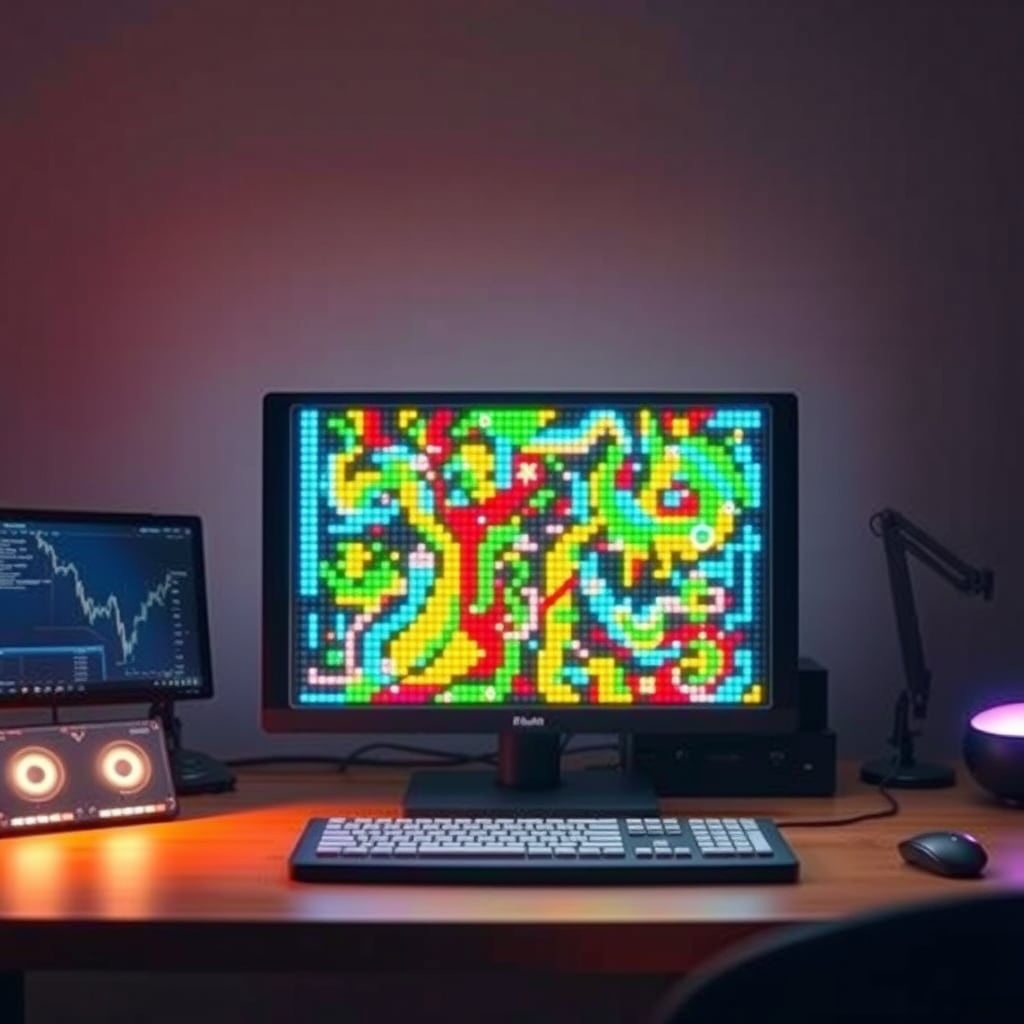
The big panel is a different product category wearing the same clothes. 4,096 LEDs give you ten characters per line, real color gradients, and enough canvas for a genuine pixel-art scene to read as art rather than a suggestion of art. That’s the pitch, and it holds up: an animated 64×64 loop is the one version of this desk toy that guests comment on unprompted.
The cost side is where reviews get vague, so here’s the specific version. Most 64×64 panels in this class are HUB75 modules, and manufacturer ratings for indoor 2.5–3 mm modules typically land in the 15–25 W range at full white. That’s not USB-port territory. Expect a 5V 2–4A barrel adapter in the box, and expect the panel to run mildly warm to the touch in a way the 16×16 never does. Cable management gets real: a barrel jack plus a short ribbon lead means you’re threading something behind the monitor, which is the same reach problem we cover in monitor stand depth versus height.
Second cost, and the one buyers underestimate: content. The panel is the cheap part. Ten characters per line means you can now display a calendar, a build status, or a stock ticker—but only if you or a firmware project supplies the pipeline. Plenty of people buy the 64×64, run the stock clock face for three weeks, and then start hunting for art. If you want the honest buying framework for this entire category, our smart desk display guide walks the same trade-off at a higher level.
Third gotcha, and nobody warns you: these panels scan. Under a phone camera or a webcam, they’ll show banding and rolling lines that your eye can’t see, because the driver switches rows faster than your eye integrates but not faster than a rolling shutter. If the display sits inside your streaming frame, that’s a real problem and a reason to either raise the refresh or move it out of shot.
64×64 vs. 16×16 Head-to-Head: Five Scores That Matter
Metric 16×16 64×64 Winner Legibility at 3 ft 3/5 — stacked time only 5/5 — full line plus extras 64×64 Content depth 2/5 — icons and bars 5/5 — real pixel art 64×64 Desk footprint 5/5 — palm-sized 2/5 — six-plus inches square 16×16 Setup simplicity 5/5 — one USB cable 3/5 — barrel adapter, more routing 16×16 Value per dollar 4/5 — cheap, but capped 4/5 — 16× the pixels for ~2.5× the price TieRead the bottom row carefully, because it’s the only close one. You’re paying roughly 2.5 times as much for sixteen times the LEDs. On a pure cost-per-pixel basis, the 64×64 is the better deal by a wide margin. The 16×16 wins on the two rows that have little to do with image quality: it takes up almost no desk and never asks you to find a free wall socket.
The Clear Winner, and Why It’s the 64×64
The 64×64 wins. Not because more pixels is inherently better—it’s because the 16×16’s ceiling shows up fast, and a display you stop looking at is a waste of $50 no matter how little space it takes. Two characters per line is a hard limit, and once you’ve seen the stacked clock for a week, there’s nothing left to discover. The 64×64 has legs: you can swap art, run a dashboard, visualize focus sessions, and it stays interesting past the novelty phase.
The caveat is real, not a hedge. Buy the 64×64 only if two things are true: you have six or seven inches of free desk or riser space, and you have a spare wall socket near the desk. If either fails, the 16×16 isn’t a consolation prize—it’s the correct answer, and you should feel good about saving the $80.
And skip the $150+ tier unless it buys something specific. Past about $120 you’re usually paying for a nicer enclosure and an app, not a better panel; the LED module inside is the same class of HUB75 part you can buy bare. If you’re the type to flash your own firmware, a bare panel plus a dev board lands well under a finished unit.
Placement Mistakes That Waste the Extra Pixels
Bus-powering a 64×64 from a USB hub. A hub port typically offers 5V at 900 mA to 1.5 A, and a 4,096-LED panel at moderate brightness will brown out and reset. Fix: use the supplied adapter into the wall, directly. If the panel reboots when it shows a full-white frame, that’s this problem, not a firmware bug.
Mounting it at eye level. A six-inch panel parked next to your monitor competes for attention and steals horizontal space you need for a second screen. Fix: tuck it low—under the monitor, on a riser lip, or beside the keyboard. It’s a glanceable object, not a primary display.
Assuming 5 GHz Wi-Fi. Nearly all of these run ESP32-class radios that support 2.4 GHz only. On a modern router with band steering, that’s the single most common reason a new pixel clock sits on “connecting” forever. Fix: check for a 2.4 GHz SSID and, if your router splits bands, join that one during setup.
Buying the big panel without a content plan. The art is the time cost. Fix: before you buy, confirm the firmware or app story—whether it takes custom GIFs, whether there’s an API, whether the community around it is active this year. A panel with no content pipeline is a very expensive clock.
Ignoring brightness scheduling. At night, a 4,096-LED panel on full brightness will light a bedroom wall, and constant blue-heavy light near bedtime is the exact problem circadian desk lighting exists to solve. Fix: set a dim schedule, 20–30% after sunset. Every decent firmware build supports it.
Who Should Buy Which
Buy the 16×16 if: your desk is under about 48 inches wide, you want one clean clock-and-timer object, you’re buying a gift, or you’re testing whether you even like pixel displays. At $30–$60, it’s a cheap experiment with resale value.
Buy the 64×64 if: you want an actual pixel-art piece on the desk, you have 6–7 inches to spare plus a free socket, or you’re the sort of person who’ll write a script to push data to it. The $90–$120 band is the sweet spot; above that you’re buying the case.
Skip both if: you want a smart-home status panel with calendar and video-call alerts. A pixel matrix is a novelty-first object, and a small e-ink or LCD display does the information job with far better text rendering—our smart clock without a camera guide covers that path properly.
Streamers, one specific warning: if the panel will be in frame, test for camera banding before you commit to a permanent mount. A 64×64 that looks gorgeous to your eye and strobes on stream is worse than no panel at all.
Bottom Line
For most desks, the 64×64 is the buy—roughly $90–$120 for sixteen times the LEDs of the small panel, ten characters per line instead of two, and enough canvas that it stays interesting past week three. Pay for the panel, not the enclosure, and give it a real wall socket.
Buy the 16×16 if space or budget is the binding constraint. It’s not the lesser product so much as the narrower one: a two-character-per-line clock that does its job, takes up almost nothing, and costs less than a decent keyboard cable. Either way, decide on character width and desk footprint first. The pixel count will take care of itself.
Frequently Asked Questions
Is a 64x64 pixel matrix really better than a 16x16?
For most desks, yes. A 64x64 panel fits ten characters per line in a standard 5x7 font, versus two on a 16x16. That means a full time display plus a temperature line instead of a stacked two-character clock, and it's the difference between a display you keep using and one that gets unplugged after a couple of weeks.
How much bigger is a 64x64 LED matrix on the desk?
A 64x64 panel with 2.5 mm pixel pitch measures about 160 mm (6.3 in) square; at 3 mm pitch it's about 192 mm (7.5 in). A 16x16 panel with 3-4 mm pitch is roughly 48-64 mm (2-2.5 in) square. Plan for six to seven inches of clear space if you go with the larger panel.
Can a 64x64 pixel display run off USB power?
Usually not reliably. Indoor 64x64 HUB75 modules are typically rated around 15-25 W at full white, which is well past what a standard USB hub port supplies. Most ship with a 5V 2-4A barrel adapter. If the panel resets when displaying bright full-white frames, power is the likely cause.
Why do LED matrix displays look striped on camera?
Most matrix panels scan rows sequentially rather than latching the whole frame at once. Your eye averages that into a steady image, but a rolling shutter in a phone or webcam captures the scan, producing banding and moving lines. It's harmless on video calls only if the display isn't in frame.
Do these LED matrix clocks work on 5 GHz Wi-Fi?
Almost never. The controllers in this product class are typically ESP32-family chips with 2.4 GHz radios only. On a router that splits or steers bands aggressively, that's the most common cause of a new device sitting on a connecting screen. Join a 2.4 GHz network during setup.
Written by
GlowRig Editorial researches and writes practical guides about desk setups and home office gear. Our articles are produced with the help of AI research tools and are reviewed for accuracy against manufacturer specifications and public user feedback. We may earn a commission from affiliate links, which never affects our recommendations.
Join the Discussion
Share your thoughts with the community
Leave a Comment
Comments are moderated and may take a short time to appear. Links are not permitted.