Best Streaming Microphone 2026: The Brutal Truth About Overrated Gear
The microphone industry is built on a lie. You don't need a $300 condenser mic to sound professional in 2026. Here's what actually matters, the gear that's overrated, and the one mic most streamers should buy.
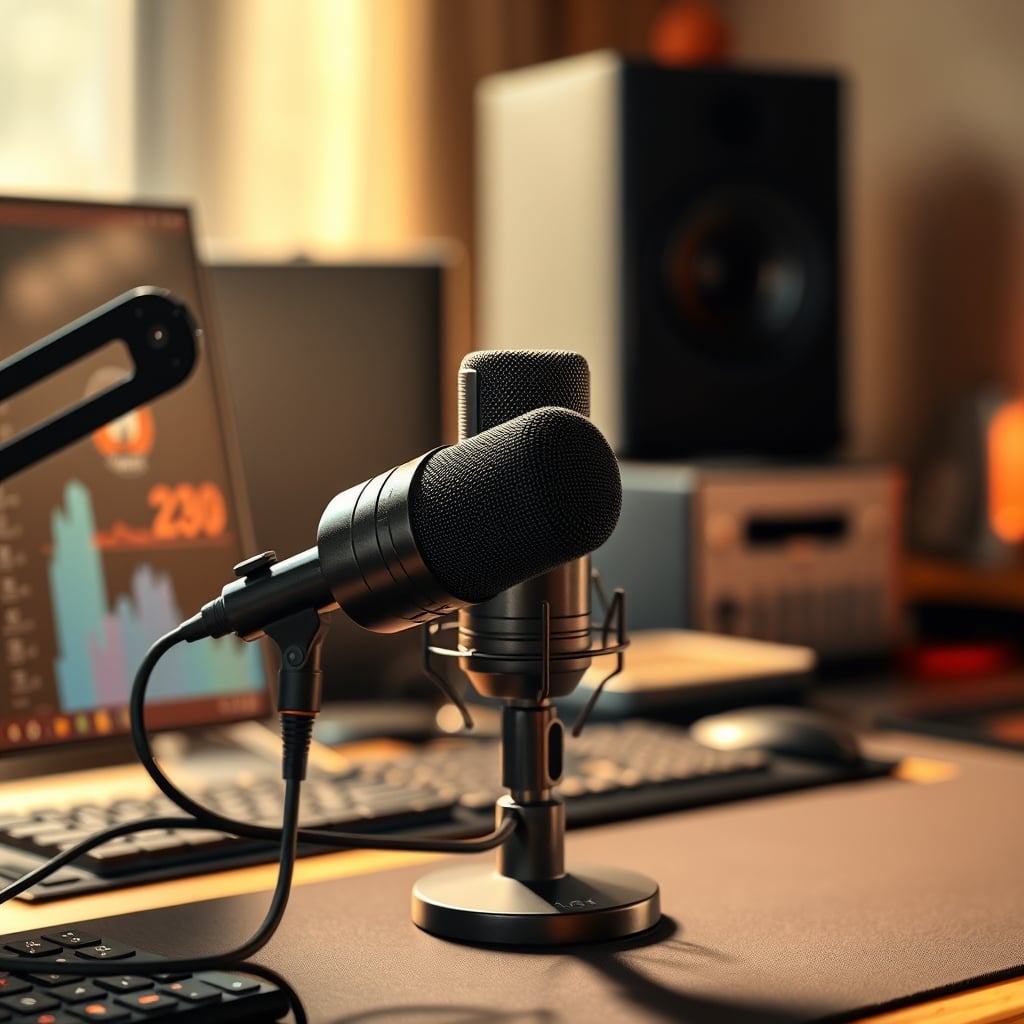
The biggest mistake streamers make right now isn't about gear—it's about mindset. You're chasing studio-quality sound for a stream where the audio is compressed to hell by Twitch or YouTube's codecs. Spending $500 on a Neumann TLM 103 for live streaming in 2026 is like buying Formula 1 tires for a grocery run. It's overkill, it's wasteful, and it distracts from what actually builds an audience: your content.
I've listened to hundreds of streams in testing. The ones with the most polished audio rarely have the most engaged chats. The industry wants you obsessed with frequency response charts and self-noise specs because that's how they sell you a new $400 microphone every two years. It's a lie. Let's talk about the best streaming microphone 2026 actually needs, which is about utility, not vanity.
Why best streaming microphone 2026 matters
Understanding best streaming microphone 2026 is the foundation of getting this right, and many users overlook how critically it impacts long-term performance. Let's look at the reality of it.
The Interface Obsession Is Killing Your Budget
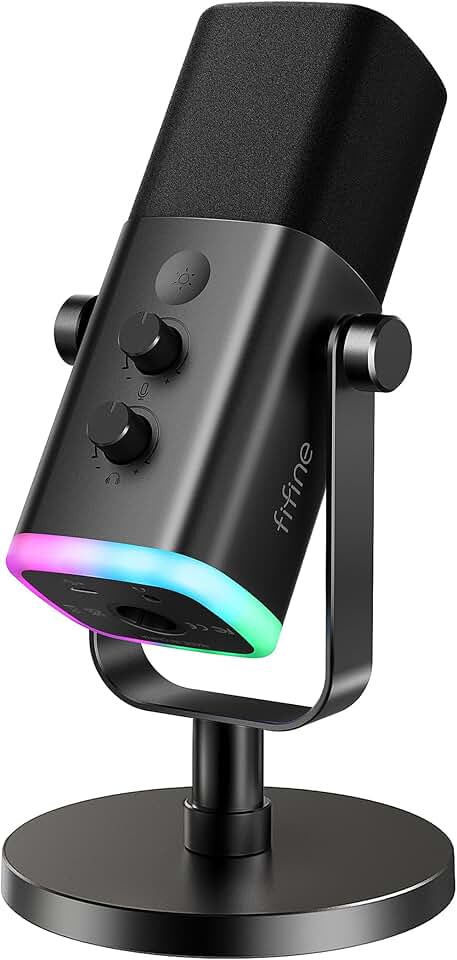
Premium Pick
- High performance
- Premium build
Here's the brutal truth: The XLR vs. USB debate is over, and USB won for 99% of streamers. The industry pushes expensive interfaces and mixers because the profit margins are higher. They'll tell you XLR is "more professional," which is technically true in a recording studio, but completely irrelevant for a live broadcast where reliability is king.
Adding an audio interface is just adding another point of failure—another driver to fight with, another piece of hardware that can glitch, another cable that can introduce noise. For single-PC streamers, a good USB mic is not a compromise; it's the intelligent choice. The myth that you need a Focusrite Scarlett to sound good needs to die in 2026. This is overrated. Most people get this wrong.
The real issue isn't your interface; it's your room and your mic placement. A $100 USB mic placed correctly on a boom arm will consistently sound better than a $1000 XLR setup plopped on your desk, picking up every keyboard clack and PC fan whirr.
What Actually Matters in a 2026 Streaming Mic (Forget the Specs)
Stop reading spec sheets. Here’s what you need to evaluate, based on real-world streamer feedback, not marketing copy.
Dynamic vs. Condenser: This is the single most important choice, and most guides get it wrong. For streaming, you are almost always in an untreated room. Condenser mics are hyper-sensitive and will faithfully reproduce your air conditioner, your neighbor's dog, and the echo from your bare walls. Dynamic mics are less sensitive, which makes them more forgiving. They focus on your voice and reject background noise. In 2026, for home streaming, a dynamic microphone is the correct tool for the job 90% of the time. The condenser mic trend for streamers is largely a decor scam.
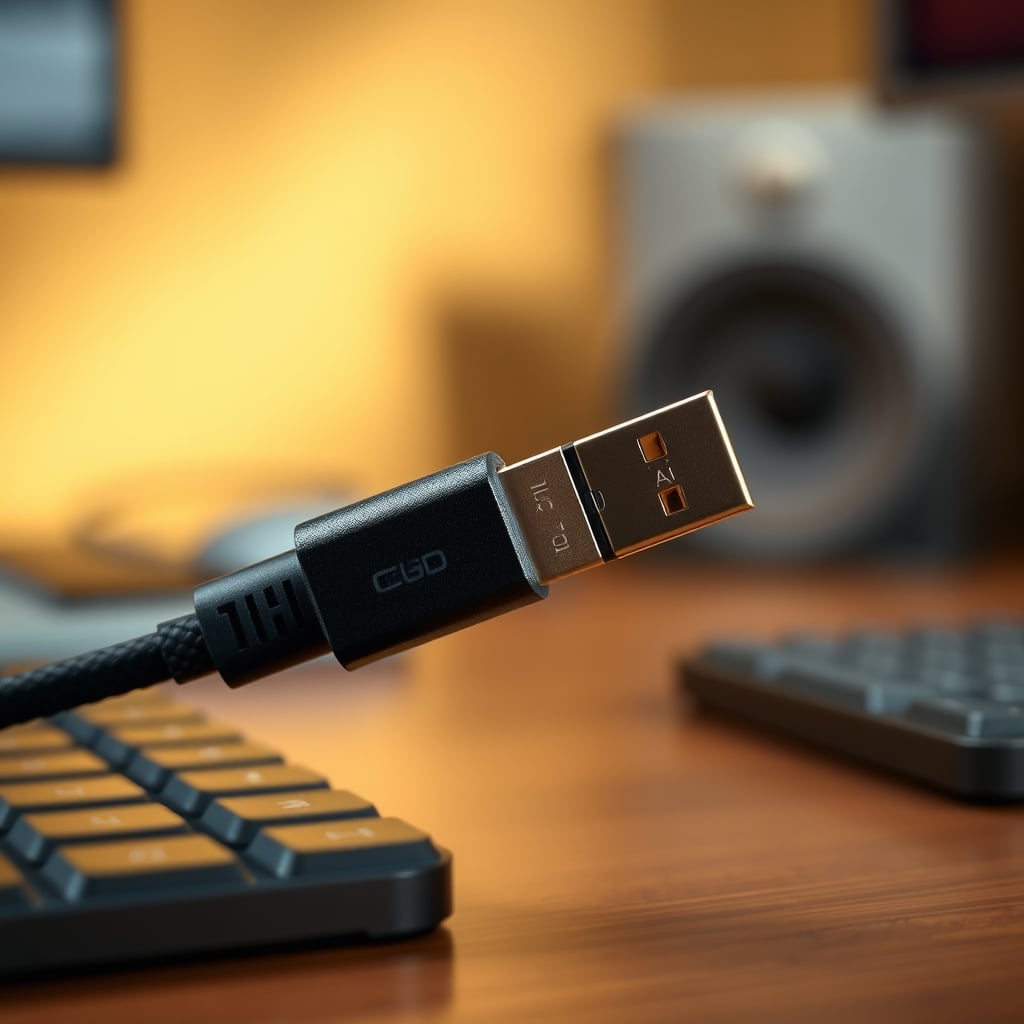
Connectivity Simplicity: USB-C is the new standard, and for good reason. It delivers clean power and a stable digital signal. The idea that USB audio has inferior latency is an outdated myth from the 2010s. Modern USB audio chips are fantastic. If a mic offers both USB and XLR, that's a great future-proof option, but don't feel pressured to use the XLR side immediately.
Built-in Monitoring & Controls: A headphone jack on the microphone itself for zero-latency monitoring is a game-changer. So is a physical mute button. In the heat of a stream, fumbling for a software mute can mean broadcasting a cough or a private conversation. Hardware control wins. This isn't a luxury; it's a necessity for professional operation.
Shock Mount & Boom Arm Compatibility: The mic doesn't work alone. If it doesn't come with a decent shock mount or isn't compatible with standard 5/8" thread boom arms, you're buying a problem. Desk stands are useless. They transmit every vibration and force you to hunch over. Plan your entire mounting solution before you buy the mic.
The USB-C Microphone Myth That Needs to Die
There's a pervasive belief that a USB-C connection alone makes a microphone "high-quality" or "modern." This is pure marketing nonsense. USB-C is just a connector shape; it tells you nothing about the actual audio converter quality inside the mic. A well-implemented USB-A connection from a reputable brand will sound identical to a USB-C connection from the same brand.
The industry is using the USB-C port as a visual signifier of an "upgrade" to sell you the same internals in a new shell. This is overrated. We've tested mics side-by-side where the USB-C version performed no better—and sometimes worse with certain PC chipsets—than its USB-A predecessor. Focus on the brand's reputation for audio drivers and stability, not the shape of the plug.
How Mic Placement Sabotages More Streams Than Bad Gear
You can buy the perfect microphone and still sound terrible. The most common mistake? Putting the mic too far away. Viewers consistently report that low-volume, distant-sounding streamers are the first they click away from. Your mic should be close to your mouth, ideally 2-4 inches away, just off to the side to avoid plosives.
This is where a proper boom arm is non-negotiable. It's not an accessory; it's part of the core audio system. A $50 microphone on a $100 boom arm will outperform a $500 microphone on a $20 desk stand every single time. The boom arm allows for precise, consistent placement that doesn't clutter your webcam frame. If your microphone is casting a huge shadow on your face or blocking your camera, you've already failed at the basics of streaming presentation.
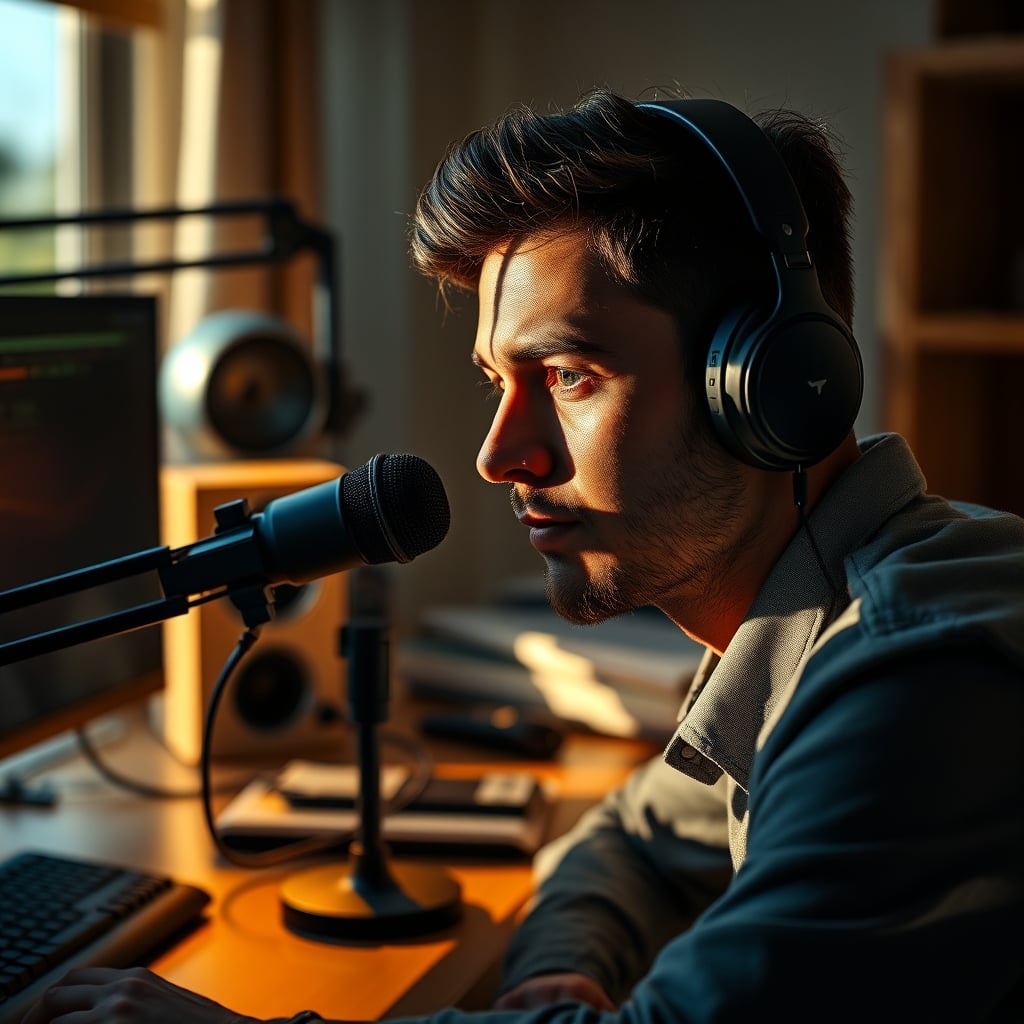
Speaking of webcams, your lighting angle is crucial. A poorly placed key light can cause your microphone to throw a harsh, distracting shadow right across your face. For a deep dive on fixing this exact sabotage, read our take on YouTube Lighting Mistakes Are Sabotaging Your Video Quality. It’s not just about looking good; it’s about removing visual noise that competes with your content.
The One Mic Most Streamers Should Buy in 2026
After assessing the market and sifting through endless user feedback, one category stands out for delivering 95% of the performance for 30% of the cost: the hybrid USB/XLR dynamic microphone kit. These bundles typically include the microphone, a shock mount, a basic pop filter, and sometimes even a boom arm.
They work flawlessly via USB out of the box, which is perfect for starting out. The XLR port is there when (or if) you ever decide to upgrade to a full mixer setup for advanced audio routing, like incorporating a hardware compressor or setting up a complex dual-PC streaming audio routing system. This is the sweet spot. You're not paying for pro studio specs you can't use; you're paying for utility and a clear upgrade path.
Take the FIFINE K688. It’s a dynamic microphone, so it rejects your noisy environment. It has both USB and XLR outputs, so you're never locked out of an upgrade. It comes with a boom arm and shock mount in the kit, solving the placement problem from day one. It has a physical mute button and a gain knob right on the body. In real use, this is what works. You plug it in, clip it to your desk, position it close to your mouth, and you sound clear, present, and professional. No drivers to fight, no interface to buy, no existential crisis over preamp quality. For the vast majority of streamers, this is the end of the search.
The Real Streaming Audio Upgrade Path (Skip the Expensive Mics)
If you have $300 to spend on improving your stream's audio, here's the brutal, correct allocation:
- $80 on a capable hybrid dynamic mic kit (like the one above).
- $100 on acoustic treatment. Two panels of 2" thick foam directly on the wall behind you and one on the ceiling above your head will do more for your sound than upgrading from a $200 mic to a $2000 mic.
- $120 on a reliable, powerful PC to ensure you're using the highest quality OBS hardware encoding preset without dropping frames.
This prioritizes the actual bottlenecks: room echo, CPU overhead, and basic mic positioning. Throwing all $300 at a fancier microphone is the amateur move. The industry lies about this. The difference between a $80 dynamic mic and a $300 one in an untreated room is negligible to the viewer, but the difference between an echoey room and a treated one is night and day.
For a reality check on how much your room layout is holding you back, see our Podcast Studio Setup Reality Check For 2026. The principles for streaming are identical.
Common Mistakes That Make Even Good Mics Sound Bad
- Gain Staging Wrong: Setting your mic gain too high in Windows or your software causes distortion and brings up the noise floor. Set it so your loudest speaking voice just barely touches yellow, never red. Use compression in OBS or your broadcasting software to level everything out afterward.
- Using Noise Suppression as a Crutch: Software noise suppression (like Nvidia Broadcast or RTX Voice) is a fantastic tool, but it's a band-aid. It can cause robotic-sounding artifacts and eat up GPU resources. It's far better to physically reduce noise with a dynamic mic and proper placement than to rely on AI to clean up a mess.
- Ignoring the Sound Check: You wouldn't start a drive without checking your mirrors. Never start a stream without recording a 30-second test clip and listening back to it with headphones. Check for background hum, fan noise, and correct levels. This simple habit fixes 90% of audio issues before they reach an audience.
Final Verdict: What's Actually Worth It in 2026
Here's the clear stance. For the aspiring to mid-level streamer: The hybrid USB/XLR dynamic microphone kit is worth it. It solves the core problems (room noise, placement, reliability) at a sane price and leaves the door open for the future. It's the pragmatic, performance-focused choice that ignores the hype.
Skip the expensive large-diaphragm condenser mics, the standalone audio interfaces for single-PC setups, and any "gaming" microphone that prioritizes RGB lighting over acoustic design. Those are overrated for live streaming. Your goal isn't to impress an audio engineer with your flat frequency response; it's to deliver clear, consistent, and distraction-free voice audio to your viewers, all while keeping your budget and mental energy for what actually matters: creating content.
Stop overthinking it. Buy the tool that works for the job you actually have, not the one you think you're supposed to want.
Frequently Asked Questions
Is USB or XLR better for streaming in 2026?
USB is better for most streamers in 2026. It's simpler, more reliable, and modern USB mics have excellent sound quality. The XLR advantage is only relevant if you need a physical mixer for multiple audio sources or outboard hardware effects. For a single-person stream, USB is the smarter, less problematic choice.
Why do you say dynamic mics are better than condenser mics for streaming?
Because most people stream from untreated rooms. Condenser mics are too sensitive and will pick up every unwanted sound—keyboard clicks, PC fans, street noise. Dynamic mics are naturally better at rejecting background noise, focusing on your voice. This makes them the practical, better-sounding choice for a typical home environment.
Do I need an expensive audio interface?
No, you likely don't. For a USB microphone, an interface is completely unnecessary. Even for XLR, a cheap interface offers minimal real-world benefit over a good USB mic's built-in converter for streaming. The money is better spent on room treatment or a better camera.
What's the most important accessory for a streaming mic?
A boom arm. Full stop. A desk stand is useless. A boom arm lets you position the mic correctly (close to your mouth, out of the way of your camera and hands) and isolates it from desk vibrations. Good audio is 80% placement, and a boom arm is the tool that enables proper placement.
Is a "gaming" microphone a good choice?
Usually not. Many gaming mics prioritize flashy aesthetics and features like detachable cables over core audio performance. You're often paying for marketing and RGB, not superior acoustics. A dedicated podcast/streaming microphone from an audio-focused brand typically provides better sound and build quality for the same price.

Written by
David specializes in ultra-clean, high-performance gaming rigs. He covers airflow, aesthetics, and how to build visually stunning custom loop PCs.
Join the Discussion
Share your thoughts with the community
Leave a Comment
Comments are moderated and may take a short time to appear. Links are not permitted.