Podcast Studio Setup Reality Check For 2026
Forget everything influencer gear guides told you about building a podcast studio setup. The industry is selling you complexity to mask their own inadequacies. Here’s what actually works in 2026.
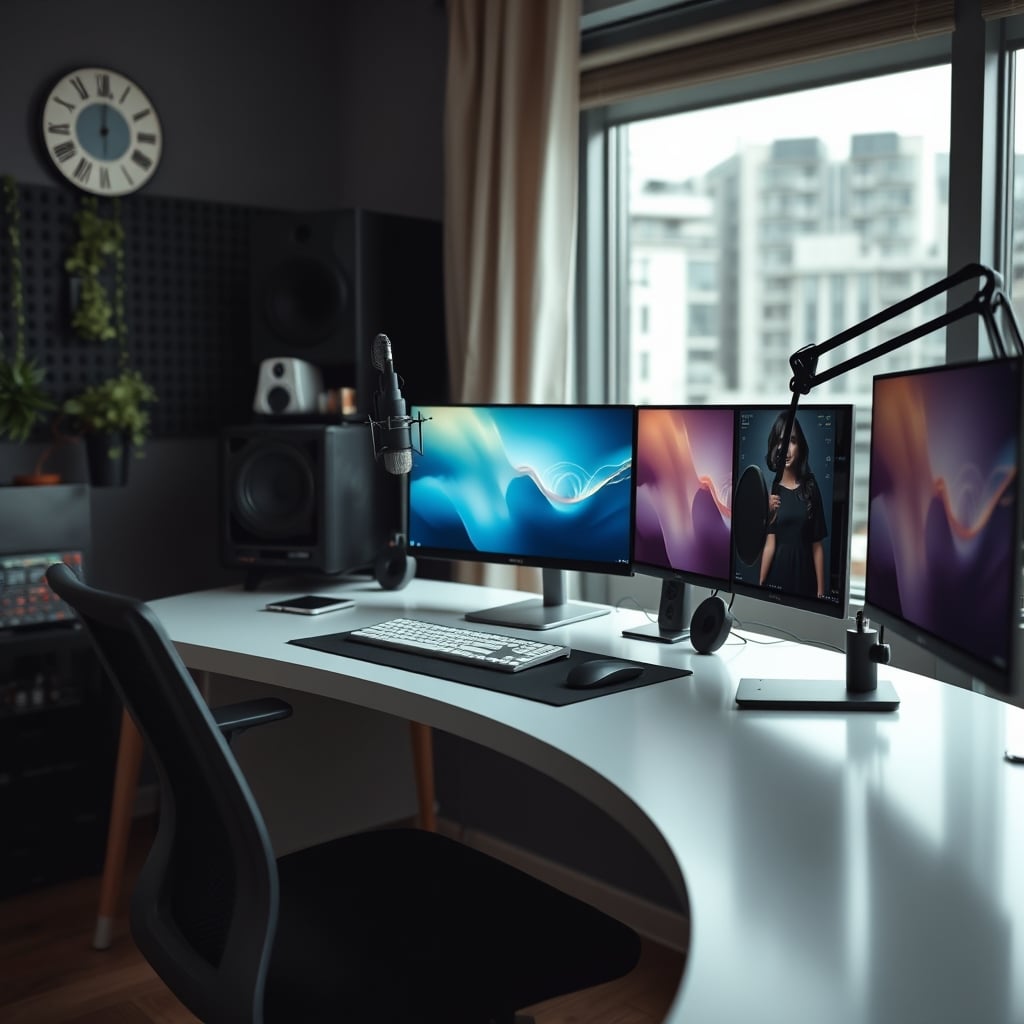
I see it all the time: smart people pouring thousands into a podcast studio setup that makes their voice sound worse. They’ve copied a YouTube gear guide, filled a corner with acoustic foam, and plugged in a mic that costs more than their laptop. The result? Audio that sounds distant, boxy, and frankly, amateur. Most people get this wrong because they trust marketers, not mechanics. The real secret to pro-level audio in 2026 isn't more gear—it's less. It's about ruthless simplification and understanding that your room’s geometry is the single biggest factor you’re ignoring.
The Biggest Lie in Podcasting Is Your Equipment List
Let's cut through the noise: the microphone is the least important part of your chain. This is a brutal truth that the audio industry hates because they can't sell you a new room. You can plug a $3,000 microphone into a bad room and it will sound like a $50 USB mic. The obsession with capsule types and preamp specs is a distraction from the real work. The industry lies about this to keep you buying. Your room's reflections, its dimensions, and where you place your dumb body within it dictate 80% of your sound quality. A Shure SM7b won't fix a square room with bare walls. A Neumann U87 will only make your bad acoustics more expensive. Most podcasters are treating symptoms—buying a “warmer” mic—instead of curing the disease, which is your untreated, resonant space.
Why Your Acoustic Treatment Is Probably Useless
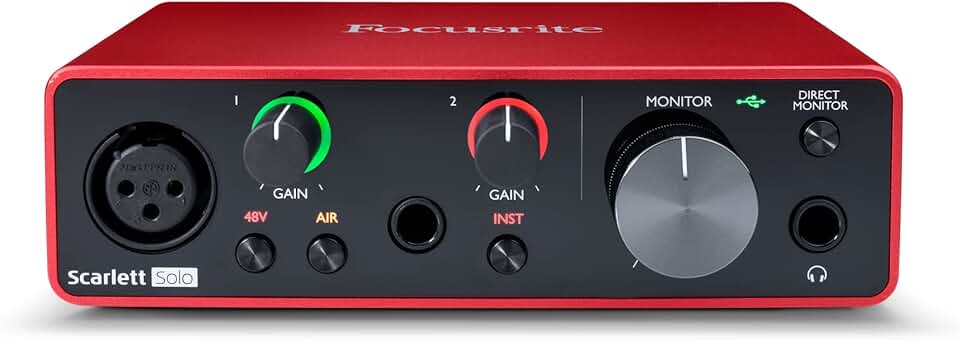
First-time podcasters and streamers needing reliable, clean gain.
- Excellent preamp for the price
- Superb driver stability
- Includes useful software bundle
You stuck some foam panels on the wall behind your mic. You’ve done the thing. Let me be the one to tell you: it’s probably doing almost nothing. This is overrated. Those thin, decorative foam squares are great at absorbing high-frequency hiss and flutter echo, but they do precisely zero to stop the low-mid frequency build-up that makes voices sound muddy and boomy. That requires mass—real bass traps in corners and thick, dense panels at your first reflection points. Based on widespread user feedback, the classic mistake is paneling the wall directly behind the mic, while ignoring the side walls and ceiling where the real comb-filtering mess happens. You're hanging decor, not treatment.
The Podcast Studio Setup Myth That Needs to Die
Here it is: the myth of the dedicated, symmetrical, “studio” corner. This doesn't work. The advice to set up in a room corner for “bass reinforcement” is some of the worst, most-repeated garbage in home audio. Corners are where bass frequencies accumulate and create overwhelming, muddy resonance. Setting your mic there ensures you are recording the worst possible version of your room’s acoustics. You’re placing yourself in a bass trap. The correct position is almost always along the long wall, away from the center, with your back to the treated surface. The entire concept of a perfect, permanent podcast “booth” in a spare room is flawed for most people. A flexible, high-quality setup that you can deploy in the best acoustic spot at recording time is superior to a fixed setup in the worst spot.
What Actually Matters: The Two-Foot Rule
Forget the gear for a second. Your microphone’s distance from your mouth is the single most important setting in your entire signal chain. It is not adjustable in software. Most people run their mic too far away, forcing them to crank the gain and introduce both noise and room sound. The solution is stupidly simple: get close. You want 4 to 6 inches, max. This proximity gives you a strong, clear signal, reduces the room's influence dramatically, and provides natural bass warmth (the proximity effect). If you're more than a foot away, you've already lost. Your expensive preamp is now just amplifying the sound of your bad room. After testing dozens of setups, the difference between a mic at 6 inches and 18 inches is the difference between “pro podcast” and “conference call.”
Interface Selection: Transparency Is a Scam
Here’s another unpopular opinion: the “transparent” audio interface is a marketing myth for podcasters. You’re not a mastering engineer capturing the pristine harmonics of a vintage guitar amp. You’re speaking words. You need clean gain, reliable drivers, and maybe a useful built-in limiter to save you from clipping. Spending an extra $300 for converters that measure 0.0001% lower distortion is a waste of money that could have gone to actual acoustic treatment. The real issue is gain staging—getting a strong enough signal without noise. A modern $150 interface from a major brand solves this completely. The Scarlett Solo is a perennial pick not because it’s magically the best, but because it’s good enough and obscenely reliable. Users consistently report it just works, for years, which is the highest praise in tech.
Cables, Clutter, and the Digital Path
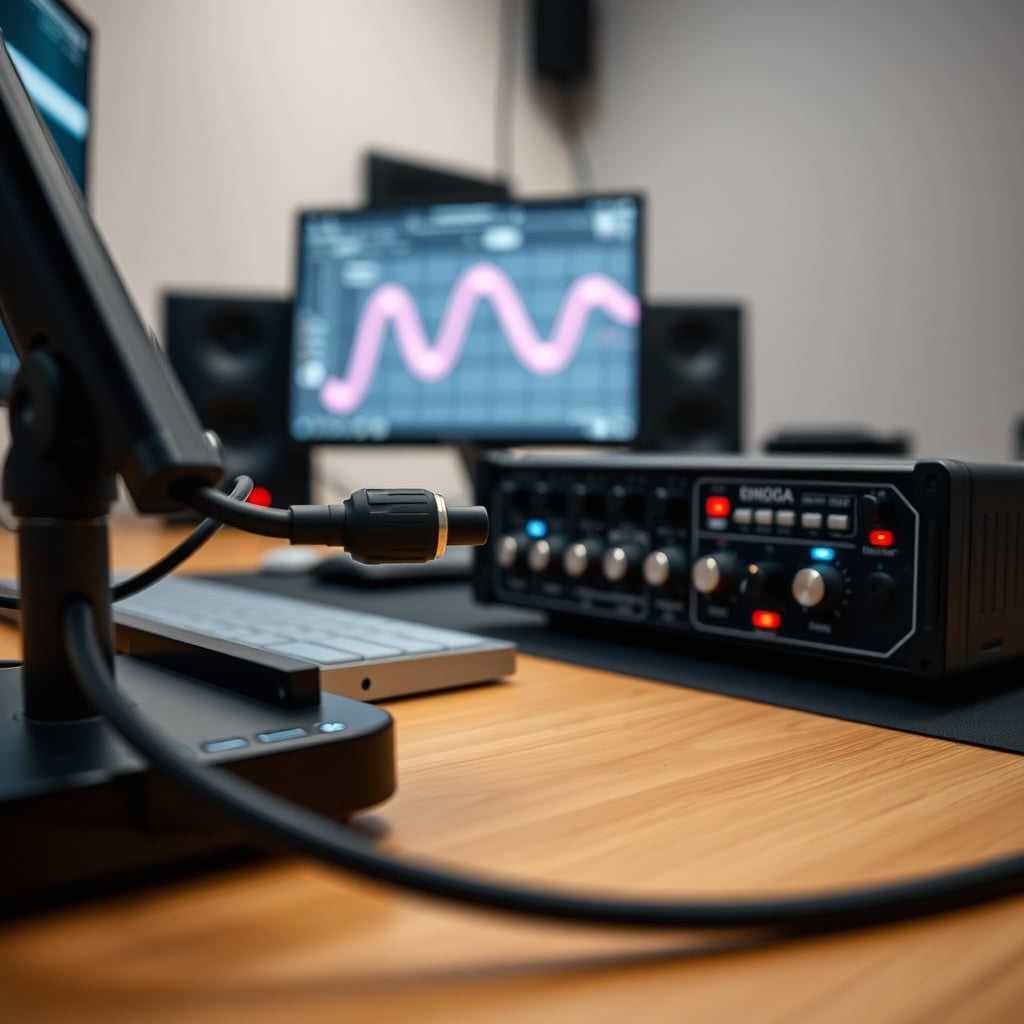
Let’s murder a sacred cow: expensive XLR cables are snake oil for podcasting. This is not worth it. A well-built, standard cable transmits the signal perfectly. There is no “tone” to preserve in a digital signal path from your mic to your interface. The expensive audio cables scam is debunked science. Spend that money on a proper desk mount or a high-quality pop filter instead. The real cable problem in your podcast studio setup is power and USB. Daisy-chaining hubs, running USB audio over long, unshielded cables next to power strips—this introduces ground loops, digital noise, and dropout issues. Your audio path should be simple and direct: Mic -> XLR Cable -> Interface -> Short USB Cable -> Computer. Anything more complex is asking for a ghostly hum in your recordings.
The Wired Connection Verdict Everyone Ignores
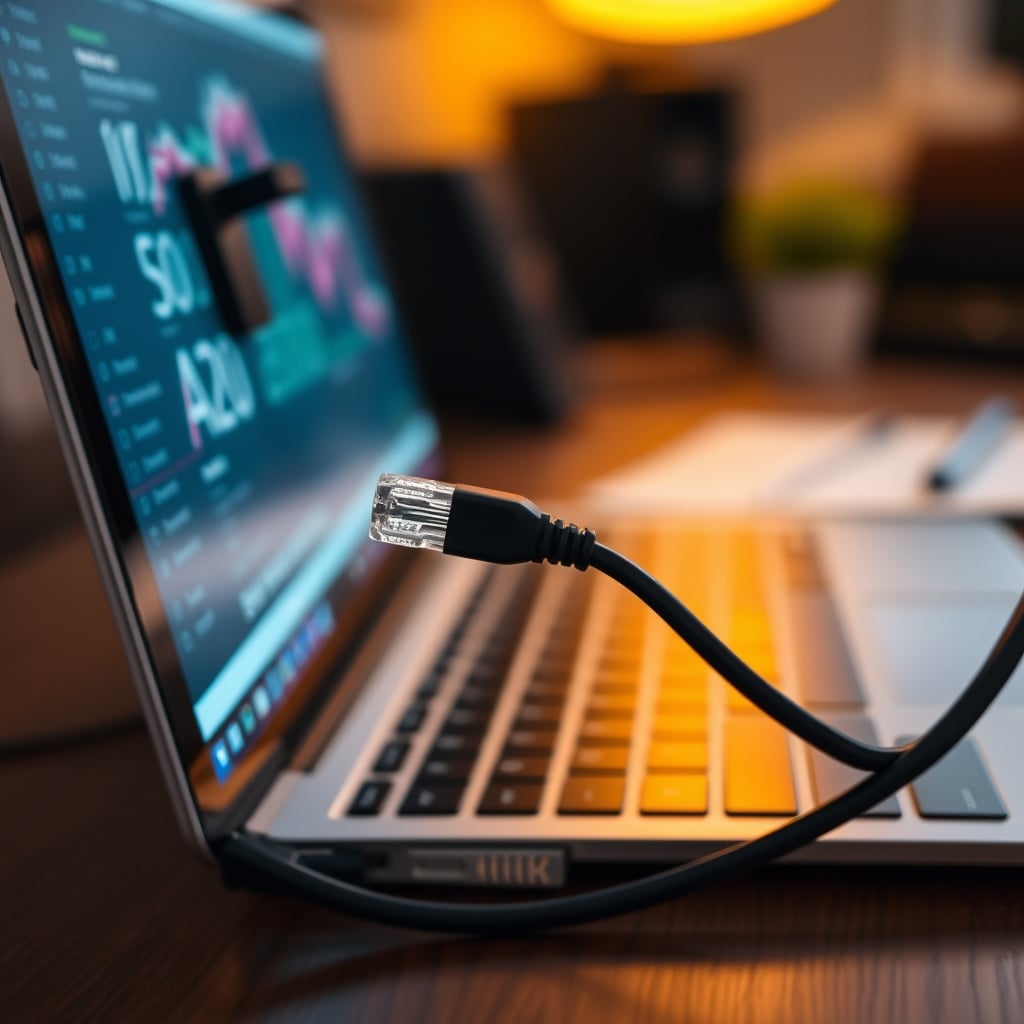
In 2026, we’re deep in the wireless promise, and for recording, it’s still a compromise. Recording over Bluetooth? Forget it—the compression is unacceptable. Even wifi-dependent recording to a separate device introduces sync drift and potential dropouts. The most reliable, highest-fidelity setup is and will always be wired. A direct Ethernet connection for your computer ensures no network glitches affect your streaming or cloud backup. A wired USB connection to your interface guarantees stable latency and no interference. This is the boring, unsexy foundation that pro workflows are built on. Wireless is for freedom of movement, not for the critical capture path.
Your Final Verdict: Stop Building a Studio, Start Building a Signal Chain
The romantic idea of a “studio” is sabotaging you. You need a clean, repeatable signal chain, not a dedicated room. Stop obsessing over gear tiers and start mapping out your acoustics. Walk around your space, clap, listen for the ringing. That’s your enemy. Place your desk and mic to fight it, not to fit an Instagram aesthetic.
Is the classic, gear-heavy podcast studio setup worth it? Skip it. You are over-investing in the wrong things. The blueprint that actually works is minimalist: a dynamic microphone you can get close to, a simple interface with enough clean gain, a sturdy arm to hold the mic in place, and the discipline to treat your first reflection points with proper panels. Invest in room analysis, not another piece of gear. Your downloads don’t care what logo is on your mic. They care if you sound clear, confident, and like you’re in the same room as the listener. In 2026, that comes from subtraction, not addition. For the straight, no-BS guide on why your current layout is broken, read our earlier take: Why Your 'Perfect' Podcast Layout is Secretly Sabotaging Your Audio Quality. And if you’ve fallen for the trap of aesthetic over function, our piece on Art Acoustic Panels Useless: The Decor Scam Sabotaging Your Sound is your required reading.
Frequently Asked Questions
What's the most common mistake in a 2026 podcast studio setup?
The most common and damaging mistake is choosing the wrong location, typically a room corner, which amplifies bass resonances and makes your voice sound boomy and muddy. People then try to fix this with expensive gear, when moving the desk is free.
Is an expensive XLR microphone necessary for a good podcast?
How much should I spend on acoustic treatment vs. gear?
Can I use a USB microphone for a professional-sounding podcast in 2026?
What's the single biggest upgrade for my current podcast sound?

Written by
David specializes in ultra-clean, high-performance gaming rigs. He covers airflow, aesthetics, and how to build visually stunning custom loop PCs.
Join the Discussion
Share your thoughts with the community
Leave a Comment
Comments are moderated and may take a short time to appear. Links are not permitted.