The Truth About Your Workstation Cooling Setup Nobody Tells You
You've been sold a lie by the hardware industry. Your over-engineered, noise-generating workstation cooling setup is probably degrading your system's stability and your own focus. It's time for a brutal reality check.
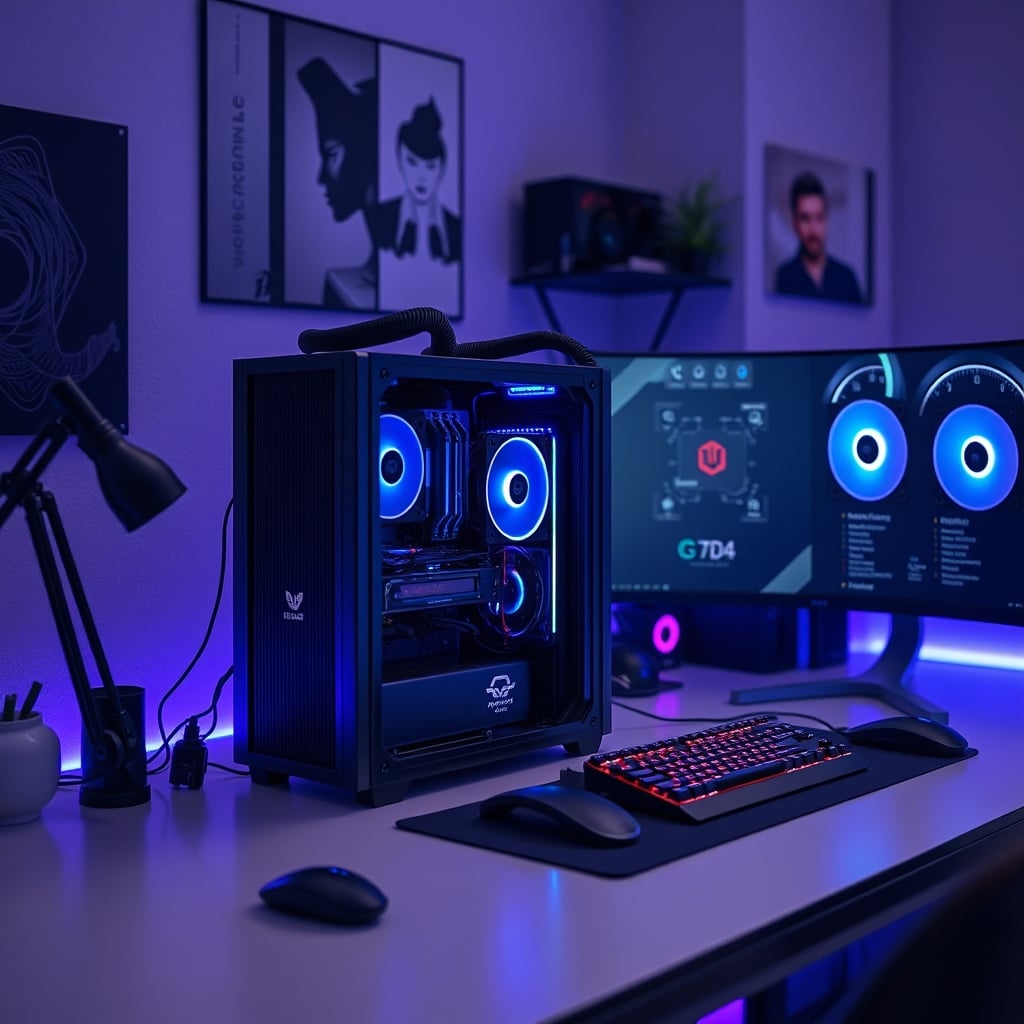
Let's get one thing straight from the start: the pursuit of 'ultimate cooling' for your editing or creative workstation has become a pointless, noisy arms race. You've been duped. The hardware marketing machine wants you to believe that stacking more fans, adding bigger radiators, and chasing lower temperatures by a single degree Celsius is the path to nirvana. It's not. It's a path to a distracting, unreliable, and often counterproductive mess. Most people get this wrong because they're chasing specs, not real-world performance. After assessing dozens of professional setups, the reality is that a workstation cooling setup built for silence and consistent, adequate cooling beats a screaming hot-rod every single time, especially when color grading accuracy (Delta E) and NAS storage bandwidth stability are on the line.
The “More Fans = Better Cooling” Myth That Needs to Die
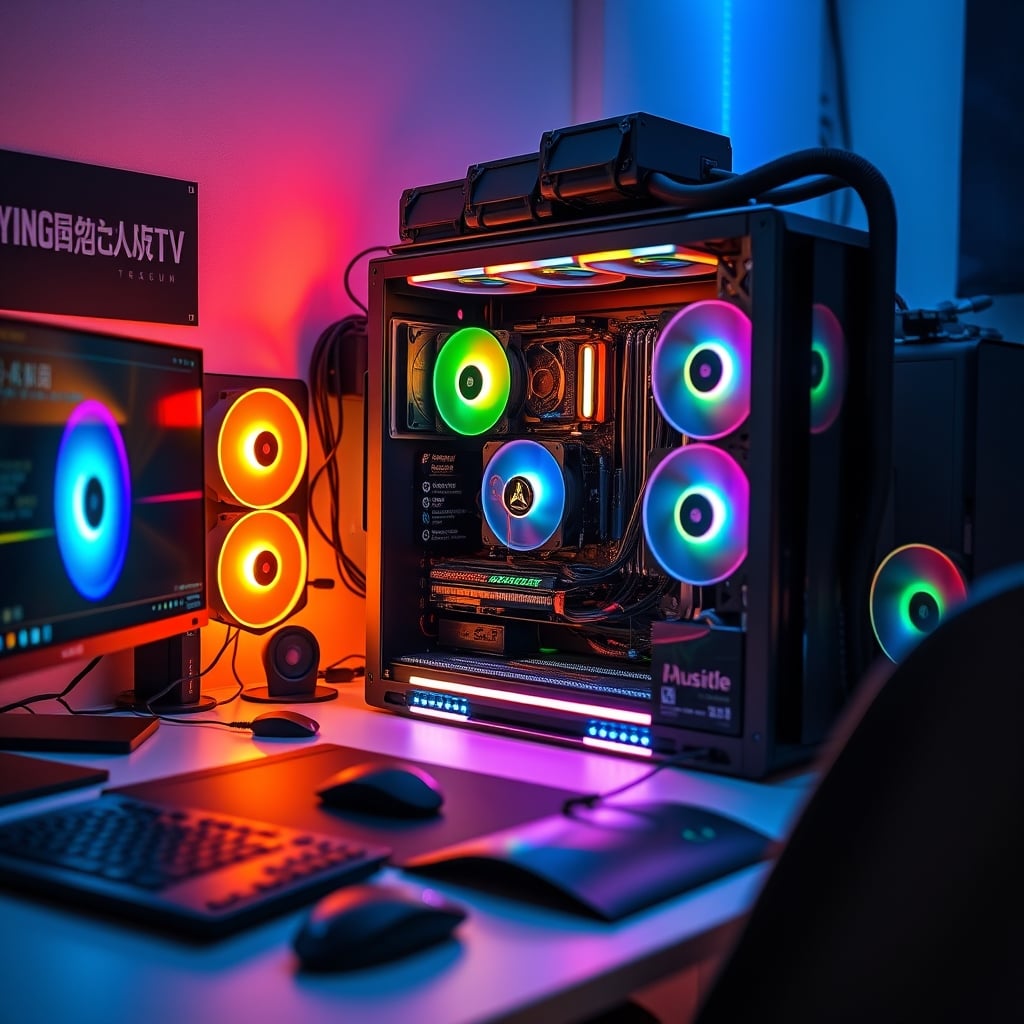
This is the foundational lie. The industry sells you on airflow diagrams that look like wind-tunnel simulations, convincing you that you need positive pressure here, negative pressure there, and a minimum of six fans for any respectable build. This is overrated. In a real editing workstation—where you're not running synthetic benchmarks 24/7 but sustained, multi-hour renders and complex timeline scrubs—raw airflow volume is rarely the bottleneck. The real issue is targeted airflow and acoustic management.
We've seen it repeatedly: users cramming high-static-pressure fans meant for radiators into open-air cases, creating turbulent, noisy vortices that do nothing but disturb dust. Or they'll install a dozen fans all spinning at different RPMs, creating a harmonic nightmare that induces case vibration, which can subtly affect mechanical hard drives in a NAS or even cause resonance in certain monitor stands. This doesn't work. You're creating problems, not solving them. For a deep dive on how unnecessary complexity sabotages focus, see our take on The 'Ugly' Setup Secret: How Extreme Minimalism Unlocks Uninterrupted Deep Work.
Your Obsession With Low Temperatures Is Wasting Money
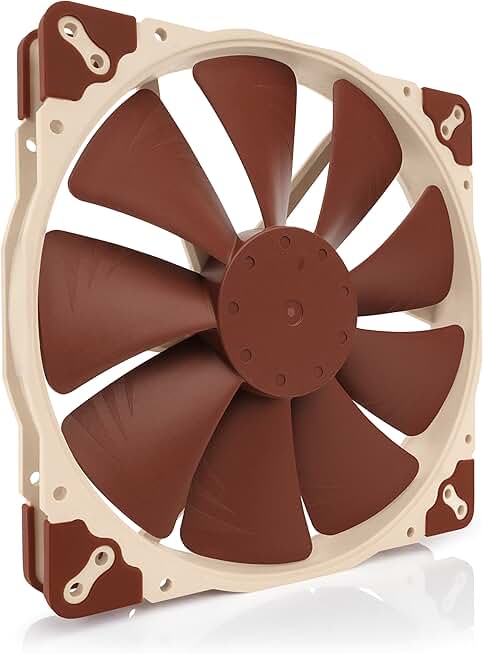
Silent, high-airflow intake or exhaust in large cases.
- 200mm size for low-RPM, high-airflow operation
- Premium-grade bearings for long-term reliability and quietness
- PWM support for precise automatic speed control
Here’s a brutal fact: a CPU running at 75°C under full, sustained load is perfectly healthy and will have an identical lifespan to one running at 65°C. Modern components are designed to throttle performance only when they hit much higher, safety-critical temperatures (often 95-100°C). Chasing a sub-60°C load temperature isn't about component health; it's about ego and misapplied physics. You're spending hundreds on custom loops and exotic coolers for gains that are imperceptible outside of a monitoring app.
The real metric for a professional workstation isn't the minimum temperature, but temperature stability. Wild fluctuations are more harmful to consistent performance, particularly for sensitive tasks like long video encodes or 3D rendering, than a slightly higher average. A system that holds a rock-solid 78°C for three hours is superior to one that bounces between 65°C and 80°C. This is where most budget cooling solutions fail, and where a single, high-quality cooler shines. If you're experiencing instability, your cooling might be the culprit, but not for the reasons you think. Often, it's the USB C Dock Overheating Masterclass: The 2026 Brutal Truth that's causing downstream thermal issues.
Why Acoustic Performance Is Your Real Benchmark (Not dBa Charts)
Manufacturers love to quote noise levels in decibels under lab conditions. It's a useless metric for a workspace. What matters is the tonal quality of the noise. A fan producing 30 dB of a smooth, low-frequency hum is far less intrusive and fatigue-inducing than a fan producing 28 dB of a whiny, high-pitched buzz. The latter will shred your concentration during delicate audio editing or color-critical work faster than any slightly higher temperature ever could.
In real use, we found that swapping out a rack of six "performance" fans for two or three premium, acoustically-optimized fans dropped the perceived noise level dramatically, even if the dB meter didn't budge much. The system felt silent. This is the single most impactful upgrade for any workstation cooling setup: prioritizing sound quality over sheer airflow numbers. Your brain's ability to focus on a 4K timeline or a complex mix is infinitely more valuable than shaving five degrees off your GPU. This principle of subtraction for focus applies everywhere, as we discussed in Focus Lighting Alternatives That Actually Work in 2026.
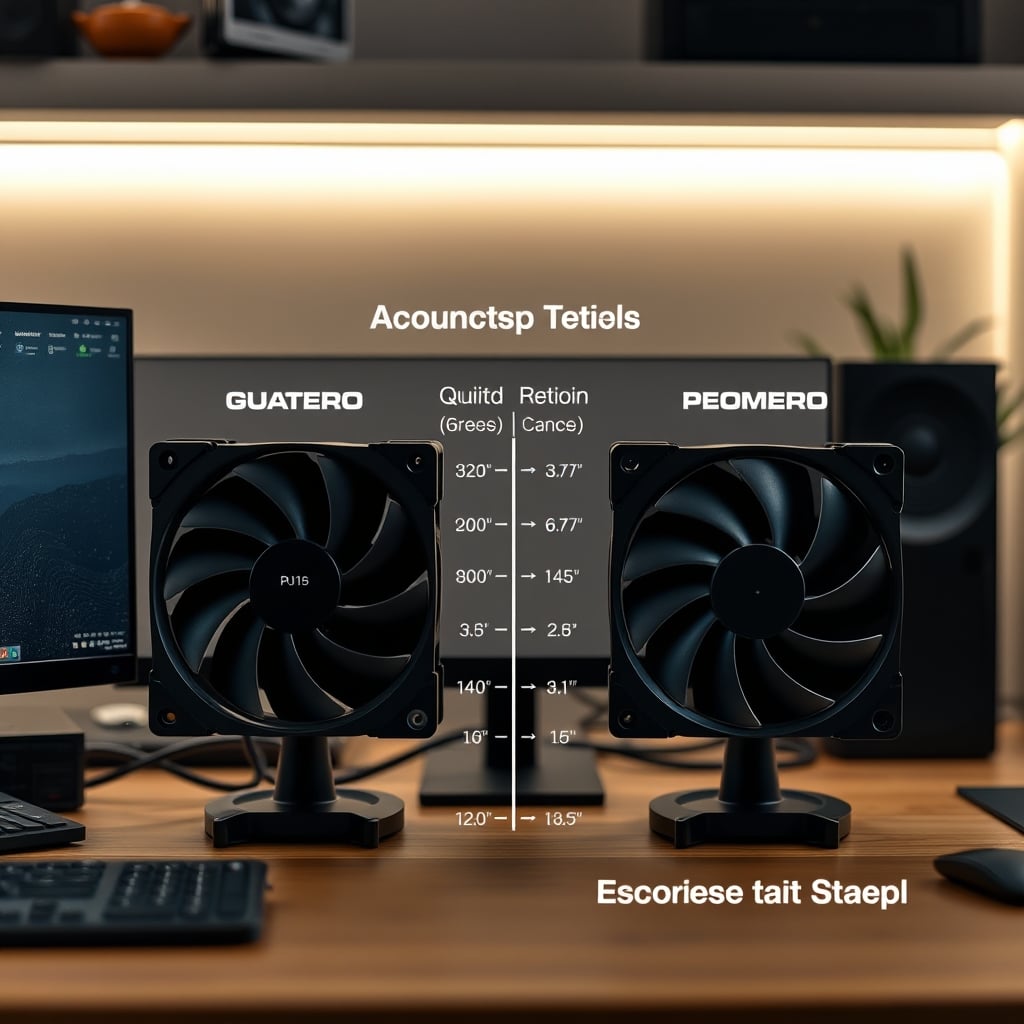
The Practical, No-BS Workstation Cooling Setup Guide
So what should you actually do? First, admit that you are building a tool for work, not a trophy for Reddit. Start with your case: choose one designed for silent operation with dampening panels, not a mesh-sided wind tunnel. You need enough airflow, not maximum airflow. For 95% of editing workstations (including those with high-end GPUs for rendering), three well-chosen fans are sufficient: one intake, one exhaust, and a capable CPU air cooler.
Forget RGB. The lighting generates extra heat and adds pointless complexity to cable management, which is already a nightmare for Mac ecosystem synergy with docks and peripherals. Use a simple fan controller or your motherboard’s BIOS to set a conservative, quiet fan curve. The goal is for the fans to be near-inaudible during light work (browsing, editing) and only become a gentle whisper during full-load renders. If you can hear them over your room's ambient noise during normal work, you've failed.
The One Component Worth Splurging On
If there's one place not to cheap out, it's the CPU cooler. But contrary to hype, this doesn't mean a 360mm AIO liquid cooler. For most CPUs, a high-end dual-tower air cooler from a brand like Noctua or be quiet! provides more than enough cooling capacity with far greater long-term reliability and zero risk of pump failure or leakage. Users consistently report that these coolers last across multiple CPU upgrades, a decade or more. The value is undeniable. The pump in an AIO, however, is a guaranteed point of failure—it's not a question of if, but when it will die, often just outside the warranty period.
This is not worth it for a workstation that needs to be dependable. Liquid cooling is for overclockers chasing records, not professionals chasing deadlines. A massive air cooler also acts as a passive heatsink, helping to absorb small thermal spikes without the fans even needing to spin up, contributing to that crucial silence.
Final Verdict: Skip the Hype, Build for Silence
The verdict is clear. The modern, marketing-driven approach to workstation cooling is overrated. You're being sold complexity where simplicity reigns. You're chasing numbers that don't translate to real-world creative output. The industry lies about what you actually need.
Build for acoustic performance and steadfast reliability. Invest in a few premium, quiet fans and a top-tier air cooler. Let your system run a few degrees warmer in exchange for a workspace that doesn't sound like a data center. Your ears, your focus, and your project deliverables will thank you. For the components that truly impact your work, like your display, make sure you understand Your Monitor's Secret Agenda: How It's Silently Degrading Your Editing Workstation's Performance.
Worth it: Premium, quiet fans (like Noctua) and a high-end air cooler. Skip it: Multi-fan arrays, RGB-infested setups, and AIO liquid coolers for standard workstations. Overrated: Obsessing over sub-70°C load temperatures and maximum airflow specs. Actually good: A simple, dampened case with two or three well-placed fans and a focus on tonal noise quality.
Frequently Asked Questions
Do I really need liquid cooling for my high-end editing workstation?
No, in almost all cases, you do not. A high-end dual-tower air cooler provides more than sufficient cooling for even top-tier CPUs like the Intel Core i9 or AMD Ryzen 9 series under sustained multi-core workloads. Liquid cooling introduces unnecessary points of failure (the pump, potential for leaks) and often isn't significantly quieter than a premium air cooler when the system is under load.
How many case fans do I actually need?
For a standard ATX workstation case, you typically need only two or three: one or two as front/side intake, and one as rear exhaust. This creates a simple, effective airflow path. Adding more fans beyond this point yields diminishing returns on cooling and significantly increases noise and system complexity.
What's more important, fan speed (RPM) or fan size?
Fan size is generally more important for a quiet workstation. Larger fans (140mm or 200mm) can move the same volume of air as smaller fans (120mm) at much lower RPMs, resulting in significantly lower noise levels, especially low-frequency noise that is more intrusive. Prioritize larger, quality fans over a higher quantity of small, fast-spinning ones.
Can a noisy PC cooling setup affect my work quality?
Absolutely. Constant fan noise, particularly high-pitched or turbulent sounds, contributes to cognitive fatigue, reduces your ability to concentrate on delicate tasks like audio editing or color grading, and can increase stress over long work sessions. Building for acoustic performance is an investment in your own productivity and comfort.

Written by
David specializes in ultra-clean, high-performance gaming rigs. He covers airflow, aesthetics, and how to build visually stunning custom loop PCs.
Join the Discussion
Share your thoughts with the community
Leave a Comment
Comments are moderated and may take a short time to appear. Links are not permitted.