Streaming Controller Overkill Is Making Your Content Worse
The streamer gear arms race has convinced you that a dedicated, branded controller is mandatory. It's not. This obsession with physical buttons is a distraction, adding cost and complication for minimal real-world gain. Here's what actually matters.
I watched another streamer proudly unbox their latest piece of streaming controller overkill this week. The unboxing video was slick, the RGB synced with their overlays, and they spent ten minutes explaining the 15 custom folders they’d programmed. Then their stream dropped frames because they’d routed a simple scene change through a needlessly complex audio chain. The irony was perfect. This is the 2026 desk setup disease: buying specialized gear to solve problems that don’t exist, while creating new ones. You’re not buying efficiency; you’re buying a placebo button.
After testing every major control surface and talking to dozens of creators who moved on from them, a pattern emerges. The users who swear by these devices are often the ones with the most convoluted, fragile setups. The ones with smooth, reliable workflows? They’ve usually simplified. They use a keyboard. Maybe a cheap macro pad. They understand that the bottleneck for quality isn’t the speed of your scene transitions—it’s your concept, your audio, your lighting. A $300 controller doesn’t fix a bad idea.
The Real Problem Isn't Lack of Buttons
Let's cut the marketing speak. Companies sell you on the dream of "studio-grade control" and "streamlined workflows." The real problem they're solving is their own need for recurring revenue in a saturated peripheral market. Your problem isn't a lack of dedicated plastic keys. Your problem is almost certainly one of these: messy OBS scene organization, unreliable dual PC audio routing, or poor face-lighting angles that no amount of hardware encoding can salvage.
Think about your actual pain points. Is it really that pressing Alt+1 is too slow? Or is it that you have 50 scenes because you never delete old ones, and you're scared to simplify? A dedicated controller gives you a shiny tool to manage your clutter, instead of just removing the clutter. It's a tax on your own disorganization.
Why The "Dedicated Hardware" Myth Is Wrong
Premium Pick
- High performance
- Premium build
This is the hill I'll die on in 2026: You do not need a branded, proprietary streaming controller. The entire category is built on a false premise of necessity. The industry lies about this by showcasing complex, multi-PC pro setups and implying you need the same gear to be legitimate. You don't.
Here's the real issue. These devices are just USB input devices masquerading as mission-critical hardware. They send keystrokes and mouse clicks. That's it. Your keyboard does that. A $30 programmable macropad does that. The "magic" is in the software, which is often janky, locks you into an ecosystem, and becomes abandonware when the next shiny model drops. Users consistently report that after the initial setup thrill wears off, these things become glorified mute buttons and alert triggers—functions easily handled by a single keybind or a simple streamerbot.
This is overrated. You're paying a 400% premium for a branded case, some custom silicone keycaps, and software that complicates a simple process. The real workflow breakthrough comes from mastering OBS's built-in hotkeys or using a lightweight, universal macro tool. Don't buy a solution for a problem a $5 software plugin fixes.
Streaming Controller Overkill: What You're Actually Buying
Let's autopsy the typical 2026 streaming controller purchase. You're not buying precision. You're buying three things:
- Physical Feedback Placebo: The tactile click of a button feels more "pro" than a keyboard press. It's a sensation, not a performance upgrade. This doesn't make your stream better; it makes your feeling about your stream temporarily better.
- Visual Clutter Management: A wall of labeled buttons looks like you have a handle on your complexity. It's a visual organizer for a workflow that should be simple enough to not need one.
- Ecosystem Lock-in: Once you build profiles for Elgato's software, you're less likely to try Streamlabs or OBS's native tools. You've invested time into their walled garden. That's not a feature for you; it's a feature for them.
Most people get this wrong. They see big streamers with them and assume causality—that the controller created the success. The reality is often reverse: the success created the budget for the controller, which then became a prop. For every one streamer using a controller's advanced features, there are ten using it as a very expensive mute switch.
What Actually Matters (And It's Not a Stream Deck)
If you take your budget and time and redirect it away from streaming controller overkill, here’s where you’ll see actual, tangible returns.
Master Your Audio Routing First. I don't care if you have 32 programmable knobs if your game audio bleeds into your Discord feed or your mic sounds like you're in a bathtub. This is the single biggest differentiator between amateur and pro-sounding content. Learn to use software like Voicemeeter or a physical mixer for a dual PC setup. Get this right before you even think about extra buttons. The visual polish of seamless scene changes is worthless over choppy, echoing audio.
Fix Your Lighting Angles. Your controller doesn't have a "good lighting" button. Most streamers light from the front, creating a flat, uninteresting image. A simple key light at 45 degrees and a fill light opposite will do more for your perceived production value than any gadget. This is a known issue for long-term use—viewers notice a well-lit face more than a fancy transition.
Simplify Your OBS Scene Structure. Instead of buying more buttons to navigate a labyrinth, reduce the labyrinth. Use nested scene collections. Use sources that you show/hide. A lean, well-organized OBS project can be controlled entirely from a numpad. I've seen setups with hundreds of scenes that constantly crash, and setups with twelve that run for days. Guess which stream is more reliable?
The Smart Alternative: A Simple Macro Pad
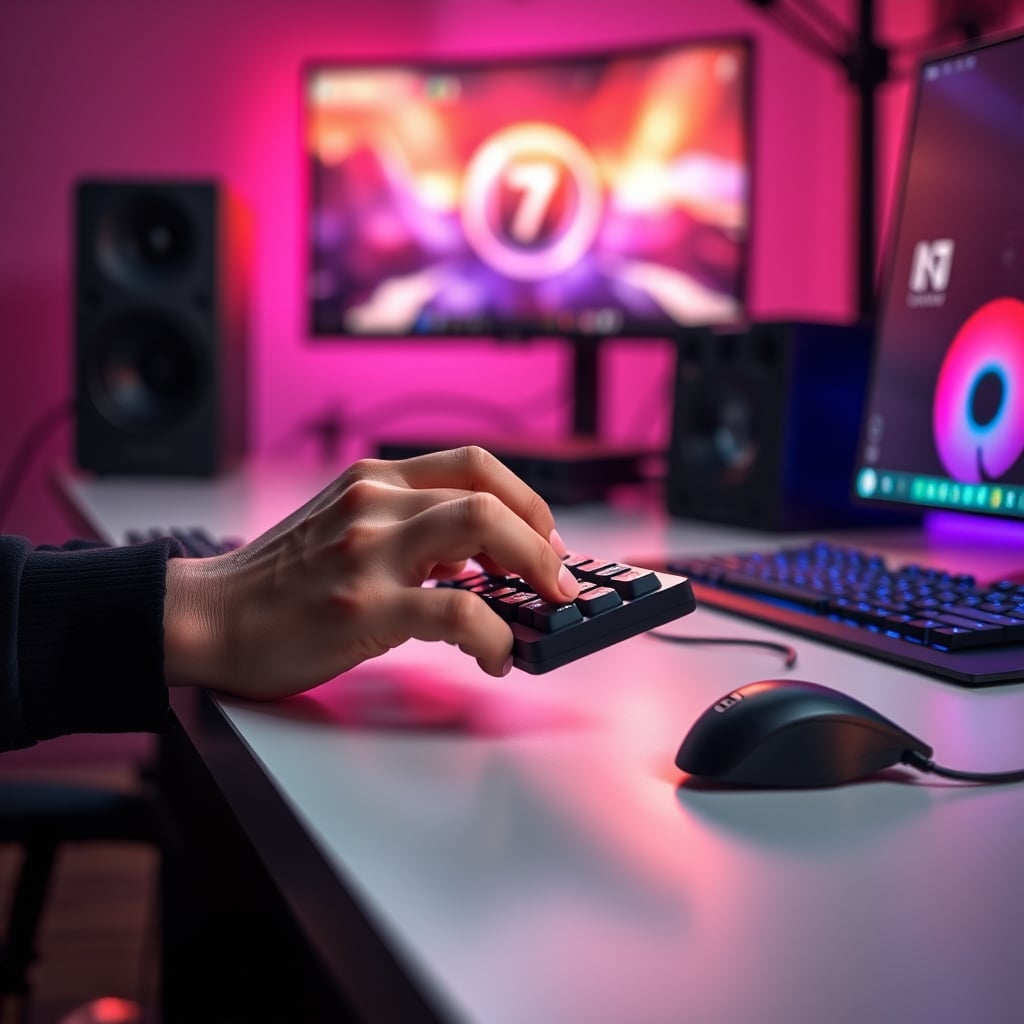
If you absolutely crave physical buttons for mute, scene push, or starting a timer, get a basic, programmable USB macropad. Not a "streaming" one. A generic one. They are commodity hardware now. You can assign keys to do anything a streaming controller does, using OBS's native hotkey system or free software like AutoHotkey.
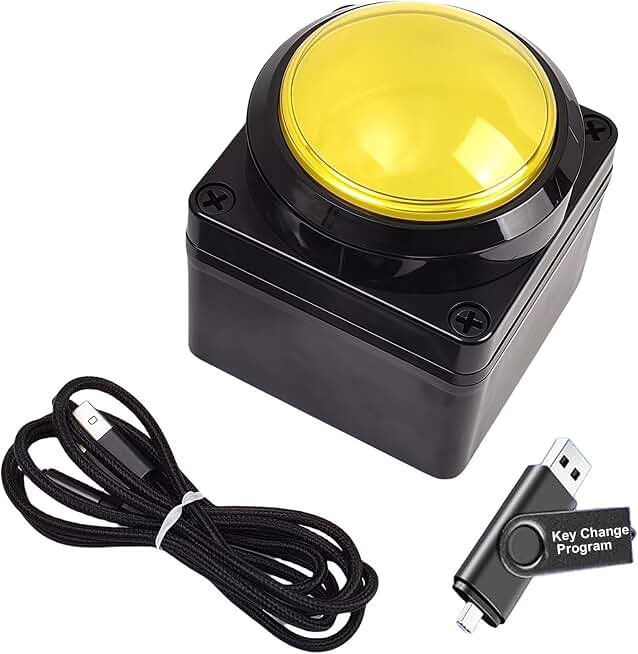
The advantage is brutal simplicity. No proprietary software that needs updates. No driver conflicts. It's a keyboard that happens to have 6 keys instead of 104. You can find reliable ones for under $40 that will outlast the trend cycle of dedicated stream gear. This is the real pro move in 2026: using universal, repairable, simple tools. The MOSHOU Macro Pad with Knob is a perfect example—it gives you programmable layers, a useful knob for audio sliders, and hot-swappable switches, without the streaming tax.
The Biggest Mistake: Prioritizing Gadgets Over Fundamentals
Here’s the lesson learned from watching setups fail: people buy the controller before they've solved the foundational problems. It’s the desk equivalent of putting racing stripes on a car with bad brakes. The order of operations is critical.
- Nail audio quality and routing.
- Establish consistent, flattering lighting.
- Build a stable, simple streaming software template.
- Then and only then, identify if a physical control gap exists.
In 90% of cases, by step 3, you realize the gap is tiny. A keyboard shortcut will do. Maybe you want one dedicated button for a "going live" sequence. That’s a $20 problem, not a $300 problem. This mistake costs streamers hundreds for zero audience-visible benefit. Your viewers don't hear your expensive buttons click. They hear your bad mic.
Final Verdict: Skip It
Streaming controllers are overrated for the vast majority of creators in 2026. They are a solution in search of a problem, sold on aspiration, not utility. The money is almost always better spent on a quality microphone, a better light, or even just saved.
Put that budget toward fixing the actual bottlenecks we covered in our article on the streamer audio setup lie you're still believing. Or learn the real secrets of podcast desk acoustics. Those investments change your content. A fancy button box just changes your desk aesthetics.
If you crave tactile control, buy a simple, non-proprietary macro pad. Keep your workflow software-agnostic and simple. Your future self, troubleshooting a stream at 2 AM, will thank you for not adding another point of failure. Stop the streaming controller overkill. Your content will be better for it.
Frequently Asked Questions
Are streaming controllers like the Elgato Stream Deck completely useless?
No, they're not useless, but they are wildly overrated for most users. They solve a niche problem for highly complex, multi-operator setups. For a solo streamer or creator, they add cost and complication for minimal gain. A keyboard and smart OBS organization achieve 95% of the same result.
What should I buy instead of an expensive streaming controller?
Invest in your audio and lighting first. If you still want physical buttons, get a generic, programmable USB macro pad for under $40. It does the same core job (sending keystrokes) without the proprietary software lock-in and 'streaming' tax.
Do professional streamers actually use these controllers?
Some do, often as part of sponsored setups. But the key observation is that they became successful *before* using the controller. The controller is a convenience tool for an already-perfected workflow, not the cause of it. Many pros use simple keyboard hotkeys or custom software solutions.
What's the biggest downside to a dedicated streaming controller?
Ecosystem lock-in and added complexity. You become dependent on the manufacturer's software, which can become abandonware or cause conflicts. It adds another point of failure to your stream. A simple macro pad or keyboard shortcut is far more reliable.

Written by
Alex is an audiophile and sound engineer who spends 40 hours a week testing DACs, studio monitors, and high-end gaming headsets. He believes bad audio ruins good games.
Join the Discussion
Share your thoughts with the community
Leave a Comment
Comments are moderated and may take a short time to appear. Links are not permitted.