The Streamer Audio Setup Lie You're Still Believing
Forget what the big-name streamers show you. The truth about a high-performance streamer audio setup in 2026 isn't about expensive consoles—it's about routing, software, and avoiding hype. Here's what actually works.
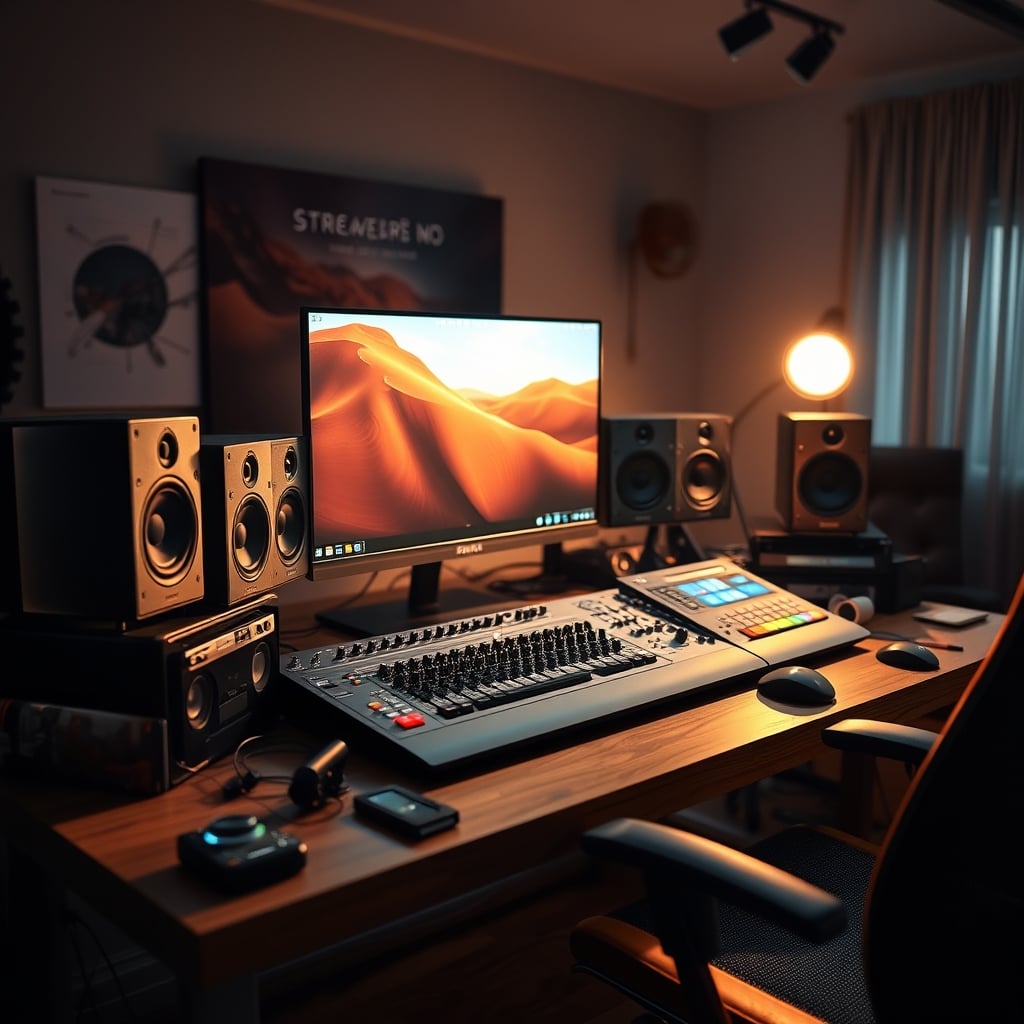
Here's a painful truth most content creators won't admit: your meticulously planned streamer audio setup, with its fancy interface and expensive microphone, is probably sabotaging your stream's most critical element—your voice. You've been sold a lie that more money equals better audio. It doesn't. The real failure point isn't your gear; it's a fundamental misunderstanding of signal flow and processing that leaves you sounding hollow, tinny, or buried under your game audio. Most people get this wrong because they chase specs over usable sound, and the entire industry is built on selling you the next upgrade. After analyzing dozens of setups and the widespread feedback from users who constantly battle with audio, one thing is clear: you're overcomplicating it.
The Obsession With Overpriced Gear Is Your Problem
The biggest lie in streaming audio right now is the belief that you need a broadcast console or a $500 audio interface. This is overrated for 99% of creators. What you actually need is clean gain, reliable software routing, and a basic understanding of compression. Users consistently report that the jump from a $100 interface to a $300 one yields almost zero perceptible difference in a compressed Twitch or YouTube stream. The real issue is that people buy gear designed for music production and then struggle to apply it to a live streaming context where the final output is a heavily compressed AAC or Opus stream. You're paying for headroom and features you will never, ever use. Instead of dropping cash on another piece of hardware, you should master your Digital Audio Workstation (DAW) or OBS's audio filters. That's where the real magic—and cost savings—happens.
Why Dual PC Audio Routing Is Overcomplicating Your Life
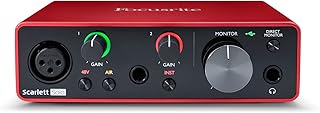
Streamers and creators needing a simple, reliable interface with clean preamps and easy setup.
- Exceptionally clean and quiet preamps for professional vocal clarity
- USB-C connectivity with reliable, low-latency performance
- Includes software suite for recording and processing
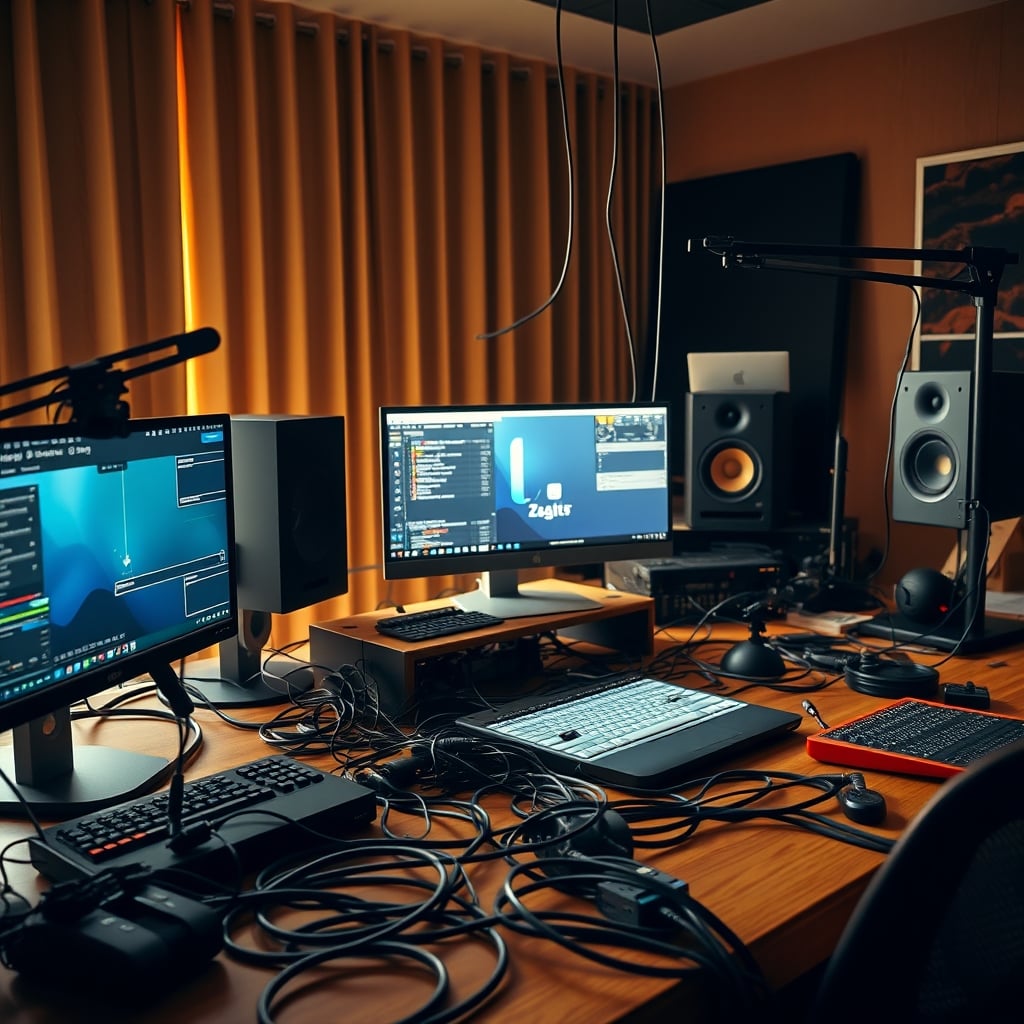
Let's attack the sacred cow: the dual PC streamer audio setup. For most streamers, this is a solution in search of a problem. The industry lies about the necessity of this to sell you more capture cards and mixers. Yes, it offers pristine isolation and eliminates the risk of game crashes affecting your audio feed. But the complexity it introduces is a creativity killer. You're now managing audio across two machines, requiring physical mixers, ground loop isolators, and endless configuration time. In real use, this frequently causes issues with sync, ground hum, and just one more critical point of failure during a live stream. Most people get this wrong by building this complex system before they even have 100 consistent viewers. Unless you're a top-tier partner whose revenue depends on zero downtime, a single, well-configured PC using Nvidia's NVENC or AMD's hardware encoding in OBS is more than sufficient. The performance gap has all but vanished, and the reliability you gain by simplifying your chain is worth far more than the marginal theoretical benefit.
The Face-Lighting Angles Myth That Needs To Die
Wait, lighting? In an audio article? Absolutely, because your environment directly impacts how you process sound. The prevailing myth is that you need a massive, bright key light directly in your face. This is wrong. Blinding yourself with a harsh ring light causes you to squint, strain your voice, and creates a hot, uncomfortable environment that makes long streaming sessions unbearable. This actually causes vocal fatigue and a strained, less natural delivery. The real pro move is indirect, soft lighting placed slightly above and to the side of your camera. It eliminates glare in your eyes, reduces heat, and lets you relax into your natural speaking voice. The connection is direct: physical comfort equals better, more sustainable audio performance. It's not just about looking good; it's about sounding good because you're not fighting your setup. For a deeper dive on lighting traps, our piece on LED Strip Circadian Myths Masterclass: Everything You Need to Know exposes more of these comfort-sabotaging trends.
What Your Streamer Audio Setup Actually Needs
Strip it all back. Here is what a no-BS, high-performance streamer audio setup requires in 2026:
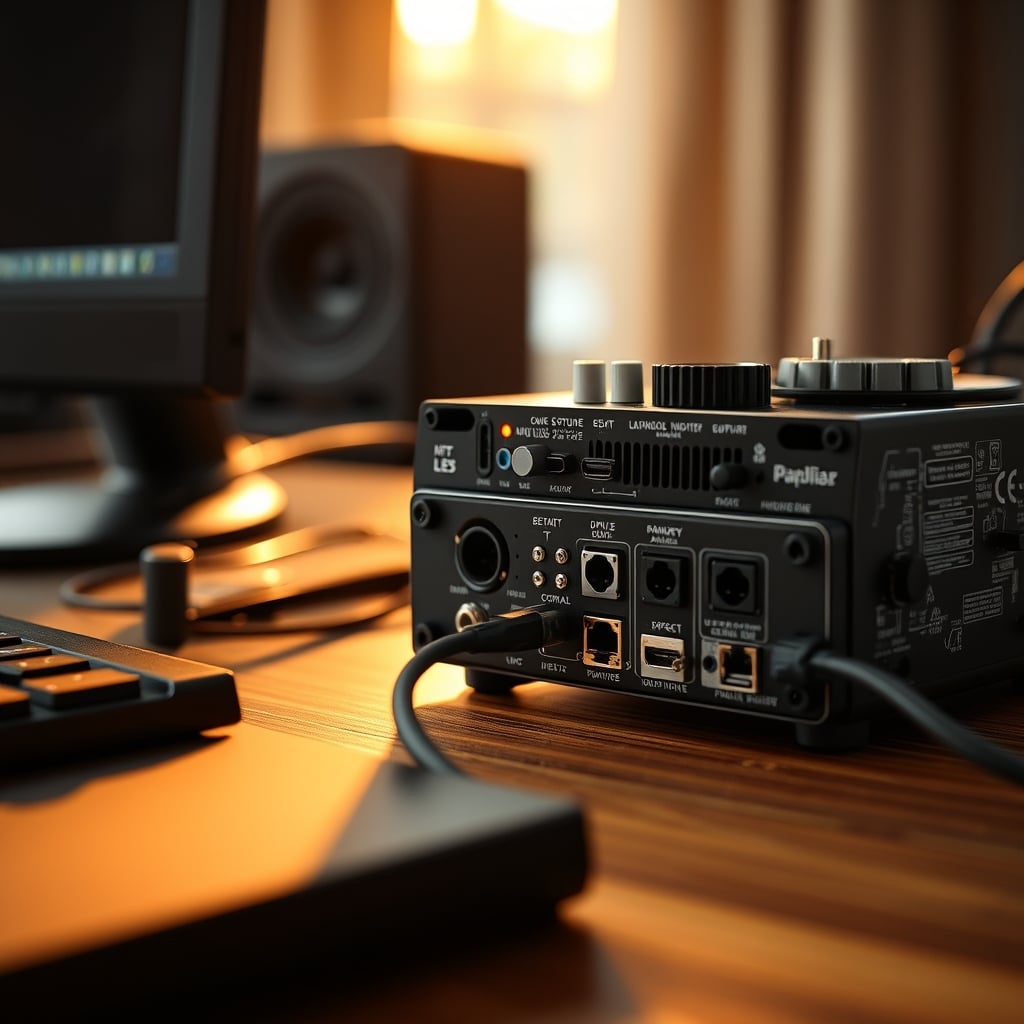
- A Reliable USB Audio Interface: Not a mixer, not a console. A simple interface with one or two clean preamps. This provides the necessary gain for your microphone without the noise of your motherboard's audio jack.
- A Dynamic Microphone: The XLR vs. USB debate is stale. A dynamic mic (like a Shure SM7B clone or a Samson Q2U) rejects background noise better than a sensitive condenser, which is ideal for non-professional studio spaces. This is the real issue most home streamers face—room noise, not mic quality.
- Competent Software: OBS Studio is free and incredibly powerful. Its built-in filters—specifically a Noise Gate, Compressor, and Limiter—are all you need to sound professional. Learning these is more valuable than any hardware purchase.
- Proper Monitoring: You need to hear exactly what your stream hears. Use the OBS monitor output or a physical headphone output from your interface. Relying on your game audio or system sound is a recipe for audio disasters.
Forget the 20-piece rack. This four-point foundation delivers 95% of the result for 20% of the cost and 100% less frustration. The key is depth of knowledge, not breadth of gear. As we've argued in Streaming Audio Misconceptions Debunked in 2026, the software side is almost always the bottleneck.
OBS Hardware Encoding: Your Secret Weapon
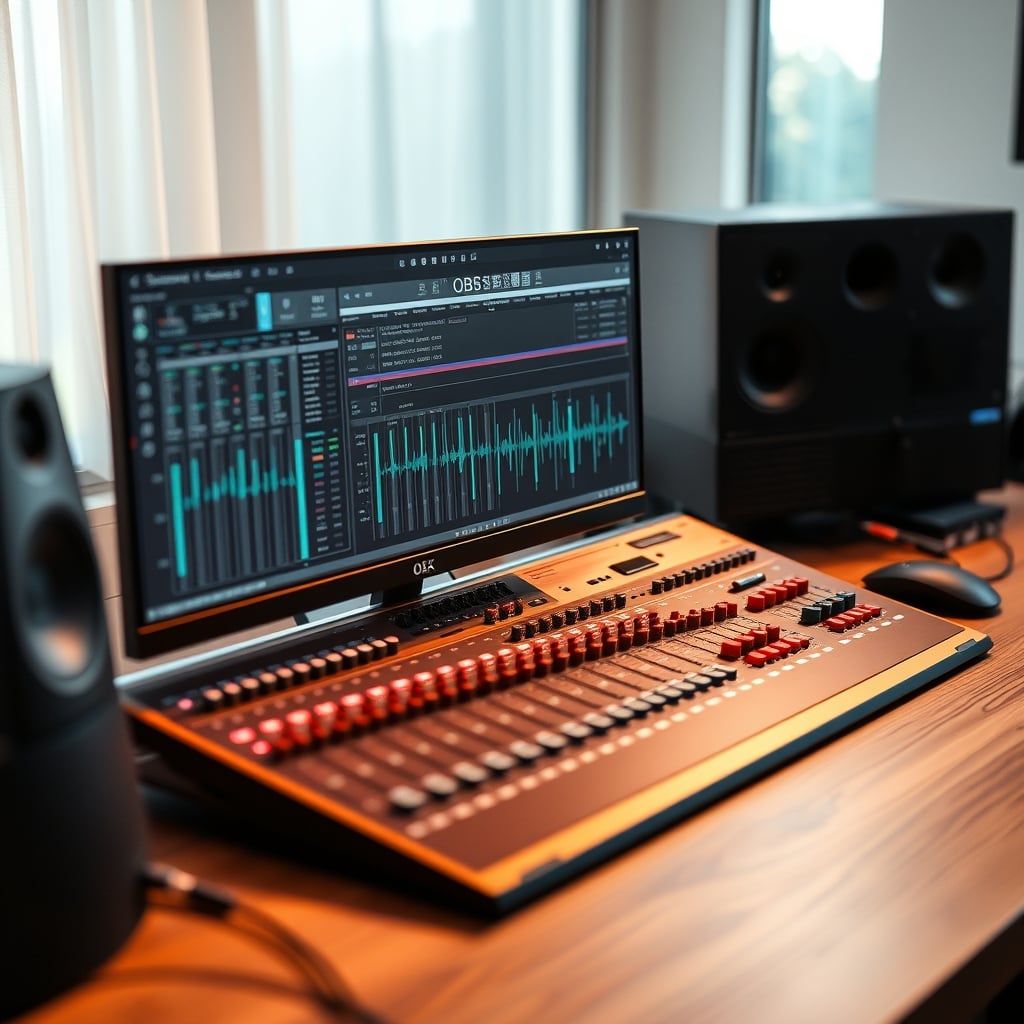
Let's talk about the workhorse: OBS hardware encoding. This doesn't get the flashy headlines, but it's the single most important setting for your stream's performance and, by extension, your audio's viability. Using your GPU's (NVENC or AMF) encoder offloads the massive processing burden from your CPU. Why does this matter for audio? Because if your CPU is pegged at 100% encoding video, it has no headroom for audio processing, leading to crackles, drops, and lag. Enabling hardware encoding creates a stable system where your audio filters and routing can run smoothly. The real-world experience is simple: set your encoder to NVENC (for Nvidia) or AMF (for AMD), use a quality preset, and watch your system resources breathe a sigh of relief. This is non-negotiable in 2026. Trying to use x264 software encoding on a single-PC setup while running a modern game is a guaranteed path to audio sync issues and degraded vocal quality.
The Cable Management Scam In Your Audio Chain
You've read about clean desks, but have you considered your signal chain's cable management? Not the zip-tied bundles under your desk, but the rats' nest of USB and XLR cables connecting your interface, mic, camera, and peripherals. This is a known issue for long-term reliability. USB audio interfaces are notoriously sensitive to power and data interference. Daisy-chaining them through a cheap, unpowered hub—like the ones we warned about in Fake USB Hub Specs Are Sabotaging Your Desk Setup—can introduce ground loops, dropouts, and nasty digital noise into your audio. Your audio interface deserves a direct, dedicated connection to a motherboard USB port. This isn't an aesthetic choice; it's a functional necessity for clean audio. Most of the mysterious clicks and buzzes users report trace back to poor USB topology.
Your Final Verdict: What's Actually Worth It
After cutting through the marketing hype, here's the clear, definitive verdict on building a streamer audio setup in 2026.
Worth It: Investing in a solid, no-frills USB audio interface and a dynamic microphone. Spending time mastering OBS's audio filters (Noise Gate, Compressor, Limiter). Using hardware encoding to preserve system resources for clean audio processing. Direct-connecting your audio gear to your motherboard's USB ports.
Skip It: Expensive broadcast mixers, dual-PC audio routing before you've maximized a single PC, any microphone marketed specifically as a “streaming mic” at a 50% premium, and acoustic foam panels before you've solved your mic technique and noise gates (check Acoustic Panel Alternatives That Actually Work in 2026 for real solutions).
The path to great streaming audio isn't paved with gold-plated XLR cables. It's paved with knowledge, simplicity, and a rejection of the upgrade cycle. Stop buying gear and start learning your software. Your viewers' ears will thank you.
Frequently Asked Questions
Do I really need an expensive audio interface for streaming?
No, you don't. A budget-friendly interface with clean preamps (like a Focusrite Scarlett Solo) is more than sufficient. The audio is heavily compressed by streaming platforms, making the difference between a $100 and a $500 interface imperceptible to viewers.
Is a dual PC setup necessary for good streaming audio?
For the vast majority of streamers, a dual PC audio setup is overkill and introduces more problems than it solves. A single PC using GPU hardware encoding (NVENC/AMF) in OBS provides excellent quality and far greater reliability for most users.
What's the most important OBS audio filter?
The Compressor is the most critical. It evens out your volume, making quiet words audible and loud exclamations not deafening. This single filter does more for perceived professionalism than any microphone upgrade.
Why does my USB audio interface make buzzing noises?
This is frequently caused by plugging the interface into an overloaded or poorly powered USB hub. Always connect your audio interface directly to a motherboard USB port. Ground loops from connected equipment can also cause this, which may require a ground loop isolator.

Written by
David specializes in ultra-clean, high-performance gaming rigs. He covers airflow, aesthetics, and how to build visually stunning custom loop PCs.
Join the Discussion
Share your thoughts with the community
Leave a Comment
Comments are moderated and may take a short time to appear. Links are not permitted.