Single Camera Streaming
Forget everything streamers have told you about needing multiple cameras. The single camera streaming setup isn't a compromise—it's the superior choice. Here's why your multi-thousand dollar rig is actively harming your broadcast.
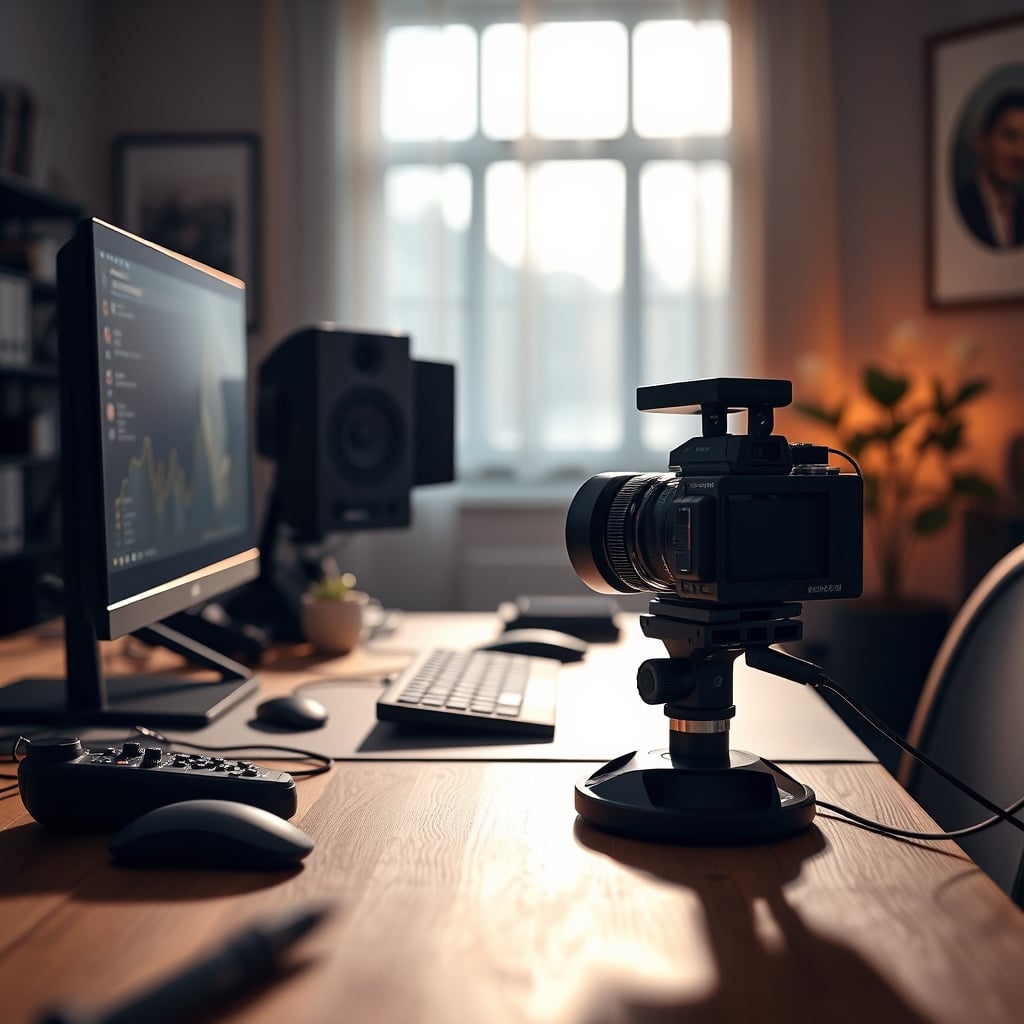
I've watched streamers pour thousands into multi-camera rigs that do nothing but complicate their lives and tank their viewership. The obsession with switching between angles isn't just unnecessary—it actively sabotages growth. For 99% of creators, single camera streaming is not just adequate; it's objectively superior.
Data reveals a clear pattern: the most engaging, highest-retention broadcasts consistently come from creators using one well-positioned camera. Multi-cam setups become distraction factories, with streamers fiddling with controls instead of connecting with viewers. The industry sells a lie that complexity equals professionalism. The opposite is true.
The Multi-Camera Myth That Needs To Die
Gear companies push multiple cameras because it means multiple purchases. It’s marketing. The promised “cinematic quality” of cutting between angles doesn’t translate to Twitch or YouTube—it translates to viewer confusion and a broken connection.
Switching between a face cam and a hand cam doesn’t make you look professional; it makes you look like you're trying too hard. Many copy streamers who fell for this trap years ago. The industry perpetuates it because camera sales drive revenue.
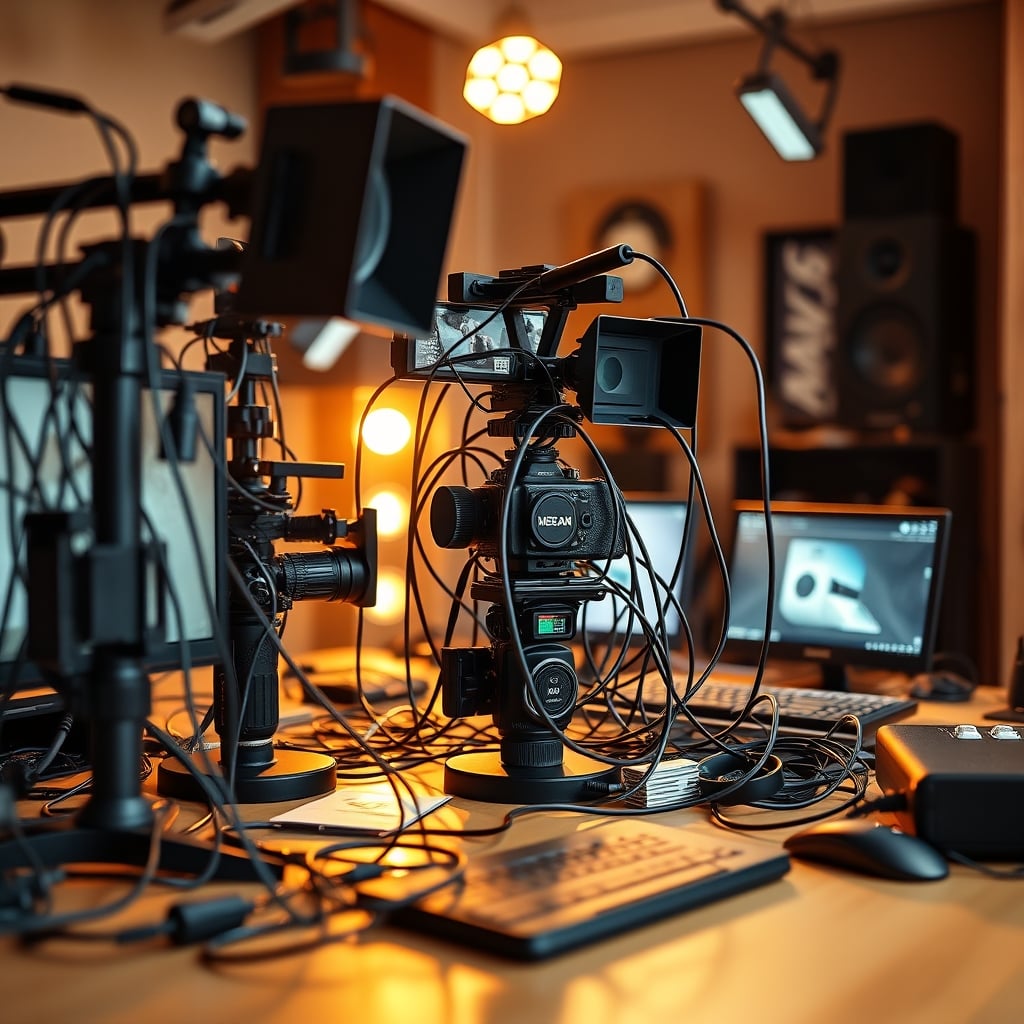
In practice, multi-camera setups introduce three critical failures:
- Cognitive Load: Managing switches pulls your focus from your content.
- Lighting Complexity: You can't properly light three angles without creating an artificial studio setup.
- Viewer Experience: Rapid camera switching is disorienting and breaks the intimacy of live content.
Why Single Camera Streaming Actually Wins
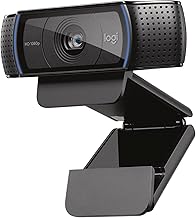
Reliable 1080p streaming with consistent performance
- Full HD 1080p at 30fps
- Automatic light correction
- Built-in stereo mics with noise reduction
Here’s the truth: a single camera forces you to master the fundamentals. You can’t hide behind camera switches. You must develop presence, which builds loyal audiences.
Most streamers treat their camera as a security blanket. With one camera, you optimize for the single most important shot: direct eye contact. Everything else is noise. This aligns with what drives engagement, not what looks cool in a gear video.
Execution becomes simpler:
- Lighting: Position your key light once. Done.
- Audio: Clean routing without syncing multiple video feeds.
- Performance: OBS encodes one stream, not three, for lower resource use.
What Your Favorite Streamer Isn't Telling You
The multi-cam setups on popular streams aren’t the reason they’re popular. Those creators succeeded despite their complex setups, not because of them. They built audiences through personality and consistency, then added cameras as a flex.
The real issue isn’t camera count—it’s connection. A single, well-framed shot creates intimacy. Multiple angles create distance. When you converse with someone, you maintain eye contact. Your stream should work the same way.
The promised "dynamic" experience often means viewers miss key reactions because they were looking at the wrong angle. Feedback consistently shows viewers prefer consistent framing over frequent switches. They want to feel in the room with you, not watching a poorly edited show.
The Practical Reality of One Camera
Every added camera introduces another point of failure: another cable, USB bandwidth hog, lighting challenge, and distraction. The supposed benefits evaporate under real conditions.
OBS bloat, CPU spikes, and cable nightmares ensue. For what? To occasionally show your keyboard? Viewers care about your reactions, commentary, and personality.
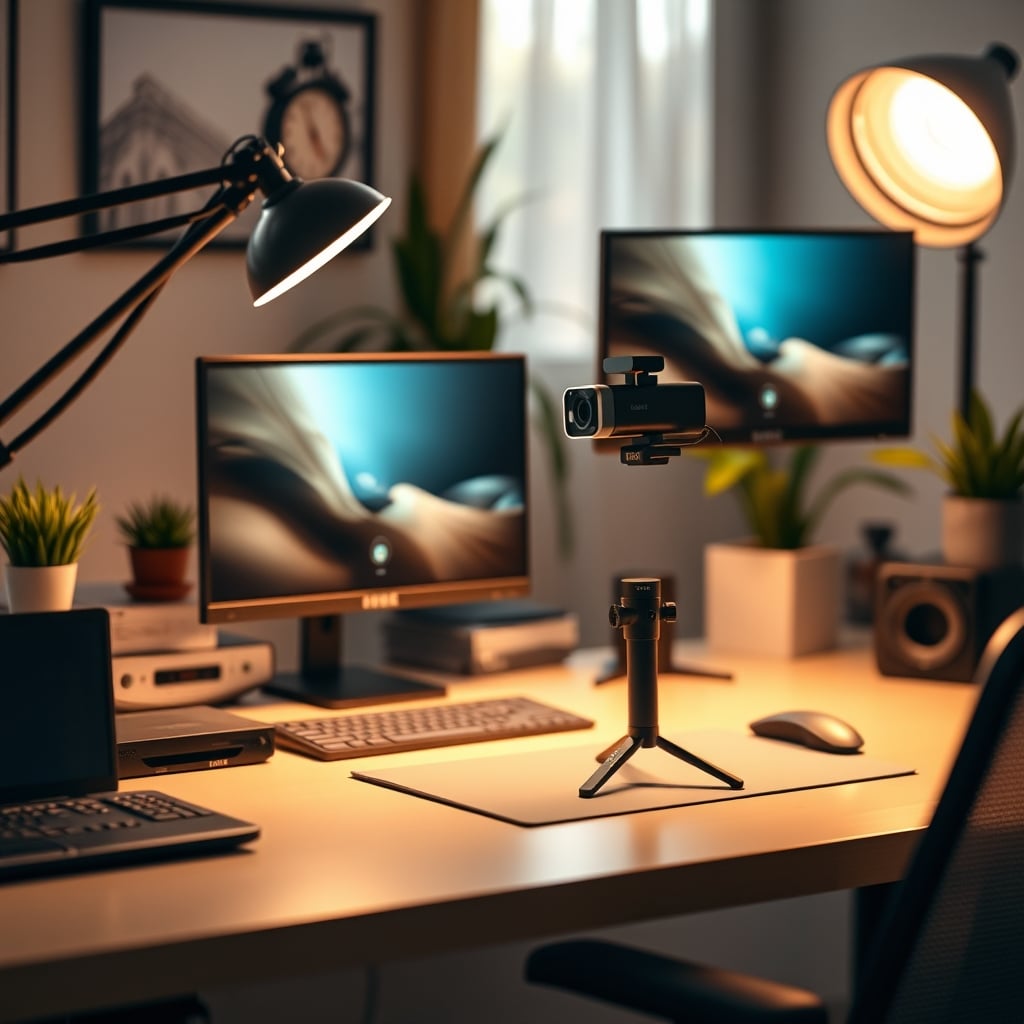
The single-camera approach forces better habits:
- You use your face and voice more expressively.
- You become constantly aware of your framing.
- You develop broadcast skills instead of technical ones.
- Upgrading means investing in quality over quantity. One 4K camera delivers a better experience than three 1080p cameras.
The Gear Trap You're Falling Into
Manufacturers love multi-cam narratives because they move units. But ask any experienced broadcaster: the best streams are usually the simplest. Gear Acquisition Syndrome convinces creators that more equipment equals better content.
You're wasting money. That second camera could fund better lighting, a superior microphone, or savings. The chase for "more angles" distracts from building an audience. I've seen streamers with $3,000 in camera gear and $100 microphones—backward priorities.
Viewers watch on phones, tablets, and laptops, where multiple angles shrink to unusable sizes. They want clear video of your face with great audio. Everything else is ego-stroking for the streamer, not value-adding for the viewer.
How To Master The Single Camera Approach
Positioning is everything:
- Camera at eye level, centered on your face.
- Balanced headroom—not too much, not too little.
- Distance close enough to read expressions, far enough to include natural gestures.
Lighting is your secret weapon. With one camera, perfect a single setup:
- Key light at a 45-degree angle.
- Fill light opposite to soften shadows.
- Hair light for background separation. This classic three-point setup, optimized for one angle, outperforms any multi-cam arrangement.
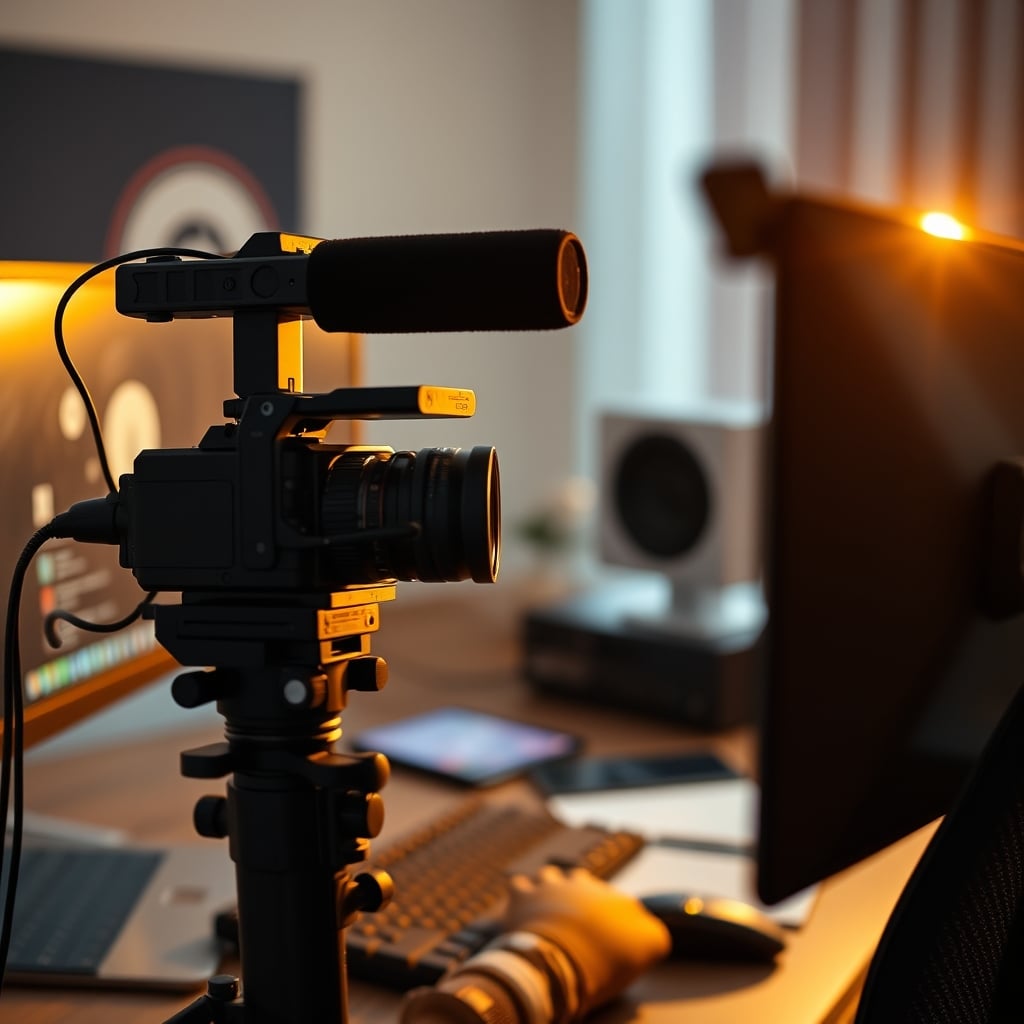
Your OBS setup simplifies: One video source, one audio source, clean overlays. This reliability means fewer technical issues. No more worrying about active cameras, queued scenes, or switch timing. You stream, engage, and grow.
The Psychological Advantage Nobody Discusses
Single-camera streaming creates a psychological contract: "This is our connection point." It builds consistency. Viewers know exactly where to look, reducing their cognitive load and increasing retention.
Multiple cameras send a different message: "I'm performing for you." It creates distance, making the stream feel like produced content rather than genuine interaction. In 2026, authenticity wins over production value every time. Audiences smell overproduction.
This is crucial for long-term growth. Streamers who master the single-camera connection develop stronger parasocial relationships and become better communicators. When they eventually add a second camera for a specific purpose (e.g., a product close-up), they use it strategically, not as a crutch.
Common Mistakes That Ruin Single Camera Streams
- Bad Positioning: Too low (unflattering shots); too far (face is a tiny spec).
- Auto-Focus: Letting it hunt during movement.
- Poor Audio: Relying on built-in mics instead of a dedicated setup.
- Neglected Background: It's constantly visible. Make it interesting but not distracting. Add acoustic panel materials for sound and texture. Avoid the fake plant trap—those desk plants become dust collectors.
- Ignoring Audio Priority: Your microphone matters more than your camera. Invest in a proper dynamic microphone setup instead of a second camera.
The Upgrade Path That Actually Makes Sense
When you upgrade, skip the second camera. Invest in a better single camera. A quality 4K webcam with good low-light performance improves every stream.
Priority order:
- Lighting: A decent key light improves perceived quality more than a second camera.
- Audio.
- Consider a streaming controller for efficient scene management—only after your single-camera setup is perfect.
Notice what's missing? A second camera. It's the last upgrade, not the first. By the time you need one, you'll know why and how to use it strategically.
Final Verdict
Single camera streaming isn’t just “good enough”—it’s the optimal setup for building genuine audience connection. The multi-camera obsession is a gear-focused distraction from what actually grows channels: consistency, personality, and engagement.
Worth it? Absolutely. It’s the foundation every streamer should master first. The simplicity forces better habits, reduces technical issues, and creates stronger viewer relationships. Anyone telling you otherwise is selling something or justifying their own unnecessary purchases.
Skip the multi-cam rig. Master the single camera. Your content—and your sanity—will thank you.
Frequently Asked Questions
Is single camera streaming professional enough for growing a channel?
Yes, absolutely. Single camera streaming is more than professional enough—it's actually preferred by most viewers. Complexity doesn't equal professionalism. A well-executed single camera setup with good lighting and audio creates stronger connection than multiple poorly-managed cameras. Most top streamers started with one camera and only added more after building substantial audiences.
What's the biggest advantage of using just one camera?
The biggest advantage is forced mastery of fundamentals. With one camera, you can't hide behind camera switches when you're unsure what to say. You develop actual presence, better eye contact habits, and more expressive communication. Technically, it simplifies your OBS setup, reduces CPU load, eliminates sync issues, and makes lighting dramatically easier to perfect.
When should I actually consider adding a second camera?
Only consider a second camera when you have a specific, recurring need that one camera can't solve—like consistently showing product close-ups, demonstrating physical techniques, or creating specific scene transitions that add genuine value. Never add a second camera just because you think you should. Most streamers never actually need one.
Written by
GlowRig Editorial researches and writes practical guides about desk setups and home office gear. Our articles are produced with the help of AI research tools and are reviewed for accuracy against manufacturer specifications and public user feedback. We may earn a commission from affiliate links, which never affects our recommendations.
Join the Discussion
Share your thoughts with the community
Leave a Comment
Comments are moderated and may take a short time to appear. Links are not permitted.