Single PC Podcasting Masterclass: The 2026 Brutal Truth
You've been lied to. The multi-thousand-dollar, multi-PC streaming rig isn't the pinnacle—it's a monument to marketing. In 2026, single pc podcasting isn't just viable; it's superior. We're gutting the myths and showing you what actually works.
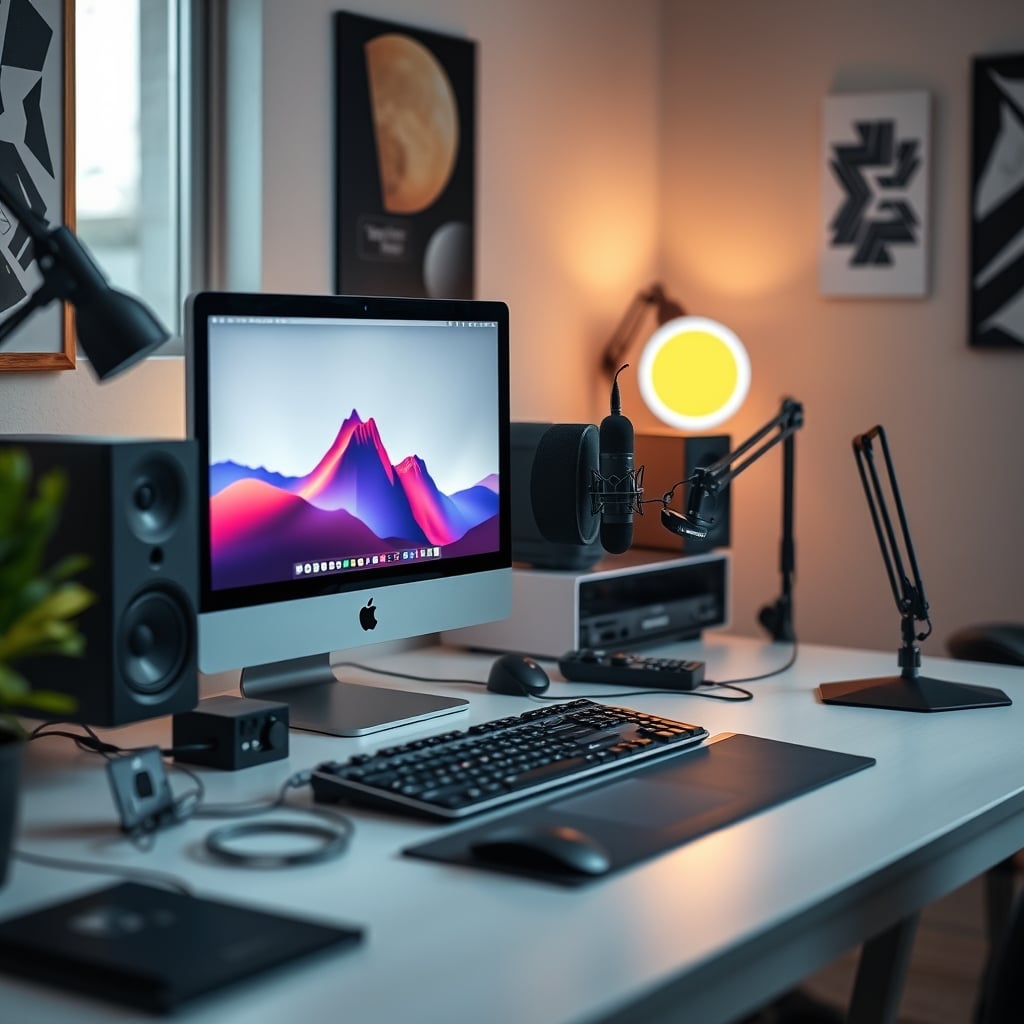
I built my first podcast rig with two PCs, a hardware mixer the size of a toaster, and a tangle of cables that would give an IT manager nightmares. I was chasing the 'pro' setup, the one every YouTube gear channel swore by. And you know what it got me? Latency nightmares, sync drift that ruined recordings, and a constant low-grade hum of frustration. The industry pushes complexity as a badge of honor. It's a lie. In 2026, the smart money isn't on more gear; it's on smarter, simpler systems. Single pc podcasting is the real pro move, and anyone telling you otherwise is either selling you something or stuck in 2018.
Let's cut through the noise. The biggest problem in podcast tech isn't your mic; it's the overwhelming, unnecessary complexity marketed as 'professional.' You're told you need discrete audio processing, separate streaming encoders, and a second PC just to handle the 'load.' Most people get this wrong. They're wasting money on redundant hardware that introduces more points of failure than it solves. The real issue is software bloat and poor configuration, not a lack of silicon. You don't need a second computer; you need to stop listening to the people who profit from selling you one.
Why The Dual-PC Streaming Rig Is a Colossal Waste of Money
The myth is seductive: one PC to game or run your DAW, another to encode and stream. Pro-level, right? Wrong. This is overrated. In 2026, with modern CPUs and efficient GPU encoders (NVENC, AMF), the performance hit from running OBS or your recording software is negligible. We're talking single-digit percentage points on a reasonably modern 8-core chip. The second PC doesn't make your stream more stable; it just gives you twice as many drivers, twice as many USB controllers, and twice as many chances for a ground loop or sync issue. The industry lies about the necessity of this. They sell you on the fear of a single point of failure while ignoring the chaos of two interconnected ones. Users consistently report more audio sync problems and software headaches with dual-PC setups than with a single, well-configured machine. This doesn't work for most people; it just makes them feel like it should.
The Single PC Podcasting Stack That Actually Works
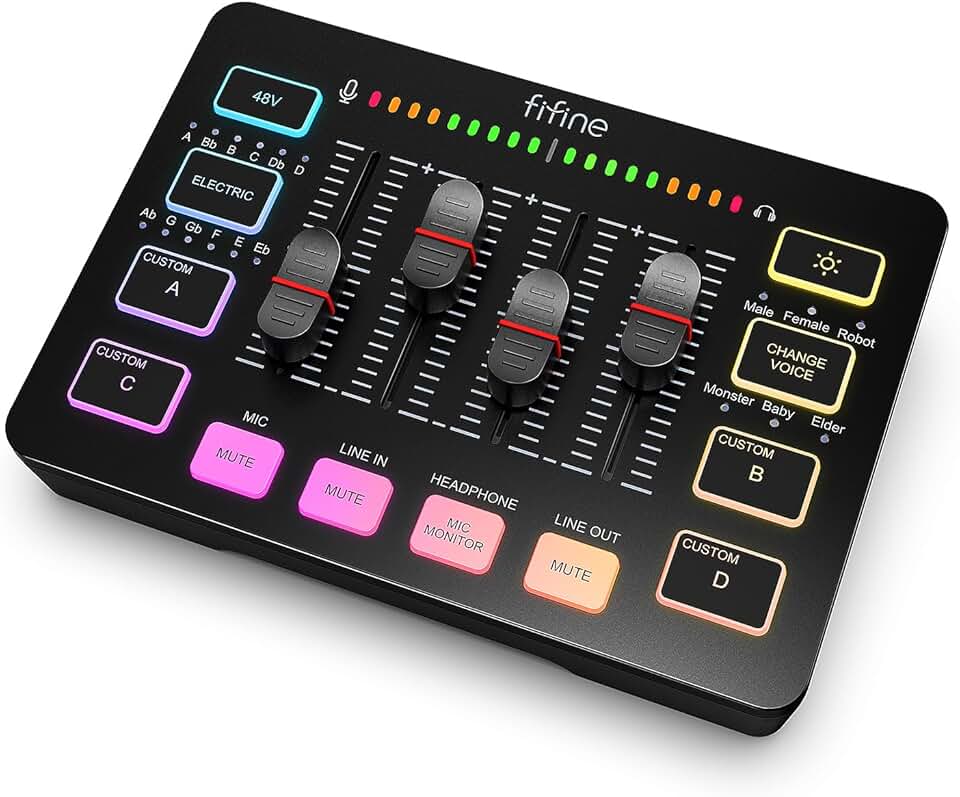
Single PC streamers needing reliable, tactile audio control without software complexity.
- USB interface with individual channel controls for mic, game, chat, and music audio
- Hardware faders and mute buttons provide failsafe control during live streams
- Direct headphone monitoring with volume control eliminates audio latency
Forget the overpriced, overcomplicated signal chains. Your core needs are simple: clean audio capture, reliable mixing/processing, and stable recording/streaming output. You can achieve all of this inside one box. Start with a quality USB or USB-C/XLR hybrid interface. The focus should be on clean preamps and stable drivers, not on channel count you'll never use. For single pc podcasting, your software is your most critical piece of gear. A tool like Steinberg's ASIO Guard technology or a well-configured FlexASIO driver does more for stability than a second PC ever could, by managing audio buffer underflows before they cause pops and crackles.
Your recording software matters less than you think. OBS is perfectly capable of recording multi-track audio locally while streaming a separate mix. The key is understanding the audio monitoring paths. You need to hear yourself with near-zero latency (direct monitoring from your interface is non-negotiable) while sending a compressed, processed version to your guests via your VoIP software (Discord, Riverside, etc.) and your stream/recording. This is where most setups fail. They try to do everything in one audio path and create a feedback nightmare.
Audio Routing Is Your Make-or-Break (And You're Probably Doing It Wrong)
Here's the secret most audio 'experts' gloss over: virtual audio cables are both a blessing and a curse. Tools like VB-Audio's VoiceMeeter or the built-in Windows audio routing can work, but they add layers of abstraction that fail at the worst moments. Based on widespread user feedback, a dedicated, physical mixer with a USB interface often proves more reliable for single pc podcasting than a purely software-based matrix. Why? It offloads the mixing math, provides instant tactile control, and eliminates software audio routing crashes mid-stream.
Look for a compact mixer with a built-in USB audio interface that supports multi-channel output. This lets you send one mix to your recording (your mic + game/app audio) and a separate, clean monitor mix to your headphones (just your mic, maybe with a touch of reverb). This is a known issue for long-term use: pure software mixing can introduce random latency spikes or dropouts after hours of operation. A small hardware mixer acts as your anchor. I've watched countless streams die because someone's virtual audio pipeline decided to take a coffee break. Don't let that be you.
Why Your USB Mic Is Probably Fine (And Your XLR Snobbery Is Misplaced)
Let's attack another sacred cow: the absolute necessity of an XLR microphone. For solo podcasters or streamers in a treated home office, a high-quality USB microphone like the Shure MV7 or Rode NT-USB is not just adequate; it's often superior. This is overrated. The 'XLR is always better' mantra ignores the reality of a single-PC setup. A good USB mic means one less device (an audio interface), one less set of drivers, one less power supply, and one less cable to manage. The audio quality delta between a great USB mic and a mid-tier XLR mic through a budget interface is negligible to your audience, who are likely listening on AirPods or car speakers. You're not recording a symphony; you're capturing spoken word. Spend your mental bandwidth on room acoustics and microphone technique, not on chasing phantom power specs.
The One Cable That Will Ruin Your Single PC Podcast
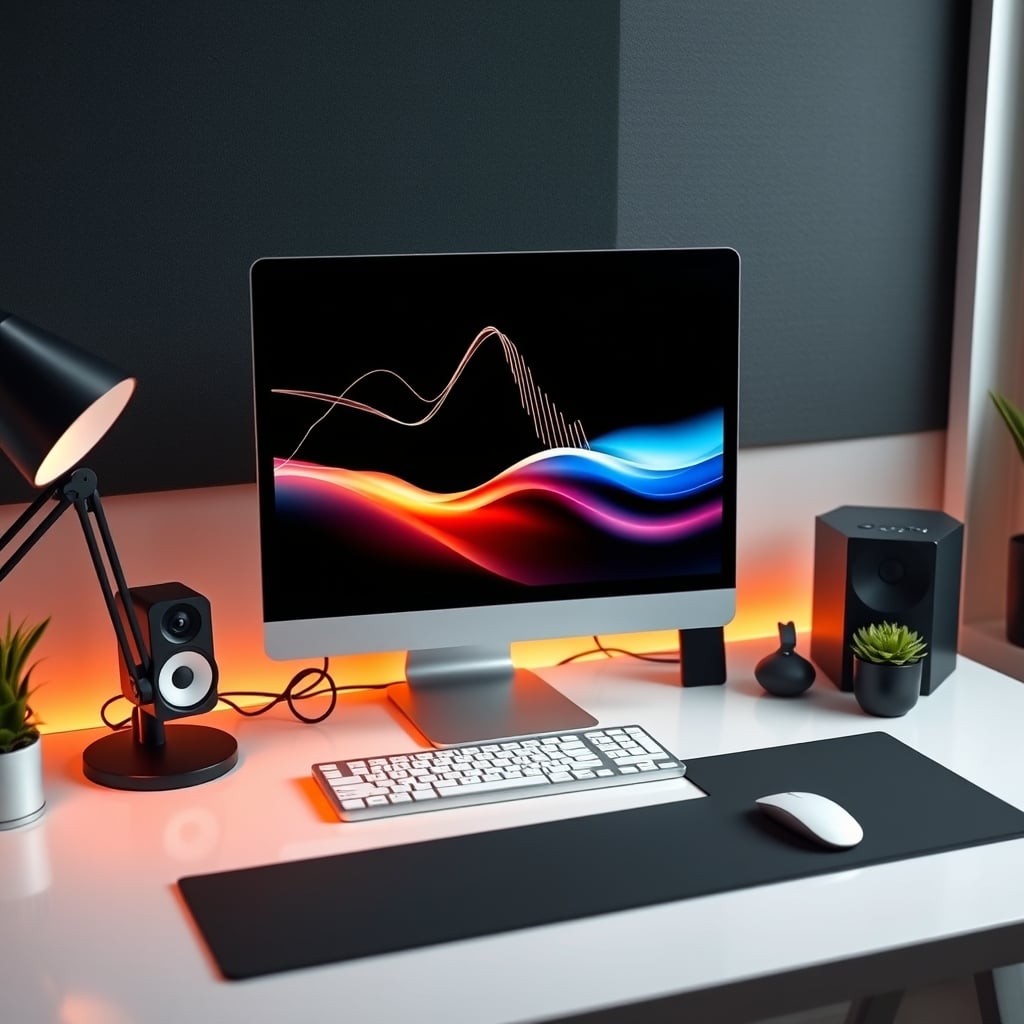
This is the real issue nobody talks about enough: USB bandwidth contention. Plugging your high-bandwidth webcam, your audio interface, your stream deck, and your mouse all into one motherboard cluster via a cheap hub is asking for trouble. Audio dropouts, webcam stuttering, and input lag often trace back to USB controller saturation. The fix isn't more gear; it's smarter distribution. Use separate USB controllers on your motherboard (often the front-panel ports are on a different controller than the rear ones). This is a known issue for long-term use, where adding one more peripheral suddenly breaks an otherwise stable setup. For a deep dive on this specific nightmare, read our exposé on USB Dock Compatibility Issues: The 2026 Brutal Truth.
Software You Should Instantly Uninstall
Clean your system. If you have multiple 'audio enhancement' suites from your motherboard, headset, and sound card installed, you're creating a driver conflict festival. Pick one—the drivers for your primary interface—and disable or uninstall the rest. Also, kill any 'gaming' network optimizers or RGB control software that runs at startup. These are resource hogs that offer zero benefit for streaming stability. Your goal is a lean, mean, predictable machine. This doesn't work. Bloated background services introduce unpredictable latency. In real use, stripping these out has fixed more audio glitches than upgrading hardware ever did.
The Biggest Mistake: Monitoring Your Own Compressed Voice
Here's a critical, workflow-breaking mistake we see constantly: podcasters monitoring their own voice through the VoIP software's output (like Discord). You're hearing your voice with 100-200ms of delay, heavy compression, and possible packet loss. It destroys your ability to speak naturally. The solution is non-negotiable: use your audio interface's or mixer's zero-latency direct monitoring. Hear your raw mic input in your headphones. Let Discord send that processed version only to your guests and your recording software. Setting this up correctly is the single biggest upgrade to your comfort and performance. For more on how AI is messing with your audio before you even hear it, check out AI Voice Compression Settings Are Ruining Your Audio.
Verdict: Worth It, But Only If You Simplify
Single pc podcasting is absolutely worth it. It's cleaner, more reliable, and far less expensive than the dual-PC altar the industry worships. But the 'worth it' comes with a massive caveat: you must resist the urge to overcomplicate it. Skip the unnecessary virtual audio routers, the second interface 'for backup,' and the belief that more knobs equal better sound. Invest instead in one great microphone, one reliable mixer/interface, and your time learning how they work together. Your audience doesn't care about your signal chain. They care about clear audio, a stable stream, and a host who isn't constantly fiddling with gear. Achieve that on one computer, and you've won. The dual-PC dream is overrated. The single-PC reality is actually good.
Frequently Asked Questions
Is single PC podcasting good enough for professional quality in 2026?
Absolutely. With modern CPUs and efficient GPU encoders, a single well-configured PC easily handles high-quality audio recording and video encoding simultaneously. The 'need' for a second PC is a relic of older, less efficient hardware and software.
What's the biggest hardware mistake in a single PC podcast setup?
Overloading a single USB controller. Plugging your webcam, audio interface, and peripherals into one hub causes bandwidth contention, leading to audio dropouts and device disconnections. Spread devices across different motherboard controllers.
Should I use a USB or XLR microphone for single PC podcasting?
For most solo creators, a high-end USB microphone is the better choice. It simplifies your setup by eliminating the need for a separate audio interface, reducing points of failure. The audio quality difference is negligible for podcasting, and the reliability gain is significant.
Do I need a hardware mixer for single PC podcasting?
While not strictly necessary, a compact hardware mixer is often more reliable than complex virtual audio cable software for long recording sessions. It provides tactile control and stable audio routing, preventing software-based crashes mid-stream.

Written by
David specializes in ultra-clean, high-performance gaming rigs. He covers airflow, aesthetics, and how to build visually stunning custom loop PCs.
Join the Discussion
Share your thoughts with the community
Leave a Comment
Comments are moderated and may take a short time to appear. Links are not permitted.