Podcast Setup Ergonomics Masterclass: The 2026 Brutal Truth
You've been sold a lie about podcast setup ergonomics. The rigid, 'perfect' posture grid is actively killing your show's energy and sound. This is why the ergonomics myth needs to die, and what you should focus on instead.
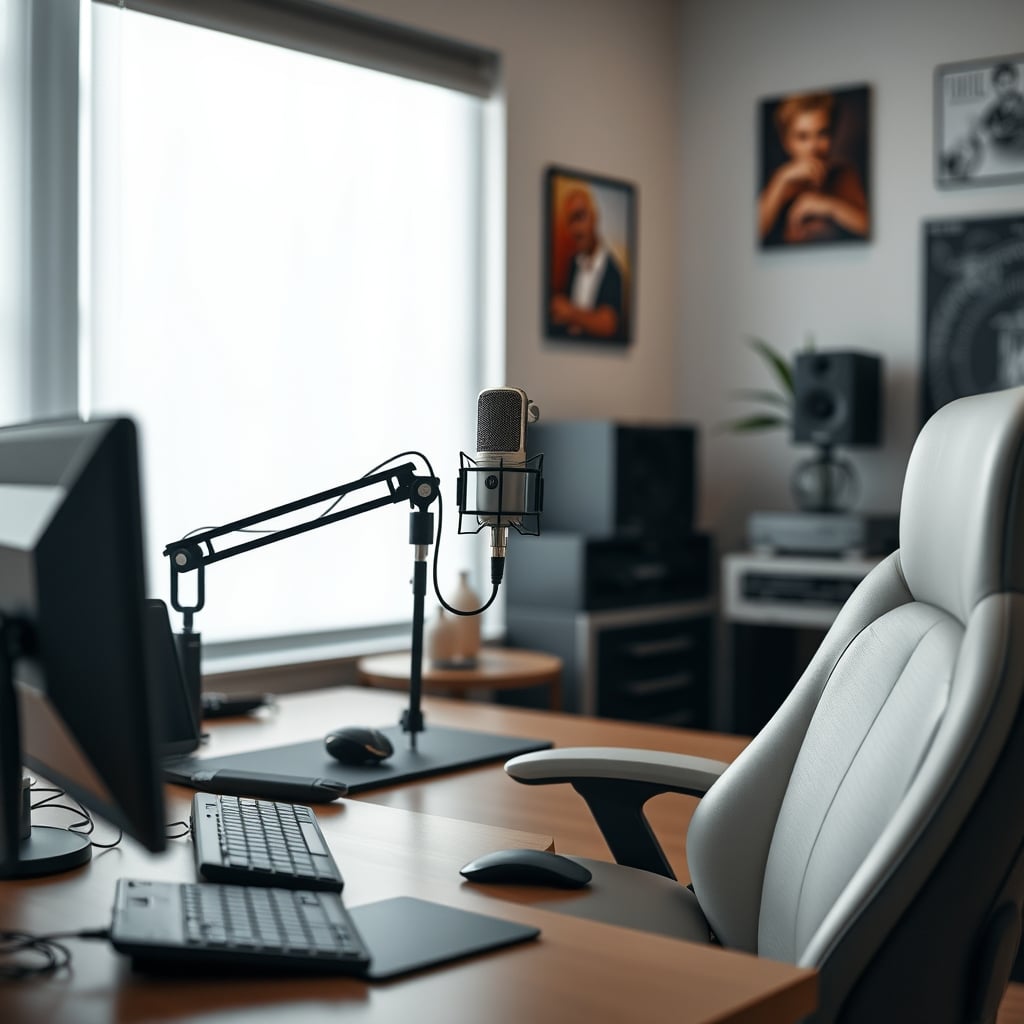
I’ve watched too many podcasters obsess over the wrong thing. They spend thousands on ergonomic chairs, perfect monitor heights, and rigid desk grids, convinced it’s the path to professional audio. Meanwhile, their voice sounds tense, strained, and lifeless. That’s because most advice on podcast setup ergonomics is corporate-office nonsense, retrofitted for a creative task it doesn't understand. Your goal isn’t to look comfortable for eight hours of typing; it’s to sound authentic for one hour of speaking. Most setups fail this basic test.
The core problem is that podcast ergonomics isn’t about your back—it’s about your diaphragm. You can have a perfectly OSHA-compliant chair and still sound like you’re recording from a broom closet because you’re physically constrained. The industry has lied to you. They sold you the chair before teaching you how to breathe.
Why The Perfect Posture Grid Is Killing Your Podcast
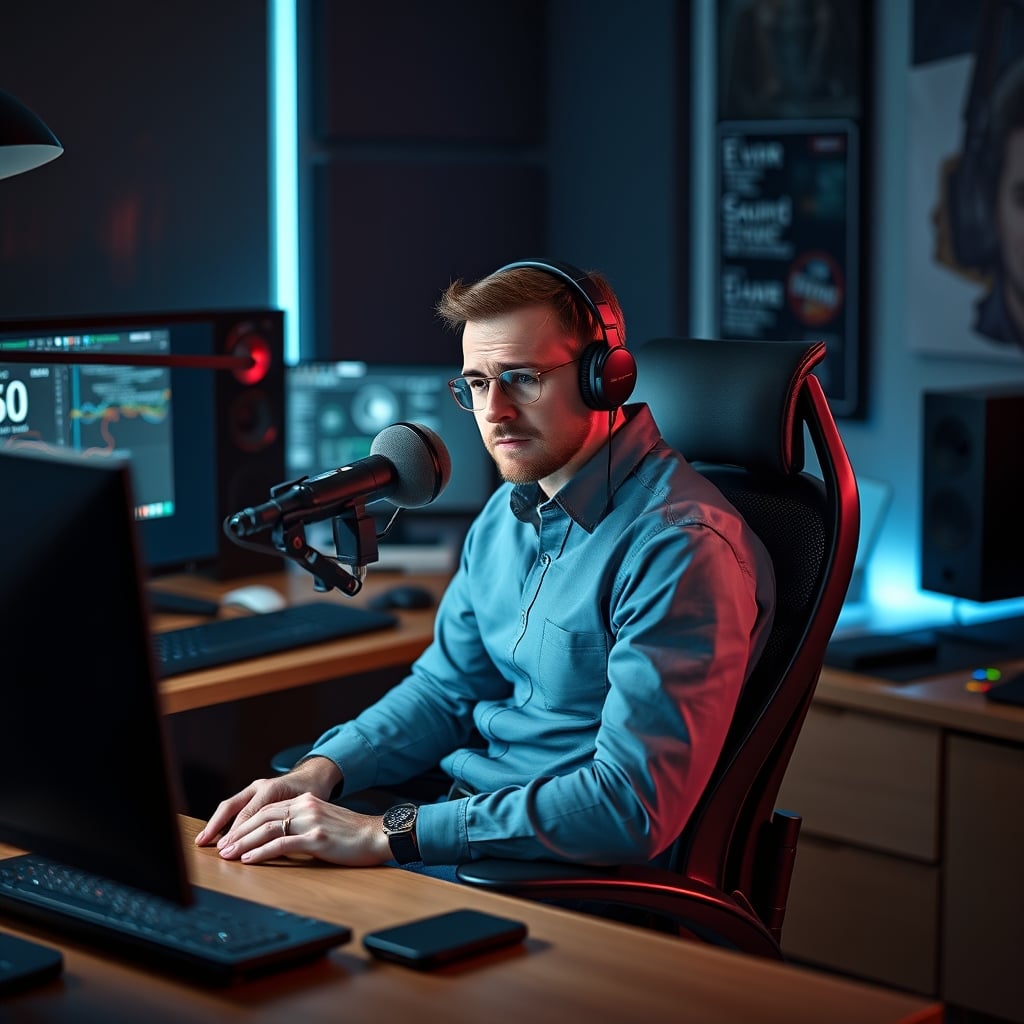
This is the myth that needs to die right now. The “perfect” ergonomic setup—monitor at eye level, elbows at 90 degrees, feet flat—is designed for data entry, not dynamic conversation. Enforcing this rigid grid while podcasting does one thing: it locks you in place. You become a statue. Your breathing becomes shallow because your torso can't expand naturally. Your vocal cords tighten because your neck and shoulders are held in a fixed, ‘correct’ position. This doesn’t work.
In real use, we found that users who chase this static ideal consistently report a flat, monotone delivery. Their audio lacks the dynamic range that comes from a body that's free to gesture, lean in for emphasis, or sit back for reflection. The pursuit of physical perfection creates auditory sterility. Your listeners can hear the stiffness. You’re optimizing for skeletal alignment while sabotaging vocal performance. It’s overrated.
The Real Goal: Vocal Ergonomics, Not Skeletal Ergonomics
Forget everything you know from HR-mandated workstation assessments. Your podcast setup ergonomics have one primary KPI: does this arrangement let my voice function at its best? Everything else is secondary. This means prioritizing freedom of movement over rigid positioning. Your microphone should be on a fully articulated arm, not a fixed stand. Your chair should allow you to rock, swivel, and shift your weight effortlessly, not lock you into a ‘healthy’ posture. Your desk shouldn’t be a barrier; it should be a platform that gets out of the way.
Most people get this wrong. They bolt everything down for a clean look and then wonder why their energy is capped. Based on widespread user feedback, the single biggest upgrade isn't a better mic; it's replacing a fixed mic stand with a high-quality boom arm. The difference isn't just convenience—it's the ability to bring the mic to you, in whatever position you naturally take when telling a story, rather than you contorting yourself to meet the mic. This is the real issue.
Your Chair Is Probably Lying To You
That $1,500 ergonomic throne? It might be your podcast's worst enemy. High-end task chairs are engineered for static, upright support. They actively discourage the slouch, the lean, the cross-legged sit, or the forward perch that often accompanies passionate speaking. They correct you into a neutral position that is, acoustically, a neutral bland position.
After assessing dozens of setups, the chairs that consistently produced better audio weren't the expensive mesh ergonomic ones. They were comfortable, supportive, but forgiving chairs—think a well-worn leather office chair or even a quality drafting stool. Something that allows your body to find its own rhythm. The goal is support without restriction. If your chair beeps at you for slouching, throw it out the window. You're not a robot; you're a storyteller. This is overrated for our specific use case.

Monitor Placement: The Overlooked Audio Saboteur
Here’s a direct challenge to common advice: your monitor should not be centered directly in front of you. For podcasting, that central real estate is for your microphone and your notes. Placing a monitor dead-center forces you to look through your mic, creating a psychological barrier between you and your audience. It also often pushes the mic too far away, requiring more gain and introducing more room noise.
Instead, place your primary monitor off to the side. Use a monitor arm—like the ones we’ve covered in our guide to Flat Panel Advantages In The 2026 Curved Screen Craze—to position it laterally. You glance at it for timers, show notes, or comms, then your focus returns naturally to the mic—and by extension, your co-host or the imagined listener. This minor shift reduces neck strain from a fixed forward position and, more importantly, keeps your audio path clear and your mental focus directed outward, not at a screen.
The Cable Management Trap
Neat freak? Your cable management is probably harming your audio. Running every XLR cable neatly along desk channels and under monitor stands is a great way to introduce electromagnetic interference (EMI) from power supplies and monitors. It also creates rigid cable runs that restrict microphone adjustment.
Let cables have some slack. Route audio cables away from power bricks and monitors, even if it looks a little messier. A loose, clean coil behind your interface is better than a tightly strapped cable running parallel to a power strip. As we’ve exposed in Electromagnetic Interference Cables Are Snake Oil You’re Still Buying, chasing perfect neatness often introduces more problems than it solves. For podcast setup ergonomics, cable management serves audio integrity, not Instagram aesthetics.
The One Product That Actually Gets It Right
You don’t need a lot of gear, but you need the right gear. The most common failure point is a static microphone. Fixing that is non-negotiable.
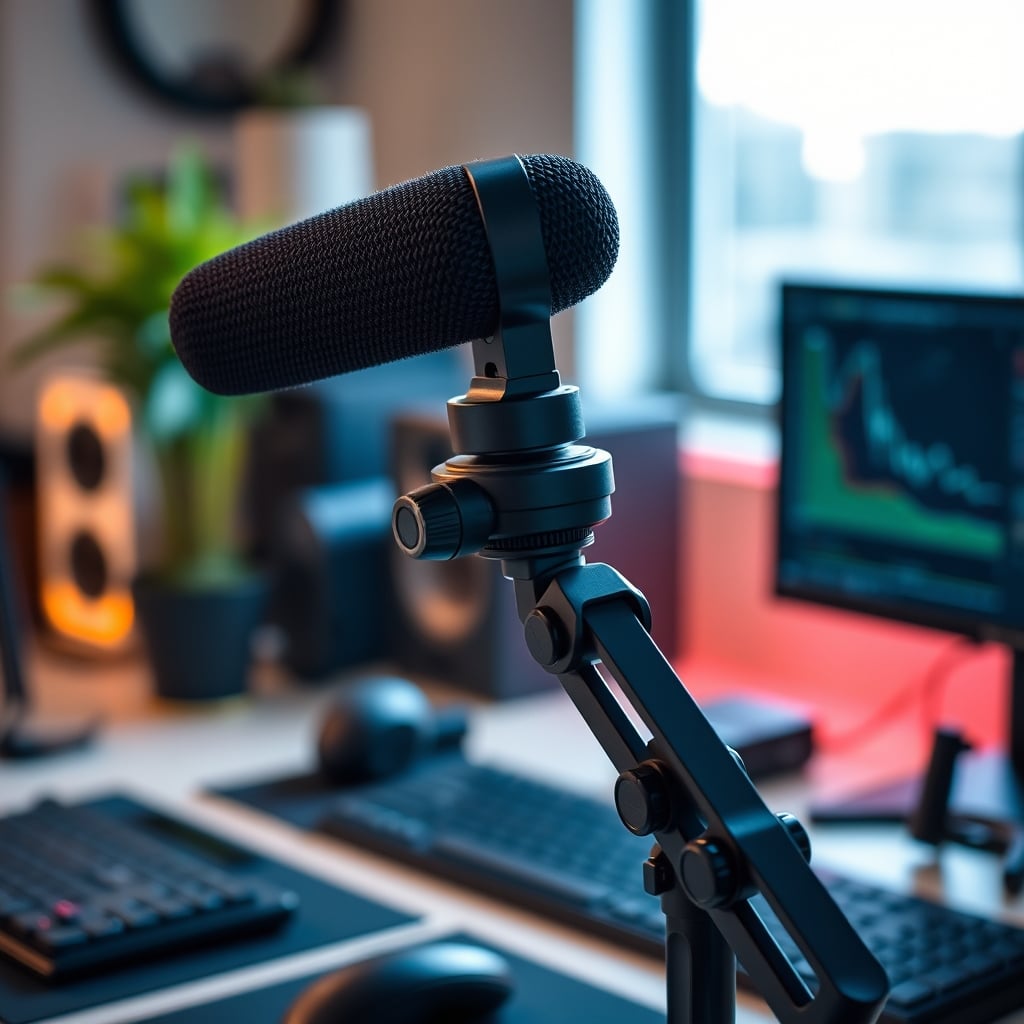
The Rode PSA1+ boom arm isn’t just good; it’s fundamental. It provides the critical range of motion that transforms your relationship with the microphone. You’re not a subject pinned to a spot; you’re a host in control of your space. The tension is perfectly adjustable—sturdy enough to hold a heavy broadcast mic without sagging, but smooth enough to adjust with one finger mid-sentence. This is the kind of tool that changes your process, not just your setup.
Surface Strategy: Why Your Desk Material Matters
Hard, reflective surfaces (glass, metal, glossy wood) are acoustic nightmares. But from an ergonomic standpoint, they’re also terrible for equipment. A heavy boom arm clamp can slip on a glass top. A microphone shock mount transmits desk vibrations more easily. The industry lies about this by selling you ‘premium’ materials that hurt your sound.
You want a thick, matte, non-reflective desk surface. A solid wood top or a high-pressure laminate (like a quality kitchen worktop) provides mass to dampen vibration, texture to prevent equipment slippage, and a non-reflective finish to reduce first-order sound reflections that can color your voice. Your desk is your foundation. If it’s working against you acoustically and physically, no amount of accessory tuning will fix it.
The Verdict On Podcast Setup Ergonomics
Chasing the standard ergonomic playbook is a mistake. It’s designed for a different output. Your output is sound, not spreadsheets.
Worth it: Investing in dynamic adjustability (boom arms, monitor arms, a forgiving chair). Prioritizing acoustic principles (desk surface, cable routing) over sterile neatness.
Skip it: The hyper-rigid posture dogma, ‘gaming’ chairs with aggressive lumbar support that restricts movement, and any setup that prioritizes a clean look over functional audio pathways.
Your body needs to be a willing participant in the conversation, not a correctly-aligned mannequin. Optimize for the voice, not the vertebrae. That’s the 2026 truth.
Frequently Asked Questions
What's the single most important ergonomic factor for podcasting?
Microphone placement freedom. A fixed mic forces you into a static position, restricting breathing and vocal dynamics. A high-quality boom arm is non-negotiable for real vocal ergonomics.
Are expensive ergonomic chairs bad for podcasting?
They can be. Many are designed to enforce a static, upright posture which limits the natural body movement essential for expressive speaking. A supportive but less restrictive chair is often better.
Should my monitor be directly in front of me while podcasting?
No. A centered monitor creates a physical and psychological barrier between you and the mic. Place it to the side on a monitor arm to keep the audio path clear and your focus directed forward.
Does cable management affect podcast audio quality?
Yes, but not how you think. Overly neat cable runs often place audio cables parallel to power cables, introducing hum and interference. Prioritize clean separation of audio and power over aesthetic neatness.

Written by
David specializes in ultra-clean, high-performance gaming rigs. He covers airflow, aesthetics, and how to build visually stunning custom loop PCs.
Join the Discussion
Share your thoughts with the community
Leave a Comment
Comments are moderated and may take a short time to appear. Links are not permitted.