Flat Panel Advantages In The 2026 Curved Screen Craze
Every influencer is pushing curved screens for 'immersion,' but they're ignoring the flat panel advantages that actually matter for real work and play. Here's why the industry is lying to you about what's better for your desk.
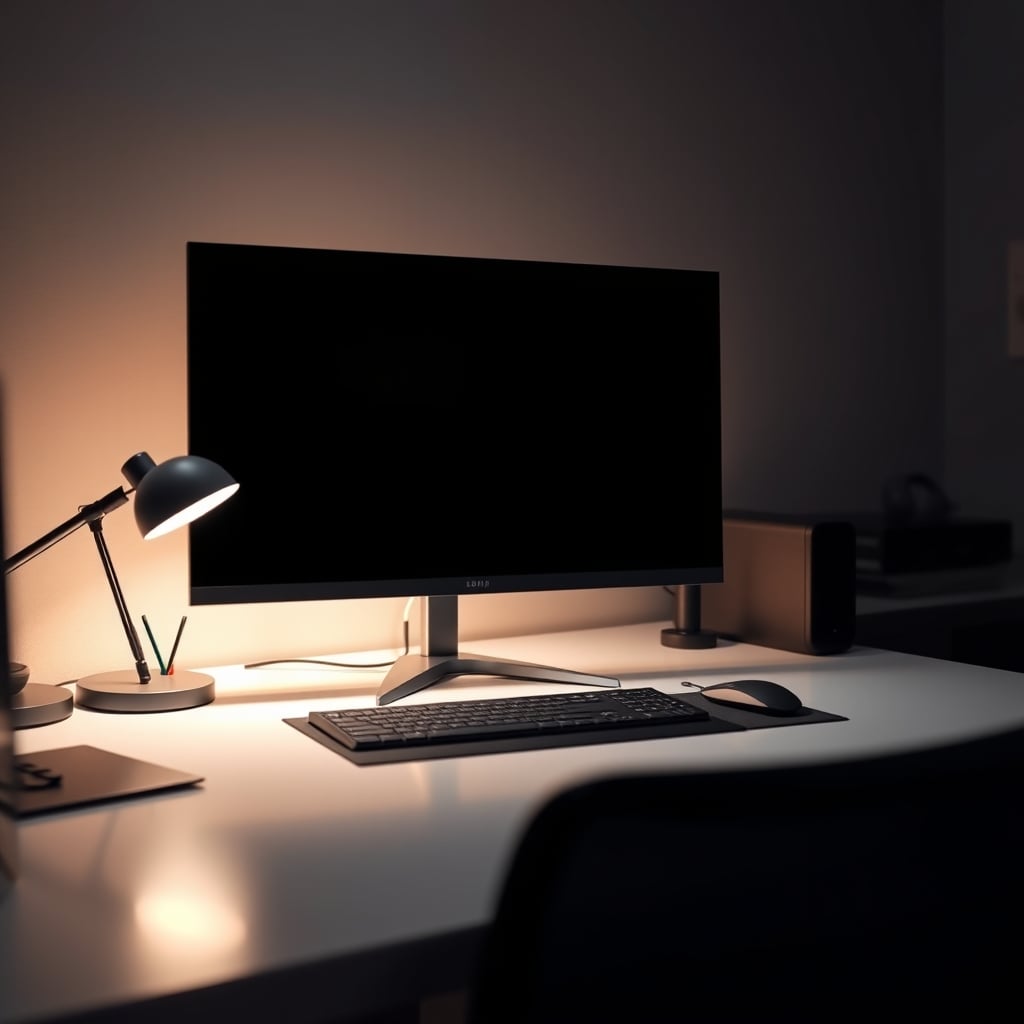
I spent last month forcing myself to use a 38-inch curved ultrawide as my daily driver. It was supposed to be the pinnacle of immersion, the ultimate productivity hack. Instead, it gave me a headache, distorted every straight line in my editing software, and turned my clean dual-monitor workflow into a pretzel. The entire curved monitor trend is a solution in search of a problem, propped up by marketing that prioritizes specs over sanity. Let's talk about the real flat panel advantages that the industry doesn't want you to focus on because they can't charge you a premium for common sense.
For years, we've been told curvature equals immersion, especially for gaming. The reality in 2026? Most people are buying monitors that are too damn big for their desks. Slap a curve on a 34-inch screen you're sitting two feet from, and you're not getting immersion—you're getting geometry distortion. The real issue isn't screen curvature; it's the fact that we're trying to solve poor viewing distances and bad desk ergonomics with a gimmick. A flat screen at the correct distance and height, as we've discussed in our guide on Monitor Ergonomics Positioning Is a Lie You're Still Believing, provides a consistent focal plane. Your eyes don't have to constantly refocus across a curved surface. That's not a minor detail; it's the difference between comfort and eye strain during an eight-hour workday.
The Curved Screen 'Immersion' Myth That Needs To Die
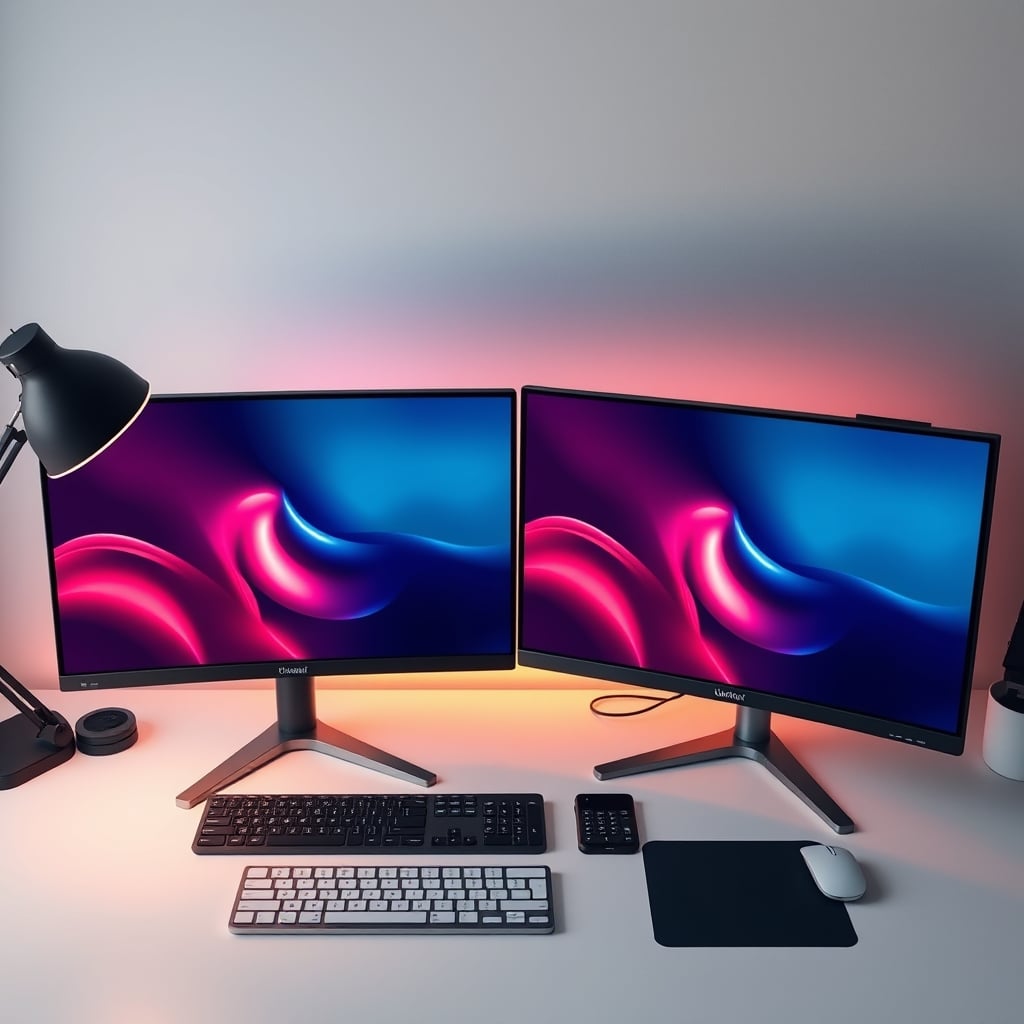
Let's bury this right now. The idea that a curved monitor provides meaningful immersion for desktop use is overrated marketing nonsense. This doesn't work for most people. It's a spec-sheet checkbox designed to justify a higher price tag for a panel that's often harder and more expensive to manufacture. The immersion argument is stolen from IMAX and movie theaters, where you're sitting multiple screen-heights away. At your desk, you're maybe 24-36 inches from the display. The curve is so subtle it becomes a psychological sell, not a functional one.
Where this myth actively harms you is in productivity and creative work. Any task involving straight lines—CAD, video editing timelines, photo editing, spreadsheet columns—is compromised. The curve introduces a visual distortion that your brain has to subconsciously correct. Professional color graders and graphic designers almost universally avoid curved screens for this exact reason. The industry lies about this by showing you glamour shots of racing games, ignoring the fact that you probably also use your computer for, you know, actual work. Most people get this wrong by chasing a gaming-focused feature that sabotages half their monitor's use case.
Real Flat Panel Advantages: It's Not Just About Being Flat
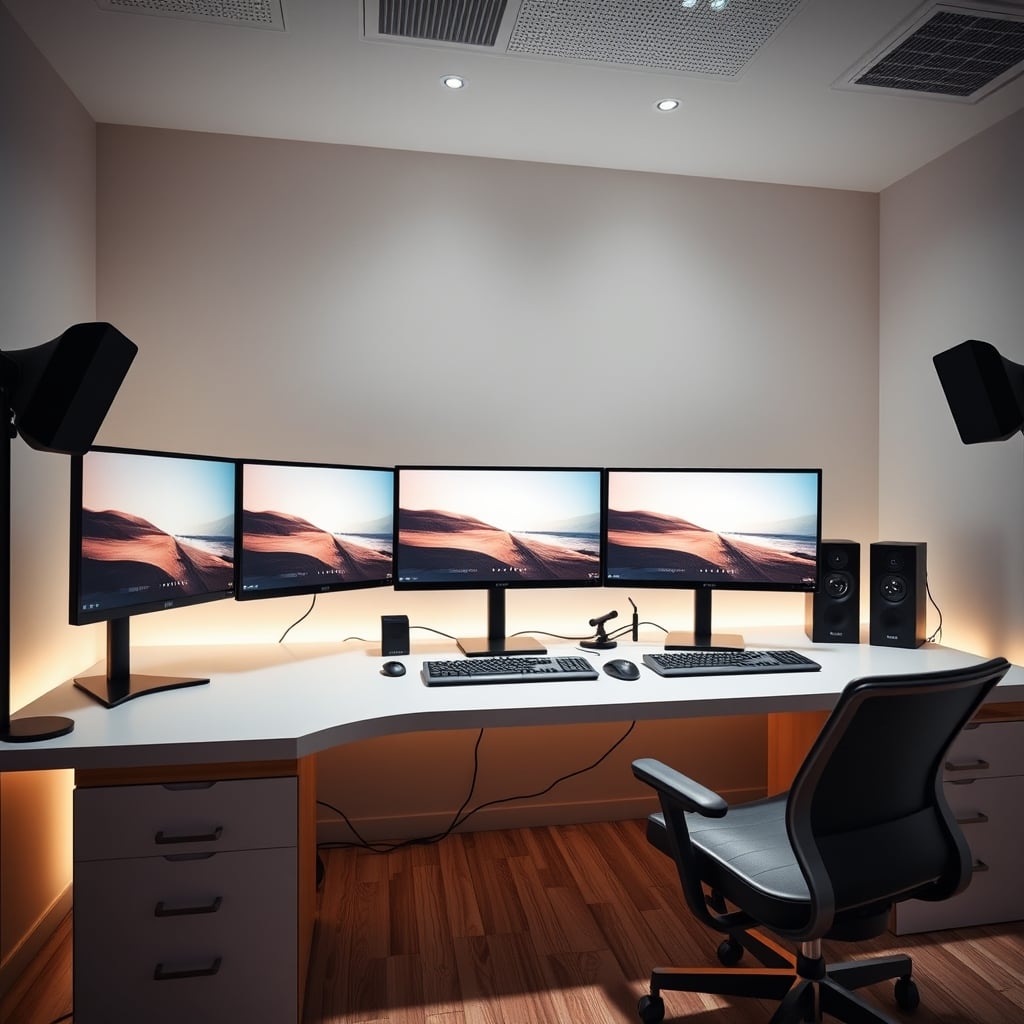
So, if 'it's flat' is the only advantage, that's pretty weak. But that's not it. The real flat panel advantages are about everything that happens around the flatness. First, multi-monitor setups. Trying to set up a clean, bezel-minimized array with curved screens is a nightmare. The angles never match perfectly, creating a disjointed, jarring visual experience. With flat panels, you can create a seamless, cohesive workspace. This is critical for trading, coding, or any workflow that benefits from multiple dedicated screens, a concept explored in our piece on The 'Ugly' Setup Secret.
Second, consistency. A flat panel offers uniform viewing angles and color accuracy from edge to edge. Even the best IPS and OLED curved screens suffer from slight color and luminance shift toward the edges because you're viewing the panel at an angle. For a single-player game, you might not notice. For proofing a design or editing a photo? It's unacceptable. This is the real issue that monitor review channels gloss over because it's harder to measure than refresh rate.
Panel Tech Is The Real Battle, Not Curvature
In 2026, the conversation should be about Mini-LED backlighting, OLED pixel response, and matte vs. glossy coatings, not whether your screen bends a few degrees. The flat panel advantage here is that these advanced technologies are often more accessible and higher-performing in a flat format. Want a 240Hz OLED with perfect blacks? You'll find more flat options that don't come with a 'gamer curvature' tax. The market for professional, high-color-accuracy displays is overwhelmingly flat because the pros demand it.
Take the AOC 27-inch QHD gaming monitor. It's flat, 240Hz, and uses a fast IPS panel. The performance is instant, the colors are great for the price, and there's zero distortion in fast-paced competitive titles. You're paying for the panel performance, not for the machinery to bend it. This is what actually matters in real use. Users consistently report that after the initial 'wow' of a curved screen wears off, the flat panel's consistency is what they appreciate day after day.
The Ergonomic Truth Everyone Ignores
Here's a brutal truth: a curved monitor can make proper ergonomics harder. The recommended setup is for the center of the screen to be directly in front of you, with the top at or slightly below eye level. With a curved screen, the 'sweet spot' is aggressively narrow. Move your head a few inches left or right, and the edges of the screen distort further. A flat panel is far more forgiving of natural, subtle head and body movement throughout the day. This isn't a minor comfort point; it's about reducing neck strain and fatigue over years of use. Pair a flat panel with a good arm, as discussed in Small Desk Monitor Arm: The Brutal 2026 Truth, and you have a truly adaptable workspace.
Most people get this wrong. They bolt a heavy, curved ultra-wide to a flimsy stand and wonder why their neck hurts. They've been sold on a feature that actively fights against the principles of a healthy, sustainable desk setup. The flat panel advantage is its compatibility with sensible, adjustable ergonomics.
Gaming On Flat: The Competitive Edge
Let's talk to the gamers, since they're the prime target for the curved lie. For immersive, single-player RPGs or flight sims? Sure, a curve can be nice. But it's a 'nice-to-have,' not a 'must-have.' For competitive FPS, MOBAs, or RTS games? Flat is objectively better. You need quick, accurate visual information across the entire screen. A curve adds another layer of abstraction between the game's rendering and your perception. Pro gaming arenas and tournaments are dominated by flat 24-inch and 27-inch displays for a reason: consistency and reliability.
The industry lies about this by pushing curved screens as the 'ultimate gaming experience.' The reality is that the competitive edge comes from refresh rate, response time, and input lag—specs that are entirely independent of curvature. A 240Hz flat panel like the Acer Nitro 27-inch will give you a cleaner, faster competitive experience than a curved panel with the same specs, because your aim and screen-scanning won't be subject to subtle spatial distortion.
The Final Verdict: What Should You Actually Buy?
This is overrated. The relentless push for curved monitors, especially in the mid-range market, is a distraction. You're not buying a better panel; you're buying a more expensive manufacturing process.
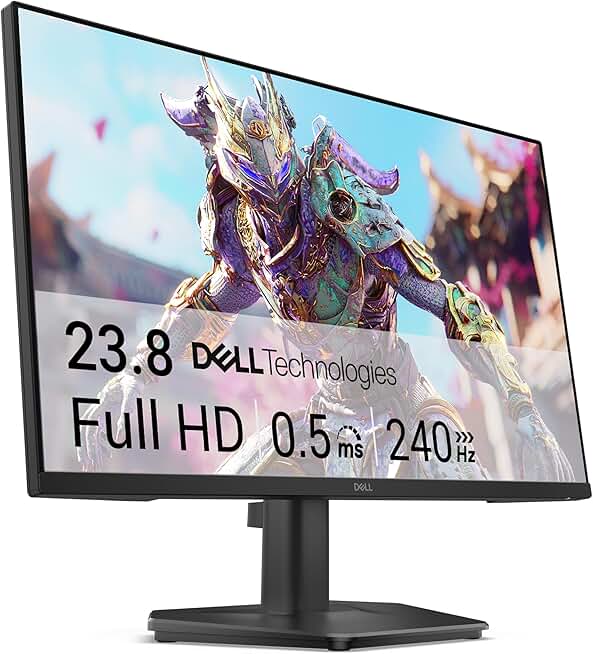
Worth it: A flat, high-refresh-rate IPS or OLED panel in the 27-inch to 32-inch range. This is the sweet spot for desk use, offering ample screen real estate without forcing distortion or requiring you to turn your head. Look for the specs that matter: refresh rate (144Hz+ for gaming), response time, color coverage for your use case, and a good adjustable stand. The Dell 24-inch 240Hz is a perfect example of a no-BS, performance-focused flat panel that gets out of its own way.
Skip it: Any curved monitor marketed primarily on its 'immersion' factor, unless you are building a dedicated sim-racing or flight cockpit where you will sit at the exact perfect focal point. For a general-purpose desk—for work, creative tasks, and gaming—the flat panel advantages in consistency, multi-monitor flexibility, and accurate visuals are not just minor perks. They are the foundation of a usable, professional, and comfortable setup. Don't pay extra to bend your screen. Pay for what's on it.
Frequently Asked Questions
Aren't curved monitors better for gaming immersion?
No, this is overrated marketing. True immersion requires a specific, large screen-to-distance ratio most desks can't accommodate. For competitive gaming, a flat panel provides more consistent, distortion-free visuals. The 'immersion' benefit is marginal for most desktop setups.
Do creative professionals use curved monitors?
Almost universally, no. Graphic designers, video editors, and CAD professionals avoid curved monitors because the distortion compromises straight lines and color accuracy at the edges of the screen. Flat panels are the standard for any precision visual work.
Is a curved monitor worse for a multi-monitor setup?
Yes, it's far worse. Aligning curved monitors creates visible gaps and angle mismatches, breaking the seamless feel of a multi-display workspace. Flat panels are vastly superior for building cohesive, functional multi-monitor arrays.
What size flat monitor is best for a desk?
For most desks and viewing distances, 27-inch is the current sweet spot. It offers ample space without forcing excessive head movement. 32-inch can work on deep desks, but beyond that, you often need to compromise on ergonomics or screen clarity.
Are there any real uses where a curved monitor is better?
Yes, in very specific scenarios: dedicated sim-racing or flight sim cockpits where you sit close to a very large, single display, or for a single, ultrawide monitor used exclusively for consumption (media, certain single-player games) by a single user in a fixed position. For general mixed-use at a desk, flat wins.
Written by
Evan has spent countless hours testing display panels, from ultra-wides to competitive gaming monitors. If a screen has terrible IPS glow or soft focus, he will spot it.
Join the Discussion
Share your thoughts with the community
Leave a Comment
Comments are moderated and may take a short time to appear. Links are not permitted.