All-in-One Editing PC Buying Guide for 2026
You're being sold a fantasy. The all-in-one editing pc promise of sleek, integrated power is a lie that costs you performance and money. This guide cuts through the hype to show you what specs actually matter in 2026 and which compromises will cripple your workflow.
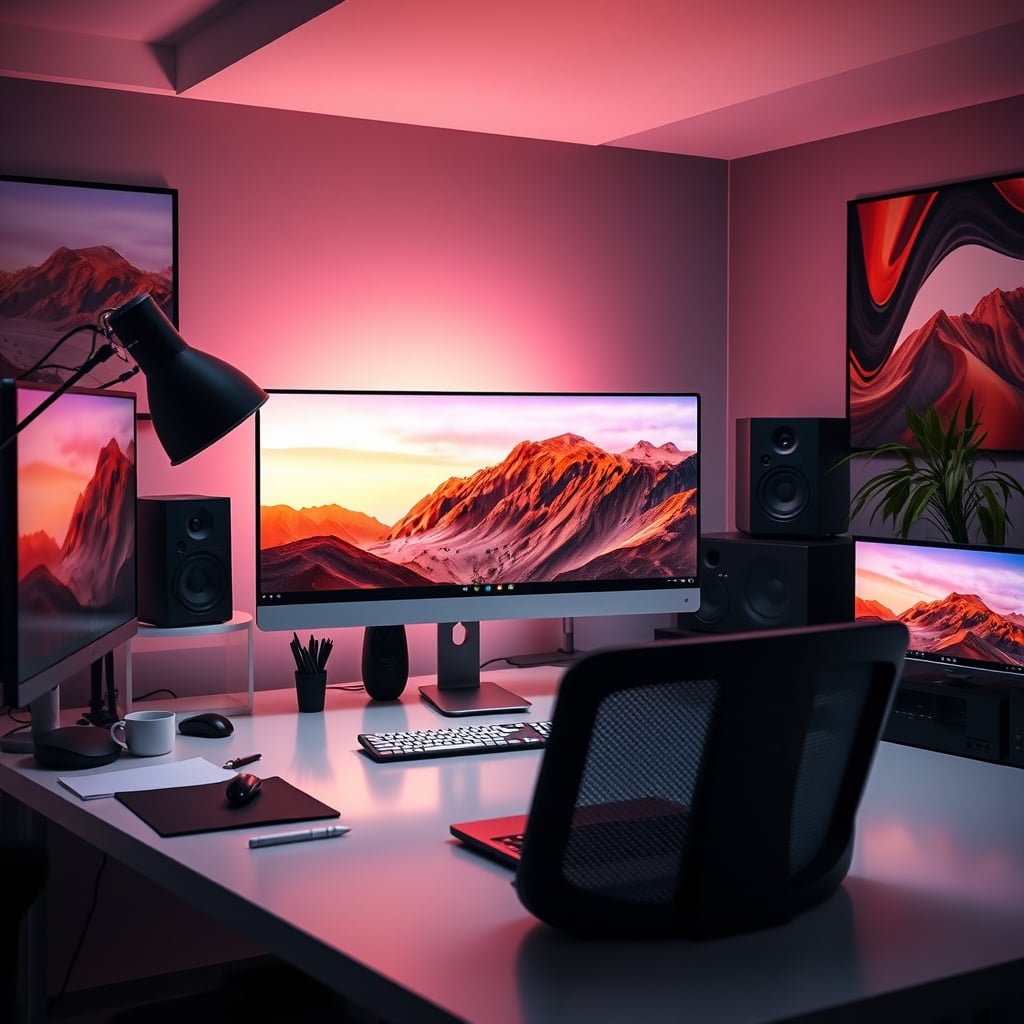
The single biggest mistake people make when shopping for an all-in-one editing pc is believing the marketing photos. You see a clean, minimalist screen floating on a desk, and your brain fills in the rest: powerful, silent, professional. The reality? You're about to pay a massive premium for a machine that's impossible to upgrade, thermally throttled by design, and often built with last-generation mobile components masquerading as desktop power.

I've seen editors drop $4,000 on a gorgeous all-in-one, only to have it choke on a 4K multicam timeline because the RAM is soldered and maxes out at 32GB. The industry lies about thermal performance, pretending a thin chassis can handle a sustained CPU and GPU load. It can't. After the first ten minutes of a heavy render, your clock speeds drop, your fans sound like a jet engine, and your export times balloon. You bought a beautiful anchor.
What Actually Matters in a 2026 All-in-One Editing PC
Forget core counts and GPU names for a second. Those are spec-sheet bait. You need to look at the real-world bottlenecks that manufacturers hope you'll ignore.
First, thermal design power (TDP) and cooling. If the spec sheet doesn't loudly advertise the sustained wattage the cooling system can handle, assume it's bad. A desktop Ryzen 9 or Core i9 can pull over 150 watts. In a slim all-in-one chassis, that's often capped at 65W or less, neutering its performance. You're buying a laptop CPU with a big screen attached. This is overrated for any serious 6K or 8K work.
Second, storage bandwidth and slots. NVMe speeds are meaningless if you only get one slot. In 2026, with camera media pushing 2GB/s, you need your OS and apps on one drive and your active project/media cache on another. A single drive creates a brutal bottleneck. If the machine doesn't have at least two M.2 slots with PCIe 4.0 or 5.0 support, skip it. You'll be throttled by storage I/O before anything else.
Third, RAM configuration. Soldered RAM is a deal-breaker. Full stop. It's a planned-obsolescence scam wrapped in "sleek design." You need the ability to go to 64GB or 128GB as codecs and timelines get heavier. A machine with soldered 32GB is a time-limited machine.
Finally, real-world color accuracy. They'll quote a wide gamut, but the Delta E value is what matters for grading. If they don't list a factory-calibrated Delta E < 2, assume the screen is for Instagram, not client work. Pairing a $3,000 computer with a $300 monitor panel is a classic cost-cutting move.
The "Sleek and Powerful" Myth That Needs to Die

Premium Pick
- High performance
- Premium build
Let's attack the core misconception head-on: the belief that in 2026, engineering has advanced enough to pack silent, desktop-equivalent power into a screen-thin chassis. This is completely wrong. Physics hasn't changed. Heat dissipation requires mass and airflow. A thin enclosure has neither.
Manufacturers use clever marketing like "performance tuning" and "intelligent cooling" to hide the truth. What that actually means is aggressive, pre-emptive throttling. The CPU never gets to hit its boost clocks for more than a few seconds because the system knows it can't cool it. Based on widespread user feedback on professional forums, editors consistently report all-in-one machines losing 20-30% of their quoted performance in sustained workloads compared to an equivalent tower. You're not buying the performance on the box; you're buying a heavily managed, reduced version of it.
This is the real issue. They're selling you a form factor, not performance. And for editing, performance is the entire point. The sleek design actively works against your goal of fast renders and smooth playback.
All-in-One vs. Traditional Tower: The Real Trade-Off Isn't What You Think
Most people get this wrong. They think the trade-off is aesthetics vs. power. It's not. The real trade-off is short-term convenience versus long-term viability.
A traditional tower is ugly. We get it. It's a box of cables and fans. But that box gives you a roadmap. In three years, when your GPU is struggling with the new AI denoise filter, you can swap it in 20 minutes. When 128GB of RAM becomes the standard for feature docs, you can upgrade. Your all-in-one is a sealed unit. Its only upgrade path is the garbage can and a new $4,000 purchase. The industry counts on you valuing cleanliness over capability.
Furthermore, the NAS storage bandwidth you need for collaborative work is often an afterthought. Many all-in-ones have a paltry single 2.5GbE port, or worse, just Wi-Fi. Try streaming multiple streams of ProRes 4444 from a NAS over a 1GbE connection. It's a slideshow. A proper tower can accommodate a 10GbE network card, making it part of a real studio ecosystem, not a dead-end island.

The Mac Ecosystem Synergy Trap
This is overrated for most video editors outside a very specific Apple ProRes pipeline. The "seamless" handoff and shared clipboard are productivity trinkets. They don't render your video faster. What matters is software optimization, and in 2026, the performance gap between a well-configured Windows machine running DaVinci Resolve and a Mac Studio has nearly vanished for most tasks. You're paying a 40% premium for the fruit logo and the illusion of simplicity, while locking yourself into the most upgrade-hostile platform on the market. If your workflow isn't 100% ProRes and Final Cut Pro, the Mac synergy is a shiny cage.
The Only All-in-One Editing PC Worth Considering in 2026
Given all that, if you are absolutely space-constrained and refuse to consider a small tower, there is exactly one configuration that isn't a complete waste of money. It must hit these non-negotiable points:
- A desktop-class CPU (not a mobile 'H' or 'U' series) with a clearly stated, high sustained TDP (think 125W+).
- A GPU with at least 12GB of VRAM, on a full-sized board with its own dedicated heat pipe assembly, not shared with the CPU.
- Minimum of two accessible M.2 slots for NVMe storage.
- User-upgradeable SO-DIMM or desktop DDR5 RAM slots, not soldered.
- A factory-calibrated display with a verified Delta E < 2 and a matte, anti-glare coating.
As of 2026, only a handful of boutique builders and one or two major brands even attempt this. The price is astronomical—often $1,000+ more than a comparable tower and superior monitors. You are paying the "integrated tax."
One example that gets closer than most is the CPU Solutions Express 4K Video Editing PC. It at least attempts to pack desktop Ryzen 9 components into an all-in-one form factor. It's not perfect—cooling is still the eternal challenge—but it acknowledges the need for real desktop parts.
The Common Mistakes That Cripple Your Purchase
- Prioritizing Screen Size Over Panel Quality: A giant, inaccurate 4K panel is worse than a smaller, color-accurate one. You will spend hours fighting a bad screen, and your client's broadcast will reject your deliverable.
- Ignoring Port Selection: Two Thunderbolt 4 ports are not enough. You need multiple USB-A for dongles, a full-sized SD card reader (UHS-II), and that 10GbE port. Needing a hub for basic peripherals defeats the "all-in-one" purpose and introduces USB hub bandwidth limits that cripple your high-end gear.
- Believing the "Future-Proof" Hype: With an all-in-one, you are buying for today. There is no future-proofing. Accept that it has a 3-4 year useful life as a primary machine, after which it becomes a glorified email client.
Final Verdict: Skip It (With One Exception)
The all-in-one editing pc is, for 99% of professional editors, a bad financial and creative decision. It's overrated. You sacrifice too much performance, upgradeability, and thermal headroom for a clean desk. The money is always better spent on a compact mini-ITX tower and a high-quality, standalone monitor. You get better performance, a real upgrade path, and the ability to choose a monitor that actually fits your color grading needs, unlike the high-end monitors that are useless for most people due to poor calibration.
The only exception is if your primary editing work is 1080p or light 4K, your workspace is truly microscopic (we're talking a closet), and you have a hard budget cap that includes both computer and display. Even then, you'd be better served by a powerful laptop and a dock. For everyone else, chasing this integrated dream is a shortcut to frustration. Spend your money on raw power, not pretty packaging.

Still convinced you need an all-in-one solution? You're likely falling for the same aesthetic traps that make people buy expensive ergonomic chairs that are a $2,000 placebo. Real performance rarely comes in the prettiest package.
Frequently Asked Questions
Is an all-in-one PC good for 4K video editing?
Generally, no. Most all-in-one PCs use mobile-grade components with severe thermal limitations, causing them to throttle (slow down) during sustained 4K renders. You'll get longer export times and potential playback stuttering compared to a desktop tower with the same specs.
What is the biggest downside of an all-in-one editing computer?
The complete lack of upgradeability. The RAM is often soldered, and you cannot upgrade the GPU or CPU. In 3-4 years, the entire machine is obsolete, whereas a tower can be updated piece by piece.
Are all-in-one PCs more reliable than desktops?
No, they are often less reliable for heavy workloads. The compact design forces components to run hotter, which reduces their lifespan. If one component (like the screen) fails, your entire expensive computer is out for repair.
Can you connect external graphics to an all-in-one PC?
Rarely, and it's a terrible idea. It requires a specific Thunderbolt port and support, adds massive cost and clutter, and is still bottlenecked by the interface. It defeats the purpose of an all-in-one and is a band-aid on a flawed concept.
Is the Apple iMac a good all-in-one editing PC?
The iMac has a best-in-class display, but suffers from the same fatal flaws: soldered RAM, non-upgradeable storage, and thermal constraints. It locks you into the Mac ecosystem, which is notoriously hostile to upgrades. It's a good computer with a hard expiration date.

Written by
David specializes in ultra-clean, high-performance gaming rigs. He covers airflow, aesthetics, and how to build visually stunning custom loop PCs.
Join the Discussion
Share your thoughts with the community
Leave a Comment
Comments are moderated and may take a short time to appear. Links are not permitted.