Desk Layout Psychology: 5 Habits You Didn't Know You Had
Most people think desk layout is about aesthetics — but it's actually about cognitive load. These five psychological habits are steering your attention without you realizing it. Here's how to fix them.
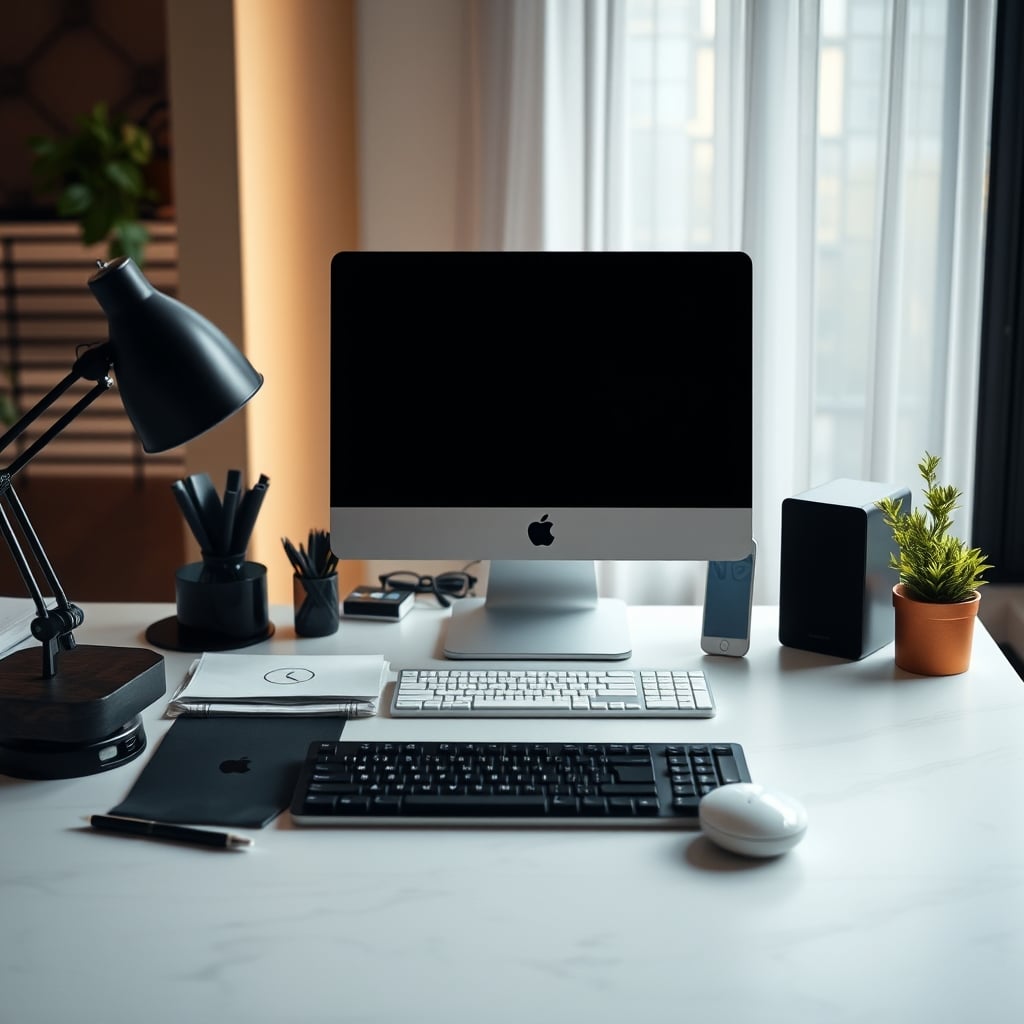
When you sit down to work, your desk is already speaking to you. Every item on its surface, every cable in view, every angle of your monitor — they're all sending signals to your brain. The problem is that most people treat their desk layout as a decoration project, not a cognitive architecture decision. That's the first mistake.
This is where desk layout psychology comes in. It's the study of how your physical workspace influences your mental state — your ability to focus, make decisions, and enter flow. And the research is clear: a cluttered desk doesn't just look messy, it actively drains your cognitive resources. A 2011 study from Princeton University found that physical clutter competes for your attention, reducing your ability to process information. The fix isn't more bins or organizers — it's understanding the hidden habits that drive your layout choices.
Why Your Desk Layout Psychology Is Sabotaging Your Deep Work
Now let's talk about the second habit most people get wrong: the placement of frequently used items. Your brain builds a mental map of your desk based on muscle memory. If you have to search for your notebook, your water bottle, or your phone charging cable, that search interrupts your flow. The psychology here is called environmental consistency — when the same object is always in the same place, your brain can automate the reach. That's why you should keep your most-used tools within a 30cm arc of your dominant hand, and everything else either on a shelf or in a drawer.
But there's a trap: putting too many things within that arc. The rule of three is a useful heuristic. On your desk's primary surface, you should have only three things: your monitor (on an arm), your keyboard, and your mouse. Everything else — phone, coffee, notebooks, pens — belongs on a secondary surface or in a drawer. This isn't about being a minimalist for aesthetic reasons. It's about reducing the number of visual inputs your brain has to process. When you look at a clean desk, your brain registers a low threat environment, which lowers cortisol and shifts you into a parasympathetic (rest-and-digest) state. That's the state where creative work and deep focus happen.
Common Mistakes People Make (and the Fix)
Mistake 1: Keeping your phone on the desk. Even face-down, your phone's presence creates a measurable cognitive drag. A 2017 study from the University of Texas found that simply having a smartphone in the same room reduced participants' cognitive capacity — even when the phone was turned off. The fix: put your phone in a drawer or another room during work hours.
Mistake 2: Using a desk lamp that creates glare. A harsh overhead light or a lamp that shines directly onto your monitor creates a constant source of visual discomfort. Your eyes have to work harder to read the screen, which leads to fatigue and headaches. The fix: use a bias light behind your monitor (like a warm LED strip) and a desk lamp with a shade that directs light downward, not into your eyes. We covered this in detail in our guide to desk lamp glare.
Mistake 3: Ignoring the desk surface itself. A glossy, reflective desk turns your monitor into a mirror. A cluttered desk with cables everywhere triggers anxiety. The fix: choose a matte-finish desk, and use a cable management system to route wires out of sight. For a practical guide, see our article on cable management fails.
Who Should Buy a Monitor Arm (and Who Should Skip)
If you spend more than two hours a day at your desk and you're not already using a monitor arm, it's the single cheapest upgrade you can make to your desk layout psychology. The ErGear at $29.98 is a no-brainer — it's less than the cost of a good dinner out. The WALI is worth the extra $5 if you have a standing desk or need extra height. The HUANUO is best if you want the smoothest adjustment.
Who should skip? If you have a laptop-only setup and you're already using a laptop stand that puts the screen at eye level, a monitor arm won't add much. Also, if you have a very thick desk (over 3 inches) that can't accommodate a clamp mount, you'll need a grommet mount or a different solution. But for 90% of desk users, a monitor arm is the quickest way to reclaim desk space and reduce visual noise.
The Bottom Line
Your desk layout is not about aesthetics. It's about designing an environment that respects your brain's limited cognitive resources. Start with the monitor arm — it's the most impactful change per dollar. Then remove your phone, fix your lighting, and limit your desk to three items. The psychology is simple: fewer decisions, fewer distractions, more deep work. If you're serious about productivity, stop decorating your desk and start engineering it.
Frequently Asked Questions
What is desk layout psychology?
Desk layout psychology is the study of how the physical arrangement of your workspace influences your cognitive performance, focus, and emotional state. It draws on environmental psychology and cognitive load theory to explain why certain layouts help or hinder deep work.
How does a cluttered desk affect focus?
A cluttered desk increases visual noise, forcing your brain to process irrelevant stimuli. Research from Princeton University shows that physical clutter competes for attention, reducing your ability to concentrate and process information.
Is a monitor arm worth it for desk layout psychology?
Yes. A monitor arm lifts the screen off the desk, freeing up surface area and reducing visual weight. It also allows you to position the monitor at eye level, which reduces neck strain and the cognitive load of constant micro-adjustments. Budget options like the ErGear ($29.98) make it an affordable upgrade.
Should I keep my phone on my desk while working?
No. Even if your phone is face-down and silent, its presence alone can reduce cognitive capacity. A 2017 study from the University of Texas found that simply having a smartphone in the same room impaired participants' ability to perform tasks. Store your phone in a drawer or another room during work hours.
What are the three most important things to have on a desk for deep work?
The rule of three suggests keeping only your monitor (on an arm), keyboard, and mouse on the primary surface. Everything else — phone, coffee, notebooks — should be on a secondary surface or in a drawer to reduce visual noise and cognitive load.
Does desk lighting matter for psychology?
Absolutely. Harsh overhead light or direct glare on your monitor forces your eyes to work harder, leading to fatigue and reduced focus. A bias light behind the monitor and a warm, directed desk lamp can create a calmer visual environment that supports deep work.
Written by
GlowRig Editorial researches and writes practical guides about desk setups and home office gear. Our articles are produced with the help of AI research tools and are reviewed for accuracy against manufacturer specifications and public user feedback. We may earn a commission from affiliate links, which never affects our recommendations.
Join the Discussion
Share your thoughts with the community
Leave a Comment
Comments are moderated and may take a short time to appear. Links are not permitted.