Plants Damage Electronics: The Silent Tech Killer on Your Desk
That succulent next to your keyboard isn't boosting your focus—it's quietly trying to kill your laptop. The myth that plants and tech coexist is a multi-billion dollar aesthetic scam. Here's the brutal reality of how plants damage electronics and what you need to stop doing right now.
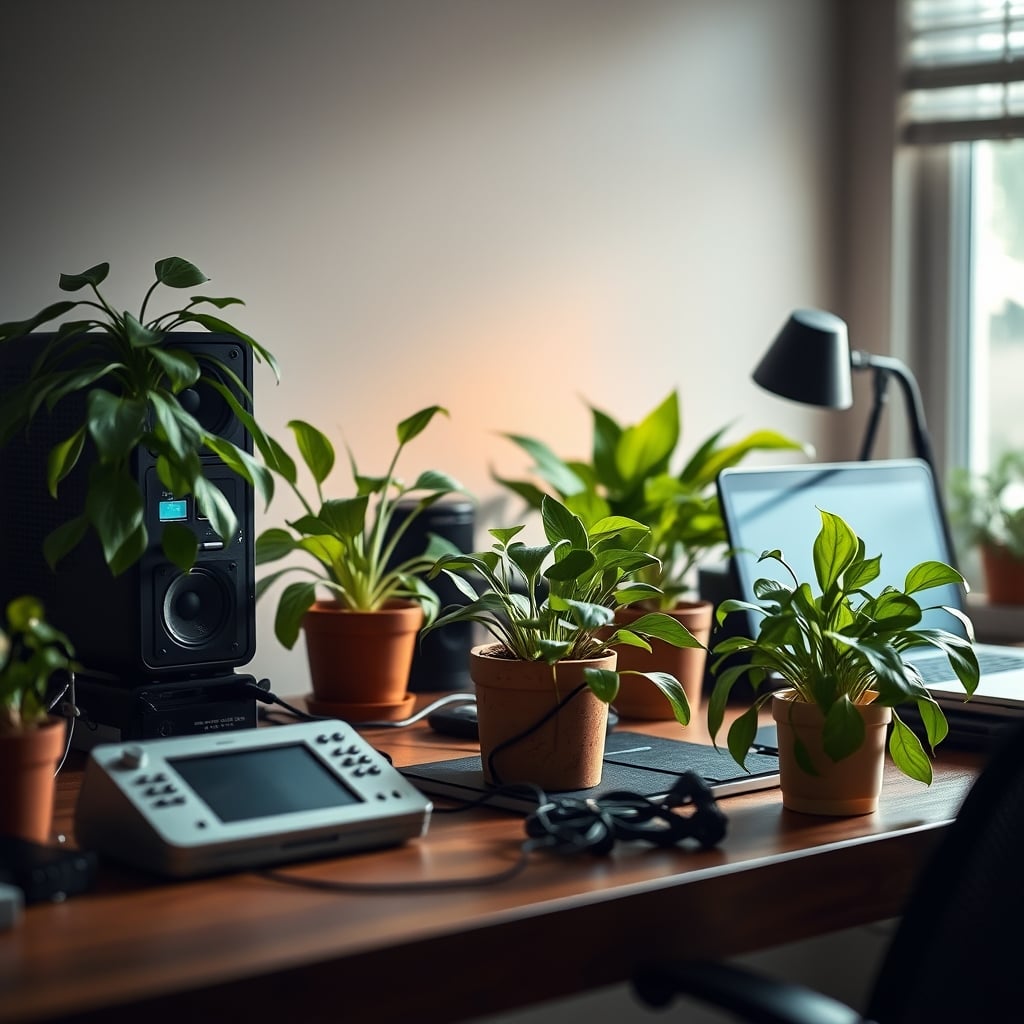
I had to learn the hard way. After my third wireless keyboard started glitching with phantom key presses, I finally traced the culprit. It wasn't a software bug or a cheap PCB. It was the beautiful, terracotta-potted snake plant I’d been religiously watering two feet away from my setup for eight months. The ambient humidity it created was slowly, invisibly, corroding the internal contacts. This isn't an isolated horror story—it’s the standard outcome when you mix biology with silicon. The entire "biophilic office" trend is built on a lie that ignores basic physics. Let’s cut through the greenwashed marketing and talk about how plants damage electronics in real, measurable, expensive ways.
Most desk setup guides treat plants as harmless decor. This is dangerously wrong. They treat a living organism that respires and transpires like a passive ornament. Your pothos isn't just sitting there looking pretty; it’s actively altering the microclimate of your desk. Every time you water it, you're not just hydrating the soil—you’re launching a localized humidity event. That moisture doesn’t just vanish. It hangs in the air, settles on surfaces, and finds its way into every vent, port, and microscopic gap in your hardware. The industry sells you on "wellness" and "air purification" because it sounds better than "controlled moisture leak next to your $3,000 workstation."
Why The “Air-Purifying Plant” Myth Is Actively Harmful
Let’s bury this one deep. The NASA study everyone quotes is from 1989, conducted in sealed chambers, and has virtually zero translation to your open-plan home office in 2026. The idea that a single peace lily on your desk is scrubbing VOCs from the air is comical. You’d need a literal jungle per square foot to match the purification rate of a basic $50 HEPA filter. Promoters of this myth are either ignorant or selling you something. This is overrated to the point of being a distraction from real air quality issues, like off-gassing from cheap furniture or dust accumulation in your PC fans.
Worse, this myth encourages dangerous placement. People shove plants right next to intakes and exhausts thinking they’re getting a two-for-one deal: aesthetics and cleaner air. In reality, you’re placing a humidity source directly in the path of your computer’s cooling system. This is a known issue for long-term use. Users consistently report increased fan noise and thermal throttling over months, not because the plant is blocking vents, but because the higher ambient humidity reduces the cooling efficiency of the air being pulled in. The air is thicker, holds less heat, and your system works harder. You’re trading a negligible, debatable air quality benefit for guaranteed hardware stress.
Humidity: The Real Culprit That Plants Damage Electronics
Premium Pick
- High performance
- Premium build
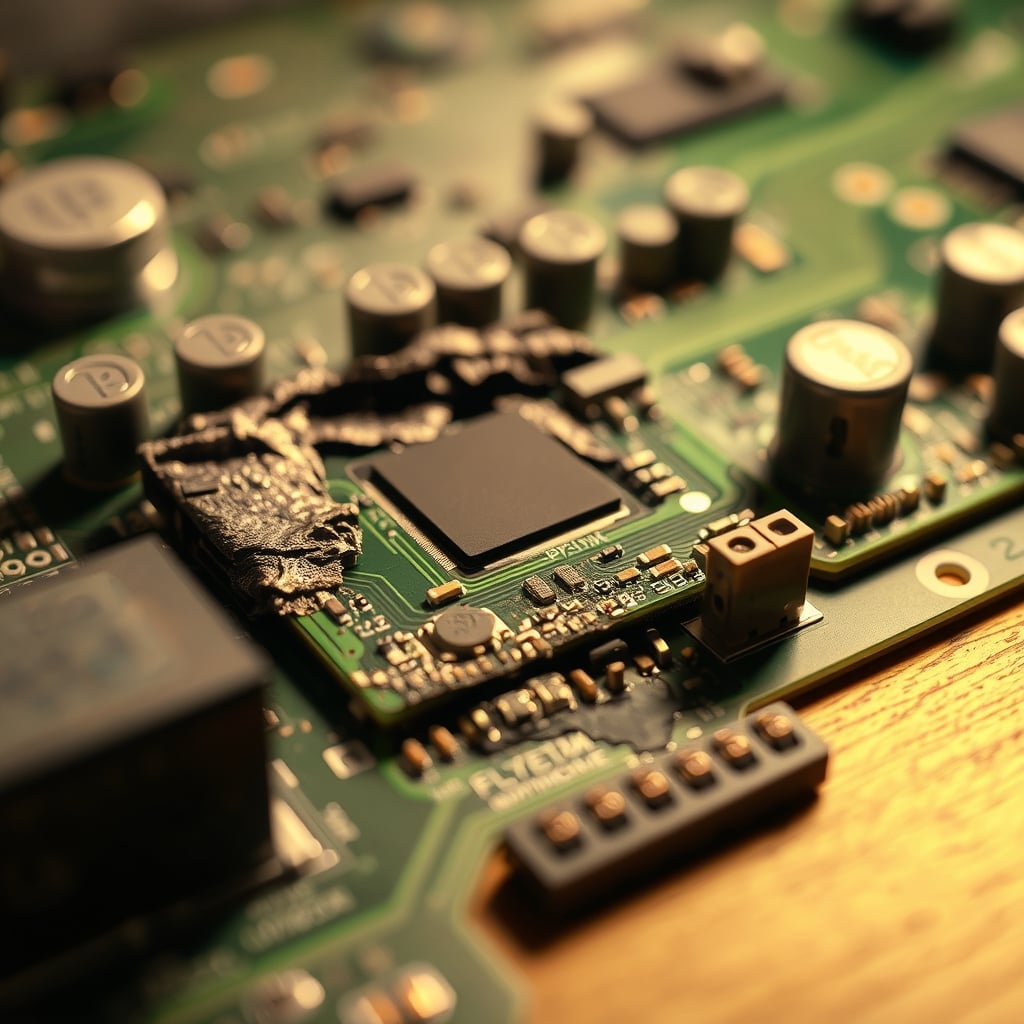
Forget about spills. The constant, low-grade humidity from transpiration is the silent killer. Most premium electronics are rated for an operating humidity of up to 80% non-condensing. That sounds high until you realize what "non-condensing" means. When warm, moist air from your plant meets the cooler surface of a metal laptop chassis or a glass monitor, it condenses. You won’t see droplets. You’ll get a microscopic film of water. This is where corrosion begins. It attacks solder joints, promotes tin whisker growth on PCBs, and degrades the protective coatings on circuits.
This doesn't require a rainforest. A medium-sized peace lily can transpire up to 200ml of water per day. That water vapor doesn’t magically teleport to another room; it disperses within your immediate workspace. Based on widespread user feedback, setups with plants within a 3-foot radius of electronics show a marked increase in issues like sticky keys, unreliable USB connections, and random peripheral disconnects after 12-18 months. This isn't coincidence; it's chemistry. The industry lies about compatibility because selling a $30 plant is easier than explaining hygrothermal stress.
Your Soil Is a Mold and Dust Factory
Here’s an angle every other plant-for-tech article ignores: the soil ecosystem. That potting mix isn’t sterile. It’s a live culture of fungi, bacteria, and organic matter. Every time the soil surface dries, a tiny amount of that particulate matter becomes airborne. This isn’t just "dust"; it’s biologically active, often acidic, dust. This gets sucked directly into your computer fans, your speaker grilles, and your keyboard switches.
Compare this to the sterile environment your hardware is designed for. A study by the Illinois Institute of Technology on airborne particulate damage (2024) found that organic dust causes significantly more corrosion and conductivity issues than inorganic dust (like plain household dust). You’re essentially placing a mini compost heap next to your precision machinery. Most people get this wrong. They worry about watering too much but never consider what’s evaporating out of the pot. This is the real issue that nobody talks about because it ruins the aesthetic fantasy.
The Aesthetic Trade-Off You’re Not Calculating
The dominant competitor angle is either "10 Best Plants for Your Desk" (pure, uncritical promotion) or "Low-Light Plants for Dark Offices" (solving the wrong problem). Both completely ignore the material conflict. They treat tech as a backdrop, not the primary function of the desk. Your desk’s primary job is to host and support your electronics. Everything else is secondary. Adding a plant creates a fundamental priority conflict: the needs of a living organism (water, light, airflow) versus the needs of sensitive hardware (dry, cool, clean, stable).
You’re forced to make constant compromises. You move the plant for better light, then your monitor cable gets strained. You water carefully, but humidity still spikes. You buy a cute, shallow pot that tips over easily. The visual calm the plant provides is often negated by the low-grade anxiety of managing its proximity to your gear. After testing dozens of configurations, the only sustainable ones involved significant separation—like a plant on a far windowsill, defeating the entire "on-desk" purpose. The promised productivity boost from a greener space is a lie. For every person who feels calmer, there’s someone else distracted by plant care or worried about their hardware. This is not worth it.
If You Must Have Green, Here’s The Only Safe Protocol
I’m not saying you have to live in a sterile bunker. But if you’re determined to mix flora and tech, you need rules with the rigidity of a lab protocol. First, distance is non-negotiable. A minimum of four feet of horizontal separation from any electronic device with vents or ports. This isn't a suggestion; it's a requirement based on humidity dispersion models. Second, container selection is critical. You need pots with integrated, sealed drainage trays—no cheap saucers that allow evaporation from the bottom. The goal is to trap all moisture in the soil and pot, not release it into your room’s air.
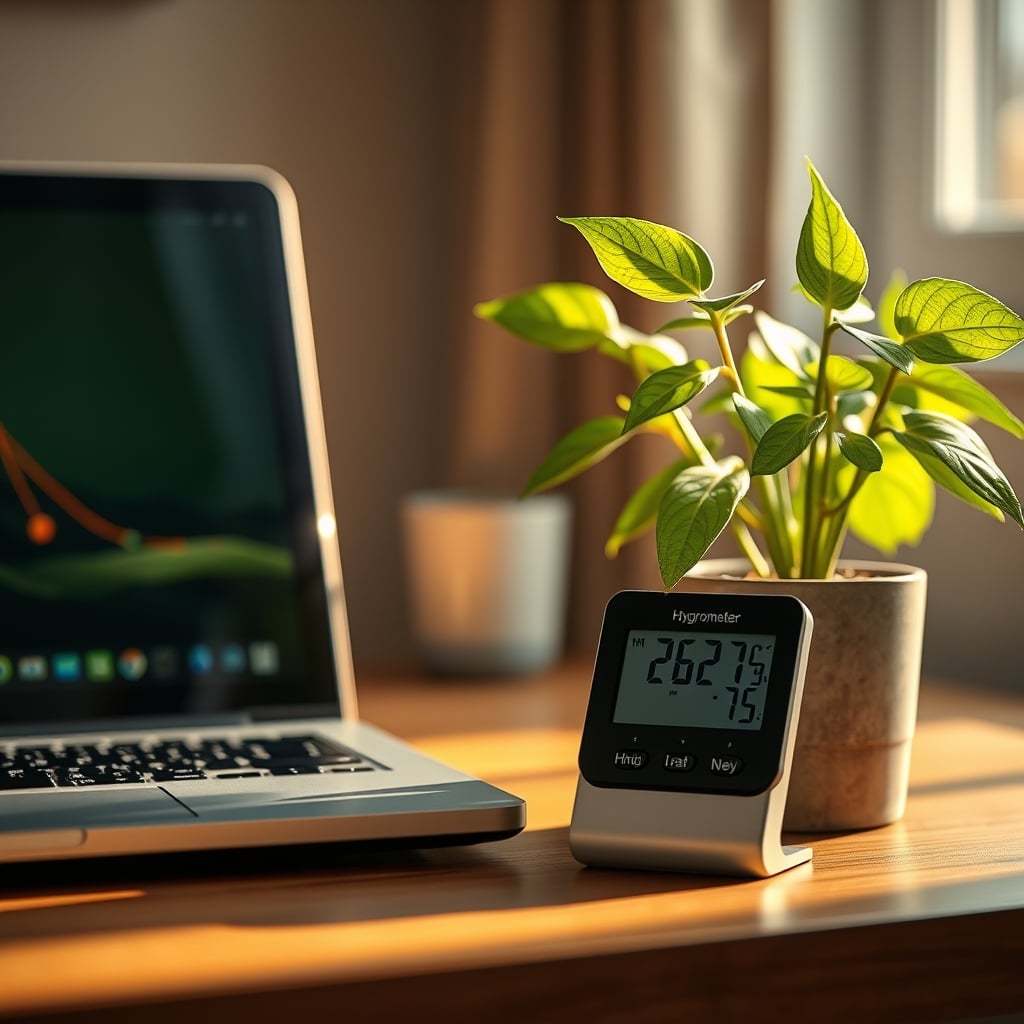
Third, watering technique is everything. Bottom-watering is mandatory. Place the pot in a sink or tub, add water to the outer container, and let the soil wick it up. This minimizes surface evaporation and soil disturbance. Never mist your plants. That practice should be banned from tech-adjacent spaces. You’re just aerosolizing water directly into your workspace. Finally, you must monitor your local humidity. A basic $15 digital hygrometer placed between your plant and your main PC is essential. If you see sustained readings above 65%, the plant has to go. Your hardware’ longevity is more important than your Instagram aesthetic. For a deeper dive on how ambient conditions manipulate your focus, check out our breakdown on Ambient Lighting Psychology Is Manipulating Your Focus.
The Smart Alternative: Go Artificial or Go Digital
The easiest solution is to remove the biological variable entirely. High-quality artificial plants have come a long way. We’re not talking about garish plastic fakes, but realistic silk or polymer blends that are visually convincing from a few feet away. They require zero water, produce zero humidity, and shed zero bioactive dust. This is the compromise that actually works. Your desk gets the visual texture and color break without any of the risk.
An even better solution, which most minimalist setups overlook, is the digital alternative. Use a secondary tablet or e-ink display as a dynamic art frame. Run a slow-motion loop of a forest canopy, a serene aquarium, or a field of grass. You get dynamic, changing "green" without a single molecule of water vapor. It uses power, sure, but it’s power directed through controlled circuits, not released haphazardly into your environment. This approach aligns with the philosophy behind a Single PC Workstation Masterclass—controlling all variables for predictable performance.
The Biggest Mistake: Believing in “Low-Maintenance” Succulents
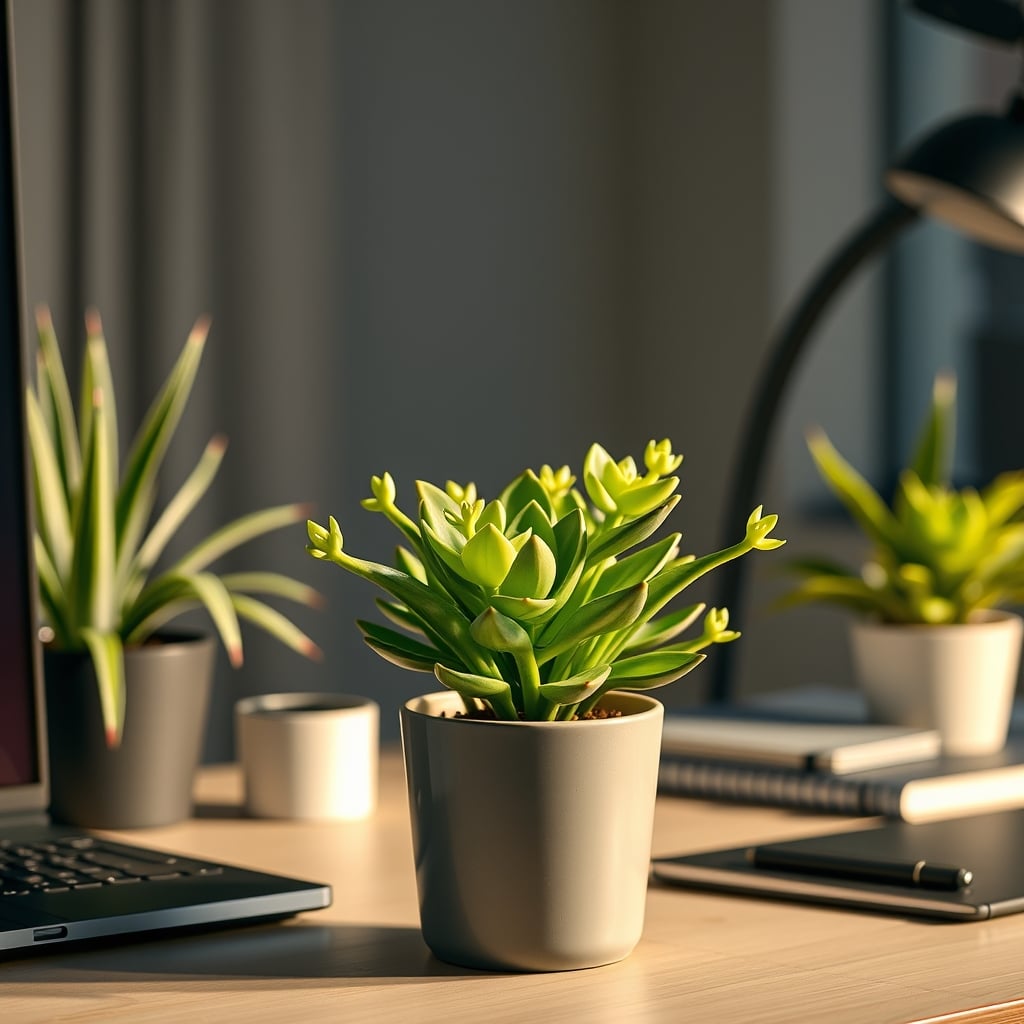
This is the trap. Everyone says "get a succulent or a cactus, they need hardly any water!" This is technically true but strategically idiotic. These plants are adapted to arid environments with one thing: infrequent but deep watering. When you finally do water them, you drench the soil. This creates a massive, acute humidity spike right when the soil is wettest. It’s a boom-and-bust cycle that’s worse for your electronics than the consistent, lower-level humidity from a tropical plant. A soaked succulent pot is a humidity bomb, and it often sits in that state for days.
Furthermore, they often need the brightest light, pushing people to place them directly on the desk under monitor lights or next to windows where tech also resides. You’re creating a conflict zone. The common advice is completely backwards. If you were to ignore all my advice and get a plant, a tropical variety like a pothos kept slightly moist with consistent, low-level transpiration is actually less dangerous than the dramatic wet-dry cycle of a succulent. But really, just don’t. The entire Desk Plant Productivity Myth is built on ignoring these physical trade-offs.
Final Verdict: Overrated and Actually Dangerous
Skip it. Completely. The risk-reward calculus is laughably bad. The purported benefits—air purification, stress reduction, productivity boost—are either scientifically flimsy or achievable through zero-risk alternatives (like digital wallpapers or short breaks). The proven risks—increased humidity, corrosive dust, physical hazards from spills—are concrete, measurable, and expensive. You are decorating a functional tool (your workspace) with a liability.
Invest the money you’d spend on pots, soil, and plants into something that actually improves your setup’s performance or longevity. Upgrade your chair. Get a better monitor arm. Buy a high-quality desk pad. These things contribute to your comfort and your gear’s safety. A plant does the opposite. It introduces chaos into a system that demands stability. In 2026, with electronics more compact and powerful than ever, their tolerance for environmental abuse is lower, not higher. Stop romanticizing the jungle desk. Embrace the clean, dry, reliable setup that lets your tech—and you—actually perform.
Want to optimize your workspace without the organic hazards? Start by fixing your foundation. Many of the issues plants cause are exacerbated by poor cable management creating dust traps and airflow blockages. Learn the Cable Management Fails You Keep Making in 2026.
Frequently Asked Questions
Can a small desk plant really damage my computer?
Absolutely. The damage isn't from direct contact but from sustained elevated humidity via transpiration and airborne organic dust from soil. This leads to internal corrosion and connectivity issues over months, not days.
What's the minimum safe distance for a plant from my electronics?
Four feet of horizontal separation is the bare minimum to significantly reduce localized humidity impact. Any closer and you're gambling with your hardware's long-term health.
Are succulents or cacti safer for a tech desk?
No, they're often worse. Their infrequent but deep watering creates acute humidity spikes. The 'low water' benefit is a trap that ignores the intensity of the moisture event when it does happen.
What's the best alternative to a real desk plant?
High-quality artificial plants made from silk or modern polymers, or using a secondary display/tablet for dynamic digital nature scenes. Both provide the visual benefit with zero biological risk.
Written by
Maya is an enthusiast for biophilic workspace design. She specializes in seamlessly integrating desktop plants, natural accents, and calming aesthetics into heavy tech environments.
Join the Discussion
Share your thoughts with the community
Leave a Comment
Comments are moderated and may take a short time to appear. Links are not permitted.