Webcam vs Camera Streaming: The Brutal 2026 Truth
The industry wants you to think you need a $3000 cinema rig to look good on stream. It's a lie. The real battle of webcam vs camera streaming in 2026 is about simplicity versus sabotage.
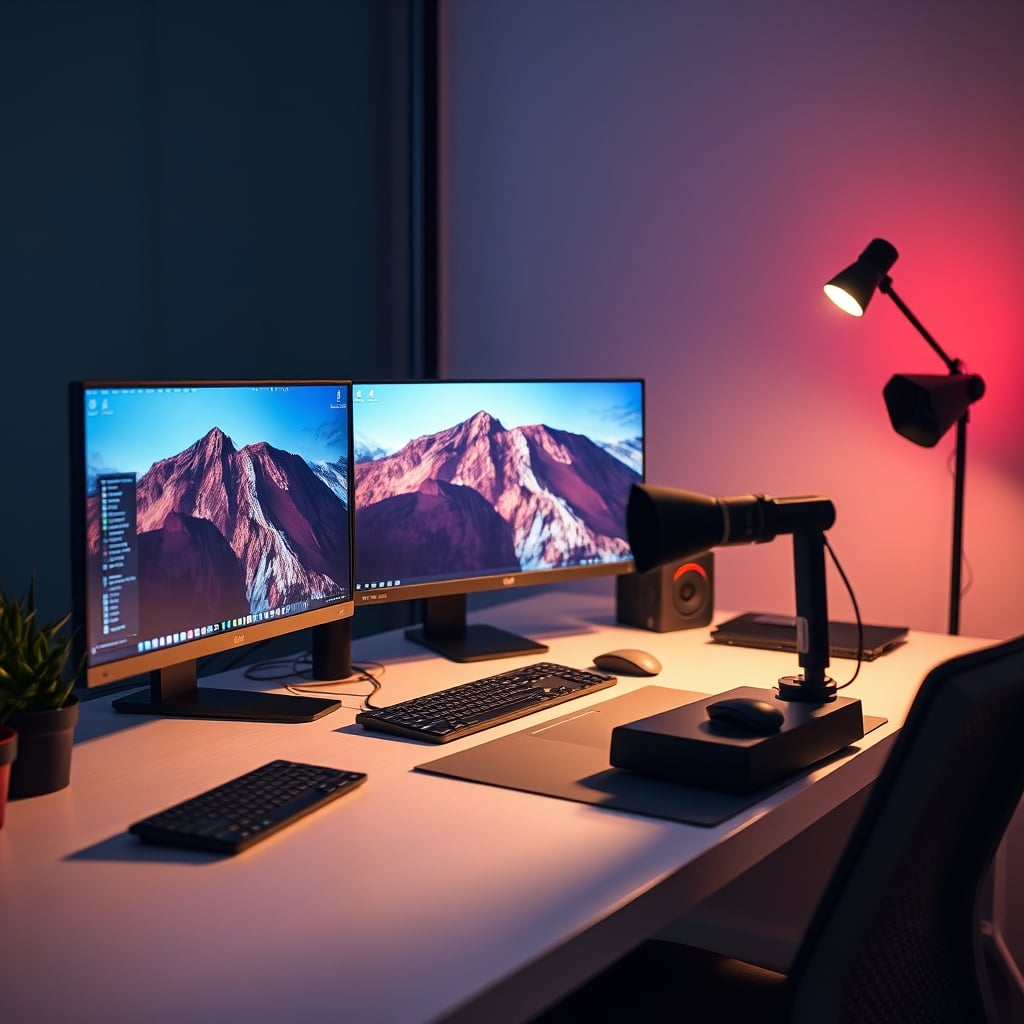
Let's cut through the influencer-sponsored nonsense. You've likely been told to "just upgrade to a mirrorless camera" by someone whose income depends on looking slightly more professional than you. I've routed audio through dual PC setups, wrestled with HDMI capture latency at 3 AM, and watched a $2,500 Sony camera fail because of a cheap USB cable. The webcam vs camera streaming debate isn't about image quality—it's about workflow sabotage.
The real problem most streamers face isn’t sensor size; it’s reliability. Users consistently report that their elaborate DSLR or mirrorless setups fail mid-stream due to overheating, battery swaps, or driver conflicts. Meanwhile, a $100 webcam simply works, stream after stream. The industry glosses over this because there’s no profit in selling you one reliable device. The money is in the ecosystem: cages, lenses, capture cards, and dummy batteries.
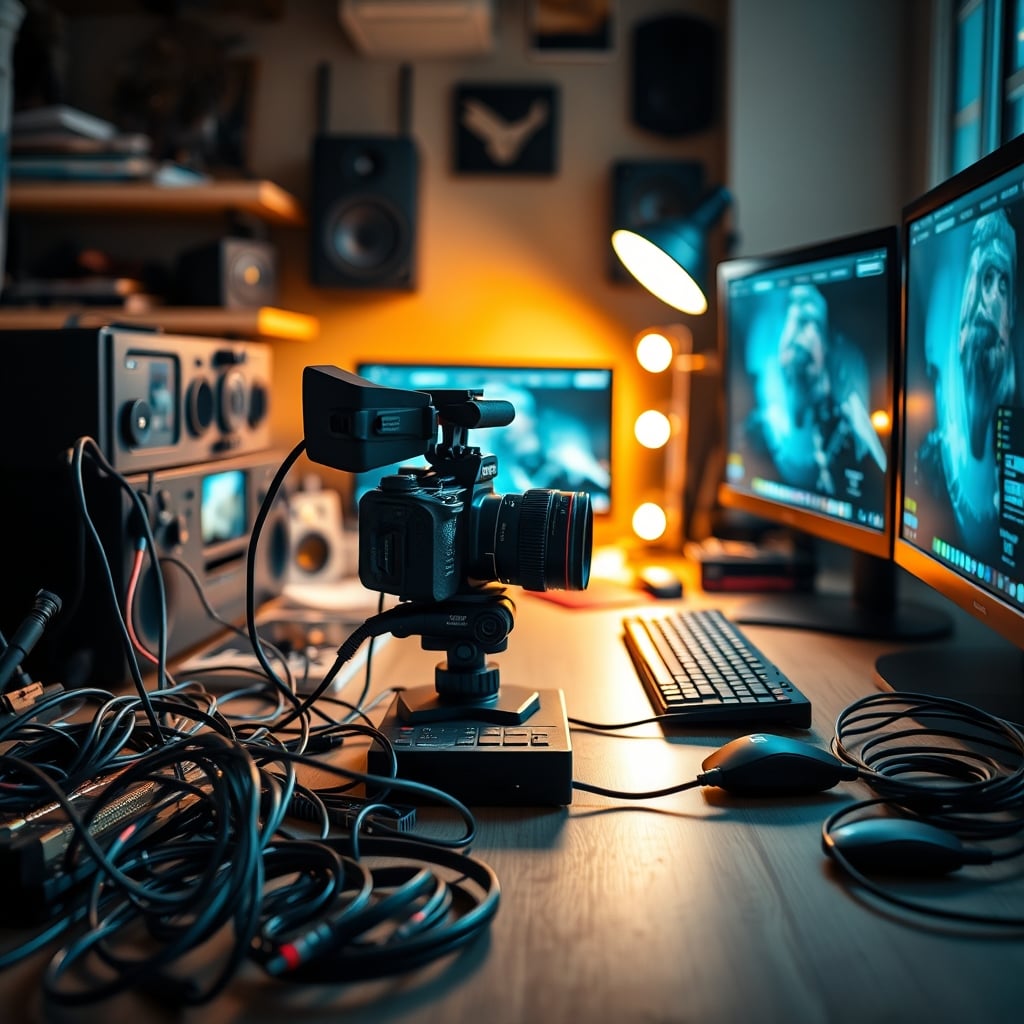
Why "Just Get a Mirrorless" Is the Worst Streaming Advice in 2026
This myth needs to die. The idea that a dedicated camera is the mandatory first step to "professional" streaming isn't just wrong—it’s harmful. For 90% of streamers, this is overrated. You aren't buying better video; you're buying complexity.
In practice, the slight gain in shallow depth-of-field is obliterated by operational headaches. Based on widespread user reports, the most common point of failure in a streaming setup isn't the PC or internet—it's the camera chain. The capture card drops signal. The camera overheats after 90 minutes and shuts off. A firmware "update" disables your clean HDMI output. You're a content creator, not a cinematographer. Your primary tool should fade into the background, not demand constant attention.
Most people get this wrong. They chase specs on a sheet instead of performance in OBS. A modern 4K webcam with a Sony sensor—like the EMEET S600—delivers a crisp, clean image that encodes efficiently with NVIDIA NVENC or AMD hardware encoding. A mirrorless camera pushing a high-bitrate feed can tax your system more, introducing frame drops in your game capture. You sacrifice stream stability for bragging rights no one cares about.
The True Cost Isn't on the Price Tag
When you compare webcam vs camera streaming, you aren't comparing a $150 webcam to an $800 camera. You're comparing a $150 all-in-one solution to an $800 camera, plus a $150 capture card, plus a $50 dummy battery, plus a $100 cage—plus the mental overhead of managing it all. This is the hidden cost setup videos never show.
The real expense is cognitive load. Every extra device is a potential failure point. In a dual-PC audio routing scenario, adding a finicky camera invites sync nightmares. Your viewers will forgive a slightly softer image. They won't forgive a black screen or desynced audio for ten minutes while you reboot Elgato's software. Simplicity isn't just for beginners; it's the hallmark of a robust, professional operation. The most successful streamers ruthlessly eliminate single points of failure. A USB webcam is one cable, one device. That’s power.
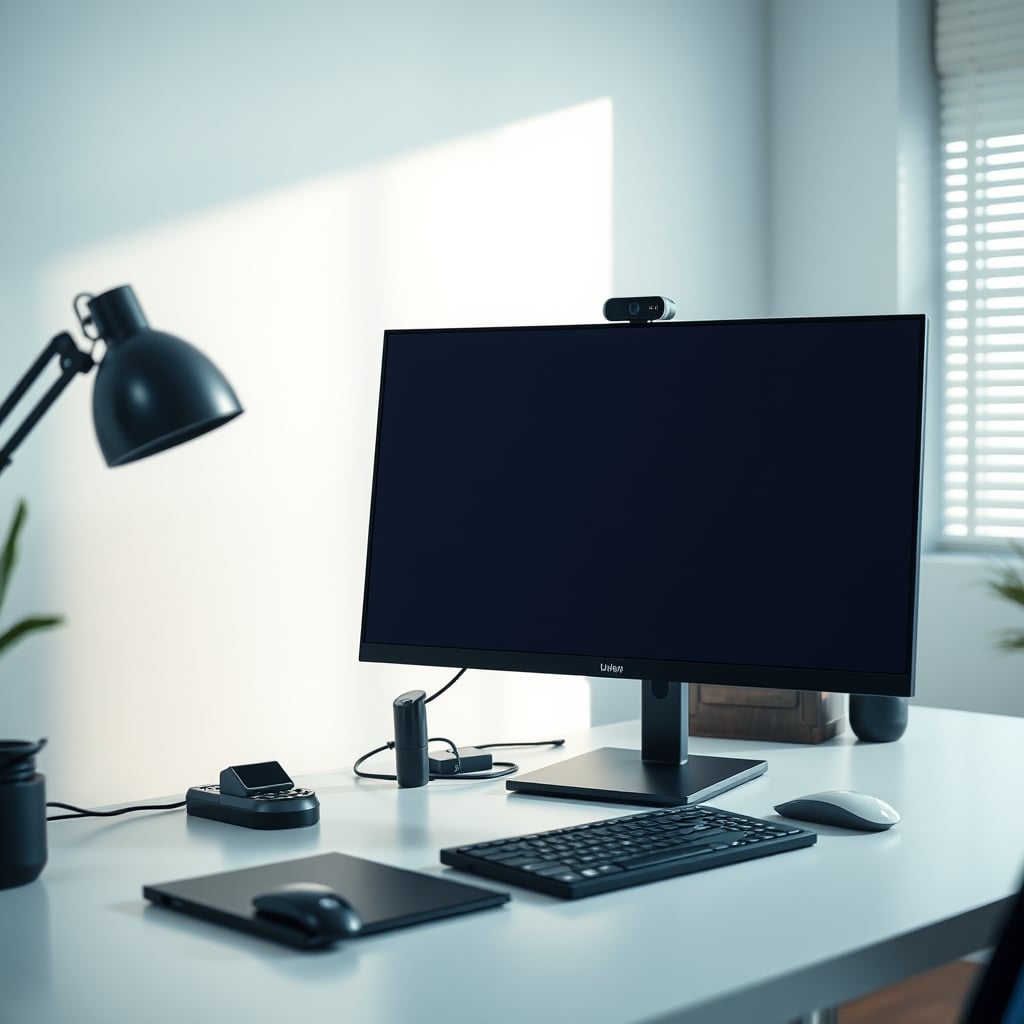
Face-Lighting Angles: Where Expensive Cameras Actually Lose
Here’s the uncomfortable truth: a superior sensor can work against you. A high-end camera with a larger sensor is more light-sensitive. Under typical streaming LED panels (often harsh and direct), that sensitivity exaggerates every flaw: skin oil, uneven texture, shadows from a poorly placed key light.
A quality 4K webcam, however, has built-in processing tuned for this exact scenario. It applies subtle noise reduction and skin softening at the hardware level before the signal hits your PC. You get a flattering, consistent image optimized for a screen-sized window, not a cinema projector. This is a known issue—streamers with mirrorless cameras often spend more on diffused lighting like Godox panels to compensate, while a webcam user achieves a great result with a single $30 ring light. The right tool is designed for the job.
OBS Hardware Encoding: The Great Equalizer
Consider the final output. Your stream is compressed to oblivion by Twitch’s or YouTube’s bitrate limits. That beautiful, uncompressed HDMI feed from your Sony A7 is immediately crushed into a 6,000 kbps H.264 stream. The difference between a pristine source and a very good source becomes negligible.
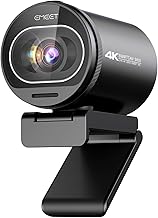
Streamers and creators who want a 'set-and-forget' pro image without the DSLR hassle.
- Sony 1/2.55'' Sensor for excellent low-light
- PDAF Autofocus that actually works
- Built-in dual noise reduction microphones
What matters is encoding performance. A USB webcam feeds a pre-compressed UVC signal that’s trivial for OBS to handle. A mirrorless camera via capture card feeds a raw(ish) signal that forces your CPU or GPU encoder to work harder. This can increase encoder load, which—if you’re gaming on a single PC—directly threatens your game’s performance. You sacrifice FPS for a quality bump your audience can’t see. The industry hides this by showing static side-by-side comparisons, not real streaming performance graphs.
The One Niche Where a Camera Actually Makes Sense
Let’s be fair. There is one scenario where the hassle is justified: a dedicated, multi-person podcast or talk-show setup where cameras are static, locked on tripods, and you have a dedicated production machine (or ATEM switcher) to manage them. If you’re doing seated interviews with cinematic lighting and an operator, fine. For the solo streamer reacting to games, chatting, or creating tutorials? It’s overkill.
Even here, the rise of PTZ (Pan-Tilt-Zoom) USB cameras is eroding this niche. Why deal with HDMI when a $500 PTZ cam offers remote-controlled framing over USB?
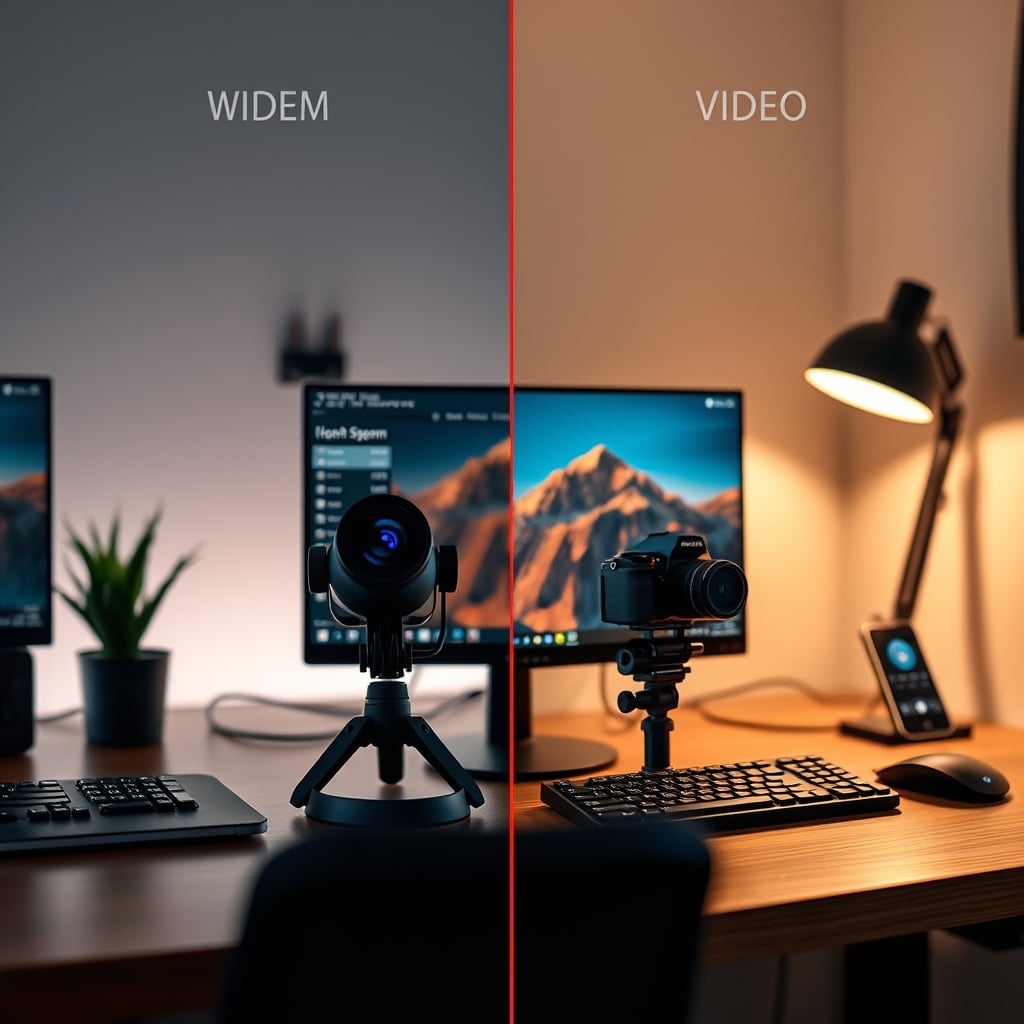
The Verdict: Skip the Mirrorless, Embrace the Modern Webcam
The conclusion for 2026 is clear: Skip it. Avoid the mirrorless streaming setup except for specific, controlled productions. For most people weighing webcam vs camera streaming, the dedicated camera path is overrated.
A modern 4K webcam with a Sony sensor (like the 1/2.55'' in the EMEET S600) and PDAF autofocus represents the true sweet spot. It delivers 95% of the perceived visual quality with 10% of the hassle. It’s a tool that gets out of the way, letting you focus on what actually grows your channel: content and consistency.
Worth it: A high-quality 4K webcam—a reliable investment that simplifies your workflow. Overrated: The mirrorless/DSLR rig for solo creators—a complexity trap sold as a quality upgrade.
Stop conflating professional video production with professional streaming. They are different arenas. Choose the tool built for yours.
For more on cutting through peripheral hype, read why Streaming Controller Security Is the Lie You’re Still Believing and the truth about AI Streaming Software Is Sabotaging Your Stream.
Frequently Asked Questions
Is a mirrorless camera really overkill for streaming in 2026?
For the vast majority of solo streamers, absolutely. The marginal image quality improvement is destroyed by Twitch/YouTube compression, while the added complexity, cost, and points of failure (overheating, capture cards, power) actively sabotage stream reliability. Modern 4K webcam sensors have closed the gap dramatically.
What's the biggest downside to using a DSLR/mirrorless for streaming?
Reliability. It's the single biggest issue. These cameras are not designed for continuous operation. They overheat, they require dummy batteries or frequent swaps, and the HDMI/capture card chain introduces a major point of failure. A webcam is one USB cable. Simplicity wins for live content.
Don't I need a camera for that professional blurred background look?
You can achieve a very convincing shallow depth-of-field effect with software like OBS's background blur filter or NVIDIA Broadcast. The visual difference is negligible at streaming bitrates. Chasing 'bokeh' with a pricey lens is an aesthetic choice, not a quality imperative, and often makes you harder to see on a small mobile screen.
What should I look for in a streaming webcam in 2026?
Prioritize a large sensor (Sony 1/2.55'' or similar) for low-light performance, PDAF autofocus (not contrast-detect), and a wide field of view (90°+). Built-in noise-cancelling mics are a bonus for backup audio. Everything beyond that—like 8K sensors—is marketing hype your stream bitrate can't use.

Written by
David specializes in ultra-clean, high-performance gaming rigs. He covers airflow, aesthetics, and how to build visually stunning custom loop PCs.
Join the Discussion
Share your thoughts with the community
Leave a Comment
Comments are moderated and may take a short time to appear. Links are not permitted.