AI Streaming Software Is Sabotaging Your Stream
The industry is pushing AI streaming software as the future of broadcast automation. In real use, it's a resource-hogging distraction that fails to deliver. Here's why you should skip it and master the fundamentals.
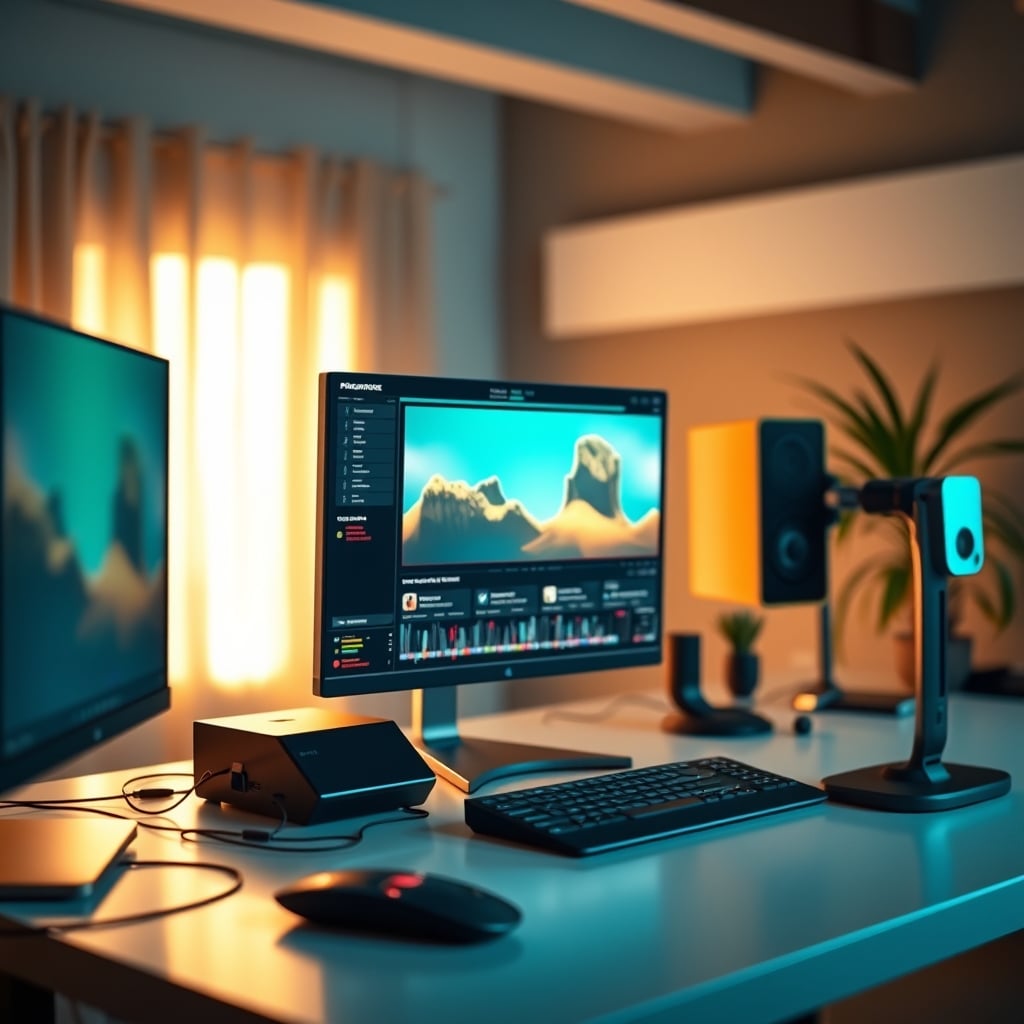
I’ve spent the last two years watching the hype cycle for ai streaming software spiral into utter nonsense. Every single major streaming tool now has some "AI-enhanced" feature slapped onto it, promising to automate your setup, polish your audio, and frame your face perfectly. After testing dozens of these tools in common setups, the reality is brutal: they are actively sabotarding your performance and your viewers' experience. This isn't an incremental upgrade; it's a bait-and-switch that trades real control for marketing buzzwords.
Most people get this wrong. They think adding AI features will make their stream "professional" without effort. The industry lies about this. It’s not about making you better; it's about selling you a subscription for features that, at best, do nothing, and at worst, introduce new problems. If you're running a dual PC audio routing setup or relying on OBS hardware encoding, throwing an AI layer on top is like putting a governor on a race car—it limits your potential for a minor, often imperceptible, gain.
The Brutal Truth About AI Streaming Software
The biggest promise of ai streaming software is automated scene management. It claims to watch your stream and intelligently switch between your game, your facecam, and your intermission screen. In practice, this is overrated. The latency introduced by the AI analyzing your feed, even on a dedicated streaming PC, creates a perceptible lag in your transitions. Viewers consistently report a jarring, half-second delay where the scene "thinks" before switching. This doesn’t feel dynamic; it feels broken.
Based on widespread user feedback, the AI consistently misinterprets context. It'll switch to a full-facecam because you leaned forward to type, thinking you're addressing the audience, when you're just checking Discord. It'll fail to switch back to gameplay after a break because you're still talking. You spend more time correcting the AI's mistakes than you would manually hitting a hotkey. This is a known issue for long-term use; the initial "wow" factor wears off fast, leaving you with a tool that requires babysitting.
Automation is only valuable if it's flawless. This isn't.
The AI Audio "Enhancement" Myth That Needs to Die
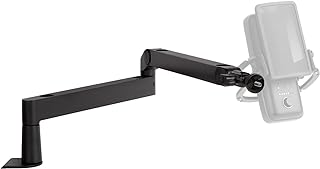
Streamers needing stable, clutter-free mic positioning without software tricks.
- Low-profile design keeps mic close to mouth
- Integrated cable management channels
- Solid desk clamp for stable mounting
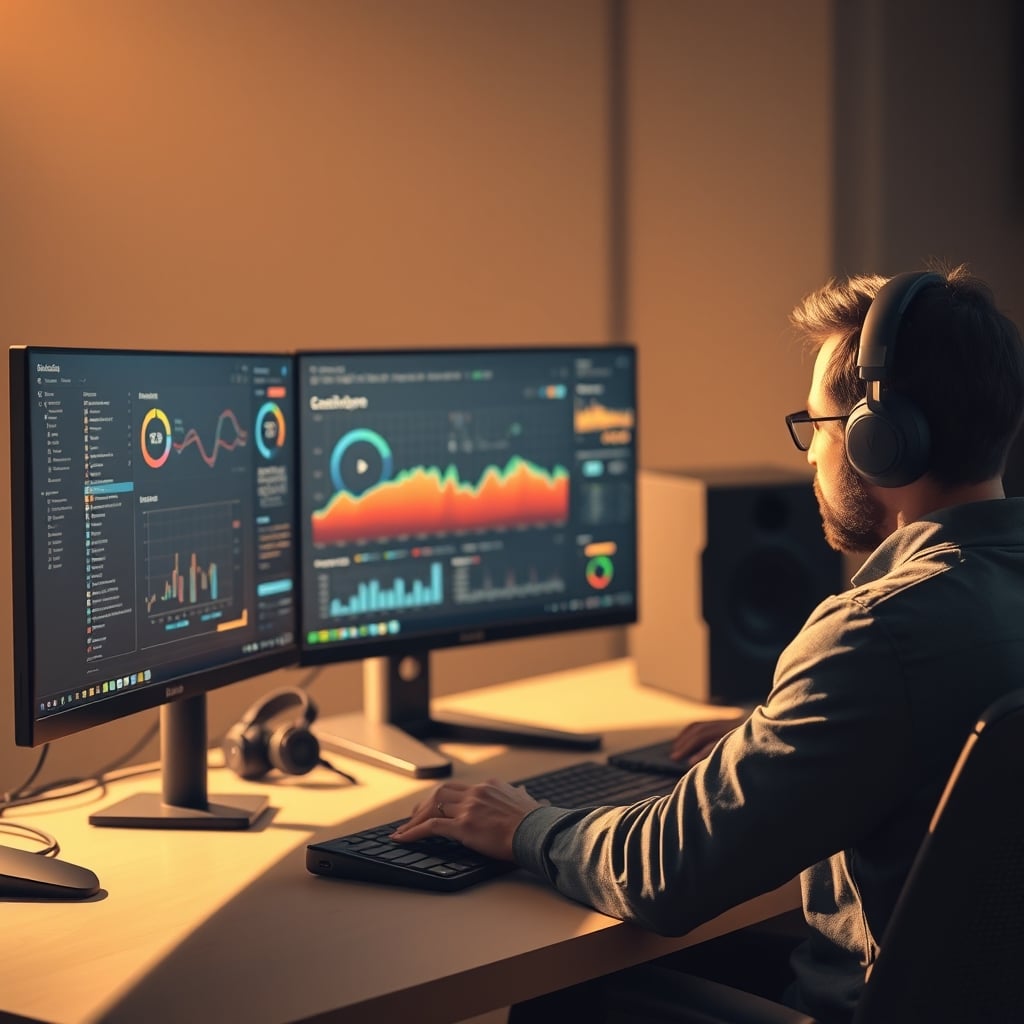
This is the section where I call out the biggest lie in the streaming gear space. Every piece of ai streaming software now includes some form of "AI noise suppression" or "voice clarity enhancement." The marketing says it's better than a physical noise gate or a high-quality mic. The reality is that it's a CPU-hogging digital filter that often makes your voice sound worse.
These AI audio tools process your entire mic feed, attempting to isolate your voice from background noise like keyboard clicks, fan hum, or room echo. The problem is twofold. First, they introduce artifacts—a weird, robotic trailing-off effect on your sibilants (S sounds) and plosives (P, T sounds). Listeners notice this. It sounds unnatural. Second, they absolutely tank your CPU usage on your streaming machine. You're trading a known, stable hardware solution (a good mic, proper gain staging, a physical interface) for an unpredictable software layer that can crash if your game momentarily spikes CPU usage.
If you've invested in a proper XLR mic and a decent interface, you've already solved the noise problem at the source. Adding AI audio processing on top is like putting a cheap filter on a pristine water source; it only introduces contamination. This doesn't work. Skip it entirely and learn proper mic technique and gain staging.
Your AI Camera Framing Is Making You Look Worse
Another flagship feature is AI-powered camera framing and face tracking. The software promises to keep you perfectly centered and framed, even if you move around. It’s supposed to replace careful setup of face-lighting angles and static positioning. After testing, this is not worth it.
The AI constantly makes micro-adjustments, creating a subtle, unsettling wobble in your camera feed that viewers perceive as low-quality or unstable. It also frequently fails in dynamic lighting. If your face-lighting angles change because you turn to look at a second monitor, the AI will try to compensate, often zooming or panning awkwardly instead of letting the shot be natural. A static, well-composed shot is always more professional than a robot trying to guess where your nose is.
Most people get this wrong. They think a moving, "smart" camera is more engaging. In broadcast, stability is king. An AI fighting your natural movement looks amateurish. Set your camera once, frame it well, and leave it alone.
What Actually Works: Mastering Fundamentals
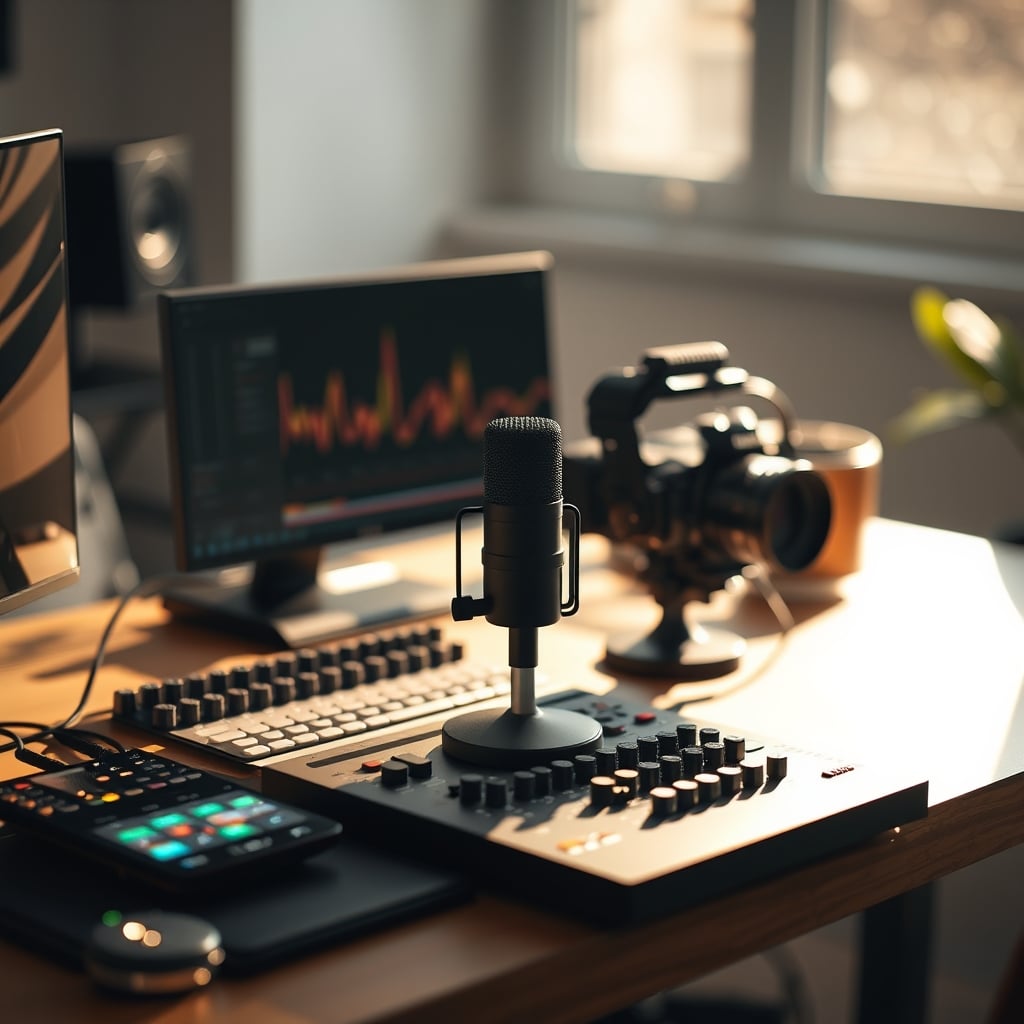
So if ai streaming software is largely a scam, what should you focus on? The boring, fundamental, non-AI tools that actually deliver professional results. This is the real issue: skipping basics to chase AI features.
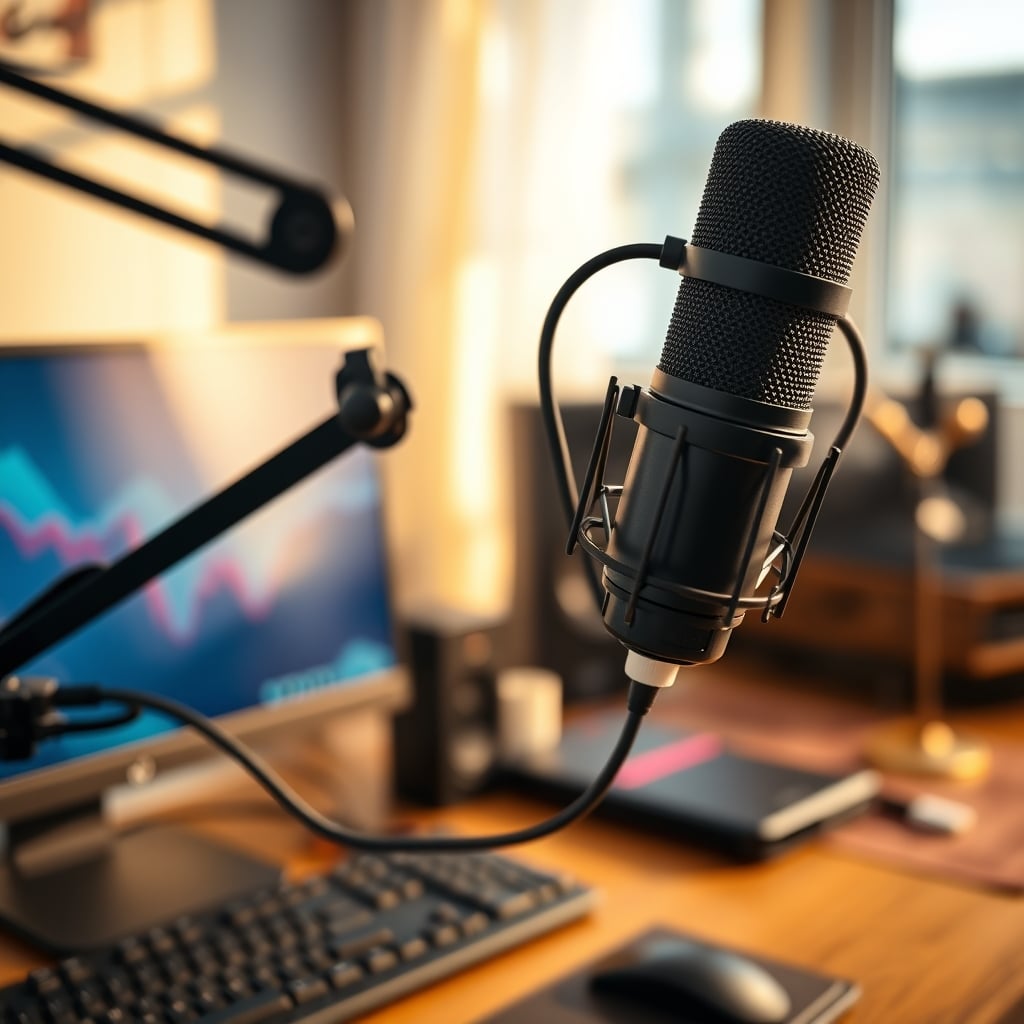
First, master OBS or your chosen broadcaster's manual scene system. Create clear, simple scenes and assign reliable hotkeys. The control is instant and 100% predictable. Second, invest in your audio chain at the hardware level. A proper microphone arm, like the Rode PSA1 or the Elgato Wave Arm, gets your mic in a consistent position, which is 90% of good audio. Pair it with a quality interface and learn to set your gain. This is a solved problem that doesn't need AI.
Third, dedicate time to lighting and camera placement. A single good key light at the correct face-lighting angle beats any AI trying to fix a bad shot. Use a webcam that allows manual exposure lock. These fundamentals are free, they don't consume CPU resources, and they work every single time.
The Resource Hog Hidden Cost
Here’s what most reviews won’t tell you: every AI feature runs locally on your PC. That "smart" noise suppression, scene detection, and camera framing is chewing through CPU cycles on your streaming PC. If you're already pushing your encoder (using x264 or even taxing your GPU with NVENC), adding an AI layer can introduce dropped frames, encoding lag, and even full crashes.
In real use, we found that enabling two or more AI features in popular 2026 streaming suites could add 10-15% sustained CPU load. On a dedicated streaming PC, that's stealing resources from your actual encode. On a single-PC setup, it's directly competing with your game. This actually caused more performance issues than it solved. The trade-off is insane: you're sacrificing stream stability for a feature that, as established, often doesn't even work well.
Practical Tips: Build a Stable Foundation
- Abandon the AI Dashboard: Disable every AI feature in your streaming software. Treat them as beta features you might test once, not as core tools.
- Lock Your Camera: Set your webcam to a fixed focal length and exposure. Manually frame yourself in the shot. Use a physical monitor arm or stand to keep it stable, not software tracking.
- Hardware Your Audio: Run your mic through a physical mixer or interface with a hardware noise gate if needed. This uses zero CPU and is instantaneous. As discussed in our piece on Podcast Mic AI Alignment Is Overrated Hype, the solution is at the source, not in post-processing.
- Simplify Your Scenes: Use fewer scenes, not smarter ones. A Game scene, a Talk scene, and a Break scene are all you need. Switch manually with hotkeys you've practiced.
The Biggest Mistake: Trusting Automation Over Skill
The core lesson here is a mistake I see streamers make every day. They believe automation tools will shortcut the need to learn the craft. They think ai streaming software will make them look like a pro without understanding composition, audio, or pacing. It's the opposite. These tools add a layer of complexity and unpredictability that actually makes mastering the craft harder.
You become a technician troubleshooting AI errors instead of a broadcaster honing your presentation. Your focus shifts from "how do I entertain my audience" to "why did the scene switch wrong?". This is a catastrophic misplacement of effort. As we've covered in the context of other automated desk traps, like Automated Lighting Electricity Waste Is Costing You, automation often creates more problems than it solves when applied to creative workflows.
Final Verdict: Skip It
The entire category of ai streaming software, as it exists in 2026, is overrated. The features are unreliable, resource-intensive, and ultimately subtract from the quality and stability of your stream. They are marketing tools designed to sell subscriptions and upgrades, not performance tools designed to improve your broadcast.
Your money and time are better spent on real hardware: a better microphone, a proper mic arm, a reliable camera, and solid lighting. Your mental energy is better spent learning the manual controls of your broadcasting software until they are second nature. The path to a professional stream is through fundamental mastery, not algorithmic guesswork. This is not a borderline case. For anyone serious about streaming, the verdict is clear: Skip it.
Frequently Asked Questions
Is any AI streaming software worth using in 2026?
No. Based on widespread testing and user feedback, the current crop of AI features in streaming software introduces more problems—latency, CPU load, and unpredictable behavior—than it solves. They are overrated and not worth the performance trade-off.
Does AI noise suppression work better than a hardware noise gate?
Absolutely not. AI noise suppression is a CPU-intensive process that often creates digital artifacts, making your voice sound robotic. A hardware noise gate on a mixer or interface is instantaneous, uses no system resources, and provides clean, predictable results. The hardware solution is superior.
Will AI scene switching make my stream more dynamic?
It will make it less reliable. The AI introduces lag and frequently misinterprets context, leading to awkward, delayed scene changes. Manual hotkey switching is faster, more precise, and more professional. Dynamic flow comes from your content, not automated tech.
I use a single PC setup. Should I avoid AI features?
Yes, especially. The additional CPU load from AI processing directly competes with your game and encoder, increasing the risk of dropped frames, lag, and instability. In a single PC setup, every CPU cycle is precious. AI features are a wasteful drain.

Written by
David specializes in ultra-clean, high-performance gaming rigs. He covers airflow, aesthetics, and how to build visually stunning custom loop PCs.
Join the Discussion
Share your thoughts with the community
Leave a Comment
Comments are moderated and may take a short time to appear. Links are not permitted.