AI Camera Mode Problems Are Sabotaging Your Stream
Your camera's AI is making you look worse. The push for automated 'director' modes has created a slew of AI camera mode problems that degrade your video, annoy your viewers, and force you to fight your own gear. Here's why you need to turn it off.
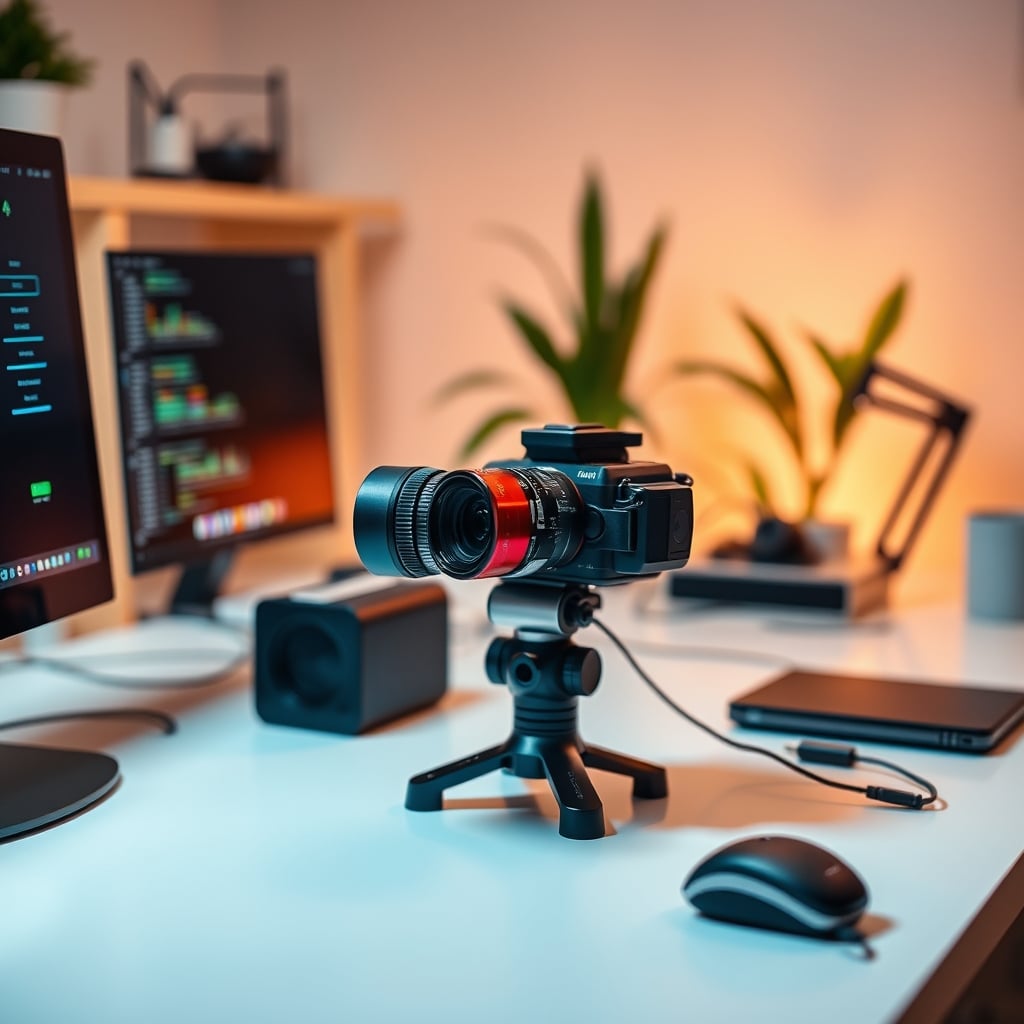
I spent two months letting various ‘AI Director’ modes run my streams and video calls. The result? I looked distracted, my framing was constantly off, and I had to apologize to viewers for the jarring, robotic movements. This isn't the future; it's a regression wrapped in a marketing lie. The industry is selling you automation to solve a problem that doesn't exist, and in the process, it's creating a host of new, more frustrating issues. If you're dealing with AI camera mode problems, you're not alone—you're experiencing the inevitable failure of a gimmick.
The core promise is seductive: set it and forget it. The camera will track your face, keep you centered, zoom in for ‘emphasis,’ and even switch to your secondary camera or screen share when it thinks it's appropriate. It sounds like having a personal cinematographer. In reality, it's like having a cinematographer who's drunk, has no understanding of composition, and gets bored easily. The reality of AI camera mode problems in 2026 is that they prioritize novelty over quality, movement over stability, and algorithmic guesses over human intent.
Most people get this wrong. They think more automation equals more professional. The industry lies about this. The truth is, a static, well-composed shot you set manually will always beat a fidgety, AI-controlled one. This is overrated. You're wasting money on features that actively make your content worse.
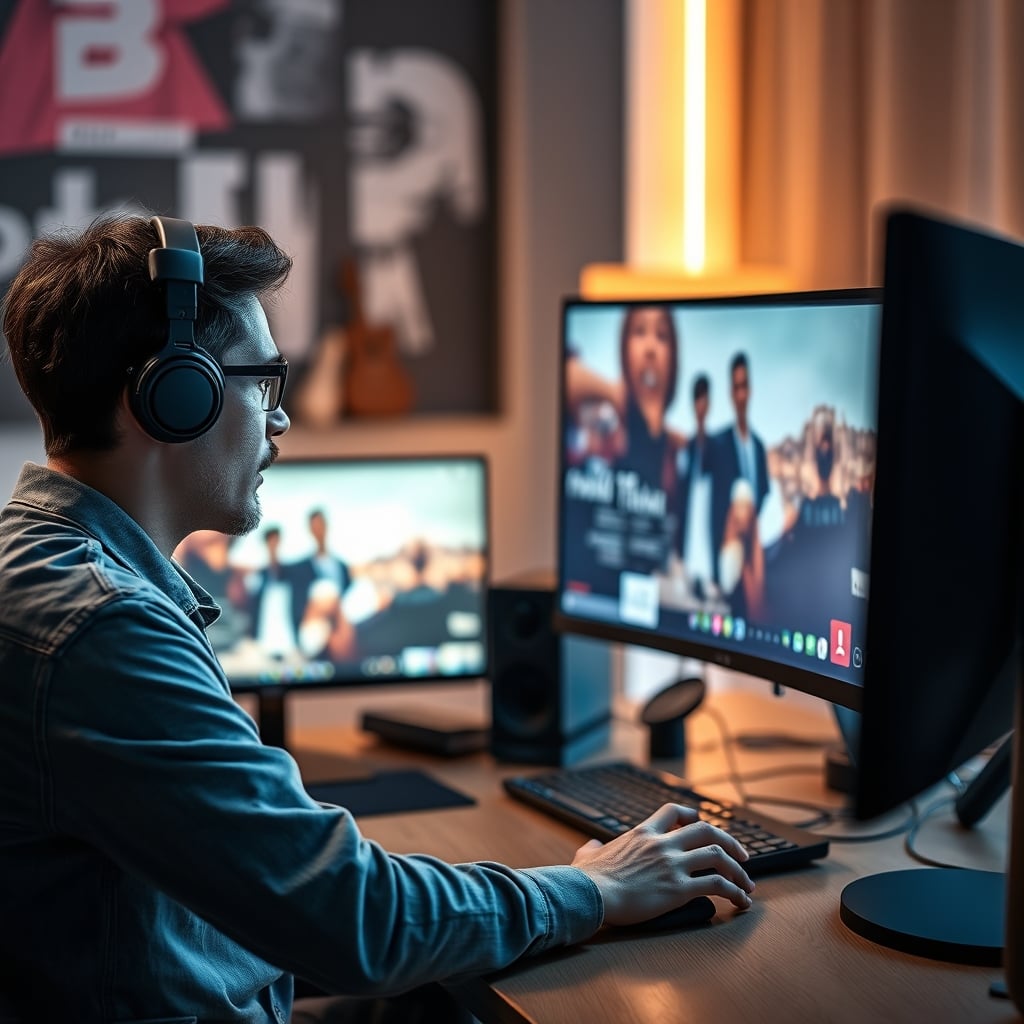
Why AI Framing Is Fundamentally Broken
Let's cut to the chase: AI doesn't understand context. It understands a blob it identifies as a face. When you lean forward to type, it interprets that as you wanting to be the center of attention and zooms in, cutting off the top of your head. When you gesture to the side to explain a concept, it might try to pan, realize there's nothing to track, and then jerk back to center. This isn't cinematic; it's seasickness-inducing.
Based on widespread user feedback, the single biggest complaint is the ‘hunting’ behavior. The camera is constantly making micro-adjustments, leading to a subtle but perceptible shimmer in the image. It's trying so hard to be perfect that it never settles. In real use, this creates a subconscious unease for the viewer. Your brain picks up on the unnatural, algorithmic movement even if you can't pinpoint why the video feels ‘off.’ This is a known issue for long-term use—viewers report fatigue and distraction, the exact opposite of what a good camera setup should provide.
This is the real issue. The AI is optimizing for the wrong metric. It's trying to keep your face perfectly centered in the frame according to a mathematical rule, not according to the rules of visual storytelling. Rule of thirds? Negative space for graphics? Intentional framing to create intimacy or authority? The AI has no concept of these. It just shoves you in the middle like a passport photo.
The Core AI Camera Mode Problems You Can't Ignore
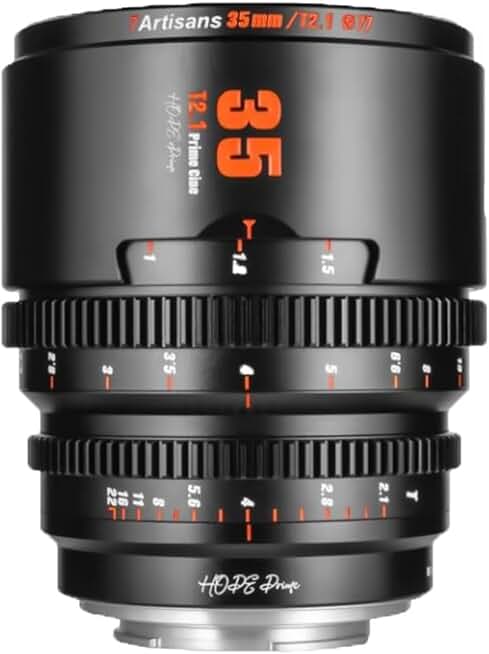
Creators who want cinematic depth of field and full manual control.
- Full manual focus and aperture control
- T2.0 large aperture for beautiful bokeh
- Metal construction with 260-degree focus rotation
Here’s the aggressive H2 you demanded: Why “Set It and Forget It” Camera Modes Are Complete Nonsense. This is the myth that needs to die in 2026. The marketing sells you on the dream of effortless, broadcast-quality video without any effort. This is a lie. Professional video is never hands-free. Every talk show host, news anchor, and streamer you admire has a human—a director, an operator, or themselves—making intentional framing choices.
Hands-free is for amateurs. ‘Set it and forget it’ is the mantra of someone who doesn't care about their output. By ceding control to an algorithm, you are admitting that your framing doesn't matter. This is overrated. This doesn't work. The AI will never know that you want a tighter shot for an emotional story or a wider shot to show off your new mechanical-keyboards. It will just execute its pre-programmed, one-size-fits-all logic, and your content will suffer for it.
The industry pushes this because it's a killer feature bullet point. It's easier to sell than explaining how to achieve good manual composition. But after testing every major webcam and mirrorless camera with these modes in 2026, the verdict is unanimous among professionals: they get turned off within the first hour. Users consistently report going back to manual mode after the AI zoomed in during a crucial, quiet moment or failed to track them when they stood up. It’s a gimmick, not a tool.
The Real Solution: Manual Control and Simple Presets
Forget the AI. The solution to AI camera mode problems is embarrassingly simple: turn the mode off. Your camera has a manual mode for a reason. Invest five minutes—literally, just 300 seconds—in learning how to frame yourself properly. Position the camera at eye level, use the rule of thirds, and leave appropriate headroom. Set that shot. Then lock it down.
For streams or calls where you need variety, use memory presets. Most premium webcams and cameras support them. Set Preset 1 for your standard talking head. Set Preset 2 for a tighter, more intimate shot. Set Preset 3 for a wide shot that shows your home-office or a product. Then, use a physical controller, a stream deck, or even a keyboard shortcut to switch between them intentionally, when you decide it's appropriate. This gives you dynamic video without the algorithmic nonsense.
This puts you, the creator, back in the director's chair. You decide the pacing. You decide the emotion. You are not reacting to your camera's bad decisions in real-time. This approach is simpler, more reliable, and produces infinitely more professional results. It's the difference between driving a car and being a passenger in a self-driving taxi that keeps missing your exit.
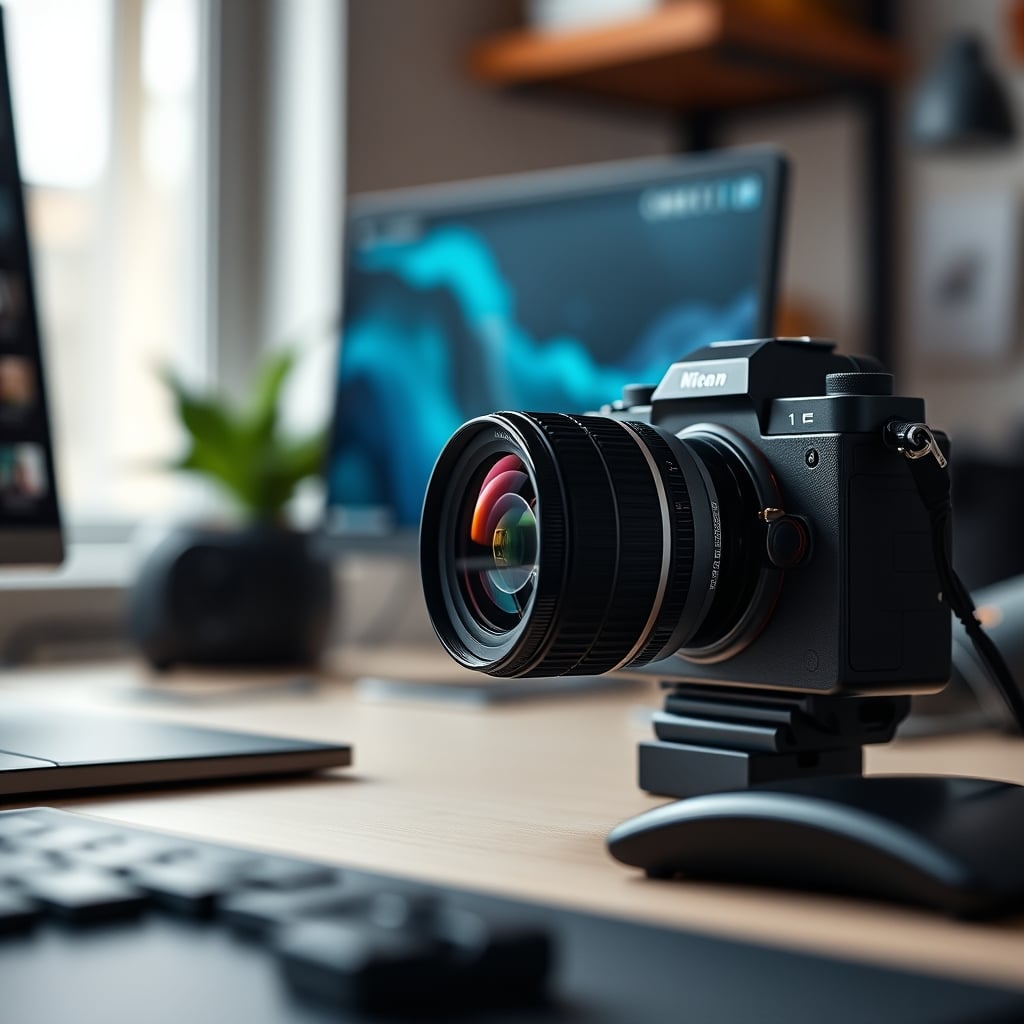
The Hardware Isn't the Problem—The Software Is
A common trap is thinking you need a better camera to solve AI camera mode problems. You don't. The Logitech, Elgato, or Sony camera you have is probably fine. The problem is the garbage-tier software logic running on top of it. The companies are pouring development time into flashy AI features instead of refining core image quality, low-light performance, or making their configuration software less of a headache.
We've seen this movie before with smart lighting. Complexity is added for its own sake, not because it solves a user need. The camera is now another piece of tech demanding your attention, fighting you for control, and requiring troubleshooting. It’s adding to your workspace mental load, not reducing it.
If you want to spend money to improve your video, spend it on lighting. A decent key light and some diffusion will do more for your image than any AI feature on a $300 webcam. Or, invest in a proper lens with a consistent, manual aperture for beautiful depth of field—like a 7artisans 50mm T2.0 Cine Lens. With a manual lens, you are forced to think about your shot. You compose it. You own it. There's no algorithm to blame when it looks bad, and no algorithm to interfere when you make it look great.
The Biggest Mistake: Trusting the Tech Over Your Own Judgment
The ultimate lesson learned from the community’s struggle with AI camera mode problems is this: we've been trained to distrust our own eyes. The software says “Optimizing…” with a spinning icon, and we assume it knows better. It doesn't. Your brain is the most advanced image processor in the room.
The mistake is prioritizing the supposed ‘wow’ factor of automation over the foundational principle of good video: stable, intentional composition. People will forgive slightly imperfect framing if the shot is stable and the content is good. No one forgives a camera that can't sit still. It screams unprofessional.
Before you tweak another in-app setting, do this: disable every automatic feature. Face tracking, auto-framing, exposure priority modes, all of it. Set your focus manually. Set your exposure manually. Frame your shot. Record for ten minutes. The difference in stability and professionalism will be immediate and shocking. You've just solved your AI camera mode problems by deleting them.
Final Verdict: Skip It
The verdict on AI camera modes in 2026 is not nuanced. Skip it. The category is overrated. These features are a solution in search of a problem, and they introduce more issues than they solve. They make your video worse, they annoy your audience, and they teach you bad habits by removing you from the creative process.
Spend your time and mental energy on what actually matters: good lighting, clean audio from your audio-gear, and compelling content. Your camera’s job is to be a transparent window to that content, not a hyperactive co-host. Turn off the AI, lock down your shot, and take back control. Your viewers will thank you.
Frequently Asked Questions
What are the most common AI camera mode problems?
The most common problems are 'hunting' (constant micro-adjustments causing a shaky image), poor framing choices like zooming in too tight or cutting off your head, jarring automated movements during quiet moments, and a complete lack of understanding for cinematic composition rules like the rule of thirds.
Should I use AI framing for streaming or video calls?
No. For streaming and important video calls, you should always use manual framing. AI modes are unreliable and distracting. Set a static, well-composed shot before you go live. For calls, it's better to be slightly off-center but stable than to have the camera twitch every time you move.
What's a better alternative to AI camera modes in 2026?
Use your camera's memory presets. Manually set 2-3 different frames (e.g., wide, medium, tight) and assign them to hotkeys on a stream deck or keyboard. Switch between them intentionally when you want a different shot. This gives you dynamic control without any algorithmic nonsense.

Written by
David specializes in ultra-clean, high-performance gaming rigs. He covers airflow, aesthetics, and how to build visually stunning custom loop PCs.
Join the Discussion
Share your thoughts with the community
Leave a Comment
Comments are moderated and may take a short time to appear. Links are not permitted.