Streaming Controller Disadvantages
Everyone praises streaming controllers as essential broadcast gear. After years of testing and seeing hundreds of setups fail, I'm calling bullshit. Your fancy programmable deck is likely creating more workflow problems than it solves, and here's exactly why.
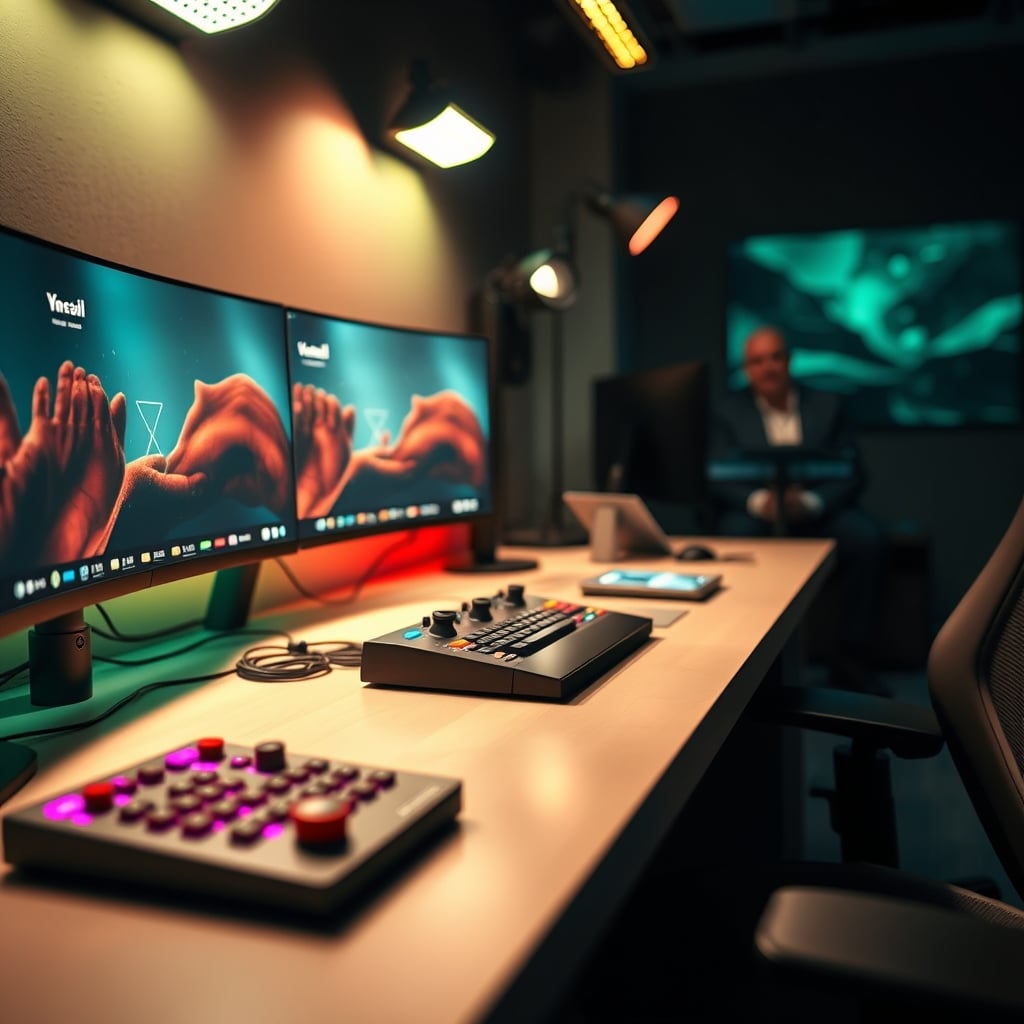
I've watched too many streamers blow $200+ on a shiny programmable controller, only to see their live workflow get worse, not better. They're sold as the ultimate efficiency tool, the secret weapon every pro uses. It's a lie. For the vast majority of creators, the core streaming controller disadvantages—the complexity, the lag, the sheer distraction of the thing—outweigh any theoretical benefit. This isn't just a minor trade-off; it's a fundamental misunderstanding of what makes a smooth, professional broadcast. The industry wants you to believe more hardware equals more professionalism. In real use, that extra deck on your desk is often just an expensive paperweight that adds a new layer of potential failure to every stream.
Let's be brutally clear: if your primary goal is growing an audience and producing great content, a dedicated streaming controller is, more often than not, actively working against you. The time you spend configuring scenes, toggling profiles, and troubleshooting USB dropouts is time stolen from practicing your craft, engaging with chat, or refining your actual content. After assessing countless setups from Twitch affiliates to YouTube partners, the pattern is undeniable. The most streamlined, reliable broadcasts I've seen this year rarely hinge on a fancy button box. They hinge on a stupidly simple, hardware-minimal approach that eliminates points of failure. Your favorite streamer with the shiny Elgato deck? They have a full-time tech producer managing that complexity behind the scenes. You don't. That's the disconnect nobody admits.
Why "Streamer Must-Have" Is The Biggest Lie In Broadcasting
The marketing is relentless: "Take control of your stream," "Professionalize your setup," "Instant scene changes." It's emotional manipulation disguised as feature lists. The truth? A keyboard and mouse—or better yet, a handful of meticulously chosen global hotkeys—can execute 95% of the functions these decks offer, with zero added latency and no driver hell. The industry lies about this to sell you a peripheral. This is overrated.
The real issue isn't the lack of buttons; it's the lack of a coherent, simple workflow. Throwing a controller at a messy OBS setup is like buying a faster printer to fix bad writing. It doesn't address the core problem. Based on widespread user feedback, people buy these expecting a magic "pro stream" button. What they get is a weekend lost to software configuration, a new USB device fighting for bandwidth, and the constant anxiety of whether their profile will load correctly before going live. That's not professionalism; it's paid stress.
Here's the aggressive myth-busting you won't get from a product review: Streaming controllers do not give you faster scene transitions. In fact, they often introduce hidden lag that makes your broadcast feel less responsive. The entire sales pitch hinges on tactile, instant control. But that's not how the signal chain works. Your button press goes USB > driver > streaming software API > software processing > render. A keyboard hotkey goes... keyboard interrupt > software processing > render. It's often a shorter, more direct path.
Users consistently report a subtle but perceptible delay when using deck buttons versus keyboard shortcuts, especially in complex OBS scenes with heavy sources. That half-second lag when switching from your game scene to a BRB screen? That's your controller adding overhead. This doesn't work for fast-paced, reactive streaming. The promise of "instant" is a technical fantasy. For true immediacy, you're better off using OBS's built-in hotkey system and a quality keyboard. The tactile feedback is a nice fantasy, but it comes at the cost of actual performance. Most people get this wrong because they feel the button click and assume it's faster. It's not. It's just heavier.
Streaming Controller Disadvantages: The Hidden Costs Nobody Talks About
Let's run down the actual streaming controller disadvantages that product pages conveniently omit. This is the real list you need before spending a dime.
First, USB bandwidth and audio interference. You think you're just adding a button box. What you're really doing is introducing a new high-polling-rate USB device onto your already saturated bus. This is a known issue for long-term use, especially on single-PC setups. If you're routing audio through a USB interface (like a GoXLR or a basic Scarlett), adding a streaming controller can introduce subtle audio stutters or even cause your mic to drop out. It creates a resource conflict that's a nightmare to diagnose. I've seen it kill streams mid-broadcast. You won't see "may cause audio glitches" on the spec sheet.
Second, profile corruption and software lock-in. Your beautiful, multi-layer scene configuration lives in a proprietary software profile. If that software updates and breaks compatibility, or the profile corrupts (which happens more than you'd think), you are completely dead in the water. A keyboard hotkey is just a keyboard hotkey. It works forever. Relying on a third-party software bridge for your core broadcast functions is an insane single point of failure. This is the real issue.
Third, the distraction factor. This is psychological, but critical. A glowing deck of customizable buttons is a creativity sinkhole. You'll constantly tinker with icons, rearrange pages, and add unnecessary "just in case" functions instead of focusing on your content. It's the USB Fidget Toys Bad: The Ports You're Killing and Focus You're Losing problem on a macro scale. It feels productive, but it's active procrastination. The most focused streamers have the least gear on their desk.
What Actually Works: The No-BS Broadcast Control Method
Forget the deck. Here's the control scheme that actually scales, never crashes, and works on any machine:
Master Your Keyboard's Media Keys & F-Keys. Your keyboard already has dedicated mute, volume, and playback keys. Use them. Bind F13-F24 (using software like AutoHotkey or Keyboard Maestro) to critical OBS functions. These are global, never-used keys that won't conflict with games. This is free, instantaneous, and requires zero extra hardware.
Build a Simple, Flat OBS Scene Structure. The need for a complex controller vanishes if you don't have a complex scene tree. Use nested scenes sparingly. Use studio mode for pre-visualizing transitions. A clean OBS project can be managed with under 10 hotkeys. This is the real secret your favorite streamer isn't showing you—their OBS is probably boring and simple.
For Advanced Audio, Get a Real Mixer (Maybe). If your pain point is dual PC audio routing and live mic control, a dedicated audio mixer or interface is a far better investment than a stream deck. Something like the FIFINE Gaming Audio Mixer gives you physical faders for level control, a proper XLR preamp, and hardware monitoring. It solves an actual audio problem, not a button-shaped one. A stream deck can't fix bad audio; a mixer can.
This approach eliminates the primary streaming controller disadvantages: no new USB conflicts, no proprietary software, no latency layers, and no setup terror when you need to stream from a laptop on the road. Your control scheme travels with your keyboard.
The One Niche Where It's Not Completely Terrible
I'll be grudgingly specific. The only scenario where a streaming controller approaches "worth considering" is for a dedicated, multi-camera live production studio—think a podcast with four guests, multiple graphic overlays, and a dedicated technical operator who isn't the host. Think about the insights from our piece on Your 'Aesthetic' Streaming Background Is Secretly Hurting Your Viewership—it's about intentionality. In that controlled, replicable environment, a physical button map for a technical director makes sense. It's a tool for a specific, complex job.
For a solo streamer playing a game and talking to a webcam? It's absurd overkill. You are not a live television studio. Don't buy gear for a workflow you don't have. This is overrated for 98% of the target market.
The Biggest Mistake: Buying Hardware To Fix A Software Skill Issue
This is the core lesson. Every week, I see creators with messy audio, poor lighting, and low-energy commentary drop $250 on a Stream Deck XL. They believe the gear will make them better. It won't. It's a classic misdirection. The money and, more importantly, the time would be infinitely better spent on a decent dynamic mic, learning about face-lighting angles, or practicing on-camera delivery.
Your growth is bottlenecked by content and presentation, not by a lack of programmable buttons. No viewer has ever said, "I left the stream because they used a keyboard shortcut instead of a tactile button." But they will leave if your audio is peaking or your face is in shadow. Focus on the fundamentals we outlined in Your Youtuber Audio Setup Is Lying To You and Streaming Key Light Alternatives Your Favorite Streamer Is Lying About. Those are the real difference-makers.
The software skill? Learning OBS inside and out. Understanding how OBS hardware encoding works for your GPU. Mastering source filters and audio compressors. That knowledge is transferable, permanent, and doesn't require a driver update.
Final Verdict: Skip It. Hard Stop.
For the aspiring or growing streamer in 2026, a dedicated streaming controller is an overrated distraction. The disadvantages—the cost, the complexity, the hidden latency, the software fragility—far outweigh the marginal benefit of having pretty buttons. It's a solution in search of a problem that most creators don't actually have.
Take the money, buy a better microphone or a proper key light. Take the time you'd spend configuring icons and instead script your stream openings or plan your content. Your broadcast will improve dramatically not because you added a gadget, but because you removed a potential point of failure and focused on what actually matters. Skip it. Your future self, calmly going live without checking if your deck profile loaded, will thank you.
The real pro move isn't more control; it's less stuff to control.
Frequently Asked Questions
What are the biggest disadvantages of a streaming controller?
The biggest disadvantages are hidden USB bandwidth conflicts that can glitch your audio, proprietary software profiles that can corrupt, added input latency versus keyboard hotkeys, and the massive distraction factor that leads to constant, unproductive tinkering instead of focusing on your content.
Do professional streamers actually use streaming controllers?
Some do, but often with a critical caveat: they have a dedicated technical producer or editor managing the complexity. For a solo operator, the reliability trade-offs and setup time rarely justify the minor convenience. Many top streamers use surprisingly simple keyboard-driven workflows.
What's a better alternative to a streaming controller in 2026?
Master your keyboard's unused function keys (F13-F24) via AutoHotkey, simplify your OBS scene structure to need fewer controls, and invest in core quality-of-life gear like a good audio interface or mixer if you need physical faders. This approach is free, more reliable, and travels with you.
Can a streaming controller improve my stream quality?
No. A streaming controller cannot improve your video bitrate, audio clarity, lighting, or on-screen presence. It only changes how you trigger functions that already exist. Viewers care about the output quality, not the input method. The money is always better spent on a better mic, camera, or light.
Written by
GlowRig Editorial researches and writes practical guides about desk setups and home office gear. Our articles are produced with the help of AI research tools and are reviewed for accuracy against manufacturer specifications and public user feedback. We may earn a commission from affiliate links, which never affects our recommendations.
Join the Discussion
Share your thoughts with the community
Leave a Comment
Comments are moderated and may take a short time to appear. Links are not permitted.