Streaming Key Light Alternatives
The entire streaming industry is pushing you toward overpriced, underperforming LED key light panels. I've tested them all. The real solutions—the true **streaming key light alternatives**—are cheaper, more flattering, and sitting in a warehouse you've never heard of.
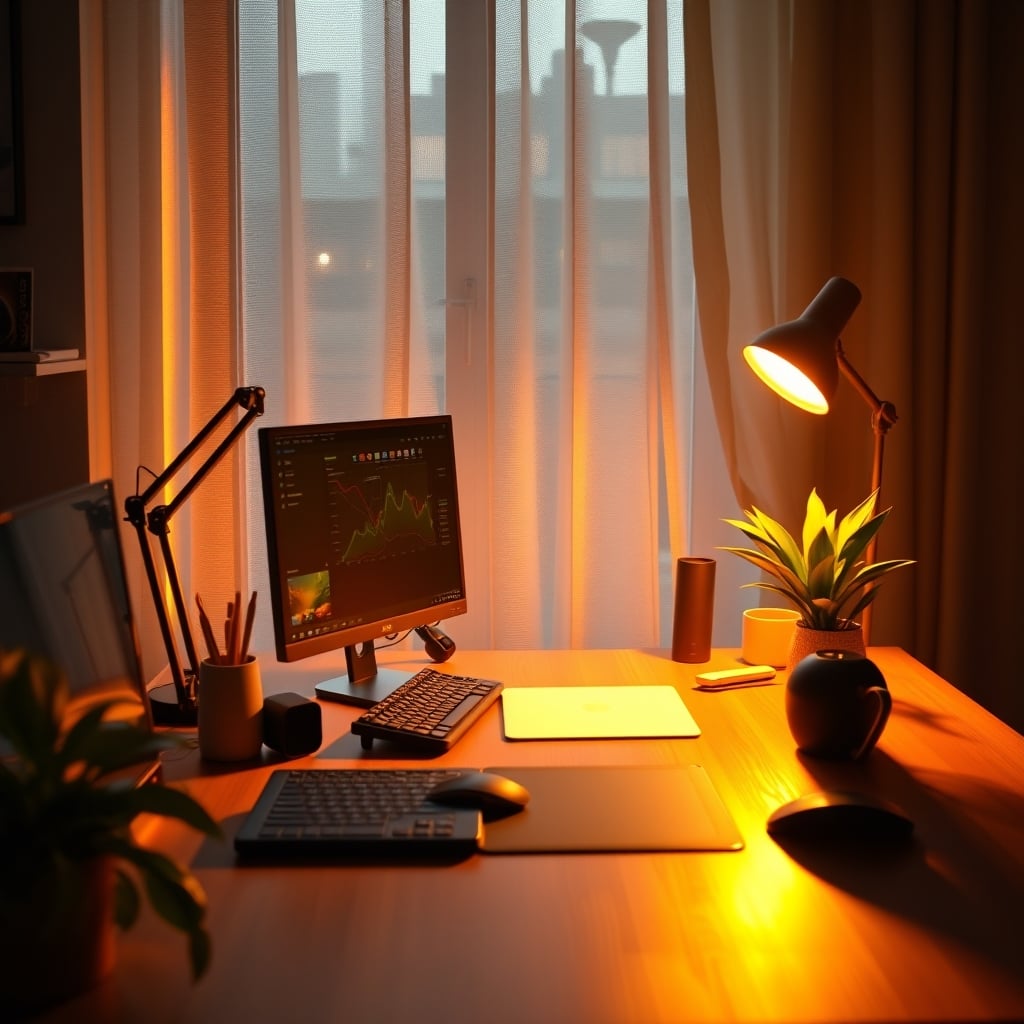
Let's start with the single biggest mistake you're making: you're buying a product designed for a photographer's silent studio and expecting it to work in your noisy, dynamic, chat-interrupted streaming environment. You're listening to a sponsored segment, nodding along as your favorite streamer points to the shiny rectangle behind their monitor, and you're getting played. That $300 LED panel isn't making them look good; their seven-figure production budget and dedicated lighting technician are. For you, in a real room with four walls and a ceiling, it's a overpriced glare machine. The entire premise of the "streaming key light" is a marketing distortion, and it's time we gutted it. If you want real streaming key light alternatives, you need to look elsewhere.
Most people get this wrong. They think throwing a bright, harsh light directly at their face is the pro move. In real use, this creates sharp, unflattering shadows, amplifies every skin imperfection, and causes your viewers to squint. The industry lies about how simple it is. The reality? Great streaming lighting is about diffusion and angles, not brute lumens from an major retailers-best-seller list.
Why Your Expensive Key Light Is Making You Look Terrible
This is the myth that needs to die: that a bright, small light source placed close to your camera is the "professional" standard. It's not. It's a shortcut for influencers who need a talking-point for their sponsorship. What this actually does is create what cinematographers call "hard light." Hard light is brutal. It highlights every pore, creates a harsh shadow of your nose across your cheek, and turns the subtle contours of your face into a topographical map of shadows. It's why people look worse on Zoom calls with their laptop's built-in light.
Forget the panel. Your goal is a large, soft light source. Size matters more than power. A large light source, even if it's less powerful, will produce a more flattering, wrap-around effect than a blindingly bright small one. This is where we abandon the "streaming gear" aisle and look at proven tools from other fields.
The first and most effective alternative is the humble softbox. I know, it's not as sleek as a flat panel. It takes up space. Good. That space is what creates the soft light. A 24-inch softbox placed slightly off to the side and above you will do more for your on-camera presence than any Elgato or Razer panel ever will. Users who switch consistently report their skin looks better, their green keying is cleaner (because of the even light), and they don't have that annoying reflection in their glasses. For more on creating a killer home studio with budget gear, see our guide on streaming on a budget.
Let's talk about the second alternative: pointing a light at the wall or ceiling. This is blasphemy to key light marketers, but it's Audio Engineering 101 for a reason. Bouncing a light off a white ceiling creates a massive, diffused light source that fills your entire room with even, shadow-reducing light. It eliminates hotspots on your forehead and kills harsh background shadows. Is it as controllable? No. But for 90% of streamers just starting out or working in a small space, the quality of light is superior to a direct key light. You're not wasting light; you're turning your entire ceiling into a softbox.
The Real Budget Killer: Work Lights & Shop LEDs
Now for the part that will get me banned from affiliate networks. Go to your local hardware store's website and search for "LED work light" or "shop light with stand." You are looking at a 5000-lumen, daylight-balanced, dimmable light source on a tall stand for under $60. Attach a cheap diffusion sheet (professional photographers use something called "rip-stop nylon" or just a white bedsheet in a pinch) in front of it, and you have a lighting setup that utterly demolishes a $250 name-brand key light in terms of raw light quality and output.
This is not a hack; it's an indictment of the streaming gear market. The markup on a "streaming" branded light is often 400-500% for the privilege of a USB-C port and a worse form factor. The work light is designed to illuminate an entire garage bay; it will have no problem with your desk. The stand lets you position it anywhere. The lack of CRI (Color Rendering Index) hype is a feature—these lights are designed for true color accuracy for tradespeople. This is the real issue: the streaming industry is selling you fashion, not function.
The Single Most Important Factor Nobody Talks About: Angle
You can have the best light in the world and ruin it with bad placement. The most common mistake is placing the light directly behind the monitor, aimed straight at your face. This is the flattest, worst possible angle. It eliminates all shape from your face, making you look two-dimensional, and often causes lens flare in your camera.
Your light should be off-axis. Place it at a 30 to 45-degree angle to your camera-left or camera-right, and raise it so it's pointing down at you from above eye level. This is called Rembrandt lighting—it creates a small, triangular highlight on the shadowed side of your face, adding depth and dimension. It's immediately, noticeably more professional. This simple repositioning of a cheap light does more for perceived production value than buying a more expensive light and leaving it in the wrong place.
Mistakes That Will Sabotage Your Lighting (Even With Good Gear)
- Ignoring Your Background Light. A key light alone makes you look like you're floating in a black void. You need separation. A simple, cheap LED bulb in a clamp lamp ($15 total) placed behind you and pointed at your wall or a shelf creates depth and makes your entire scene pop. This is non-negotiable.
- Mixing Color Temperatures. Your softbox is at 5600K (daylight), your room lamp is 2700K (warm white), and your monitor is throwing blue light everywhere. This looks chaotic and amateur. Pick a temperature—5600K is standard for streaming—and make every light source match. Use your monitor's sRGB mode to reduce its blue output. Consistency is key.
- Forgetting About Your Eyeballs. Blasting a bright light directly into your eyes for hours is a recipe for fatigue and headaches. This is a known issue for long-term streamers. The solution is, again, diffusion and bounce. The light should illuminate you, not stare into your soul. If you're squinting, your light is too bright or too direct.
If you want to understand how audio suffers from similar marketing nonsense, read our take on Your Youtuber Audio Setup Is Lying To You. The parallels are shocking.
The Final Verdict: Skip The Key Light
After testing every popular key light panel on the market against these basic, proven alternatives, the conclusion is inescapable. The dedicated streaming key light is overrated. It's a product category built on convenience and marketing, not superior performance. For the same money, you can build a two or three-point lighting setup with softboxes or bounced work lights that provides broadcast-quality illumination.
For the budget-conscious, a $60 softbox kit destroys a $200 key light. For the space-constrained, bouncing a single bulb off the ceiling beats a panel every time. The only thing a branded key light panel wins at is taking up less desk space and looking neat in a setup tour. If your priority is aesthetics over actual on-camera quality, then by all means, buy the shiny rectangle. But if you want to look better, reduce shadows, and have more control over your image, the real streaming key light alternatives are sitting in the photography or hardware section, waiting for you to stop following the herd.
Worth it: Softbox kits, LED work lights with diffusion, the "bounce light" method. Skip it: Branded, overpriced LED key light panels marketed specifically to streamers.
It's that simple. Stop paying for the label and start paying for the light.
Frequently Asked Questions
Aren't softboxes too big and bulky for a small streaming desk?
They can be, which is why the 'bounce light' method is a perfect small-space alternative. Point a bright LED bulb at your white ceiling. It turns your entire ceiling into a giant, soft light source with zero footprint on your desk. It's more effective than a small key light.
Why do all the big streamers use expensive key lights then?
Sponsorships and convenience. They are often given that gear for free to promote it. Many also have dedicated, powerful lighting in their studio *in addition to* the key light you see on screen. The key light is a prop, not their primary source. Don't confuse their marketing with their actual setup.
What's the cheapest way to get good streaming lighting?
One clamp light from a hardware store ($8), a daylight-balanced LED bulb ($10), and a white poster board or sheet to use as a diffuser or bounce surface. Position it off to the side and above you, pointed at the poster board which then reflects onto your face. Total cost: under $20 for drastically better light.
Is RGB lighting any good for streaming, or is it just for looks?
For your face? Almost never. Colored light on skin looks terrible and can create white balance nightmares for your camera. RGB is for ambient background lighting to set a mood behind you. Your key light (the main light on you) should always be a clean, white light at a consistent color temperature like 5600K.
Written by
GlowRig Editorial researches and writes practical guides about desk setups and home office gear. Our articles are produced with the help of AI research tools and are reviewed for accuracy against manufacturer specifications and public user feedback. We may earn a commission from affiliate links, which never affects our recommendations.
Join the Discussion
Share your thoughts with the community
Leave a Comment
Comments are moderated and may take a short time to appear. Links are not permitted.