Wrist Rest Height Measure Before You Buy
Most wrist rests are molded to match a keyboard case, not the keys your fingers actually land on. That gap is why your forearms ache. Here's the three-minute measurement that fixes it — and the reasons a thicker pad usually makes things worse, not better.

Wrist rest height should put your palm roughly level with the top of your keyboard's front row of keys — about 18 to 25 mm above the desk for a standard mechanical board, and 12 to 17 mm for a low-profile one. Not level with the case lip. Not "as tall as the keyboard." Level with the surface your fingertips reach over.
That one number decides whether a wrist rest helps you or quietly works against you. Get it right and the pad takes pressure off the heel of your palm while your wrist stays flat. Get it 6 mm too tall and the pad becomes a wedge under your hand, propping your wrist into extension for every keystroke you make — a movement you repeat thousands of times a day at a joint with very little tolerance for it.
Here's the part that trips people up: the number you need isn't on any product page, because it depends on your case, your plate, and your keycap profile. You have to measure it. It takes three minutes.
The Wrist Rest Height Rule Nobody Prints on the Box
Wrist rest packaging tells you the material and the length. It almost never tells you the compressed thickness at the point where your palm lands, and it never tells you which keyboard that thickness was designed around.
Most pads are molded to sit flush with a plastic case's front lip. On a typical tray-mount mechanical board that lip is somewhere around 18 to 22 mm off the desk. But the case lip isn't where your hand works — the top face of the spacebar row is, and keycaps add another 8 to 10 mm above the plate on standard sculpted profiles.
So a pad marketed as "fits standard mechanical keyboards" can easily finish 8 mm below your actual typing plane. Your palm drops, your hand angles down to reach the keys, and you've traded one deviation for another. The flip side is worse: a thick gel pad designed for a tall gaming board sitting under a low-profile deck lifts your palm above the keys and bends your wrist backward.

OSHA's Computer Workstations eTool puts it plainly in its workstation checklist: hands, wrists, and forearms should be straight, in-line, and roughly parallel to the floor. Not angled up, not angled down. That's the target. A wrist rest doesn't create neutral posture — it just stops your palm from collapsing onto the desk when you pause. If the pad's height fights that neutral line, it's doing negative work.
A useful sanity check before you buy anything: sit as you normally sit, let your arms hang, then bring your hands up to your keyboard. If your elbows end up well below the desk surface, your keyboard is too high and no pad thickness fixes it. That's a desk-height or keyboard-tray problem, and it's worth sorting before you spend money on foam.
One more positioning rule that matters as much as height: the pad supports the heel of your palm, not the crease at your wrist. If the pad's edge lands in the soft crease where the carpal tunnel runs, you're pressing on exactly the wrong spot. Butt the pad right up against the keyboard so contact happens at the fleshy base of the palm.
Measure your wrist rest height in three minutes flat
Skip the guesswork. Do this once and you'll never buy blind again.
Step 1 — Set the keyboard up the way you actually type. Feet deployed or flat, whichever you really use. Don't measure a configuration you don't work in.
Step 2 — Measure from the desk to the top face of the spacebar key. Not the case edge, not the keycap skirt — the flat surface your fingertip touches. A ruler or a cheap caliper both work; a stack of coins works in a pinch.
Step 3 — Subtract 2 to 4 mm for your target height. A pad that lands a hair under the key surface is far more forgiving than one that lands a hair over. If it's slightly low, you simply lean on it less. If it's slightly high, it levers your wrist back every second your hand is on it.
Step 4 — Add compression back in. This is where most buys go wrong. A 20 mm memory foam pad does not deliver 20 mm under a palm. Press your hand into a pad and measure the compressed height — that's the number that matters. Rough guidance on how materials behave under load:
Material Compression under palm weight What to buy Watch out for Soft memory foam (low density) Large — bottoms out Buy noticeably thicker than target Sags permanently within a year Dense memory foam (45–60 kg/m³) Moderate Buy slightly thicker than target Slow rebound feels odd at first Gel Small — stays firm Buy close to target Runs warm, seams split Wood, resin, acrylic None Buy exact Zero give, check the edge radius Fabric-wrapped foam Adds 2–3 mm Treat as slightly taller Cover compresses unevenlyStep 5 — Check depth. You want 60 to 90 mm of depth, enough to support the base of your palm without pushing your hand back from the keys. Pads deeper than about 100 mm turn into forearm ramps that encourage you to anchor your arm and reach with your fingers.
Step 6 — Check width against your board. Key pitch is standardized at 1u = 19.05 mm, so widths are predictable: a 60% board runs about 285–295 mm wide, a tenkeyless about 355–365 mm, a full-size about 435–450 mm. A pad that's shorter than the board looks odd but works fine. A pad that's much wider than your board just eats desk depth.
If you use negative tilt — front edge raised, back edge down — remeasure. Tilt changes the front row height by several millimeters and it will invalidate a measurement taken with the board flat.
Why the thickness printed on the spec sheet is only half the story
Manufacturers list uncompressed thickness because it's easy to measure at the factory. You live with the compressed number.
Density is the spec that actually predicts longevity. Foam in the 45–60 kg/m³ range holds its shape for years; the very soft stuff in cheap pads feels great for a month and then develops a permanent valley where your palm sits. That valley is functionally a height change of several millimeters, which means a pad that measured correctly on day one can be too low by spring.
Wood, resin, and machined aluminum sidestep the compression problem entirely. The trade-off is real: no give at all. On a hard pad, the edge radius matters more than anything else — a sharp 90-degree edge digging into your forearm is worse than a slightly wrong height. Look for a chamfer or rounded profile of at least 3–4 mm.
Heat is the other underrated factor. Gel and closed-cell pads trap warmth against your palm, and if you run warm, you'll start lifting your hand off the pad within twenty minutes — which defeats the point. Perforated covers and wood both run cooler than solid gel.
For a broader look at pad materials and desk-mat construction, our wrist rest and desk pad buying guide goes deeper on surface and base options.

Match the pad to the board, not to the photo on the box
Here's the decision table I'd hand someone standing in a store. Prices are realistic ranges for 2026, not sale prices.
Keyboard type Desk-to-front-row height Target pad thickness (uncompressed) Realistic price What to prioritize Low-profile or scissor deck 12–17 mm 10–14 mm, or skip it $10–25 Firm, thin, 60–70 mm deep, flat top Standard mechanical, plastic case 18–25 mm 16–22 mm $15–40 Dense memory foam, stitched edge, ~70 mm deep High-profile aluminum mechanical 26–34 mm 24–32 mm $30–75 Wood or dense foam on a hard base Split or tented ergonomic board Varies with tent angle Measure each half separately $40–90 Two separate pads, never one wide slab Mouse side Mouse top usually 35–45 mm 15–25 mm palm support $15–45 Height at the palm, not at the buttonsThe budget tier deserves a note. Under about $25, you can get a perfectly serviceable foam pad at the right height — what you give up is edge finishing and density consistency. Spending $80 doesn't buy better ergonomics; it buys wood grain, machined edges, and a height that's fixed rather than compressed. If your board is standard height and you've measured correctly, the cheap option does the job. Our breakdown of whether a mechanical keyboard is worth it in 2026 explains why board height varies so much in the first place.
Five mistakes that make a wrist rest worse than nothing
1. Matching the pad to the case instead of the keys. The single most common error. Fix: measure to the top of the spacebar, not the plastic lip. That's usually 6–10 mm higher than people assume.
2. Judging thickness with your fingertips in a store. Fingertip pressure is nothing like palm pressure. Fix: press your palm flat onto the pad and hold it for five seconds, then judge. If you're buying online, look for a stated foam density and assume anything unstated is soft.
3. Pushing the pad back so only the wrist crease touches. Feels supportive, presses directly on the carpal tunnel. Fix: slide the pad until it touches the keyboard and your contact point moves to the base of the palm.
4. Using a wrist rest to fix a desk that's too high. Raising your hands raises your shoulders and brings back the tension you were trying to solve. Fix: lower the desk, add a keyboard tray, or raise your chair and add a footrest. If you're shorter than average, our chair guide for shorter users covers the seat-height and footrest combination that keeps the keyboard reachable.
5. Buying one continuous pad and expecting it to serve the keyboard and the mouse. A keyboard front row might be 20 mm and a mouse palm contact point 40 mm. One height can't serve both, and a pad that's right for the keyboard leaves your mouse hand hanging. Fix: two separate pieces, or an L-shaped pad with genuinely different thicknesses on each arm.
A sixth, quieter one worth naming: leaving a pad on the desk after you stop needing it. Wrist rests are for pauses, not for anchoring your hand while you type. If you find yourself leaning on the pad mid-sentence, it's too tall, and it's teaching you to type with a planted wrist — which is the habit you were trying to avoid.
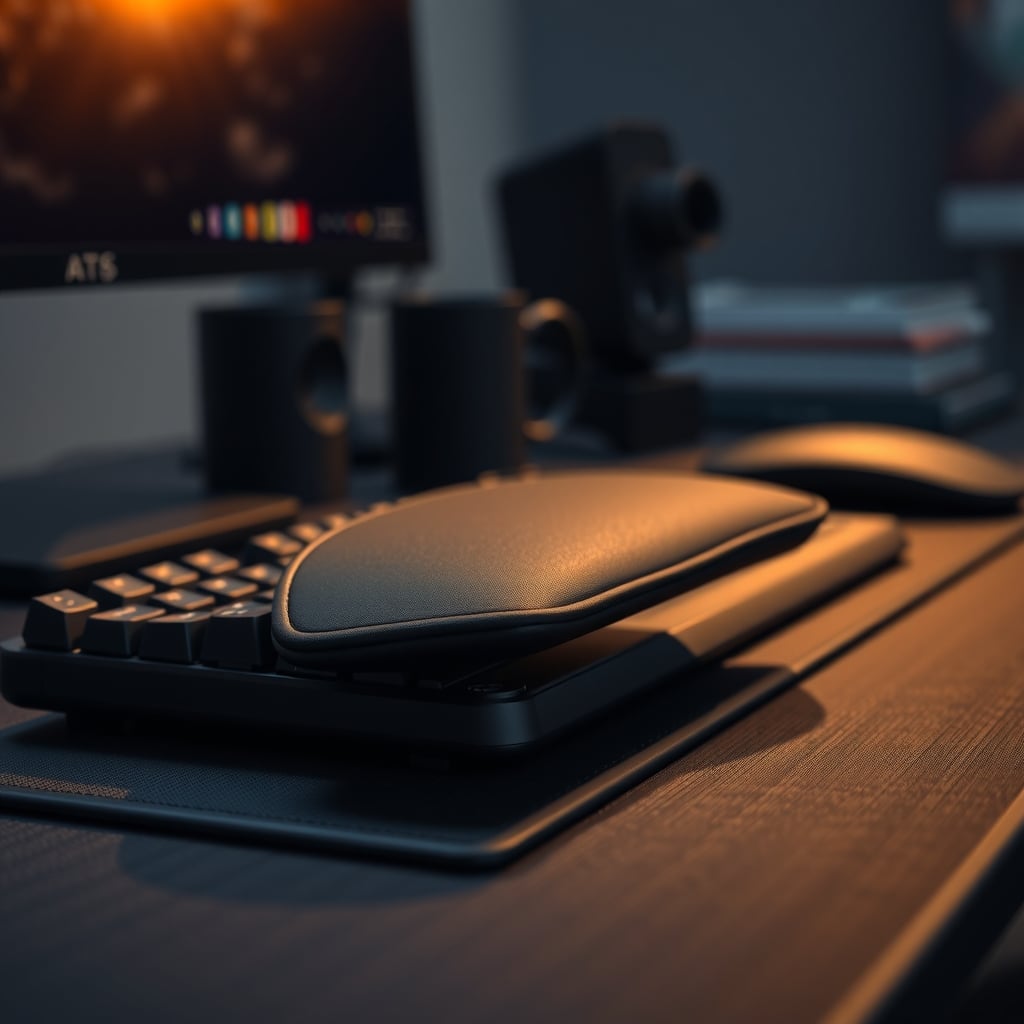
Who should buy one, and who should fix something else first
Buy one if: you type on a standard or high-profile mechanical board with no built-in incline relief; your desk edge cuts into your forearm; you work at a standing desk where the keyboard height changes between postures; or you type on a laptop on a stand, where the deck sits at a shallow angle and your palm has nowhere to go.
Skip it if: you use a low-profile board at a keyboard tray that's already at elbow height — you probably have nothing to support and a pad will just add a lump. Skip it too if your wrist pain is genuinely from desk height; a pad masks that for a week and then the ache returns. And skip the thick gel "ergonomic" pads entirely if your board is low-profile — that combination is the most common way to end up in extension.
If you're on a strict budget: a $12 foam pad cut or stacked to the right height beats a $70 pad at the wrong height every time. Height is free to get right and expensive to get wrong.
The short version
Measure from the desk to the top of your spacebar row, subtract 2–4 mm, then add back roughly the amount the pad will compress under your palm. That's your target. For most standard mechanical boards you'll land between 16 and 22 mm of uncompressed foam, and you'll spend somewhere between $15 and $40 to hit it.
Buy dense foam or wood, keep the depth between 60 and 90 mm, butt it against the keyboard, and keep your wrist crease off the edge. Don't spend more than about $45 chasing this — beyond that you're paying for finish, not posture. And if a pad with the correct height still leaves your forearms aching by mid-afternoon, the problem isn't the pad. It's the desk.
Frequently Asked Questions
How tall should a wrist rest be for a mechanical keyboard?
Measure from the desk to the top face of your spacebar key, then subtract 2 to 4 mm. That gives you the height the pad should reach once your palm is resting on it. For most standard mechanical boards that works out to roughly 16 to 22 mm of uncompressed foam. High-profile aluminum boards often need 24 to 32 mm, and low-profile decks need 10 to 14 mm or nothing at all.
Should a wrist rest be level with the keyboard or higher?
Level with the front row of keys, or a hair below it. A pad that sits higher than your keys acts as a wedge under your palm and props the wrist into extension, which is the direction OSHA's workstation guidance tells you to avoid. A pad that sits slightly low mostly just means you lean on it less, which is the more forgiving failure mode.
Does memory foam compress enough to change the height?
Yes, noticeably. Soft low-density foam can lose a large share of its listed thickness under a resting palm, and it also develops a permanent valley where you lean. Dense foam in the 45 to 60 kg/m3 range compresses less and holds its shape longer. The only reliable test is to press your palm flat onto the pad and measure the compressed height rather than trusting the spec sheet.
Should I use one wrist rest for both keyboard and mouse?
Usually not. Keyboard front rows commonly sit 18 to 25 mm off the desk while a mouse palm contact point is closer to 35 to 45 mm, so a single continuous pad at one height will be wrong for one of the two. Two separate pads, or an L-shaped pad with genuinely different thicknesses on each arm, work better than one flat slab.
Will a wrist rest fix wrist pain from typing?
Only if the pain comes from palm or forearm pressure against a hard desk edge. If your desk sits too high and your elbows hang well below it, a pad raises your hands further and adds shoulder tension instead of removing it. Fix keyboard height with a tray or a desk adjustment first, then add a pad matched to the resulting front row height.
How deep should a wrist rest be?
Aim for 60 to 90 mm of depth. That's enough to support the base of your palm without pushing your hand back from the keys. Pads deeper than about 100 mm turn into forearm ramps that encourage you to plant your arm and reach with your fingers, which is worse than having no pad at all.
Written by
GlowRig Editorial researches and writes practical guides about desk setups and home office gear. Our articles are produced with the help of AI research tools and are reviewed for accuracy against manufacturer specifications and public user feedback. We may earn a commission from affiliate links, which never affects our recommendations.
Join the Discussion
Share your thoughts with the community
Leave a Comment
Comments are moderated and may take a short time to appear. Links are not permitted.