Mechanical Keyboard Worth It in 2026? Only for These Users
Mechanical keyboards can be the most worthwhile desk upgrade you make this year — if you pick the right tier. Here's which price bands actually deliver, which specs to check, and who should stick with a membrane.
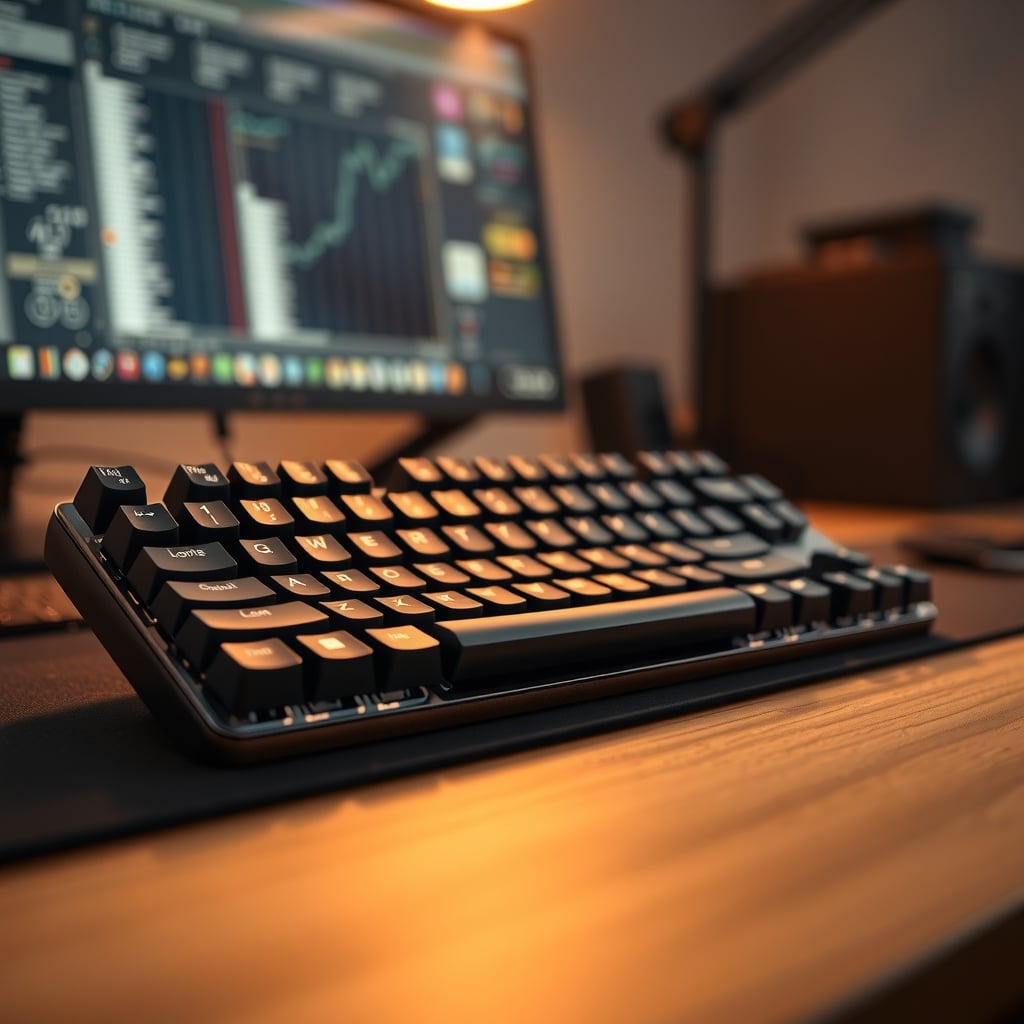
Is a mechanical keyboard worth it in 2026? The honest answer is: yes for most people who type more than two hours a day — but the phrase "mechanical keyboard worth it" depends on which board you buy and what you actually need. The market now spans $45 budget keyboards and $300 custom builds. The $100–$150 range is where you start getting genuinely better materials, hot-swap sockets, and wireless with QMK/VIA support. If all you want is a click noise that sounds mechanical, a $30 membrane will get you 90% of that without the $120 price. Here's how to decide with your wallet, not hype.

The first lens is switch feel. Linear switches have a smooth bottom-out, tactile switches give a small bump at the actuation point, and clicky switches add an audible "click." For long-form typing, tactile switches are the easiest way to get accurate feedback without adding noise. For fast multiplayer games, linear switches are the usual pick because they bottom out with less resistance and recover faster. If you only touch one keyboard and do both tasks, a quality tactile switch is the safer all-rounder. If you're stuck between the two, our linear vs tactile switches guide breaks down the exact differences.
The next spec that changes how a board feels is the keycap material. PBT (polybutylene terephthalate) keycaps are far more resistant to the greasy shine that develops on ABS after months of use and they keep their texture longer. A $60 keyboard often ships with thin ABS caps that start glazing around month six; a $120 keyboard should come with double-shot PBT caps. That's a checkable difference, not marketing.
Frame material matters for stability. An aluminum top plate adds mass and stops the board from sliding under fast typing. The resonance also changes — a heavier frame tends to sound lower-pitched, while a hollow plastic case can ring. If you pick a keyboard with a plastic frame, make sure it has internal foam or a sound-dampening layer.
And don't overlook hot-swap sockets. They let you pull out switches and replace them without soldering. When a switch starts to fail, hot-swap turns a soldering project into a 5-second fix. It also gives you the freedom to change switch feel without buying a whole new keyboard. Just know the common pitfalls, which we cover in our hotswap keyboard issues guide.
One more spec worth scanning: wireless. A 2.4GHz USB connection is generally lower latency than Bluetooth and is the benchmark for gaming wireless boards at this price. Bluetooth is fine for typing, but if you switch between laptop and desktop, check for multi-device profiles. For fast games, stay on 2.4GHz. Battery life can range by backlight setting; most wireless boards last two to six weeks with RGB off and a few days with full rainbow breathing.
Mechanical Keyboard Worth It: What $200 Actually Buys
Here's where the money math gets real.
In 2026, the sub-$80 mechanical segment offers wireless, hot-swap, and RGB, but often skimps on stabilizers and keycaps. That means the spacebar can wobble, and the key legends can wear off after a year. The $120–$150 price band is the current sweet spot. Take the K8 Max TKL Wireless Mechanical Keyboard, $124.99. It gives you an aluminum top frame, PBT keycaps, brown tactile switches, QMK/VIA programmability, and hot-swap sockets. The K8 Pro QMK/VIA Wireless Mechanical Keyboard costs around the same and includes the same core feature set, though its street price drifts. Both are tenkeyless, freeing a chunk of mouse space on your desk. For a hybrid work-and-gaming desk, this is the format we'd recommend first.
What does QMK/VIA do for you in practice? It lets you remap every key, set up custom layers (like a function layer for media controls), and program macros without installing vendor-specific software. You can also load a different default layout for different projects. It's the same open-source firmware behind many enthusiast keyboards, and it turns a keyboard into a tool that adapts to your software, not the other way around.
If you play competitive first-person shooters, the extra $15 for the K8 HE TKL Hall Effect Wireless Keyboard ($139.99) is more than just a premium name. Hall Effect switches use magnets to detect key position, so they have no contact points to wear out. More importantly, they enable "rapid trigger": the switch can register the instant the key starts moving and reset as soon as it starts bouncing up. That makes fast, tiny direction changes in games like Counter-Strike or Valorant feel more immediate. On the productivity side, the realistic benefit is durability — no contacts to oxidize — and a from-the-factory smoother feel. But for typing, the extra precision won't make you slower; it just won't boost your words-per-minute either.
Above $200, you're paying for gasket mounts, premium foam, and exotic materials. The sound gets softer, the keypress gets a bit more cushioned, but the actual typing output for the average user stays the same. For desk productivity, the drop-off point is around $140 unless keyboard tuning is your hobby.

The Specs That Matter, Side by Side

Premium Pick
- High performance
- Premium build
Here's a compact table showing those three price-tier examples.
Model Switch Type Frame Hot-Swap QMK/VIA Keycaps Price Best For K8 Max TKL Wireless Mechanical Keyboard Tactile (Brown) Aluminum top plate Yes Yes PBT double-shot $124.99 Typing + casual gaming K8 Pro QMK/VIA Wireless Mechanical Keyboard Hot-swappable, no fixed switch brand Aluminum frame Yes Yes Not listed in name Varies (~$100–$130) QMK/VIA tinkerers K8 HE TKL Hall Effect Wireless Keyboard Magnetic Hall Effect Not listed Yes Yes Not listed in name $139.99 Competitive FPS, long-term durabilityThat table makes the choice easier: if you see "PBT" and "aluminum" in the spec sheet, the board is already in the durable sweet spot. If the listing only talks about "rainbow lighting" and "anti-ghosting," it's probably a plastic board that will not feel significantly better than a decent membrane.

Three Mistakes That Turn It Into a Waste
Buying a layout that fights your workload. A tenkeyless keyboard saves about 3 inches of desk width, but if you input numbers daily, the absent numpad will cost you hours of annoyance. Conversely, if you rarely type numbers, a full-size board pushes your mouse further away and can strain your shoulder. Choose layout by the data you handle, not aesthetics.
Spending up for 8,000Hz polling when your input chain is already faster than your fingers. Most keyboards with 1,000Hz polling report in 1ms. Human reaction time is usually well above 150ms. Upgrading from 1,000Hz to 8,000Hz won't make you hit a moving target more accurately. What you can perceive is key travel, switch weight, and stabilizer quality. Put your money there.
Assuming hot-swap means you can shove any switch into any socket. Most channels require 3-pin or 5-pin PCB-mount switches, and some physical layouts won't accept certain outlier designs. If you force a crooked pin, you can bend the socket. Always confirm pin compatibility before buying a switch set. There's a whole article about this if you need the details.
Bonus mistake: ignoring the stabilizers. The stabilizers that support the long keys are often the first cutting point for budget boards. At $120+, boards typically include screw-in or plate-mount stabilizers that are already lubed from the factory. If the spacebar clacks or wobbles, that's a telltale sign of a cheap keyboard.
Who Should Buy, Who Should Skip
Buy if you type more than three hours a day. A $120 mechanical keyboard is one of the best productivity upgrades you can make. Your fingertips won't have to bottom out as hard on every keystroke, and the overall feel is less fatiguing. If you game a few nights a week, the consistency of a mechanical switch under rapid taps justifies the cost alone.
Skip if you're under one hour per day or on a strict budget under $50. A good membrane keyboard will handle occasional typing just fine. The fatigue reduction only pays off when you're spending serious hours at the board. Also skip if you need absolute silence: even with silent switches, a plastic case can transmit sound; you'd need a foam-lined board to dampen it. In that scenario, a quiet low-profile scissor keyboard is the better purchase.

The Bottom Line
Is a mechanical keyboard worth it? Yes for most people reading this, but only if you buy at the $100+ price point and choose based on your actual workload. The K8 Max TKL at $124.99 is the pick we'd recommend for a hybrid work-and-play desk. If you're a competitive FPS player, the $15 premium for the K8 HE's Hall Effect rapid trigger earns its keep. If your budget is under $80, honestly skip the upgrade and save until you can reach the $100 tier; the $60 mechanical boards rarely deliver the robust stabilizers, PBT keycaps, and quality switch feel that make the category actually worthwhile.
Frequently Asked Questions
Are mechanical keyboards worth it for typing?
If you type more than three hours a day, yes. Mechanical switches reduce finger fatigue and often come with PBT keycaps that last longer than ABS. If you type under an hour a day, a good membrane keyboard is sufficient.
What price should I spend on a mechanical keyboard in 2026?
The $120–$150 range is the sweet spot. That gets you an aluminum frame, PBT keycaps, hot-swap switches, and QMK/VIA. Under $80, you'll cut corners on stabilizers and keycaps.
Is there a difference between a $60 and $140 mechanical keyboard?
Yes. The $140 board usually includes double-shot PBT keycaps, a sturdier aluminum top plate, better stabilizers, and full QMK/VIA customization. A $60 board often ships with thin ABS caps and wobbly spacebars.
Are mechanical keyboards required for gaming?
No, not required, but they help with consistent key registration and rapid repeats. Hall Effect boards with rapid trigger offer real advantages in competitive FPS games, but a regular mechanical is enough for most players.
Should I buy a Hall Effect keyboard in 2026?
If you play competitive shooters and want per-key actuation and rapid trigger, yes. If you mostly type or do creative work, the durability is nice but the extra cost isn't justified.
Can I use a mechanical keyboard with a Mac?
Yes. If the keyboard supports QMK/VIA, you can remap the Command and Option keys easily. Wireless boards with Bluetooth work with Macs as well as Windows.
Written by
GlowRig Editorial researches and writes practical guides about desk setups and home office gear. Our articles are produced with the help of AI research tools and are reviewed for accuracy against manufacturer specifications and public user feedback. We may earn a commission from affiliate links, which never affects our recommendations.
Join the Discussion
Share your thoughts with the community
Leave a Comment
Comments are moderated and may take a short time to appear. Links are not permitted.