Dynamic vs condenser mics for a desk in 2026
Most dynamic vs condenser advice is built on music-studio habits that don't apply to a desk with a mechanical keyboard and a PC fan. The real deciding variable is gain and mic distance — and once you run the numbers, the choice stops being close.
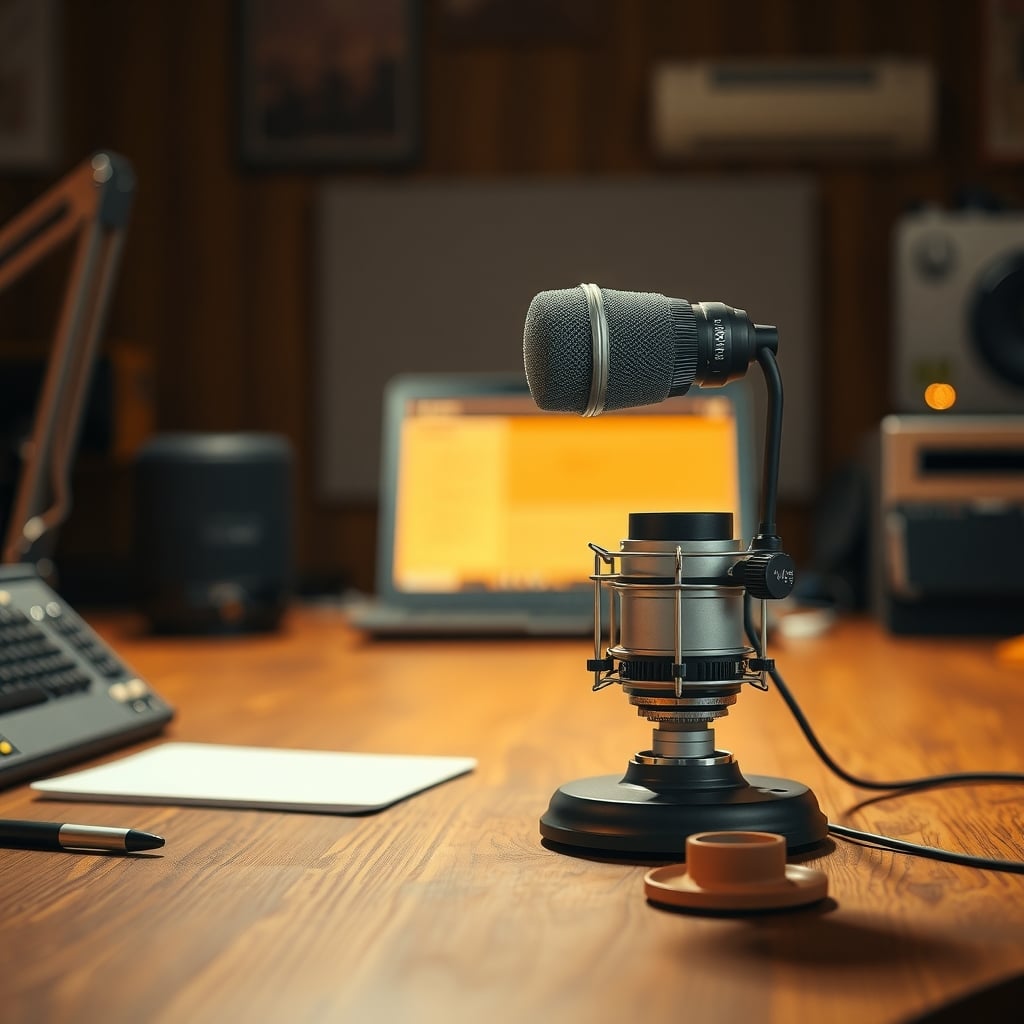
Most dynamic vs condenser comparisons are written for a vocal booth. You don't have a vocal booth. You have a desk, a mechanical keyboard, a fan that runs whenever the CPU gets busy, and a wall about 60 cm behind your monitor.
Here's the short answer: for a normal, untreated desk, a dynamic mic is the safer default — but only if your audio interface can supply enough clean gain. If your interface tops out around 40 dB of gain, a dynamic mic will make you crank the knob, and you'll trade keyboard noise for hiss. A condenser wins when your room is quiet and treated and you have gain to spare.
The counterintuitive part: the capsule type is a side effect of two other decisions you should make first — how far the mic will sit from your mouth, and how much clean gain you own. Get those two right and the dynamic vs condenser question mostly answers itself.
The quick decision chart
Dynamic Condenser Typical price (XLR, speech-focused) $99–$450 $80–$300 Phantom power Not required +48V required (IEC 61938) Sensitivity (typical) Around −55 dBV/Pa Around −35 dBV/Pa Interface gain needed for close speech 55–65 dB 30–45 dB Room and reflection pickup Low — forgiving of bare walls High — hears the room Handling and overload tolerance Very high, hard to overload Lower; pads and shock mounts matter Best for Noisy or untreated rooms, close speech Quiet treated rooms, detail, instruments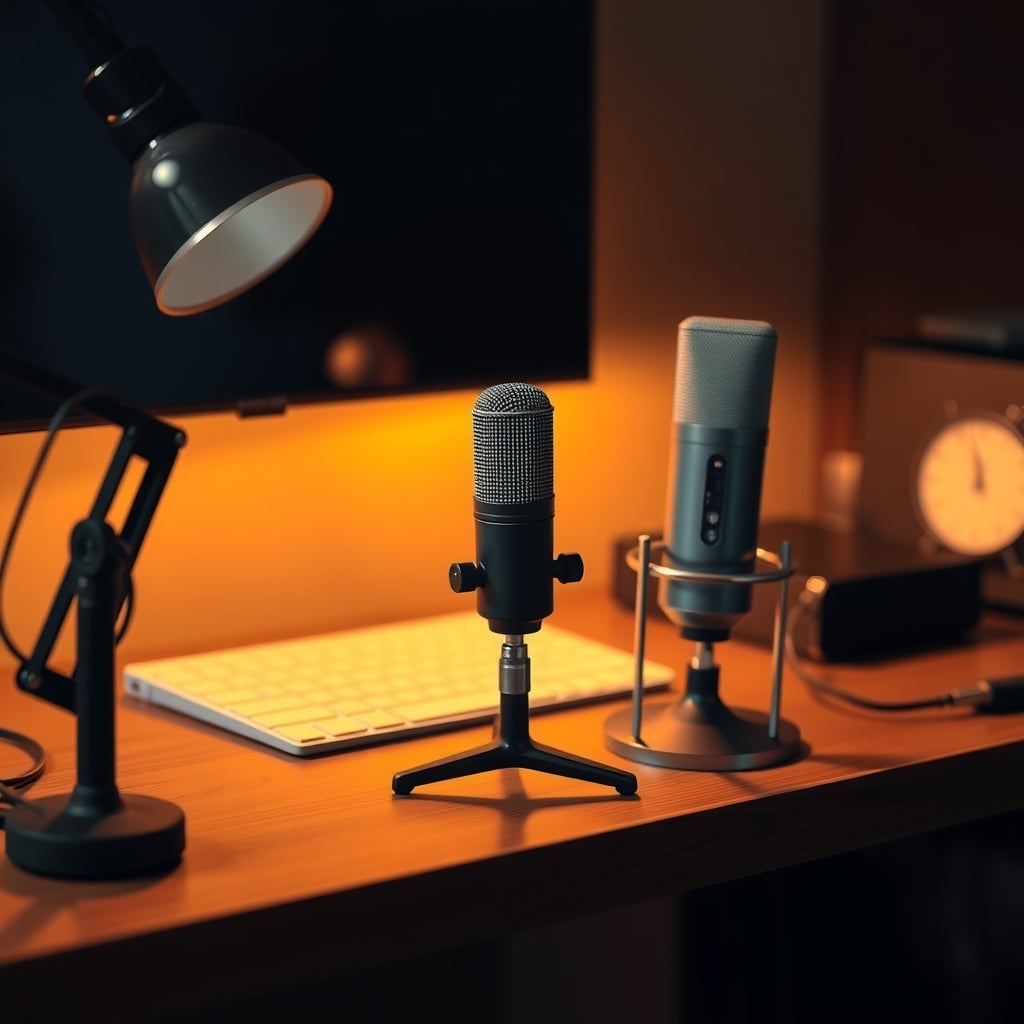
The gap in the sensitivity row is the whole story. That ~20 dB difference is why a condenser picks up your neighbour's door and a dynamic doesn't — and also why a dynamic needs a preamp that can actually push.
What a dynamic mic actually does well — and where it falls down
A dynamic mic is a moving coil in a magnetic gap. It's mechanically simple, needs no power, and its diaphragm is relatively heavy, which is exactly why it ignores quiet, distant sound. That heaviness is a feature at a desk: a fan spinning two feet away simply doesn't move it much.
Where it wins. Room rejection, first and always. A cardioid dynamic at 8–10 cm from your mouth is picking up mostly mouth. The rest of the room is 15–20 dB down, which means your untreated wall, your HVAC vent, and your fridge hum matter far less. Second win: it's nearly impossible to overload. A $99 handheld-style dynamic will take a shout at point-blank range without distorting, no pad required. Third: durability. Drop it, pack it, take it to a co-working space — it doesn't care.
Where it fails. Gain. A dynamic's low sensitivity means your interface has to work hard. Published max-gain figures on bus-powered interfaces commonly land between 40 and 60 dB, and a broadcast-style dynamic needs roughly 55–65 dB of clean gain for normal speaking volume at 8 cm. Below that you're turning up the preamp noise floor, and the hiss you removed by ditching the condenser comes right back. Second failure: detail. Transients are softened, the top end rolls off earlier, and sibilance is gentler but so is clarity. If you're recording acoustic guitar or a bright voice you want to preserve, it's the wrong tool.
The honest price note. A basic handheld dynamic runs about $99. Broadcast-style dynamics with internal shock mounting and built-in pop filtering run $350–$450. If you're on a budget, the honest answer is that the $99 one plus a proper desk arm and a $10 foam windscreen gets you 85% of the way there for speech.
What a condenser mic actually does well — and where it falls down
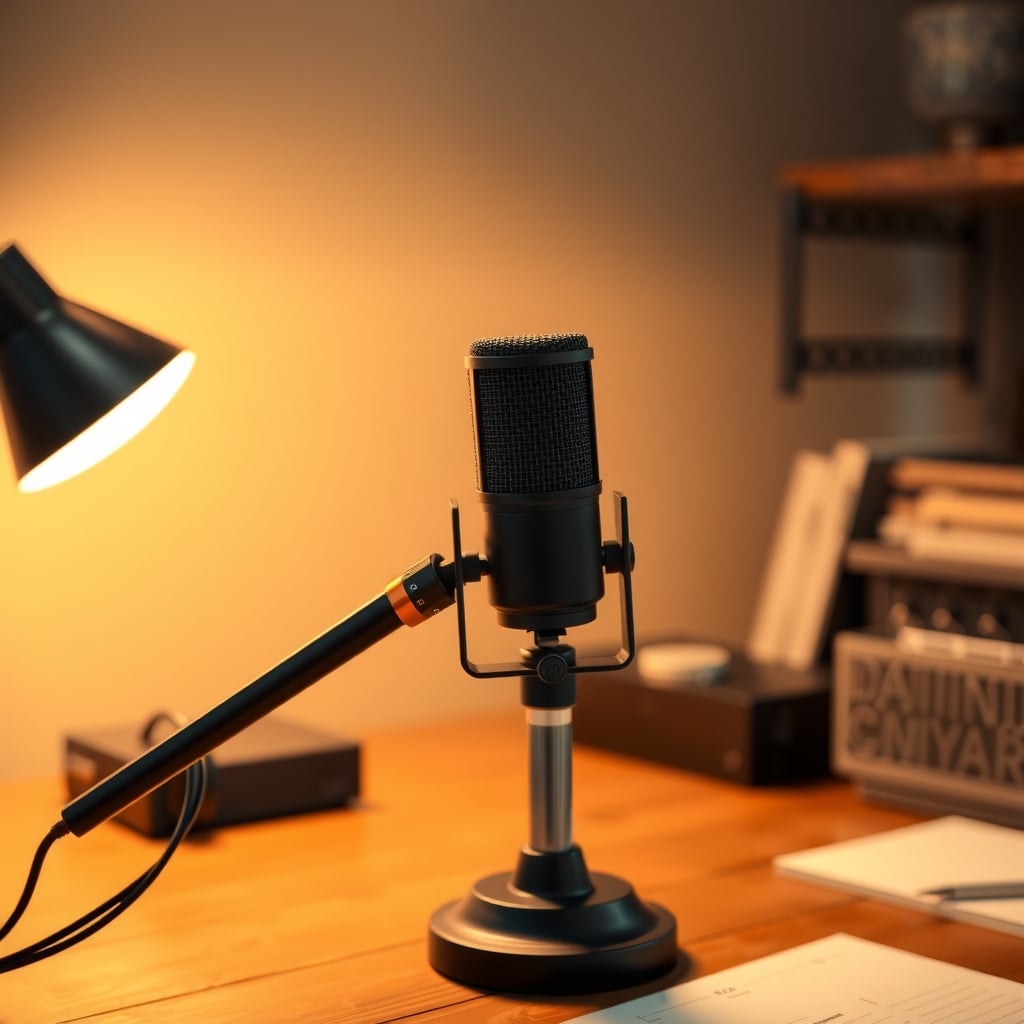
A condenser mic is a capacitor: a thin, light diaphragm held at a fixed charge, with a backplate behind it. Lighter diaphragm, more output, more sensitivity — and more of everything else in the room too.
Where it wins. Detail and reach. A large-diaphragm side-address condenser in the $100–$200 range typically offers a wider frequency response and lower self-noise than any dynamic at the same price, which means you can sit 20–25 cm back and still get a full, present sound with less proximity-effect boom. That distance is genuinely more comfortable for long calls. It also means you can move the mic out of the keyboard's firing line. If you record instruments, a condenser is not really optional.
Where it fails. It hears your room. Bare drywall 60 cm behind your head, a reflective monitor, a hard desk surface — all of it comes back into the capsule and gets baked into the recording. A condenser also demands more from your technique: plosives hit harder, so you need a pop filter; handling noise hits harder, so you want a shock mount; and if you're belting, you may need the −10 dB pad. And there's the practical bit people forget: phantom power. XLR condensers need +48V, standardised at 48V ±4V under IEC 61938. Almost every interface provides it — but plenty of cheap USB adapters and camera audio inputs don't.
The USB escape hatch. A USB condenser at $80–$150 bundles the preamp, so the gain problem disappears. That's genuinely the lowest-friction path to decent audio. It just doesn't solve the room problem, which is the one that actually annoys listeners.
What dynamic vs condenser really changes in a small room
The physics here is simple, and it explains almost every real-world result.
Inverse square law. Double the distance from a sound source and you lose about 6 dB. Move a dynamic from 5 cm to 20 cm and you've thrown away roughly 12 dB of signal — which is precisely the gain headroom you didn't have. This is why dynamic mics demand close placement. It's not a stylistic preference; it's arithmetic.
Polar patterns don't save you from your keyboard. People buy cardioid mics expecting rear rejection to kill the keyboard. Cardioid rejects the back, and your keyboard is in front. The pattern that helps is angle and distance, not pattern type. Get the capsule off-axis from the keys and close to your mouth, then drop gain — that's the actual fix.
Room noise floor sets your ceiling. A quiet home office sits around 35–40 dBA. Add a PC fan, a street-facing window, and a hard floor and you're closer to 45–50 dBA. Every dB of that is competing with your voice, and a condenser will report all of it faithfully. If your measured noise floor is above ~45 dBA, spending $300 on a condenser is buying yourself a better recording of a fan.
If room echo is your actual problem rather than the mic, fix the room first — acoustic panel placement that fixes room echo is a much better use of $150 than a capsule upgrade.
Head-to-head scorecard
Scored for a desk used for calls, podcasts, and streaming — not a music studio.
Metric Dynamic Condenser Room and keyboard noise rejection 5/5 2/5 Friendliness to budget interfaces 2/5 5/5 Vocal detail and clarity 3/5 5/5 Plosive and handling tolerance 4/5 2/5 Comfort at usable distance 2/5 5/5 Value of the full chain (mic + arm + preamp) 4/5 4/5Dynamic takes it 3–3 on paper but wins the metric that matters most at a desk: noise rejection. You cannot fix a noisy recording in post; you can absolutely add a $25 inline preamp or buy a USB dynamic with built-in gain.
Common mistakes that make either mic sound bad
1. Buying a dynamic with a low-gain interface. Max gain of 40–45 dB plus a low-sensitivity dynamic equals hiss you can't dial out. Fix: check your interface's published max gain before buying, buy a USB dynamic with onboard gain, or budget $100–$150 for an inline preamp that adds roughly +20 to +25 dB.
2. Buying a condenser and speaking 30 cm away in a bare room. You've maximised room pickup and minimised direct sound. Fix: pull to 15–20 cm, put something soft behind you, and angle the mic so the rear null faces your noisiest wall.
3. Assuming the polar pattern handles the keyboard. It doesn't — the keyboard is in front. Fix: mount the mic on a boom arm so it sits close and slightly off-axis to the keys, then lower the gain. This is a $40 fix that outperforms a $200 mic upgrade.
4. Skipping isolation. Desk thumps and typing vibration travel through the stand into both capsule types. Fix: read podcast mic isolation without buying the wrong fix before you buy a mount.
5. Forgetting the pop filter. Condensers need one; dynamics benefit from a foam windscreen. Plosives are the single most common cause of "why does my recording sound amateur".
Also worth a read: podcast desk layout mistakes that ruin your audio covers the geometry side, and unidirectional vs omnidirectional desk mics covers pattern choice if you're still deciding that.
The clear winner for a desk
A dynamic mic, for most people, in most rooms. Not because dynamic capsules are inherently better — they aren't — but because the average desk setup has an untreated room, a keyboard within arm's reach, and an interface with less gain than the marketing implies. A dynamic mic makes the room a smaller part of the equation, and that's worth more than detail you'll never hear over a fan.
The dynamic loses in exactly one common scenario: a quiet, treated room where you sit back from the mic and want the detail. In that room, a $150 condenser beats a $400 dynamic on value and sounds better doing it.
Who should buy which
Buy dynamic if: your room has hard surfaces and no treatment, your noise floor is above ~45 dBA, you type while talking, you're recording in more than one location, or you're on a budget under $200 all-in. Get a cardioid dynamic plus a boom arm plus a windscreen.
Buy condenser if: you've got soft furnishings and a measured-quiet room, you want to sit 20 cm back on long calls, you record instruments or detailed voiceover, or you're buying a USB model where the preamp question is already solved.
Skip both upgrades if: your current mic problem is a boomy desk and keyboard thumps. Fix the mount and the distance first — that's free, and it's usually the actual issue.
The bottom line
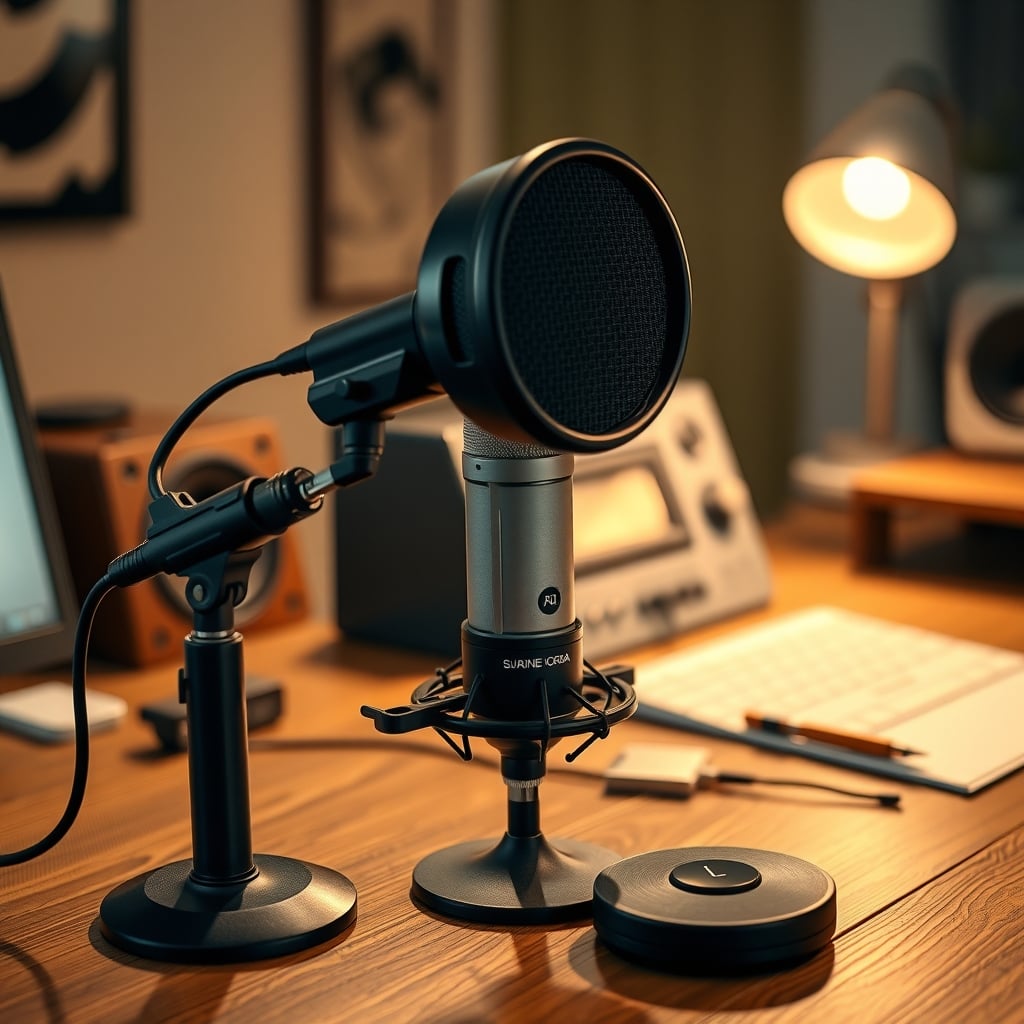
For a typical desk in 2026, buy a cardioid dynamic in the $99–$150 range, mount it 8–10 cm from your mouth on a boom arm, and spend the savings on isolation and a windscreen. Only step up to a broadcast-style dynamic at $350+ if you've already fixed the room and confirmed your interface has 55 dB+ of clean gain. Choose a condenser when the room is quiet and you have gain to spare — and accept that it will faithfully record every decision you made about your walls.
Frequently Asked Questions
Is a dynamic or condenser mic better for a noisy room?
Dynamic. A typical dynamic mic's sensitivity is around −55 dBV/Pa versus roughly −35 dBV/Pa for a condenser, so it simply produces less signal from distant room noise, fan hum, and reflections. That 20 dB gap is why untreated rooms favour dynamic capsules.
Do dynamic mics need phantom power?
No. Dynamic mics generate signal passively from a moving coil and require no power. Condenser mics do need phantom power, standardised at 48V ±4V with a 10 mA current limit under IEC 61938. If your interface or adapter can't supply it, an XLR condenser won't work at all.
Why does my dynamic mic sound quiet and hissy?
Your preamp doesn't have enough clean gain. Dynamic mics typically need 55–65 dB of gain for normal speech at 8–10 cm. Many bus-powered interfaces top out between 40 and 60 dB, so cranking the knob pushes the preamp noise floor up. Fix it by moving closer, adding an inline preamp (+20 to +25 dB), or using a USB dynamic with onboard gain.
Can a condenser mic work on a desk setup without acoustic treatment?
It can, but you'll be recording your room along with your voice. Practical fixes: sit 15–20 cm from the capsule instead of 30 cm, angle the mic so its rear null faces your noisiest wall, add soft furnishings behind you, and use a shock mount and pop filter. If your room's noise floor is above roughly 45 dBA, a dynamic is the better investment.
Does a cardioid pattern stop my keyboard from being picked up?
No. Cardioid rejects sound arriving from behind the capsule, and your keyboard sits in front of it. Only distance and angle reduce key noise: mount the mic close on a boom arm, keep it slightly off-axis from the keys, and lower the gain accordingly.
Written by
GlowRig Editorial researches and writes practical guides about desk setups and home office gear. Our articles are produced with the help of AI research tools and are reviewed for accuracy against manufacturer specifications and public user feedback. We may earn a commission from affiliate links, which never affects our recommendations.
Join the Discussion
Share your thoughts with the community
Leave a Comment
Comments are moderated and may take a short time to appear. Links are not permitted.