Podcast Mic Isolation Without Buying the Wrong Fix
Most podcast mic isolation purchases fix the wrong problem. Here's how to tell structure-borne thumps from room reflections, which spec actually predicts whether a mount works, and what each budget tier really buys.
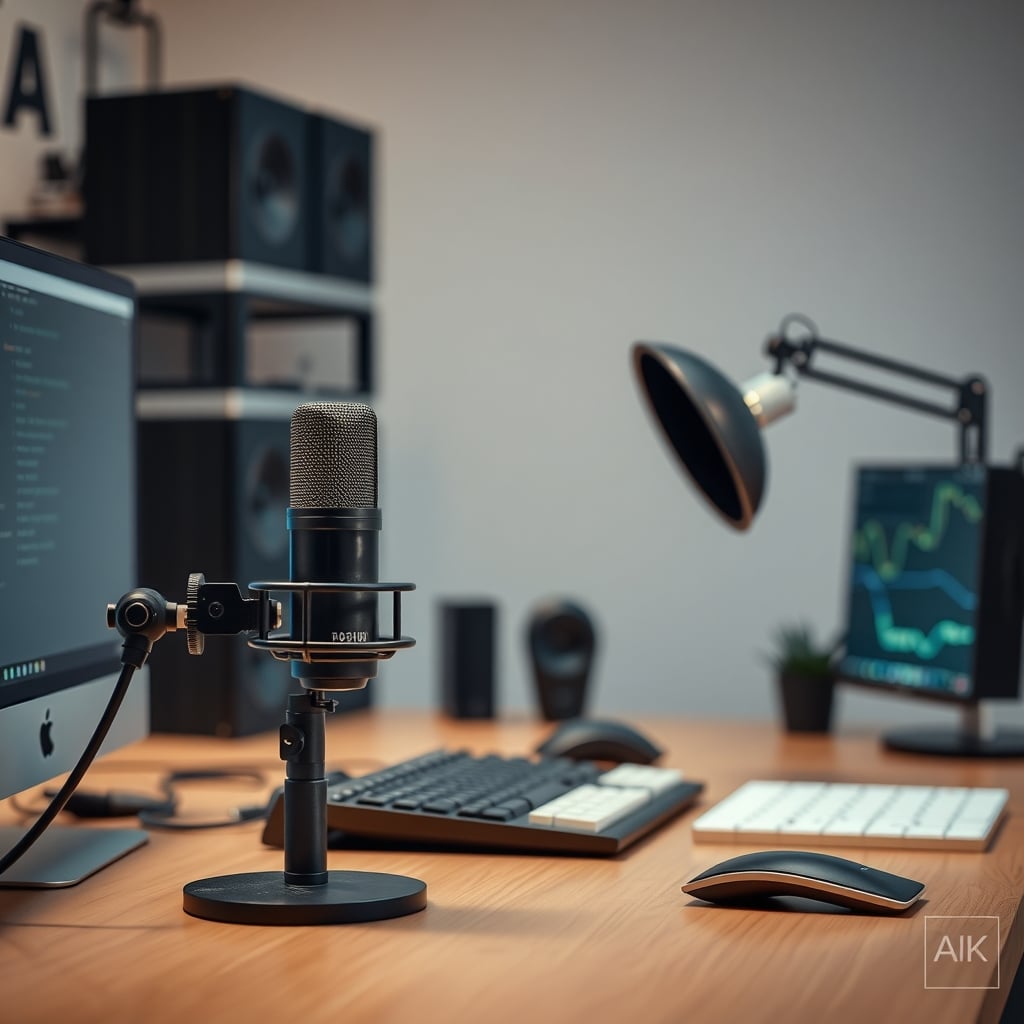
Most people searching for podcast mic isolation are chasing one specific sound: the low, hollow thud that shows up whenever a hand shifts on the desk mid-sentence. They buy a foam windscreen. They buy a reflection filter. They buy a $15 anti-vibration mat. The thud survives all three, because none of them address what is actually happening.
Here is the thing most buyers miss — desk noise and room noise are two different problems, and podcast mic isolation only solves one of them. Structure-borne vibration (a knuckle tap, a keyboard slam, a footstep, the HVAC compressor kicking in through the floor slab) reaches the capsule through the desk, the stand, and the mount. Airborne noise (room reflections, a laptop fan, traffic outside) reaches it through the air. A suspension mount or a boom arm fixes the first. Nothing sitting on your desk fixes the second.
Get that split right and the buying decision gets much simpler. Everything below is organized around it.
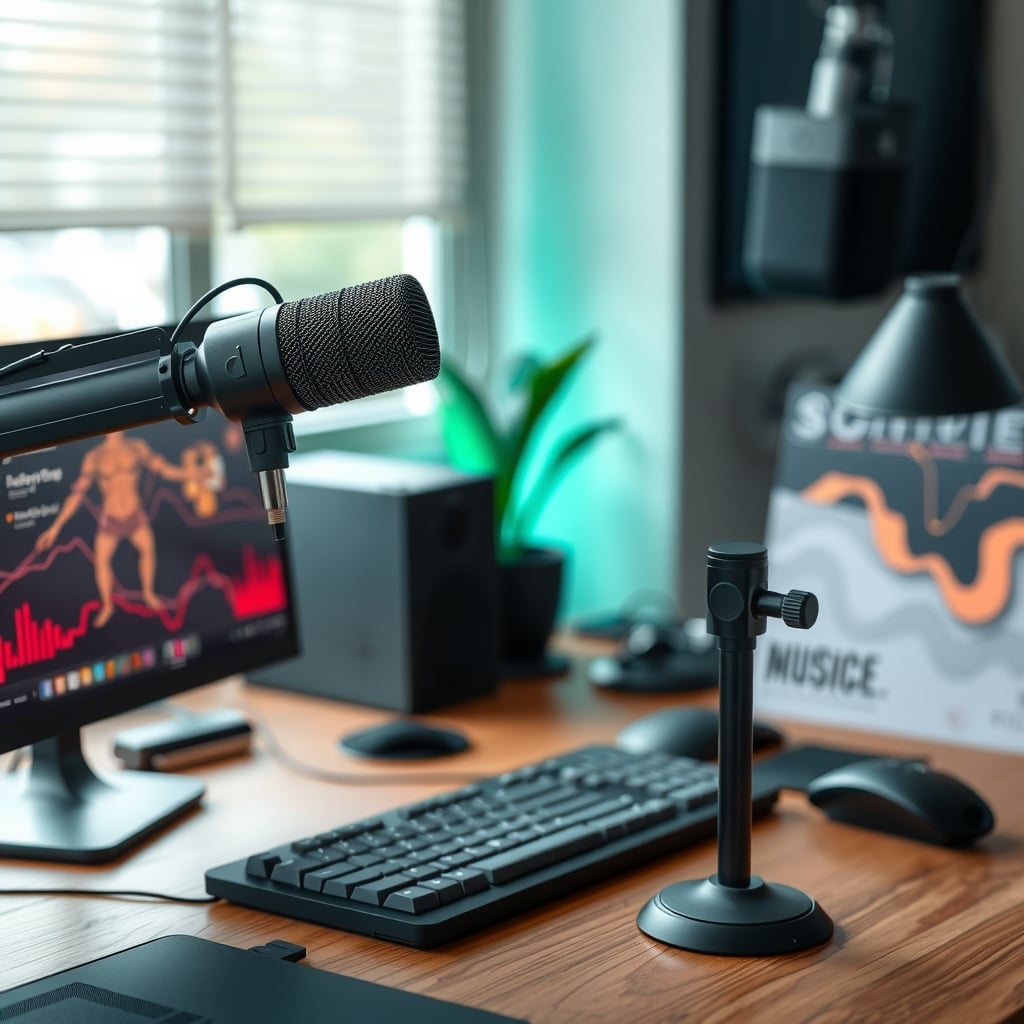
Podcast Mic Isolation, Explained by Where the Vibration Gets In
Sound reaches a microphone two ways, and the fix for each one is different.
Through solids. Wood, steel, and MDF transmit vibration faster and with less energy loss than air does. That is why a knuckle tap on a desk registers on a rigidly mounted mic as a much bigger event than the same tap an inch away in open air. Low frequencies lose the least energy in solid transmission, so what you hear is exactly what desk bumps sound like: a dull, bass-heavy thump that no amount of EQ removes without gutting your voice.
Through air. Reflections off the wall behind you, the ceiling, and your monitor show up as comb filtering and boxy room tone. A large-diaphragm cardioid mic rejects the rear by roughly 15 to 25 dB depending on frequency — genuinely useful, but it is rejecting airborne sound from behind. It does nothing about a bump traveling up your boom arm.
The practical consequence: you can have a perfectly decoupled mic in a terrible-sounding room, and you can have a beautifully treated room with a mic that picks up every keystroke. Most people who conclude that podcast mic isolation does not work bought a fix for the second problem and pointed it at the first.
Your pickup pattern decides how much room you invite in before isolation even enters the picture — the difference between unidirectional and omnidirectional desk mics is worth understanding first.
Four Specs That Decide Whether a Mount Actually Isolates
Marketing copy puts shock mount and anti-vibration on almost everything. These are the four numbers that separate a real fix from a rubber band on a metal bracket.
1. Weight rating versus your total load. Desk boom arms are commonly rated between about 1 kg and 2 kg (roughly 2.2 to 4.4 lb). That rating covers the total hanging at the end of the arm: microphone, shock mount, and the cable draped off it. A dynamic broadcast mic plus a suspension mount can land right around 1 kg. Load an arm past roughly 80 percent of its rating and the springs bottom out, the assembly becomes rigid, and vibration transfers straight through. It also sags, which quietly changes your mic distance between sessions.
2. Thread standard. The two you will meet are 5/8 inch-27 (the long-standing industry mic stand thread) and 3/8 inch-16 (common on European stands and on many desk boom arms). Neither is better. What matters is knowing which thread your shock mount or mic clip uses and which one your arm has. Buy one properly machined adapter rather than stacking three cheap ones — a wobbly adapter is a rigid, rattly joint that can add noise instead of removing it. If a product listing never states the thread size, treat that as missing information.
3. Suspension type. Band suspension uses two elastic bands stretched across a ring. It works well, and replacement bands cost almost nothing, but the bands do stretch and lose tension over time; a loose band lets the mic rock on the frame and the isolation degrades. Lyre-style mounts use two molded elastomer arms with no bands to stretch, but each is built for a specific weight range, so a lyre rated for a 200 g mic will be too stiff for a 90 g one. Foam cradles are the cheapest option and the least effective, because foam compresses over months until it becomes a solid contact point.
4. Whether your mic is already internally suspended. This is the one buyers never check, and it changes the math completely. A number of USB podcast microphones ship with a flexible internal mount between the capsule and the body. If yours has one, an external shock mount still helps with bigger low-frequency hits, but it is a smaller upgrade than you would expect — and spending $50 on it while leaving the mic on the same surface as your keyboard is a bad trade. If your capsule is hard-mounted to a metal body, external decoupling earns its money immediately.
If you are still choosing the microphone itself, upgrading to a USB podcast mic covers what the connection type means for the rest of your isolation chain.
What $40, $100, and $250 Actually Buy in Mic Isolation
Prices below are typical street ranges for the category, not for any single product. What matters is what each tier physically changes.
Under $40 — get the mic off a hard contact. At this level you are not buying isolation, you are buying decoupling. A band-suspension mount on your existing stand, or a dense foam or viscoelastic polymer pad under the stand's foot, kills direct thumps from light desk contact: typing, mouse movement, a mug set down. What it will not fix: a mic on the same slab as your keyboard, or a stand bolted rigidly to a wobbly desk. The cheapest real improvement in this tier is free. Move the stand to a separate small table, or set it on a heavy cutting board over a layer of foam. The mass law in acoustics says doubling the mass of a limp, decoupled layer cuts transmitted sound noticeably — a heavy board adds mass for the price of a board.
$40 to $110 — the actual sweet spot. A desk-clamp boom arm with a suspension mount. The arm's value is not the shock mount; it is that the microphone is no longer sitting on the surface you are hitting. Vibration now has to travel through the clamp, up the arm, and through the mount, and every one of those joints costs it energy. Two things to check: the clamp's jaw range (most desk-clamp arms span roughly 1.5 to 5 cm, or 0.6 to 2 inches, of desk thickness) and the arm's weight rating against your loaded mic. This is the tier where podcast mic isolation gets solved for most home setups, and where spending more stops buying very much.
$110 to $250 — heavy mics, long sessions, and floor decoupling. Above the sweet spot you are paying for higher weight ratings, better springs, low-profile arms that hide behind a monitor, and lyre mounts matched to a specific mic mass. Worth it if your total load runs past roughly 700 g, if you record multi-hour sessions where a slowly sagging arm changes your tone and distance, or if you are on a suspended wood floor and need a floor stand with compliant feet instead of a desk clamp. Not worth it if your mic is a 300 g USB model on a stable desk — you would be paying for capacity you will never use.
A note on what money cannot fix. If your desk itself flexes when you type, no mount on the market will fully rescue you; fix the desk first. Same with a mic placed so your mouth is 4 inches away and your keyboard is 8 inches away — proximity effect gives you a bass boost as you close that distance, but it also puts every keystroke closer to on-axis than it needs to be. The layout mistakes that ruin podcast audio are usually cheaper to fix than any hardware purchase.
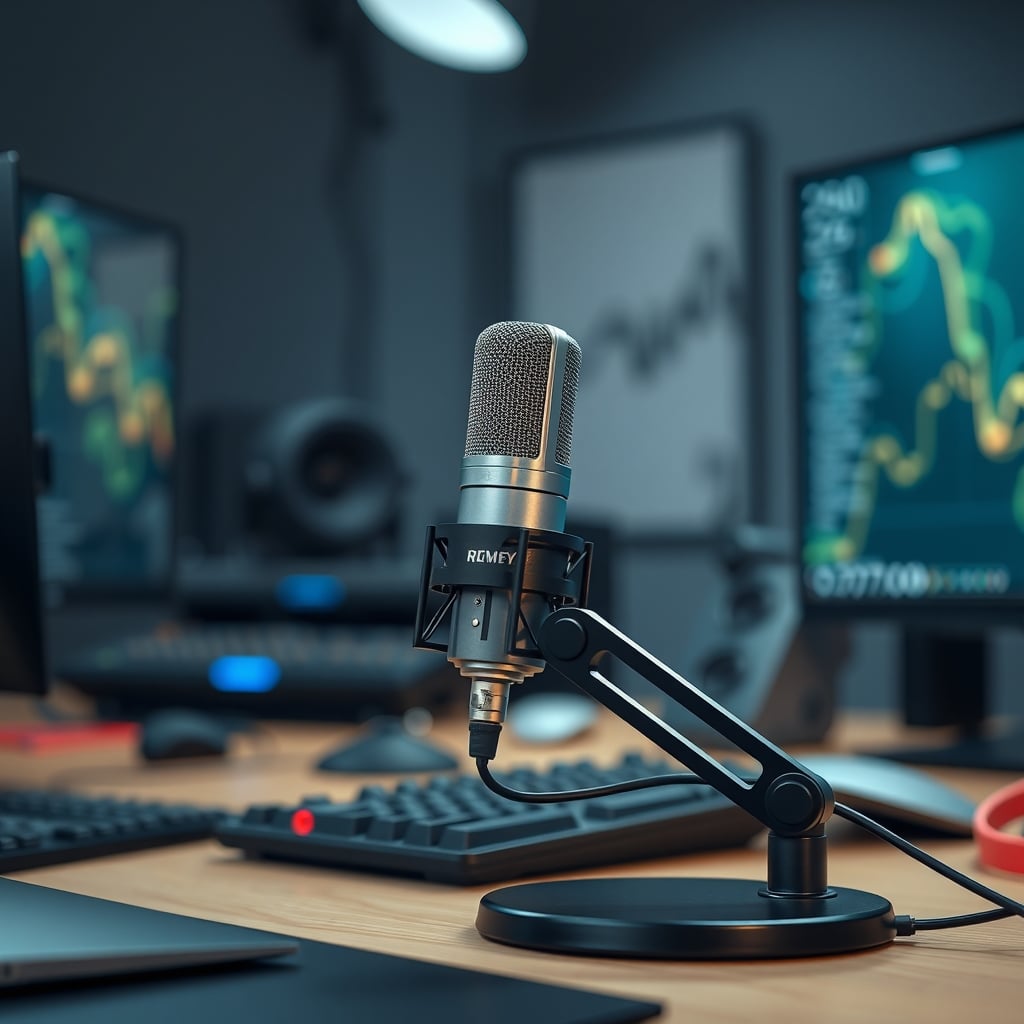
Airborne Isolation Is a Separate Purchase, and a Reflection Filter Is Not It
Everything above is about vibration. Room treatment is the other half, and it is where people most often overspend on the wrong thing.
A portable reflection filter — the half shell that clamps around a mic — is an airborne tool. It reduces early reflections arriving from behind and beside the capsule. It does not decouple anything, and it does not stop desk thumps. If you are trying to fix a knock, a reflection filter is money spent on the wrong problem.
What actually works on the airborne side:
Thickness beats coverage below the midrange. Acoustic foam is rated by NRC, the Noise Reduction Coefficient, a 0 to 1 scale measured under ASTM C423. Thin 1-inch foam can post a respectable NRC number, but almost all of that absorption happens above roughly 500 Hz. The low-frequency buildup that makes a voice sound boxy needs depth: 2 to 4 inches of porous absorber, or corner bass traps. A wall of 1-inch tiles looks like treatment and behaves like a treble filter.
First reflection points first. Side walls, the ceiling, and the surface directly behind your mic position matter more than the wall behind your chair. Placement beats quantity, and where acoustic panels actually go to fix room echo covers the geometry properly.
Soft furnishings are free treatment. A rug, a bed, a bookshelf, heavy curtains, and a closet full of coats all absorb. In a small untreated room, facing a closet while you record often beats a $300 panel order.
One honest caveat: for a close-miked podcast voice, room treatment usually delivers less improvement than people expect, because a cardioid mic at 6 inches is already heavily favoring direct sound over the room. Decoupling delivers more, more reliably. Do the cheap half first.
None of this needs an expensive measurement rig. A basic sound level meter, or even a phone app, will tell you whether your noise floor is dominated by a fan, a fridge, or foot traffic, and roughly where. While you are at it, check your headphone level too — OSHA's 29 CFR 1910.95 sets a 90 dBA eight-hour time-weighted average as the workplace exposure limit, which is a useful anchor for how loud loud actually is.
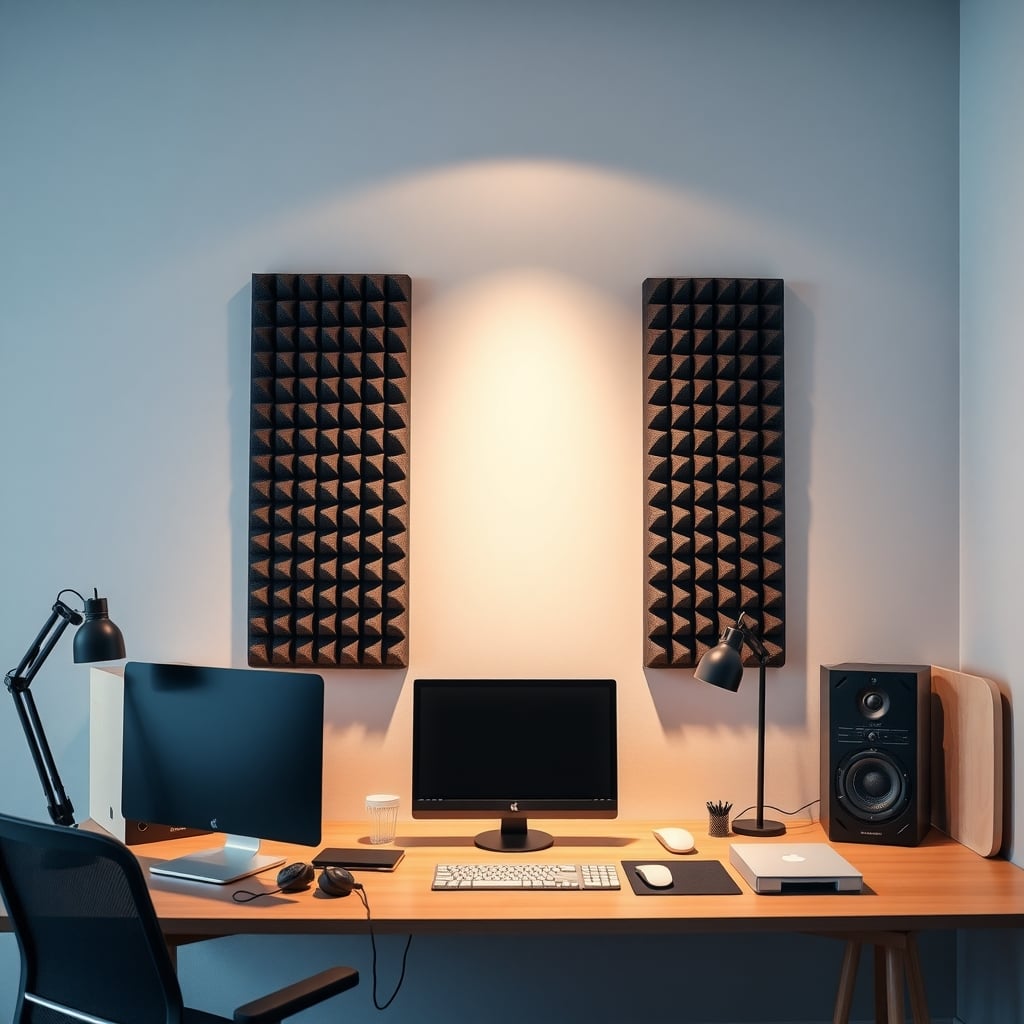
Three Mistakes That Quietly Waste Your Isolation Budget
1. Buying the wrong category for the symptom. Symptom: thumping when the desk is bumped. Wrong buy: a reflection filter or a windscreen. Right buy: a suspension mount, a boom arm, or a separating layer. Write down what the noise actually is first — a hand on the desk sounds completely different from a room echo — then match the tool to the path the noise takes.
2. Over-tightening every joint. A shock mount is not a clamp. Elastomer bands and lyre arms need to be taut enough to hold the mic steady and no tighter. If the suspension bottoms out against the frame, vibration bypasses it entirely. Same goes for the arm: hand-tight is enough at the pivot points, and cables should loop with slack instead of being zip-tied rigidly to the stand. A stiff, tightly bound cable is a direct vibration path from the desk to the microphone.
3. Leaving the mic and the keyboard on the same surface. A suspension mount removes structure-borne noise coming through the mount, but your keyboard's vibrations are already in the desk. If the mic stand and the keyboard share a slab, and especially if the stand's foot sits within a foot or two of the keyboard, you have given that vibration a short path with nowhere to decay. Fixes, cheapest first: a heavy board under the stand, a boom arm clamped to the far edge or back of the desk, or a separate small table or a floor stand.
The Table: Match the Problem to the Purchase
What you hear Where it comes from Right fix Typical price Spec to check Dull thump when the desk is bumped Structure-borne, through the stand base Band or lyre suspension mount $20–$60 Weight range of the mount versus your loaded mic weight Low-frequency thud while typing Structure-borne, shared desk surface Desk-clamp boom arm, or a separate stand or table $40–$110 Arm weight rating, clamp jaw range (roughly 0.6–2 in / 1.5–5 cm) Mic sags over a long session Overloaded boom arm Higher-rated arm or a low-profile broadcast arm $110–$250 Rating at least 25–30% above your total load Boxy, hollow voice Airborne reflections 2–4 in porous absorbers at first reflection points $60–$300 NRC plus thickness; thin foam only works above roughly 500 Hz Visible shake on camera Undamped stand on a desk that flexes Heavier base, compliant feet, or a floor stand $15–$120 Foot material and your floor typeWho Should Buy What
You have a USB mic on a desk stand and occasional thumps. Do not buy a shock mount first. Check whether your mic has internal suspension, then either put the stand on a heavy board over foam, or buy the cheapest band-suspension mount that matches your mic's weight. Under $40, and often closer to $15.
You have an XLR mic on a proper stand and you record regularly. Go straight to the $40 to $110 boom arm tier with a matched suspension mount. That is where the problem actually gets solved, and where most home podcast setups should stop spending.
You run a heavy dynamic broadcast mic, or record two-hour sessions. Spend for the $110 to $250 tier: higher weight ratings and suspension matched to your mic's mass. Skip the low-profile invisible arms if your desk is thick wood with a deep apron — check the clamp's jaw range before ordering.
Your room sounds boxy and you also get thumps. Fix the thumps first with decoupling, then treat first reflection points with 2-inch-plus absorbers. Spend nothing on a reflection filter until you have confirmed the noise you are chasing is airborne.
Skip all of this for now if your desk wobbles when you type, if you are on a very unstable floor and have not tried a floor stand, or if your keyboard sits directly under your mic. Hardware cannot out-argue a bad layout.
Bottom Line
Podcast mic isolation is a two-part problem, and only one part is a hardware purchase. Structure-borne thumps come through your stand and your desk; decoupling is the fix, and the $40 to $110 boom arm plus suspension mount tier handles it for nearly every home setup. Airborne room tone comes through the air; that is absorbers and placement, and it is a separate budget entirely.
The single highest-value move costs almost nothing: get the microphone off the same surface as the thing you are hitting. Everything above that is refinement. If you remember one rule from this guide, make it this one — spend on decoupling before you spend on treatment, and check the weight rating before you spend on anything.
Frequently Asked Questions
Do I need a shock mount if my podcast microphone already has internal suspension?
Not urgently. Many USB podcast microphones ship with a flexible internal mount between the capsule and the body, which already handles a good amount of high-frequency vibration. An external shock mount still helps with heavier low-frequency hits like a hand landing on the desk, but the gain is smaller than most buyers expect. If your capsule is hard-mounted to a metal body, an external suspension mount is a much bigger upgrade.
Will a shock mount stop keyboard noise in my recording?
Partly. A suspension mount stops structure-borne vibration traveling through the stand and desk, which is the dull thump you hear. It does not stop the airborne click of keys reaching the capsule through the air, and it does not help if the keyboard and the mic stand share the same surface. For keyboard noise specifically, separate the surfaces first, then work on mic distance and angle.
What thread size do podcast mic shock mounts use?
The two you will run into are 5/8 inch-27, the long-standing industry mic stand thread, and 3/8 inch-16, common on many desk boom arms and European stands. Check both ends of your chain — the mount or clip and the arm or stand — and buy one properly machined adapter rather than stacking several cheap ones, because a loose adapter creates a rigid, rattly joint.
Is a reflection filter the same thing as podcast mic isolation?
No, and this is the most common mix-up. A reflection filter is an airborne tool: it reduces early reflections arriving from behind and beside the capsule. It does not decouple the microphone from the desk, so it will not stop thumps, knocks, or footsteps. If your problem is a bump when the desk is touched, buy suspension, not a filter.
How much should I spend on podcast mic isolation?
For most home setups, $40 to $110 on a desk-clamp boom arm plus a matched suspension mount solves the problem. Under $40 you can still make real progress with a band-suspension mount or by putting the stand on a heavy board over foam. Above roughly $250 you are paying for weight capacity and long-session stability that a light USB mic will never use.
Can I fix desk thumps without buying anything?
Often, yes. The free fixes are moving the mic stand to a separate small table, setting the stand on a heavy cutting board over a layer of foam, and moving the keyboard off the same surface as the stand. All three shorten or break the vibration path. If your desk itself flexes when you type, no free fix will fully solve it and the desk becomes the real problem.
Written by
GlowRig Editorial researches and writes practical guides about desk setups and home office gear. Our articles are produced with the help of AI research tools and are reviewed for accuracy against manufacturer specifications and public user feedback. We may earn a commission from affiliate links, which never affects our recommendations.
Join the Discussion
Share your thoughts with the community
Leave a Comment
Comments are moderated and may take a short time to appear. Links are not permitted.