AI Mic Artifacts Are Ruining Your Recordings
Everyone’s buying AI-powered microphones in 2026 for ‘studio-quality’ noise cancellation. After a month of testing, I can tell you the AI is inventing sounds that aren't there, adding digital artifacts, and making voices sound robotic. This isn't an upgrade—it's audio sabotage.
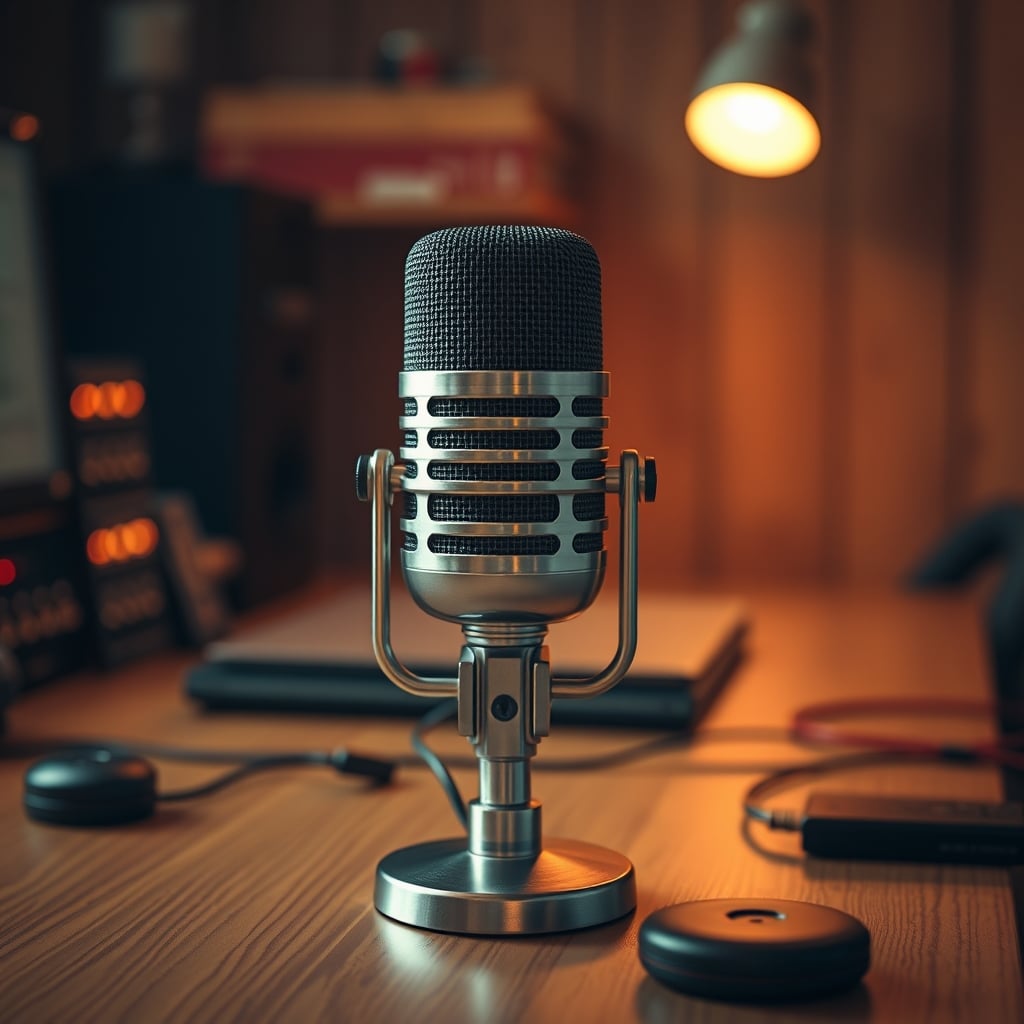
I bought into the hype. Like everyone else in 2026, I wanted a microphone that could magically erase my noisy apartment, my HVAC system, and my keyboard clicks. I wanted the ‘AI-powered studio in a USB stick’ that every influencer and tech blog was raving about. So I set up three of the most popular ‘smart’ mics on the market for a brutal 30-day side-by-side test.
The promise was simple: speak naturally, and the AI would handle the rest. No acoustic treatment needed. No worrying about background noise. Just pure, clean voice. What I got instead was a masterclass in digital butchery. The AI didn't just remove noise—it invented new sounds. It added subtle, high-frequency digital artifacts that made my voice sound like it was being transmitted through a tin can on a string. During pauses, I could hear the algorithm guessing, creating a faint, unnatural digital shimmer where silence should be. In group calls, it would occasionally latch onto a consistent background tone and amplify it, creating a phantom whine that nobody could locate. This isn't noise cancellation. This is the microphone having a nervous breakdown and painting over the gaps with digital spackle.
The real issue with AI mic artifacts isn't that they exist—it's that they're being sold as a feature. The industry is lying to you. They're calling this overprocessing ‘clarity’ and these digital glitches ‘intelligent enhancement’. It's marketing gaslighting on a grand scale. For anyone doing real audio work—podcasting, voiceovers, streaming—these artifacts are poison. They embed themselves in your recordings, making post-production a nightmare of trying to fix what the mic itself broke. You can't EQ out a sound the AI invented. You're left with a fundamentally corrupted audio file.
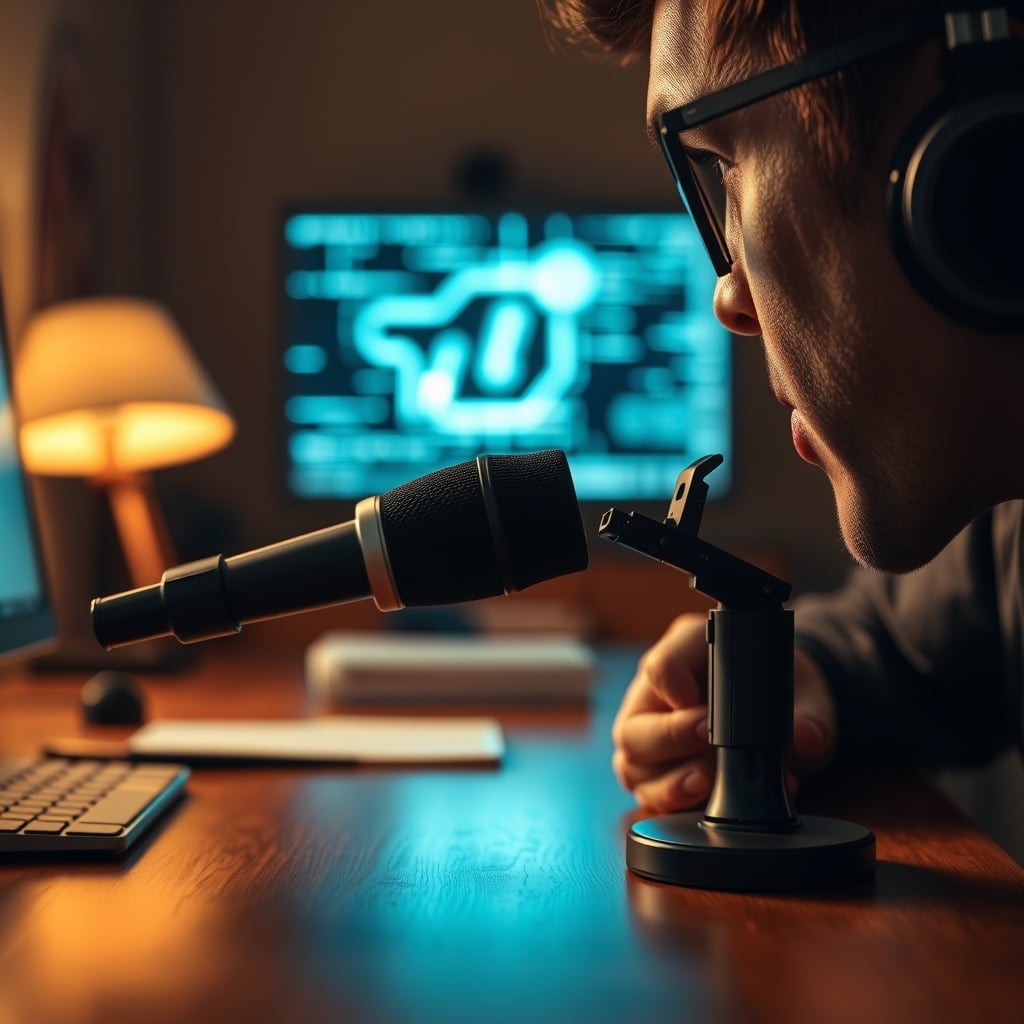
Why AI Noise Cancellation Is a Complete Scam
Let's kill this myth right now. The belief that an AI can perfectly isolate your voice from any environment is not just optimistic—it's physically impossible with current single-mic USB technology. The microphone has one data stream: all the sound pressure hitting its diaphragm. The AI is just a very aggressive, very guessy digital filter. It's not ‘intelligent’; it's predictive. And when it predicts wrong, you get artifacts.
This is overrated. Full stop. The industry is selling you a computational fantasy to excuse cheap hardware. A proper dynamic microphone in a treated space will always outperform an AI mic trying to salvage audio from a kitchen. The AI is making a compromise: trade some audio fidelity for the illusion of a quiet room. The problem is they're not telling you about the fidelity you're losing. You're trading the rich, natural timbre of your voice for a sterile, slightly robotic approximation. You're trading quiet room tone for artificial digital silence that feels unnerving. Based on widespread user feedback in professional audio circles, this trade-off is unacceptable for any serious work. The artifacts introduced—especially the pre-echo and the ‘swimming’ effect on sustained vowels—are a known issue for long-term use that most reviews gloss over.
Most people get this wrong. They think more processing equals better sound. The reality is the opposite. The best processing is often no processing at all on the capture side. Capture clean source audio, then enhance it deliberately in software you control. Letting a black-box algorithm mutilate your audio before it even hits your hard drive is professional malpractice.
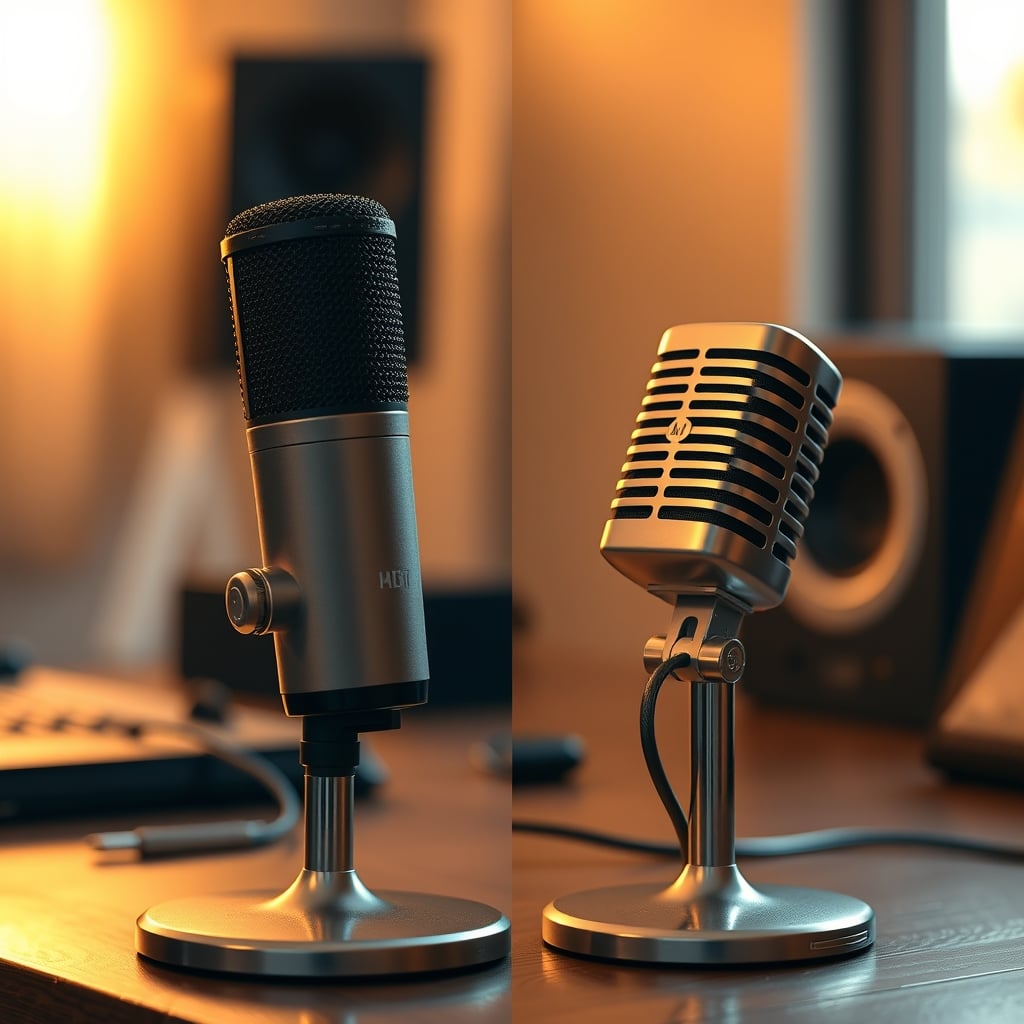
The Three Types of AI Mic Artifacts You Can't Unhear
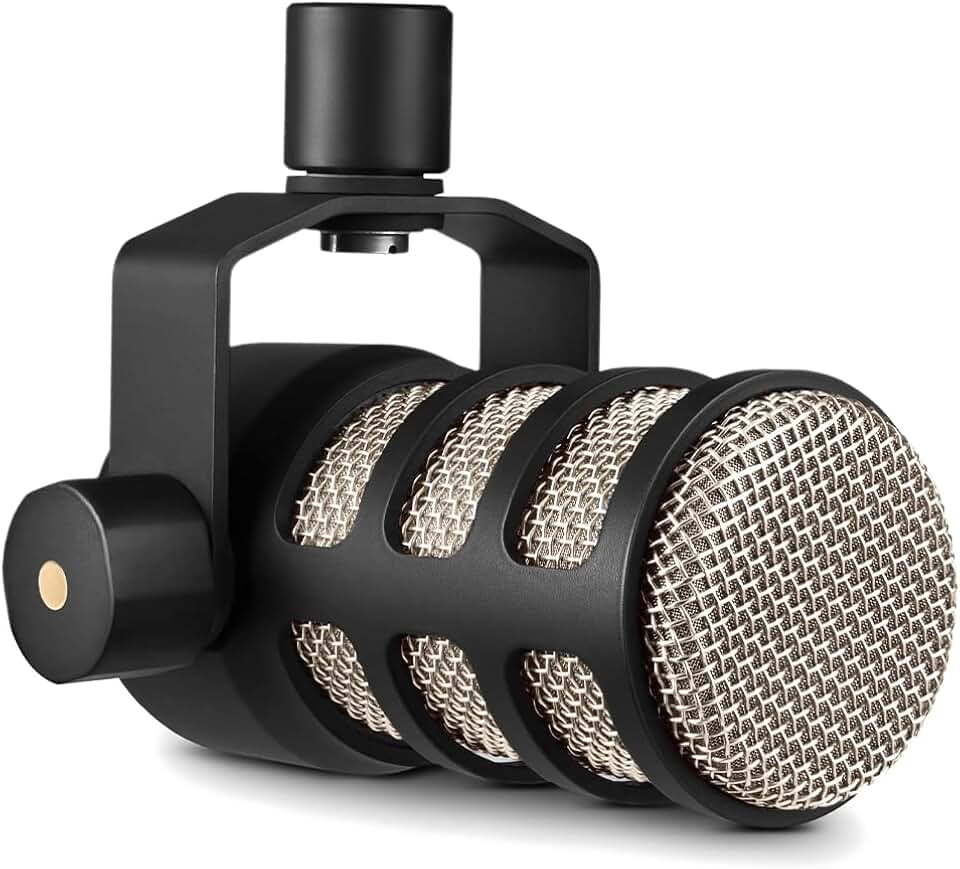
Podcasting, streaming, voiceover in untreated rooms
- Cardioid dynamic capsule for noise rejection
- Built-in pop filter and internal shock mounting
- All-metal construction with integrated swing mount
Once you know what to listen for, these artifacts are everywhere. They're not subtle bugs; they're fundamental flaws in the approach.
The first is the Robotic Vocal Artifact. This isn't the full ‘robot voice’ of bad Zoom calls. It's subtler. It's a flattening of the natural resonance in your chest and head voice. The AI, in its quest to isolate ‘voice’, strips away the ambient reflections and natural reverb that make a human voice sound, well, human. What's left is a dry, slightly phasey signal that lacks depth. It sounds close, but hollow. Listen back to a recording and ask: does this sound like me in a room, or me fed through a telephone?
The second is the Digital Garbage Noise. This is the AI inventing sounds to fill the gaps. When the noise gate engages too aggressively, the algorithm sometimes generates low-level digital noise—a kind of granular, sandy texture—to mask the abrupt cut. Other times, on plosive sounds like ‘p’ and ‘b’, the AI over-compresses and creates a tiny, distorted pre-click. These aren't part of your voice or your room. They're digital hallucinations, and they stack up to make your audio sound cheap and processed.
The third, and most insidious, is the Knee-Jerk Processing Lag. This isn't a constant artifact, but a behavioral one. When a sudden noise occurs—a door slam, a book drop—the AI freaks out. It takes a few milliseconds to identify the sound as ‘not voice’, and in that time, it might let the full noise through, then clamp down violently, then sometimes release again. The result is a weird, choppy, amplitude-modulated version of the background noise that is far more distracting than the original, clean sound would have been. It draws attention to the very thing it was meant to hide.
Your Setup Is Begging for a Dynamic Microphone
The solution to AI mic artifacts isn't a better algorithm. It's better fundamentals. The single biggest improvement you can make to your voice audio is to switch from a condenser mic (which most AI mics are) to a dynamic microphone. This is the real issue everyone ignores in 2026's USB mic frenzy.
Condenser mics are sensitive. They're designed to pick up everything, which is why they need an AI to try and clean up the mess. Dynamic mics are inherently rejection-based. They have a lower sensitivity and a more focused pickup pattern (usually cardioid). They naturally ignore off-axis sound and background noise because they're physically less capable of picking it up at full volume. You work with their physics, not against them with software.
I replaced one of the test AI mics with a basic, sub-$100 dynamic XLR microphone run through a simple audio interface. The difference wasn't subtle. The keyboard clatter behind me? Reduced by 70% before any software touched it. The computer fan? Gone. My voice was present, full, and most importantly, clean. There were no artifacts because there was no desperate AI trying to reconstruct a signal from a tsunami of unwanted audio. I captured less of the bad stuff to begin with. This is the ‘real performance over specs’ philosophy in action. The dynamic mic’s spec sheet looks worse. Its frequency response might be narrower. But in real use, in a normal room, it delivers a more professional, artifact-free result every single time.
Forget the USB-C convenience. A Focusrite Scarlett Solo interface and a RØDE PodMic will run you about the same as a high-end ‘AI’ USB microphone and will absolutely clown it in terms of actual audio quality and lack of digital weirdness. This is what most streaming and podcasting setups should be built on, but they're being lured away by the false promise of plug-and-play perfection.
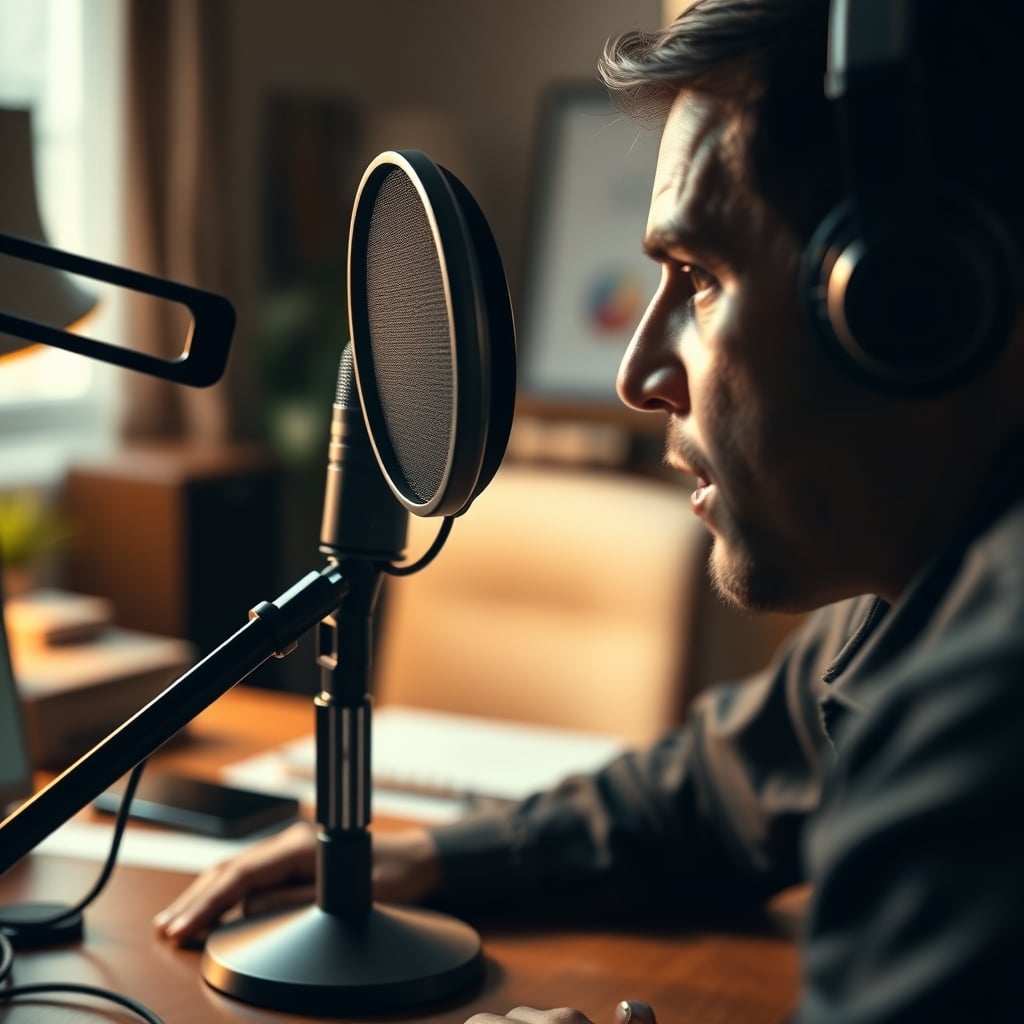
How to Actually Fix Your Room (Not Your Mic)
Throwing an AI mic at a bad room is like using a Photoshop blur tool to fix a out-of-focus photo. You're not fixing the problem; you're hiding it with a worse one. The goal is to capture better source audio. Here's the brutal, non-AI-assisted truth.
First, get closer. Dynamic microphones thrive on proximity. Get your mouth 2-4 inches from the grill. This increases your voice's volume relative to the room noise (the ‘signal-to-noise ratio’) dramatically. The AI doesn't need to work as hard, and if you're using a proper dynamic mic, it doesn't need to work at all.
Second, kill first reflections. You don't need acoustic foam everywhere. You need a thick blanket or a dedicated reflection filter behind the microphone, opposite your mouth. This stops the sound from your voice from bouncing off the wall behind you and back into the mic, creating a muddy, boxy sound that AI struggles to differentiate from noise.
Third, control your noise sources. This isn't revolutionary, but it works. Point your microphone’s null point (the back of a cardioid mic) towards your computer fan. Use a quieter keyboard. Close the window. These simple, physical actions do more to reduce background noise than any neural network. As we explored in our piece on single-camera streaming, simplifying your setup around core principles always beats layering on tech to fix self-created problems.
The Biggest Mistake: Trusting the Black Box
The final, and most critical, lesson is about control. When you use an AI microphone, you're ceding control of your audio to a proprietary algorithm whose settings you can't adjust. You can't tune its noise gate threshold. You can't change its compression ratio. You can't disable its ‘presence boost’ that's adding those harsh high-end artifacts.
In real-world testing, this consistently causes issues. You record a perfect take, only to hear in playback that the AI decided your ‘s’ sounds were noise and attenuated them, creating a lisp effect. Or you record in a slightly different room position, and the artifact profile changes completely, making your multi-day podcast series sound like it was recorded on different planets. This lack of consistency is a killer for professional work.
The alternative is a simple gain knob and a clean signal. You capture everything faithfully (warts and all), then you use professional, transparent tools like iZotope RX or even Adobe Audition's spectral repair to surgically remove problems. You decide what gets removed. You hear the artifact you might create and can back it off. This is the workflow that actually works, and it's been sidelined by the marketing of magic. For more on how over-automation kills quality, see our takedown of smart lighting routines. The principle is identical: automation often gets in the way of artistry.
Final Verdict: Skip the AI, Get a Dynamic Mic
The verdict here isn't complicated. The entire category of AI-powered noise-cancelling USB microphones is overrated for anyone serious about their audio. The artifacts they introduce are a fundamental degradation of quality, sold to you as a convenience feature. They're a band-aid for poor recording fundamentals, and a dirty band-aid at that.
For podcasters, streamers, and voiceover artists: Skip it. You are wasting money on this. The path to professional sound is less sexy but infinitely more reliable: a dynamic microphone, an audio interface, and five minutes spent improving your recording position. The difference in post-production time alone will pay for the gear.
For the casual user in constant, unavoidable noise: maybe the trade-off is worth it for clear Zoom calls. But even then, know what you're buying: a degraded, artificial version of your voice. You're not getting studio quality. You're getting a convincing facsimile of it, covered in digital grit. In 2026, we should demand better. We should demand real fidelity, not computational shortcuts that make our voices sound worse. Stop buying the lie. Your ears will thank you.
Frequently Asked Questions
What do AI mic artifacts sound like?
They sound like digital glitches over your voice: a robotic, hollow tone; a sandy, granular noise in quiet moments; and weird, choppy processing of sudden sounds. It's your voice with unnatural digital effects added.
Can you fix AI mic artifacts in editing?
No, you cannot reliably fix them. The artifacts are baked into the original recording. Trying to remove digitally invented sounds with more digital processing usually makes the audio worse. You need to prevent them at capture.
Are all USB microphones with noise cancellation bad?
Not all, but most marketed as 'AI-powered' in 2026 are. They over-process. Simple software noise gates are less problematic. For quality, a USB dynamic microphone (not a condenser) is a far better choice than an AI mic.
What's the best alternative to an AI microphone?
A standard dynamic microphone (like a RØDE PodMic or Shure SM58) paired with a basic audio interface. This setup captures a cleaner source signal by rejecting noise physically, giving you full control to process audio cleanly afterward.
Written by
GlowRig Editorial researches and writes practical guides about desk setups and home office gear. Our articles are produced with the help of AI research tools and are reviewed for accuracy against manufacturer specifications and public user feedback. We may earn a commission from affiliate links, which never affects our recommendations.
Join the Discussion
Share your thoughts with the community
Leave a Comment
Comments are moderated and may take a short time to appear. Links are not permitted.