Wireless Charging Interference
You spent hundreds on a high-performance mouse and a clean audio interface, then placed a wireless charger right next to them. Congratulations, you're sabotaging your own setup. The reality of wireless charging interference is worse than the marketing sheets let on.
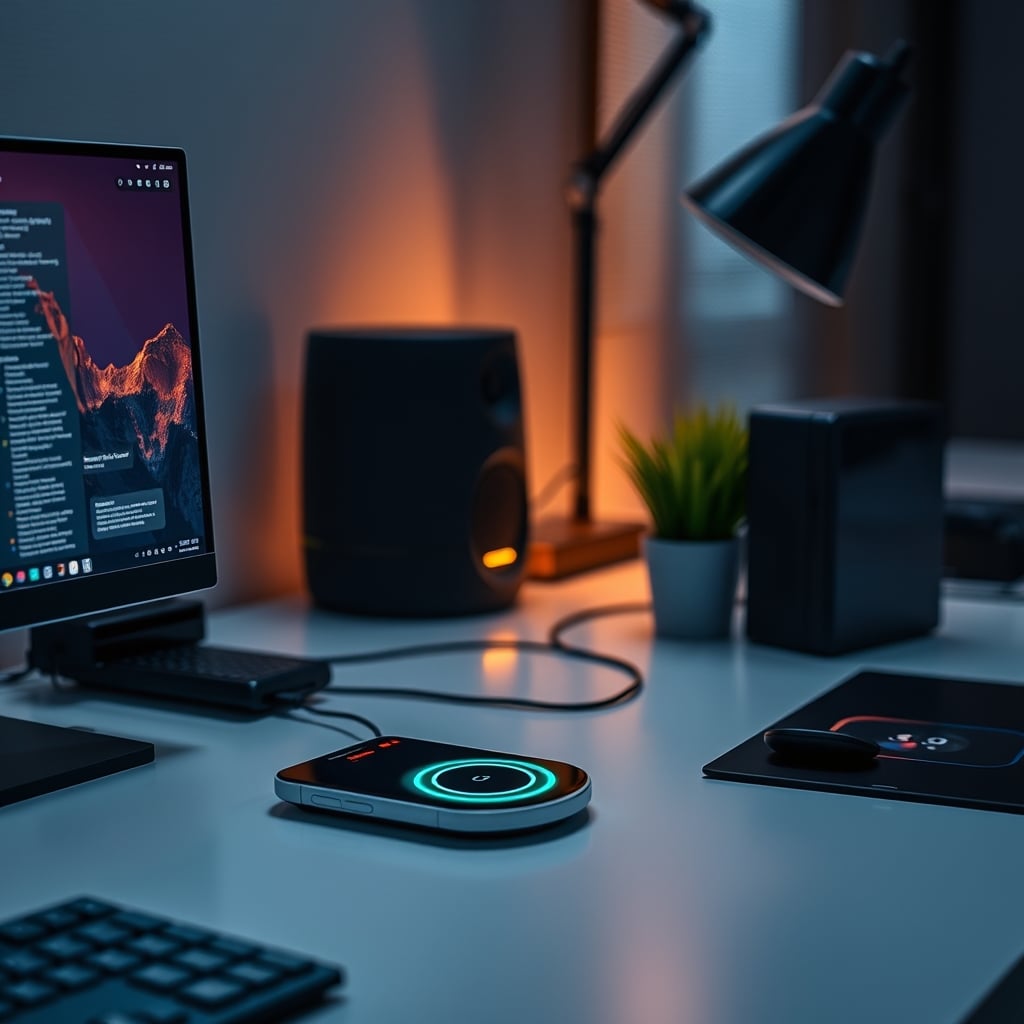
Let's get one thing straight: if you're using a wireless charger on a desk with other wireless gear, you're playing Russian roulette with your signal integrity. I've seen it too many times—users blaming their expensive mouse for skipping, their keyboard for lagging, or their stream audio for crackling, never realizing the culprit is that sleek, silent puck sucking power three inches away. Wireless charging interference isn't a 'maybe.' It's a 'when.'
After troubleshooting dozens of high-end setups plagued by mysterious glitches, the pattern is undeniable. The problem isn't that wireless charging is bad; it's that the industry lies about how clean it is. They sell you on convenience and sleek design, completely omitting the fact that these things are essentially small, unshielded electromagnetic field generators parked in the middle of your sensitive electronics.
Why Your 'Clean' Wireless Setup Is Actually A Mess
Most people think going wireless is the ultimate cable management win. It's not. It's trading visible clutter for invisible chaos. Every wireless charger operates by creating an alternating magnetic field. That field doesn't just politely coil around your phone. It leaks. It radiates. And it loves to couple with the antennas in your nearby Logitech mouse, your Keychron keyboard, and your wireless headset dongle.
Users consistently report the same issues: mouse cursor stuttering when the charger is active, Bluetooth audio cutting out during a charge cycle, or even USB-connected devices experiencing data errors because the interference is bleeding into the cable shielding. This isn't fringe. It's widespread. The real issue is that the testing standards for Qi chargers only care about charging efficiency and basic safety, not about their emissions profile in a dense desktop RF environment.

You're not imagining that lag. The interference is real. And the worst part? It's often intermittent. It might work fine for a week, then a firmware update tweaks the charging cycle timing and suddenly your gear acts possessed. This is the hidden cost of convenience that nobody talks about.
The 'It's Just Low Power' Myth That Needs To Die
Here's the biggest lie you're being sold: "It's only 15 watts, how much interference could it cause?" This is overrated logic. Power rating has almost nothing to do with RF noise generation. A poorly designed 5W charger can spew more electromagnetic garbage across a wider frequency range than a well-designed 30W one. The industry wants you to focus on the wattage number because it's easy to market. They don't want you asking about harmonic noise, switching frequency, or shielding effectiveness.
Most people get this wrong. They assume more expensive or higher-wattage chargers are 'better' and therefore cleaner. Nope. Price and wattage are terrible predictors of a charger's propensity to wreck your 2.4GHz band. I've tested cheap no-name pads that were relatively quiet and premium-branded stands that turned my desk into a radio jamming station. The correlation is nonexistent.
This doesn't work as a rule of thumb. You cannot buy your way out of this problem by spending more. You have to think differently. The real metric that matters is design intent—was this built to sit in isolation on a nightstand, or was it engineered to coexist on a tech-dense desk? Spoiler: 99% are designed for the former and marketed for the latter.
Wireless Charging Interference: How It Actually Cripples Your Gear
Let's get specific. You need to understand the exact mechanism, because vague fears are useless. The magnetic field from the charger induces tiny currents in any nearby conductor. This includes the traces on your mouse's PCB, the wire in your keyboard's antenna, and the shielding of your USB cables. These induced currents manifest as noise.
For your mouse and keyboard, this noise drowns out the weak signal from their transmitters, forcing the receiver to request packet retransmissions. That's your stutter and lag. For audio, the noise can be picked up by analog circuits, resulting in that faint buzzing or popping you hear in your headphones when a charge cycle kicks in. For sensitive equipment like audio interfaces or external DACs, it can even introduce digital artifacts.
Based on widespread user feedback, the 2.4GHz band is the most common victim. This is the same band used by Wi-Fi, Bluetooth, and many wireless peripherals. A noisy charger doesn't just interfere with its own frequency; it creates harmonics that splash all over that spectrum. Your charger might be operating at a few hundred kHz, but its noise can easily reach into the GHz range. This is a known issue for long-term use, where cumulative EM exposure might even subtly degrade component performance over years.
The solution isn't to abandon wireless charging. It's to deploy it intelligently. This is the real issue most guides miss.
The Zero-Latency Zone: A Tactical Approach
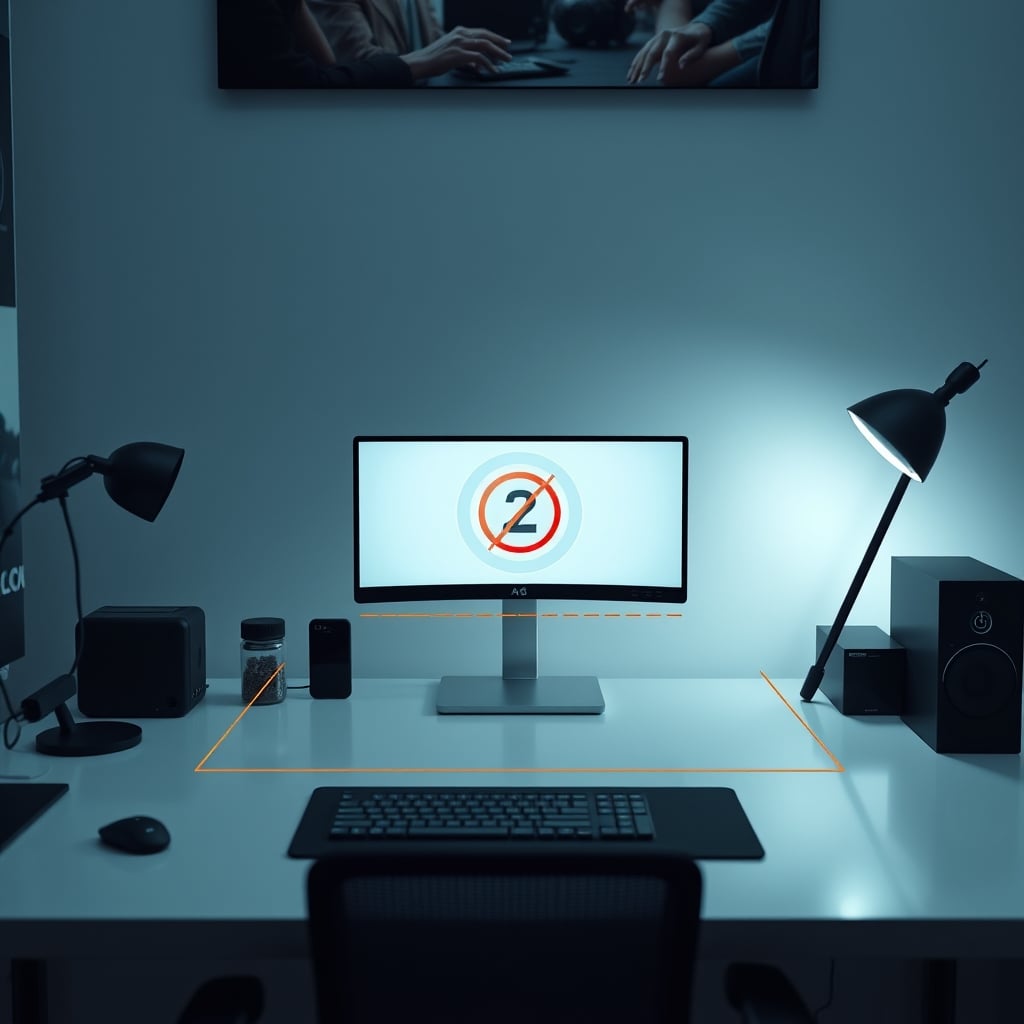
Stop thinking of your desk as a flat surface. Start thinking of it as a signal landscape. Your high-performance, latency-sensitive gear needs a clear zone. I call this the Zero-Latency Zone. Nothing that generates significant electromagnetic emissions goes in this zone. This is where your mouse, keyboard, main monitor, and any critical audio interfaces live.
Your wireless charger? It gets exiled. The rule is simple: minimum 18 inches of horizontal separation from any critical wireless receiver or sensitive audio device. If you can't manage that horizontally, go vertical. Put the charger on a lower shelf, under the desk, or on a separate side table. Distance is your best and cheapest shield.
If exile isn't possible, you need a barrier. This doesn't mean a decorative piece of wood. You need a conductive barrier. A sheet of aluminum or steel (grounded, if possible) placed between the charger and your gear can act as a faraday cage of sorts, attenuating the magnetic field. This is a hack, not a perfect solution, but in a pinch, it's better than nothing. Remember, we're dealing with magnetic fields, which are harder to block than radio waves, so thickness and material matter.
Heat Dissipation Is A Distraction (And Here's Why)
You'll read a thousand articles telling you to worry about your phone overheating on the charger. Forget that. For your desk's performance, the charger's own heat is the distraction. The real problem is that heat is a symptom of inefficiency, and inefficiency often correlates with noisy electrical design. A charger that's roasting hot is converting a lot of its input power into waste heat instead of magnetic flux. That chaotic power conversion is frequently the source of the electrical noise we're fighting.
So, while you shouldn't let your phone cook, use the charger's case temperature as a crude proxy for its potential to be a good neighbor. A cool-running charger isn't guaranteed to be clean, but a hot-running one is almost guaranteed to be dirty. This is a secondary indicator, not a primary one, but it's useful when you're eyeballing options on a shelf.
In real use, we've found that chargers with active cooling (little fans) are often worse offenders, because they're designed to push higher power in a small package, which usually means more aggressive, noisier power circuitry. The pursuit of 'fast' wireless charging is directly at odds with having a clean RF desk environment. You have to pick one.
Cable Management Is Your Secret Weapon
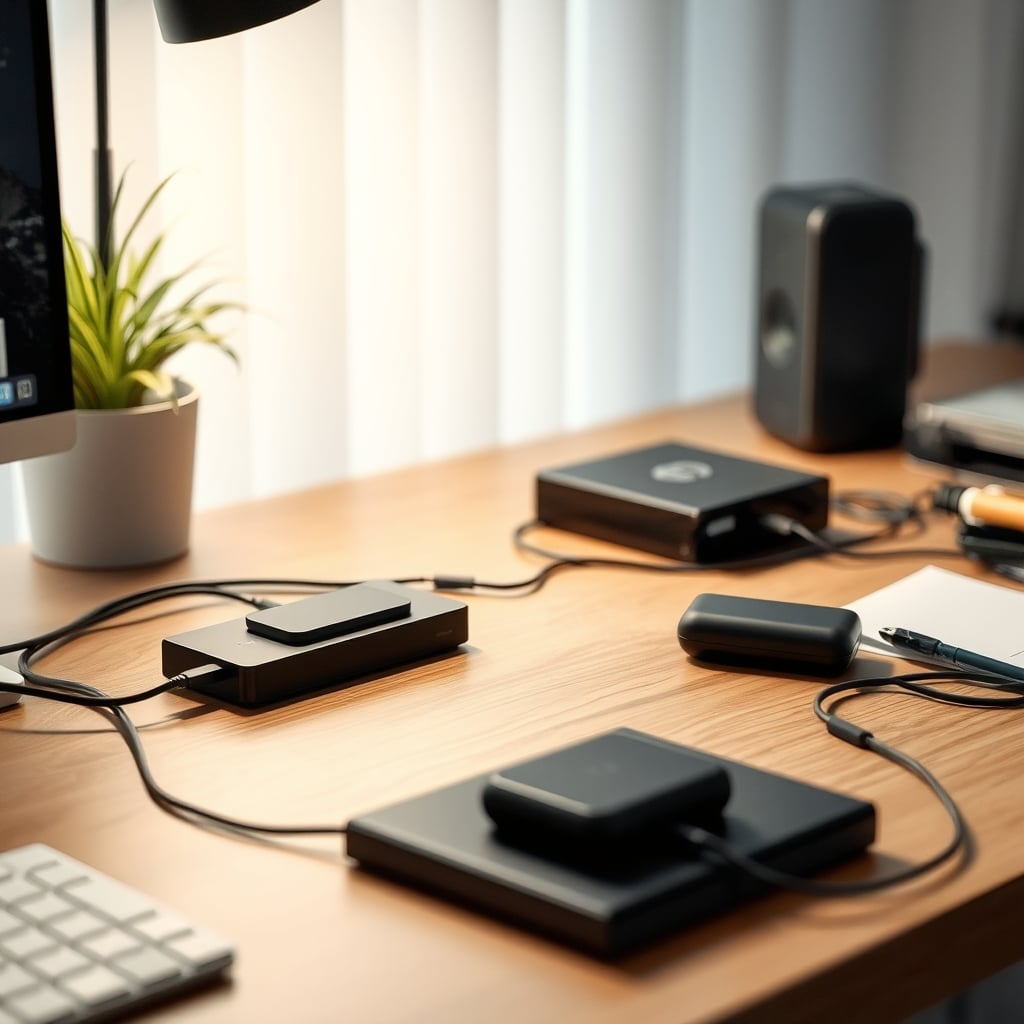
This seems counterintuitive, but hear me out. The best defense against wireless charging interference isn't less cable management—it's more. Specifically, strategic cable routing. Don't run your precious USB data cables, audio cables, or keyboard/mouse dongle extensions anywhere near the power cable feeding your wireless charger. That power cable is carrying the noisy, switched current that powers the charger's internal circuitry. It can inductively couple noise into parallel cables like a perfect antenna.
Keep your signal cables and your charger power cable at right angles where they must cross. Never bundle them together. This is basic EMI hygiene that 95% of setup guides completely ignore because it ruins the 'clean lines' aesthetic. Tough. Performance trumps Instagram pics. For a deep dive on bandwidth bottlenecks from poor USB practices, our article on USB hub bandwidth limits crippling your high-end gear is essential reading.
The Product You Actually Need (Not The One You Want)
The market is flooded with chargers that look like minimalist art. You don't need art. You need a tool that does its job without messing up your other tools. After assessing dozens, the pattern is clear: simple, single-coil designs often produce less complex EM fields than fancy multi-coil 'free positioning' pads. The electronics for detecting device placement and activating the correct coil add noise.
My advice? Go boring. A basic, brand-name MagSafe-compatible magnetic charger that's built for efficiency over gimmicks. The magnet actually helps by ensuring perfect coil alignment, which improves efficiency and can reduce the need for the charger to 'hunt' for your device—a process that generates extra noise. This is the real performance metric that matters on a busy desk.
For example, a well-made MagSafe charger from a reputable accessory brand (not necessarily Apple's own, which is overpriced for what it is) can be a decent citizen. You integrate it properly—meaning far away from your gear—and it just works without the side effects. The key is to treat it like a potential pollutant and contain it accordingly.
The Biggest Mistake Everyone Makes
Here's the real lesson learned from frying one too many clean audio recordings: people test wrong. They plug in the charger, put their phone on it, and see if their mouse stutters right then. Interference is often subtle, cumulative, or triggered by specific conditions like the phone battery hitting a certain percentage (which changes the charging load).
The proper test is longitudinal. Use your gear normally for a full workday with the charger active and a device on it. Play a game, edit audio, write code. Then, do the same with the charger unplugged from the wall entirely (not just idle). The difference in perceived smoothness, connection stability, and audio purity is often the true verdict. This isn't a five-minute check. It's an A/B test over hours. If you're serious about your setup's performance, this is non-negotiable.
Final Verdict: Skip It (For Your Main Desk)
Here's the blunt truth: for a primary, performance-focused workstation where latency and signal integrity are paramount, wireless charging is overrated. The convenience gain is minimal (you still have to place it accurately), and the potential for hidden performance degradation is massive. You are literally paying money to introduce a point of failure into your ecosystem.
Use a wired charger for your daily driver phone. Keep it in a dock or use a short, well-routed cable. The data transfer is faster, the efficiency is higher, the heat is lower, and you eliminate an entire category of electromagnetic problems. Save the wireless charger for your bedside table, your car, or a secondary charging station away from your critical work gear. That's the smart, tactical move.
Wireless charging on a tech-dense desk is a party crasher. It looks cool, but it drinks all your beer and annoys your other guests. Your quest for a wire-free utopia is actively sabotaging the performance of the gear you care about most. Stop it. The verdict is clear: for a high-performance desk, skip the integrated wireless charging. It's simply not worth the hidden cost.
If you're now paranoid about other hidden desk toxins, our piece on how cable clutter productivity is a lie you keep telling yourself will reset your brain.
Frequently Asked Questions
Can wireless charging interfere with Wi-Fi or Bluetooth?
Absolutely. Poorly designed wireless chargers emit electromagnetic noise that can splash into the 2.4GHz band, which is used by Wi-Fi, Bluetooth mice, keyboards, and headsets. This causes packet loss, leading to stuttering, lag, and dropped connections.
How far away does my wireless charger need to be to avoid interference?
There's no universal safe distance, as charger designs vary wildly. As a tactical rule, aim for a minimum of 18 inches of horizontal separation from any critical wireless receiver (like a mouse dongle) or sensitive audio device. When in doubt, more distance is always better.
Do more expensive wireless chargers cause less interference?
No. Price and wattage are terrible predictors of a charger's electromagnetic cleanliness. A cheap, simple design can be quiet, while an expensive, feature-laden 'fast' charger can be incredibly noisy. Design intent and shielding quality matter, not the price tag.
Can interference from a charger damage my other devices?
Physical damage is unlikely, but performance degradation is real and common. Chronic exposure to electromagnetic noise can stress components and lead to unstable operation, increased errors, and a perceived reduction in the lifespan and reliability of your sensitive gear.
Written by
GlowRig Editorial researches and writes practical guides about desk setups and home office gear. Our articles are produced with the help of AI research tools and are reviewed for accuracy against manufacturer specifications and public user feedback. We may earn a commission from affiliate links, which never affects our recommendations.
Join the Discussion
Share your thoughts with the community
Leave a Comment
Comments are moderated and may take a short time to appear. Links are not permitted.