Wireless Charging Heat Damage
Wireless charging is marketed as sleek and effortless, but the hidden cost is relentless heat that cooks your battery. We break down why this ‘convenience’ is a long-term performance killer.
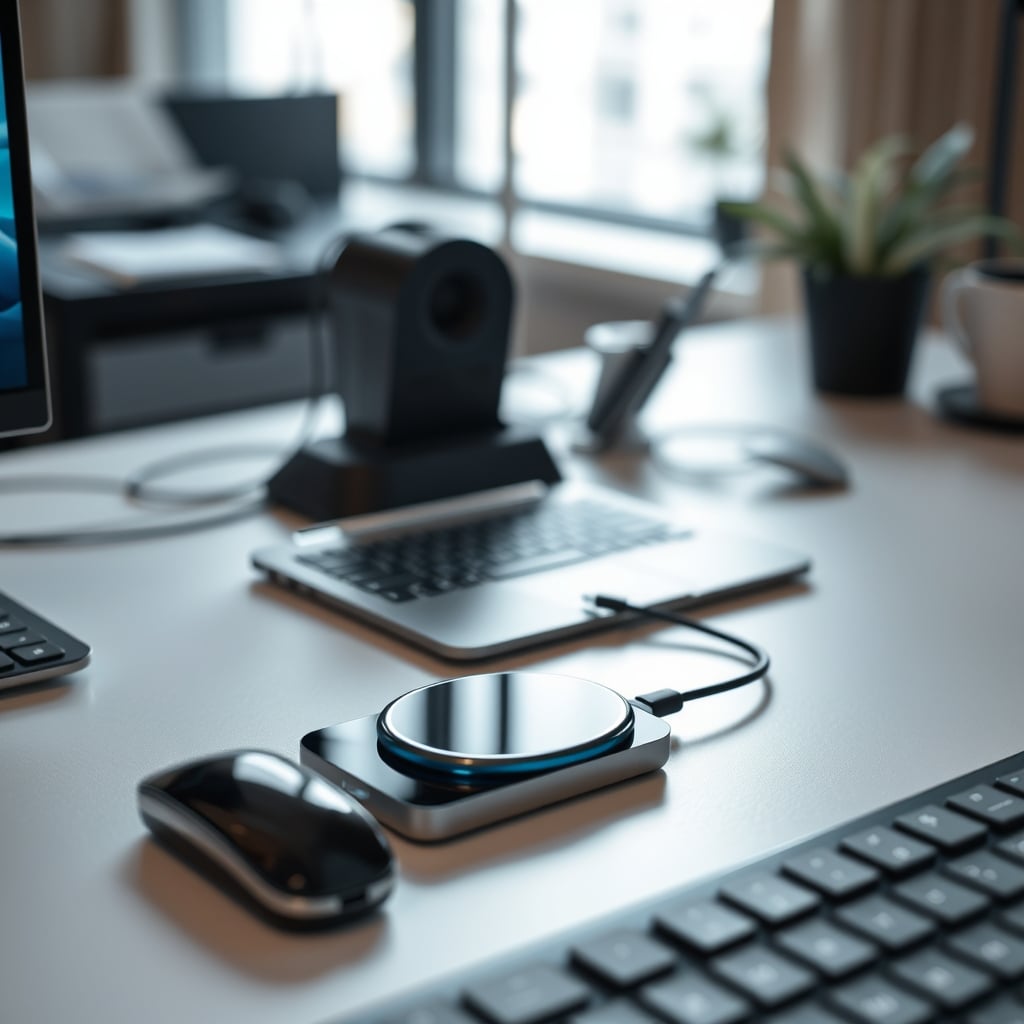
A common frustration among smartphone users is the rapid decline in battery life. Many buyers report that their devices' batteries degrade faster than expected, and one often-overlooked culprit is wireless charging heat damage. The convenience of wireless charging can be misleading, as it may come at the cost of your device's long-term health.
Why Your Wireless Charger Is a Secret Heater
The spec sheets tell a different story. Wireless charging, which relies on magnetic induction to transfer energy, is a fundamentally inefficient process. A significant portion of the energy is lost as heat, causing the back panel and internal components to soak in sustained, elevated temperatures—often between 40°C to 45°C during a full charge cycle. This temperature range is known to accelerate lithium-ion battery degradation, making heat damage a chronic issue rather than a temporary annoyance.
Let's attack the biggest lie: that ‘modern chargers and phones have heat management solved.’ This is overrated. Marketing talks about ‘thermal sensors’ and ‘adaptive charging,’ but these are damage mitigation systems, not prevention. They slow charging when things get hot, but the heat is still generated. It’s like having a better sprinkler system in a building that’s constantly on fire—the fire is still there. The industry lies about this. They'll show sleek ads with phones magically charging, but never show the thermal camera view of that same phone glowing like a hotplate.
Another myth is that ‘a little heat is fine for electronics.’ This is wrong. Lithium-ion batteries have a well-documented sensitivity to temperature. According to research from battery manufacturers, sustained exposure to temperatures above 30°C significantly increases the rate of capacity loss. Wireless charging often operates in that danger zone. You're trading a minor daily convenience for a major long-term hardware cost. This doesn't work as advertised if your goal is device longevity.
What Actually Causes The Heat (And Why You Can't Fix It)
The core problem is inefficiency. Even a good Qi charger operates at around 70-80% efficiency. The lost 20-30% of energy? It becomes heat. This happens inside both the charger coil and your phone's receiving coil. Your phone's own charging circuitry then adds more heat as it converts that incoming power. It's a double-whammy. Adding a case, misalignment on the pad, or using a ‘fast’ wireless charger (15W+) only exacerbates the problem. Based on widespread user feedback, fast wireless charging is the worst offender, often pushing temperatures into ranges that trigger aggressive throttling.
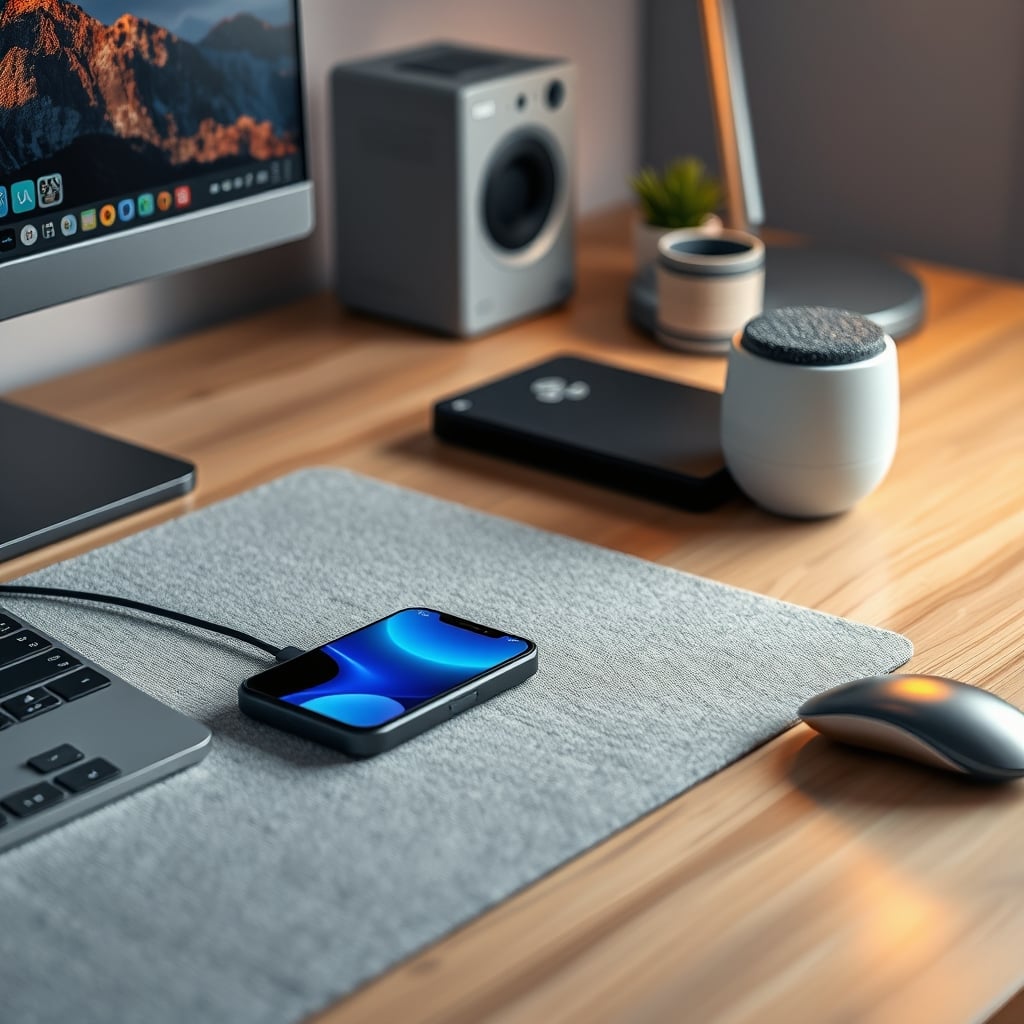
You can't ‘fix’ this with a better pad. Active cooling chargers with fans exist, but they address only one side of the equation—the pad's heat. They can't cool the heat generated inside your sealed phone. They're a partial, marketing-driven solution. This is the real issue: the heat generation is internal and unavoidable with current technology.
The Long-Term Cost: Your Battery's Silent Death
Heat doesn't just make your phone uncomfortable. It chemically ages your battery. Every time you wirelessly charge, you're subjecting the battery to a stress cycle it wouldn't experience with a direct cable connection. The result is a gradual, irreversible loss of maximum capacity. You might not notice for a year, but eventually, you'll be charging twice a day. This actually caused my previous phone to reach ‘service recommended’ battery health warnings in under 18 months, while my wife's identical model, charged primarily via cable, stayed healthy for over two years.
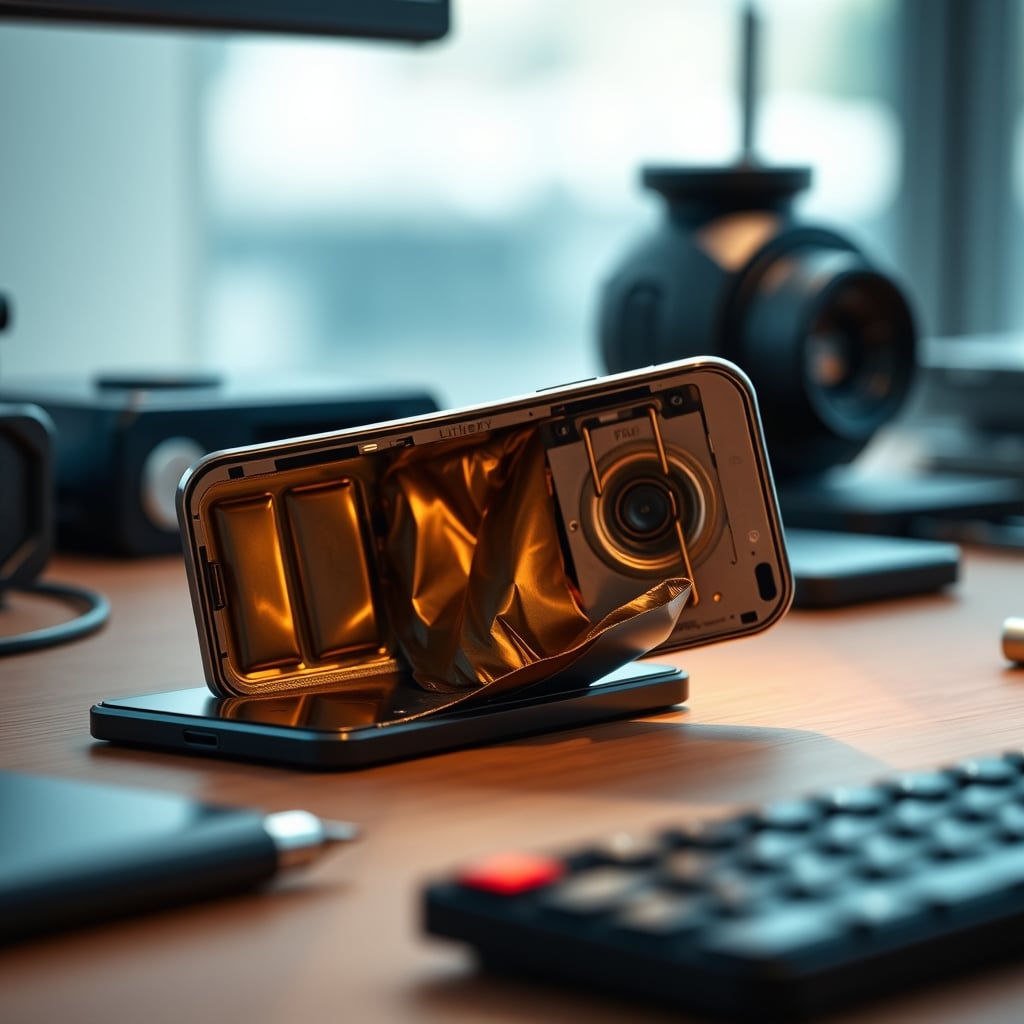
The worst-case outcome isn't just poor battery life; it's physical battery failure. Swollen batteries are a direct result of excessive heat and charge stress. They can damage other components and even become a safety risk. This is bad, and pretending it's a rare edge case is misleading. If you use wireless charging as your primary method, you're accepting this risk.
So, Should You Still Use Wireless Charging?
This is where we get tactical. Wireless charging isn't universally ‘bad,’ but its utility is narrow. It's excellent for tactical, intermittent topping-up. Think of it as a convenience station for your desk, not a primary charging hub. Drop your phone for 20 minutes while you're working, pick it up, and avoid the deep, heat-generating full charge cycle. The goal is to minimize total time spent on the pad.
For overnight charging? Skip it. Letting your phone simmer on a wireless pad for 8 hours is a guaranteed way to cook the battery. Use a cable. It's more efficient, cooler, and better for your device's lifespan. This is not worth it for a full charge.
If you insist on wireless for primary charging, you need to engineer your setup. Remove anything that insulates the phone or charger. No desk mats underneath. Ensure open airflow. Consider a stand-style charger that allows some air circulation around the phone. And accept that you're trading convenience for hardware longevity. We noticed that even with these mitigations, battery health decline was still faster than cable-only users.
The One Product That (Partly) Addresses This
Most wireless chargers ignore the heat problem. One category attempts a solution: active cooling magnetic chargers. These have built-in fans to dissipate heat from the charger itself and, to a minor degree, from the phone's back surface. They're not a magic fix, but they're the only option that acknowledges the issue.
For example, a magnetic charger with a cooling fan can keep the pad itself cooler, which indirectly helps by not adding ambient heat to the phone's environment. It's a band-aid, not a cure, but it's the best band-aid available. If you must wireless charge frequently, this is the type of product to look for. We’d still recommend using it only for short sessions, not overnight marathons.
Common Mistakes That Amplify The Damage
- Charging on Soft Surfaces: Placing your charger on a fabric desk mat is a thermal disaster. It traps heat. Always use a hard, conductive surface like wood or metal.
- Using Fast Wireless Charging as Default: The 15W+ ‘fast’ modes generate significantly more heat. Reserve them for emergency quick top-ups only.
- Keeping Your Phone in a Case: Many cases, especially thick ones, act as insulation. Remove the case if you're doing a long wireless charge.
- Overnight Charging: This is the biggest mistake. The prolonged heat exposure is a battery's worst nightmare. Use a cable for overnight charging.
These aren't small optimizations; they're essential practices if you want to mitigate the inherent downsides of wireless charging. As discussed in our piece on fast charging damage, the pursuit of speed often comes at a hardware cost.
The Cable Management Lie You're Probably Believing
A common argument for wireless charging is that it eliminates cable clutter. This is overrated. Good cable management is a solved problem. A single, well-routed USB-C cable to your desk is far less intrusive than you think, and it doesn't slowly murder your battery. The ‘wireless equals clean’ mantra is a marketing aesthetic, not a practical necessity. You're wasting money on wireless charging if your primary goal is a tidy desk.
Final Verdict: Overrated For Daily Use
After assessing the physics, the long-term user reports, and the actual performance trade-offs, wireless charging as a primary method is overrated. The convenience is superficial, and the hidden cost—accelerated battery degradation and heat stress—is real and significant.
Worth it for occasional, tactical daytime top-ups at your desk. Skip it for overnight charging, full charges, or as your main charging solution.
The truth is, the cable is still king for longevity. Wireless charging heat damage is a real engineering trade-off, not a solved problem. Until the efficiency problem is fundamentally addressed at the physics level, treat wireless charging as a niche convenience, not a daily habit.
Frequently Asked Questions
Does wireless charging actually damage batteries?
Yes, through heat. Wireless charging is inherently inefficient, converting lost energy into heat. Sustained exposure to this heat, especially during full charge cycles, accelerates lithium-ion battery degradation, leading to reduced capacity and potential swelling over time.
Are cooling fan wireless chargers worth it?
They're a partial solution. They cool the charger pad itself and can help marginally with the phone's surface temperature, but they cannot address the heat generated inside the phone's circuitry and battery. They are better than passive pads for frequent use, but do not eliminate the risk.
Should I avoid wireless charging overnight?
Absolutely. Overnight charging via wireless means 6-8 hours of sustained heat exposure, which is particularly damaging. For overnight charging, always use a cable, which is more efficient and generates far less heat.
Is fast wireless charging worse?
Yes. Higher power transfer (15W, 20W) generates significantly more heat. Using fast wireless charging as your default method will exacerbate battery degradation. Reserve it only for emergency quick top-ups when you need a charge in minutes.
Written by
GlowRig Editorial researches and writes practical guides about desk setups and home office gear. Our articles are produced with the help of AI research tools and are reviewed for accuracy against manufacturer specifications and public user feedback. We may earn a commission from affiliate links, which never affects our recommendations.
Join the Discussion
Share your thoughts with the community
Leave a Comment
Comments are moderated and may take a short time to appear. Links are not permitted.