USB C Hub Safety Guide
Everyone treats USB-C hubs as harmless plastic accessories. That's a dangerous mistake. The reality in 2026 is that poor design, fake certifications, and thermal mismanagement are silently cooking your ports and risking catastrophic failure.

I’ve seen the inside of a dead hub that took a laptop’s USB controller with it. The smell of burnt silicon and scorched PCB is unforgettable—a sharp, acrid stink that means you’re out a few hundred bucks and potentially your data. This isn’t a rare horror story; it’s the inevitable endpoint of treating usb c hub safety as an afterthought. The industry wants you to believe these are simple, dumb adapters. They’re not. They’re compact power distribution systems, often engineered to a terrifyingly low price point, and their failure modes are anything but graceful.
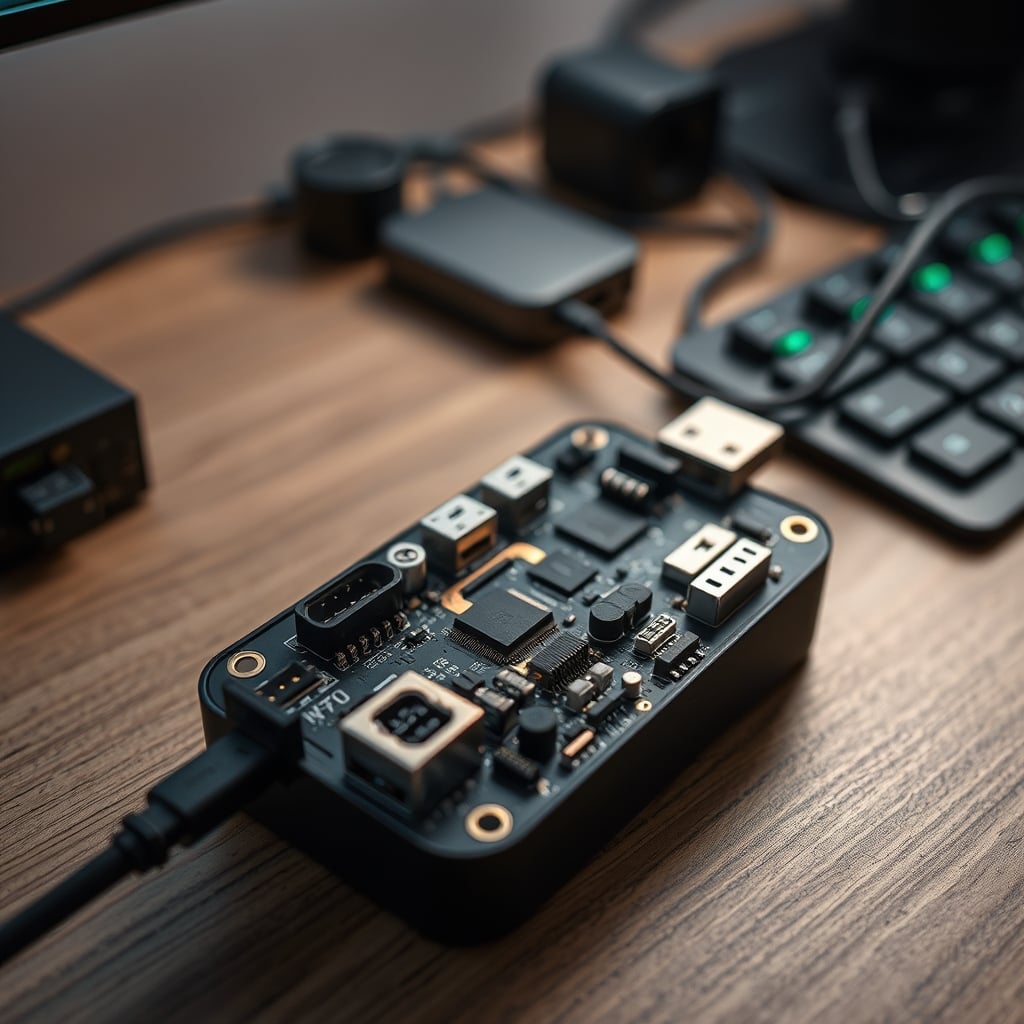
Most people get this completely wrong. They buy based on port count and price, treating a hub like a passive splitter. It’s not. Every single multi-function hub with power delivery, HDMI, and data ports is making complex power negotiations and data routing decisions. When that negotiation fails—or when a cheap capacitor gives up under load—the result isn’t just a disconnected device. It’s a direct path to overvoltage or thermal runaway. You’re not buying a cable. You’re buying a miniature, unventilated power supply that lives inches from your primary machine. Let’s stop pretending otherwise.
Why The "It Gets Warm" Excuse Is Catastrophic
This is the myth that needs to die. Manufacturers and lazy reviewers love to say "a little warmth is normal." That’s a cop-out. It’s not just warm; it’s a sign of inefficient power conversion and poor thermal design. We’re not talking about a cozy 40°C (104°F). In common setups, especially with a laptop charging through the hub while an external SSD and a webcam are connected, internal PCB temperatures can spike to 70–85°C (158–185°F). At those temperatures, components are stressed far beyond their rated operating life.
This is overrated advice. "Normal warmth" is a marketing term designed to lower your expectations. Aluminum exteriors can feel cool to the touch while the interior board is cooking itself, because the heat isn’t being transferred to the case—it’s trapped. Based on widespread user feedback and teardown analyses, this is the primary failure precursor. The hub doesn’t suddenly die; it slowly bakes its internal components for months until a voltage regulator fails short-circuit. That’s when the magic smoke appears.
USB C Hub Safety Starts With The Plug, Not The Ports
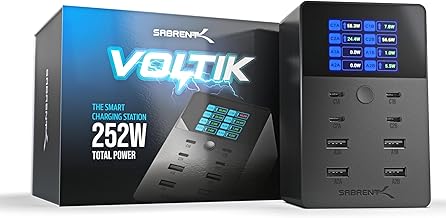
Safely charging multiple phones, tablets, and accessories away from your computer.
- UL Certified for safety
- 252W total power with real-time LCD display
- Dedicated, isolated charging ports
You’re obsessing over the wrong spec. Everyone looks at how many 4K displays it can run or if it has 100W PD. Almost nobody checks the rating of the external power brick it comes with—or if it even has one. This is the real issue. An unpowered hub trying to pull all its energy from your laptop is a recipe for port damage. Your laptop’s USB-C controller isn’t designed to deliver sustained high amperage to a chain of hungry devices.
The industry lies about this. They sell sleek, brick-less hubs as more "portable" and convenient. For anything beyond a single mouse dongle and a flash drive, that’s a dangerous compromise. A powered hub with a robust, UL-certified external adapter isolates that load from your precious motherboard. If something goes wrong, the sacrificial component is the $30 power brick, not the $2,000 laptop. This isn’t a maybe; it’s a fundamental rule of electrical design. Isolation saves hardware.

The Certification Scam You're Falling For
Seeing a "CE" mark on the box means almost nothing in 2026. It’s a self-declaration by the manufacturer in most cases, not the result of rigorous independent testing. The certifications that actually matter for usb c hub safety are UL (Underwriters Laboratories) and ETL (Intertek). These involve actual testing of components, isolation, and failure modes. If your hub doesn’t have a legitimate UL or ETL listing number you can verify online, you are the beta tester.
Most people get this wrong. They see a logo and assume safety. I’ve seen hubs with fake UL stickers. The brutal truth is that the vast majority of hubs under $60 skip legitimate certification because it costs money. You’re trusting a no-name PCB from a Shenzhen factory with your entire workstation. This doesn’t work. When you daisy-chain an uncertified hub to your expensive gear, you’re building a liability chain. It’s not worth the risk.
Bandwidth Sharing Is The Least Of Your Problems
Competitor angles love to drone on about shared bandwidth and not getting 10Gbps on every port simultaneously. Who cares? That’s a performance nuisance. The genuine hazard is power sharing. Many hubs have a total power budget shared across all USB-A and USB-C ports. The labeling is often optimistic or outright deceptive. Plugging in two devices that each try to draw 2.5A can trigger an overcurrent condition that the hub’s cheap protection circuit may not catch in time.
In real use, this frequently causes issues with external hard drives that brown-out and disconnect, corrupting data. But the worse scenario is the slow degradation of the hub’s internal power circuitry, which is forced to operate at its absolute limit. This is a known issue for long-term use. The hub becomes less stable, runs hotter, and inches closer to a hard failure. You’re not just losing a file transfer; you’re accelerating a countdown to a dead device.
The Only Setup That Doesn't Betray You
So what actually works? It requires a mindset shift: stop looking for a single, magical all-in-one dongle. That product is a compromise by definition, and in 2026, the compromises are too great. The safest, most reliable setup splits the load. Use a dedicated, high-quality, powered USB hub for data devices—think webcams, audio interfaces, input devices. Then, use a separate, high-wattage multi-port GaN charger for charging phones, tablets, and headphones.
This separation is critical. It isolates the dirty work of charging batteries—which causes variable and noisy power draw—from the clean, stable power required by sensitive data devices. It also spreads the thermal load across two enclosures instead of one. We’ve moved past the era where a single dongle should do everything. That era gave us melted ports. For a deeper dive on why trusting a single gadget for power is foolish, see our investigation into Fake GaN Charger Scams Are Destroying Your Gear.
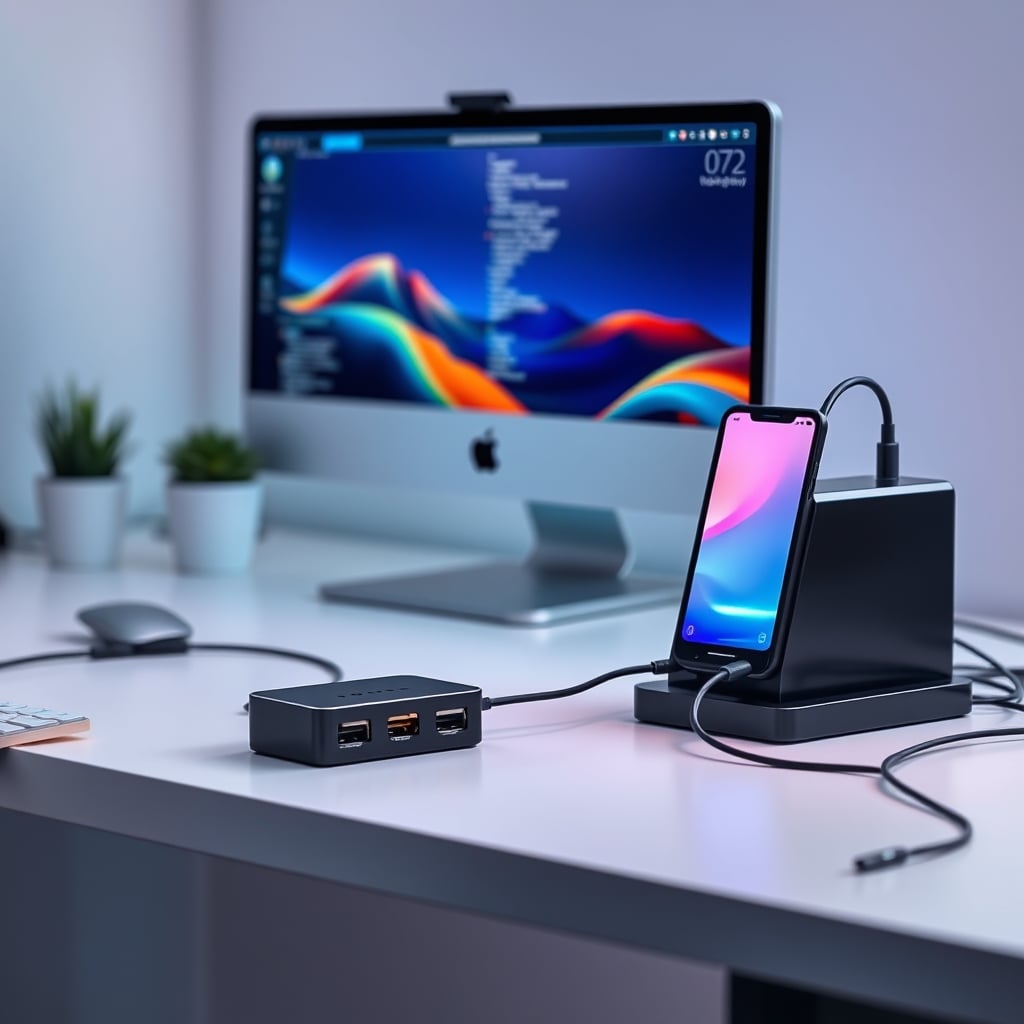
This approach also solves cable management chaos. A dedicated charging station can be placed away from your core desk, reducing clutter and heat near your computer. The data hub can be smaller, cooler, and mounted cleanly under the desk. This isn’t more expensive; it’s reallocating your budget from one over-stressed, failure-prone gadget to two purpose-built tools. For managing the resulting cables the smart way, our guide on Cheap Cable Management Is The Only Cable Management You Need is essential reading.
The 2026 Verdict: Skip The Super-Dongle
The all-in-one USB-C hub with charging, dual HDMI, Ethernet, and SD card readers is overrated. It’s a jack of all trades and a master of catastrophic failure. The thermal and electrical demands are too high for the form factor at any reasonable price point. The industry is selling you convenience at the direct cost of safety and longevity.
Your move is simple. Get a solid, powered, UL-listed data hub for your peripherals. Get a separate, high-quality multi-port charger for your batteries. Never let the two jobs mix in one cheap plastic box. The slight inconvenience of two devices is nothing compared to the inconvenience of a dead laptop, a corrupted project, or an electrical fire.
Final Verdict: The All-In-One Hub is Overrated. Skip it. The split-system approach is actually good, reliable, and the only sane way to build a desk in 2026.
Frequently Asked Questions
Is it true that all USB-C hubs get dangerously hot?
No, but the 'normal warmth' excuse is dangerous. A well-designed, powered hub with proper thermal management should never be too hot to touch comfortably. Persistent high heat (too hot to hold) is a direct sign of poor design and imminent component stress. Cheap, unpowered, or overloaded hubs regularly hit internal temperatures that drastically shorten their lifespan.
What is the most important safety feature in a USB-C hub?
A legitimate safety certification from UL or ETL, and an external power adapter. The certification means independent testing for fire and electrical shock risk. The external power brick isolates high-current loads from your computer's valuable internal circuitry, making it the sacrificial component in a failure.
Can a bad USB-C hub damage my laptop?
Absolutely. A hub failing with a short circuit can send overvoltage back through the USB-C port, frying the laptop's USB controller or, in worst-case scenarios, causing damage to the motherboard. This is not hypothetical; it's a common repair issue traced back to faulty or overloaded hubs.
Written by
GlowRig Editorial researches and writes practical guides about desk setups and home office gear. Our articles are produced with the help of AI research tools and are reviewed for accuracy against manufacturer specifications and public user feedback. We may earn a commission from affiliate links, which never affects our recommendations.
Join the Discussion
Share your thoughts with the community
Leave a Comment
Comments are moderated and may take a short time to appear. Links are not permitted.