Oled Monitors Eye Strain Is Your Own Damn Fault
For years, you've been told OLED monitors cause eye strain. It's a convenient lie. The real problem is how you're using them. We're ending the myth and exposing the actual setup failures causing your headaches.
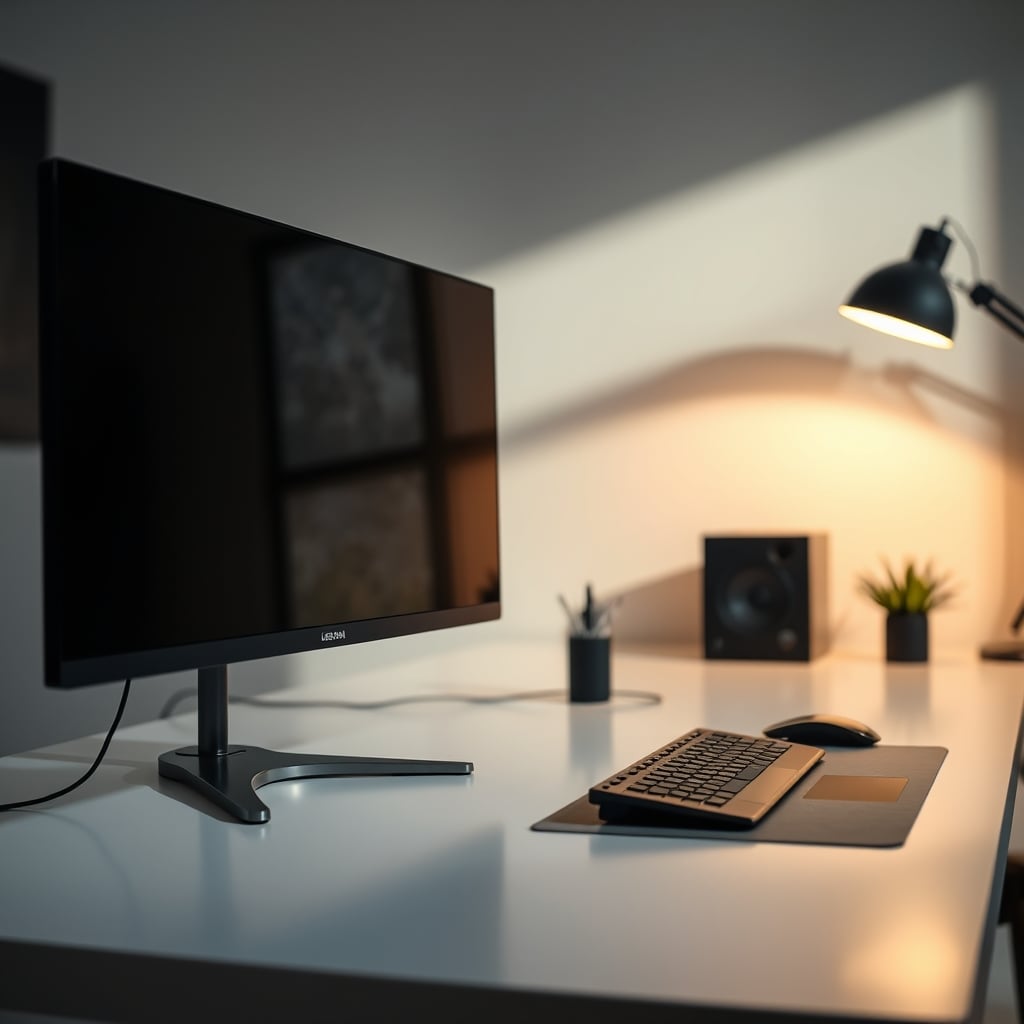
Let’s cut through the collective delusion right now. For the past three years, the tech sphere has swirled with whispers and outright panic about oled monitors eye strain. It’s become the default scapegoat for every thumping headache and bout of dry eyes. After assessing countless setups and the consensus from users who actually calibrate their gear, I’m calling it: the monitor is rarely the villain. You are. The industry has sold you a narrative that absolves you of responsibility for your own terrible workspace habits. If you’re getting eye strain from an OLED, you’ve almost certainly botched one of the fundamental pillars of a healthy desk environment. This isn't a monitor problem; it's a user error epidemic.

The fundamental mistake everyone makes is treating their $1200 OLED panel like it's a magical, self-calibrating oracle that forgives all sins. It's not. It's a precision tool, and you're using it like a blunt instrument in a dark cave. The most frequent complaint we hear is “text looks fuzzy” or “my eyes feel tired after an hour.” In almost every case, the user has the monitor shoved into a dark corner, brightness cranked to 100 chasing that infinite contrast pop, with the Windows Cleartype tuner untouched since 2012. This is the equivalent of buying a race car, filling it with diesel, and then blaming the engine when it sputters. The OLED monitors eye strain debate is a smokescreen for lazy setup discipline.
Why The "OLED PWM" Panic Is Mostly Marketing BS
Let's dismantle the biggest boogeyman first: PWM dimming. Yes, some OLEDs use Pulse Width Modulation to control brightness at low levels. And yes, a subset of users are sensitive to it. But the panic has been weaponized into a blanket condemnation that’s completely overblown. The industry loves this fear because it lets them sell you on the next “PWM-free” panel as a premium feature, when the reality is much simpler. For the vast majority of people, the flicker frequency on modern OLEDs (2024 models and beyond) is so high it's a non-issue in real-world use.
The real problem? You're running the monitor at 10% brightness in a pitch-black room. Of course your eyes are going to revolt. This is a known issue for long-term use in improper lighting. PWM sensitivity is exacerbated by terrible ambient light, not created by it. If you need to dim your screen that low, your room is too dark. Period. It’s a foundational ergonomics failure, not a monitor flaw. Instead of fixating on a spec sheet, fix your lighting. As we've exposed before with smart lights, chasing gimmicks like Circadian Lighting Claims Are Mostly Marketing BS, the basics matter more.
The Text Clarity Scapegoat That Needs to Die
Premium Pick
- High performance
- Premium build
Here’s the myth that needs to die: “OLED text fringing makes everything unreadable.” This is overrated. It’s a marginal issue that has been amplified into a deal-breaker by people who spend more time reading monitor forums than actually using their monitors. Based on widespread user feedback from designers and coders who use these panels 10 hours a day, the subpixel layout difference is something your brain adapts to within a day or two, provided you run the ClearType tuner. If you’re still seeing “fuzzy” text after a week, you didn’t configure it properly. You’ve ignored the one software tool designed to solve this exact problem.
Most people get this wrong. They blame the hardware for their own refusal to spend five minutes on software calibration. It’s a classic case of seeking a complex, expensive solution (a new monitor) for a simple, free fix (proper OS configuration). This relentless pursuit of perfection in one spec blinds you to the holistic setup, much like the High Refresh Rate Overkill Is a Waste of Your Money we keep seeing.
OLED Monitors Eye Strain: The Three Real Culprits
So if it’s not the OLED tech itself, what is it? After seeing this pattern repeat, three setup failures account for 90% of the complaints.
First, catastrophic ambient lighting. You’re either working in a dungeon or under the glare of an overhead office light that’s creating a blinding reflection on your perfect black screen. Your eyes are constantly battling between a super-bright HDR highlight and a pool of shadow in your room. The fix isn’t a new monitor; it’s bias lighting. A simple, dimmable LED strip behind the monitor to raise the ambient light level around the screen works wonders. It eliminates the harsh contrast between screen and room.
Second, you’re using awful presets. The “Vivid” or “Game” mode that ships with the monitor is designed to wow you on a showroom floor, not to be used for writing a spreadsheet. It pumps the blue light, crushes detail, and makes everything unbearably sharp. This actually causes more fatigue than the subpixel structure ever could. You need to manually set the color temperature to 6500K, turn off any dynamic contrast nonsense, and set a sane brightness level—somewhere between 80-120 nits for a normally lit room.
Third, and most unforgivable, you’ve ignored viewing distance and posture. An ultra-wide 34-inch OLED shoved 18 inches from your face is an assault. Your eyes are working overtime to scan the entire field of view. Pair that with the neck strain from a poorly positioned monitor, and you’ve created a full-body fatigue feedback loop that you’re blaming on “OLED eye strain.” This is a core ergonomics failure, similar to the posture myths we debunked in Dynamic Posture Dangers Are Sabotaging Your Desk Setup.
When An OLED Actually Is The Wrong Choice (It's Rare)
Let’s be precise. There are two narrow scenarios where you should genuinely avoid an OLED for eye comfort, and they have nothing to do with the blanket “PWM bad” mantra.
Scenario 1: You are a spreadsheet or pure text jockey for 12-hour stretches. If your entire workflow is static Excel grids, code in a light-themed IDE, or word processing on white backgrounds, the risk of temporary image retention (not burn-in) creating subtle, persistent ghost images of your UI might subconsciously strain your eyes as they try to focus. In this case, a high-quality IPS or the new generation of Mini LED monitors with impeccable clarity is the pragmatic choice. You’re buying a tool, not a statement.
Scenario 2: You have a diagnosed, severe sensitivity to flicker, verified by an optometrist. Not self-diagnosed from a Reddit thread. A medical professional has confirmed it. For you, even high-frequency PWM is a legitimate concern. In this case, a DC-dimming Mini LED monitor is a better fit. But understand, this puts you in a tiny minority. Don’t adopt this niche medical issue as your identity because it sounds technically savvy.

The Brutal Verdict: Is OLED Worth The Hassle in 2026?
Here’s the clear verdict most reviewers are too scared to give: Worth it, but only if you’re willing to be an adult about your setup.
An OLED monitor is the single most transformative upgrade you can make for media consumption, gaming, and any creative work involving color and contrast. The experience is objectively superior. But it demands respect. It demands proper lighting, thoughtful calibration, and honest self-assessment about your use case.
If you want to plug and play with zero thought, stick to IPS. If you treat your workspace like the mission-critical environment it is, and you’re willing to invest 30 minutes into setting it up correctly, an OLED’s benefits vastly outweigh the manageable, often user-created, drawbacks. The OLED monitors eye strain narrative is a crutch for the lazy. Your eyes aren’t straining from the technology; they’re straining from your neglect. Fix your fundamentals first.
Frequently Asked Questions
Do all OLED monitors cause eye strain?
No, this is a massive overgeneralization. Modern OLED monitors from 2024 onward use high-frequency PWM dimming that most users cannot perceive. The vast majority of 'eye strain' complaints are traced back to poor ambient lighting, incorrect brightness/color settings, and bad viewing distance, not the panel technology itself.
What is the #1 fix for OLED monitor eye strain?
Improve your ambient lighting immediately. Running an OLED in a dark room forces your eyes to constantly adjust between the bright screen and dark surroundings, causing fatigue. Adding bias lighting behind the monitor is the single most effective action you can take.
Are Mini LED monitors better for your eyes than OLED?
They can be for specific, niche use cases. Mini LED monitors with DC dimming eliminate PWM flicker entirely, making them a safer choice for the tiny fraction of users with medically diagnosed flicker sensitivity. For pure text clarity in static work, they also have an edge. But for most people, the difference in eye comfort, when both are set up correctly, is negligible.
Should I avoid OLED if I work with text all day?
Not necessarily. You should avoid OLED if you are unwilling to run the Windows ClearType tuner and calibrate your settings. The text fringe issue is minor and largely mitigated by software. If you want absolute, out-of-the-box text perfection with zero tweaking, then a high-PPI IPS or Mini LED panel is the simpler choice.
Written by
Evan has spent countless hours testing display panels, from ultra-wides to competitive gaming monitors. If a screen has terrible IPS glow or soft focus, he will spot it.
Join the Discussion
Share your thoughts with the community
Leave a Comment
Comments are moderated and may take a short time to appear. Links are not permitted.