Low Light Webcam Buying Guide for Dim Desks
Most people buy a new camera when the real problem is 40 lux and a lamp pointing the wrong way. Here's how to tell which one you actually need — and the sensor, aperture and frame-rate numbers that decide whether a dim-room image holds up.
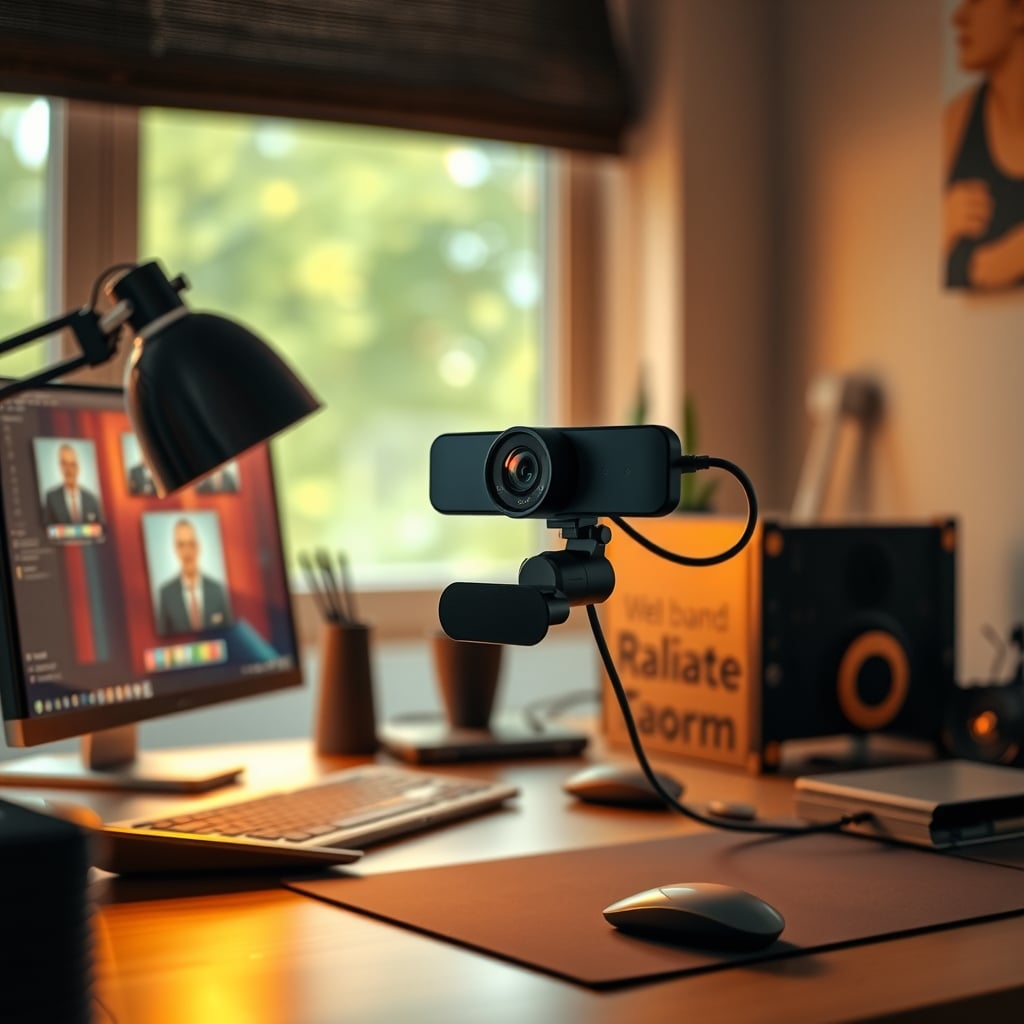
Start With Lux, Not Megapixels
Here's the mistake I see most often: someone's calls look grainy, they assume the camera is weak, and they buy a more expensive low light webcam. The image barely changes. The camera was never the bottleneck — the room was.
So the short answer, up front: buy on sensor size and aperture, not megapixels. But measure the room first, because the right purchase changes completely depending on how much light actually lands on your face.
- Under roughly 50 lux at face height — a dim evening room with one lamp behind the monitor. No consumer webcam rescues this. Spend the money on light.
- 50 to 150 lux — a typical evening desk. This is the band where a large sensor and a wide aperture genuinely earn their price, and where a $200 camera is visibly better than a $60 one.
- Above roughly 150 lux — daylight through a window, or a proper key light. Almost any current 1080p webcam looks clean at 30fps. Put the difference into a microphone.
Any phone light-meter app gets you close enough. It won't be lab-accurate, but it tells you whether you're at 30 lux or 300, and that single number decides the rest of this guide.
The Numbers That Actually Predict Low Light Webcam Performance
Ignore the resolution badge. These five things, in this order, decide what a camera does in a dark room.
1. Sensor size, not pixel count. A 1/2.8-inch sensor has a diagonal of about 6.4mm; a 1/1.28-inch sensor is about 9.9mm. That sounds like a small step until you square it — the bigger sensor collects roughly 2.3x the light for the same exposure. That single ratio explains most of the visible difference between a $70 webcam and a $250 one in a dim room. Marketing leads with 4K because it's easier to print on a box, but 4K on a 1/2.8-inch sensor is dim-room poison: tiny photosites, aggressive noise reduction, waxy skin.
2. Aperture, expressed as an f-number. Lower is better and the gap is bigger than people expect. Going from f/2.4 to f/1.8 is about 0.8 stops, or roughly 1.8x more light through the lens. Combined with a larger sensor, that's the real recipe. If a spec sheet buries the aperture, assume f/2.2 or worse and price accordingly.
3. Your frame rate ceiling is your exposure ceiling. At 30fps the longest exposure a camera can use is 1/30 second. At 60fps it's 1/60 — half the light, one full stop. This is why so many 1080p60 webcams look worse in a dark room than the same camera at 1080p30. If your room is marginal, drop to 30fps before you spend anything. It's free.
4. Whether exposure and gain controls are actually exposed. Most webcams talk to your computer over UVC (USB Video Class), and UVC defines brightness, exposure, gain and white balance. Plenty of manufacturers only expose those sliders inside their own utility, not to your streaming app or your meeting app. Check before you buy: if you can't lock exposure and gain, the camera will hunt and pump every time you move.
5. The pipe, not just the lens. USB 2.0 caps at 480 Mbps; USB 3.0 is 5 Gbps. Uncompressed 1080p30 is already around 1 Gbps, so a camera on USB 2.0 — or behind a busy unpowered hub — falls back to MJPEG compression, which smears exactly the fine detail that survives in dim footage. Plug the camera directly into a USB 3 port on the machine, not into the hub with your keyboard and drives.
One more that rarely makes spec sheets: autofocus type. Contrast-detect autofocus needs contrast, and a dark room is where contrast goes to die. It hunts, breathes, and occasionally locks onto your mug. A fixed-focus lens set around 40-60cm is boring and better in low light; phase-detect or laser-assisted autofocus is the other acceptable answer.
Face-Lighting Angles and How Much Light You Actually Need
Office lighting standards give you a useful target. EN 12464-1 recommends around 500 lux for general office tasks, and for a face on camera you don't need more than that — 300 to 500 lux at the face is comfortable and looks natural. A single 800-lumen bulb at arm's length gets you there.
Geometry matters more than wattage. Light falls off with the square of distance: double the distance from lamp to face and you keep a quarter of the illuminance. A lamp two metres away is doing a quarter of the work of the same lamp at one metre. Move the light before you buy a brighter one.
The angle does the rest. Put the key light roughly 45 degrees off to one side and 30 to 45 degrees above eye level. That gives you a shadow on one cheek and a highlight on the other, which is what reads as "three-dimensional" on camera. A ring light straight on at eye level flattens the face, hides the jawline, and puts a bright donut in your glasses.
The single biggest low-light culprit isn't darkness, though — it's a bright background. If a window or a bare bulb sits behind you, auto-exposure protects the highlights and underexposes your face, then the camera applies gain to compensate. Move the desk, close the blind, or add light in front. If you want the reasoning on why your monitor and room brightness need to be balanced rather than maximised, the piece on ambient office lighting that won't fight your monitor covers the contrast side of it.
And if you're weighing a dedicated key light against a general desk lamp, the comparison of video call key light options and what each angle buys you is a better starting point than a camera upgrade in most rooms.
Picking a Low Light Webcam by Price Tier, Not by Brand
Brands cycle models every 18 months; the sensor classes underneath them barely move. Shop by tier and you'll pick well regardless of what's on the shelf this year.
Best budget — the $40 to $65 floor. At this price you get 1080p30, a 1/2.8-inch or 1/2.9-inch sensor, an f/2.0 to f/2.2 lens, and fixed focus. That's not a compromise list — fixed focus is genuinely an advantage in a dark room because there's nothing to hunt. Look for a manual exposure slider in the vendor utility, a real USB-C or USB-A 3.0 cable, and a mount that sits on the monitor rather than requiring a tripod. What you give up: 60fps, autofocus at close range, and any headroom below about 100 lux. If your room measures 150 lux or better, this tier is the honest answer and the rest of this guide doesn't apply to you.
Best overall for dim rooms — the $180 to $260 large-sensor class. This is where the money actually buys light. A 1/1.28-inch sensor with an f/1.8 lens, running a 4K sensor binned 2x2 down to 1080p — binning combines four photosites into one output pixel, which is why these look cleaner at 1080p than a native 1080p camera with the same optics. Expect usable results down to roughly 50-70 lux if you're willing to stay at 30fps and lock the exposure. Trade-offs to know: these are physically bigger and heavier, they often ship with a clip that struggles on thin monitor bezels, and some of them apply heavy noise reduction you can't fully disable, which smooths skin texture. If you stream, that matters — noise reduction plus a high bitrate is worse than mild grain plus a moderate bitrate.
Best premium — mirrorless camera plus HDMI capture, $400 to $700 all in. A Micro Four Thirds or APS-C body with a fast prime lens has a sensor 8-15x the area of a webcam's, and it looks like it. You will not find a USB webcam that matches it in a dim room, because physics doesn't allow it at that size. The costs are real, though: you need a capture device, you need mains power, many lenses have slow or noisy autofocus, and you're now managing a camera, a card reader and a second HDMI chain on your desk. The HDMI capture versus USB webcam mode comparison covers the plumbing decisions before you commit. Skip this tier unless video quality is part of the product you're selling.
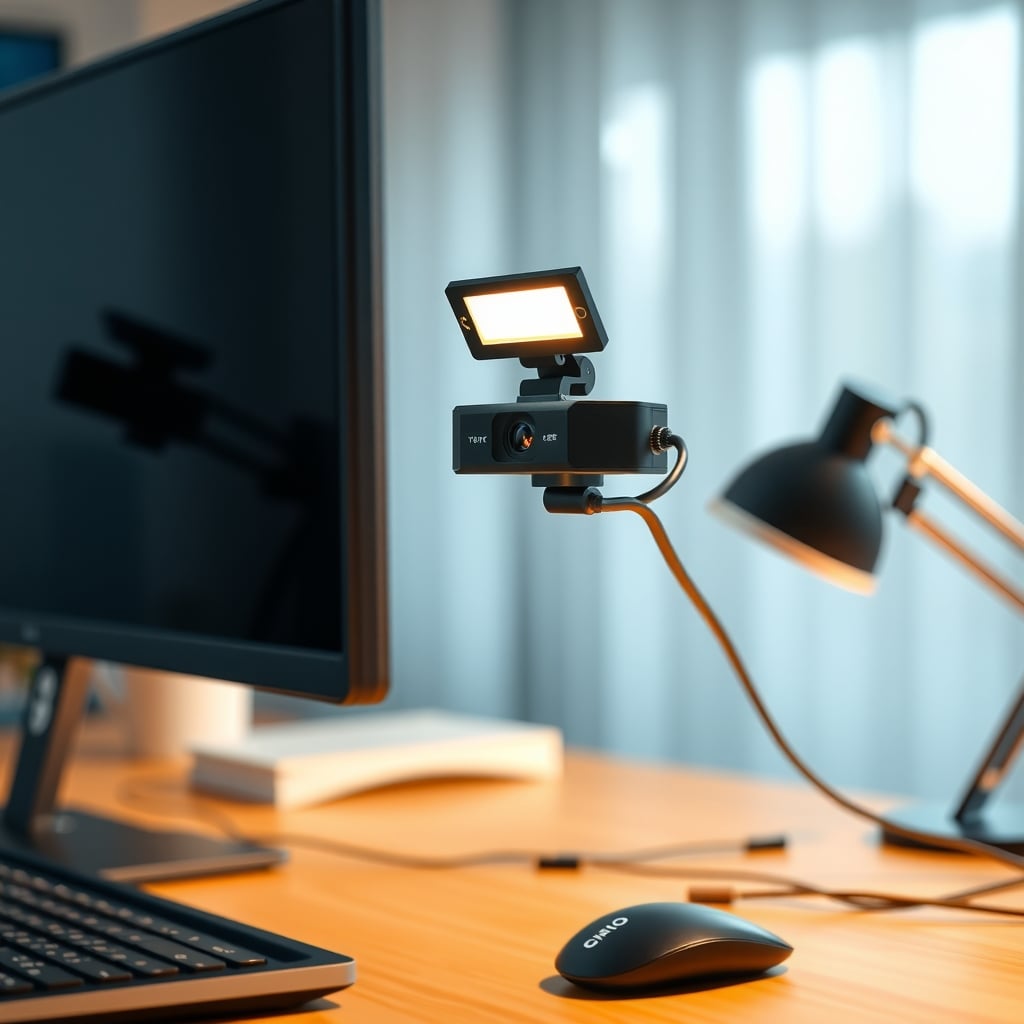
Best for a desk you're not allowed to light — the $90 to $140 mid tier with a twist. Renters, shared rooms, and anyone whose "office" is a corner of a bedroom at 11pm: you want a camera with a clean 1080p30 mode, a genuinely wide aperture, and — critically — a vendor utility that lets you set gain manually and leave it. Pair it with a small battery-powered panel light clipped to the monitor, which sidesteps wiring and doesn't touch the room's ceiling fixture. The camera alone won't fix 40 lux, but the camera plus a 10W panel will, and the total is still under $200.
Side-by-Side: What Each Tier Actually Gets You
Tier Typical price Sensor Aperture Realistic usable light Autofocus Best for Budget fixed-focus $40-65 1/2.8"-1/2.9" f/2.0-f/2.2 ~100 lux+ at 1080p30 Fixed Calls in a normally lit room Mid with manual controls $90-140 1/2.8" f/1.8-f/2.0 ~70-90 lux at 1080p30 Contrast Small rooms, laptop setups, travel Large sensor, binned 1080p $180-260 ~1/1.28" f/1.8 ~50-70 lux at 1080p30 Contrast or hybrid Streaming, recording, dim offices Mirrorless + capture $400-700 MFT / APS-C f/1.8 prime Sub-30 lux with a fast lens Lens dependent Production work, paid content Any camera, no light added $0 — — Fails below ~50 lux — NobodyTwo rows in that table are worth internalising. The large-sensor tier buys you roughly one to one and a half stops over the budget tier — call it two to three times the usable light, not magic. And the last row is the one people skip.
Common Mistakes That Make a Good Camera Look Bad in the Dark
Letting the camera expose for the background. A window behind you can be 20x brighter than your face. The camera protects the highlights, your face goes dark, gain comes up, noise arrives. Fix: put light in front of you, or move so the bright thing is beside you rather than behind. No software setting beats this.
Leaving auto-exposure and auto white balance on. In a dim room, auto-exposure sits near its gain ceiling and hunts whenever you move. Auto white balance drifts too, because the camera is reading mostly shadow. Fix: lock exposure and white balance manually in the vendor utility, set gain as low as the image allows, and accept a slightly darker frame. Consistency beats brightness on a call.
Buying 4K for low light. It's the wrong lever. 4K on a 1/2.8-inch sensor gives you smaller photosites and heavier noise reduction than the 1080p mode of the same camera. The only reason to want 4K is cropping or downsampling from a much larger sensor — and at that point the sensor size is what you're paying for, not the resolution.
Cranking the software "low light mode." These modes raise gain and then apply temporal noise reduction, which blends frames. The result is a smooth, slightly ghosting face that looks like a video filter. If you're streaming, remember that hardware encoding on your GPU saves CPU but does nothing for a noisy source — bitrate spent on sensor noise is bitrate wasted. Fix the light, then the encoder.
Ignoring mains flicker. Under 50Hz mains, a camera set to 60Hz anti-flicker produces rolling bands across the frame. Most utilities have a 50/60Hz toggle; most people never touch it. If you see horizontal bands that move, that's the setting, not the sensor.
Who Should Buy What, and Who Should Skip the Upgrade
Skip the camera entirely if you measure under 50 lux. Buy a lamp. A $25 bulb at 45 degrees beats a $250 sensor in a genuinely dark room, and it's the only upgrade that compounds — better light helps every camera you'll ever own.
Buy the $40-65 fixed-focus tier if you're at 100 lux or better, you mostly do video calls, and you've never once wished your image looked more cinematic. It's the right answer for more people than the internet admits.
Buy the $180-260 large-sensor tier if you're at 50-150 lux, you record or stream regularly, and your face is on camera for a living. This is the sweet spot. It's also the tier where the downsides start mattering — bigger body, heavier mount, noise reduction you can't fully turn off.
Buy the mirrorless path only if video quality is a deliverable. Otherwise the capture chain becomes a maintenance project you didn't ask for. If you run a dual-PC setup, keep the camera on the streaming machine — a webcam's built-in mic across two machines creates an audio routing problem that has nothing to do with how the image looks, and you'll solve it faster with a separate interface and a proper dual-PC audio routing plan.
If your room is fine and your audio is bad, don't touch video. On a compressed call, viewers forgive grain instantly and never forgive room echo.
The Bottom Line on Buying a Low Light Webcam
Measure the room. If you're under 50 lux, buy light and keep your current camera. If you're between 50 and 150 lux and your face is on camera regularly, buy the $180-260 large-sensor class — a 1/1.28-inch sensor with an f/1.8 lens and 4K binned to 1080p is the single most useful specification in this category, and it's worth more than any resolution number on the box. Run it at 30fps, lock exposure and gain manually, and plug it straight into a USB 3 port.
If you're above 150 lux, buy the $40-65 fixed-focus tier, put the savings into a microphone, and stop reading buying guides about cameras.
The one thing I'd tell a friend: nobody has ever regretted spending $40 on light and $60 on a camera. Plenty of people regret spending $250 on a camera in a room that was never lit properly in the first place. For most desks, that's the whole decision.
Frequently Asked Questions
Is a 4K webcam better in low light than a 1080p one?
Usually no. On the same 1/2.8-inch sensor, 4K means smaller photosites and heavier noise reduction, so the 1080p mode of the same camera often looks cleaner in a dim room. What actually helps is sensor area and aperture: a roughly 1/1.28-inch sensor with an f/1.8 lens gathers about 2.3x the light of a 1/2.8-inch sensor, and 4K binned down to 1080p is a genuine advantage only because the sensor underneath is bigger.
How many lux do I need for a webcam to look decent?
Around 150 lux at face height is enough for almost any current 1080p webcam at 30fps. Between 50 and 150 lux you start needing a larger sensor and a wider aperture. Below roughly 50 lux, no consumer webcam produces a clean image, and adding light is cheaper and more effective than upgrading the camera. A phone light-meter app is accurate enough to tell which band you're in.
Does dropping from 60fps to 30fps really help in a dark room?
Yes, and it's free. At 60fps the longest exposure available is 1/60 second; at 30fps it's 1/30 second, which is one full stop — twice the light. If your image is grainy at 60fps, switching to 30fps usually removes a visible chunk of noise before you spend anything on hardware.
Why does my webcam look worse when I use a USB hub?
Bandwidth. USB 2.0 tops out at 480 Mbps while uncompressed 1080p30 is already around 1 Gbps, so a camera negotiated down to USB 2.0 falls back to MJPEG compression. Sharing an unpowered hub with drives and keyboards can cause the same fallback on a USB 3.0 port. Plug the camera directly into a USB 3 port on the machine and the smearing usually disappears.
Should I buy a webcam or a mirrorless camera for a dim room?
A mirrorless camera with a fast prime lens has a sensor many times the area of any webcam and wins on image quality without argument. But it needs a capture device, mains power, and a second HDMI chain on your desk, which typically pushes the total to $400-700. Buy it only if video quality is part of what you sell. For calls and casual streaming, the $180-260 large-sensor webcam tier is far better value.
Where should I put a light to fix a dark webcam image?
Roughly 45 degrees off to one side and 30 to 45 degrees above eye level, and as close as is comfortable — light falls off with the square of distance, so doubling the distance leaves you a quarter of the illuminance. Aim for 300-500 lux at the face. A ring light dead-on at eye level flattens features and reflects in glasses, so avoid the straight-on position.
Written by
GlowRig Editorial researches and writes practical guides about desk setups and home office gear. Our articles are produced with the help of AI research tools and are reviewed for accuracy against manufacturer specifications and public user feedback. We may earn a commission from affiliate links, which never affects our recommendations.
Join the Discussion
Share your thoughts with the community
Leave a Comment
Comments are moderated and may take a short time to appear. Links are not permitted.