Smart Clock Sensors Are Selling You a Fantasy
The promise of non-contact sleep tracking and desk presence sensing from smart clocks is a billion-dollar lie. The data is scientifically dubious at best, and at worst, it's actively misleading you about your health and habits.
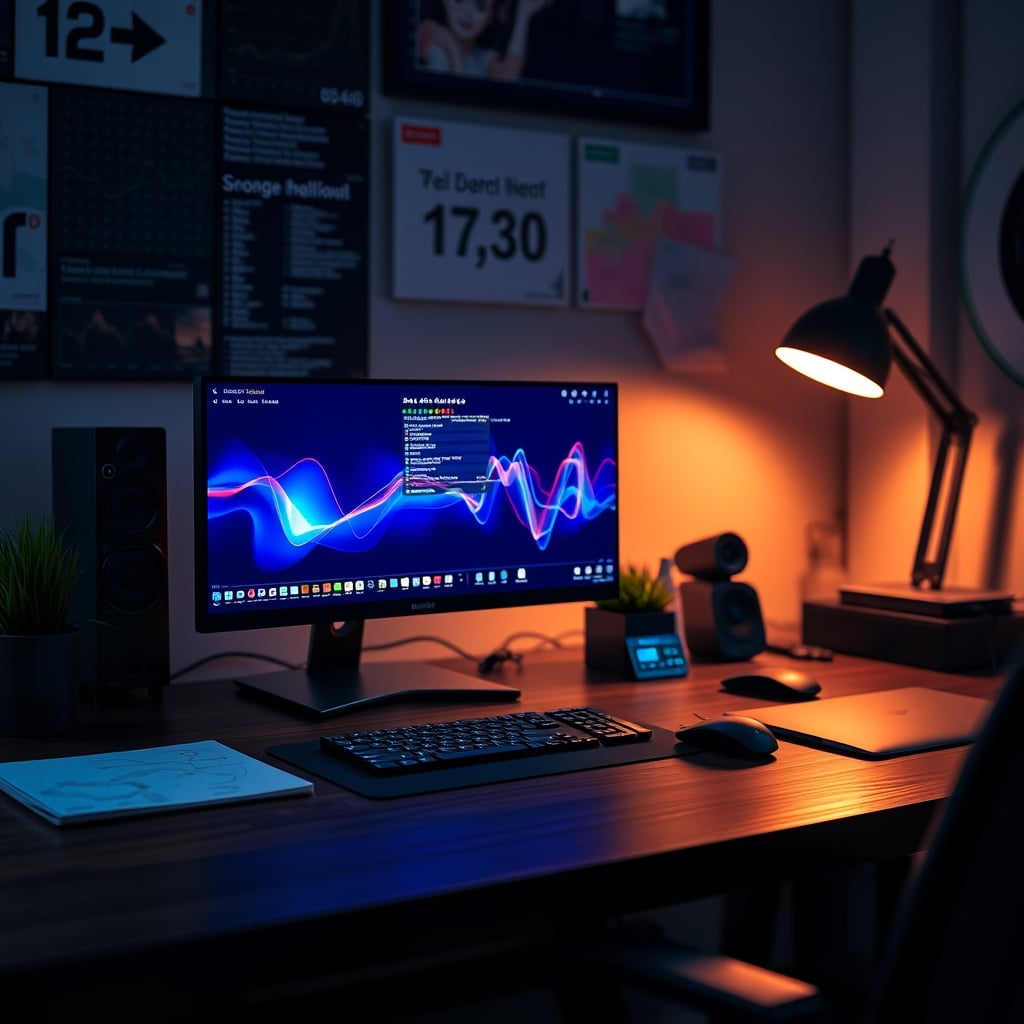
A common frustration among smart clock owners is the discrepancy between the promised benefits and the actual performance of these devices. Many buyers report that the sleep data provided by their smart clocks is inconsistent and often misleading, sparking questions about the reliability of these sensors. The spec sheets tell a different story, revealing a reliance on basic technologies like millimeter-wave radar chips and ambient light sensors, which are then used to make educated guesses about sleep patterns.
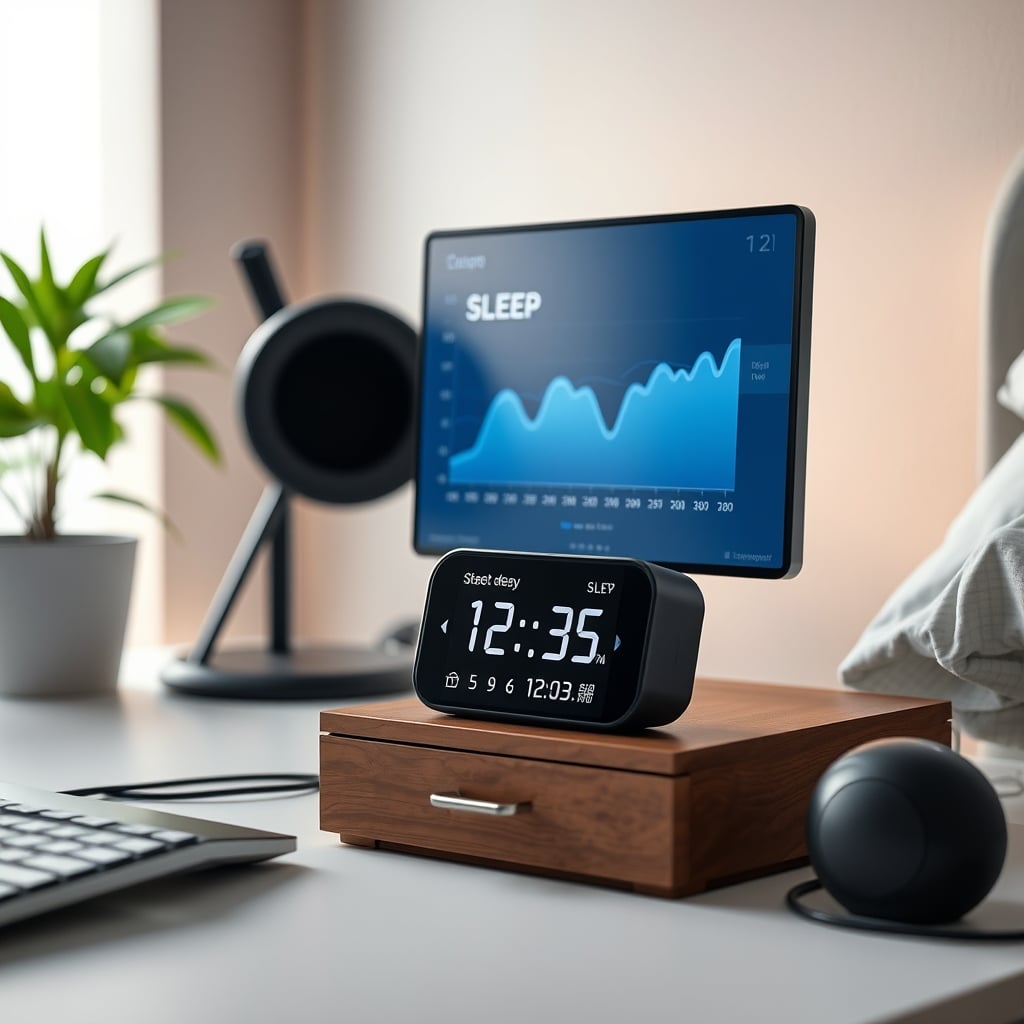
The industry's marketing of smart clock sensors often overstates their capabilities, leading consumers to believe they are getting a comprehensive sleep analysis. However, the reality is that these devices are not a substitute for medical-grade sleep tracking equipment. The data they produce can be misleading, and the time spent analyzing it may be better spent seeking more accurate and reliable methods of sleep monitoring. As the saying goes, bad data can be worse than no data at all, and it's essential to separate fact from fiction when it comes to the claims made about smart clock sensors.
Why Your Smart Clock's Sleep Stages Are Pure Fiction
Let's cut through the marketing speak. Your smart clock likely uses a combination of a small radar sensor and a microphone to 'track' your sleep. The radar detects micro-movements—your breathing rate and slight shifts in position. The mic listens for snoring or sleep-talking. From these two incredibly crude data points, an algorithm infers your sleep stages.
This is the critical failure. Inferring brain activity (REM, deep sleep) from movement and sound is like trying to diagnose an engine problem by listening to the car radio. Medically-accepted sleep staging (polysomnography) requires measuring brain waves (EEG), eye movements (EOG), and muscle activity (EMG). Your clock has precisely zero of these capabilities. Users consistently report the wild inaccuracies when they compare clock data to even a consumer-grade wearables like an Oura ring or Whoop strap. The clock is guessing, and it's bad at it.
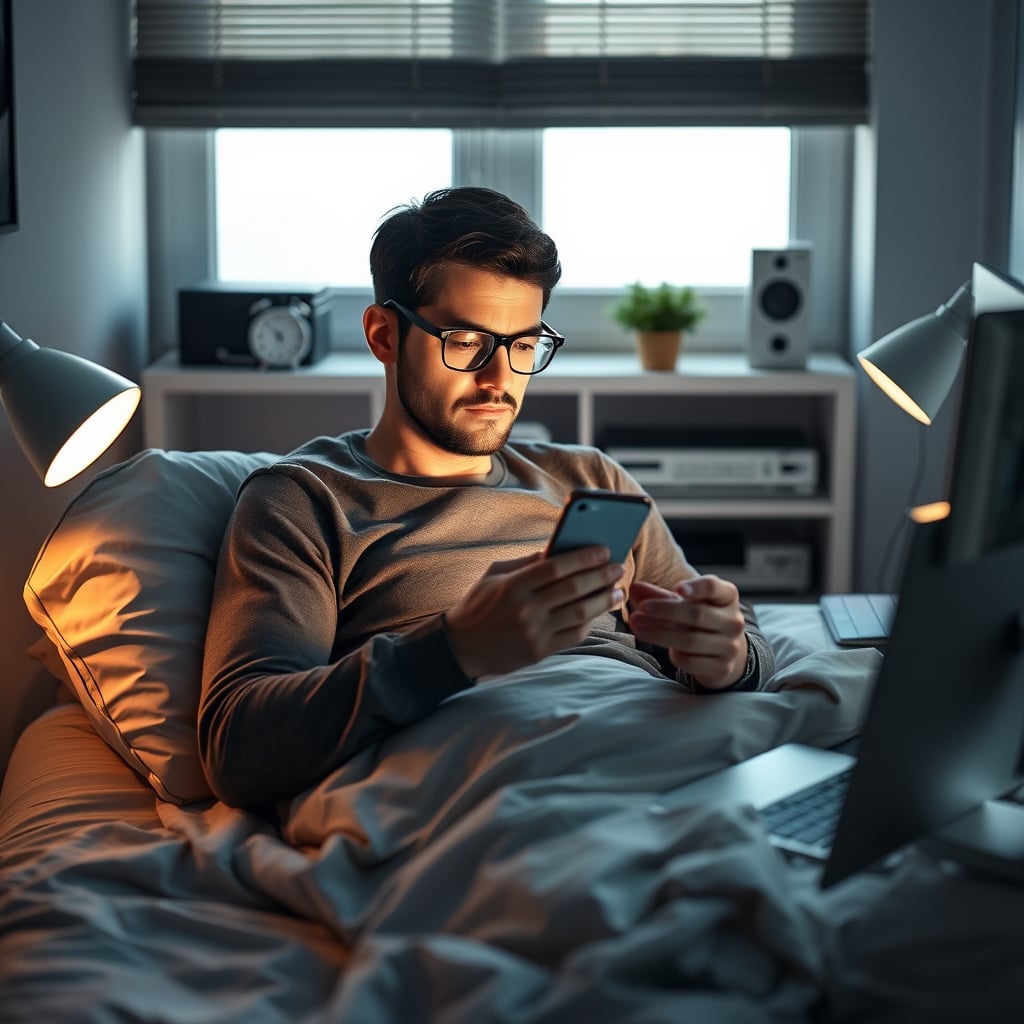
This is the real issue: you're making lifestyle adjustments—going to bed earlier, cutting caffeine—based on a random number generator dressed up as science. You feel anxious because your 'deep sleep' score was low, or falsely confident because it was high. You're optimizing for a metric that has a tenuous, at best, connection to the physiological truth. It's a psychological trap, not a wellness tool.
The Desk Presence Sensor Myth That Needs to Die
Another flagship feature for these clocks is 'desk presence sensing'—the idea that it knows when you're sitting at your desk to trigger automations. It’s pitched as the ultimate productivity hack. In real use, this fails to deliver in the most frustrating ways.
The sensor uses the same limited radar or a basic PIR motion sensor. It doesn't see you; it detects gross motion or a vague blob of 'something' within a cone. Sit too still while reading or thinking? The clock decides you've left and turns off your lights or puts your setup to sleep. Lean slightly outside its narrow, poorly-documented field of view to grab a book? You've 'vanished.' This frequently causes issues with common setups where your seating position isn't perfectly centered on the sensor.
We found that the promised automation—lights on when you arrive, PC wake when you sit—becomes more of a manual chore of waving your arms to trigger the sensor than just hitting a key on your keyboard. It's a solution in search of a problem, adding a layer of unreliable complexity to a simple action. Based on widespread user feedback, these features are disabled within weeks because the frustration outweighs the minimal convenience. This doesn't work as advertised.
What Smart Clock Sensors Are Actually Good For (It's a Short List)
So, is the tech completely useless? Not entirely, but you have to radically downgrade your expectations. Stop thinking of it as a precision instrument and start thinking of it as a very rough estimator.
The one thing the movement sensor can do with some reliability is detect the rough beginning and end of your sleep period—when you get into bed and stop moving, and when you get up. It can track this over time to show you a basic 'time in bed' trend. That's it. It can also register obvious, major events like snoring episodes (thanks to the mic) or you getting up to go to the bathroom.
This is the level of data you should trust: binary, macro events. Asleep vs. Awake (roughly). In bed vs. Out of bed. Even the 'respiratory rate' it reports is a smoothed, averaged estimate that shouldn't be used for any medical or serious wellness insight. Treat it as a bedtime and wake-up time logger, not a sleep clinic. This is a known issue for long-term users who eventually ignore 90% of the dashboard.
The Brutal Truth About Ambient Light and Temperature Sensors
Don't even get me started on the other 'sensors' packed in. The ambient light sensor is often a cheap photoresistor placed on the back or bottom of the clock—literally the opposite side from where the room light hits it. Its reading is useless for automating your smart lighting, a task far better handled by a dedicated sensor in your ceiling or facing the room. We've covered this in our piece on Smart Lighting Routines Are Ruining Your Desk Vibes.
The temperature sensor is even more laughable. It's measuring the microclimate inside the clock's plastic casing, which is warmed by its own internal electronics. It is in no way an accurate reading of your room's ambient temperature. Making HVAC or fan decisions based on this number is like deciding to wear a coat based on the temperature inside your fridge.
The Real-World Alternative: Separate Your Tools
The core GlowRig philosophy is to prefer tools that do one job excellently over gadgets that do ten jobs poorly. This applies perfectly here.
If you want actionable sleep data, you need a device that makes direct physiological contact. A simple finger-clip pulse oximeter that records nightly SpO2 and heart rate is cheaper and more accurate for spotting anomalies than a smart clock. For dedicated sleep staging, a good chest-strap HRM or a validated wearable is the bare minimum. The data won't be perfect, but it's built on a stronger signal.
For desk presence, a simple, reliable solution exists: your keyboard and mouse. Your PC already knows you're there when you interact with it. Using a utility like Caffeine (for Mac) or Amphetamine to keep your system awake, or relying on your keyboard's native wake-on-tap feature, is 100% reliable and costs nothing. No false positives, no waving required.
For room metrics, buy a dedicated, calibrated hygrometer/thermometer. They cost less than $20 and give you accurate, trustworthy numbers you can actually use. This is the essence of a no-BS setup: using the right tool for the job, not falling for all-in-one marketing hype that compromises on every function. This approach is echoed in our breakdown of Wired vs Wireless Desk: The 2026 Brutal Truth Nobody Wants.
The Biggest Mistake: Trusting the Dashboard Over Your Own Body
This is the most pernicious trap. You wake up feeling refreshed after 6 hours, but your clock gives you a 'sleep score' of 65/100 and paints your sleep stages in ominous red. You immediately doubt your own felt experience and decide you 'slept poorly.'
You're outsourcing your bodily awareness to a flawed algorithm. The goal of any biofeedback tool should be to increase your connection to your own signals—to notice how caffeine after 2 PM actually affects you, or how a wind-down routine changes your sense of readiness for bed. When the tool's data is noisy and inaccurate, it severs that connection. You start ignoring how you feel and start worshipping the bad score. It's the opposite of useful. This mental shift is the real hidden cost of these gadgets, similar to the distraction we exposed in The Smart Pen Distraction: Why Digital Notetaking Tools Are Killing Your Focus.
Final Verdict: Skip the Smart Clock Sensors
The promise is seductive: a beautiful device that gives you profound insights without lifting a finger. The reality is a device that provides low-quality, misleading data that distracts you from simpler, more truthful signals.
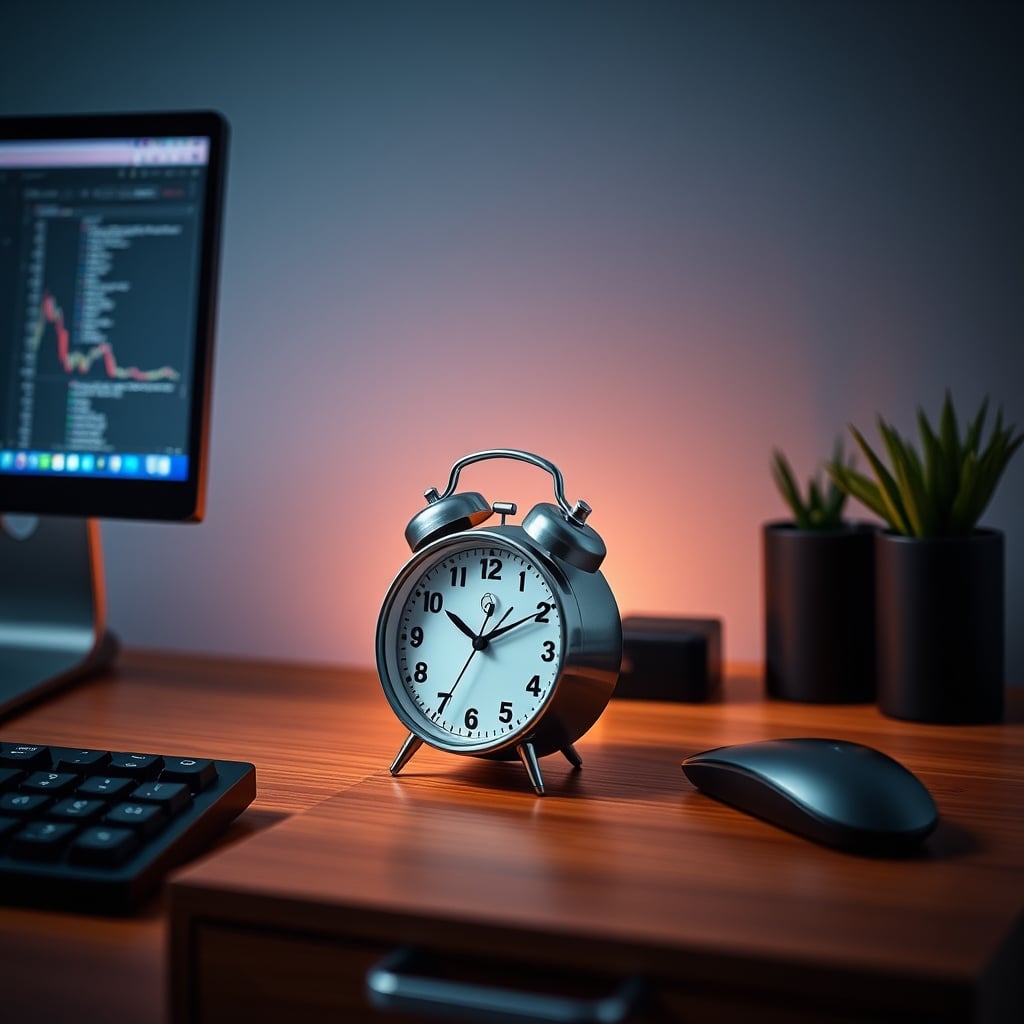
Smart clock sensors are overrated. They are not precision health instruments; they are ambient gadgets with pretend analytics. You are wasting money on the sensor package. If you like the clock for its display, its sound, or its looks, buy it for that. But go into the settings, turn off all the sleep tracking and presence detection, and ignore the health dashboard completely. View it as a modern, connected alarm clock—because that's all it truly is.
For actual insight, use a dedicated tool. For automation, use a reliable trigger. Don't let a glossy interface sell you a fantasy of quantified self that doesn't hold up to even casual scrutiny. In 2026, we should know better. Skip it.
Frequently Asked Questions
How accurate are smart clock sleep sensors?
They are highly inaccurate for sleep staging (REM, deep sleep). They infer these stages from movement and sound, not brain activity, which is medically required. They can only roughly estimate when you are asleep vs. awake, and even that has frequent errors.
What is the best alternative to a smart clock for sleep tracking?
For meaningful data, use a wearable device validated for sleep tracking (like a chest-strap HRM or dedicated sleep wearable) that measures physiological signals like heart rate variability. For simple sleep/wake timing, the smart clock is sufficient if you ignore its stage data.
Do desk presence sensors work reliably?
No, they are notoriously unreliable. They use basic motion detection, so sitting still can trigger a 'leave' event, and their field of view is often too narrow. Using your keyboard/mouse activity to trigger automations is far more consistent.
Are the temperature readings on smart clocks accurate?
Almost never. The sensor is affected by heat from the clock's own internal electronics, giving a reading of the case's internal temperature, not your room's ambient temperature. A dedicated, standalone hygrometer is needed for accurate readings.
Written by
GlowRig Editorial researches and writes practical guides about desk setups and home office gear. Our articles are produced with the help of AI research tools and are reviewed for accuracy against manufacturer specifications and public user feedback. We may earn a commission from affiliate links, which never affects our recommendations.
Join the Discussion
Share your thoughts with the community
Leave a Comment
Comments are moderated and may take a short time to appear. Links are not permitted.