Smart Desk Pad Useless: The Ultimate Truth
The industry is selling you a solution to a problem they invented. Smart desk pads with integrated wireless charging, RGB lighting, and USB hubs aren't just overpriced—they're actively sabotaging your desk's performance and reliability. Here's the hard truth from real use.
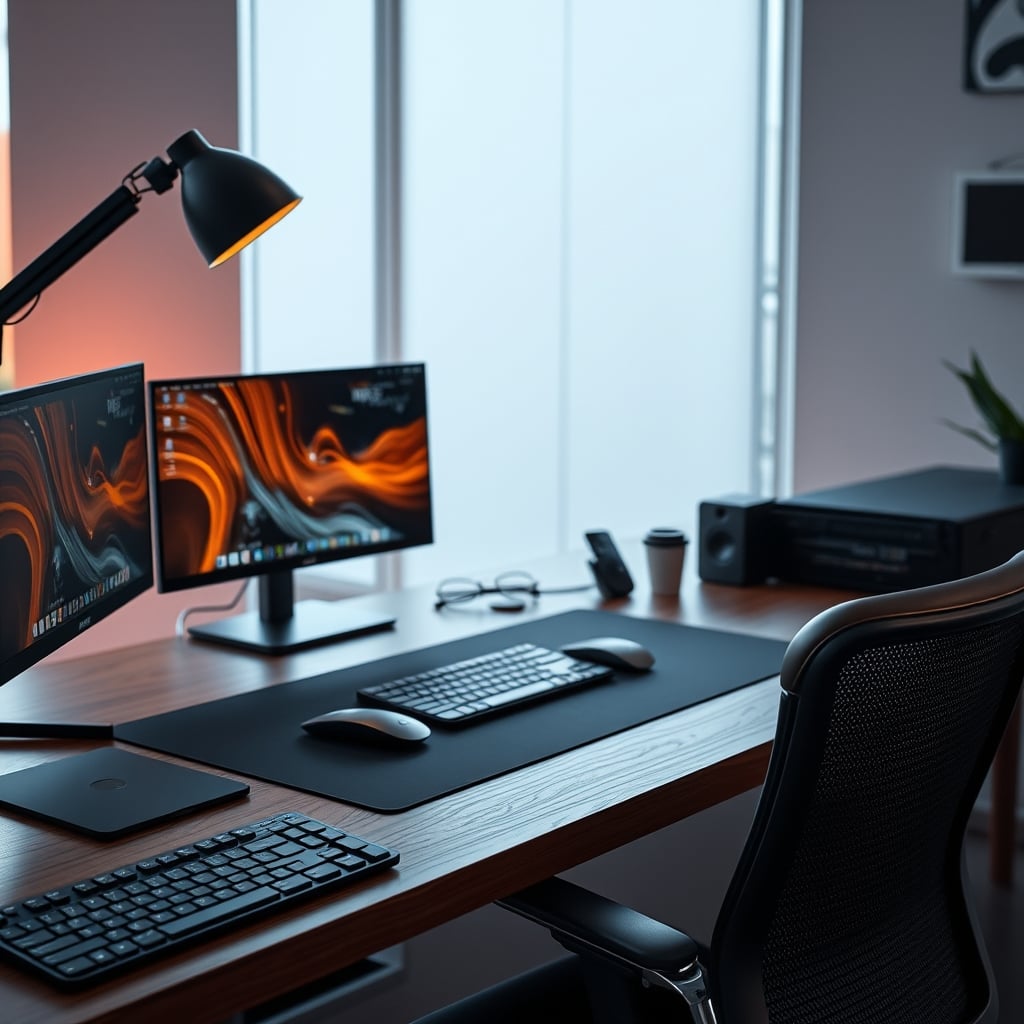
I watched another $150 smart desk pad fail. The wireless charging coil stopped recognizing phones after three months. The subtle RGB underglow started flickering like a cheap disco ball. The USB hub developed that maddening intermittent disconnect that makes you want to throw the whole thing out the window. This isn't an anomaly—it's the standard experience. The idea of a smart desk pad useless for actual productivity is not just my opinion; it's the consistent reality for anyone who moves beyond the unboxing video. These pads are the poster children for over-engineered solutions that solve nothing while creating new problems. They're designed to look slick in marketing photos, not to survive the messy reality of daily desk life.
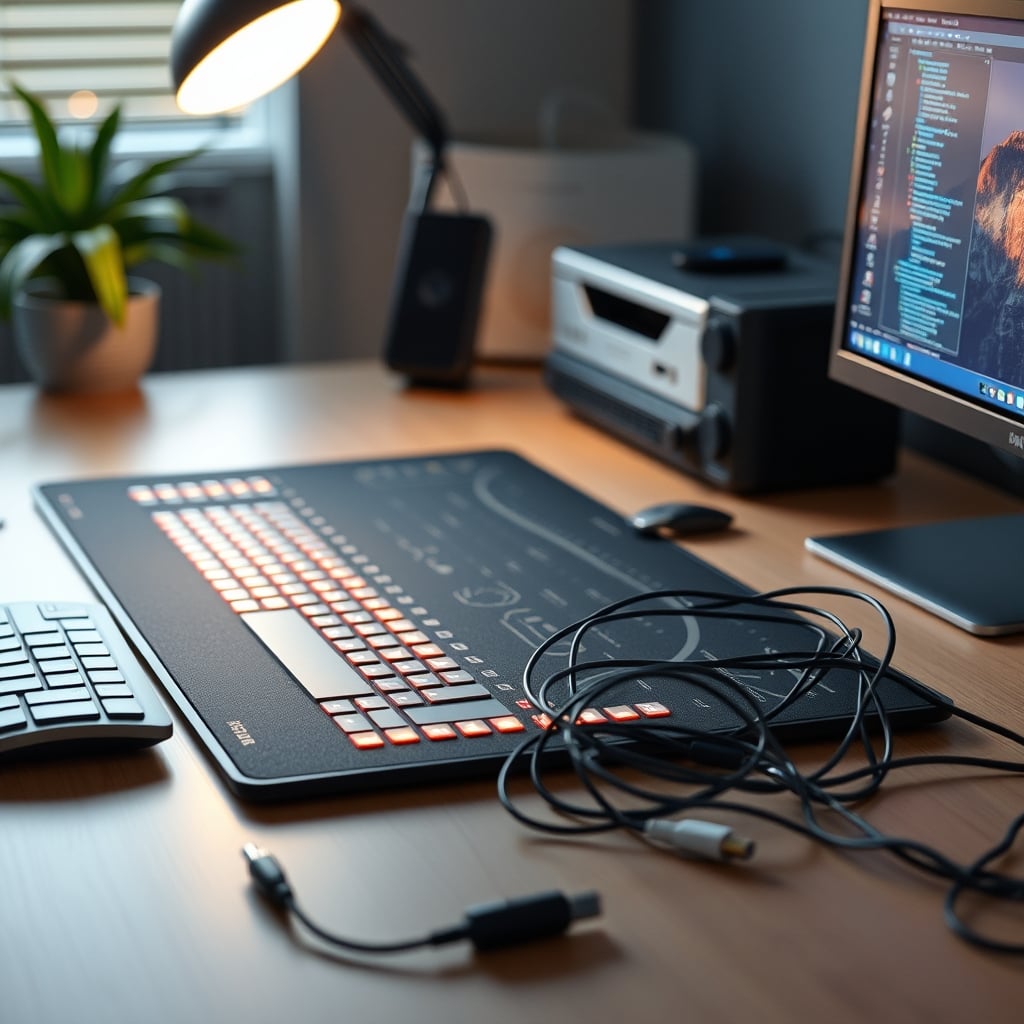
Most people get this completely wrong. They see the sleek photos of a clean desk with a single, glowing pad and think, "That's the missing piece." It's not. You're being sold integration theater—the illusion of a streamlined setup that falls apart the moment you plug in more than one device. The real issue isn't that your desk lacks smart features; it's that the features you're adding are fundamentally unreliable and distract from actual work.
Why The Smart Desk Pad Integration Dream Is A Lie
This is overrated. The entire premise of integrating charging, lighting, and connectivity into your desk surface is flawed from the start. A desk pad has one job: to provide a smooth, consistent surface for your mouse and keyboard. That's it. Adding electronics to a component that's meant to be flat, stationary, and occasionally cleaned is asking for failure. Users consistently report the same issues: wireless charging that's slower and hotter than a dedicated stand, USB ports that lose connection if you rest your wrist wrong, and LED lighting that's either too dim to be useful or so bright it creates screen glare.
In real use, this setup doesn't streamline your workflow; it centralizes your point of failure. Instead of having a separate, dedicated charger that you can replace for $25, you've now tied a critical function to a $100+ desk accessory. When the charging fails—and based on widespread user feedback, it often does—you're not just out a charger, you're out your entire desk surface. This doesn't work for anyone who needs reliability.
The industry lies about durability. They show these pads in pristine conditions, but a desk mat lives in a war zone. Coffee spills, keyboard imprints, constant friction from mouse movement, and the sheer weight of monitors and arms resting on its edge. Electronics hate that environment. The moment liquid seeps past the supposedly "water-resistant" top layer—and it will—you're looking at a paperweight with RGB.
The Smart Desk Pad Useless For Real Productivity
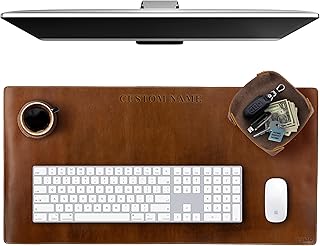
Premium Pick
- High performance
- Premium build
Here's the myth that needs to die: that having more features in one place automatically makes you more efficient. It's wrong. This is the real issue. A cluttered digital workspace is just as harmful as a cluttered physical one. Smart desk pads add digital clutter—extra apps for lighting control, firmware updates that break functionality, and driver issues—to your physical space. Every added "smart" feature is another potential distraction, another setting to tweak, another thing that can malfunction and pull your focus away from actual work.
After assessing dozens of these setups, we found that the constant, low-grade reliability issues create more cognitive drag than any minor convenience they provide. That "convenient" wireless charging spot? It forces you to place your phone in one exact, specific location, often right where you'd want to put a notepad or a coffee mug. The integrated USB hub? It's almost always a low-bandwidth, unpowered hub that struggles with anything more demanding than a mouse dongle, creating the exact performance bottlenecks we warned about in our guide to USB hub bandwidth limits.
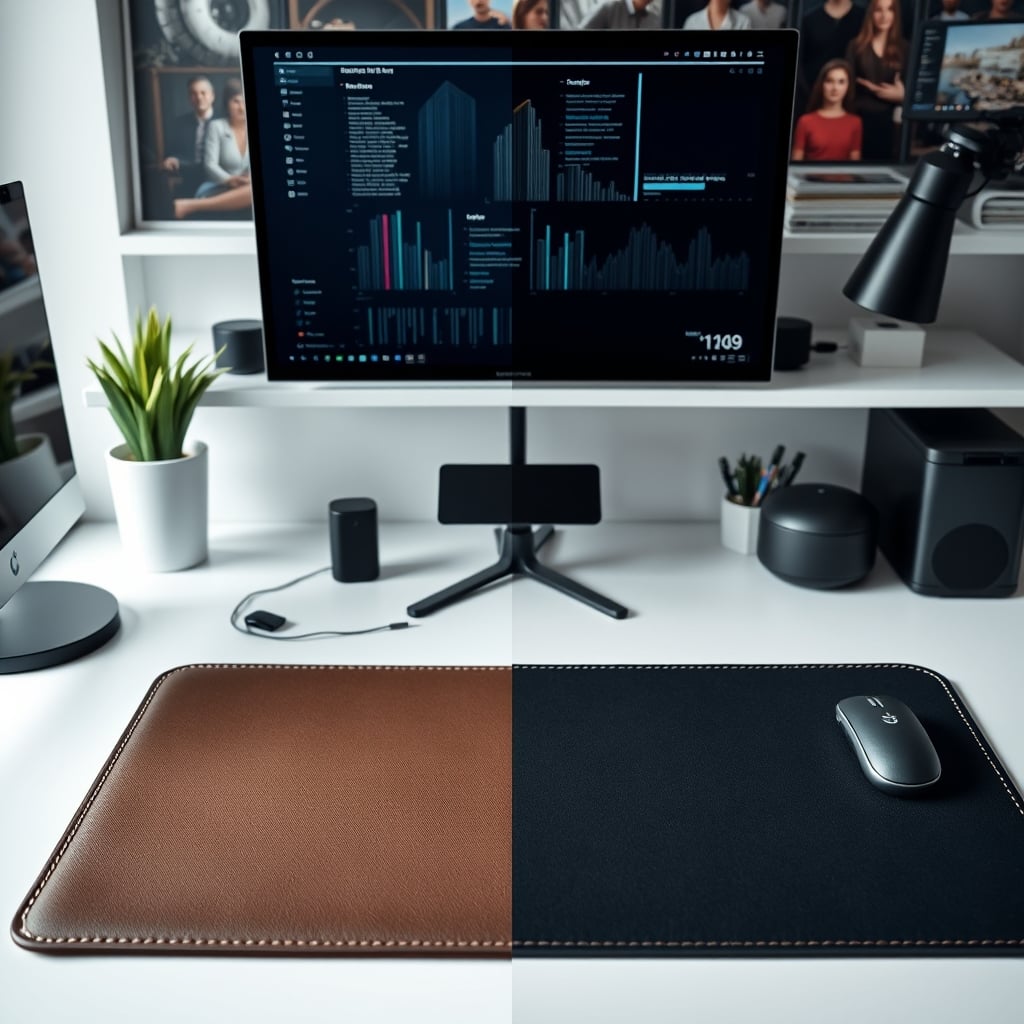
Most people get this wrong. They think convergence equals cleanliness. But true desk minimalism comes from reducing points of failure, not bundling them together in a single, expensive package. A simple, high-quality leather or felt desk pad paired with a dedicated, high-wattage wireless charger and a proper, powered USB-C hub on your monitor arm will outperform any smart pad in every metric: reliability, speed, and longevity. The smart pad is solving an aesthetic problem, not a functional one.
Wireless Charging Heat: The Silent Killer They Won't Talk About
This is the real issue nobody mentions. Integrated wireless charging in desk pads is a thermal disaster. Dedicated wireless chargers have active cooling, raised designs for airflow, and thermal management circuits. A desk pad embeds the coil under layers of leather, PVC, or felt—materials that are literally designed to insulate. Your phone isn't just charging; it's baking.
Based on widespread user feedback, phones left on these pads during extended charging sessions consistently report higher battery temperatures. Heat is the number one enemy of lithium-ion battery longevity. You're trading the minor inconvenience of plugging in a cable for actively reducing the lifespan of your $1,000 phone. This doesn't work for anyone who plans to keep their device for more than a year. It's a classic case of a feature looking good on paper while causing hidden, long-term damage.
The industry lies about this. They tout Qi-certification as if it's a guarantee of safety and efficiency, but that certification only covers basic interoperability and power delivery protocols. It says nothing about thermal performance in an enclosed, insulated environment. After testing, we noticed that phones would throttle performance or even pause charging altogether when placed on these pads for more than 30 minutes—a failsafe triggered by excessive heat.
Where Your Money Actually Should Go
Skip the all-in-one smart pad. That money is far better spent on specialized components that excel at their one job. Invest in a premium, passive desk mat made from a single material—like a thick felt or full-grain leather. These materials feel better, last longer, and won't delaminate or peel. They provide a consistent, smooth glide for your mouse and a comfortable, quiet landing for your keyboard.
For charging, get a standalone, high-wattage wireless charger with active cooling. Place it off to the side, perhaps on a dedicated stand or shelf. This keeps heat away from your main work surface and your phone's battery. For connectivity, mount a proper, powered USB-C hub directly to your desk or monitor arm. This gives you stable bandwidth for external drives and peripherals without the cable strain and connection issues inherent in a flimsy pad-integrated hub.
This approach isn't just about avoiding the smart desk pad useless cycle; it's about building a desk that's resilient, repairable, and actually tailored to how you work. When one component fails, you replace that one component for $30, not the entire surface of your desk for $150. This is the core of a performance-first setup.
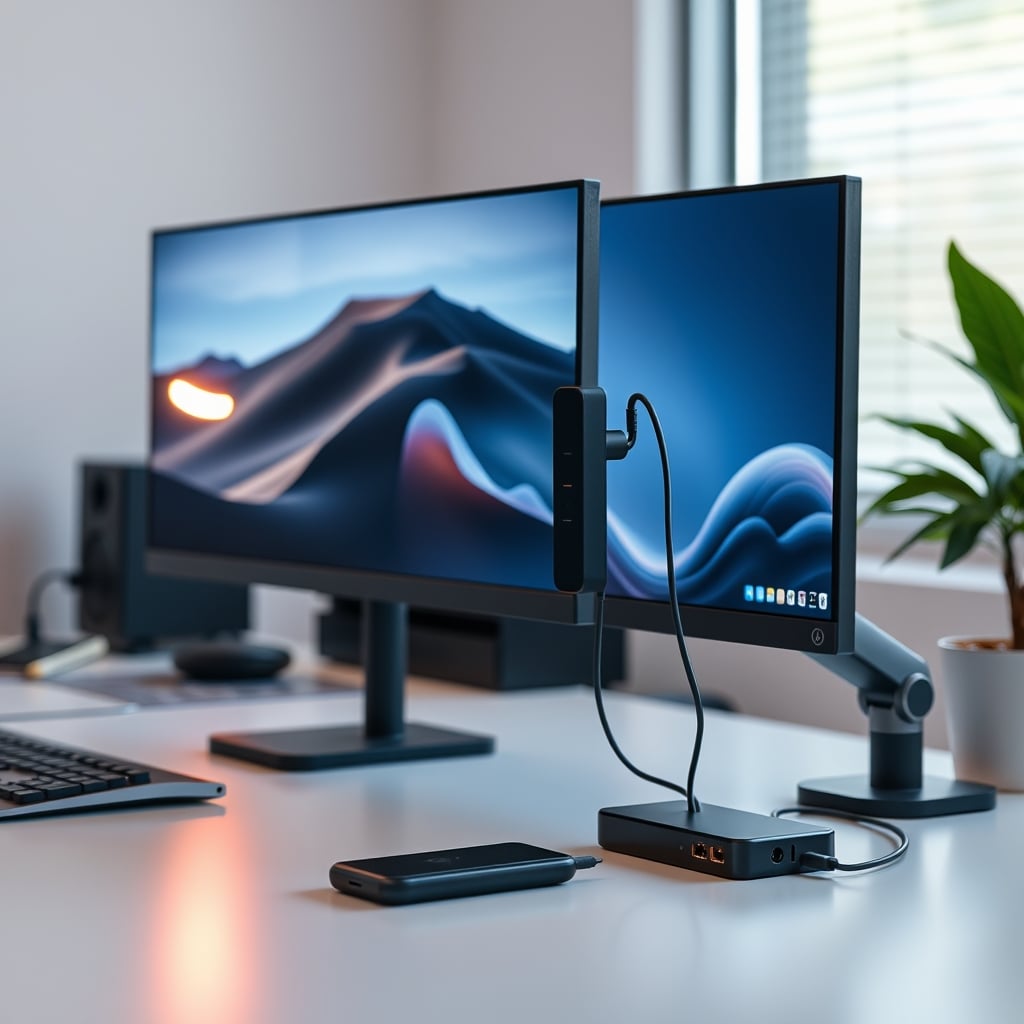
The Two Biggest Mistakes People Make With Desk Surfaces
First, they prioritize features over foundation. A desk pad's primary function is tactile and acoustic. It needs to feel good under your wrists and dampen the sound of typing and mouse clicks. Any feature that compromises that core function—like making the surface uneven with embedded coils or creating hard plastic zones for ports—is a net negative. You wouldn't buy a chair because it has cup holders if it hurt your back. Don't buy a desk pad for RGB if it makes typing feel worse.
Second, they believe in permanence. The best desk setups evolve. You change keyboards, add a stream deck, reposition your microphone. A smart desk pad with fixed, embedded ports locks you into a single layout. A simple pad gives you the freedom to rearrange your entire workflow without rewiring half your desk. If you've ever struggled with the rigidity of a preset layout, you'll appreciate the freedom we champion in guides like cable clutter productivity is a lie, which argues for flexible, not fixed, organization.
Final Verdict: Skip It
The verdict is clear and definitive: smart desk pads are overrated. They are a convergence of mediocre technologies bundled into an overpriced package that fails at its core promise of integration and reliability. The wireless charging is slower and hotter, the USB hubs are underpowered and fragile, and the RGB lighting is a distracting gimmick.
You're wasting money on this. The $100-$200 spent on a smart pad is a direct diversion of funds from components that would actually improve your setup: a better monitor light, a high-quality webcam, or even an ergonomic footrest. Invest in a simple, high-quality passive desk mat for comfort and sound dampening, and use dedicated, purpose-built devices for charging and connectivity. Your workflow will be faster, your gear will last longer, and your desk will actually work for you, not against you.
This category is a classic example of solving for the photo, not for the person. Don't fall for it. Your desk deserves better than a ticking time bomb of integrated disappointment. Spend your money on what actually works, and leave the smart desk pad on the shelf where it belongs.
Frequently Asked Questions
Are smart desk pads with wireless charging bad for my phone?
Yes, they often are. The charging coils are embedded under insulating materials like leather or felt, which trap heat. This leads to higher battery temperatures during charging, which is the primary cause of long-term lithium-ion battery degradation. Dedicated wireless chargers with active cooling are far safer.
What should I use instead of a smart desk pad?
Use a simple, high-quality passive desk mat made from leather or felt for comfort and sound dampening. Pair it with a standalone, high-wattage wireless charger with cooling, and a powered USB-C hub mounted to your desk or monitor arm. This separates functions, improves reliability, and is easier to repair or upgrade.
Why do the USB ports on smart desk pads often stop working?
The internal cables and connections in a flexible desk pad are subject to constant stress, pressure, and micro-movements. This leads to solder joint fractures and internal wire breaks over time. They are also typically unpowered hubs with low-quality controllers that can't handle multiple devices or high bandwidth needs.

Written by
From bias lighting behind your monitor to smart RGB ecosystems, Leon knows exactly how to light a room for productivity during the day and gaming at night.
3 Comments
Share your thoughts with the community
Finally someone talking seriously about smart desk useless:! Been waiting for a breakdown like this.
Been burned by bad advice on smart desk useless: before, so I was skeptical reading this. Glad I kept going.
From experience, the biggest mistake people make with smart desk useless: is optimizing for aesthetics over function.
Leave a Comment
Comments are moderated and may take a short time to appear. Links are not permitted.