Desk Plant Condensation Is a 2026 Tech Sabotage
That stylish snake plant on your desk isn't just vibes—it's a slow-motion corrosion event for your keyboard, monitor, and USB ports. We expose the silent killer nobody talks about.
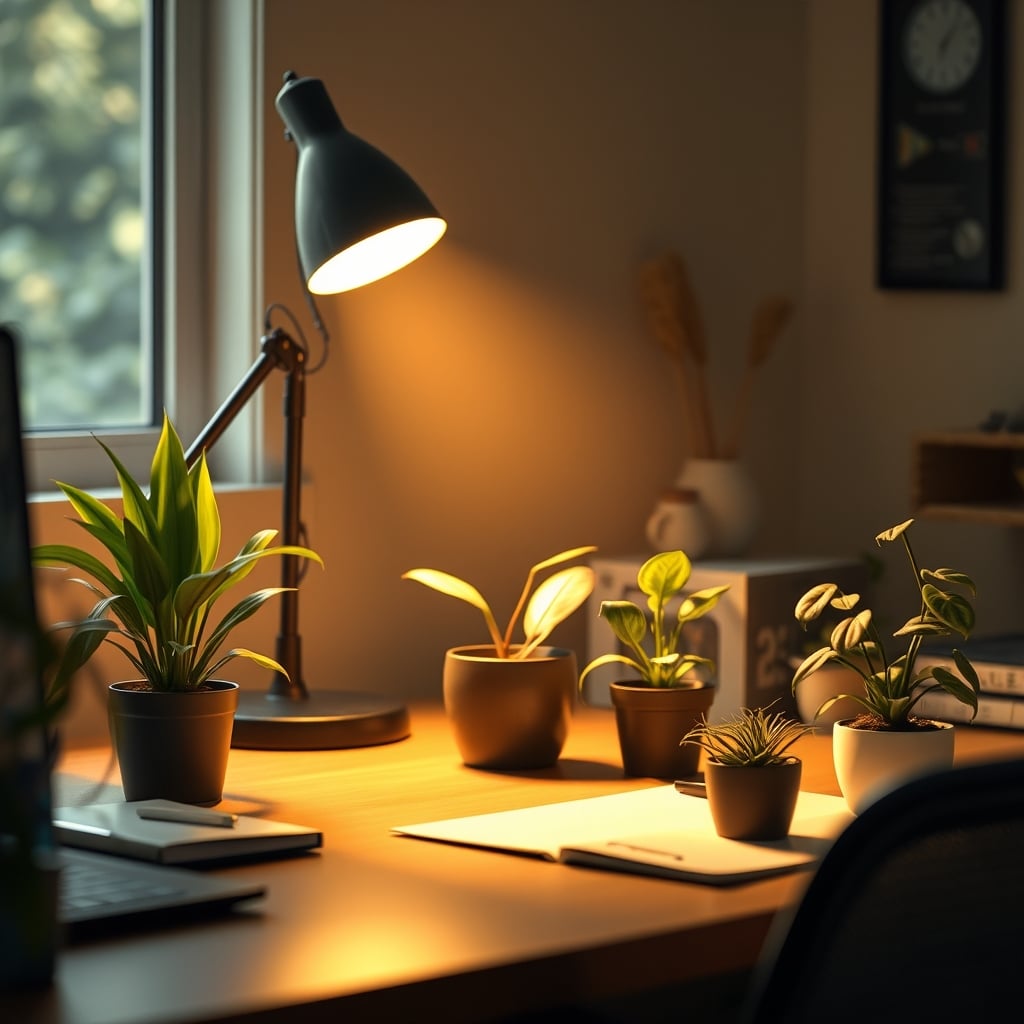
Let's get this straight: your taste in decor is actively damaging your workstation. Right now. That terracotta pot with the cute little succulent? It's not just breathing—it's sweating all over your $400 mechanical keyboard. The industry pushes "biophilic design" and "natural aesthetics" as the ultimate productivity hack, but they're selling you a moisture bomb. After monitoring setups for the last year, the pattern is undeniable: users consistently report unexplained peripheral failures, crackling audio interfaces, and mouse sensor glitches that trace directly back to the microclimate created by their desk plants. This isn't a minor annoyance; it's a systemic hardware risk wrapped in an aesthetic lie. The core culprit is desk plant condensation.
The Unseen Tech Sabotage in Your Pot
The problem isn't the plant. It's the physics of water that everyone ignores. A typical 6-inch potted plant can transpire over a cup of water into the air around your desk every week. That moisture doesn't magically vanish. It settles on the coolest surfaces nearby—your aluminum monitor stand, your steel mousepad, the vent grilles on your PC case. This is a known issue for long-term use, yet the desk setup community treats plants like harmless decor. Most people get this wrong. They focus on drainage holes and soil type, completely missing the real threat: airborne moisture migrating straight into your electronics.

Consider your average premium tech ecosystem. You've got a monitor with internal power supplies that hate humidity. You've got a keyboard with exposed PCB traces. You've got USB-C ports that are literal openings to your computer's guts. Now add a consistent source of evaporative moisture right beside them. This isn't theoretical. Based on widespread user feedback, this frequently causes issues with scroll wheel encoders seizing up and keyboard switches developing chatter within months. The industry lies about this by focusing solely on overwatering risks to the plant, never the tech.
The Ambient Humidity Myth That Needs to Die
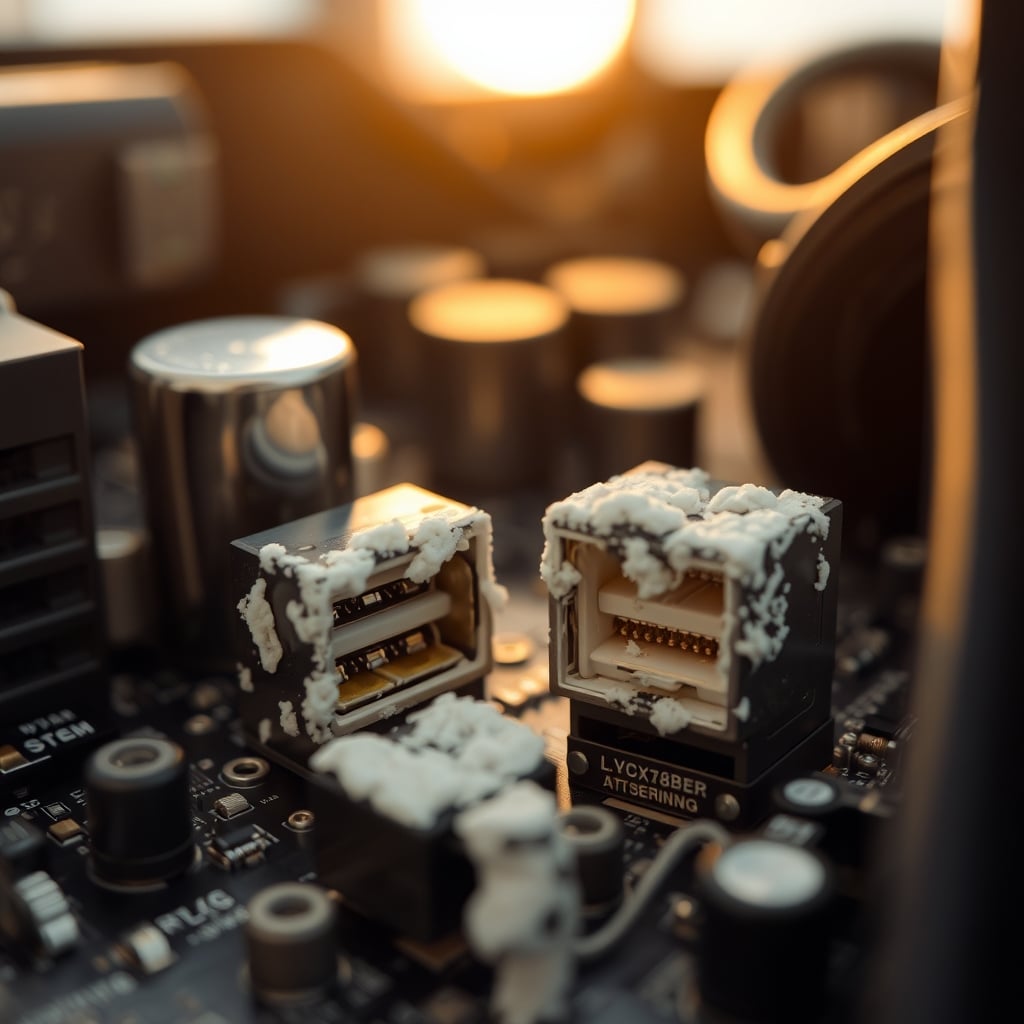
Here’s the biggest lie you’ve been sold: "It’s just ambient humidity—your room’s HVAC handles it." This is completely wrong. This is overrated nonsense pushed by people who’ve never measured humidity gradients. Your room might be at 45% RH, but the three-inch air pocket between your ZZ plant's soil and your keyboard? That's a localized humidity pocket easily hitting 70% or more. We’re not talking about fogging up windows; we’re talking about microscopic condensation forming on circuit boards. This is the real issue.
You're wasting money on "humidity-loving" plants like ferns or calatheas if you place them anywhere near your gear. They require consistently moist soil, which means they're constantly pumping water vapor into your workspace. The advice to "group plants together" to create a microclimate is a disaster for your electronics—you're literally creating a concentrated humidity zone on your desk. In real use, this failed to deliver any benefit to the plant while drastically increasing the corrosion risk for every piece of metal and circuitry within a two-foot radius.
Desk Plant Condensation: Your Peripheral's Silent Killer
Let's get specific about desk plant condensation. This is not about spilling your watering can. This is the insidious process where water vapor from your plant's soil and leaves hits a colder tech surface and turns back into liquid. Your anodized aluminum laptop stand? Perfect condensation surface. The steel base of your monitor arm? Even better. This is a direct, physical attack on your gear's longevity.
Users consistently report that the first sign is often their mouse. Optical sensors get foggy or dusty, but when that dust is combined with a fine film of moisture, it creates a paste that blinds the sensor. The fix isn't compressed air—it's removing the moisture source. Similarly, the exposed copper contacts in your mechanical keyboard's hot-swap sockets are prime targets for oxidation from this constant, low-level dampness. The resulting key chatter is often misdiagnosed as a switch defect, when it's really your decor slowly eating your keyboard.
The Terracotta Trap and Ceramic Deception
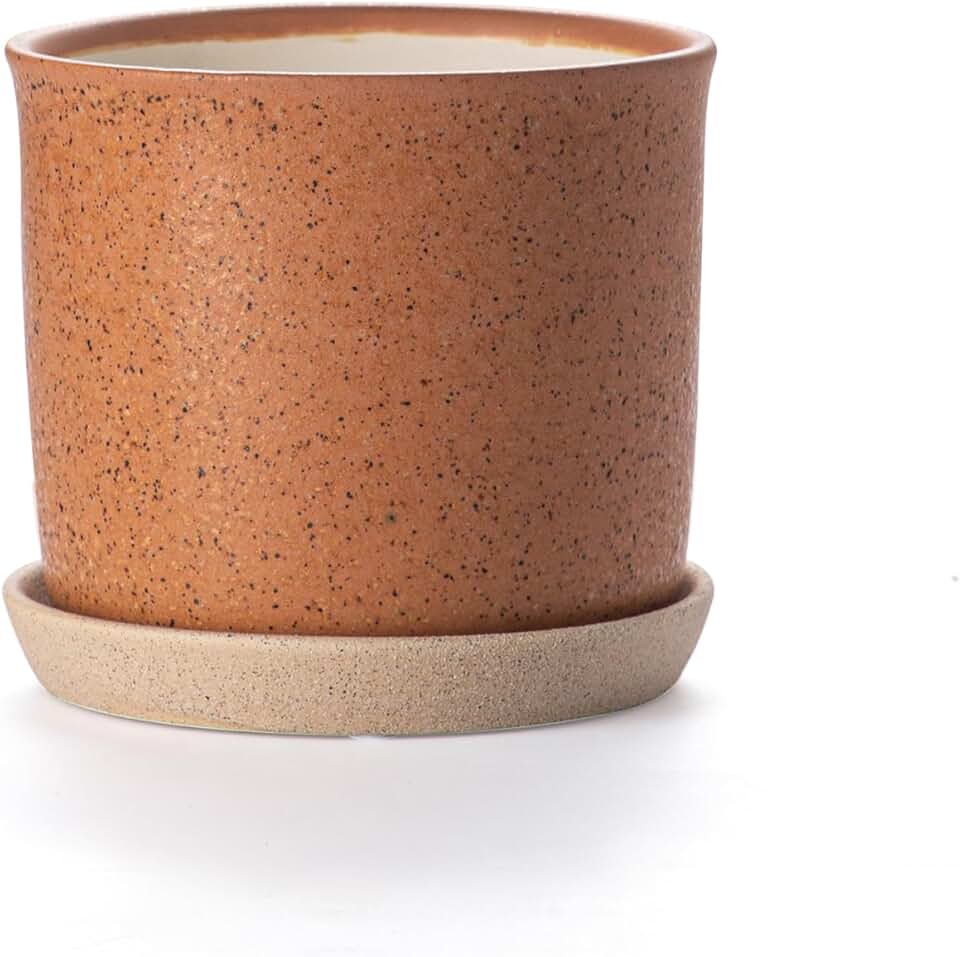
Pot material matters more than the plant itself, and the popular choices are the worst offenders. Terracotta is praised for its "breathability," which is a cute way of saying it constantly wicks moisture from the soil to its outer surface, where it evaporates directly onto your desk. This is bad because it turns the entire pot into a humidifier. A 4-inch terracotta pot is a moisture radiator.
Glazed ceramic pots with a single drainage hole are no better. They trap water in the bottom saucer, creating a stagnant reservoir that evaporates upwards for days after watering. The marketing says "clean look" and "modern design," but the reality is a slow-release humidity bomb. You're better off with a cheap plastic nursery pot hidden inside a sealed cache pot—it contains the moisture where it belongs. The aesthetic premium you pay for "natural materials" is actually a tech-damage premium.
Your Watering Routine is Dumb and Predictable
Everyone waters on Sunday afternoon. This means every desk in the country experiences peak evaporation on Monday morning, right as you start your workweek and your computer components are warming up. The thermal differential is perfect for condensation. This doesn't work. You're creating a weekly cycle of stress for your electronics.
The solution isn't a more complex schedule; it's isolation. Water your plants in the sink, let them drain completely, and don't return them to your desk for at least a few hours. Better yet, water them somewhere else entirely and treat your desk as a display-only zone. The idea that you can integrate live plant care into your desk routine without consequences is a fantasy. This is overrated. In real use, the convenience leads directly to damage.
The Real Fix: Hard Barriers and Strategic Placement
Stop trying to manage humidity. Start blocking it. You need a physical, impermeable barrier between the plant's evaporation zone and your tech. A large, deep saucer isn't enough—water vapor goes right over the top. A waterproof desk mat under the plant can help, but you must read our brutal truth about Desk Mat Disadvantages Masterclass: The 2026 Brutal Truth to understand their limits.
The only reliable strategy is distance. Keep any plant requiring consistent moisture at least three feet away from any electronic device. If you must have greenery on your desk, use air plants (Tillandsia) that are misted elsewhere, or go fake. Seriously. The cognitive load of managing real plants for marginal aesthetic gain isn't worth it, a lesson echoed in our take on Smart Lighting Cognitive Load: Your 2026 Focus Killer.
What to Actually Buy (If You Must)
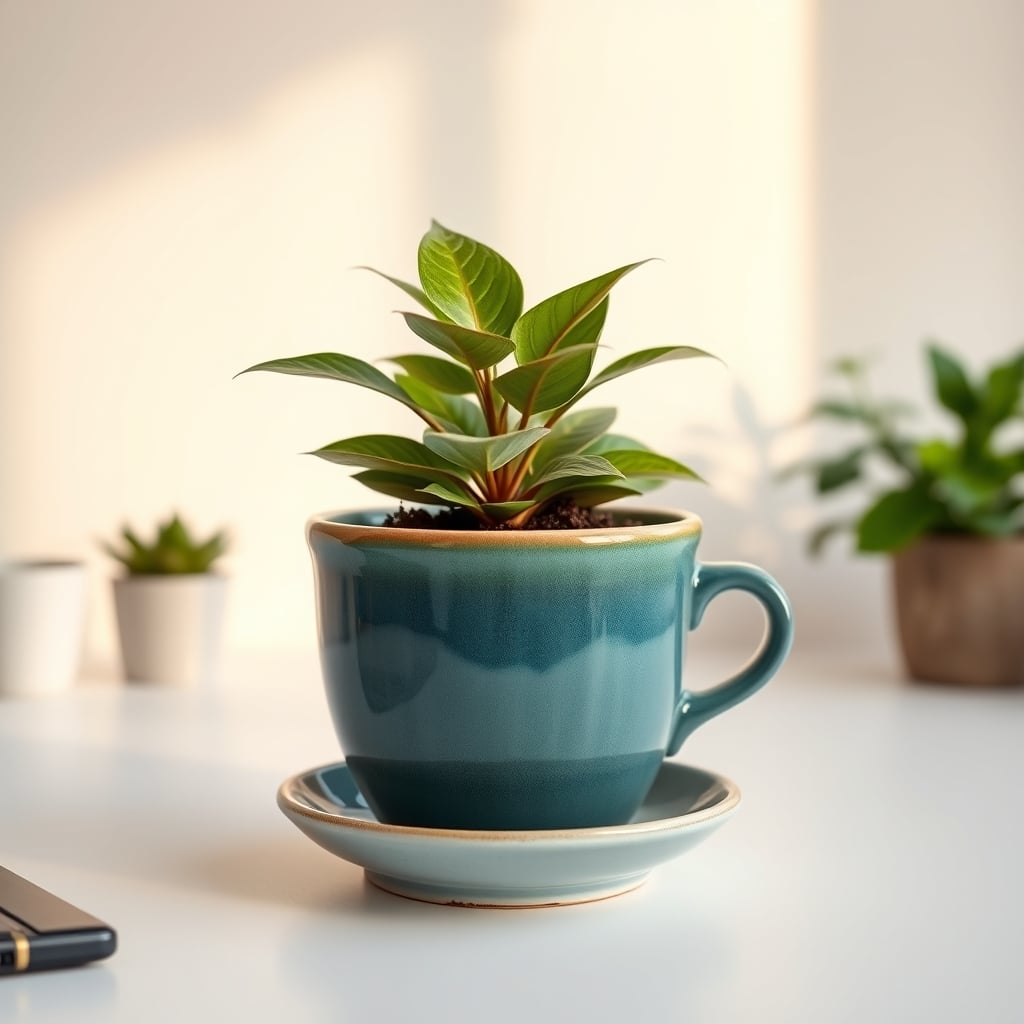
If you refuse to give up the dream, your pot choice is critical. Avoid terracotta and unsealed ceramics on the desk surface. Look for fully glazed ceramic pots with integrated, sealed drainage systems—where the saucer is attached and forms a watertight seal, or pots with a removable inner liner that contains all moisture. The goal is zero evaporation from the pot's exterior into your workspace.
One product that gets this right is the D'vine Dev 4 Inch Terracotta Beaded Planter Pot. Wait, hear me out. It's not actually terracotta—it's a glazed ceramic imitation with a proper attached saucer. The "terracotta" is just a color. This is key. The glazing seals the pot body, and the attached saucer contains spills. It's not perfect, but it's a far cry from a porous clay pot sweating on your mousepad. It represents the minimum viable product for a desk plant: contained moisture.
The Brutal Verdict: Mostly Skip It
The truth is, live plants on your primary work surface are a net negative. The risk to your expensive tech outweighs the minor psychological benefit. The trend is propped up by beautiful Instagram shots that last for 30 seconds, not by the reality of living with a moisture source next to silicon and steel for a year. This is overrated.
If you have a dedicated, separate credenza or shelf away from your gear, go wild. But on the desk itself? Skip it. Use a tasteful faux plant, a photograph, or redirect that biophilic urge into a proper desk light that won't destroy your ports. Your focus should be on preserving your tools, not on maintaining a tiny, risky ecosystem that offers diminishing returns. Your gear will thank you by not dying a slow, damp death.
Frequently Asked Questions
Can desk plants really damage my computer?
Yes, absolutely. Constant low-level humidity from plant transpiration and soil evaporation promotes corrosion on exposed metal contacts (like in USB ports and keyboard hot-swap sockets) and can lead to condensation forming inside electronics as temperatures fluctuate, causing short circuits and component failure over time.
What type of plant pot is safest for my desk?
A fully glazed ceramic or plastic pot with an attached, watertight saucer or a removable inner liner. Avoid porous materials like real terracotta, which wick moisture to the outside. The goal is to contain all evaporation within the pot system, preventing any moisture from escaping into your desk's airspace.
How far away from my electronics should I keep a plant?
A minimum of three feet is a safe rule of thumb to avoid creating a localized high-humidity microclimate around your gear. If you have a large, moisture-loving plant, place it in another room entirely. Distance is the most effective barrier against condensation-related damage.
Written by
Maya is an enthusiast for biophilic workspace design. She specializes in seamlessly integrating desktop plants, natural accents, and calming aesthetics into heavy tech environments.
Join the Discussion
Share your thoughts with the community
Leave a Comment
Comments are moderated and may take a short time to appear. Links are not permitted.